 ChatGPT
 Perplexity
 Claude
 Gemini
 Grok
Grok
You have one image worth animating. Maybe it is a product shot, a headshot, or a piece of art you made, and you want it to move without paying before you even know the result is usable. That is a fair ask, and in 2026 a handful of free image to video AI generators handle it well.
The catch is the fine print hiding behind the word "free." Some tools brand every clip with a watermark. Some hand you a small one-time credit balance and then ask for a card. Others quietly cap the free output at low resolution. We put five of the most popular free image to video tools through the things that actually decide a free plan: output quality, watermark policy, and how many clips you really get before it asks for payment. Here is how they stack up, and which one fits your situation.
What to Look for in a Free Image to Video Generator
Before the list, it pays to know the four things that separate a genuinely useful free tier from a demo built only to nudge you toward a paid plan.
Watermark policy is the big one. Most free image to video generators add a visible watermark to every export. If you plan to post the clip to a brand account or a client deliverable, a watermark usually means you have to upgrade. A handful of tools let personal media through clean, but on the AI generators in this list, expect a watermark on the free tier unless stated otherwise.
Credits and how they reset decide how much you can actually make. Daily credits that refresh every 24 hours (like Kling or Hailuo) let you keep experimenting for free, week after week. A one-time credit grant (like Runway's) is generous on day one and then gone for good once you spend it. Monthly credits (like Pika or Luma) sit in between. Resolution and clip length matter for where the video ends up. Free tiers often cap output at 480p or 720p and limit clips to five or six seconds, which is fine for a quick social loop and less fine for anything that needs to look sharp on a large screen. Motion type is the last thing to check. Some tools animate camera movement and scene motion from your image, while others lean toward expressive effects or stylized transformation. Knowing which you need saves a lot of wasted credits.
The 5 Best Free Image to Video Generators at a Glance
Here is the quick version. All five let you upload an image and generate a short video on a free plan. The free-tier details below were checked in June 2026 and can change, so confirm on each tool's pricing page before you commit.
| Tool | Best for | Free tier | Watermark on free? | Paid starts at |
|---|---|---|---|---|
| Kling AI | Overall image to video quality | 66 credits/day, around 6 clips, up to 720p | Yes | $6.99/mo |
| Runway (Gen-4) | Motion and camera control | 125 one-time credits, Gen-4 Turbo | Yes | $12/mo (annual) |
| Luma Dream Machine | Cinematic realism | About 30 generations/month | Yes | $30/mo |
| Pika | Creative effects | 150 credits/month, 480p | Yes | $8/mo (annual) |
| Hailuo (MiniMax) | Lifelike motion, daily refresh | Daily free credits, around 2 to 3 clips, 720p | Yes | $9.99/mo |
How We Tested These Tools
We ran the same brief through every tool so the comparison would be fair. The source was a single high-resolution product still (a ceramic coffee mug on a wood table) plus one portrait photo, both used across all five generators. For each tool we asked for a five-second clip with gentle camera motion and natural ambient movement, at the highest quality the free plan allowed.
We judged each result on four things: how believable the motion looked, whether the image held its shape without warping or melting, the resolution and watermark on the free export, and how many usable clips the free tier produced before it asked for payment. Tests were run in June 2026 on free accounts created for this review, so what you see reflects the current free experience, not a paid demo. Pricing and credit figures come from each tool's own pricing page as of the same date.
The 5 Best Free Image to Video AI Generators
1. Kling AI: Best Free Image to Video Overall
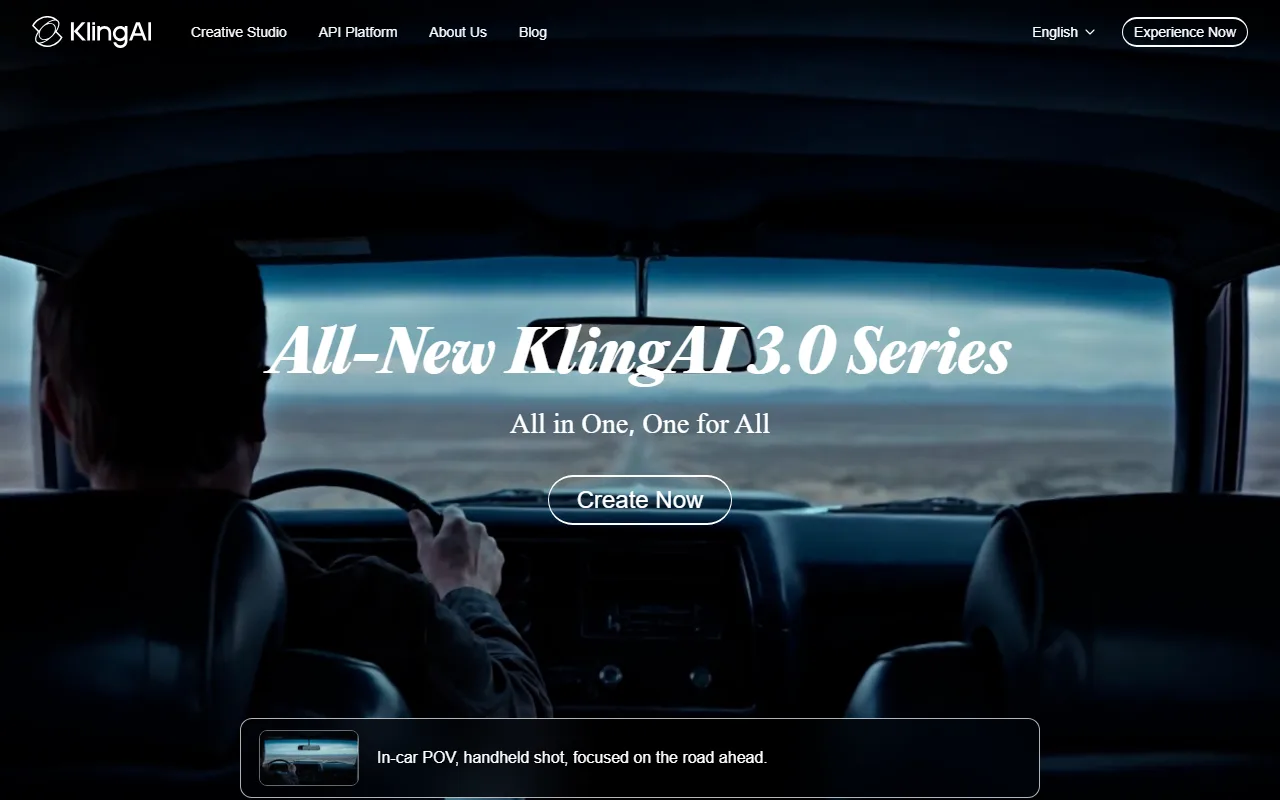 Kling AI leads with its latest model series and an image to video flow that is free to try every day.
Kling AI, built by the Chinese tech firm Kuaishou, turns a still photo into smooth, natural video, and its motion is some of the most convincing you can get without paying a cent. Drop in a photo, add a short description of how you want it to move, and Kling animates the scene with believable physics and camera work.
What makes Kling stand out is motion quality. In our mug test the steam drifted and the camera pushed in without the surface textures sliding around, a common failure on weaker models. Kling has also become one of the most-used AI video models worldwide, regularly placing at or near the top of community video leaderboards like the Artificial Analysis Video Arena, which is a fair signal of how its output holds up against paid competitors. It is a strong fit for creators and small e-commerce sellers who want product or lifestyle clips that look professional without a studio. The main limitation is the free watermark and a 720p ceiling, so anything destined for a large screen will need an upgrade. The free plan gives you 66 credits a day, roughly six five-second clips, and credits do not roll over to the next day. Paid plans remove the watermark and start at $6.99 a month.
Pros: Excellent, believable motion. Generous daily free credits. Simple image to video flow.
Cons: Watermark on free exports. 720p cap on the free tier. Credits expire daily.
Try it at Kling AI.
2. Runway (Gen-4): Best for Motion and Camera Control
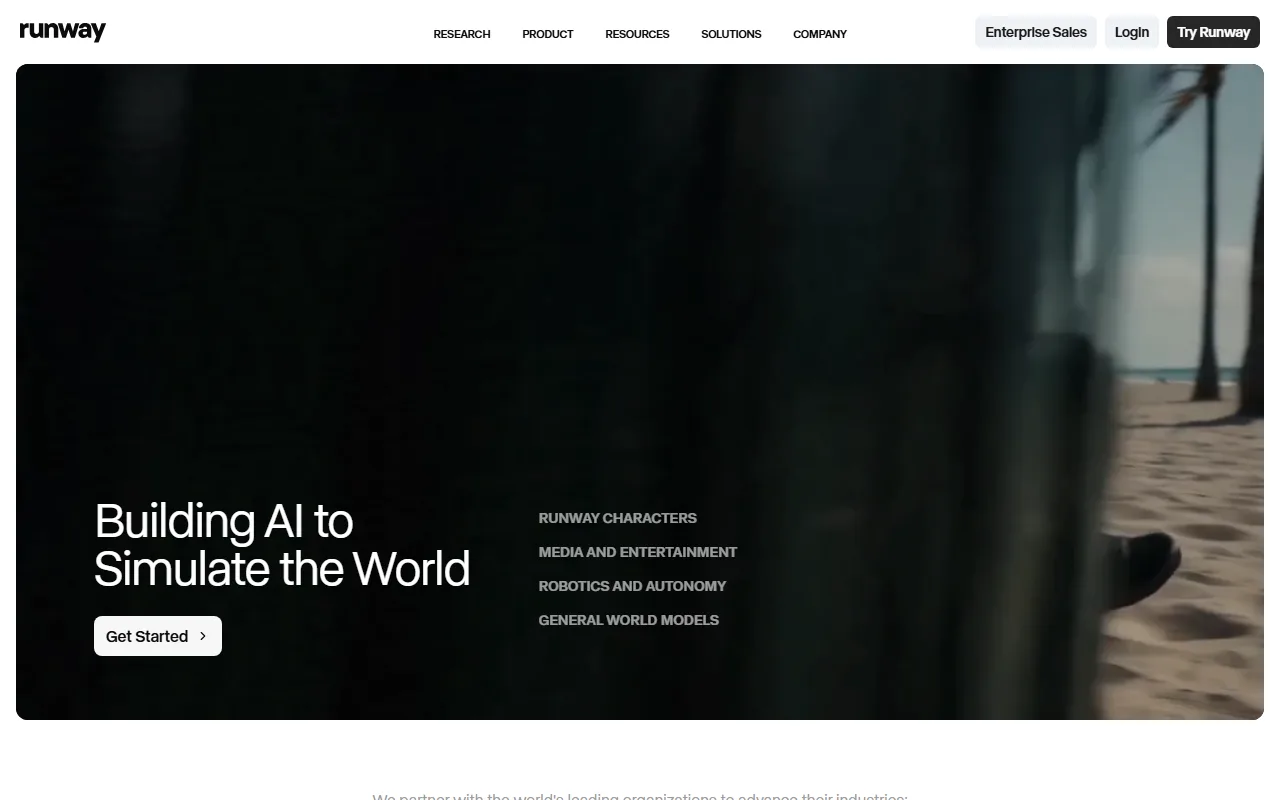 Runway pairs its Gen-4 models with fine grained motion and camera controls for image to video.
Runway is the tool the pros reach for, and its Gen-4 family is built for people who want to direct the shot, not just accept whatever the model produces. From a single image you can set camera moves, control motion intensity, and guide the scene with a level of precision the other tools on this list do not match.
That control is the differentiator. Where most free generators give you one slider and a prompt box, Runway lets you steer pans, tilts, and zooms deliberately, which is why it shows up in real film and advertising workflows. The company has raised funding at a multi-billion-dollar valuation and partnered with major studios, so the polish is not an accident. The trade-off for a free user is the credit model. Runway's free plan is a one-time grant of 125 credits with the Gen-4 Turbo model for image to video, and once you spend them they do not refresh. Free exports also carry a Runway watermark. It suits filmmakers, motion designers, and marketers who want creative control and are willing to upgrade once they are hooked. Paid plans start at $12 a month billed annually, which removes the watermark and adds monthly credits plus higher-end models. Treat the free tier as a serious trial rather than an everyday free tool.
Pros: Best in class motion and camera control. Studio grade output. Access to Gen-4 Turbo free.
Cons: One-time free credits with no refresh. Watermark on free exports. Steeper learning curve.
Try it at Runway.
3. Luma Dream Machine: Best for Cinematic Realism
 Luma Dream Machine is known for cinematic, film like motion from a single image.
Luma's Dream Machine went viral when it launched for a reason. It produces some of the most cinematic image to video results you can get without paying, with natural depth, lighting that behaves, and camera motion that feels shot rather than generated. If your goal is a clip that looks like a frame from a film, this is the one to try first.
The cinematic quality is the draw. In our portrait test Dream Machine added a slow, lifelike parallax that kept the face stable while the background moved with real depth, the kind of result that usually signals a paid tool. Luma raised a sizable Series B round and built Dream Machine on that research, which shows in the output. The limitation is volume. The free plan is the most restrictive on this list for sustained use, landing around 30 generations a month with watermarked output and no commercial rights, so it is better for occasional hero shots than daily content. It is a great fit for hobbyists, filmmakers, and anyone making a small number of high impact clips. If you need more, paid plans start at $30 a month and unlock more generations, watermark removal, and commercial use. For a free user, ration your generations and save them for the shots that matter.
Pros: Cinematic, film like realism. Strong depth and lighting. Easy to get a great first result.
Cons: Low monthly free volume. Watermark and no commercial use on free. Paid entry is higher than rivals.
Try it at Luma Dream Machine.
4. Pika: Best for Creative Effects
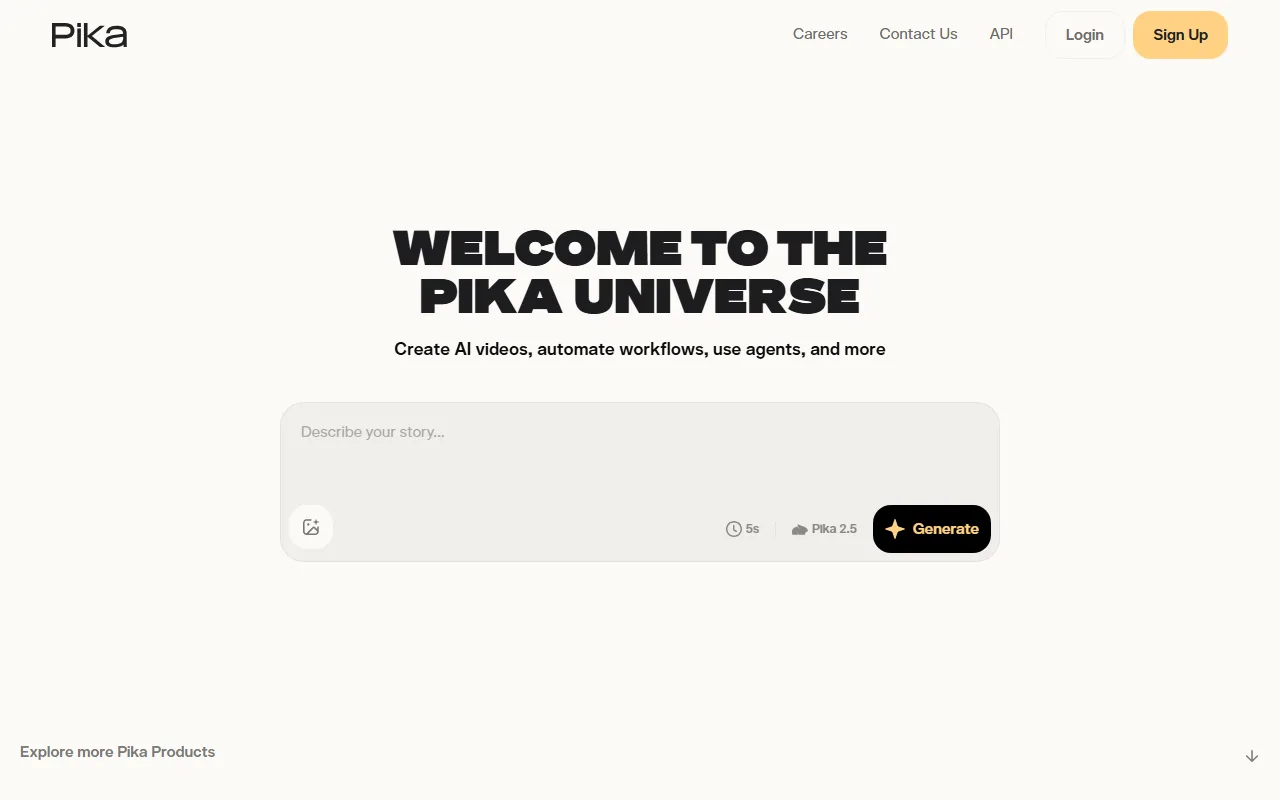 Pika leans into playful, effect driven image to video with its Pikaffects tools.
Pika takes a different angle from the realism focused tools above. It is built for fun, expressive, effect driven video, and its signature Pikaffects let you do things like inflate, melt, explode, or transform whatever is in your image. If you make social content that needs to stop the scroll, Pika is the most entertaining free option here.
The creative effects are the differentiator. Instead of just animating subtle motion, Pika can apply a stylized transformation to your still in a couple of clicks, which is perfect for meme style clips, reaction posts, and playful brand content. Backed by a well funded team and a fast release cadence, Pika ships new effects often. The catch is fidelity. The free tier (its Basic plan) gives you 150 credits a month but caps image to video output at 480p, so the clips look great on a phone feed and rough on anything larger. Free exports also include a Pika watermark on most output. It fits social media creators, meme makers, and marketers chasing reach over polish. Paid plans start at $8 a month billed annually, lifting the resolution cap and removing the watermark. For quick, shareable, attention grabbing clips, the free tier is genuinely useful as is.
Pros: Unique, playful effects. Generous monthly free credits. Fast and easy to use.
Cons: 480p cap on free output. Watermark on most free exports. Less suited to realistic motion.
Try it at Pika.
5. Hailuo AI (MiniMax): Best for Lifelike Motion on a Daily Free Tier
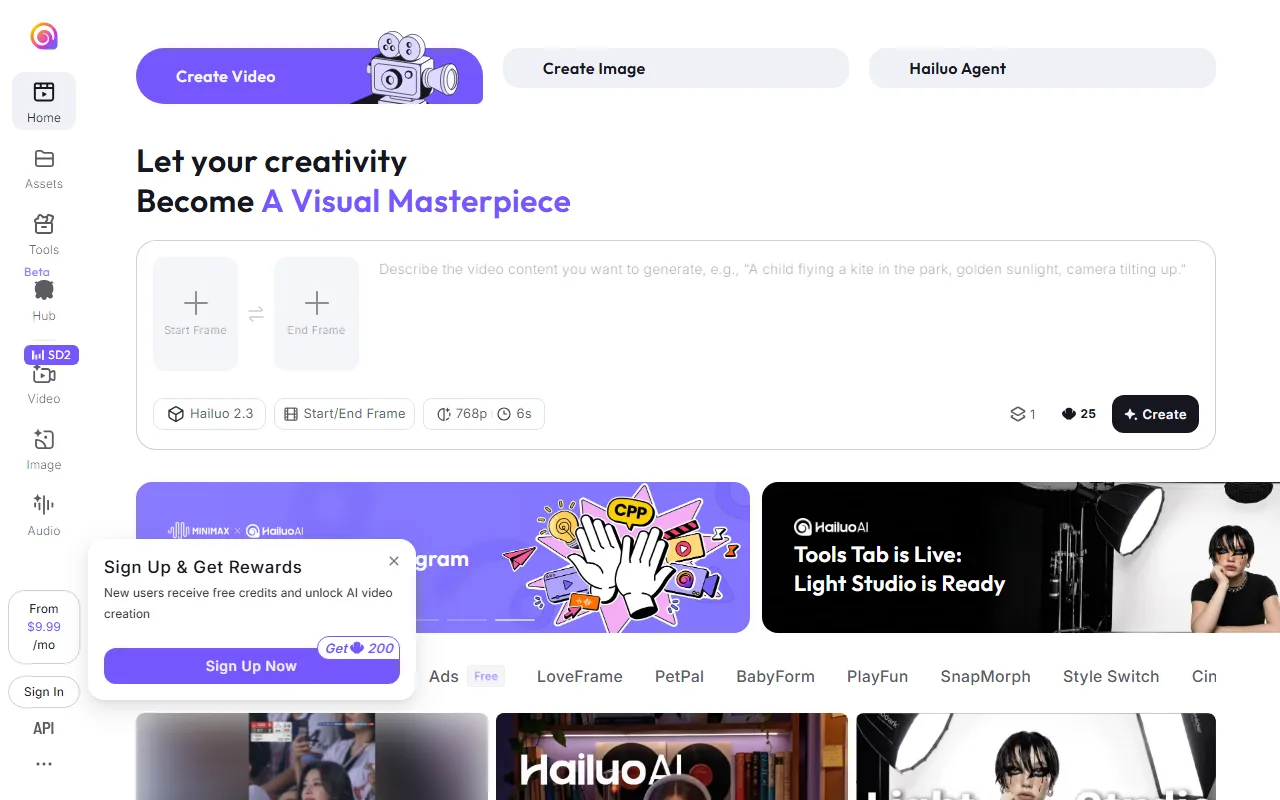 Hailuo AI from MiniMax offers daily free credits and a strong image to video model.
Hailuo AI, made by the Chinese AI lab MiniMax, is the quiet overachiever on this list. Its image to video model produces remarkably lifelike human motion and expression, and it gives you a fresh batch of free credits every day rather than a one-time grant, which makes it one of the most sustainable free options for steady experimentation.
The standout is character motion. Where some models distort faces and hands, Hailuo keeps people looking natural, and its Director Mode lets you add controlled pans, tilts, and zooms to a six second clip. MiniMax is backed by major investors and has topped several community video benchmarks, so the quality is competitive with tools that cost real money. The limitations are familiar: free output is watermarked, capped around 720p, and queued behind paid users at busy times, so generations can be slow. The free daily allowance covers roughly two to three clips a day. It works well for creators making talking style or character driven clips, and for anyone who wants to keep generating for free over many days. Paid plans remove the watermark and add commercial rights, starting around $9.99 a month. If you can tolerate occasional queue waits, the daily free refresh is hard to beat.
Pros: Very natural human motion. Daily free credit refresh. Director Mode controls.
Cons: Watermark on free exports. Slower queue on the free tier. 720p cap.
Try it at Hailuo AI.
How to Choose the Right Free Tool for You
The best free image to video generator depends on what you are making and how often.
If you want the strongest all around results with enough free volume to actually use, start with Kling AI. Its daily credits and natural motion make it the safest first pick for most people, from product clips to social content. If you need to direct the shot with real camera and motion control, Runway is worth spending your one-time free credits on, especially for film or advertising work where precision matters. For a single cinematic hero clip that has to look like film, Luma Dream Machine gives the most polished result, just ration your monthly generations. If you make playful, scroll stopping social content, Pika and its effects are the most fun and the most shareable. And if you want lifelike character motion with a free tier you can return to every day, Hailuo AI is the most sustainable choice.
One last reminder: every tool here watermarks free output and caps resolution, so if you are producing a final client deliverable or a polished brand asset, budget for the cheapest paid tier of whichever tool fits your style. For testing ideas, building a portfolio, or personal projects, the free plans are more than enough to get moving.
Conclusion
Turning a still image into video no longer takes a subscription or editing chops. Kling, Runway, Luma, Pika, and Hailuo all let you upload a photo and get a short clip at no cost, and each leans into a different strength: overall quality, camera control, cinematic realism, playful effects, or a free tier you can return to daily. Match the tool to your project, test it with your own image, and pay only when a watermark or a resolution cap genuinely gets in your way. The quickest way to find your favorite is to run one photo through two or three of them and compare the results side by side.