

 ChatGPT
 Perplexity
 Claude
 Gemini
 Grok
Grok


In AI image generation, "free" quietly means five different things. One tool lets you generate almost endlessly at standard speed and never asks for a card. Another stops you at 25 pictures a month, brands every download with a watermark, and tucks a no-commercial-use clause into its terms. Both wear the same "free" label.
So the question that decides your pick is not which tool paints the prettiest picture. It is how many images you genuinely get at no cost, whether you are allowed to use them for work, whether a watermark tags along, and whether you even have to make an account. We pushed the same set of prompts through the strongest free, browser-based generators and rated them on those exact points. Below are the five that earn their place in 2026, what each one nails, and where each one leaves you wanting.
What Makes a Free AI Image Generator Actually Worth Using
Raw image quality has largely leveled off. Nearly every tool below returns sharp, usable results on an everyday prompt, so quality by itself rarely settles the matter anymore. What actually separates a generator you keep from one you abandon in half a minute comes down to a few things:
- Free-tier generosity. This ranges wildly, from roughly 10 images a day to effectively unlimited standard-speed generations. It is the single biggest practical difference.
- Commercial-use rights. Some tools are trained on licensed data and are safe for client and marketing work. Others restrict free output to personal use in their terms, which most people never read.
- Watermarks. A small logo in the corner is fine for a mood board and a dealbreaker for a product banner.
- Text rendering. Putting legible words inside an image (a poster headline, a product label) is still hard, and only some models do it reliably.
- Sign-up friction. A few tools need no account at all. Most want one, which is fine for repeat use but annoying for a one-off.
Keep your own use case in mind as you read. The "best" free generator for a designer doing client work is a different tool than the best one for someone making a quick birthday card.
The Best Free Online AI Image Generators at a Glance
Here is the short version before the deep dives. Every limit below was checked as of June 2026 and can change, so treat the free tiers as a snapshot, not a contract.
| Tool | Best for | Free tier | Watermark | Sign-up? | Underlying model |
|---|---|---|---|---|---|
| Microsoft Designer (Bing Image Creator) | Most free output | Effectively unlimited standard speed, 15 fast "boosts" per day | Small Bing mark | Microsoft account | DALL·E 3 |
| Google Gemini (ImageFX) | Photorealistic quality | Daily cap on the free tier | Invisible SynthID | Google account | Google Imagen / Nano Banana |
| Adobe Firefly | Commercial-safe work | About 25 generative credits per month | None visible | Adobe account | Firefly Image |
| Ideogram | Text inside images | About 10 slow-queue generations per day | None on paid, small on some free | Account | Ideogram |
| Leonardo AI | Control and model variety | About 150 tokens per day (roughly 15 to 35 images) | None | Account | Multiple, including Flux |
How We Tested
We treated this like a buyer would, not like a benchmark lab. Each tool got the same three prompts: a photorealistic scene ("a tabby cat curled on a windowsill in soft morning light, shallow depth of field"), a text-in-image design ("a bakery poster with the headline FRESH BREAD in bold type"), and a stylized illustration ("a flat-vector desert canyon at dawn"). We generated on each tool's free tier only, in a normal desktop browser, with no paid upgrades.
For each one we noted the practical free limit, whether output carried a watermark, what the terms say about commercial use, and how the results held up on the hard prompt (legible text). Prices and limits reflect what each tool published as of June 2026. Free tiers change often, so confirm the current terms on the official site before you rely on them.
The 5 Best Free Online AI Image Generators
1. Microsoft Designer (Bing Image Creator), Best for the Most Free Images
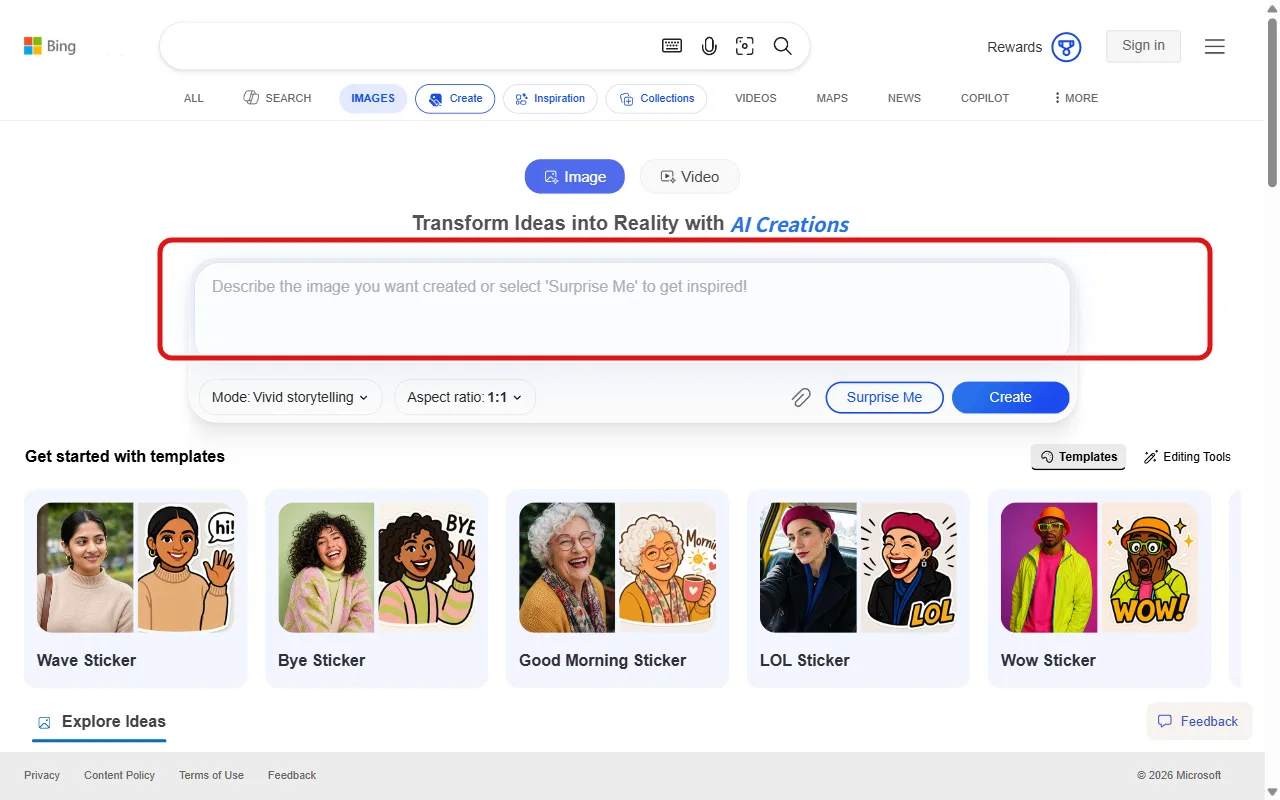 Microsoft Designer runs on DALL·E 3 and gives you the most generous free output of any tool here.
Microsoft Designer (which absorbed the old Bing Image Creator) is the most generous free option on this list. It runs on DALL·E 3, the same model people pay for elsewhere, and the only thing standing between you and an image is a free Microsoft account.
Its standout trait is volume. You get 15 daily "boosts" that speed up generation, and once those run out you keep generating at standard speed with no hard daily ceiling. For anyone who iterates a lot, brainstorming a dozen variations of one idea, that effectively unlimited throughput beats a tool that cuts you off at 10 images. DALL·E 3 also follows long, conversational prompts unusually well, so you spend less time fighting the model.
It is best for high-volume casual use: social posts, blog visuals, brainstorming, slide art, anything where you want many tries fast. The catches are real, though. Outputs carry a small Bing watermark in the corner, the content filter is on the strict side and will block prompts it considers borderline, and Microsoft's terms restrict the free images to personal, non-commercial use. For a client deliverable, that last point matters.
On pricing, there is no separate paid image plan to worry about: it is free with a Microsoft account, and heavier AI features come bundled if you already pay for Microsoft 365 Copilot.
Pros: Effectively unlimited standard-speed generation, top-tier DALL·E 3 quality, dead-simple sign-in. Cons: Small watermark, strict content filter, free output is personal-use only per the terms.
2. Google Gemini (ImageFX), Best for Photorealistic Quality
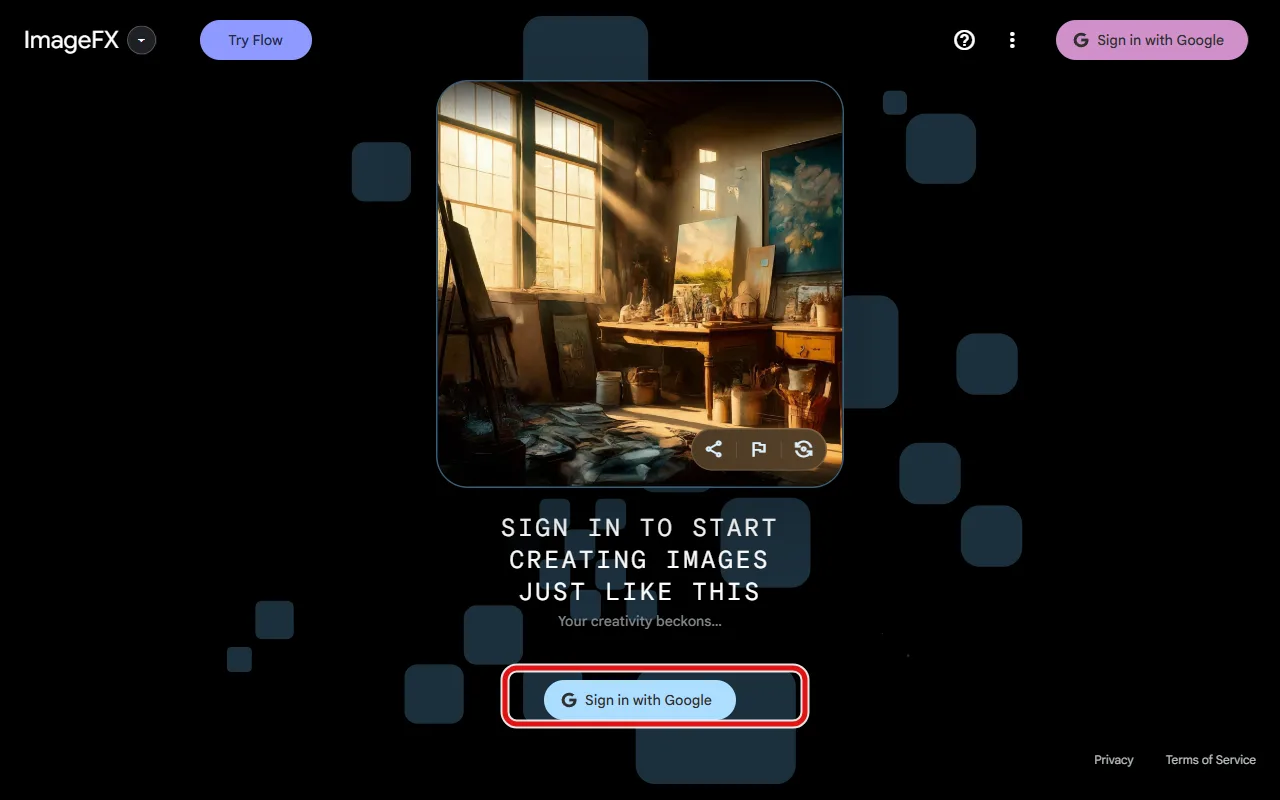 Google's image model is free inside both Gemini and ImageFX once you sign in with a Google account, and it leads on photorealism.
If you want photos that look like photos, Google's image model is the one to beat. It is available free in two places: inside the Gemini assistant and through the standalone ImageFX tool in Google Labs. Both run on Google's latest image model (marketed as Nano Banana), and both are free with a Google account.
The differentiator is realism and prompt comprehension. On the cat-on-the-windowsill test, Google's output had the most convincing lighting and the fewest anatomy glitches of anything we tried. Gemini also lets you refine conversationally, asking for "make the light warmer" in plain language instead of rewriting the whole prompt, which is a genuinely faster loop for dialing in a shot.
It suits anyone who needs believable, high-quality stills fast: product mockups, realistic scenes, hero images. The limitations are about access and headroom. The free tier has a daily generation cap (lower than Microsoft's), some of the newest editing features are reserved for the paid Gemini Advanced tier, and availability still varies by region and account type. Every image also carries Google's invisible SynthID provenance marker, which is harmless for most uses but worth knowing about.
Pricing is free in Gemini and ImageFX. If you hit the ceiling, Google One AI Premium raises the limits as part of a broader subscription rather than an image-only plan.
Pros: Best-in-class photorealism, conversational editing, strong prompt understanding. Cons: Lower daily cap than Microsoft, best features gated to paid, regional availability gaps.
3. Adobe Firefly, Best for Commercial-Safe Work
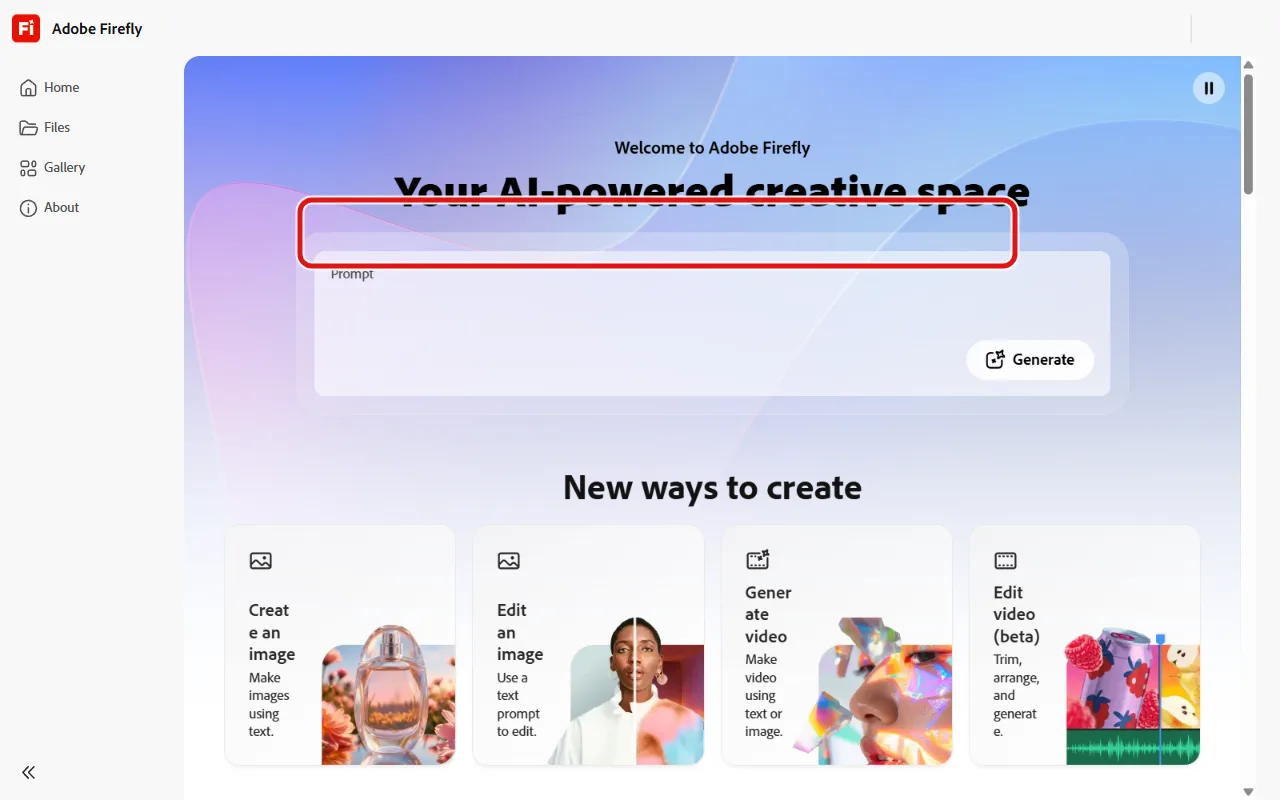 Firefly is trained on licensed content, which makes it the safest free option for commercial work.
Adobe Firefly is the answer to a question the other tools dodge: can I legally use this at work? Firefly is trained on licensed Adobe Stock content, openly licensed work, and public-domain material, which Adobe designed specifically so commercial output carries far less copyright risk. For marketing teams and freelancers billing clients, that is the whole ballgame.
Beyond the licensing story, Firefly attaches Content Credentials (a provenance tag) to its images and plugs straight into Photoshop and the rest of Creative Cloud, so a generated asset flows into a real design workflow without a detour. Output quality is solid and especially strong on clean, commercial-looking imagery.
It is best for anyone whose images leave the personal folder: ad creative, client decks, product marketing, social for a brand. The limitation is the free tier's stinginess. You get roughly 25 generative credits a month, and each generation spends one, so a single afternoon of serious iterating can drain the month. Firefly is the tool you keep for the jobs that need to be safe, not the one you brainstorm fifty thumbnails in.
On price, the free plan gives those 25 monthly credits; paid Firefly plans start around 9.99 US dollars a month for a much larger credit pool if you outgrow it.
Pros: Commercially safe by design, Content Credentials, native Photoshop integration. Cons: Only about 25 free generations a month, credits vanish quickly under real use.
4. Ideogram, Best for Text Inside Images
 Ideogram renders legible text inside images more reliably than any other free tool we tested.
Every model on this list can draw a cat. Only one reliably writes the word "CAT" inside the picture without turning it into alien glyphs. Ideogram's specialty is legible, correctly spelled text inside images, and on the bakery-poster prompt it was the clear winner, producing a clean FRESH BREAD headline while several rivals mangled the letters.
That makes it the obvious pick for anything word-heavy: posters, logos, social graphics with a caption baked in, mockup signage, memes that need real text. It also handles typography styling well, so the words look designed rather than pasted on.
The free tier gives you roughly 10 generations a day through a slower queue, which is enough for focused design work but not for high-volume exploration. Ideogram is also narrower than the all-rounders here: on pure photorealism it trails Google, and if your work never involves text in the frame, its main advantage simply does not apply to you. Pick it for the text jobs, not as your only generator.
Pricing starts free at about 10 images a day; paid plans begin around 8 US dollars a month for faster generation and a higher cap.
Pros: Best text rendering of any free tool, strong typography, good for design assets. Cons: Small daily free cap, slow free queue, weaker on pure photorealism.
5. Leonardo AI, Best for Control and Model Variety
 Leonardo offers the widest model selection and the most hands-on controls on a free tier.
Leonardo AI is the tool for people who want to get under the hood. Where the others hand you a single prompt box, Leonardo gives you a dashboard of models (including Flux based options) plus fine-grained controls: image guidance, reference images, style presets, and resolution settings. If you like steering the output rather than rerolling and hoping, this is the most capable free playground.
It started in game and concept art and still suits that crowd well: character designs, environments, asset iteration, anything where you want consistent style across many images. The Flux based models in particular produce noticeably sharper detail and more accurate lighting than older architectures.
The free tier runs on a daily token budget of about 150 tokens, which refreshes every day and works out to roughly 15 to 35 images depending on your settings (higher resolution and extra features cost more tokens). The trade-off for all that control is a steeper learning curve. New users can feel lost in the options, and the token system means heavy days hit a wall. If you just want one quick image with no fuss, Leonardo is overkill; if you want to dial something in precisely, nothing else free comes close.
Pricing is free at 150 daily tokens; paid plans start around 10 to 12 US dollars a month for a larger token allowance and faster generation.
Pros: Widest model choice including Flux, deep creative controls, great for consistent style. Cons: Steeper learning curve, daily token cap limits volume, more than a casual user needs.
How to Choose the Right Free AI Image Generator
Match the tool to the job rather than hunting for a single winner, because there isn't one.
- You want the most images for free: Microsoft Designer. Nothing else lets you generate this much at no cost.
- You need photorealism: Google Gemini or ImageFX. Best lighting and the fewest glitches on realistic scenes.
- The images are for commercial or client work: Adobe Firefly. The licensed training data is the safety net the others don't offer.
- Your design needs readable text in the image: Ideogram. It is in a different league on lettering.
- You want to control the output precisely: Leonardo AI. The most settings and the widest model choice on a free plan.
One honest caveat worth flagging: none of the five top-quality tools here is truly no-account. The genuinely no-sign-up generators that flood search results exist, but their quality is usually a clear step below, which is why none earned a spot on a "best" list. If zero friction matters more than quality, that is a real trade you are choosing to make.
Once you have your stills, the natural next step is often to bring them to life, and the workflow for that is its own topic. If that is where you are headed, this companion guide to the best AI image to video tools picks up exactly there.






