

 ChatGPT
 Perplexity
 Claude
 Gemini
 Grok
Grok



Last updated June 2026.
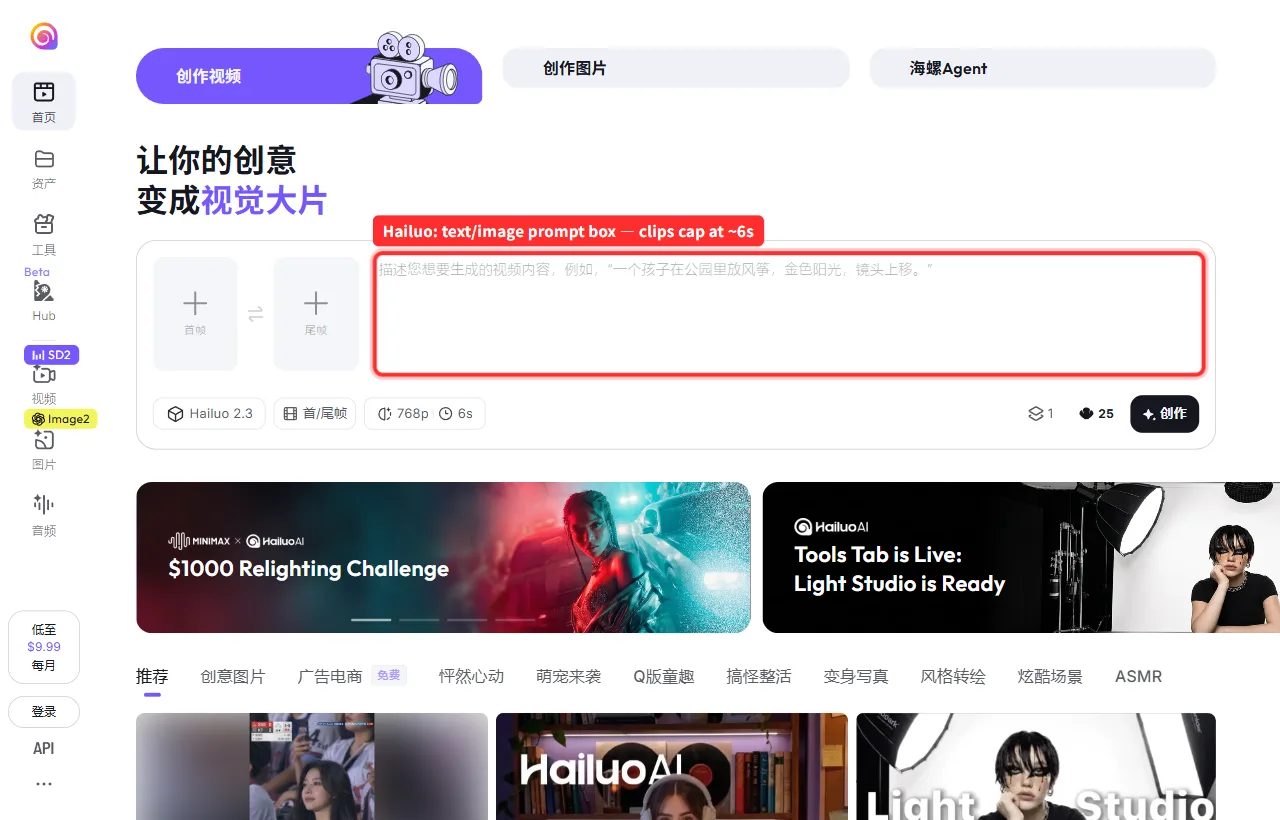
Hailuo (MiniMax) is one of the easiest ways into AI video. It is free, and its realistic human shots punch well above their price. But the moment you try to ship something real, the same limits show up: a roughly 6 second cap per generation, a single model, a prompt box, and free tier queues. So I ran the same brief, "a 15 second TikTok ad for a skincare bottle, soft morning light," through seven alternatives and ranked them on output, control, and fit. Here is how they actually stacked up.
When to Look for a Hailuo AI Alternative
Hailuo is a solid starting point. You outgrow it the moment one of these starts costing you time:
- The 6 second ceiling. Anything longer means generating fragments and stitching them yourself.
- One model, one look. You cannot send a cinematic shot to one engine and a talking head to another.
- The prompt box. You reword the same line five times to fix one warped hand.
- Free tier friction. Watermarks and daily caps are fine for testing, not for shipping.
If none of those bite, stay on Hailuo. If they do, here is where I would go, roughly best to niche.
The Best Hailuo AI Alternatives
1. Kling AI: Best overall motion quality
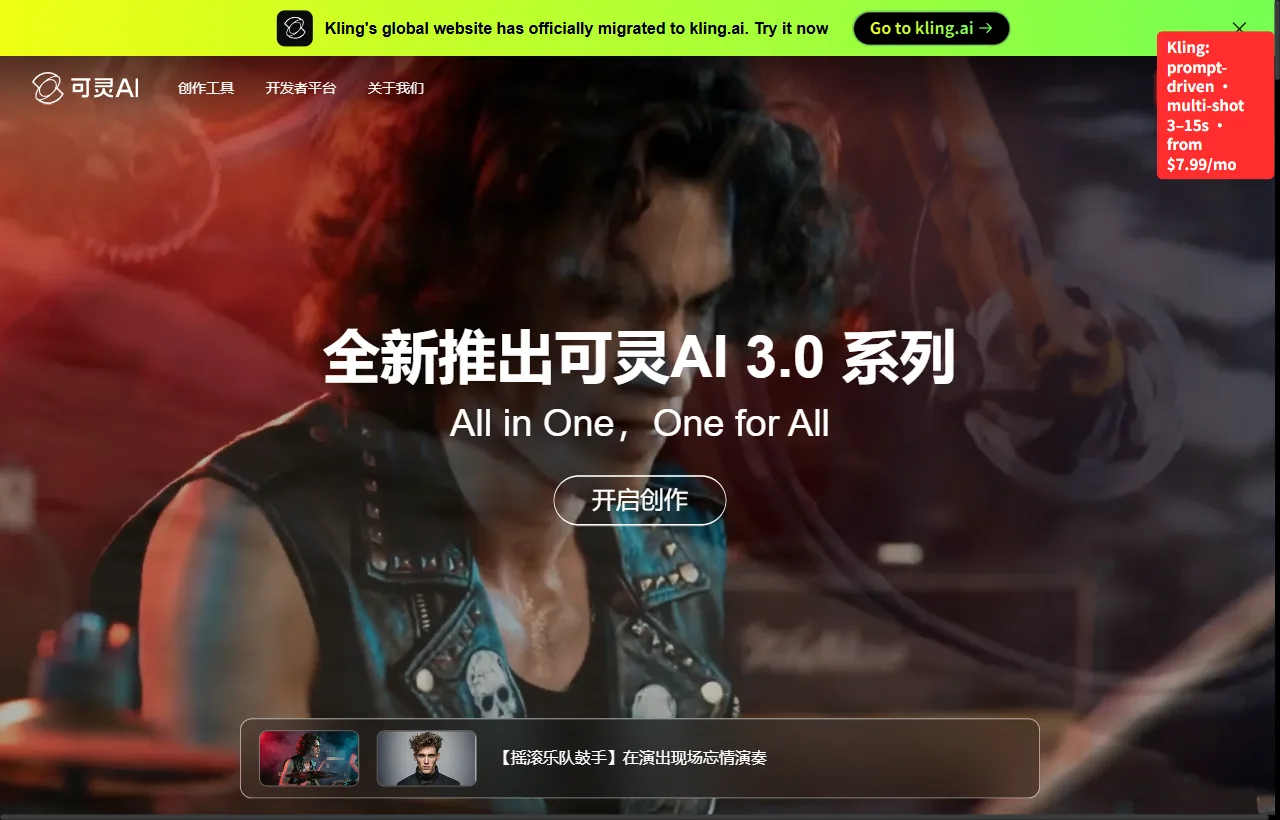
Kling was the most physically believable of the seven. When I needed the bottle to actually move, with liquid, fabric, and a slow push in, its motion fluidity and physical simulation clearly beat Hailuo's single clips, and it handles multi shot sequences in the 3 to 15 second range.
- Best for: realistic motion and physical simulation
- Numbers: free tier with daily credits; paid from $7.99/mo; 1080p and up
- Limitation: still prompt driven, and the free tier slows down at peak times.
2. Google Veo 3: Best resolution and audio
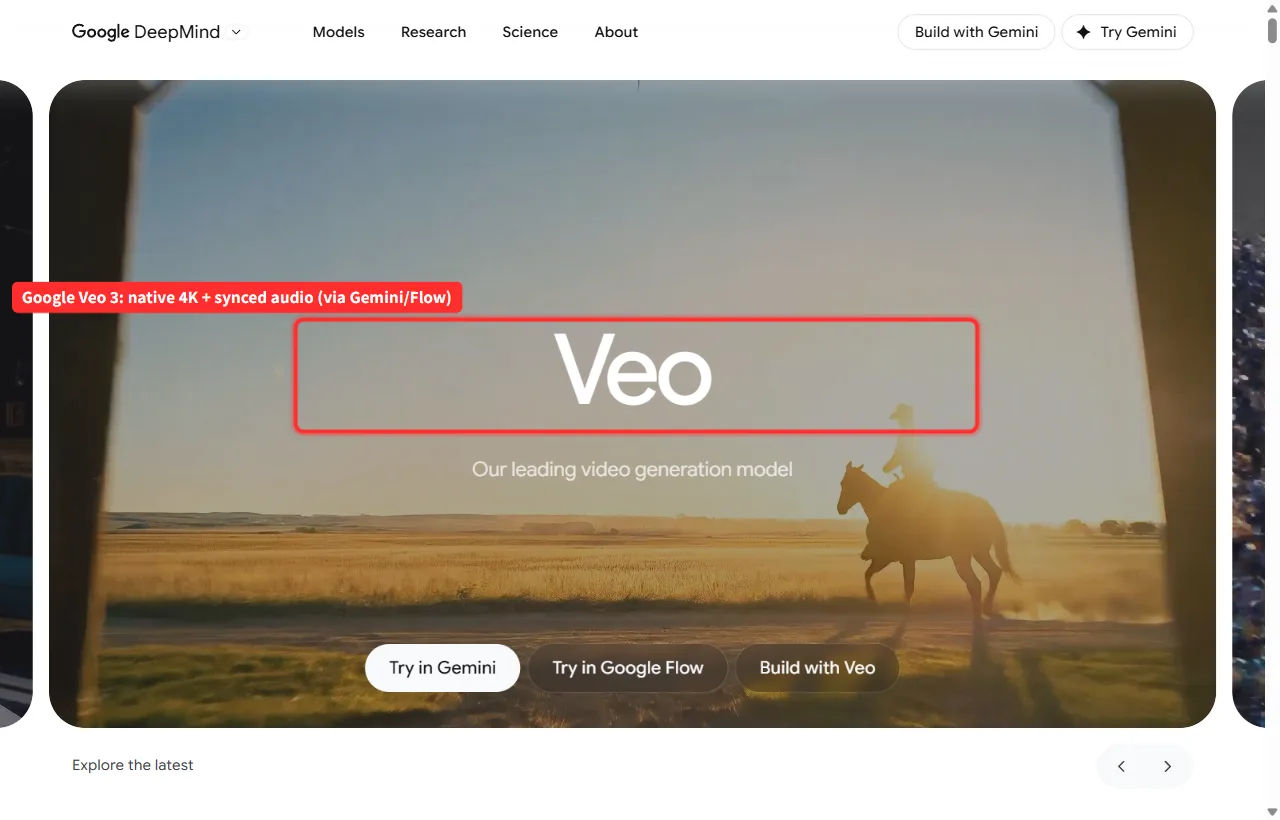
Veo was the only model that produced native 4K with synchronized audio out of the box, with no separate sound pass. On raw resolution and prompt adherence it is the front runner.
- Best for: highest resolution, audio synced output
- Numbers: access via Google's paid tiers (Gemini and Flow); premium pricing
- Limitation: gated behind Google's ecosystem, and the priciest practical option here.
3. Seedance 2.0 (ByteDance): Best for multi shot sequences with audio
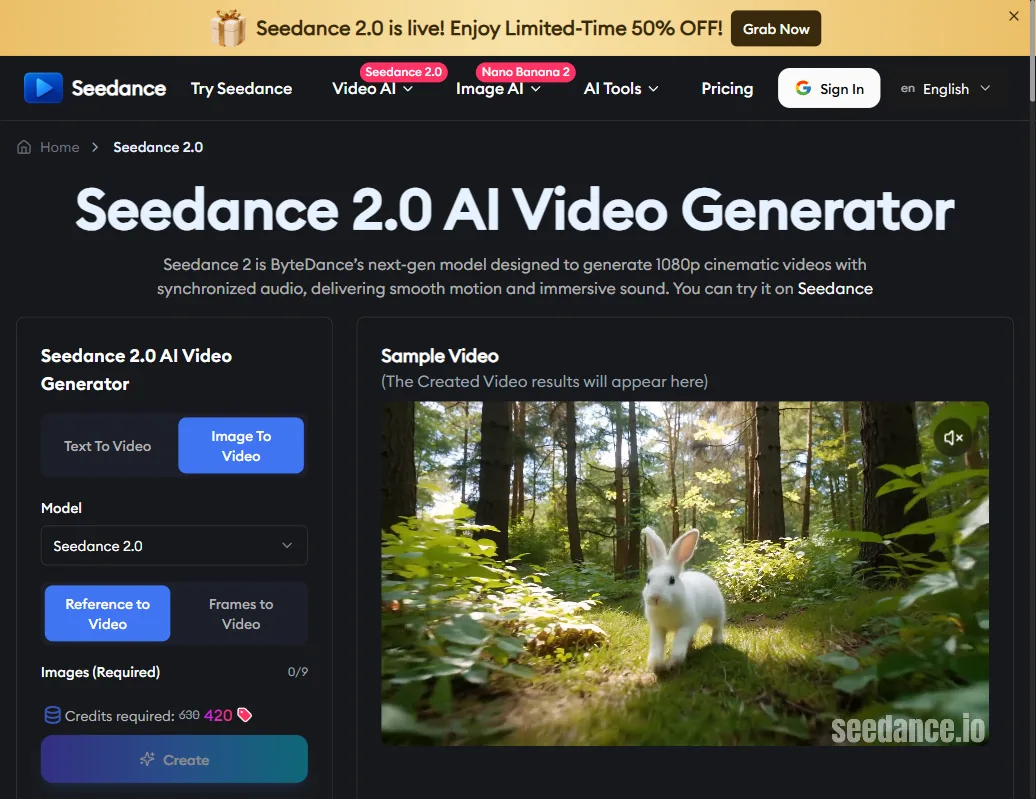
Seedance 2.0 takes text, an image, audio, even a reference video, and generates up to 15 seconds in a single pass, with natural cuts so one output can feel like an edited sequence rather than a single clip. It also produces native audio, which most of this list cannot.
- Best for: multi shot sequences from one prompt; multimodal inputs
- Numbers: free tier with signup credits; 480p and 720p; 4 to 15 second clips; also on CapCut and Dreamina
- Limitation: tops out at 720p, so it trails Veo and Hailuo on raw resolution.
4. Runway Gen-4: Best creative control
Runway is the choice when you want to hand tune the result rather than re roll a prompt. Motion brushes, style references, and a full editing suite give you control none of the one shot generators offer.
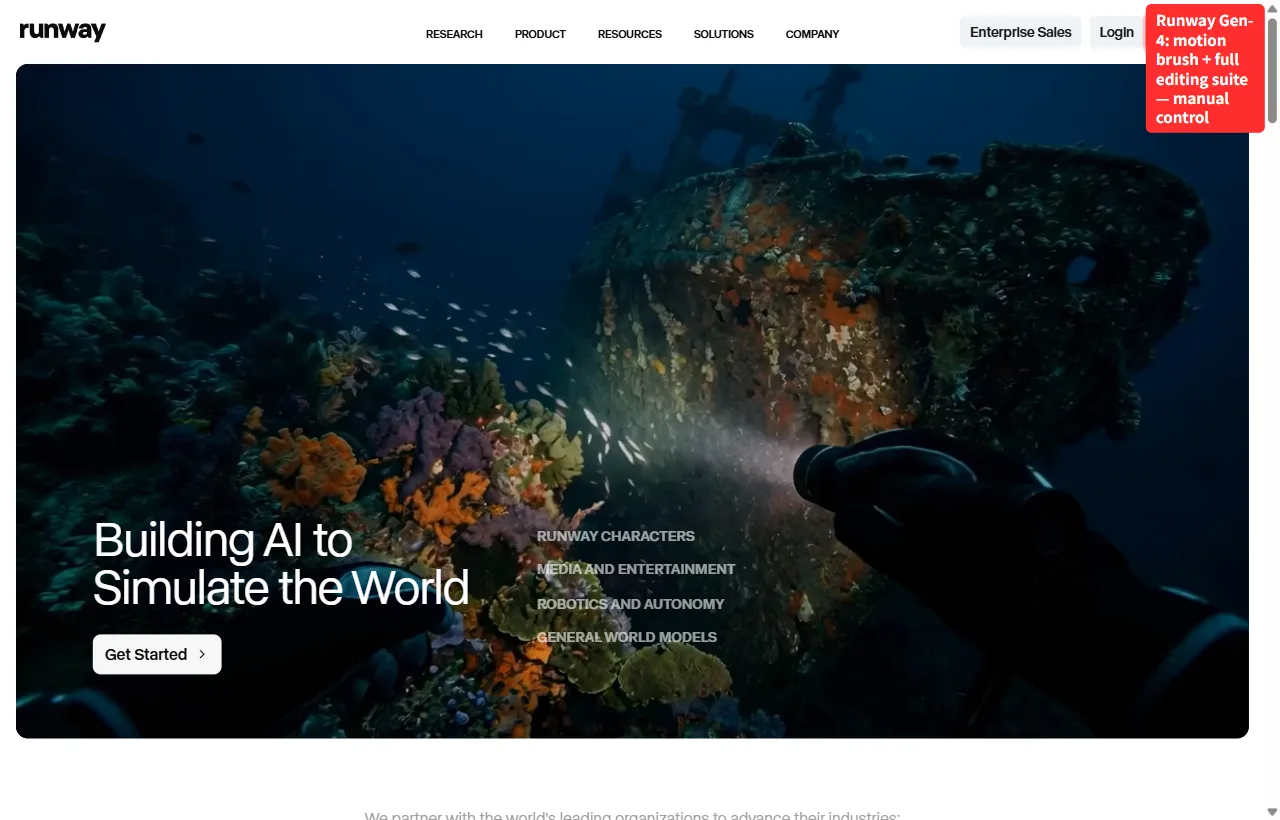
- Best for: creators who want manual control knobs
- Numbers: free trial credits; paid standard tier (mid priced); 1080p and up
- Limitation: the control comes with a learning curve, the opposite of Hailuo's simplicity.
5. LTX Studio: Best for storyboards (and running it locally)
LTX Studio is built around storyboards that expand into full scenes, which makes it the pick for narrative, multi scene pieces. Its underlying LTX-Video model is open source and runs locally on a single consumer GPU, an RTX 4090 class card, which makes it the one option here you do not have to run in someone else's cloud.

- Best for: narrative multi scene work; local and open source tinkering
- Numbers: free tier with limited compute; paid studio tiers; 1080p and up
- Limitation: the local route is real but fiddly; the hosted studio is easier for most.
6. Luma Dream Machine: Best fast image to video
Luma turned a single product photo into a smooth cinematic push faster than anything else, which makes it the most natural Hailuo swap for image to video specifically.
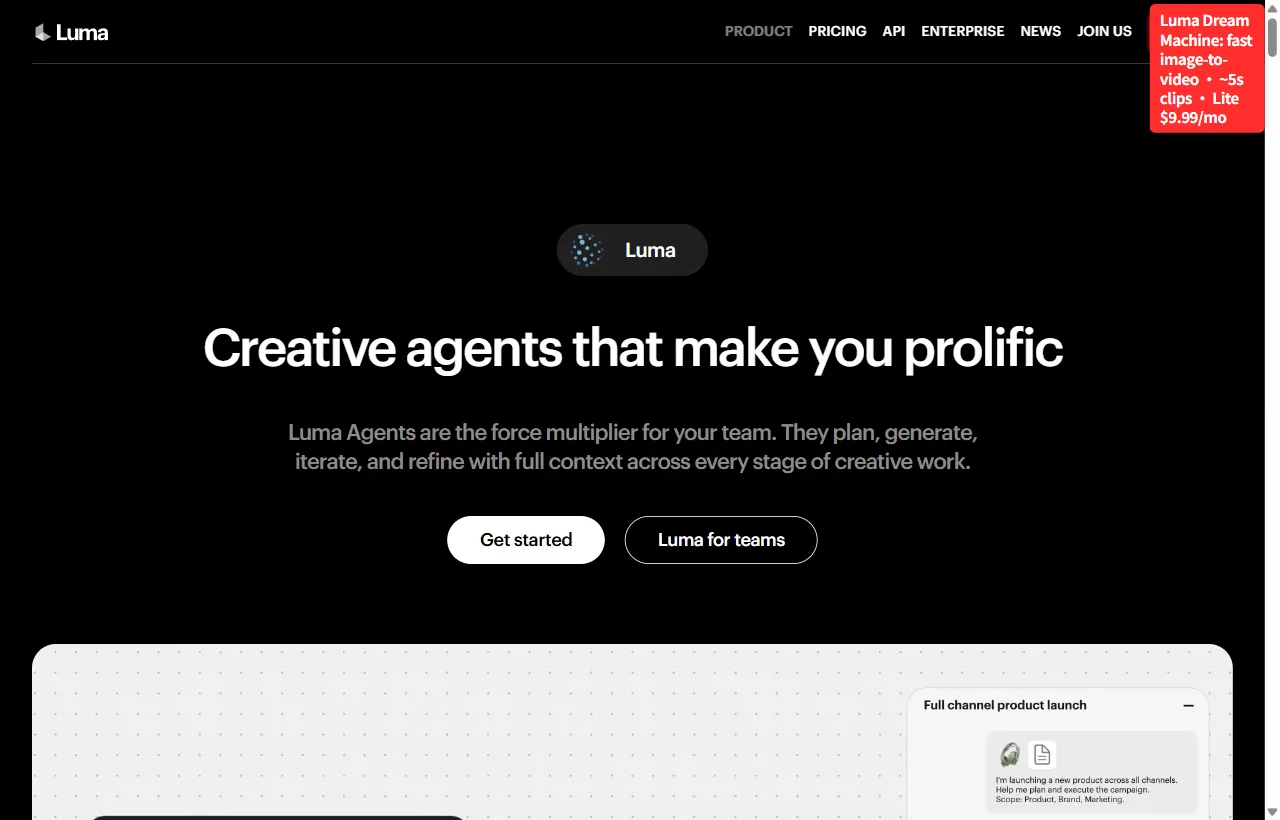
- Best for: fast, cinematic image to video
- Numbers: free tier (watermarked); Lite $9.99/mo, Plus $29.99/mo
- Limitation: clips run short (around 5 seconds), so it shares Hailuo's length problem.
7. Pika: Best for quick, fun social clips
Pika is the one I would hand a non creator: fast, playful, and a good effects library for short social moments.
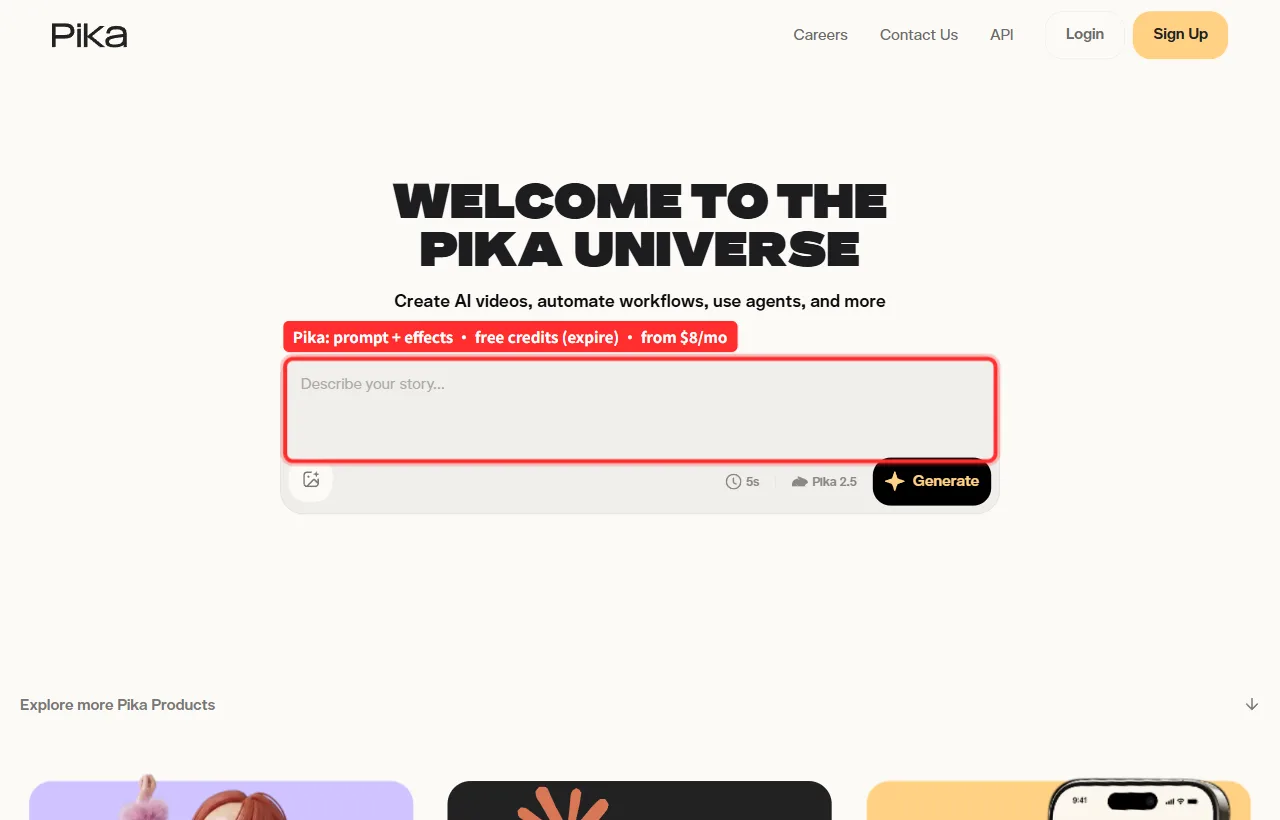
- Best for: quick, casual social clips
- Numbers: free credits on signup (they expire); paid from $8/mo
- Limitation: lighter on realism and control than Kling or Runway.
Hailuo vs the Alternatives (Comparison Table)
| Tool | Max clip | Resolution | Free tier | Starts at | Best for |
|---|---|---|---|---|---|
| Hailuo | ~6s | up to 4K | yes (watermark) | $9.99/mo | free realistic human shots |
| Kling | ~3 to 15s | 1080p+ | yes | $7.99/mo | cinematic motion |
| Veo 3 | short | native 4K + audio | limited | premium | max resolution |
| Seedance 2.0 | up to 15s (multi shot) | 480p and 720p | yes (credits) | free on CapCut/Dreamina | multimodal, multi shot with audio |
| Runway Gen-4 | short | 1080p+ | trial | mid | manual control |
| LTX Studio | multi scene | 1080p+ | yes | free and paid | storyboards, local (4090) |
| Luma | ~5s | 1080p+ | yes (watermark) | $9.99/mo | fast image to video |
| Pika | short | 1080p | yes (expires) | $8/mo | quick social clips |
How to Choose the Right One
- Motion realism matters most: Kling.
- You need 4K with sound: Veo 3.
- You want multi shot sequences with built in audio: Seedance 2.0.
- You want to hand tune every move: Runway.
- You are building a multi scene story (or want to run it locally): LTX Studio.
- You want cheap, fast, and fun: Luma or Pika.
- You are on a strict zero budget: stay on Hailuo's free tier, or try Kling or Seedance free.
Conclusion
There is no single winner. It depends on what Hailuo was failing to give you. For raw motion quality, Kling is the cleanest upgrade. For 4K with sound, Veo 3. For manual control, Runway. If you want multi shot sequences with built in audio, Seedance 2.0 is the most flexible, and for narrative work LTX Studio earns its place. Run two or three of the free tiers on the same brief and keep the one that fits your workflow.






