

 ChatGPT
 Perplexity
 Claude
 Gemini
 Grok
Grok



You have a photo you love, and you want it to move. The light should shift, the dust should drift, the camera should ease in. Then you open most image to video apps and hit a prompt box, a motion-strength slider, and a wall of settings you have to guess your way through. Pexo takes a different route. It is an AI video partner you talk to, so you upload the photo and describe the motion you want in plain words, and it brings the image to life. This guide is written by the Pexo team, and we kept the comparison fair, including where another app is the better tool for your job.
One thing worth naming up front, because it shapes the whole list. Most apps here are single AI models that you operate directly. Pexo is the one that works across several of them from one conversation, which means a couple of the names below (Kling, for one) are models Pexo can route to as well as standalone apps in their own right. That difference matters more than any single feature, and we come back to it.
 Pexo animates a still image from a plain description of the motion you want, no keyframes or render settings.
What to Look for in an Image to Video AI App
Turning a still into a convincing clip is harder than it looks, and the apps differ a lot in where they shine. A tool that makes gorgeous abstract motion can still mangle a real person's face, so it pays to know what matters before you commit.
Here is what we weighed, roughly in order of importance:
- Motion quality and realism. The single biggest differentiator, and the one independent benchmarks like the Artificial Analysis video model leaderboard track most closely. Does the movement look natural, or does the image warp, melt, and drift into nonsense after two seconds?
- Fidelity to your source image. A good image to video app animates the photo you gave it. A weak one quietly redraws faces, logos, and details until it no longer looks like your shot.
- How much it makes you fight the controls. Some apps want a precise motion prompt and a stack of sliders. Others let you describe the movement in plain language. For most people, less dialing in means more finished clips.
- Length, resolution, and watermark. Free tiers often cap you at a few seconds, a low resolution, or a watermark, which decides whether the output is postable.
- Ease versus control. A hands-on creative tool and a one-line conversational app solve different problems. Neither is better in the abstract, so match it to how you like to work.
A note on method, because it matters for trust. We ran a real photo through Pexo hands-on, and you will see that result below. For the other five apps, we assessed their current products, sample output, and published plans as of June 2026 rather than running the same image through each, so read those entries as an informed field guide and not a six-way bake-off.
The Best Image to Video AI Apps at a Glance
Before the full write-ups, here is the quick comparison. Pricing reflects each app's published plans as of June 2026 and can change, so confirm on the official site before you buy.
| App | Best for | Input | Free plan | Paid from |
|---|---|---|---|---|
| Pexo | Animating a photo by just describing the motion | Image, text, URL, audio | Yes, free to start | $30/mo (Pro) |
| Kling AI | High-realism motion from a single image | Image, text | Yes, 66 credits/day (watermark) | $6.99/mo (Standard) |
| Runway | Hands-on creative control over the shot | Image, text | Yes, 125 one-time credits | $15/mo (Standard) |
| Pika | Stylized, effect-driven photo animation | Image, text | Yes, 80 credits/mo (480p) | $10/mo (Standard) |
| Hailuo AI | Smooth, coherent motion on a budget | Image, text | Yes, daily trial credits (768p) | ~$10/mo (Standard) |
| Luma Dream Machine | Fluid, cinematic camera moves | Image, text | Yes, limited monthly credits | $30/mo (Plus) |
The 6 Best Image to Video AI Apps
1. Pexo: The Best Fit for Animating a Photo by Describing It
Pexo is an AI video partner built around one idea: say what you want and get a finished video back, without learning a tool. For image to video that fits cleanly, because the hard part is rarely the render. It is translating the motion in your head into a prompt and a stack of settings. With Pexo you upload the photo, describe how you want it to move ("slow push in, drifting dust, soft light"), and it animates the still and returns a finished clip in one conversation. No prompt syntax, no motion sliders.
Its edge is that conversational workflow paired with multi-model routing. Most apps here are a single model. Pexo works across leading video models, including models like Kling, Seedance, and more, and picks the right one for your shot, so you get strong motion without choosing an engine. If you do not have a photo yet, you can generate the still first and bring it straight into the image to video step without switching apps.
To see how that plays out, we gave Pexo a real test. We uploaded a single still, a person sitting in a sunlit, dusty room, and asked for drifting dust, a slow camera push in, and soft light movement. About fifteen minutes later it returned the short clip below, animated from that exact photo with no editing on our end. One honest caveat from the test: gentle, atmospheric motion like this is where image to video looks most believable, and big, fast movements are where every app on this list still strains, Pexo included.
 The still we uploaded, brought to life by Pexo from a one-line description of the motion.
Best for: Creators, marketers, and hobbyists who want to animate a photo by describing the motion, not dialing it in.
Where it is not the pick: If you want frame-level, hands-on control over every beat of the camera move, a creative tool like Runway gives you more direct levers to pull.
Pricing: Free to start with credits, then paid plans from $30 per month (Pro), scaling to Elite at $60 and Max at $100 for heavier use. Pexo is not the cheapest entry here, but what you are buying is the shortest path from a photo to a finished clip.
Pros: Just describe the motion, multi-model output, accepts image and text and URL, generates the source still too. Cons: Credit-based usage scales with volume, and it is built for describing motion rather than hand-keying it.
2. Kling AI: High-Realism Motion From a Single Image
Kling AI, from the Chinese tech company Kuaishou, earned its reputation on one thing: the realism of its motion. Feed it a single image and a short prompt, and it produces some of the most natural, physically believable movement in the category. It holds up especially well on the details weaker models mangle, like human limbs and hands, the swing of hair, and the way cloth settles after a move. That fidelity is why it spread quickly among creators and shows up on nearly every image to video shortlist, and why its newer versions get used for short narrative shots, not just looping clips. Within roughly a year of its 2024 launch, Kuaishou reported Kling user numbers in the tens of millions, a scale few dedicated image to video tools have reached.
Where it asks more of you is the workflow and the credit math. Kling expects a written motion prompt and rewards prompt skill, so a specific result takes a few iterations rather than one plain sentence. Its credit system burns fast too, because failed or low quality generations are not refunded, and creators often need two or three attempts per usable clip. For a single hero shot that has to look real, that cost is easy to justify. For churning out volume, it adds up quickly.
 Kling AI is known for highly realistic motion generated from a single still image.
Best for: Creators who want maximum motion realism and do not mind prompting for it.
Pricing: A free plan gives 66 credits per day with a watermark and short clips. Paid plans start at $6.99 per month (Standard), with a Pro tier at $25.99. See Kling AI.
Pros: Top-tier motion realism, generous daily free credits. Cons: Prompt-dependent, credits deplete fast on retries.
3. Runway: Hands-On Creative Control Over the Shot
Runway is the pick when you want to direct the shot yourself rather than describe it and step back. Its Gen-4 models animate an image with strong quality, and around them sits a real creative suite: camera controls for pans and zooms, a motion brush that pushes movement into specific parts of the frame, and editing tools to trim and combine the results. There is even a performance feature for driving a character's expression. For a creator who treats image to video as one step inside a larger production, that level of control is the whole appeal, and it is why studios and agencies lean on it rather than a one tap app. Runway is rated about 4.6 out of 5 across hundreds of reviews on G2, among the highest in the category.
The cost of that control is effort. Runway has a genuine learning curve, takes more time per clip than a one line app, and runs on credits that deplete quickly at high quality. The free tier's 125 one time credits stretch to only about 25 seconds of Gen-4 video, so any serious use moves you to a paid plan fast. It rewards people who want to get their hands into the shot, and frustrates people who just want a quick, hands-off result.
 Runway pairs image animation with a hands-on creative suite for directing the shot.
Best for: Creators and pros who want frame-level control and a full toolkit.
Pricing: A free plan includes 125 one-time credits. The Standard plan is $15 per month, or $12 billed annually, with refreshing credits and watermark removal. See Runway.
Pros: Strong output, deep creative control, full editing suite. Cons: Learning curve, slower per clip, credits burn fast.
4. Pika: Stylized, Effect-Driven Photo Animation
Pika is built for short, stylized, eye catching motion, which makes it a fun way to animate a photo when realism is not the goal. Give it an image and it produces punchy clips with distinctive effects and transitions, including its signature Pikaffects, the morph, inflate, crush, and melt treatments that turn a static photo into a scroll stopping moment. For a creative, playful animation of a still, whether a meme, a product tease, or a social hook, Pika is fast and genuinely entertaining in a way the more serious models are not. Since its 2023 launch it has grown a large, active community in the millions across its app and Discord, and that community is part of the appeal, because new prompts and effect recipes get shared and remixed constantly.
The limitation is scope and fidelity. Pika leans stylized rather than photoreal, so it is less suited to animating a real product or person you need to keep accurate, and free output is capped at 480p, which is soft for a polished post. Treat it as the playful pick rather than the precise one. Its strength is eye catching effects, not faithful reproduction of your source, so reach for it when a striking look beats literal accuracy, and reach elsewhere when the photo has to stay exactly itself.
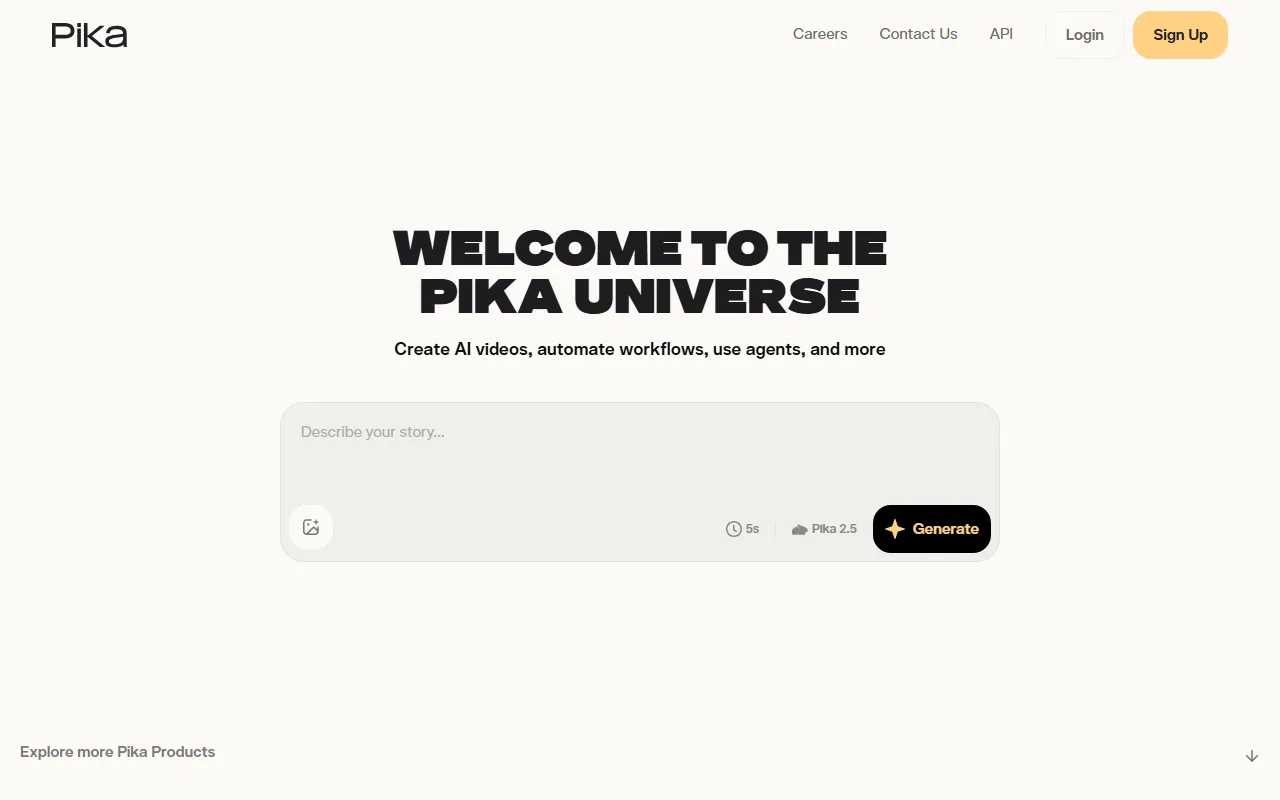 Pika specializes in stylized, effect-heavy animation rather than photoreal motion.
Best for: Creators who want playful, stylized photo animations with a creative edge.
Pricing: A free plan gives 80 monthly credits at 480p. The Standard plan is $10 per month, or $8 billed annually, unlocking all resolutions and watermark-free, commercial-use downloads. See Pika.
Pros: Distinctive effects, fast, low entry price. Cons: Stylized over photoreal, low free resolution.
5. Hailuo AI: Smooth, Coherent Motion on a Budget
Hailuo AI, from the Chinese AI lab MiniMax, has built a following on motion coherence. Its clips tend to hold together cleanly, with smooth movement and fewer of the warping and morphing artifacts that plague weaker models, even on harder scenes with more than one subject or a busy background. For animating a photo into a stable, watchable clip without paying premium prices, it is one of the strongest value picks in the category, and it is a common first stop for creators testing whether image to video is good enough for their use yet. Hailuo's models have ranked among the top image to video performers on independent leaderboards like the Artificial Analysis one referenced earlier, which is unusual for a tool at its price point.
Where it falls short is ceiling and limits. Hailuo is excellent at clean, moderate motion but less suited to highly complex or long sequences, and its free tier caps output at 768p with a watermark and short durations. Its sweet spot is the everyday case: a single clear subject, a moderate move, a stable result, which is exactly what trips up cheaper models. Push it toward dramatic, fast, multi step action and the cracks start to show, the same as the rest of the field. For most everyday photo animations, though, that ceiling is higher than the price tag suggests.
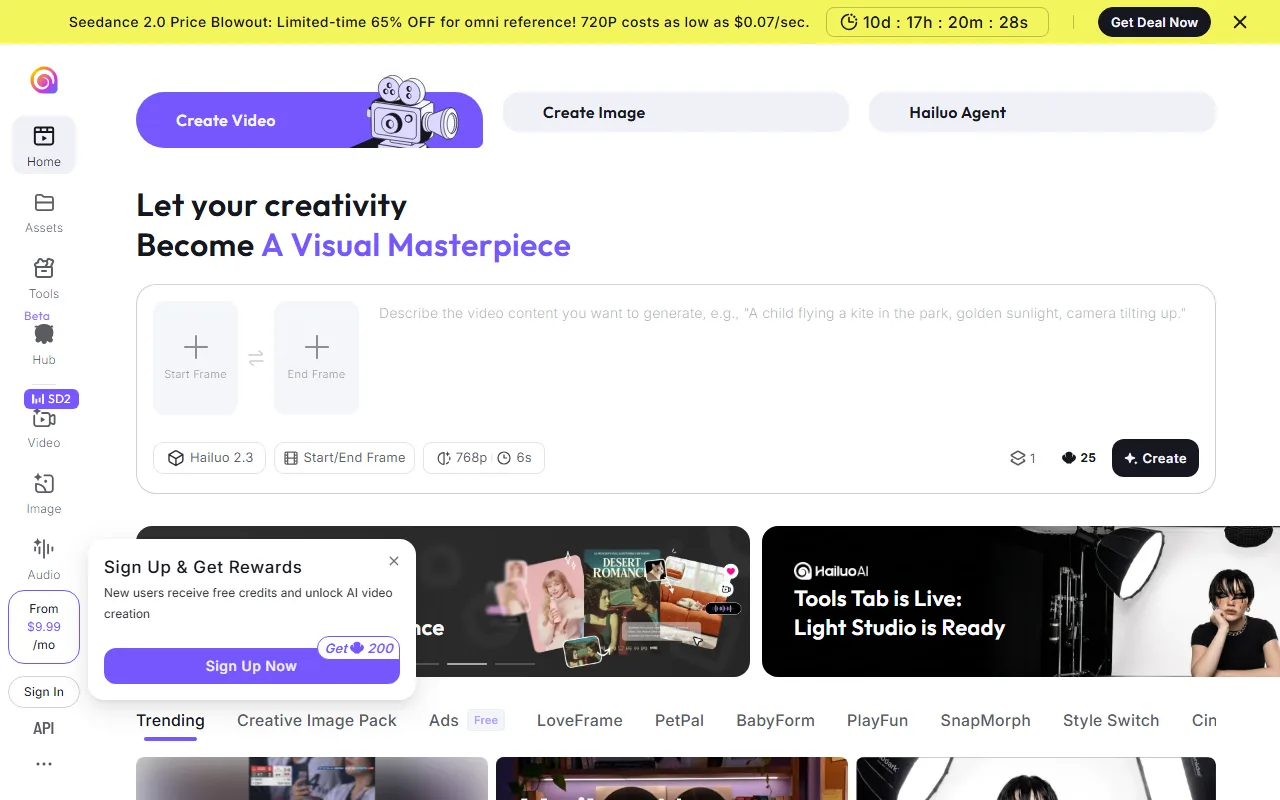 Hailuo AI is known for smooth, coherent motion at a budget-friendly price.
Best for: Creators who want clean, reliable motion without a premium price.
Pricing: A free plan offers daily trial credits at 768p with a watermark. Paid plans start around $10 per month (Standard), scaling up by volume. See Hailuo AI.
Pros: Smooth, coherent motion, strong value, generous free testing. Cons: Lower ceiling on complex scenes, watermarked free output.
6. Luma Dream Machine: Fluid, Cinematic Camera Moves
Luma Dream Machine, from Luma Labs, stands out for fluid, cinematic camera movement. Animate a still with it and the result often feels like a real camera gliding through the scene, with a natural sense of depth and momentum that is hard to fake. Its newer Ray models pushed that further, and a keyframe feature lets you set a start and end image so the camera travels between them, which is genuinely useful for reveal shots and smooth transitions rather than a single static drift. For dreamy, filmic clips where the camera move itself is the star, Luma is a favorite. When Dream Machine launched, demand was heavy enough that sign ups overwhelmed its servers for days, an early sign of how much appetite there was for this exact capability.
The catch is consistency and cost. Luma's output can be stunning but variable, so you may need a few tries to land the shot, and its entry paid tier sits at the higher end of this list. Its free access is also limited to a small monthly pool of generations. Where Luma earns its place is the camera move itself: when a gliding, depth rich shot is the goal, few apps match it, even if you pay for a couple of misses along the way.
 Luma Dream Machine is known for fluid, cinematic camera motion from a still image.
Best for: Creators chasing dreamy, filmic camera moves.
Pricing: A free plan includes a limited monthly pool of generations. Paid plans start at $30 per month (Plus), scaling to Pro and Ultra tiers. See Luma Dream Machine.
Pros: Beautiful cinematic camera motion, strong sense of depth. Cons: Variable results, higher entry price, limited free tier.
How to Choose the Right One for You
The fastest way to narrow this list is to answer two questions: how much hands-on control do you want, and how realistic does the motion need to be?
If you want to skip the prompt-and-slider work and just describe the motion, Pexo is the strongest fit, and it has the bonus of routing across several models so you are not betting on one engine. If you want maximum realism from a single image and do not mind prompting, Kling is the benchmark, and Hailuo is the value alternative for clean motion. Reach for Runway when you want frame-level control inside a full creative suite, Pika when you want stylized and playful over photoreal, and Luma when a cinematic camera move is the whole point.
If you do not even have the photo yet, that narrows it further. A tool that also generates the source still, like Pexo, lets you go from idea to animated clip in one place instead of stitching two apps together.
How to Turn a Photo Into a Video With Pexo
Animating a photo with Pexo looks less like operating software and more like briefing a teammate. Here is the shape of it.
Start by uploading the image you want to bring to life. Then describe the motion in plain language. The clip above came from one line: "slow push in, drifting dust in the light, soft natural light movement." You do not set keyframes or motion strength, and you do not write a prompt in any technical sense. You just say what you want to happen.
From there Pexo picks the right model for the shot, animates the still, and shows you a preview before the full render. If the motion is off, you say what to change instead of opening an editor. When it looks right, you export the clip and post it. When you are ready to try it, make your first clip with Pexo and see what one photo and one sentence can do.
The Bottom Line
There is no single best image to video AI app, because the right one depends on how you work. For animating a photo by simply describing the motion, with the safety net of multi-model routing behind it, Pexo is our top pick. Kling wins raw motion realism, Hailuo wins clean motion on a budget, Runway wins hands-on control, Pika wins stylized fun, and Luma wins cinematic camera moves. Start with the photo you want to animate and the kind of motion you want, and the choice gets easy.






