

 ChatGPT
 Perplexity
 Claude
 Gemini
 Grok
Grok


VideoScribe made whiteboard animation accessible, but plenty of creators eventually outgrow it. This guide, written by the Pexo team, compares 7 VideoScribe alternatives so you can pick the right one for explainer and animated videos.
Why people look for a VideoScribe alternative:
- Style ceiling: the hand-drawn whiteboard look gets repetitive after a few videos, and clients notice.
- Manual assembly: you still place every element, set every draw time, and sync audio by hand.
- Limited output range: whiteboard scribing is one format; most teams also need social clips, product ads, and character-based explainers.
- Subscription pressure: exports sit behind paid plans, so occasional users pay for months they barely use.
Below you will find a quick comparison table, then a detailed breakdown of each option with honest pros, cons, and best-for verdicts.
What Is VideoScribe?
VideoScribe is whiteboard animation software by Sparkol that simulates a hand drawing images and text on screen. You pick assets from its library, arrange them on a canvas, set draw durations, and export a scribe-style video.
Its key limitations, and the reasons people search for alternatives:
- One core aesthetic: hand-drawn whiteboard. Branching into other styles means another tool anyway.
- Timeline-style manual work: every element, timing, and transition is placed by you.
- No conversational or generative workflow: it animates assets, it does not create finished videos from an idea.
The Best VideoScribe Alternatives: Quick Comparison
| Tool | Best for | Whiteboard style? | Workflow | Pricing model |
|---|---|---|---|---|
| Pexo | Finished explainer and marketing videos from a conversation | No (AI-generated visuals instead) | Chat-based, no timeline | Credit-based, self-serve |
| Doodly | Classic whiteboard scribing on a budget | Yes | Drag-and-drop canvas | One-time or subscription tiers |
| Vyond | Corporate training and character explainers | Partial (whiteboard is one style) | Timeline editor | Per-seat subscription |
| Animaker | Beginners mixing whiteboard with 2D animation | Yes (as one mode) | Template + timeline | Freemium, paid tiers |
| Powtoon | Business presentations and internal comms | Yes (whiteboard template category) | Slide-based editor | Freemium, paid tiers |
| Renderforest | Occasional whiteboard videos plus branding assets | Yes (template packs) | Template customization | Freemium, paid tiers |
| Moovly | Education and template-driven team workflows | Yes (scribe assets) | Browser timeline editor | Free tier, paid plans |
1. Pexo: Best for Finished Explainer Videos Without a Timeline

Honest framing first: Pexo is not a literal whiteboard animator. If your brief demands the classic marker-on-whiteboard scribe effect and nothing else, Doodly below is the closer match. Pexo earns its place at the top of this list because most people searching for a VideoScribe alternative are not attached to the whiteboard aesthetic itself. They want what whiteboard videos are used for: a clear, engaging explainer, without hiring an animator.
Pexo is an AI video partner. Instead of a canvas and a timeline, you get a conversation:
- Describe the video you need: "a 60-second explainer for how our booking app works, friendly tone, our brand colors." Messy or half-formed is fine.
- Pexo thinks with you: it suggests directions, shows you the plan and quick previews before full production, and you redirect anytime.
- You get a finished video: transitions, pacing, and soundtrack included, not a raw clip you still have to assemble.
- Multi-model routing: Pexo works with leading AI video models like Seedance, Sora, Kling, and more, and picks the right one for each scene, so you never compare model options yourself.
- Works where you already are: inside Claude, Slack, Lark, and WhatsApp, so an explainer request can happen in the same thread as the project discussion.
Where it wins over VideoScribe:
- No element placement, no draw-time settings, no timeline. The single biggest time cost of scribe software disappears.
- Input flexibility: start from text, an image, a product URL, or audio.
- Output range: explainers, product ads, and social videos from one workflow, instead of one whiteboard format.
Limitations:
- No hand-drawn scribe effect, so it cannot replicate VideoScribe's signature look one-to-one.
- No manual timeline, which control-oriented editors may miss; you direct changes by describing them instead.
Pricing: self-serve and credit-based, so cost scales with what you generate rather than a flat monthly seat.
Best for: marketers, founders, and educators who want the explainer, not the animation software. If you would rather say what you want than build it, start with Pexo's explainer workflow or its text-to-video feature.
2. Doodly: Best for Classic Whiteboard Scribing
Doodly is the most direct VideoScribe replacement on this list: same hand-drawing concept, similar drag-and-drop workflow. For a head-to-head look at the two, see our Doodly vs VideoScribe comparison.
- What it is: desktop whiteboard software with whiteboard, blackboard, glassboard, and greenboard styles.
- Key strengths:
- Large library of pre-drawn doodle images plus the option to import and auto-sketch your own.
- Realistic hand variations (multiple hand styles and skin tones) for the drawing effect.
- Simple scene-based editor that VideoScribe users pick up in minutes.
- Limitations:
- Still fully manual: you arrange, time, and voice everything yourself.
- The output is one aesthetic; modern motion-graphics looks are out of reach.
- Desktop app rather than browser-based, which complicates team collaboration.
- Pricing: paid tiers, with promotional one-time-style offers appearing periodically; check the current page before committing.
- Best for: solo creators and course makers who specifically want the whiteboard scribe look at a lower ongoing cost than VideoScribe.
3. Vyond: Best for Corporate Training and Character Explainers
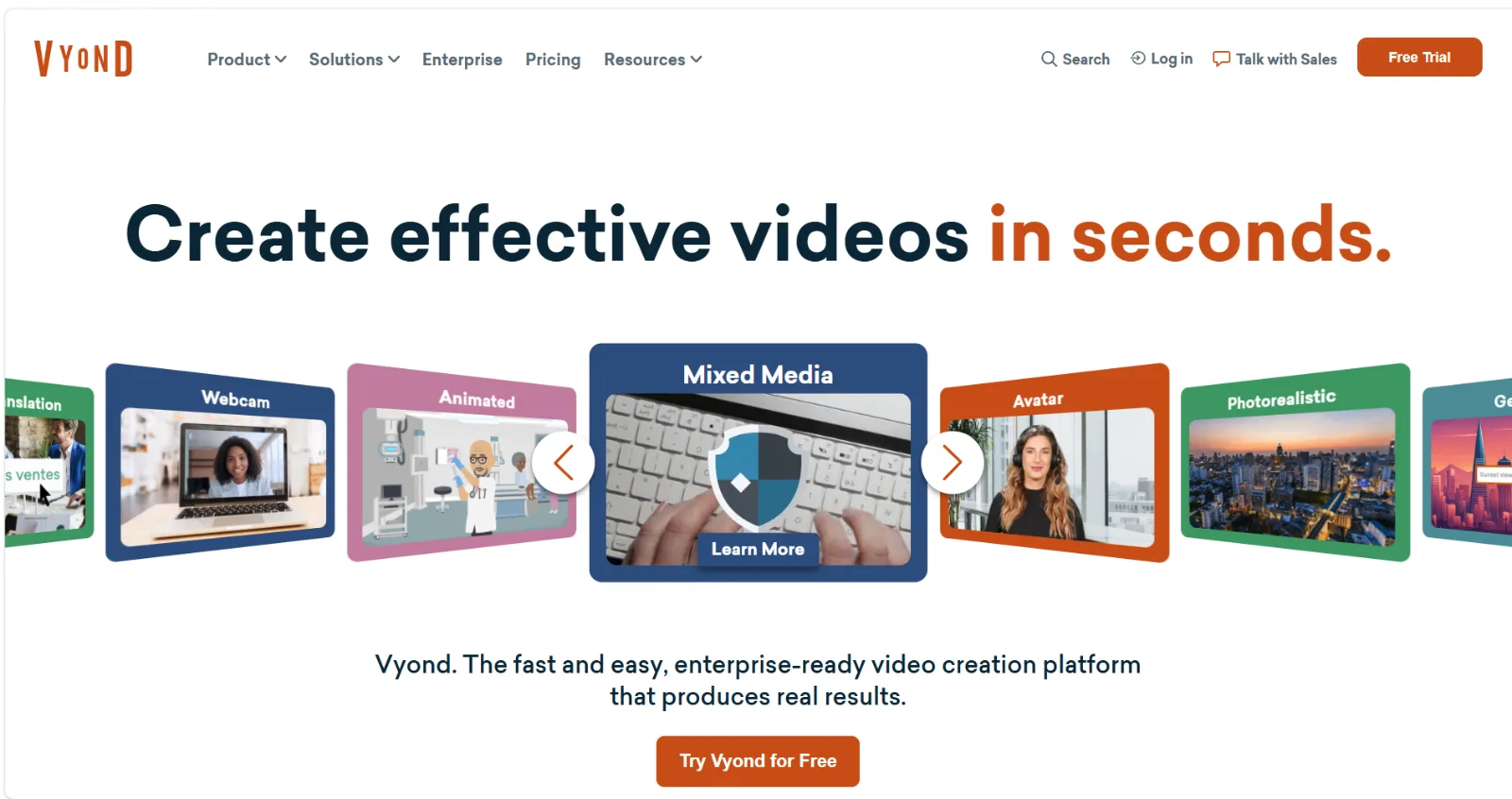
Vyond is the enterprise-grade option here, used heavily by L&D and internal comms teams.
- What it is: a browser-based animation studio with distinct visual styles, including business-friendly character animation and a whiteboard style.
- Key strengths:
- Characters with lip-sync, expressions, and actions, which scribe tools cannot do.
- Strong template and scene libraries oriented around workplace scenarios.
- AI-assisted script-to-video features layered on top of the manual editor.
- Limitations:
- The steepest learning curve on this list; it is a full timeline editor.
- Per-seat pricing sits well above hobbyist budgets, clearly aimed at companies.
- Its whiteboard style is serviceable but not the product's focus.
- Best for: training teams and enterprises producing recurring internal video at scale, where character storytelling matters more than the scribe effect.
4. Animaker: Best for Beginners Who Want Whiteboard Plus 2D Animation
Animaker positions itself as an all-in-one animation platform for non-designers.
- What it is: a browser tool covering 2D character animation, whiteboard mode, vertical video, and live-action editing basics.
- Key strengths:
- Whiteboard is one of several built-in styles, so you are not locked into scribing.
- Character builder with a large combination space of faces, outfits, and actions.
- A free tier exists, which makes low-risk testing easy.
- Limitations:
- The interface packs in many features, and it can feel cluttered compared with focused tools.
- Free and lower tiers carry watermarks and resolution limits.
- Rendering longer projects in the browser can get sluggish.
- Best for: students, small teams, and first-time animators who want to experiment across styles before settling on one.
5. Powtoon: Best for Business Presentations and Internal Comms
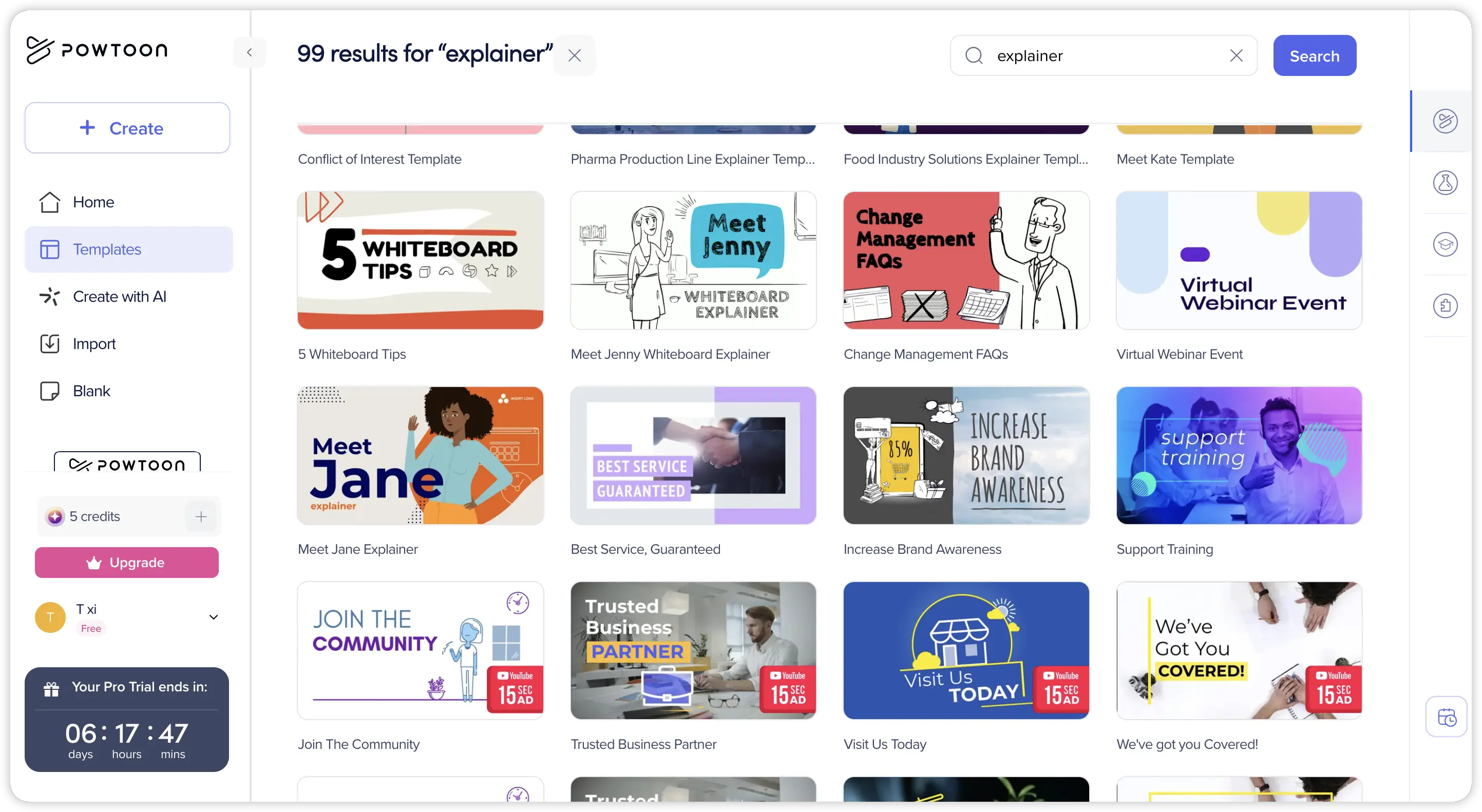
Powtoon comes at explainer video from the presentation world, and it shows in the best way for office use cases.
- What it is: a slide-based video creator with template categories spanning whiteboard, cartoon, infographic, and corporate styles.
- Key strengths:
- Slide logic is instantly familiar to anyone who lives in PowerPoint.
- Whiteboard-style templates approximate the VideoScribe look without a dedicated scribe engine.
- Solid brand-kit and team features on business plans.
- Limitations:
- Slide-based structure limits fluid, continuous animation; scenes feel like slides.
- The distinctive Powtoon cartoon aesthetic is recognizable and can read as generic.
- Meaningful exports (HD, no watermark) require paid plans.
- Best for: HR, sales enablement, and internal comms teams turning decks and announcements into animated videos.
6. Renderforest: Best for Occasional Videos Plus Branding Assets
Renderforest is less a whiteboard specialist and more a broad branding toolkit that happens to include whiteboard packs.
- What it is: a template-driven platform covering whiteboard videos, intros, slideshows, logos, mockups, and websites.
- Key strengths:
- Whiteboard template packs where you swap text and images rather than animating from scratch, which is faster than VideoScribe for simple jobs.
- One subscription spans many asset types, useful for early-stage brands.
- Cloud rendering, nothing to install.
- Limitations:
- Template customization is shallow; you cannot restructure scenes freely.
- Whiteboard is a small slice of the product, so the style range within it is narrow.
- Per-render or tier limits can surprise heavier users.
- Best for: freelancers and small businesses that need a whiteboard video occasionally, alongside logos and other brand assets.
7. Moovly: Best for Education and Template-Driven Teams
Moovly rounds out the list as a flexible browser editor popular in education.
- What it is: a cloud-based video maker with a timeline editor, scribe-style assets, and stock media integration.
- Key strengths:
- Whiteboard-style "hand draws object" effects can be applied to library or uploaded assets.
- Integrated stock media reduces asset hunting.
- API and education-oriented licensing options suit institutions.
- Limitations:
- The editor feels dated next to newer tools, and the learning curve is real.
- Scribe effects are an approximation rather than a dedicated whiteboard engine.
- Community and template ecosystem is smaller than Powtoon's or Animaker's.
- Best for: schools, universities, and teams that want one browser editor for mixed media with occasional whiteboard effects.
How to Choose the Right VideoScribe Alternative
Ask one question first: do you need the whiteboard look, or do you need the explainer?
- You need the literal scribe aesthetic: Doodly is the closest match; Renderforest works for quick template jobs.
- You need business explainers with characters: Vyond for enterprise budgets, Animaker or Powtoon for smaller ones.
- You need finished videos with the least production work: Pexo, since a conversation replaces the entire canvas-timeline-export loop.
- You make videos rarely: favor free tiers (Animaker, Powtoon, Moovly) or credit-based pricing (Pexo) over a standing subscription.
Conclusion
VideoScribe is still a fine whiteboard tool, but in 2026 the alternatives split into two camps. Traditional animators like Doodly, Vyond, Animaker, Powtoon, Renderforest, and Moovly give you more styles or better team features while keeping the manual build process. Pexo takes the other path: skip the software entirely, describe the explainer you need, and shape the result in a conversation until it is ready to ship. If the goal is the video rather than the animating, that trade is worth testing. You can start a video with Pexo with nothing but a description; if the scribe effect itself is the brief, Doodly deserves your shortlist instead.





