ChatGPT
 Perplexity
 Claude
 Gemini
 Grok
Grok



Your team needs the next product video, then another for a new color and another when the offer changes. Which part should repeat: the layout, the footage, or the conversation shaping the cut? Choose creative automation by the work you can safely repeat.
The routes below share one fictional brief. They are production options, not a measured speed or price ranking.
Which campaign tasks are worth automating?
Automate a task when its inputs and pass conditions recur. A recurring logo ending, approved headline slot, or aspect-ratio variant is a good candidate. A new promise about what the product can do needs its own evidence and review. Repeating an unapproved claim faster only multiplies the correction work.
Imagine Aster Fold, a fictional shopping tote that folds into its attached pouch. The campaign needs a 20-second product video for a product page and a shorter social excerpt. The team has a current product page, packshot, folding clip, color swatches, and logo. The approved line is “Folds into its attached pouch.” The viewer should see the action and then click See dimensions. A weekend offer may appear only in variants scheduled during that offer.
The real folding clip is non-negotiable. A still or invented lifestyle scene cannot prove the action.
Compare three routes using one product brief
The routes change different things: structure, visual ingredients, or the complete cut. Each still needs claim, brand, and final-version review.
Template-driven asset variants
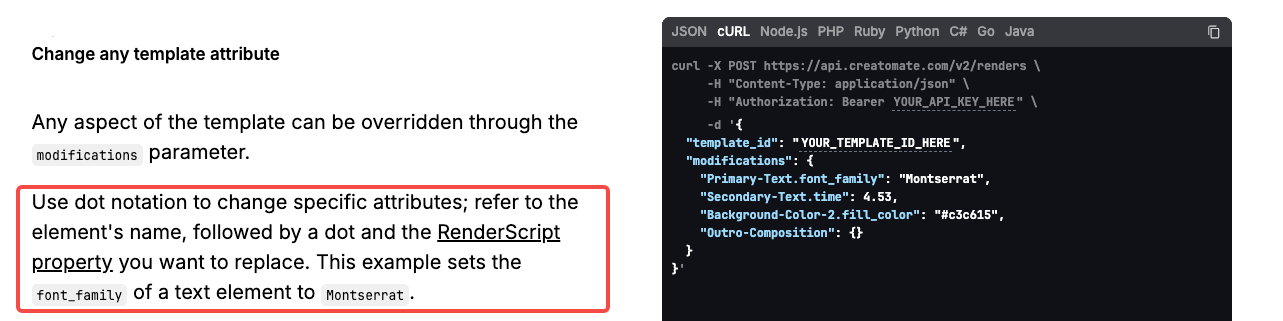
Choose a template route when the video structure is settled and most changes are controlled substitutions. The Aster Fold master could hold the folding clip in a fixed middle scene, with replaceable colorway image, offer line, and closing CTA. Creatomate's template documentation describes copying a template and changing specified text, images, footage, or colors. It also describes spreadsheet-based batch generation. That is a concrete example of the route, not evidence that every template tool handles the same media or approvals.
If only the color name changes, the folding scene can stay approved. A new reason to buy requires new evidence and a revised master. Field substitution cannot show how the pouch attaches.
Before rendering, lock permitted fields and the offer end date. Tie each export to a source row and approval. An expired line can contaminate a whole batch.
Generated visual assets for new concepts
Choose asset generation when the team needs to explore a visual it does not already have. Perhaps the brief calls for a travel setting behind the tote, or a transition from a flat-lay packshot to a mood scene. Adobe Firefly's current video page describes generating clips from text or an image. Its description supports the possibility of new footage; it does not prove that a generated tote will match Aster Fold's seams, pouch, or color.
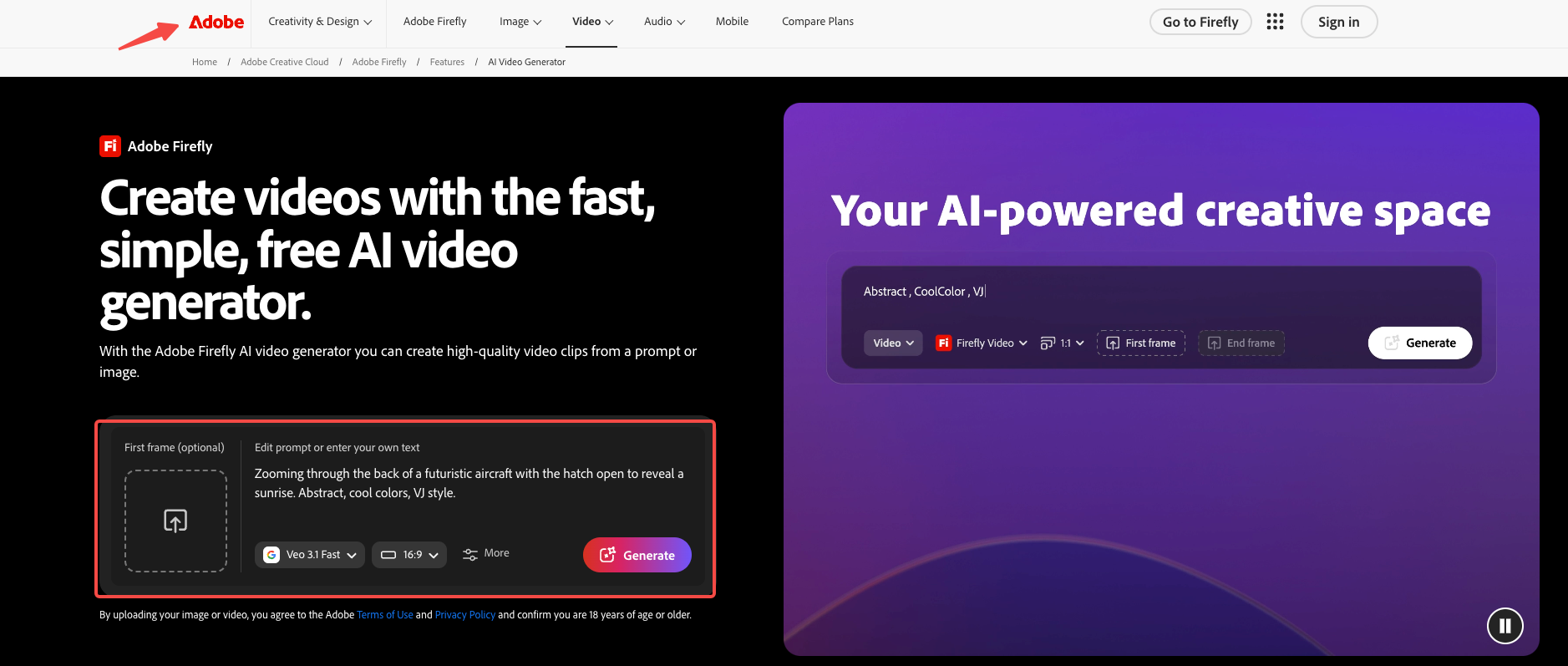
Keep the real folding clip as evidence. Label generated scenery as a concept in the review file. Reject a shot that turns the attached pouch into a separate case. Someone still must place new footage, add approved copy and audio, and review the finished edit.
As checked October 12, 2026, Adobe's page shows both its own and partner video models. Commercial-use conditions can depend on which model made an asset. Check the chosen model's current terms and the rights in any uploaded reference before production. The product team must also confirm that the resulting image does not imply a feature the tote lacks.
Conversational production of a complete video
Choose conversational production when the main work is shaping and revising the entire video, not merely filling slots or collecting new shots. Pexo's getting-started guide describes starting from a website, existing assets, or a storyboard. Its revision guide describes broader conversational changes and feedback on a marked area. For Aster Fold, the direction could be: open with the folded pouch, show the real unfolding clip, reveal the full tote, and finish on See dimensions.
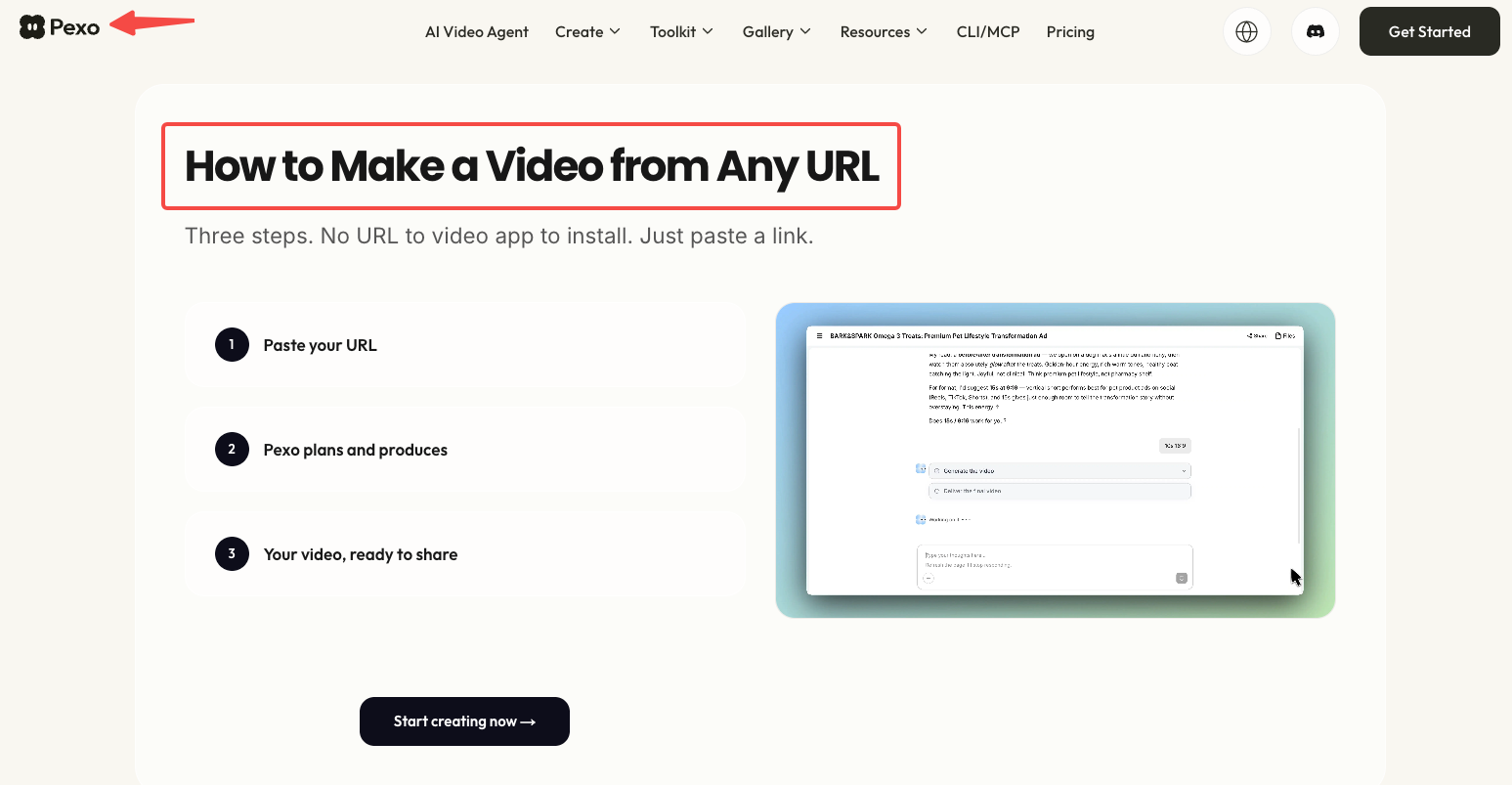
Pexo publishes this article and is the example for this route. Its guides do not establish that this fictional brief has been produced or approved. Your team still owns the brief, source rights, review record, and publication decision. Pexo is not presented here as a media buyer, asset manager, approval system, or integration layer.
Does the folding clip appear when the voice says the approved line? If the pouch action remains unclear, change that moment and keep the correct scenes. Then review the full cut again.
Which route fits your source assets and approvals?
Match the route to the asset you trust most and the kind of approval you can give. If the folding clip and master sequence are already approved, controlled variants may be enough. If the team lacks a setting shot, generate a candidate visual and review it as an ingredient. If the story order itself is still open, direct and assess a complete cut. The same product brief makes the differences visible.
| Decision point for Aster Fold | Template variants | Generated assets | Conversational complete video |
|---|---|---|---|
| Best starting input | Approved master layout, folding clip, verified fields | Product references and a visual concept to explore | Product page, folding clip, approved claim, audience, and desired sequence |
| What the route produces | Versions of a fixed video design | Candidate scenes or clips to assemble | A complete cut to review and revise |
| Brand accuracy check | Confirm every replaced field and rendered logo/color | Compare invented product details with real references | Watch the full cut for visual, spoken, and text consistency |
| Approval handoff | Approve master, source rows, then sampled or all final variants | Approve each asset before assembly and the finished edit afterward | Approve story direction and the complete revised cut |
| Version and rework risk | Old offer data propagates across outputs | A convincing but inaccurate scene enters the edit | A requested change may alter an otherwise correct scene; check the full cut again |
Keep a version record outside the production tool: source pack, approved claim, route, export ID, reviewer, date, and placement. An approved video becomes the wrong version when its offer ends.
Assign factual, brand, and final-export checks. One person may cover several roles, but record each decision separately. “Looks good” leaves the next campaign guessing what was approved.
Compare revision work after the first version
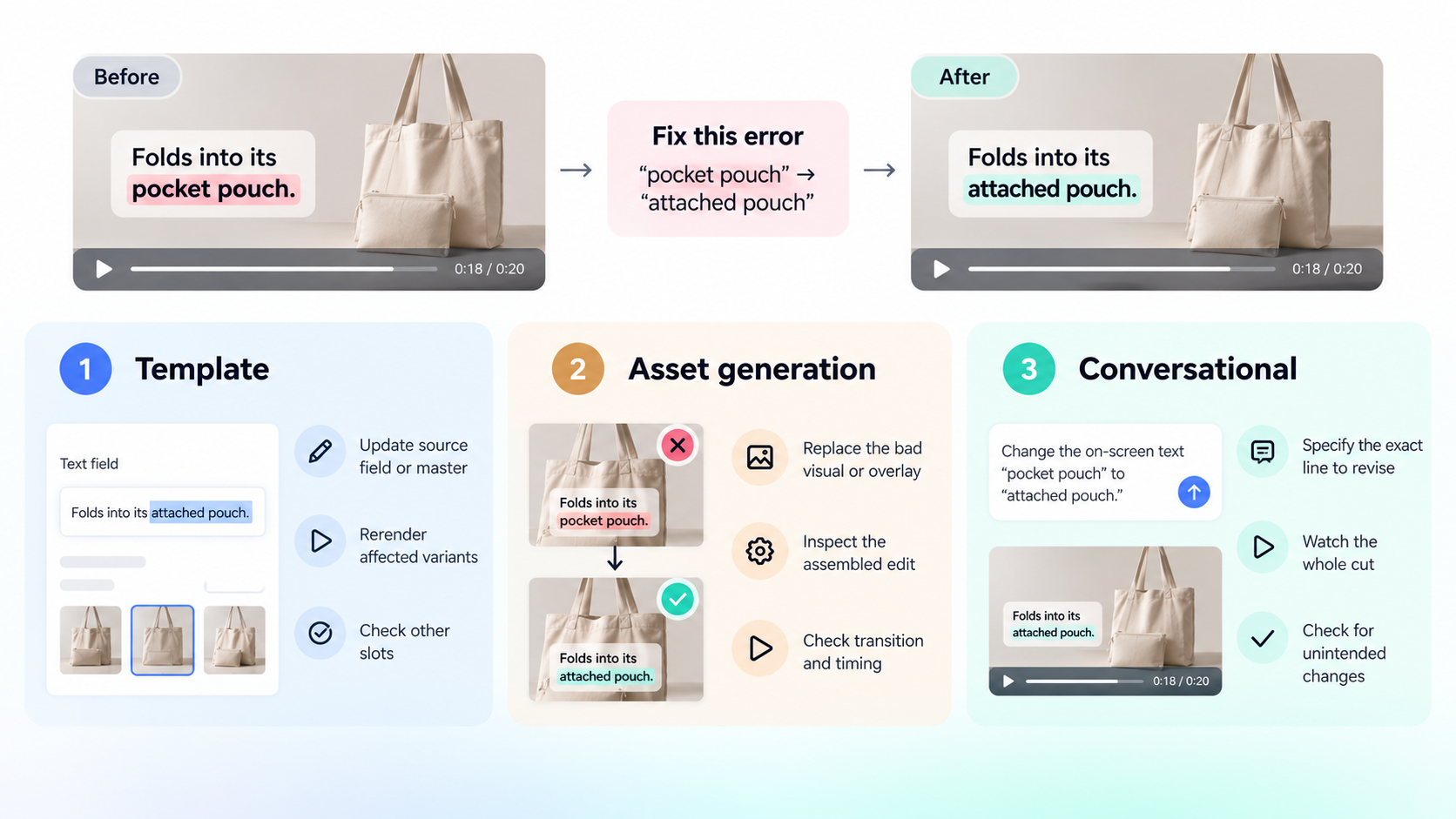
Compare the work required to fix one meaningful error, not the time to get any first output. Use the same hypothetical defect across routes. The closing frame says “pocket pouch”; the approved product line says “attached pouch.” The wrong phrase might sit in a template field, generated scene, or complete cut.
In a template, correct the source field or master, rerender affected variants, and check that the error did not survive in another slot. In an asset-generation route, replace the bad visual or overlay; then inspect the assembled edit because the transition or timing may change. In a conversational route, name the exact spoken or on-screen line to revise, then watch the whole cut for unintended changes. Pexo's documented revision controls make that last path plausible, but no public guide establishes how many attempts or credits this correction would take for this brief.
Log the wrong moment, edit, versions touched, reviewer time, account or quote cost, and acceptance. That record reveals total work better than a feature page.
The offer variant deserves a separate dependency check. A correction to the evergreen tote claim should reach every affected version. A change to weekend pricing should reach only offer versions and any scheduled placements. Do not overwrite an approved evergreen file with a time-limited message just because both came from the same master.
Where does a human production route still fit?
Use a human producer or editor when the team needs truthful product footage, stakeholder judgment, or exact cuts. If Aster Fold's clip does not show the pouch attached, more automation cannot supply proof. Shoot the missing action or revise the claim.
A producer can also own a hybrid route: approve the master, choose generated footage, or finish a conversational draft. Ask for a quote covering source preparation, review rounds, formats, rights, and later changes. No route has a universal speed or cost win.
For teams building a technical pipeline across many products, the site's Claude Code ecommerce video pipeline article covers that separate implementation question. Its production and performance figures are not evidence for this route comparison. Here, the next step is simpler: pick one brief, run one representative video through the likely route, and approve the corrected export before scaling variants.
If a conversational full cut fits your brief, bring the product page, real folding clip, approved line, and review notes to Pexo. Direct the scene order, inspect the first result, and name the change that would make the video usable.