ChatGPT
 Perplexity
 Claude
 Gemini
 Grok
Grok



You have a product page, approved photos, and a campaign message. Can Pippit AI turn them into a video your team can actually approve? The first draft matters, but the decision usually turns on something less flashy: how much work it takes to correct a product detail without losing the good scenes.
This review uses public documentation and a fictional product brief. It does not report a paid-account test or measured production time.
What is Pippit AI for product marketers?
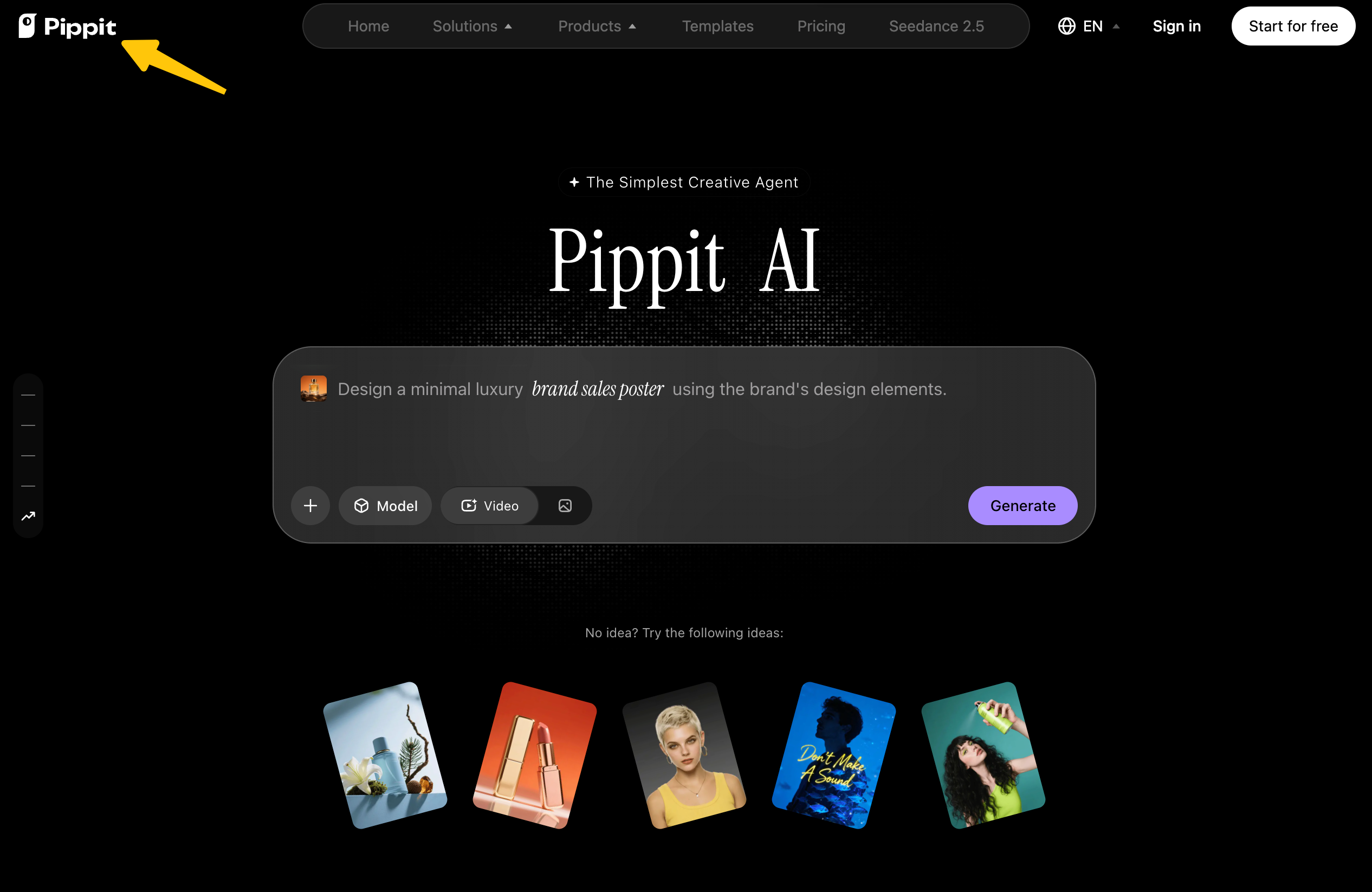
Pippit AI is a marketing content workspace for turning product information and media into videos and social assets. Its video workflow help page describes entering a product URL, generating a video, editing it, and exporting. Its homepage also presents a video agent that accepts links, files, media, and a prompt. Can either route preserve your product story?
Consider a fictional lunch tote called Alder Carry. Its approved message: a removable divider separates a lunch container from smaller items. Show the divider being lifted out and replaced. End by inviting viewers to check dimensions. This example supplies review criteria, not a generated Pippit output.
If the divider is shown incorrectly or the video promises all-day cooling without evidence, a polished presenter cannot rescue the claim.
Start from one approved product asset pack
An approved pack gives the Pippit AI video generator a source of truth. Keep product facts beside the visuals; a link may contain old copy, variant images, or unapproved claims.
Product link and supplied media
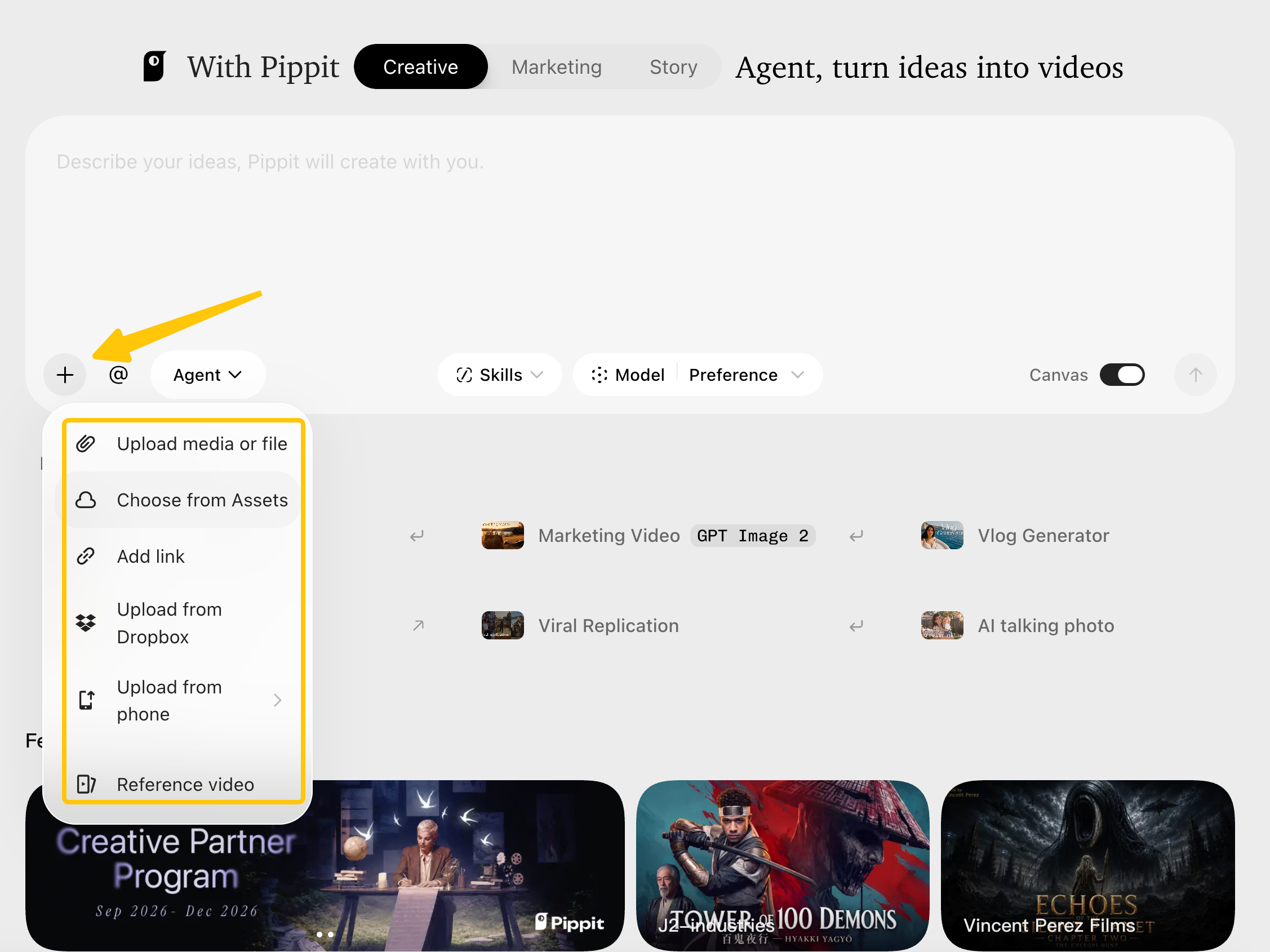
Pippit's URL-to-video help page lists TikTok Shop, Shopify, and Amazon product links. Its video agent description describes links, media, and files more broadly. Test your actual page in the chosen route. A private staging page or other storefront remains an input question.
For Alder Carry, supply the public page, front packshot, open-bag photo, divider-removal clip, and approved logo. Mark the clip as evidence for the main claim. If an invented view appears, replace it with the real clip. The Pexo URL-to-video guide describes another link-led route using a focused public page and stated message.
Claims and brand rules to preserve
Record approved and prohibited language. “Removable divider separates items” is approved; “keeps food cold all day” lacks evidence in this example. Add colors, logo, exact product name, and mandatory wording. A sealed-compartment shot would imply a feature the photos do not show.
If real assets include customers, voices, licensed photos, or unreleased information, clear their upload and campaign use before sending them to a service. Pippit's linked terms place responsibility for necessary rights and permissions on the uploader and warn against uploading material considered confidential. This is a general editorial check, not legal advice; use the current policy and actual release or license documents for the planned ad.
Review the first marketing video
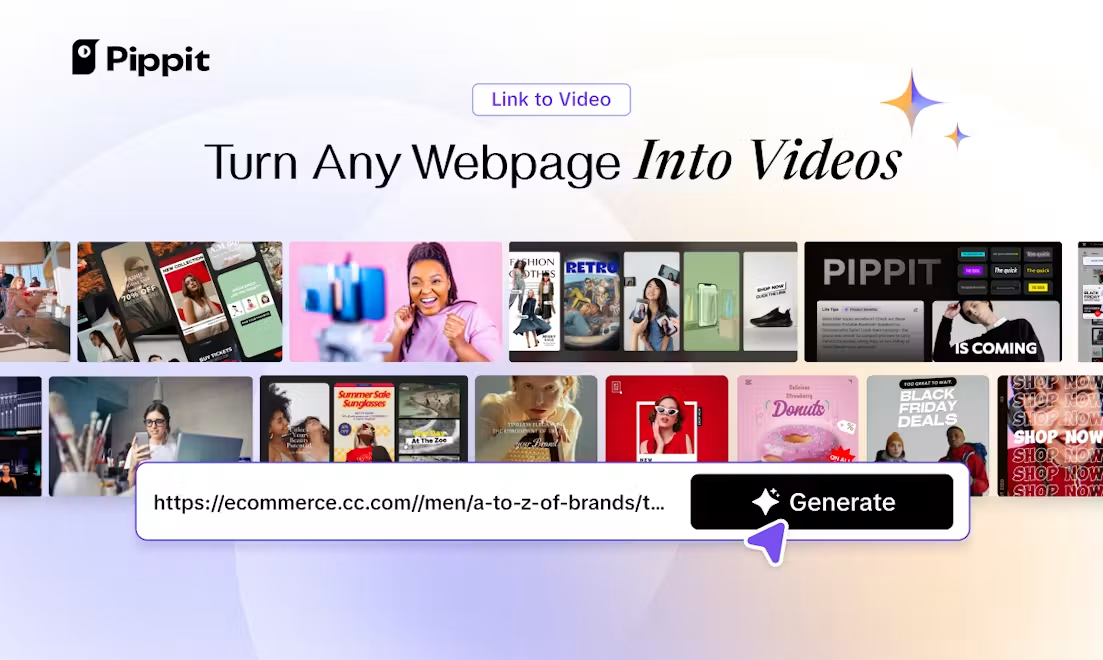
Review the whole cut against the pack. Can viewers identify the tote, see the divider's function, and understand the next action? Then inspect words and brand treatment. Pippit's documented editing route cannot guarantee a draft passes.
Product details and scene order
For this brief, the proposed order is closed tote, open tote, divider removed, items separated, then dimensions CTA. The removal needs screen time because it is the evidence. Move the real product view ahead of a lifestyle shot if the tote is hard to identify.
The following table is a review sheet for the fictional Alder Carry pack. It deliberately separates what the cut says from how the cut is built and how hard it is to repair.
| Check | Pass condition for this brief | Revision note if it fails |
|---|---|---|
| Content accuracy | Name, divider function, and dimensions CTA match the approved page; no cooling-duration claim appears. | Quote the incorrect line or identify the exact frame. Replace it with approved copy or media. |
| Scene structure | The viewer sees the tote, then the divider action, before the CTA. | Move or replace the scene that hides the product's main evidence. |
| Brand control | Logo, color, product spelling, and voice fit the supplied rules throughout. | Identify the mismatched scene or line; keep correctly branded scenes. |
| Revision workload | One specific correction can be made, checked in the full cut, and logged without rebuilding approved sections. | Record edit steps, reviewer time, and any credits before choosing another version. |
Visual identity and spoken message
Watch once with sound and once muted. With sound, compare every spoken benefit to the approved copy; listen for a line that upgrades “separates items” into an unsupported performance promise. Muted, check whether the product name, divider action, and final click remain understandable. Read captions and on-screen text as claims, even when the voiceover sounds right.
Pippit's public pages give inconsistent descriptions of a formal brand-kit hub. Do not assume automatic enforcement of your palette or logo. Inspect the cut and confirm the controls in your account.
How much work does a useful revision take?
The useful measure is the work between “the divider scene is wrong” and an approved full cut. Pippit's help page says generated videos can be opened in its editor and exported after editing. It does not tell us how many operations this particular correction would take or what a specific edit would cost. The subscription FAQ says credits are used for some video and image generation, while some creation tools do not consume them; in-app details govern individual actions.
For a trial, keep a small revision log: incorrect moment, requested fix, edit path, whether correct scenes survived, review minutes, credits used, and export result. One round should answer a real question. If the tool fixes the divider shot but changes approved narration, the draft needs another full-cut check. If replacing a single clip repeatedly disturbs the story, a timeline editor or a more directed production route may fit better. That is a workflow judgment, not a measured weakness of Pippit.
Where does the Pippit workflow stop?
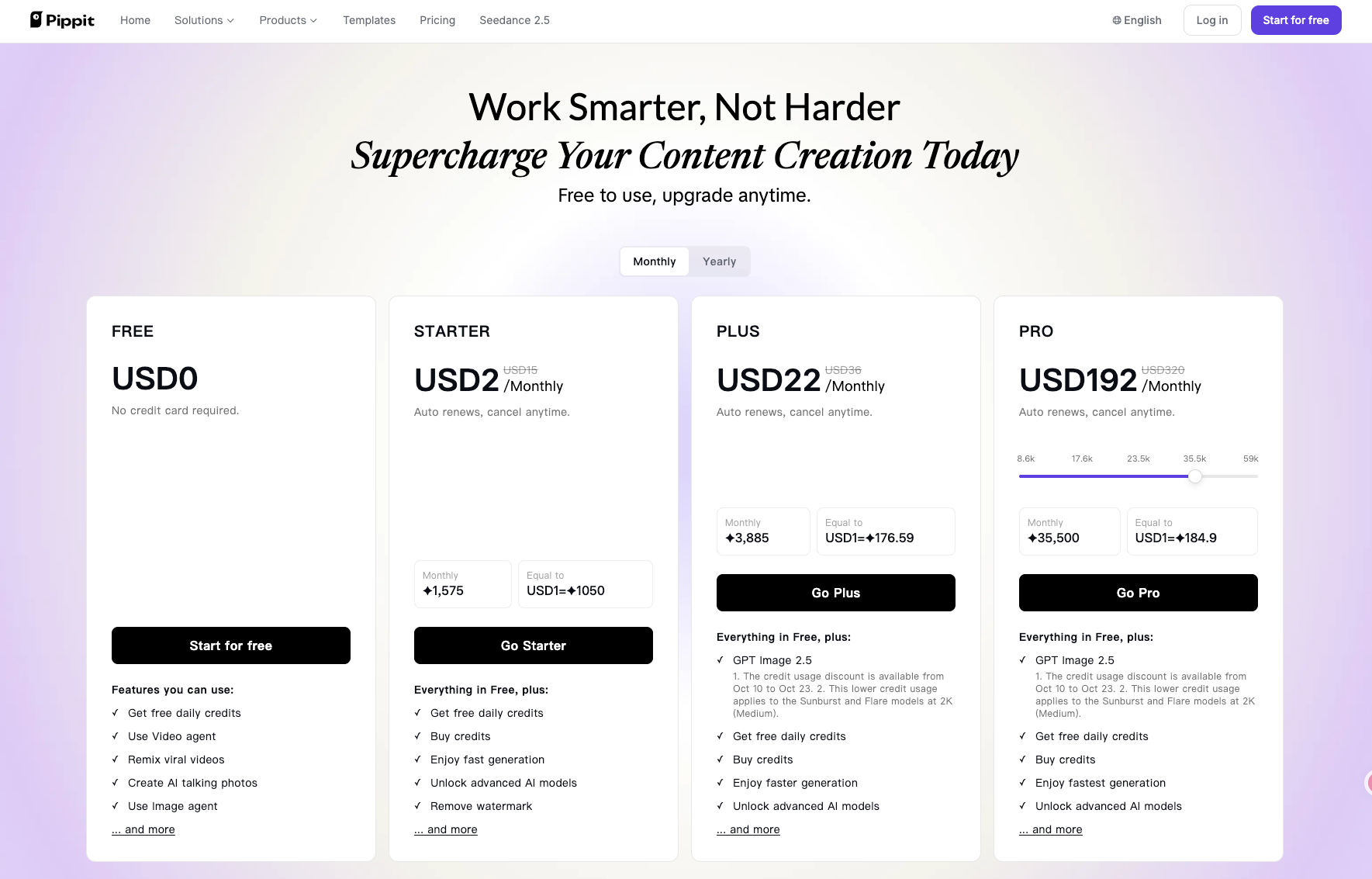
Pippit can take a marketer from product input to an editable draft and export, according to its official help. Approval, claim substantiation, music rights, and the final destination still belong to the team. As checked October 12, 2026, its pricing page lists plan-dependent credits, watermark removal, cloud storage, and team seats. Check your region and account before treating any one plan display as the cost of an approved campaign video. The page does not publish a fixed price for correcting the Alder Carry scene.
Pippit's help page lists direct posting to TikTok, Facebook, and Instagram. For other placements, check the export format and channel requirements. Export does not approve claims, music, or captions.
Pexo is another route for the same brief if your team prefers to direct the complete video through a conversation and review revisions there. Pexo's current guide describes asking for changes after reviewing a result. Pexo publishes this article, so that option is included as a disclosed publisher route, not an independent performance winner. We have no same-brief output, revision-time, or price comparison for these two products.

Who should choose Pippit for this task?

Choose Pippit for a controlled trial when the product page is supported, the asset pack is ready, and your team is comfortable inspecting and editing the first cut. Its link-led start, editor, local export, and publishing workflow make a relevant route for repeat product content. The acceptance test is straightforward: can your reviewers fix a wrong product moment while preserving the useful scenes, and does the result justify the work and credits?
If the team wants to direct the complete cut through conversation, compare that route using the same brief. If frame-by-frame control is mandatory, include a conventional editor. Judge the approved video and revision path.
If you want to explore the conversational route, bring your product page, approved media, and one claim to Pexo. State what the viewer should understand, review the direction, and name the first change precisely.