ChatGPT
 Perplexity
 Claude
 Gemini
 Grok
Grok


The cut is approved. Now it needs a route through your campaign. Explainer video marketing starts by naming the question each placement must answer and the next step a viewer can take. Adapt one approved story for each channel.
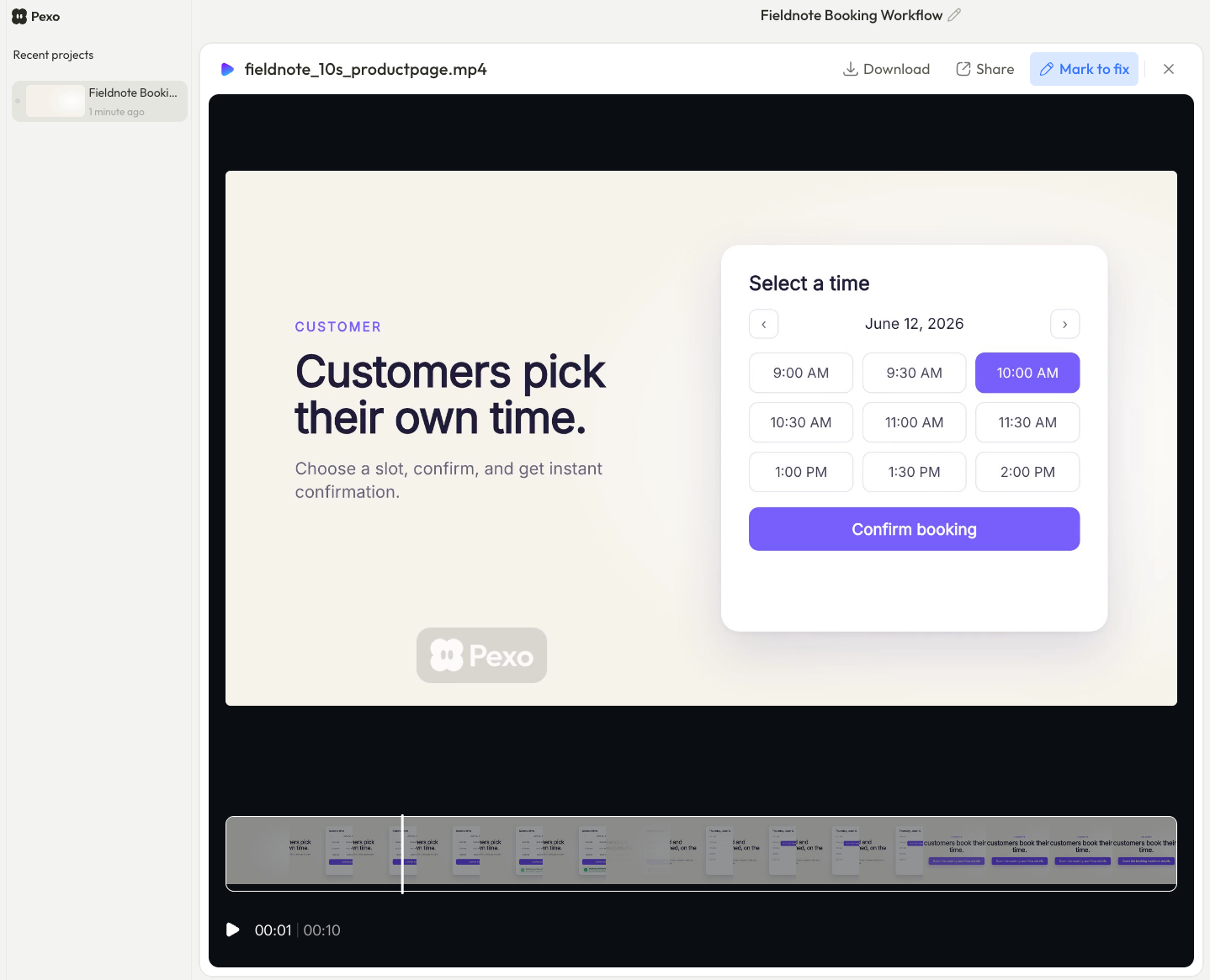
This guide follows a fictional appointment-booking product called Fieldnote. Its sample explainer shows a customer choosing a service slot and receiving confirmation. This is a planning example, not a measured campaign. Adapt its placement map to your video.
Which marketing job should the explainer do?
The explainer should resolve one question that blocks the next buyer action. For Fieldnote: Can a customer book a service visit without calling? The sample screens show slot choice, submission, and confirmation. There is no need to catalogue every setting or promise time savings.
Before distributing a business explainer video, write its job: “Show [audience] how [approved action] works so they can [next decision].” Watch the cut with and without sound. Can viewers follow the action? Does narration clarify a step, or repeat a benefit claim? The video earns its place when motion helps explain what text alone leaves unclear.
That is how to assess the benefits of explainer videos: name the understanding they add. A view count cannot tell you whether the question was answered.
Match the video to owned, paid, and nurture channels
Keep the claim and approved screens consistent. Adapt the opening, surrounding copy, and ending. These are placements of one Fieldnote story.
| Touchpoint | Viewer question | One next action | Available metric to check |
|---|---|---|---|
| Fieldnote product page | “Can customers choose a slot themselves?” | Open the booking workflow details | Page visits, video starts where the player supports them, detail-link clicks |
| Paid social excerpt from the same cut | “What would this change for my front desk?” | Visit the product page | Platform-defined video views, ad link clicks, tagged landing-page sessions |
| Sales follow-up email linking to the full cut | “Can I show this flow to my team?” | Book a product discussion | Email link clicks, confirmed meeting requests in the team’s records |
This is a measurement plan. Assign an owner to each event and test links before launch. Leave unavailable metrics blank.
Site and product pages
Put the full cut beside the explanation it supports. Fieldnote’s sequence belongs near the workflow details, where visitors can compare moving screens with the written claim. Keep essential information in text. Record the page’s next action separately from playback.
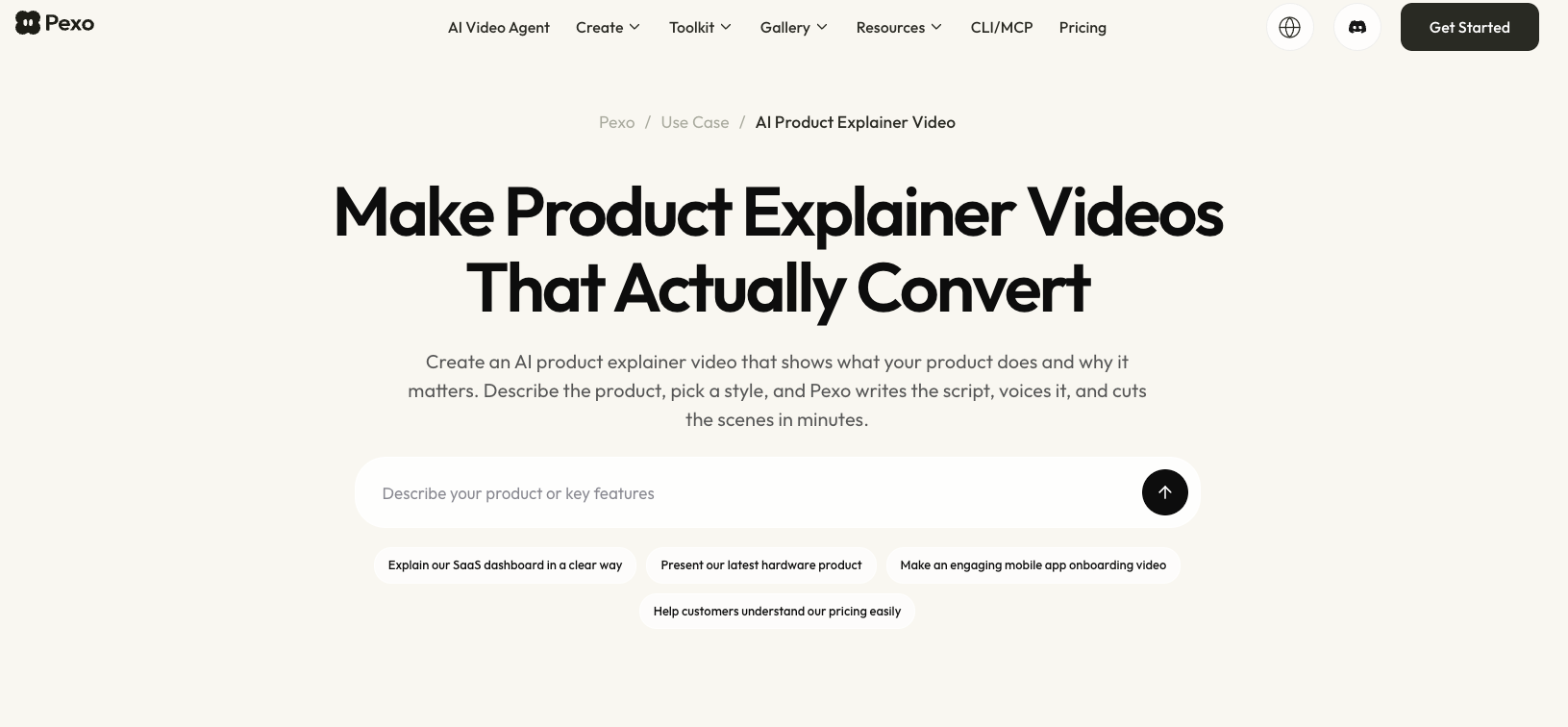
For the production side, see Pexo’s product explainer video page. Distribution starts after the story and claims are approved.
Paid distribution and social excerpts
For paid placement, lead with the booking action. Start the excerpt at the slot choice, then point to the product page. Keep the landing-page wording aligned with the excerpt so the click reaches the same promise.
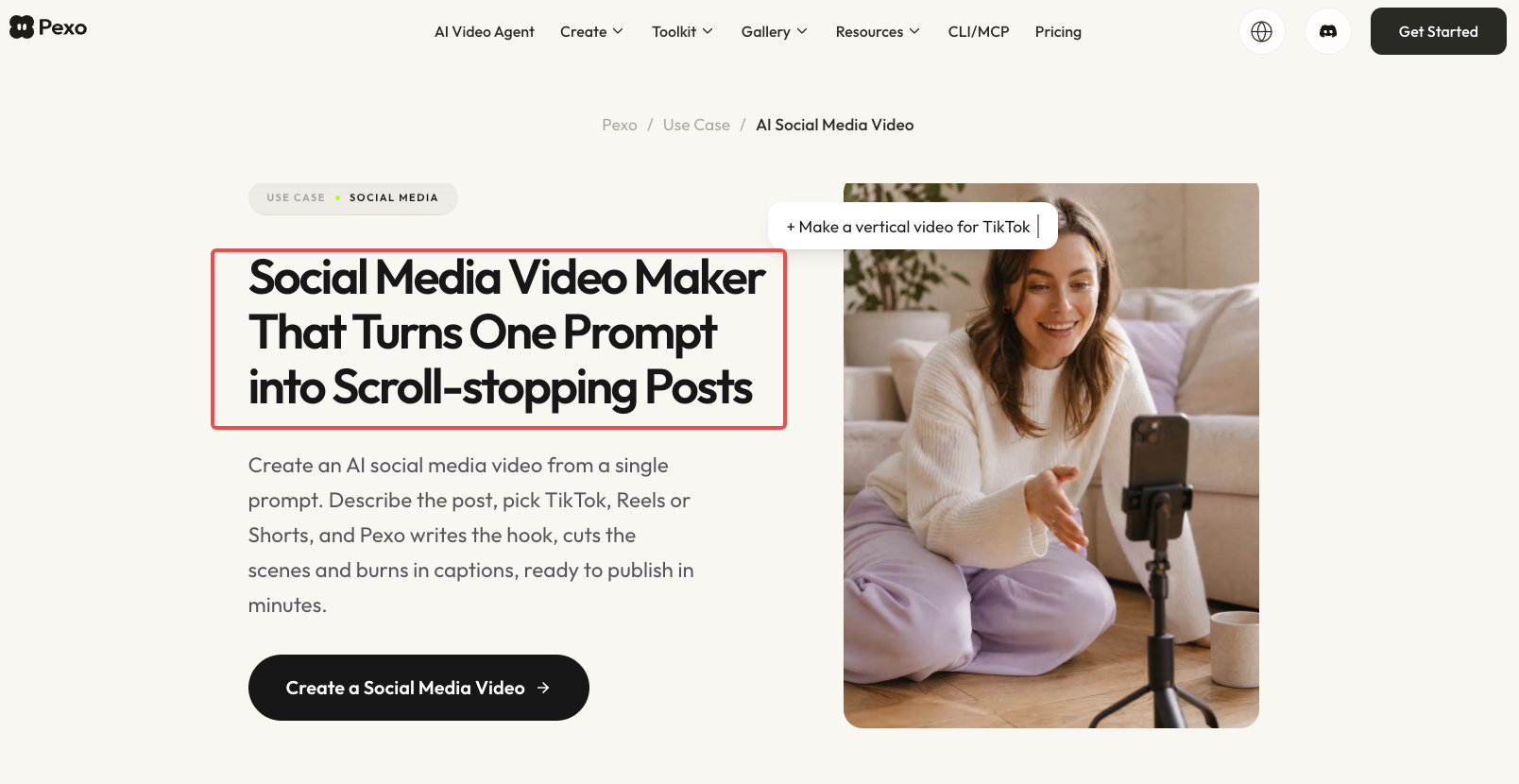
Use the platform’s view definition. LinkedIn defines a video ad view as two continuous seconds with at least half the video on screen. That event does not prove understanding. Pexo’s social media video page covers production for that adjacent asset type.
Email and sales follow-up
In follow-up, link a still to the approved cut and its written context. Say why it matters: “Here is the customer booking flow we discussed.” Ask whether that flow matches the buyer’s process. A link click is content interest; a meeting is counted when requested or booked.
Give each placement one measurable next step
Choose the action before publishing. Fieldnote’s page aims for a workflow-detail click; its ad aims for a page visit; its email aims for a discussion. Each has its own audience and denominator. Do not add their clicks together and call them “conversions.”
Use a distinct destination URL or consistent campaign tags for links from paid and email placements. Google Analytics explains how campaign parameters identify traffic sources after a tagged link is followed. On the site, define a click event for the chosen next step. If the business goal is a submitted inquiry, verify that submission in the form system or CRM. Google’s recommended generate_lead event represents a submitted form or request for information; a button click alone is earlier in the path.
Record asset version, placement, destination, and launch date. Then a surprising number can be traced to the event that produced it.
Interpret viewing and action data by channel
Each channel records different behavior. A site player start means playback began. A social view follows its platform’s threshold. An email click means someone opened a link. None establishes comprehension, purchase intent, or a sale.
Site metrics need a setup check. GA4’s enhanced video events apply to embedded YouTube videos with JS API support; other players may need separate instrumentation. Verify the event stream before reporting completions. Compare the same placement, event definition, audience, and window. Ad views may exceed page plays simply because the ad reached more people.
Look for the sequence that matters to the team: relevant reach, visits, next-action clicks, and confirmed inquiries. If inquiries rise after the video goes live, report the association and other changes that occurred at the same time. A tagged visit can identify a route into the site; it does not by itself prove the video caused the inquiry. If the claim matters enough to test causally, plan a controlled comparison with a defined audience and outcome rather than declaring a win from a before-and-after chart.
Refresh the asset when the product story changes
Refresh when a visible action or claim no longer matches the product. A new booking step or changed offer can make the cut misleading. List every placement, including partner and sales copies, so corrections reach them.
If Fieldnote renames its confirmation screen, replace that screen and check adjacent narration and text. Replay the full cut: does the path still make sense? Pexo’s guide describes conversational and frame-specific revisions; its URL-to-video guide describes using a public page as source and reviewing the result. The team still approves the claim, cut, and destinations.
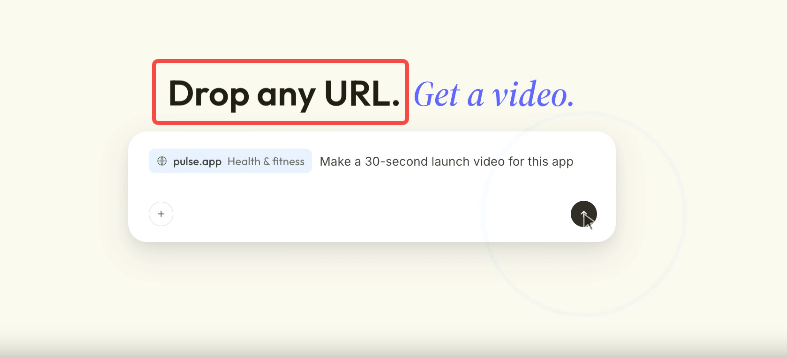
With approved assets, start a conversation with Pexo about the viewer question and placement, then review the cut.