

 ChatGPT
 Perplexity
 Claude
 Gemini
 Grok
Grok


If you have narrowed your search down to HeyGen and InVideo, here is the fastest way to decide: they are not really the same kind of tool. HeyGen builds talking-avatar and spokesperson videos, the kind where a presenter looks into the camera and speaks your script. InVideo assembles stock-footage videos from a script or a URL, the kind you scroll past on a faceless YouTube or TikTok channel. Pick HeyGen when you need a face and a voice. Pick InVideo when you need fast, visual, faceless content at volume. The rest of this guide backs that up dimension by dimension.
HeyGen vs InVideo: At a Glance
Here is the short version before we dig into each decision factor. This comparison draws on both tools' published specifications and independent third-party reviews as of June 2026, and was written with AI assistance. Prices change often, so always confirm the current tier on each official pricing page before you buy.
| HeyGen | InVideo | |
|---|---|---|
| Best for | Talking-avatar, spokesperson, training, and multilingual videos | Faceless stock-footage content for social and YouTube |
| Core method | AI avatars + lip-synced voice | Script/URL to stock-footage edit |
| Free tier | 3 watermarked videos/month | ~10 watermarked exports/week, 720p |
| Entry paid plan | Creator, ~$29/mo ($24 annual) | Plus, $25/mo ($20 annual) |
| Standout strength | Avatar realism + 175+ language translation | 16M+ stock assets, 5,000+ templates |
| Weakness | No deep stock library; pricier at scale | No realistic talking avatars |
What Each Tool Is Built For
HeyGen is an AI avatar studio. You type or paste a script, choose from its library of avatars (or clone yourself), and it produces a presenter-style video with synced lip movement and a generated voice. Its reputation rests on realism and on translating one recording into many languages.
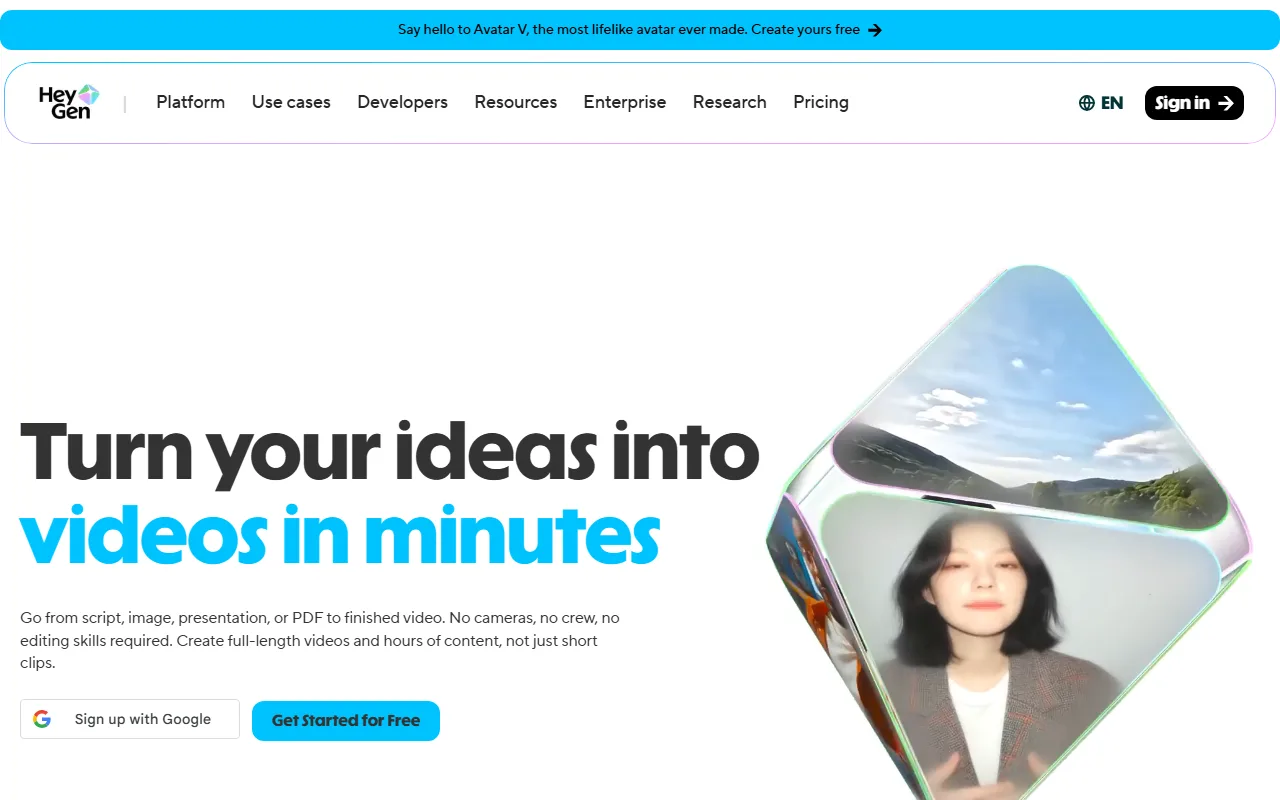 HeyGen leads with avatar-driven video, turning a script into a presenter-style clip.
InVideo takes the opposite path. You give it a text prompt, a full script, or even a blog URL, and it generates a complete video by pulling from a massive stock library and layering AI voiceover, captions, and transitions. There is no avatar speaking to camera. The output is edited b-roll built for fast, faceless publishing.
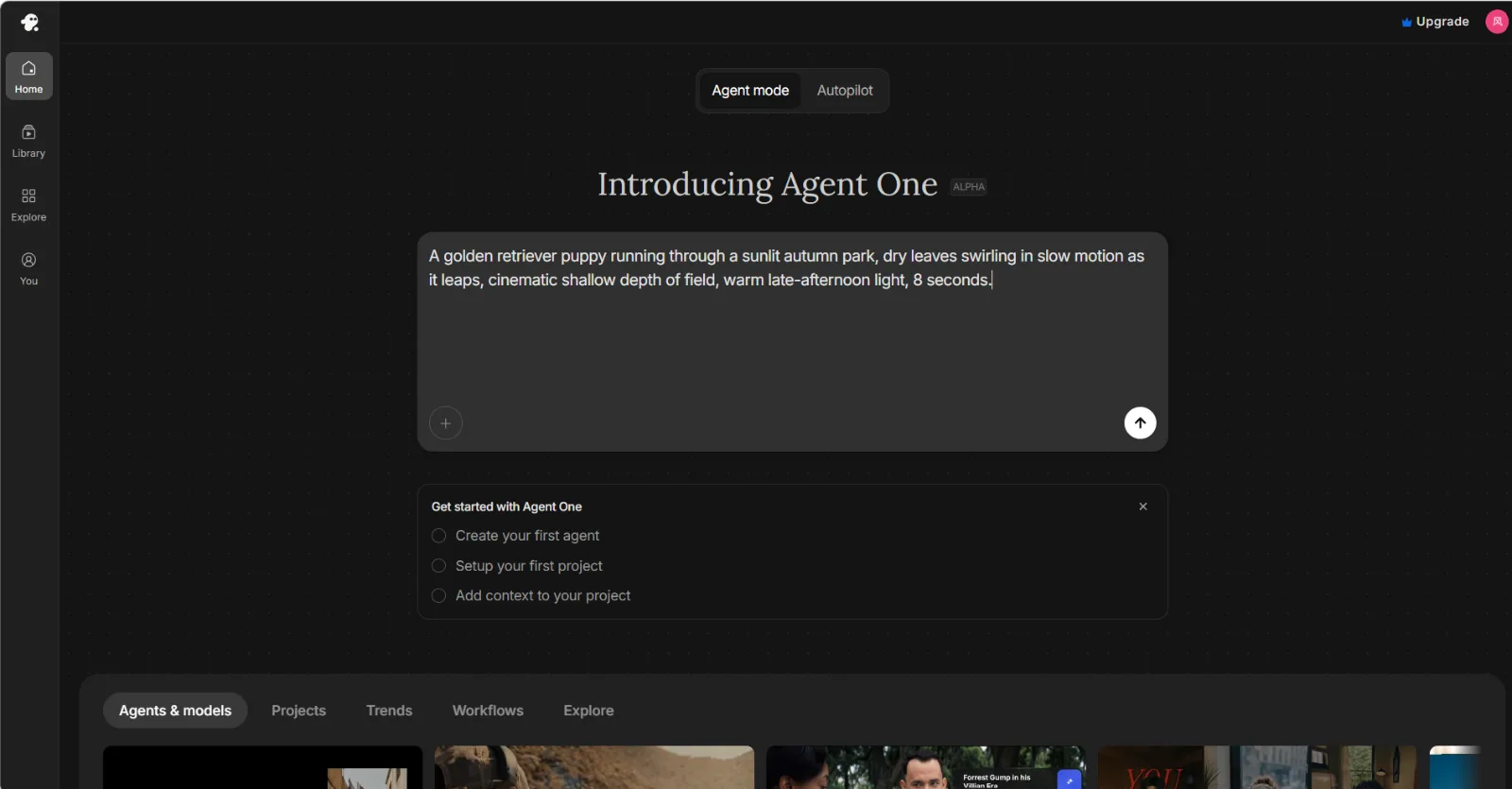 InVideo's agent turns a typed prompt into a full video, no avatar or timeline involved.
Core Approach: Talking Avatars vs Stock Footage
This is the dimension that decides most cases, so start here. HeyGen's whole engine is the avatar: a human-looking presenter delivering your words, useful when the message needs a face, like a sales pitch, a course intro, or a product announcement. InVideo never shows a presenter. It answers a different question, "how do I turn this idea into watchable footage without filming anything," and it does that by stitching stock clips to a voiceover.
Winner: depends on the job. If your video needs someone talking to the viewer, only HeyGen qualifies. If you want narrated visuals with no on-screen host, InVideo is built for exactly that.
Output Quality and Realism
On avatar realism, HeyGen is widely reported to lead the category in 2026. Reviewers consistently single out its newer Avatar IV models for lip sync and facial expression that hold up at higher resolutions, which is why sales and training teams lean on it for customer-facing video. InVideo cannot compete here because it has no avatars to render.
InVideo's quality story is different. Its strength is the polish of the assembled edit: pacing, transitions, and footage drawn from large licensed stock libraries, so a faceless video looks professionally cut without sourcing your own clips. The trade-off is that stock-driven videos can feel generic when several creators pull from the same library, so swapping in your own footage still matters.
Winner: HeyGen for realism, InVideo for finished-edit polish.
Ease of Use and Speed to First Video
InVideo is the faster path from idea to export. A single prompt or a pasted URL returns a near-complete video in one pass, and its conversational editor lets you refine by typing a change rather than touching a timeline. If you publish on a regular cadence, that shorter setup time adds up over a week of videos.
HeyGen is straightforward too, but the avatar workflow adds steps: pick or create an avatar, set the voice, then review the lip sync. None of it is hard, yet getting a polished talking-head clip generally takes longer than InVideo's one-prompt route, especially the first time.
Winner: InVideo, for sheer time-to-first-video.
Templates, Assets, and Stock Library
This dimension is lopsided. InVideo ships 5,000-plus customizable templates and access to 16 million-plus stock media assets, so you rarely need to source your own footage. For social managers and faceless-channel creators, that library is the product.
HeyGen offers templates too, but its catalog is built around avatars and presentation scenes, not broad b-roll. If your project depends on a deep, searchable stock library, HeyGen will leave you hunting for assets elsewhere.
Winner: InVideo, decisively, on library breadth.
Languages and Localization
Here HeyGen has a genuine moat. It advertises lip-synced video translation across 175-plus languages, re-matching the avatar's mouth movement to the new audio instead of just dubbing a track over the original. For multilingual marketing or global training, that is a capability InVideo simply does not match.
InVideo supports multiple languages for its AI voiceover and script generation, which is fine for publishing in a handful of markets. But it has no lip-synced avatar translation, because it has no avatars. If localization at scale is your reason for buying, this dimension alone may settle it.
Winner: HeyGen, clearly.
Format and Export Deal-Breakers
Most "vs" roundups stop at features and price, but the thing that actually trips people up is format. For short-form social, InVideo is the safer bet: it generates natively in vertical 9:16, auto-captions, and exports clips sized for TikTok, Reels, and Shorts without extra steps. HeyGen handles vertical avatar clips too, but its sweet spot is a presenter framed for landscape or square, and reframing a talking head to full-screen vertical can crop awkwardly. If your distribution is captions-on, vertical, and high-volume, that detail matters more than any headline feature. If you are making landscape explainers or training videos, it is a non-issue.
Winner: InVideo for short-form social formats; a wash for landscape work.
Pricing and Value
Both tools offer a free tier with a watermark, then climb on usage. As of June 2026, HeyGen's Creator plan runs about $29 per month ($24 annual) with higher Business and Pro tiers above it. InVideo's Plus plan is $25 per month ($20 annual) and removes the watermark, with a Max plan at $60 per month for heavier output.
The honest read is that the headline price matters less than your cost per finished video. Do the division for your own volume: if you publish a handful of avatar explainers a month, HeyGen's Creator plan is reasonable per video; if you ship faceless content daily, InVideo's export caps, not its monthly fee, are the number that decides whether you outgrow a tier. Map the plan to the videos you actually make, then compare. Third-party review sites like Capterra track both tools' current feature and rating differences if you want an outside read before you commit.
Winner: a tie, decided by use case rather than cost.
Pros and Cons at a Glance
A quick scan of where each tool helps and where it frustrates.
HeyGen
- Pros: best-in-class avatar realism; 175+ language lip-synced translation; strong for sales, L&D, and spokesperson video.
- Cons: no deep stock library; gets expensive at higher tiers; slower to a finished clip than one-prompt tools.
InVideo
- Pros: huge template and stock library; fastest idea-to-video; conversational editing; generous free tier for testing.
- Cons: no realistic talking avatars; stock-heavy videos can feel generic; export caps bite at volume.
Choose HeyGen If / Choose InVideo If
The verdict in one line: for a face-to-camera or multilingual video, choose HeyGen; for fast, faceless, stock-driven content, choose InVideo.
Choose HeyGen if:
- You need a presenter or spokesperson talking directly to the viewer.
- You are localizing one video into many languages with matched lip sync.
- You make sales, onboarding, or training videos where a human face builds trust.
Choose InVideo if:
- You run a faceless YouTube, TikTok, or Reels channel and publish often.
- You want a finished video from a prompt or a blog URL in minutes.
- You need a big stock and template library so you never have to film.
A Third Option: When Neither Quite Fits
The whole point above is that you should pick by the job in front of you. But some people do not have one steady job: one week it is a spokesperson clip, the next it is faceless b-roll, and committing to either HeyGen's avatars or InVideo's stock library means owning two subscriptions or constantly compromising. (Full disclosure: this blog is published by Pexo, so treat the next paragraph as the vendor's own pitch, not a neutral verdict.)
For that mixed case, a conversational AI video partner like Pexo works differently: you do not choose the engine at all. You describe the video in plain language and it routes the job across models like Seedance, Sora, Kling, and more, and it can turn a link into a video the way InVideo does. It will not match HeyGen's avatar realism for dedicated spokesperson work, and it is not the pick if your needs map cleanly to one of the two tools above. If your output genuinely spans both jobs, it is worth a look.
Conclusion
HeyGen and InVideo look like rivals but solve different problems. HeyGen wins when your video needs a believable human presenter or multilingual reach. InVideo wins when you need fast, faceless, stock-driven content at volume. Match the tool to the job in front of you, and if that job keeps shifting, a multi-model partner that picks the approach for you is worth a look.





