

 ChatGPT
 Perplexity
 Claude
 Gemini
 Grok
Grok


If you are comparing Pictory vs InVideo to pick an AI video tool, the two look almost identical at first glance. Both turn text into video, both lean on stock footage and AI voiceover, and both promise a finished clip in minutes. Look closer and they solve different jobs. Pictory is built to repurpose written content fast, so a blog post becomes a watchable summary with almost no effort. InVideo is built for creative range, so you can produce many kinds of video from a prompt and a huge template library. This guide breaks the choice down dimension by dimension, names a clear winner for each, and ends with a third approach worth knowing about.
Pictory vs InVideo: The Quick Verdict
If your main job is turning blogs, articles, or scripts into video quickly and on a budget, choose Pictory. If you want creative range, a real editor, and 4K output for varied video types, choose InVideo. Neither one wins everything, and most of the decision comes down to whether you value speed and automation or control and polish. The simplest way to frame it: Pictory reads your content and builds a video around it, while InVideo gives you a studio to build almost any video you can describe.
Here is the head-to-head at a glance.
| What you care about | Pictory | InVideo |
|---|---|---|
| Strongest at | Repurposing text into video, speed | Creative range, design control |
| Core approach | Reads your text, matches stock clips | Generates from prompts, huge template set |
| Templates | Around 100, repurposing-focused | 7,000+, nearly every format |
| Max resolution | 1080p | 4K |
| Editing | Light and automated | Full timeline editor |
| Pricing (as of June 2026) | From about $19/month, free tier with watermark | From about $25/month, free tier with watermark |
| Bottom line | The fast repurposing pick | The creative production pick |
Pictory vs InVideo, Dimension by Dimension
Is Pictory better than InVideo? It depends on the job. Neither tool sweeps every category, so here is where each one genuinely pulls ahead.
Content Repurposing
Pictory wins this clearly, and it is the reason most people try it. Paste a blog URL or a script, and Pictory pulls the key sentences, matches stock footage to the keywords, adds captions, and produces a video in minutes. In testing it turned an 800-word post into a captioned video in under four minutes, with scene breaks that actually matched the text. InVideo can import text too, but it leans creative and needs more steering to stay faithful to a source article. For turning existing writing into a watchable recap, Pictory is faster and truer to the original. Pictory also trims existing long videos into short, captioned highlights, which suits podcasters and webinar hosts repurposing recordings they already have.
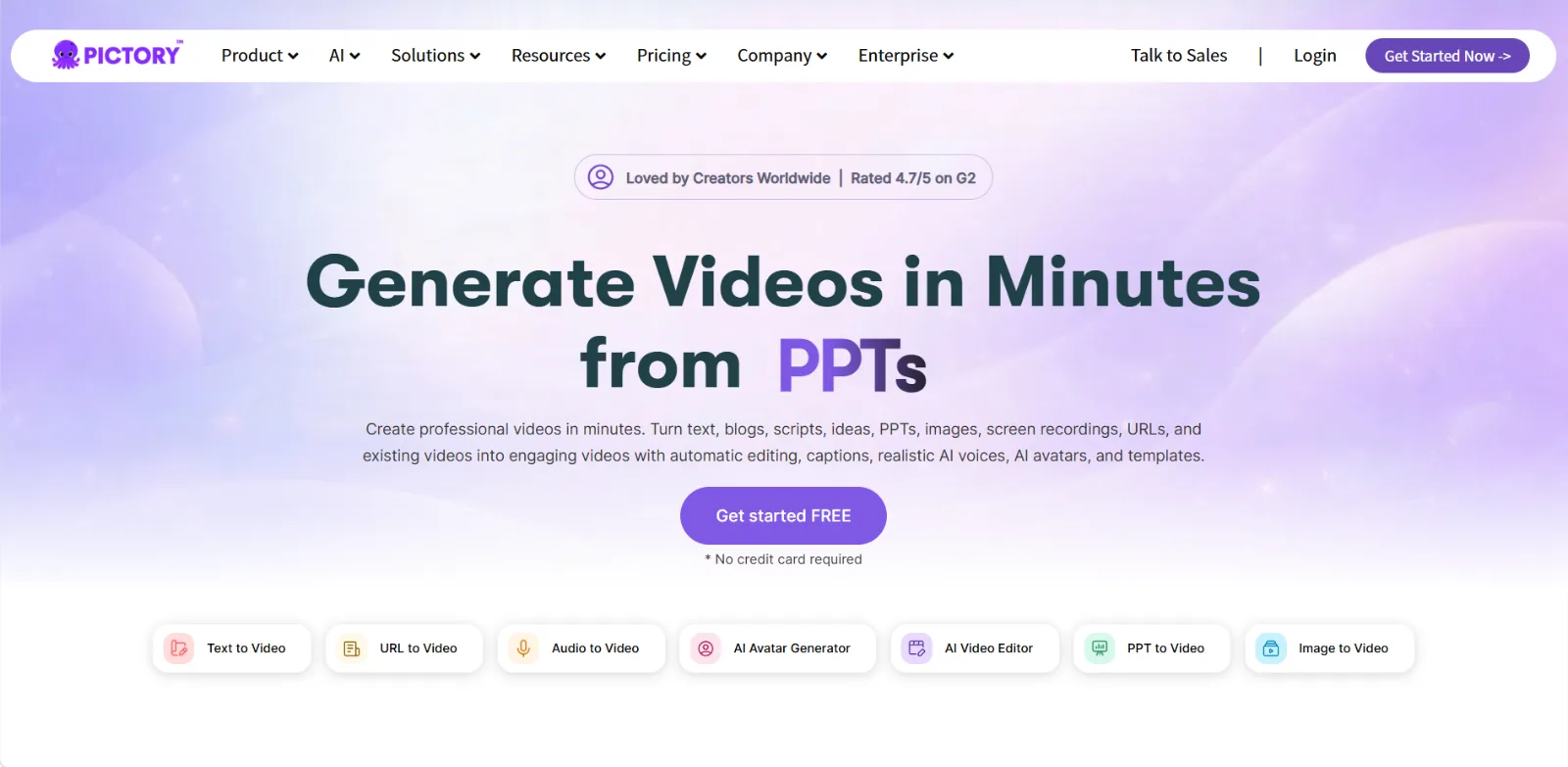 Pictory turns text, blogs, scripts, and PPTs into video with automatic editing, captions, and AI voices.
Creative Range and Templates
Range is where InVideo pulls away. It offers more than 7,000 templates spanning social ads, YouTube intros, Reels, product demos, and event promos, plus generative tools like VFX and avatar creation. Its AI understands marketing language, so a prompt for a 60-second summer-sale Reel returns something usable on the first pass, with varied footage and movement. Pictory's library is around 100 templates, focused on recaps and talking-head summaries. If you want diverse, designed videos created from a prompt rather than a source text, InVideo simply gives you more to work with. It also bundles a large licensed media library and an AI script generator, so you can go from a single line of intent to a full first draft.
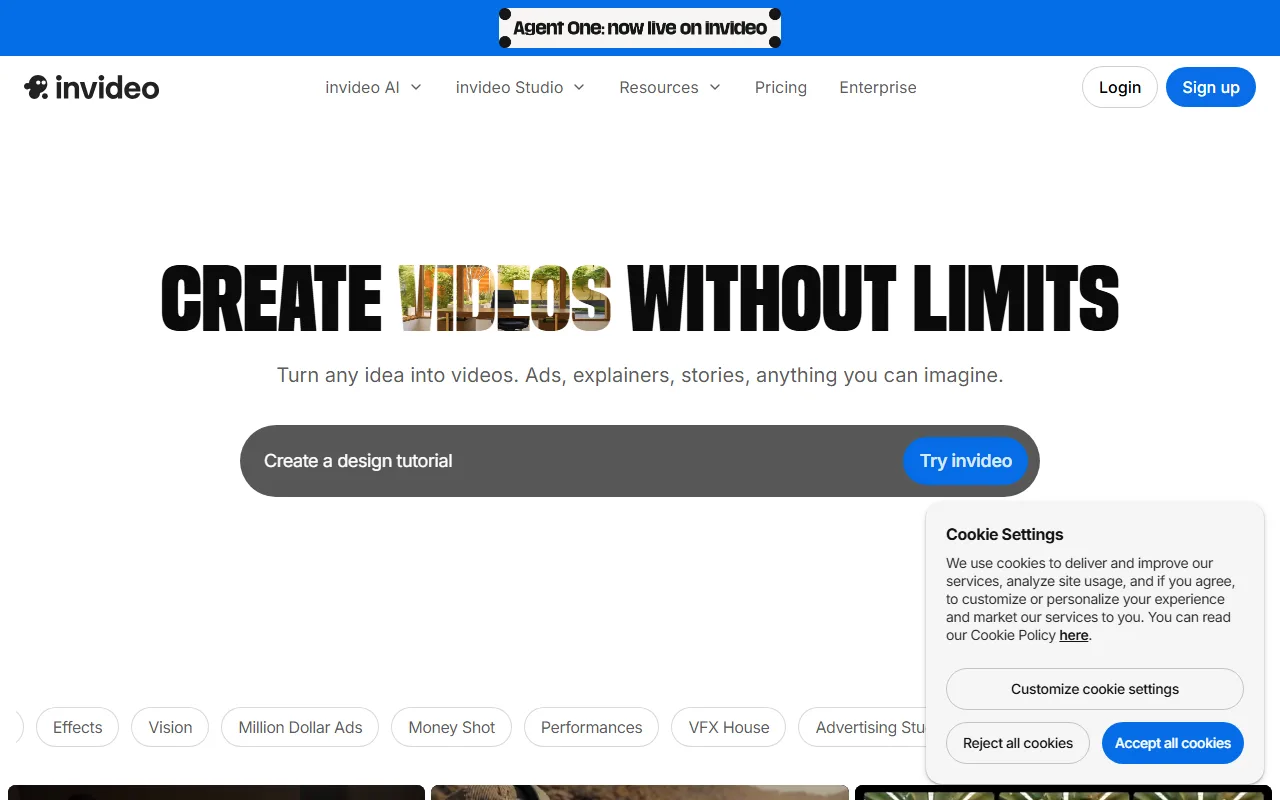 InVideo leans on a huge template library and prompt-driven creation for many video formats.
Ease of Use and Speed
For a hands-off result, Pictory is the easy call. It is built to do the heavy lifting, so you drop in text, get a near-finished video, and clean up the edges. There is very little to learn. InVideo gives you more knobs, which means more flexibility but also more effort and a steeper first hour as you find your way around the editor. If you want a fast result without fiddling, Pictory gets you there sooner. If you enjoy shaping the details, InVideo's extra control is worth the extra time it asks for. Teams that publish daily tend to lean Pictory for that reason, while studios that want a signature look lean InVideo.
Output Quality and Resolution
On raw output, InVideo has the edge. It exports up to 4K, the only one of the two that does, and its AI voiceovers sound more natural, with voice cloning available on higher tiers. Pictory tops out at 1080p and its voices are serviceable rather than standout. For brand work where resolution and a polished voice track matter, InVideo has the clear edge. For social recaps and internal videos where 1080p is plenty, Pictory's output is perfectly fine, so this dimension only matters if you genuinely need the higher ceiling.
Editing and Control
InVideo also owns hands-on editing. Its full timeline editor lets you adjust scenes, layers, timing, and transitions by hand, which feels close to a traditional editor. You can rework almost anything the AI produced. Pictory keeps editing light and automated, which is the entire point of its workflow but limiting if you want precise control over a cut. If you need to fine-tune every frame, InVideo gives you the room. If you would rather never open a timeline, Pictory's automation is a feature rather than a gap.
Pricing and Value
On the Pictory vs InVideo pricing question, Pictory wins on value for its use case. Its paid plans start lower, around $19 per month, and both tools offer a free tier with a watermark, listed on the Pictory pricing page. InVideo costs a little more, starting around $25 per month, but that buys 4K, the much larger library, and API access at higher tiers. Verify both before you commit, since plans change. For repurposing content on a budget, Pictory stretches further. For creative range, InVideo's higher price clearly buys more capability.
Pros and Cons at a Glance
Here is the short version of what each tool gives you and what it costs you. Independent user reviews on Capterra line up with the split below.
Pictory
- Pros: fast and accurate blog or URL to video repurposing, near hands-off automation, and lower pricing with a free tier.
- Cons: a small template library and limited creative range, light editing only, and output that caps at 1080p.
InVideo
- Pros: a huge template library with creative AI, a full timeline editor, and 4K output with natural voices and voice cloning.
- Cons: more effort and a real learning curve, higher pricing, and less literal accuracy when faithfully repurposing an article.
Choose Pictory If, Choose InVideo If
Different readers should walk away with different answers, so here is the routing.
Choose Pictory if:
- You repurpose blogs, articles, or scripts into video on a regular basis.
- You want speed and automation more than fine control.
- You want the lower monthly price and a simple workflow.
- Your main output is 1080p social recaps or summaries.
Choose InVideo if:
- You create many different video types from prompts, not just recaps.
- You want thousands of templates and a real timeline editor.
- You need 4K output and polished, cloneable voiceover.
- You are willing to invest a little time for more creative control.
The one-line version: pick Pictory to repurpose content fast and cheap, and pick InVideo to create varied, polished video from scratch.
The Third Option: A Different Way to Make Video
Pictory and InVideo share a quiet assumption, that a video is assembled from stock clips and templates matched to a script. There is another way to make video, which is to generate it. That is where a partner like Pexo fits. Pexo is an AI video partner, not a template tool. Instead of choosing a layout and steering stock footage, you describe what you want in one conversation, and Pexo generates original video. No menus to learn, no timeline to manage, no prompt syntax to memorize. You can generate a video from a description, or even turn a link into a video that Pexo creates rather than stitches together from stock.
To be fair about the trade-off, this is a genuinely different job. Pexo will not repurpose an existing long video into clips the way Pictory does, and it will not hand you InVideo's 7,000-template editor for manual design. It is the option for when you want original footage from an idea rather than a stock-clip montage, and you would rather talk than operate a tool.
 Pexo generates original video from a single conversation, with no templates or timeline to operate.
Conclusion
Pictory vs InVideo is not really about which tool is better, since they are built for different jobs. Pictory is the fast, affordable choice for repurposing written content into video, ideal when accuracy and speed matter more than range. InVideo is the creative production choice, ideal when you want templates, a real editor, and 4K output for many kinds of video. And if both feel like the same stock-and-template approach to the same problem, it is worth remembering there is another path. You can try a video for free and see how generating original footage from a conversation compares before you commit to any one workflow.






