Pexo
Gemini Omni 1.2 Flash

Gemini Omni 1.2 Flash
Build the shot. Keep refining the same scene.

Gemini Omni 1.2 Flash is Google’s video generation and editing model, released on November 5, 2026. Create clips up to 15 seconds, guide them with references, and refine a result through conversation. The Gemini API supports native audio and shorter draft resolutions, with upscaling for larger delivery formats.

Official camera-move example · 9.8-second excerpt, with the introductory screen removed.

Core capabilities

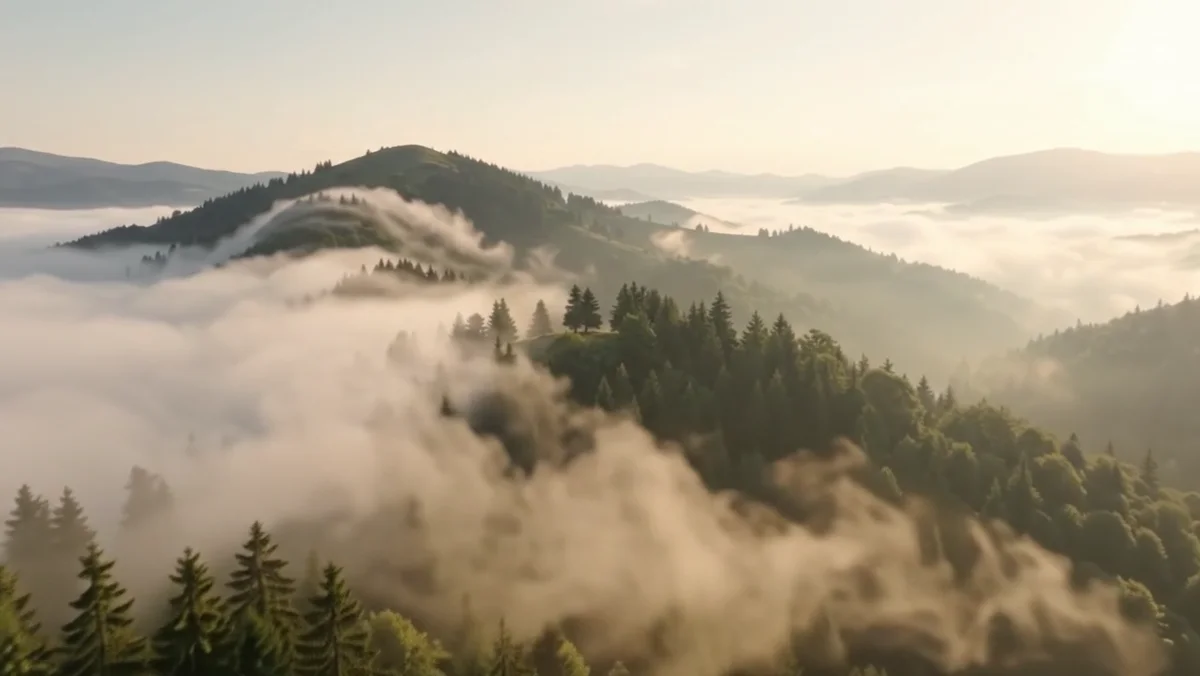
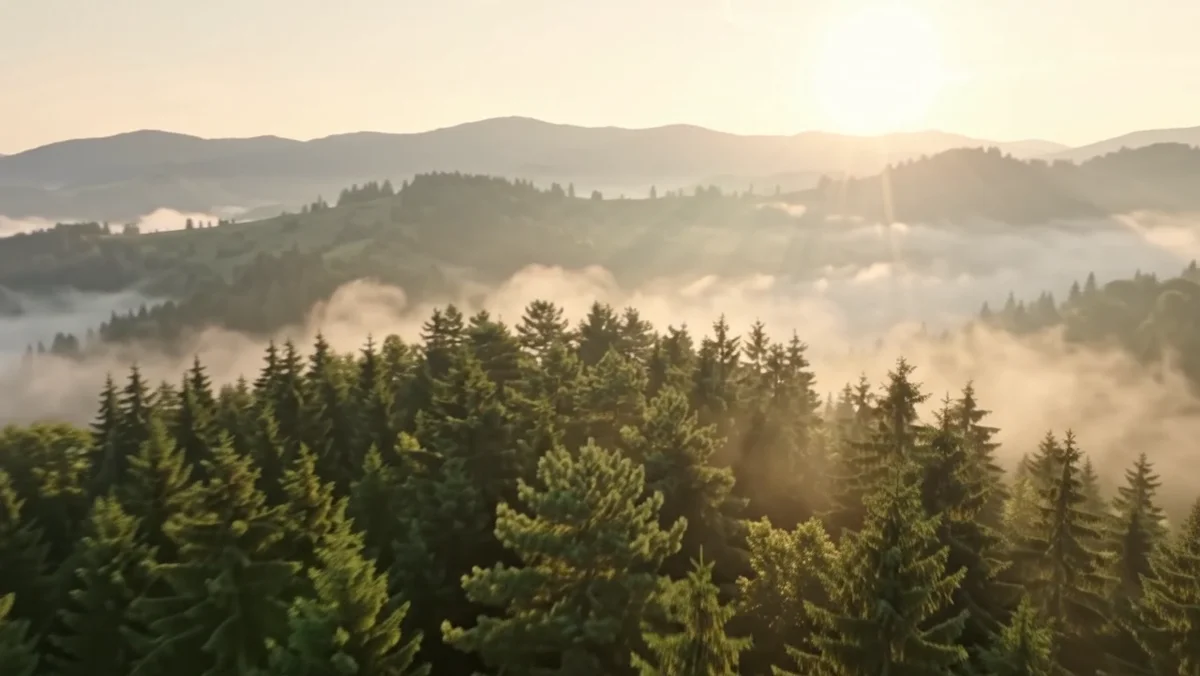
Misty forest and mountain landscape generated from a text brief
Example prompt: Glide above the misty forest at dawn. Keep one continuous shot, with a soft wind and no dialogue.

Turn a written scene into a video

Specify what moves, where the camera goes, and what the audience should hear. A quiet forest reveal is a useful starting point: one subject, one movement, and a readable ending. New generations can run from 3 to 15 seconds in whole-second increments; the default is 10 seconds.
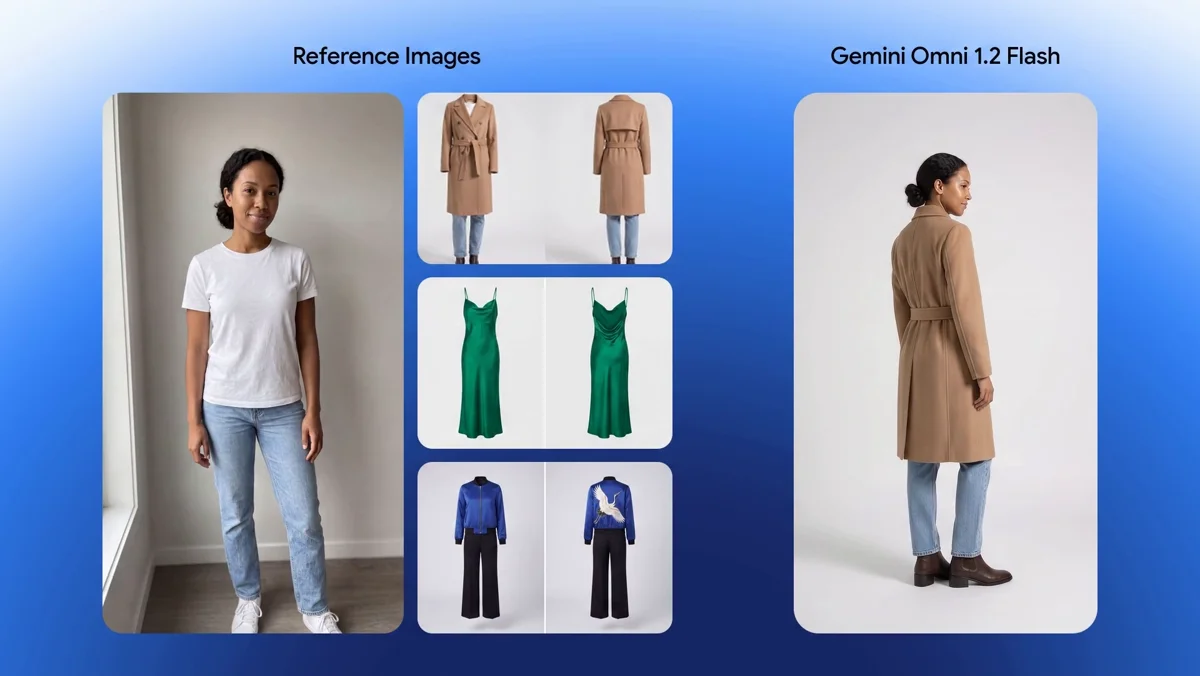
Source model and garment references beside the generated try-on
Reference photographs → generated try-on · Official comparison frame

Bring references into the shot

Combine images of a person, garment or product with the action you want to see. The official try-on demonstration puts the source photographs beside the result, making the reference relationship visible. Gemini API generation accepts up to six reference images. Check the moving result for changes in faces, fabric and lettering.

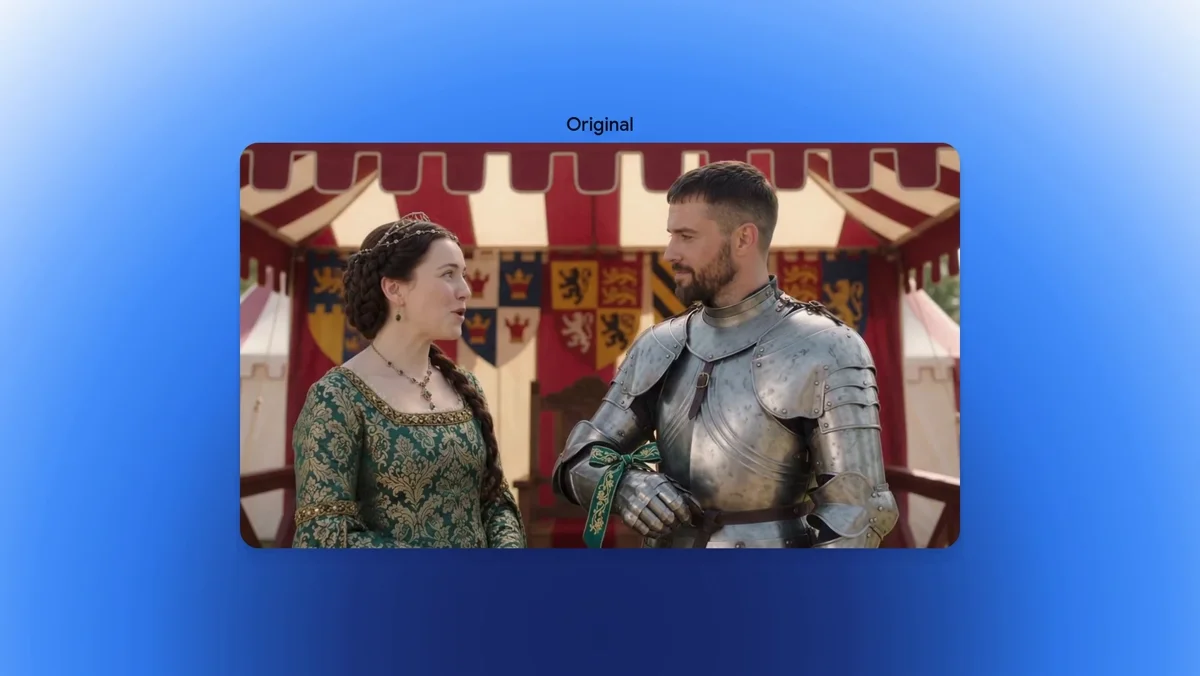
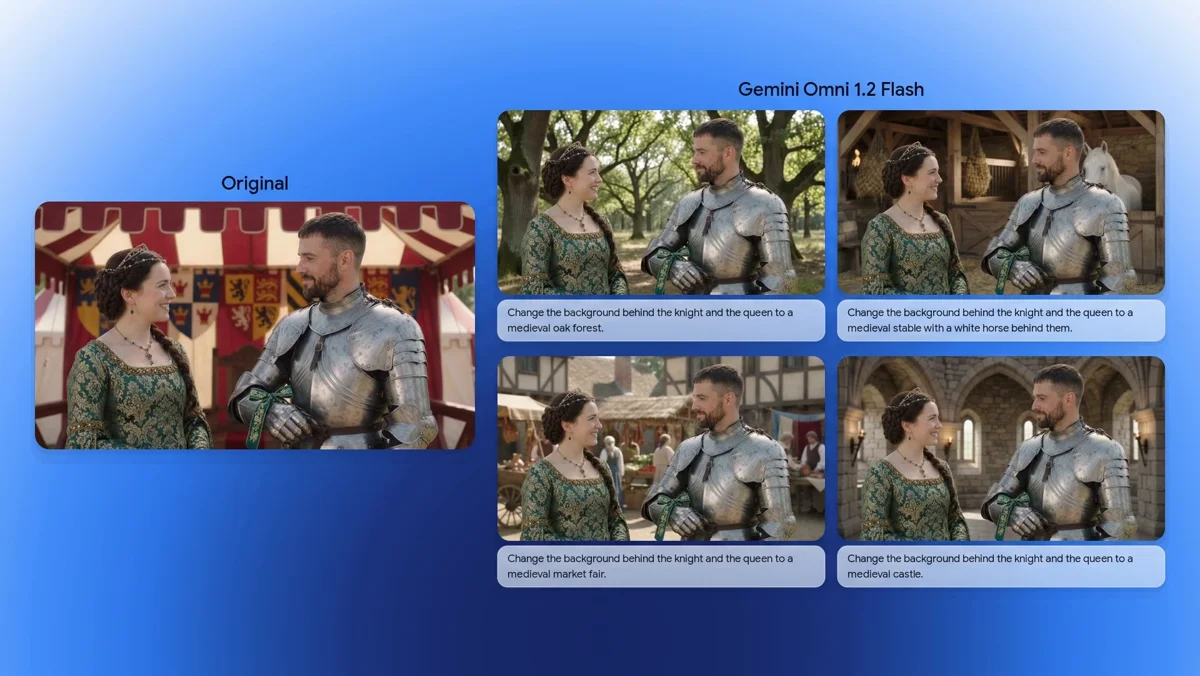
One original performance and four background edit turns
Original performance → background changes · Multiple official edit turns

Revise the scene through conversation

Ask for one change, then review that version before the next turn. In this demonstration, the same medieval performance is restaged in several environments. A focused instruction is easier to judge than a long list of unrelated changes. Uploaded editing inputs are limited to 15 seconds and availability varies by region.

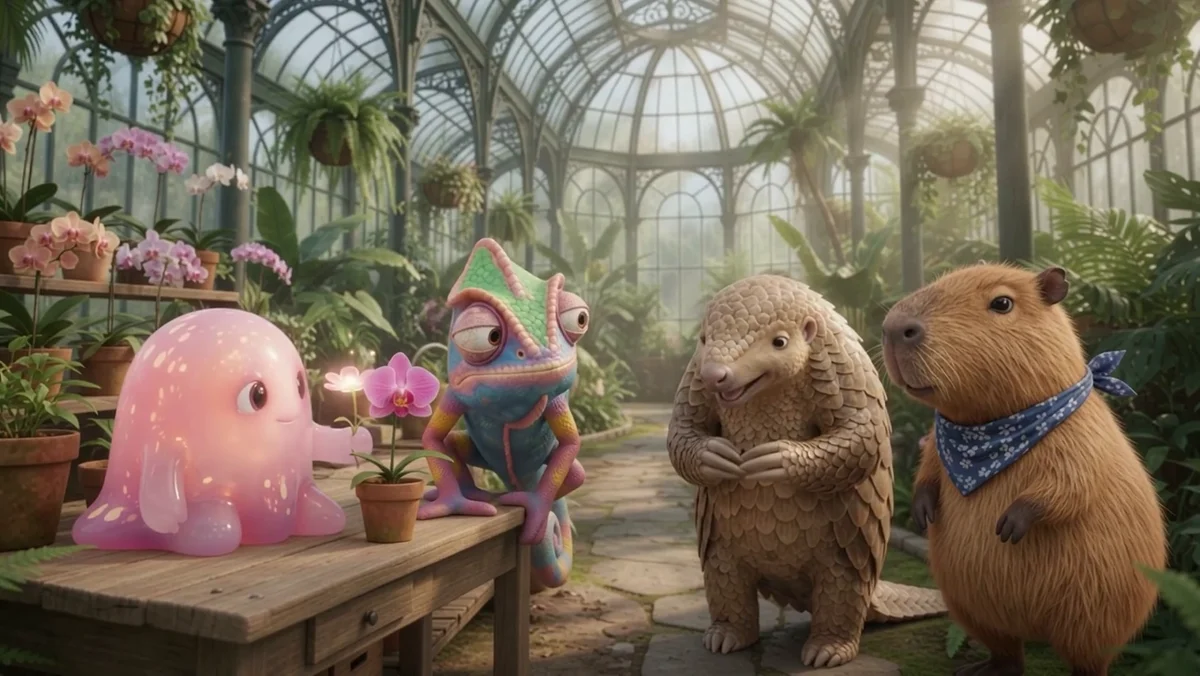
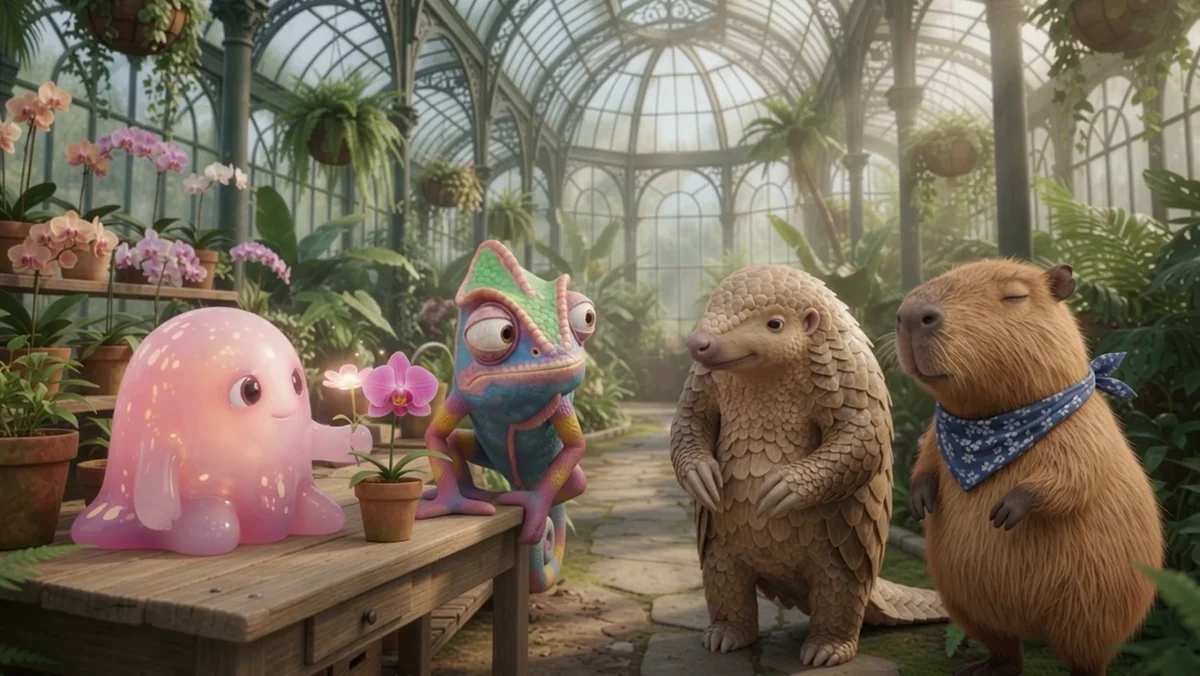
Four animated characters in a conservatory dialogue
Actual waveform of the conservatory dialogue excerpt
Official dialogue demonstration · Audio-reference access differs by platform

Give the scene its own sound

Describe the audible event alongside the visible action: a line of dialogue, footsteps or ambient sound. The conservatory example shows a multi-character conversation. Its voice-reference setup is a provider demonstration; audio-reference uploads are not supported by the current public Gemini API. Listen to the result and inspect lip movement before choosing a take.

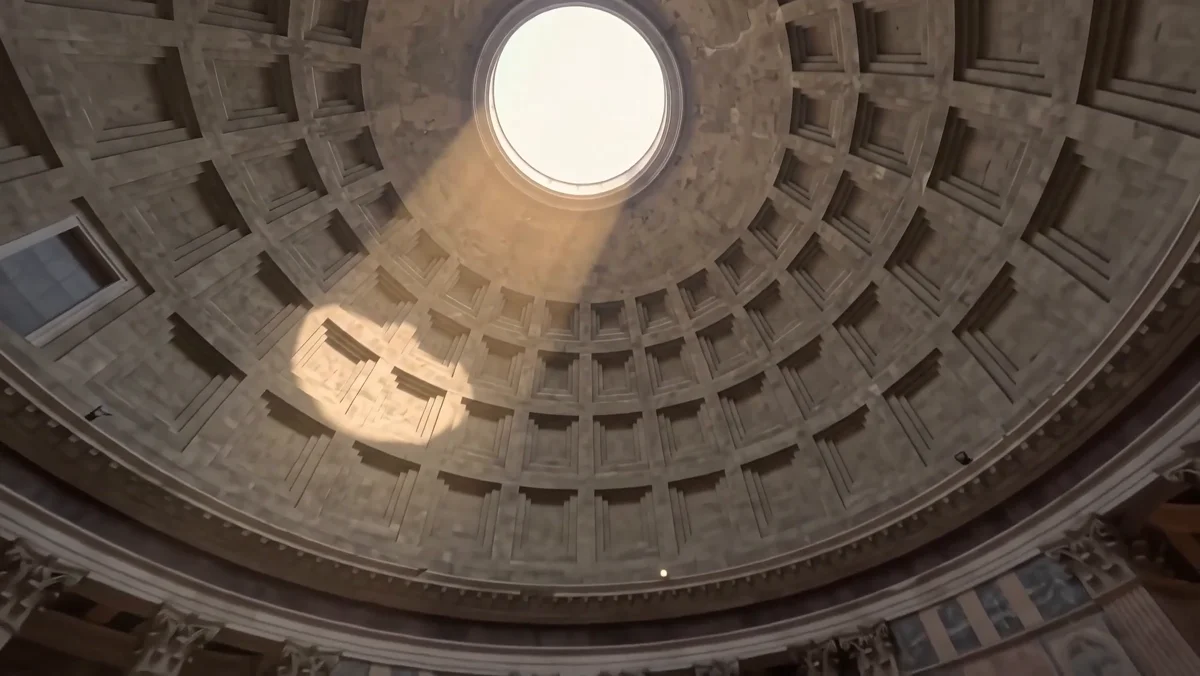
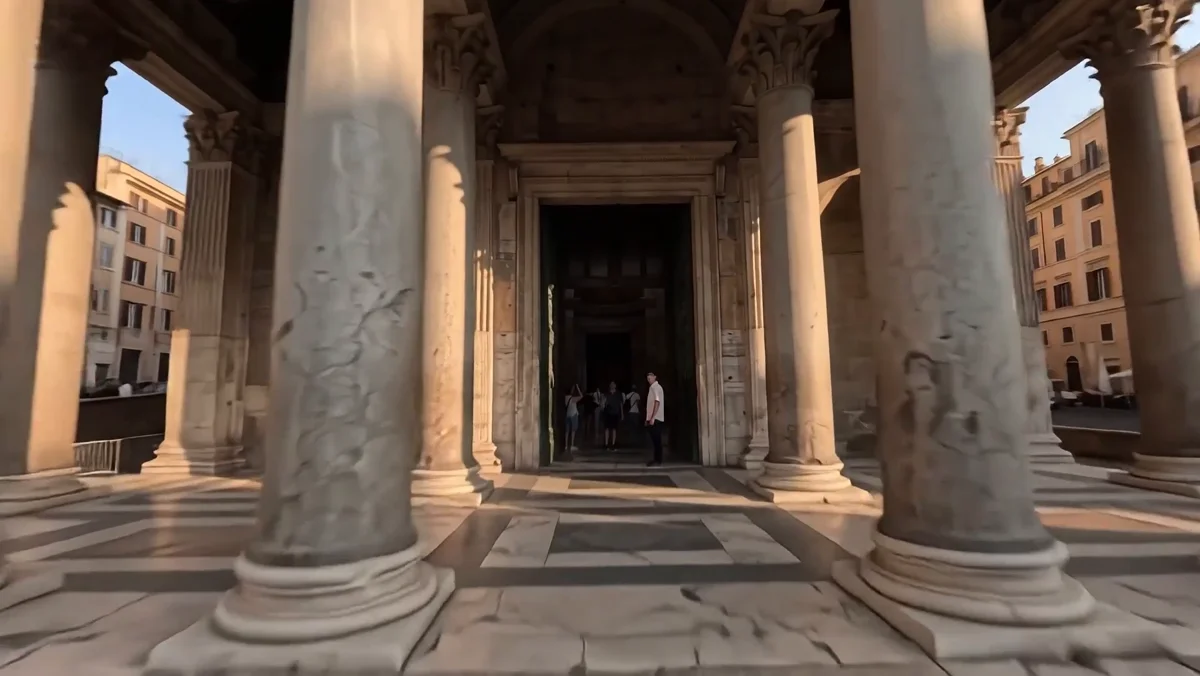
The camera looks up through the Pantheon dome
Piazza → interior → oculus · Actual frames from the official camera example

Plan a continuous camera move

Use a clear route through the setting when the camera movement is the idea. The Pantheon example moves from the piazza into the building and up toward the dome. Check the complete path, including entrances, scale and the final view. A cinematic instruction is a direction to test, rather than a guarantee of perfect geometry.

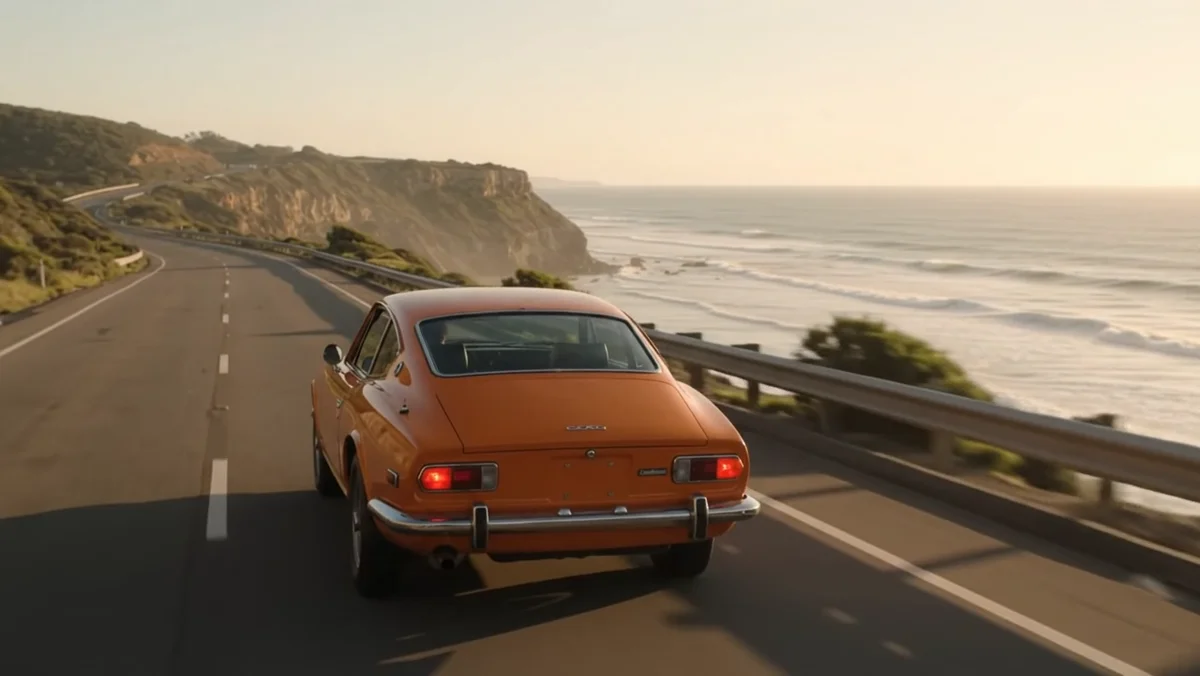
Orange car approaching a bend in the original ten-second clip

Original clip

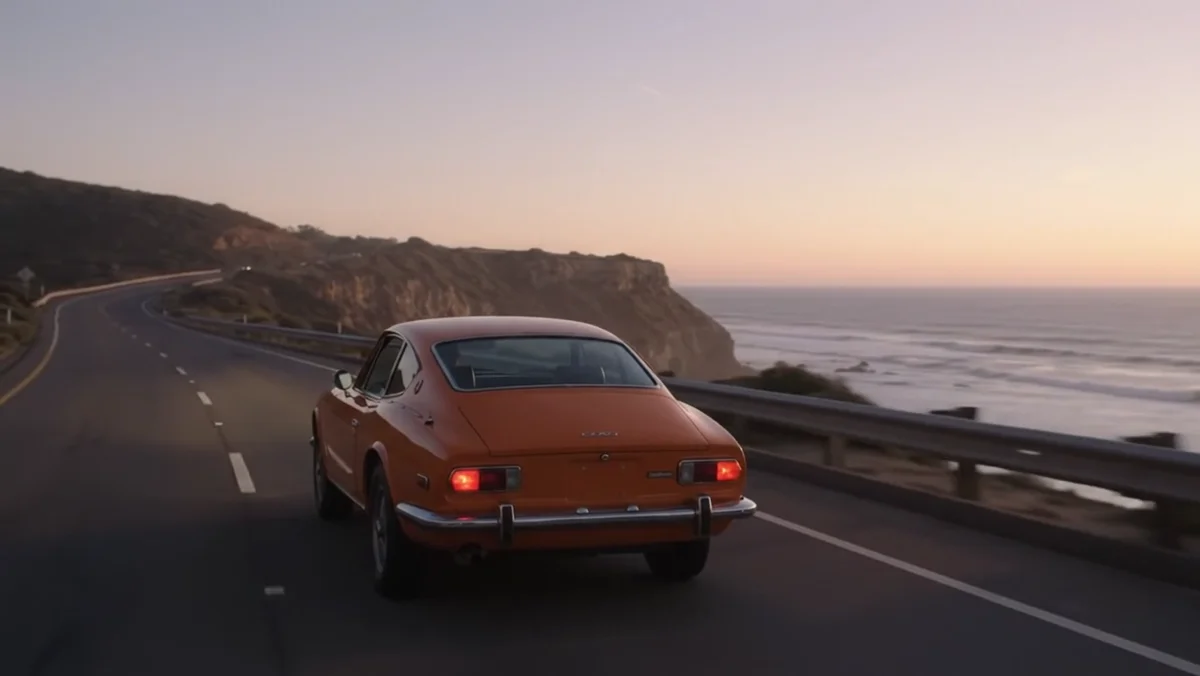
The same orange car continuing along the coastline in the extension

Continuation

Original 10-second clip → extended 20-second example

Continue beyond the first clip

Extend the end of a clip when the action needs more time. This coastal-driving example pairs the original sequence with its continuation. The Gemini API adds 3–10 seconds per turn, up to 30 seconds in total, using the final 10 seconds as context. Extension appends to the end; it does not insert footage into the middle.

Image showcase

Source: Google’s official Gemini Omni 1.2 Flash demonstrations and API examples.

Model comparison

DIMENSIONOMNI 1.1 FLASHOMNI 1.2 FLASH
Native clip durationUp to 10 seconds3–15 seconds; keyframe interpolation remains 3–10 seconds
720p generation pricePrevious rateGoogle launch price: $0.07 per second, 30% lower
Release focusEarlier generationLonger clips and improved reference following
IterationEarlier video workflowMulti-turn editing and end-of-clip extension
Delivery in the Gemini APICheck the selected version’s documentation360p / 720p; 1080p and 4K through upscaling

The Gemini API documentation gives a four-week transition from 1.1, with routing to 1.2 from December 3, 2026. Quotas and supported features differ between the Gemini API and Google Cloud.

Use-case scenarios

Product variations

Keep a product reference and one clearly defined shot. Review label shapes, proportions and motion before using a take as a campaign asset.

Short scene development

Give an opening, a visible event and an ending enough room to read. Iterate the shot before joining it into a longer sequence.

Localized visual revisions

Try a different environment, light or framing for an existing idea. Compare the whole result with the original, including details you intended to retain.

Use cases

Continue a broader creative idea with Pexo’s video workflows.

Frequently Asked Questions About Gemini Omni 1.2 Flash

What is Gemini Omni 1.2 Flash?

It is Google’s video generation and editing model, released on November 5, 2026. It creates video with audio from text and visual inputs, and supports conversational revisions. Access and some features depend on the chosen Google product or API.

How long can a video be?

New generations support 3–15 seconds. First-and-last-frame interpolation supports 3–10 seconds. The Gemini API can append a 3–10 second extension, up to a total of 30 seconds; these are different duration limits for different operations.

Is 4K the native generation resolution?

The Gemini API lists 360p and 720p generation, with 1080p and 4K output produced through upscaling. Choose a draft setting for iteration and inspect the final enlarged file before delivery.

Can I supply an audio reference?

The launch includes audio-conditioned demonstrations, but the current public Gemini API documentation says audio inputs and references are unsupported. Google Cloud describes audio references as allowlisted. Do not assume a demo’s configuration is available in every interface.

What should I review before using a clip?

Watch the full sequence for changing identities, distorted objects, text errors, unexpected cuts and sound mismatches. The provider identifies fast action and complex physics as areas still being improved. Allow time to compare and revise individual takes.

Official Google guide

Describe your idea and start your next creation.

Start creating