

Make Visual Novel Videos with Seedance 2.5, Kling AI 3.0 and MiniMax H3 in Minutes
Make a visual novel video with AI. Pexo casts anime characters, voices every line, and renders dialogue scenes with Seedance 2.5 and Kling AI 3.0.
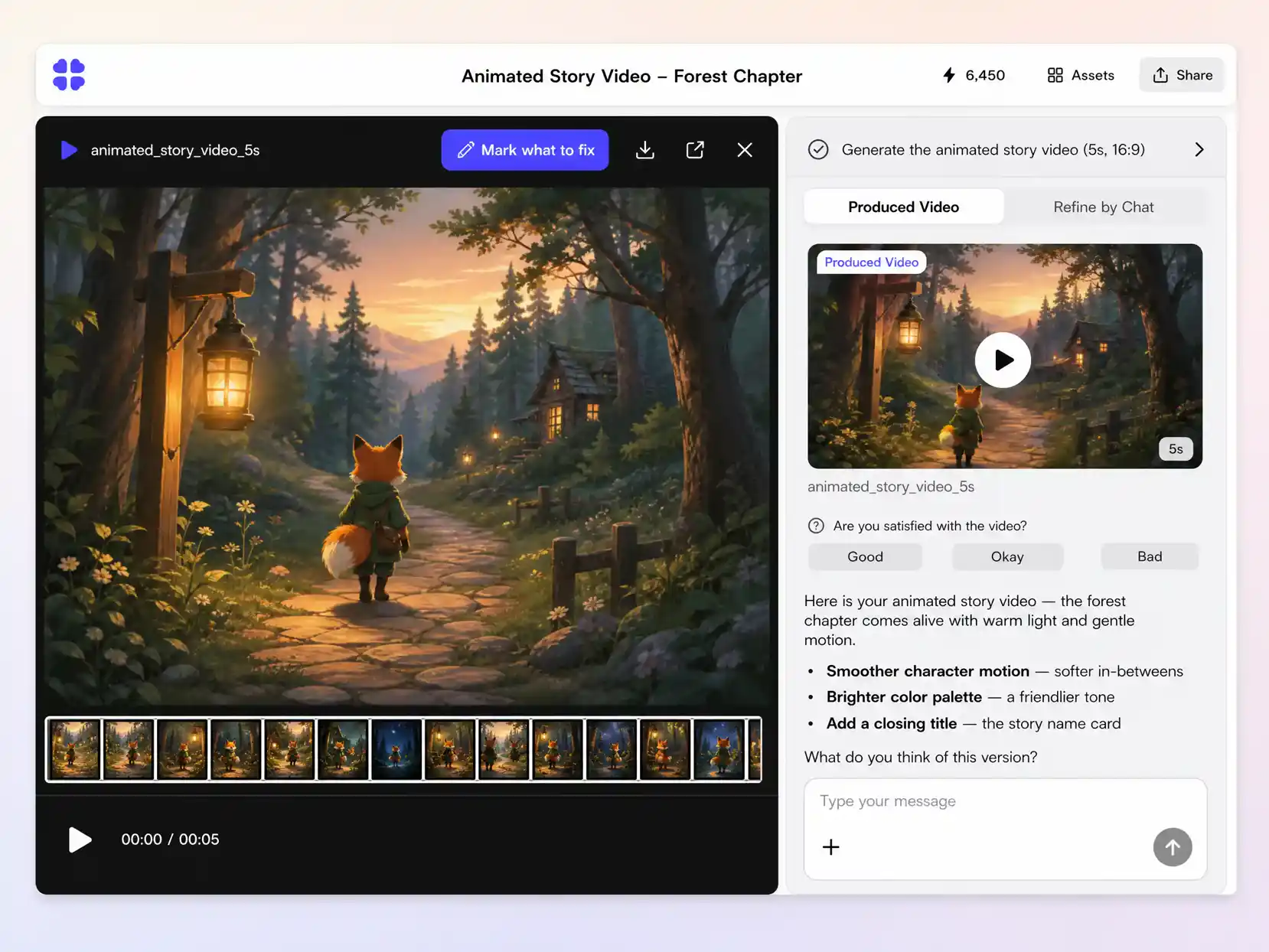
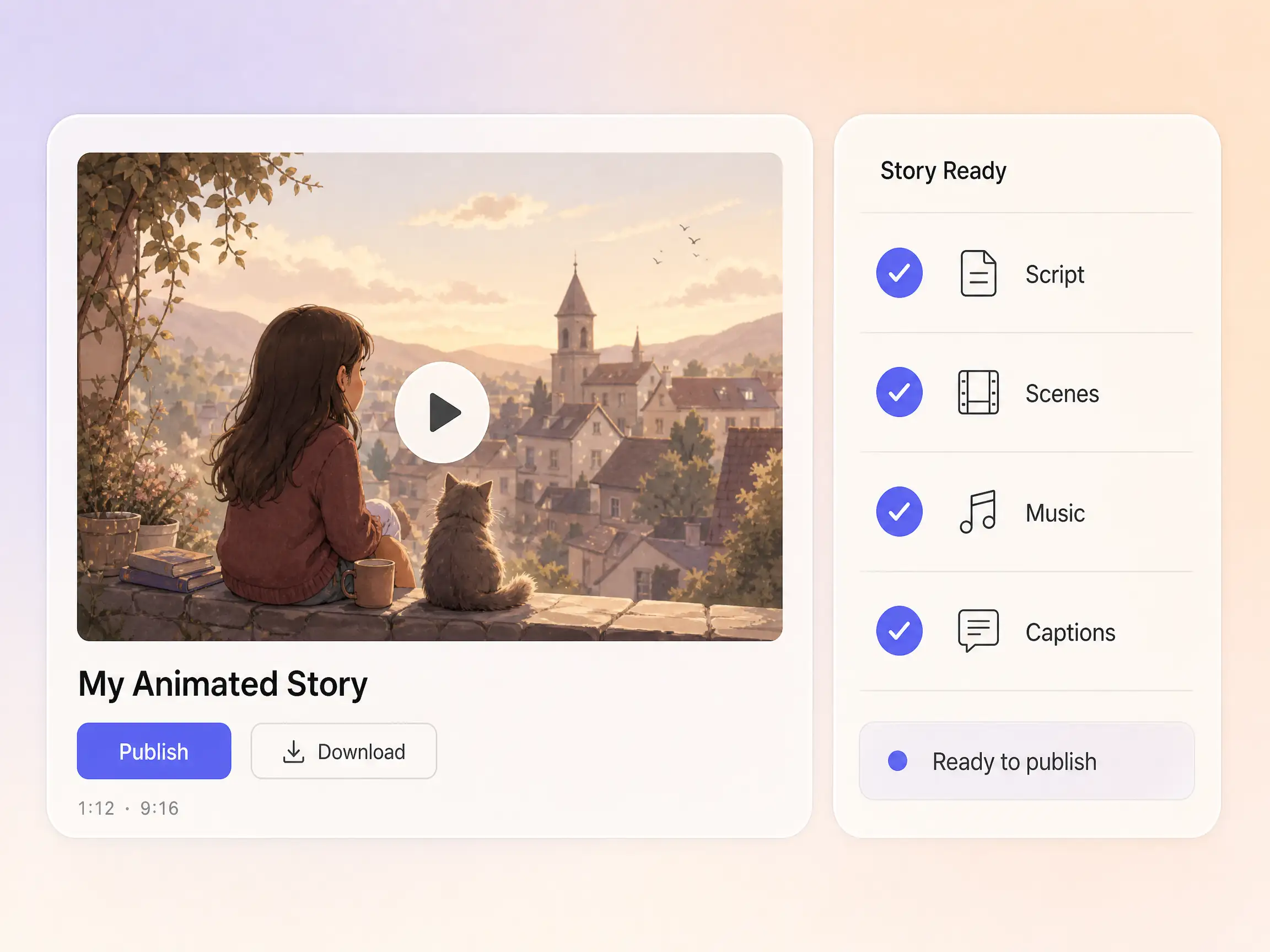
You bring the story, Pexo brings the studio. Paste a script or a rough idea and the AI animated story video maker storyboards it, animates every scene in the style you choose, and narrates it into a finished film, no animation skills required.
Start from a single line of text or a product photo. Pexo writes the script, generates every shot, and stitches them into one continuous, edited video. You can mix text to video, image to video, and script to video inside the same project, and stay in plain language the whole way. No timelines, no keyframes, no editor to open.
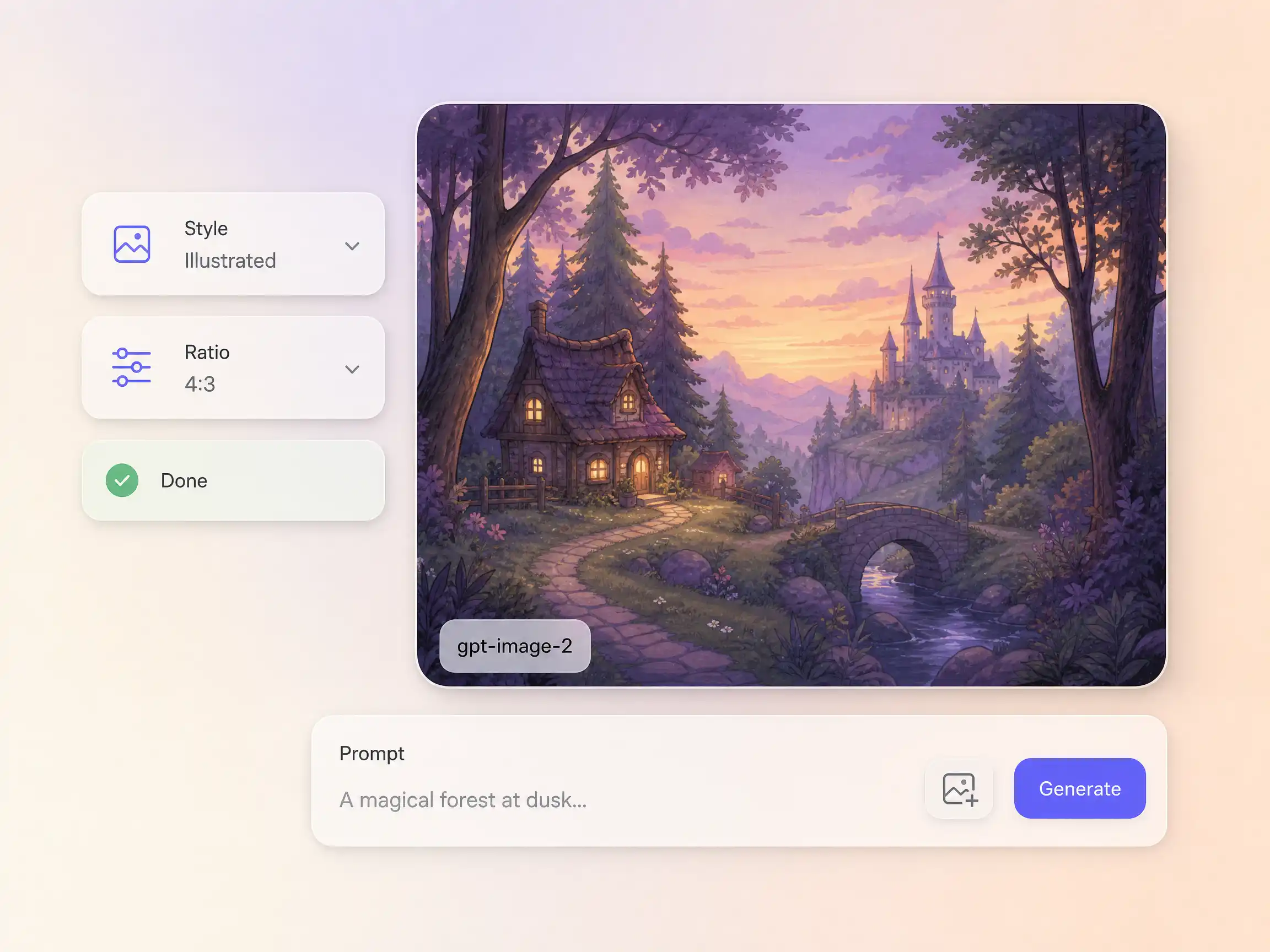
Missing a shot, a backdrop, or a product still? Pexo generates it in-house with gpt-image-2, matched to the look of your animated story video, then animates it straight into the timeline. You design the exact frame you need in words instead of searching stock or staging a shoot, and it flows into the video without leaving the tool.
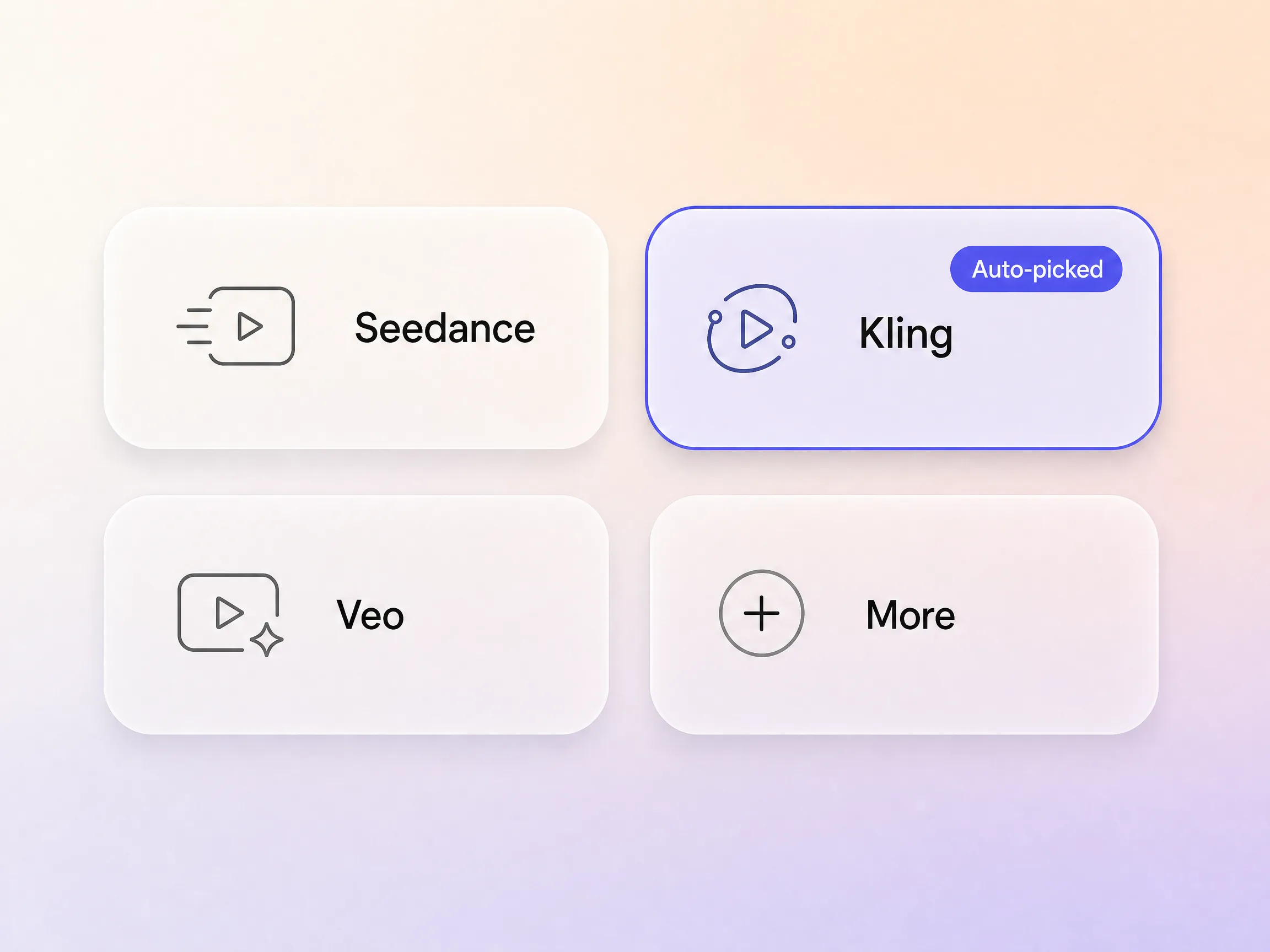
Animated stories live or die on style, and no single model nails every look. Pexo runs more than ten leading video engines, including Seedance, Kling, and Veo class models, and auto-picks the strongest one for each scene of your story. A soft 3D look for a children's chapter, painterly frames for a fantasy beat, crisp anime for action. You describe the story once; Pexo quietly routes every shot to the model that renders it best.
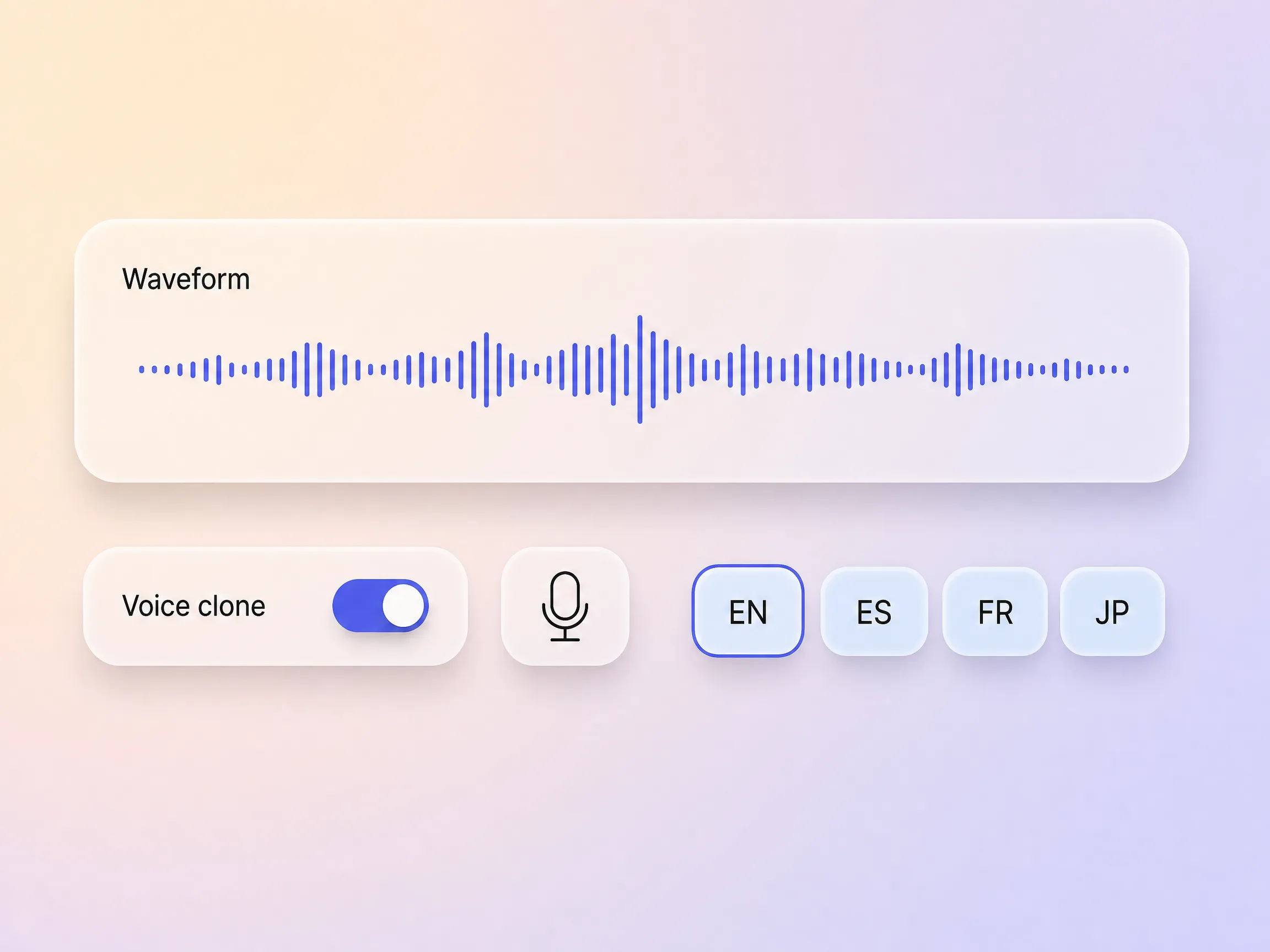
Pexo adds narration to your animated story video with natural AI voices, and can clone a specific voice so the delivery stays on brand. Need it in other markets? It dubs the same video into multiple languages with the timing preserved, so one cut reaches every audience without a re-record.
Pexo runs the whole pipeline so you get a video, not homework. It writes the script, plans the shots, adds transitions, generates an original score, lays in subtitles, and can even clone a voice for narration. Everything renders together into one finished animated story video you can publish straight away. No exporting clips into another editor, no lining audio up by hand.
I fed Pexo a short story and got back a three scene animated film with narration. It felt like having a tiny studio.

Our brand mascot now stars in an animated story every week, always on model. Engagement beats our static posts easily.

Different styles per episode, same characters, zero animation skills on my end. I publish three times a week now.

It is a tool that turns a written story into an animated video without manual animation work. Pexo storyboards your script, generates each scene with leading AI video models, adds narration and captions, and assembles a finished animated story.
No. If you can write or describe the story, Pexo handles character design, motion, timing, and editing. You review the result and regenerate any scene you want changed.
Describe any look: 3D, anime, storybook, claymation style, or painterly. Because Pexo routes each scene across more than ten video models, it can hold one consistent style or shift styles between chapters on purpose.
Character drift is the classic AI animation problem. Pexo's Hyperframe keeps each character's face, outfit, and proportions locked from scene to scene and from episode to episode.
An animated story video is usually narration driven and works well as a series, while a short film leans cinematic and self contained. If you want the festival style approach, see the animated short film page.
Yes. Videos export vertical, square, or widescreen up to 4K, and previous characters and settings can be reused, which keeps a multi-episode story video series consistent and fast to produce.
Paste the script and Pexo's AI animated story video generator storyboards, animates, narrates, and captions it into a film you can post today.
Make a visual novel video with AI. Pexo casts anime characters, voices every line, and renders dialogue scenes with Seedance 2.5 and Kling AI 3.0.
Make a fairy tale video with AI. Pexo writes the story, paints the scenes, narrates it, and renders it with Seedance 2.5, Kling AI 3.0 and MiniMax H3.
Spoof any trailer, ad, or song. The Pexo AI parody video maker writes the bit, builds every scene on Seedance 2.5 and Kling AI 3.0, and syncs the lips.
Describe the tale and Pexo turns it into a calm bedtime story video with soft narration and music, on Seedance 2.5, Kling AI 3.0 and MiniMax H3.
Make comic videos with AI. Pexo turns a script or your panels into animated comic scenes with Seedance 2.5 and Kling AI 3.0, voiceover, captions, up to 4K.
Make a fan film, no camera or crew. Pexo's AI fan film generator writes and shoots every scene, then renders in 4K with MiniMax H3, Seedance 2.5 and Kling.
Turn a prompt or your panels into an AI manga video with ink, screentones and voiceover. Seedance 2.5, Kling AI 3.0 and MiniMax H3 render it in minutes.
Make a sketch video that draws itself. Pexo's AI sketch video generator writes the script, draws every frame, and narrates it with Seedance 2.5, up to 4K.