
Pexo
Lucy 2.6

Lucy 2.6
Change what is on screen. Keep the performance moving.

Lucy 2.6 is Decart’s live video editing model, released on November 5, 2026. It transforms a video stream using written instructions, an image reference, or both. This version focuses on reference detail for characters, clothing and products, while the source performance continues.

Official launch montage · Includes model examples, source footage and editorial titles.

Core capabilities

Original live video of the host before a character change

Input

Reference-led frog character replacing the host in the same room

Edited result

Input video → Lucy 2.6 character edit · Matched official demonstration

Keep the performance, change the character

Guide a character change with a reference rather than describing every feature from memory. The paired frames show the same room and performance before and after a stylized character edit. Judge the motion as well as the still: an attractive face in one frame does not establish consistency throughout a stream.
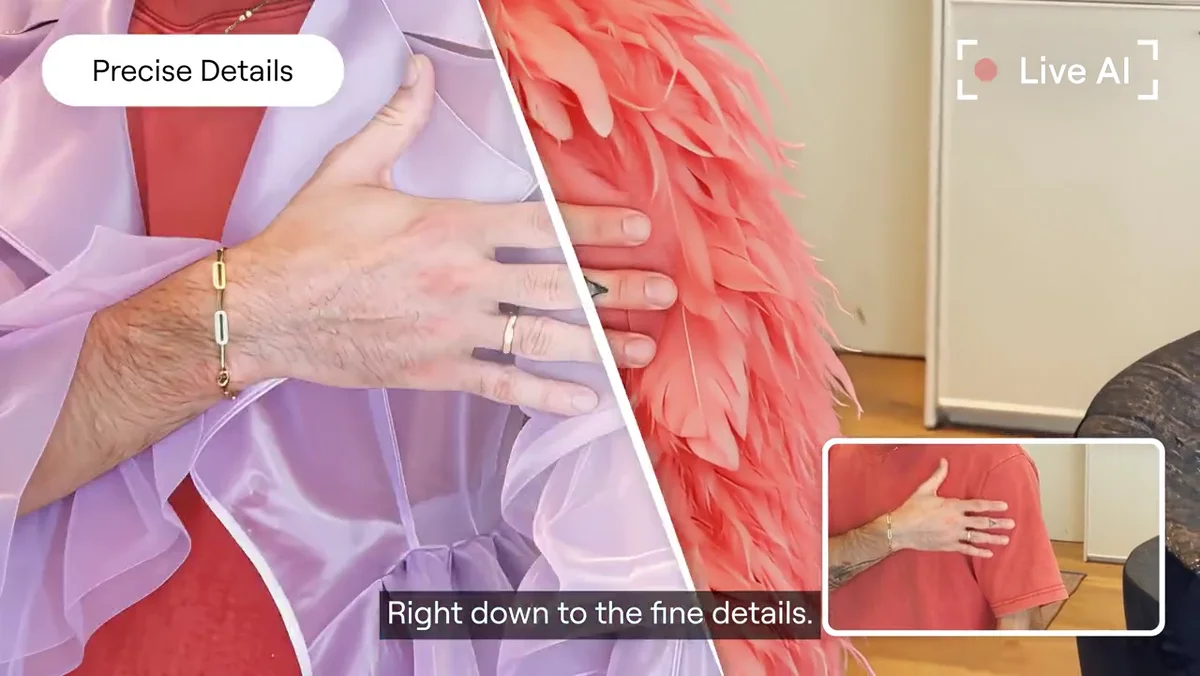
Pink feathered garment beside the original red shirt in the live edit demo
Garment detail during the official live demonstration

Show the details of an outfit

Decart highlights closer handling of complex clothing. In the launch demonstration, layers and fabric detail remain the subject of the shot. For a clothing presentation, check the silhouette, neckline, sleeves and moving folds against the reference. A virtual try-on is a visual preview; it does not establish physical fit or sizing.

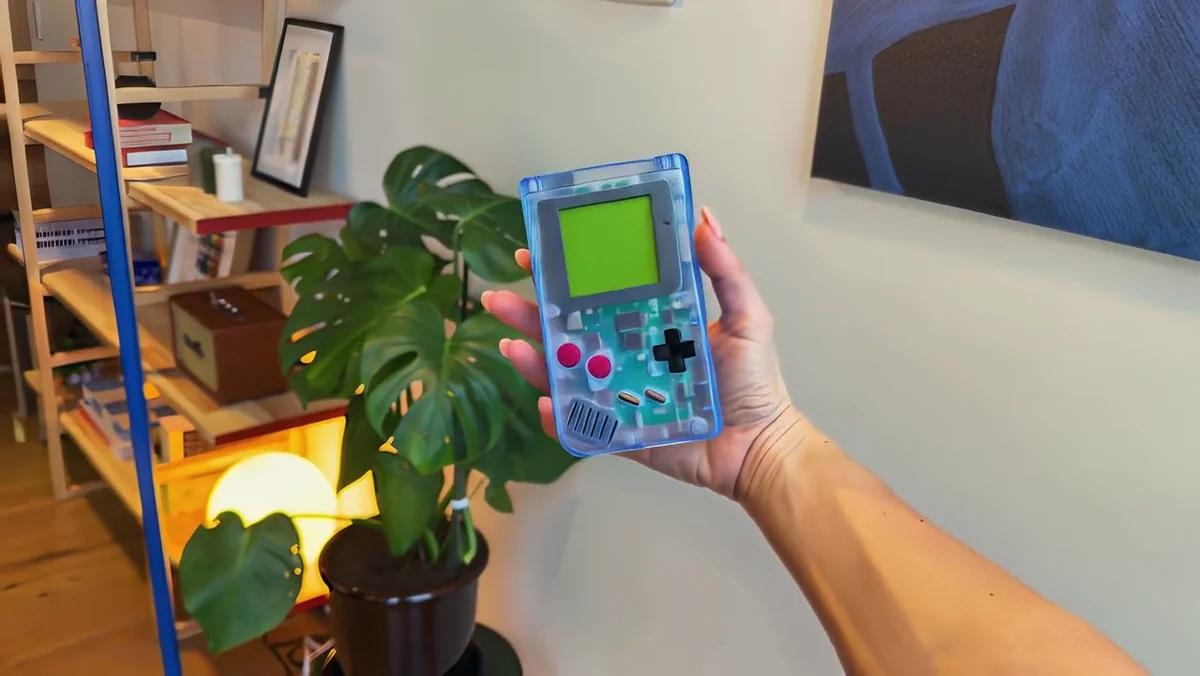
Translucent blue handheld product maintained in a moving hand
Lucy 2.6 product-reference example · Actual output frame

Place a recognizable product in view

A product reference can guide an item held by the presenter or placed in the set. The handheld-console comparison is useful because its shape, casing and controls are easy to inspect. Check the object as the hand changes angle, including occlusion, reflections and the points where fingers meet its surface.

Original live video of the host before a character change

Input

Host retained while the background becomes a photography studio

Edited result

Original room → studio background · Matched official demonstration

Restage the background

A background edit changes the context without requiring a new performance. Here the room becomes a photography studio. Brief the setting clearly, then inspect hair edges, lighting direction and objects near the presenter. The paired frames show the requested change; watch the full result to judge the edges in motion.

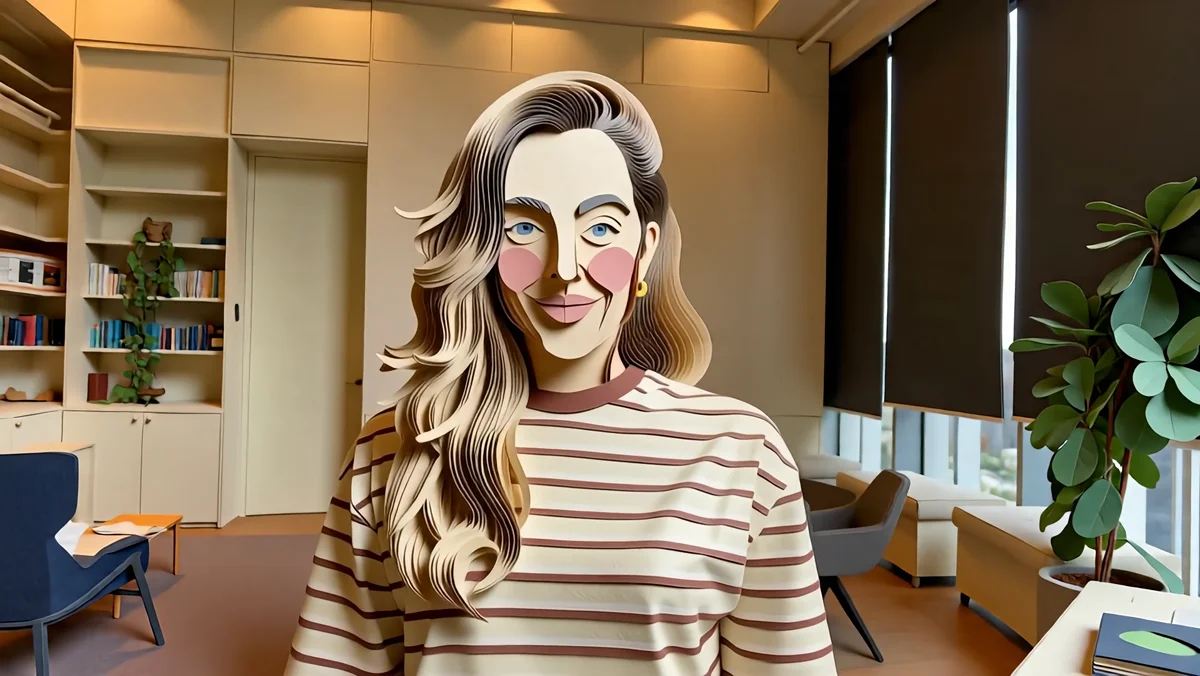
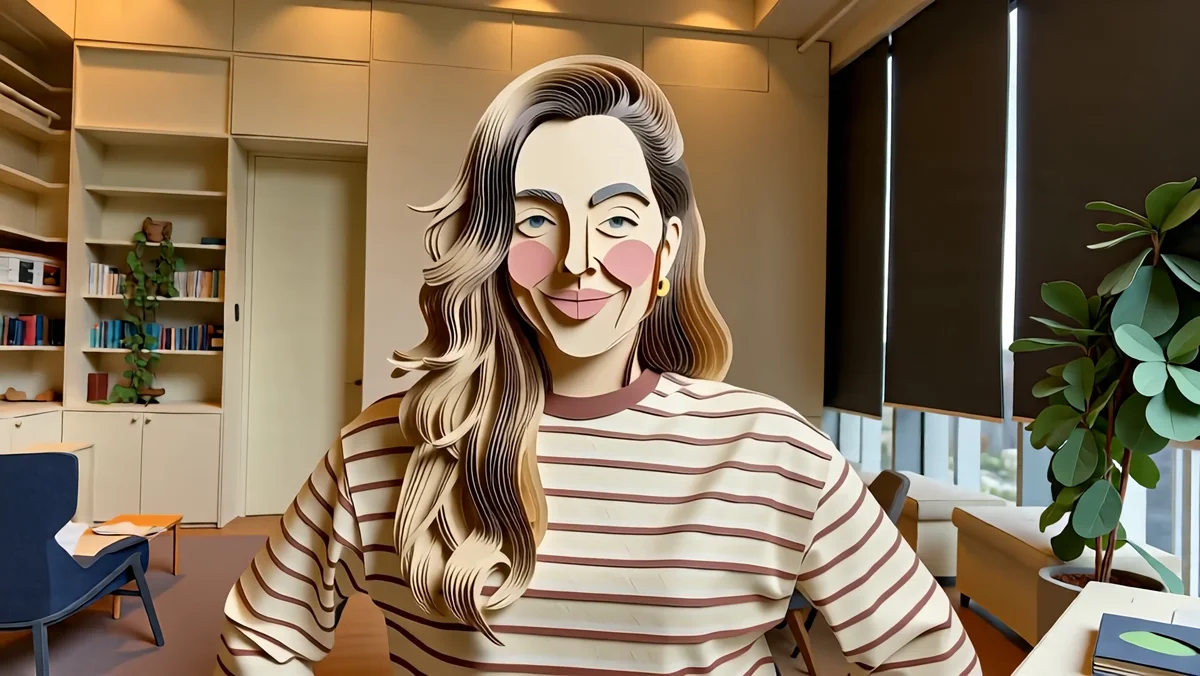
A graphic painted style applied to the live host
Graphic style applied to the original source video

Explore a different visual medium

A style change can turn the same source movement into a graphic treatment. Compare the face, clothing and room across several moments before choosing a look. Keep a visual style appropriate to the story rather than adding strong colour simply to make the frame busier.

A classical statue inserted behind the host
Object insertion · Statue added to the existing room

Add something to the set

The object-insertion example places a statue behind the host. A clear location makes the requested change easy to review. Look at scale, contact with the floor and interruptions when the presenter moves in front of it. Check unrequested parts of the scene as carefully as the new object.

Image showcase

Source: Decart’s official Lucy 2.6 launch demonstrations.

Model comparison

DIMENSIONLUCY 2.5LUCY 2.6
Working modeLive video editingLive video editing
Creative directionEarlier Lucy editing workflowText instructions, references, or both
Update focusBroader realtime editing capabilitiesCloser reference following for characters, clothing and products
Price relationshipPrevious versionDecart states the same price as Lucy 2.5
Current defaultPrevious defaultLucy 2.6 is the default behind lucy-latest

This is a provider-described version comparison, not a same-input benchmark performed by Pexo. Performance and availability depend on the selected service and connection.

Use-case scenarios

Live product presentations

Plan where the product appears and how the host handles it. Review shape and material while the item moves, rather than approving one frame.

Character-led broadcasts

Choose a character with readable facial features. Keep a reference visible during review and inspect expressions throughout the performance.

Set and campaign variations

Try a different background or object placement for the same host. Compare the revised set with the original before using it publicly.

Use cases

Continue a broader creative idea with Pexo’s video workflows.

Frequently Asked Questions About Lucy 2.6

What is Lucy 2.6, and when was it released?

Lucy 2.6 is Decart’s live video editing model, announced on November 5, 2026. It follows written instructions and reference images to transform an ongoing video stream.

Does it generate a video from an empty text prompt?

The workflow described here edits incoming video. The source supplies the performance and scene; text and optional references direct the transformation. This differs from creating an unrelated clip from text alone.

What changed from Lucy 2.5?

Decart emphasizes closer reference following for characters, clothing and products. The launch also shows background changes, style changes, effects and object edits. The provider says the new version costs the same as 2.5 and is now the lucy-latest default.

Do references guarantee an exact product or identity?

No guarantee is established by these examples. Review details across the stream, especially hands, object boundaries, facial motion and clothing. A useful reference can guide an edit while the result still needs inspection.

Where can I try it?

The model is available on the Decart platform, and fal lists a Lucy 2.6 realtime endpoint. Use the chosen platform’s current access and pricing information. Demo access, stream setup and API integration are separate steps.

Official Decart guide

Describe your idea and start your next creation.

Start creating