Pexo
Recraft V4.1 Flash V2

Recraft V4.1 Flash V2
Fast ideas, considered images

Recraft V4.1 Flash V2 is a text-to-image model for quick visual exploration, from packaging and signage to photographic concepts. Released on November 13, 2026, it replaces the first Flash version in Recraft Studio and has its own API identifier.

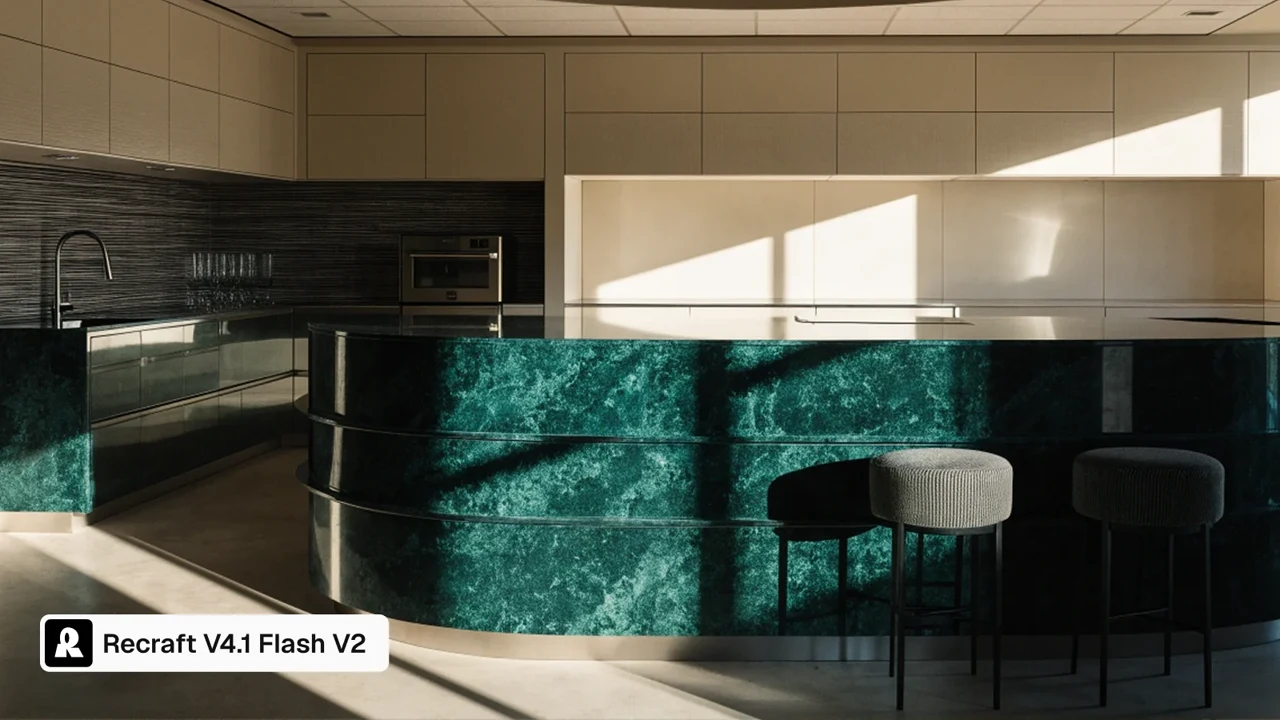
A green marble kitchen island in directional light

Core capabilities

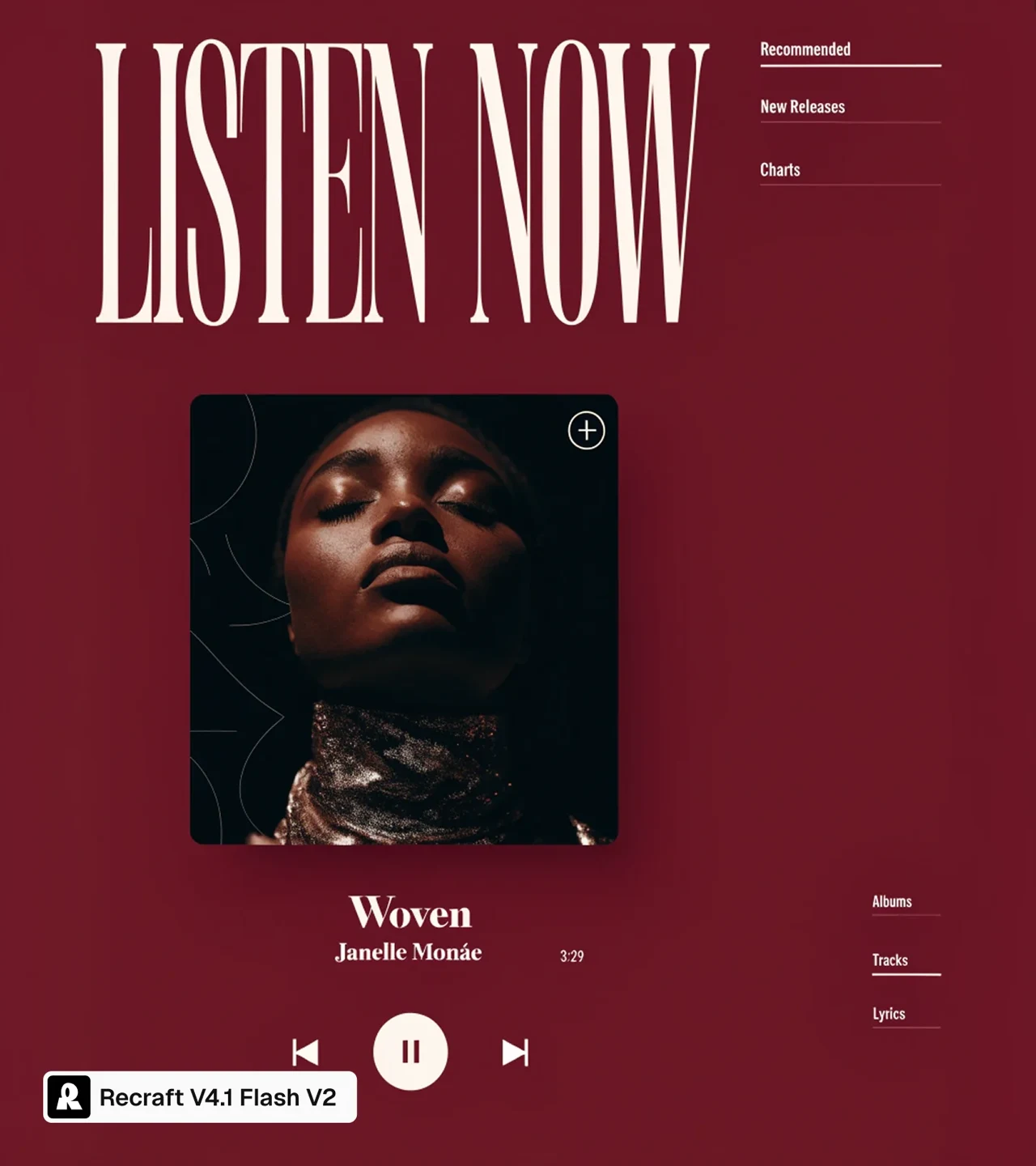
A burgundy music interface concept with a Listen Now heading
Example brief

A music screen with a large “Listen Now” headline, album artwork and a restrained burgundy palette.

Give a visual brief a first form

Describe the focal point, the words that matter and the space around them. A music interface concept makes the relationship easy to inspect: the headline, artwork and playback graphics need a clear reading order. Flash V2 produces a raster image, so the screen shown here is a visual concept rather than a working app. Use the first result to decide what to keep, then revise the brief.
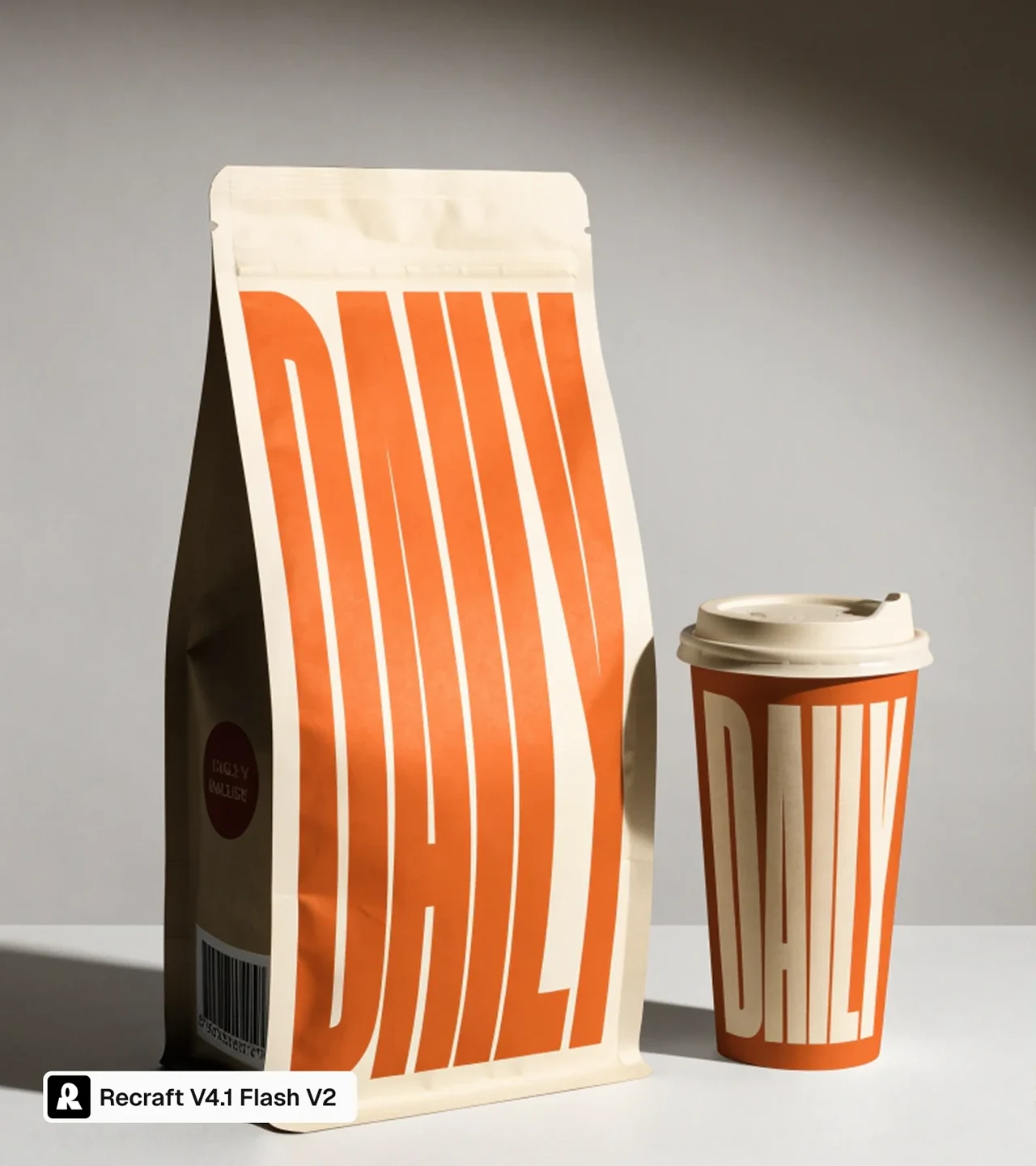
A DAILY coffee bag and takeaway cup
Example brief

A DAILY coffee bag and takeaway cup, with the wordmark carrying the composition.

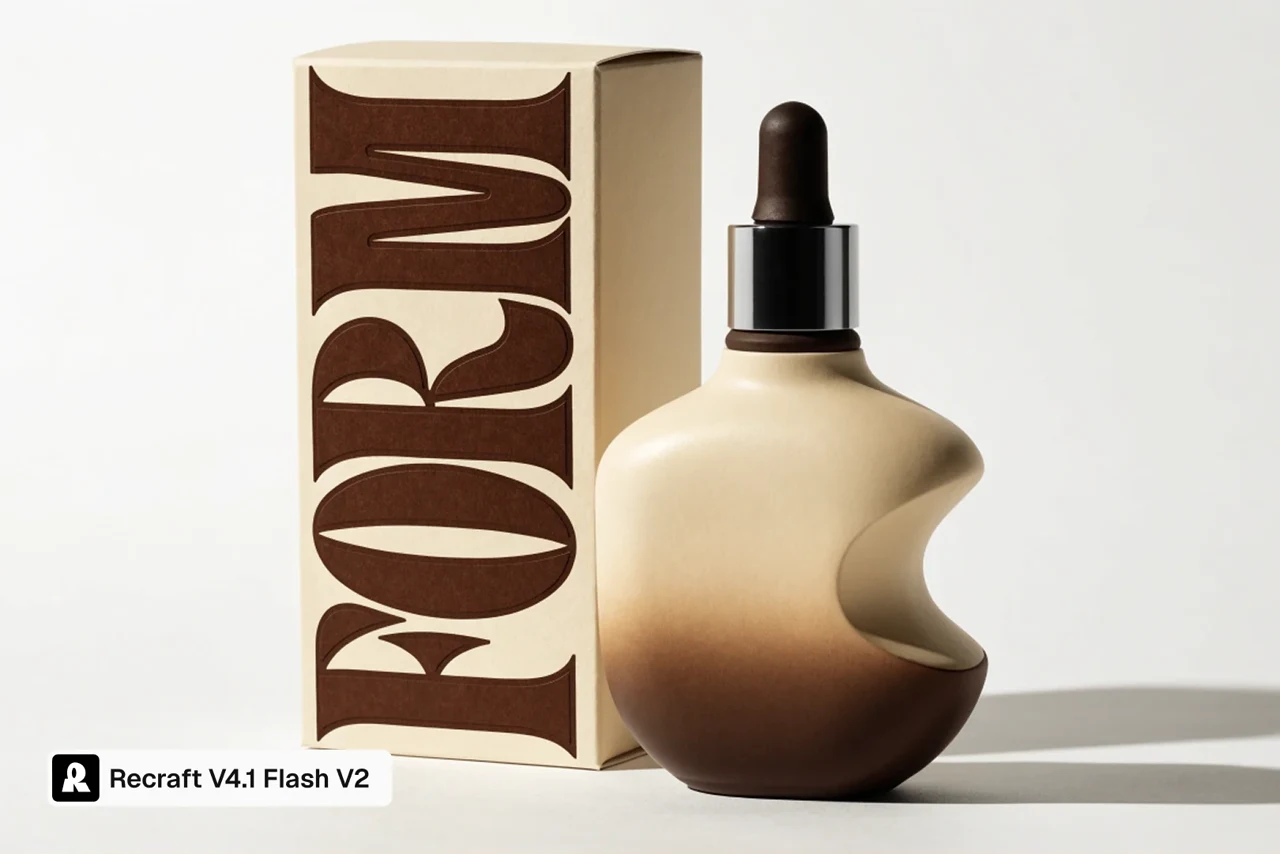
Explore packaging with readable lettering

Make the brand name part of the composition instead of adding it as an afterthought. For a coffee concept, decide how the wordmark should relate to the bag, cup and background. V2’s update targets text and small details; it still needs a careful proofread. Check every letter and inspect the physical packaging before using a concept as finished commercial artwork.

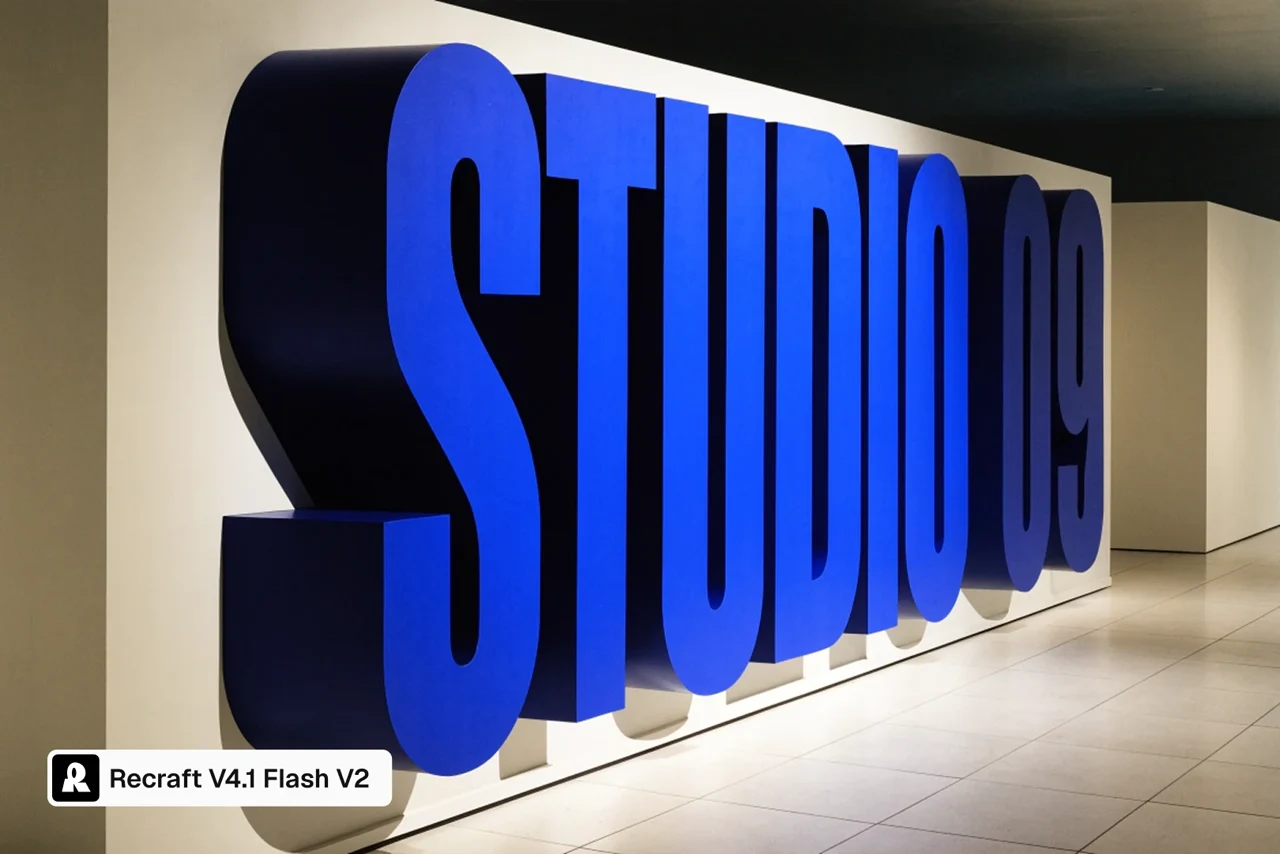
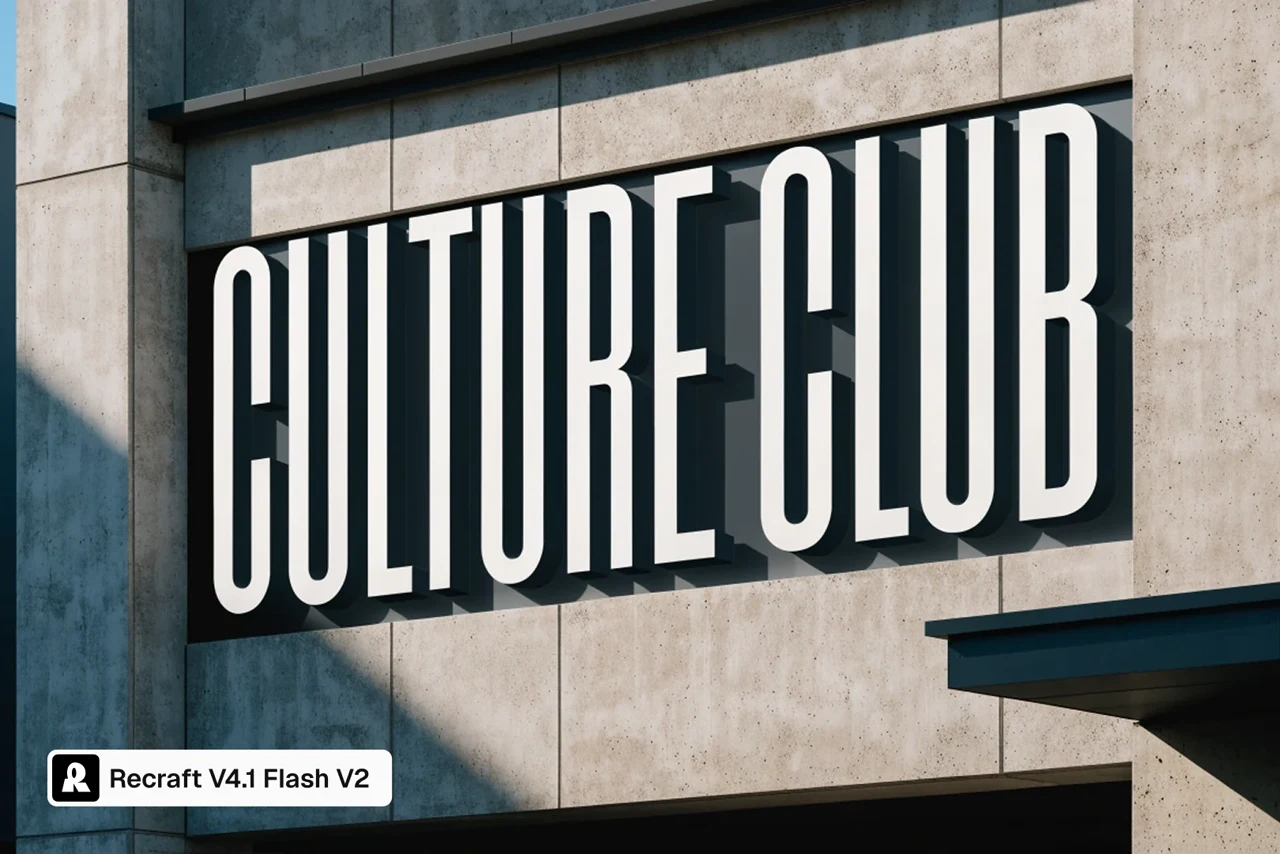
CULTURE CLUB architectural signage in afternoon light
Example brief

CULTURE CLUB signage mounted on a concrete building, with directional afternoon light.

Place graphic ideas in a real setting

An architectural sign gives lettering a material, a scale and a lighting condition. Specify the wall, viewpoint and time of day alongside the wording. The CULTURE CLUB example turns a text request into an environmental graphic. It is useful for reviewing a direction, while measurements, structural details and installation decisions still need their own design work.

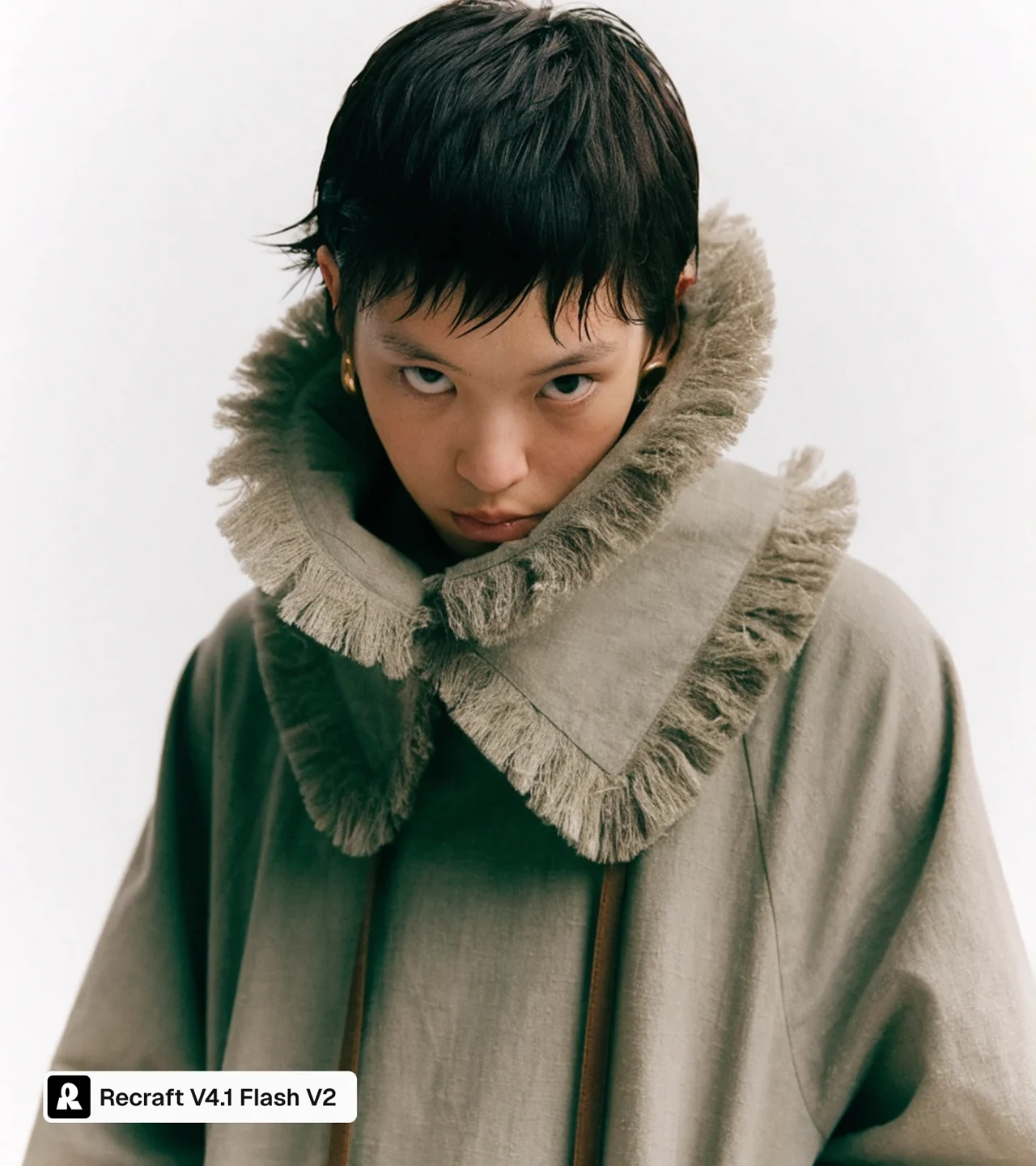
An editorial coat portrait with textile detail
Example brief

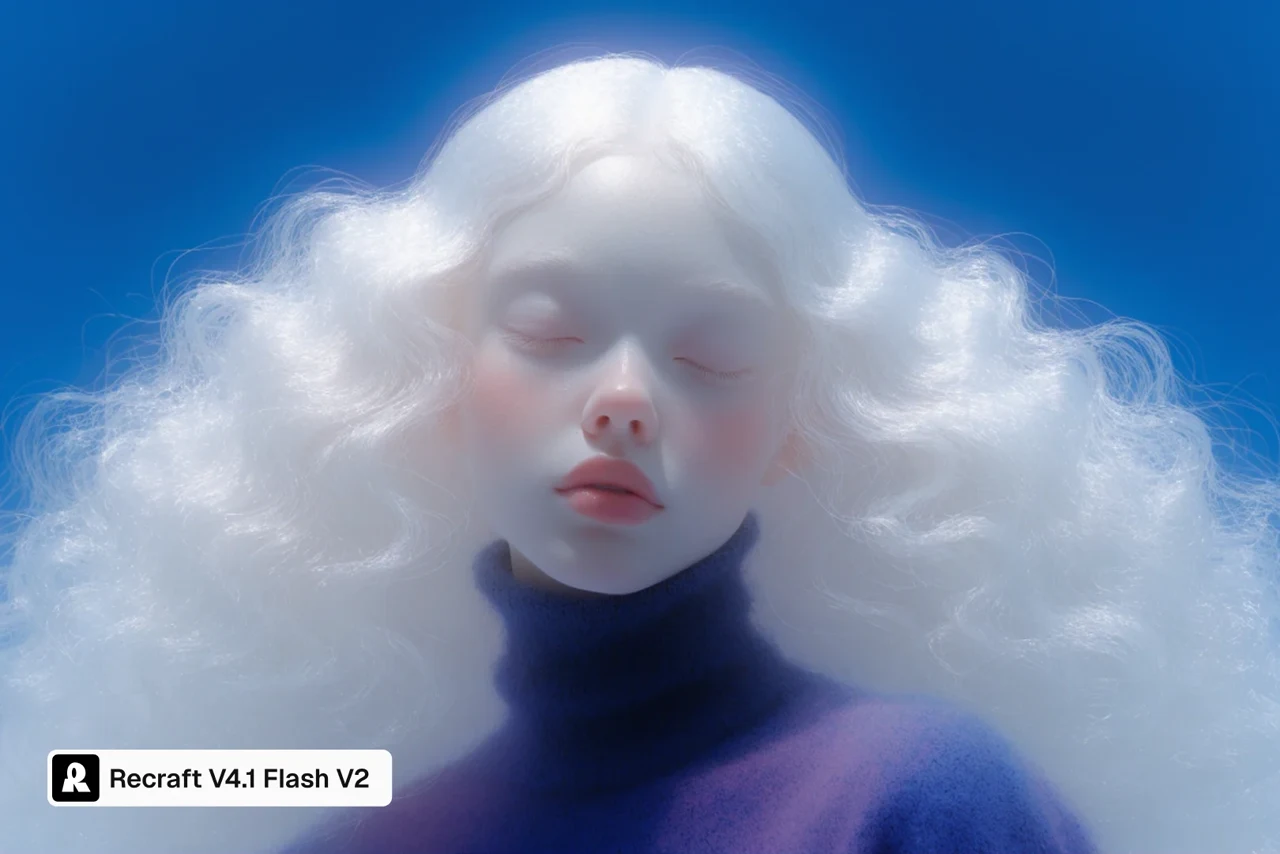
An editorial portrait in an oversized coat, with a pale setting and attention to fabric.

Direct photographic texture and atmosphere

Name the material and the character of the light rather than asking only for a beautiful portrait. In a coat concept, the collar, fabric and separation from the background create the visual interest. This example suggests how a short brief can guide a photographic look. Review anatomy and garment construction at full size; a convincing first impression can hide small errors.

Image showcase

Source: Recraft’s official Flash V2 examples; the labelled V2 panels are isolated from publisher comparisons, and the opening kitchen image is a landscape detail. Brief summaries are editorial suggestions, not prompts tested by Pexo.

Model comparison

DIMENSIONRecraft V4.1 Flash V2Recraft V4.1 Flash V1
Version statusCurrent Flash modelReplaced by V2
Update emphasisRevised text rendering and fine detailsEarlier Flash baseline
API identifierrecraftv4_1_flash_v2Previous Flash version
Price relationshipSame listed price as V1: $0.007 per imagePrice retained for V2

Version facts checked November 16, 2026. Recraft reports about 1.1 seconds median API generation time for V2; actual latency varies. This page does not present a timing test or a quality benchmark run by Pexo.

Use-case scenarios

Packaging directions before production

Explore the relationship between a wordmark, container and surface treatment. Compare the concept with the actual product dimensions and label requirements before preparing final packaging artwork.

Environmental graphics and campaign concepts

Try a sign, headline or display in its intended visual setting. A generated image can help discuss scale, mood and composition; it does not replace a measured layout or a production file.

Visual references for a wider story

Use a considered still to communicate a setting, wardrobe or graphic treatment to collaborators. Keep the chosen image and its brief together so the next creative step starts from a clear direction.

Use cases

Continue the wider creative idea with Pexo’s video workflows.

Frequently Asked Questions About Recraft V4.1 Flash V2

What changed in Recraft V4.1 Flash V2?

The November 13 update replaced Flash V1 with a version focused on text, fine detail and photographic results. The API model identifier is recraftv4_1_flash_v2. September 23 is the original Flash announcement date, not the V2 release date.

Can Flash V2 edit an uploaded image or make SVG files?

Its native model route generates raster images from text. It does not provide image-to-image generation, vector output or custom styles. Recraft’s other models and separate Studio tools should not be confused with the Flash V2 model itself.

How can I control the output?

The native API offers size choices, a random seed, preferred colors and a background color. It can return one to six images in a request. These settings express constraints; inspect each result rather than assuming exact brand matching or identity preservation.

Should I use Flash V2 or a Pro or Vector model?

Use the Flash route when quick raster exploration fits the brief. The separate V4.1 Pro route targets larger 2K raster output, while Vector variants return editable SVG. Choose according to the required deliverable rather than treating a graphic-looking raster image as a vector file.

Were these pictures generated in a Pexo test?

No. They are publisher-selected Flash V2 examples. The original comparison images are retained in the research record, and only their labelled V2 panels are shown here. The nearby brief summaries explain creative intent and are not generation receipts.

Official Recraft Flash V2 guide

Describe your idea and start your next creation.

Start creating