
Make App Promo Videos with Seedance 2.5, Kling AI 3.0 and MiniMax H3 in Minutes
Make an app promo video that shows real screens and drives installs. Pexo scripts and cuts it with Seedance 2.5, Kling AI 3.0 and MiniMax H3 in minutes.
Pexo is an AI promo video generator: describe the product, the offer, and the audience, and it writes the script, builds every scene, adds voiceover and captions, then exports a finished video promo in minutes.
Product launches, seasonal sales, brand teasers, event video promo clips. Describe the goal and Pexo builds an online promo video around it.
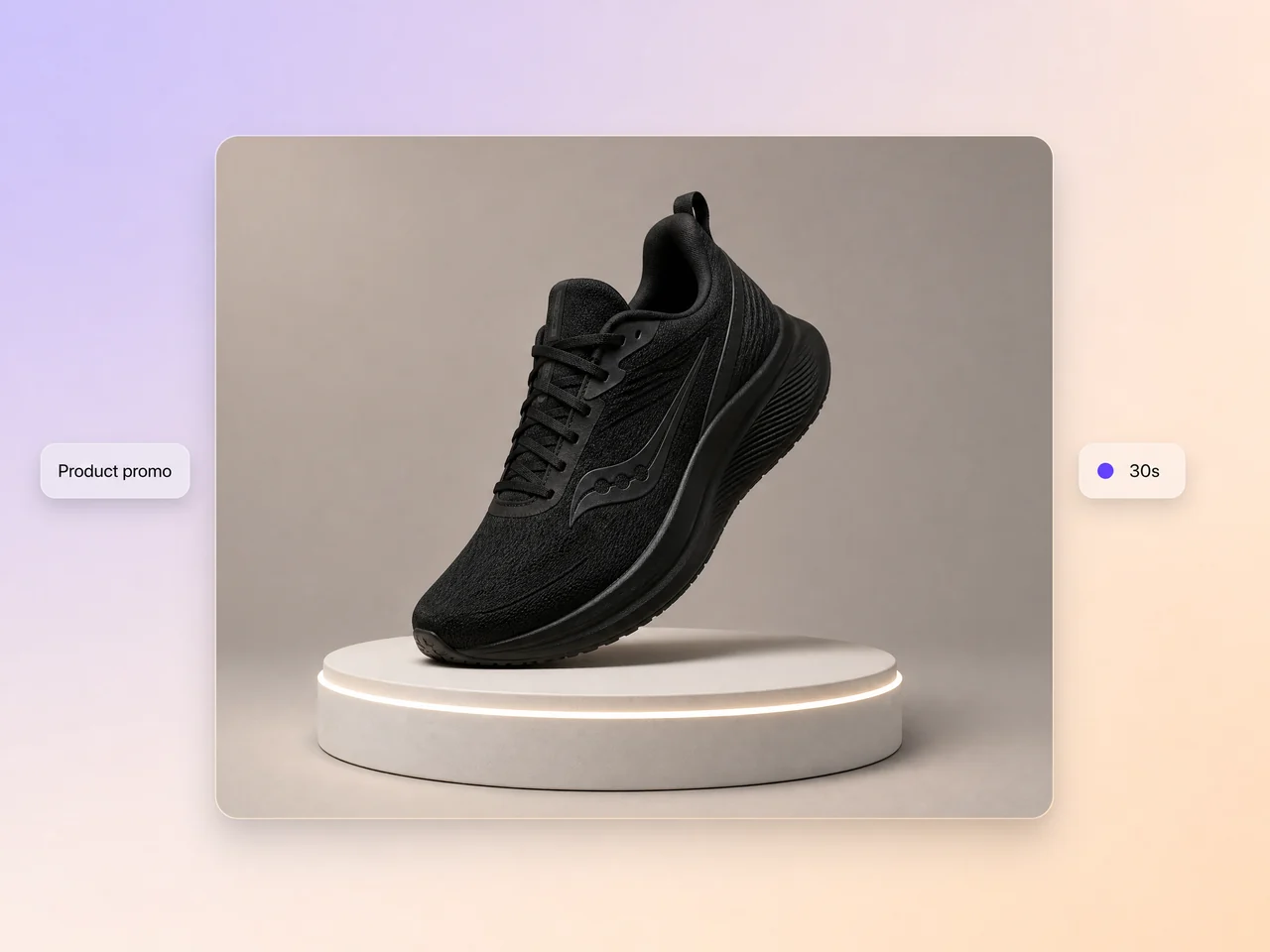
Spotlight features, pricing, and benefits in a product promo video that earns the click.
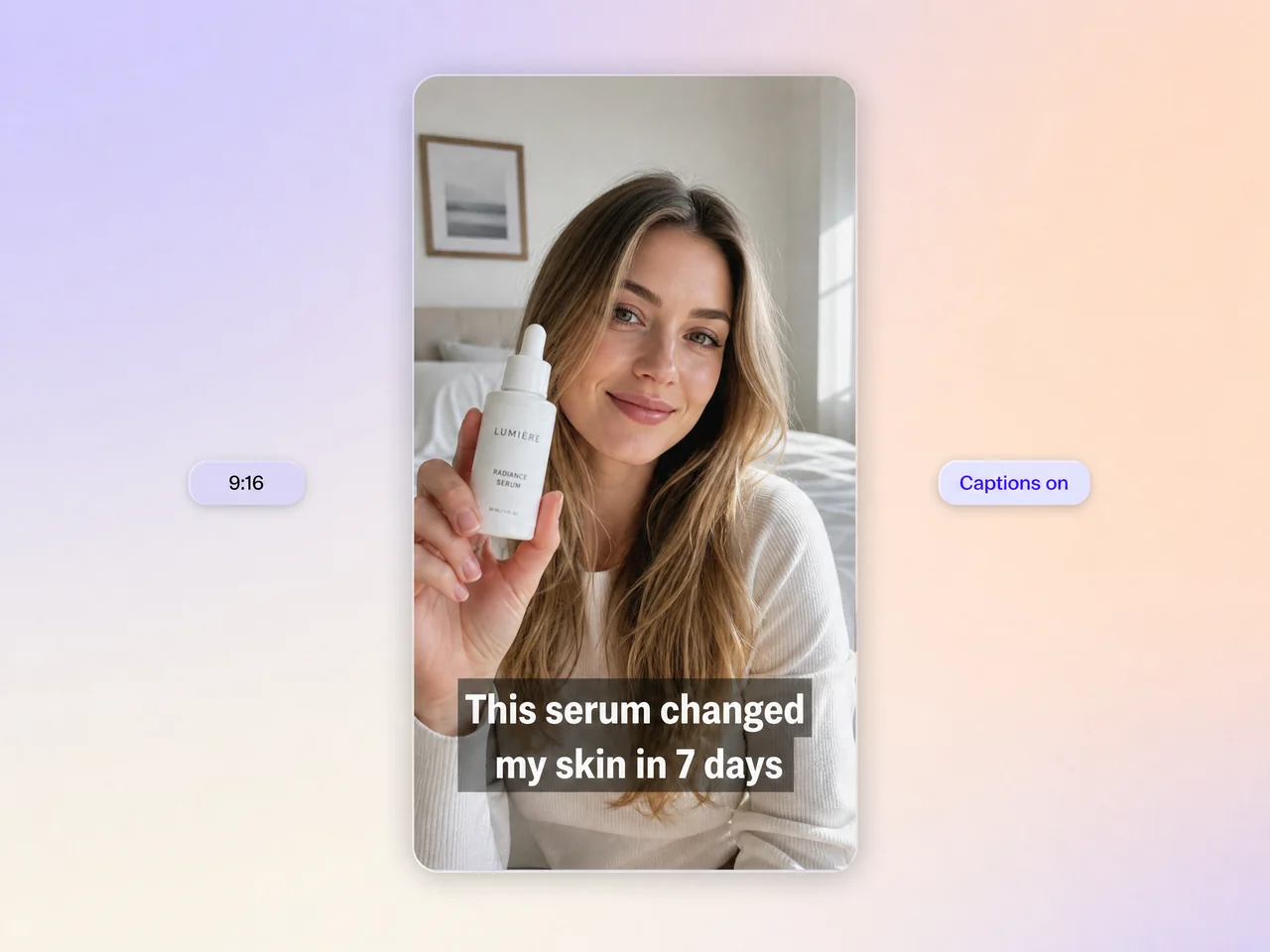
A social media promo sized for Reels, Shorts, and TikTok. A short promo video or Instagram video promo that lands in the first second.
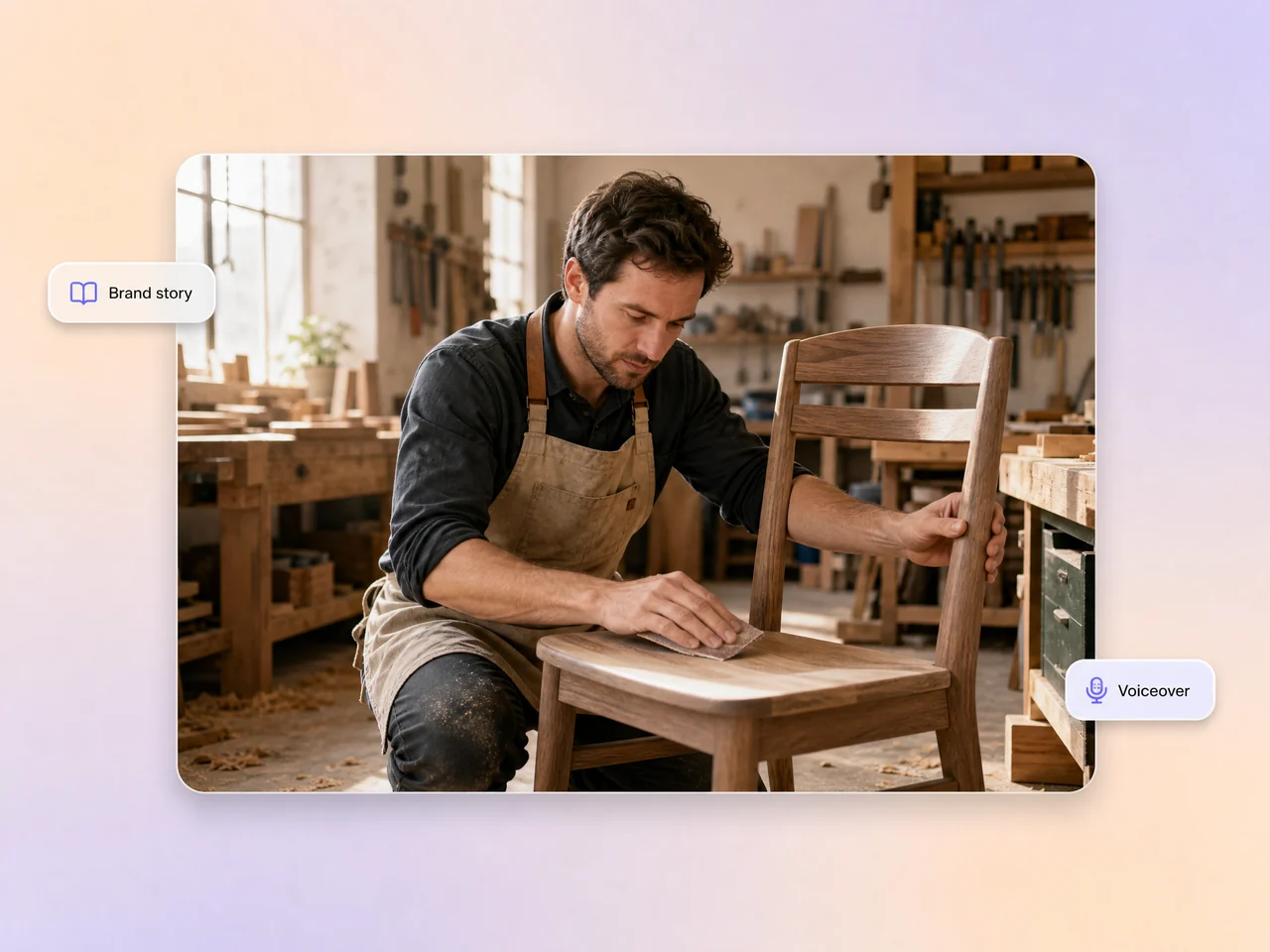
Tell your origin, mission, or values as a film video promo with narration and music.
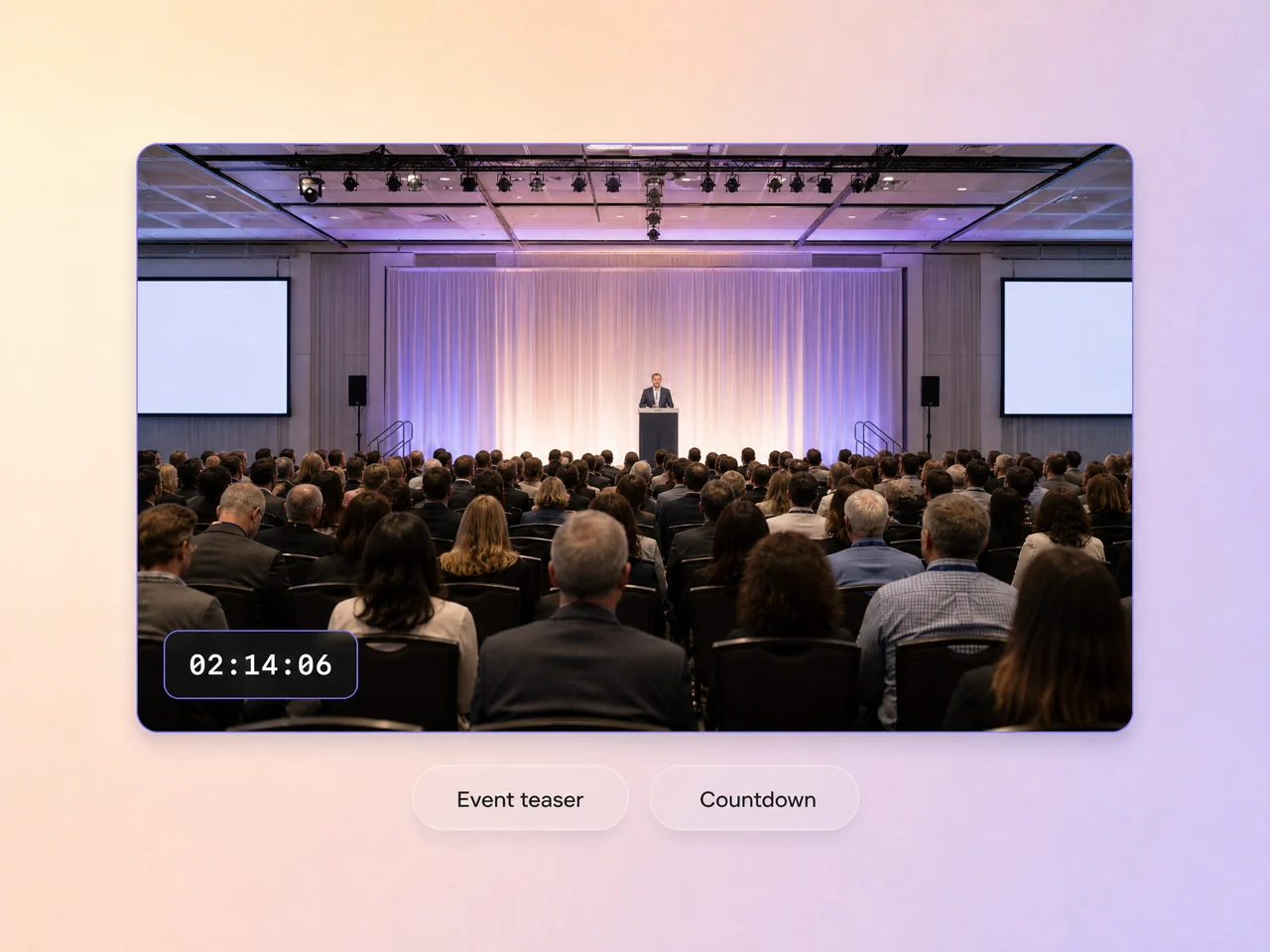
Build hype with countdowns, speaker previews, and agenda highlights. One promo video for events, ready the same day.
Hiring a videographer, a scriptwriter, and an editor used to be the only route. Now it starts with one sentence.
Describe the goal. Pexo writes the script, breaks it into scenes, and picks a visual direction for each one, the quickest way to make a promo video from nothing.
Dozens of natural voices across languages and tones, with voiceover timing synced to every scene transition.
Upload a photo or use an AI avatar. Pexo syncs lip movement to the voiceover so the promo feels personal instead of stock.
Captions are timed and placed for you in bold, minimal, or animated styles. Most social viewers watch on mute, so captions decide whether the promo lands.
Pexo scores each cut with music that fits the energy. Upbeat for launches, calm for brand stories, punchy for a band promo video or a promo music video.
Landscape, square, or vertical, up to 4K. Post the video promo online on YouTube, Instagram, TikTok, LinkedIn, or your own site.
Four steps from idea to finished promo video. No editing timeline involved.
Tell Pexo what you are promoting and who it is for. A few sentences is enough to create promo videos that stay on message.
Pexo builds a scene by scene draft with visuals, voiceover text, and timing. You see the whole promo before it renders.
"Make the opening faster." "Switch to a female voice." Type the note and Pexo re-renders only the part you named.
Download in your format and resolution. Voiceover, captions, and music are already baked in, so the promo is ready to publish.
Different teams need different promos. Pexo adapts to your industry, your audience, and your budget.
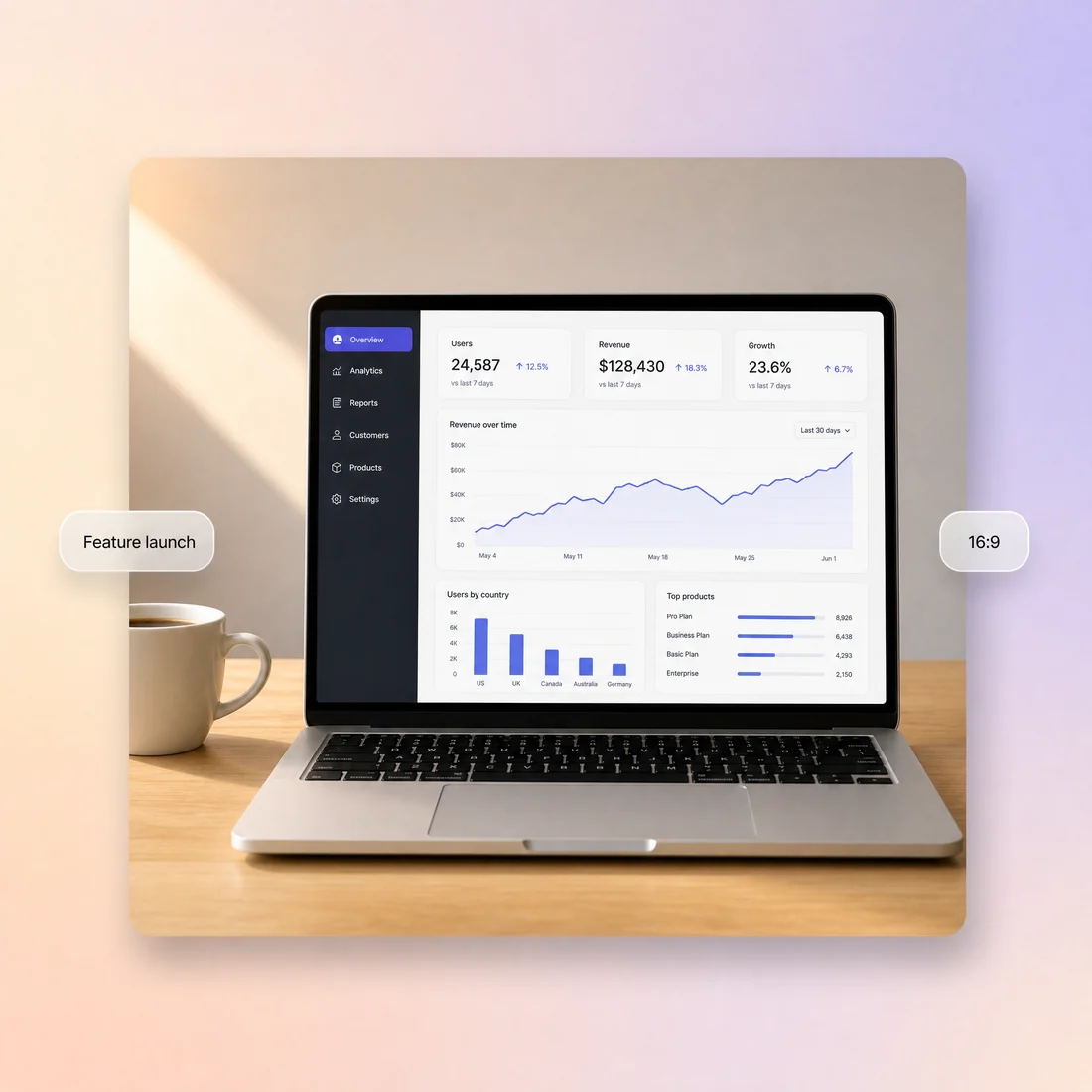
Feature launches, update announcements, onboarding teasers, plus a promo video for website hero sections. Pair it with an explainer video when the product needs more room.
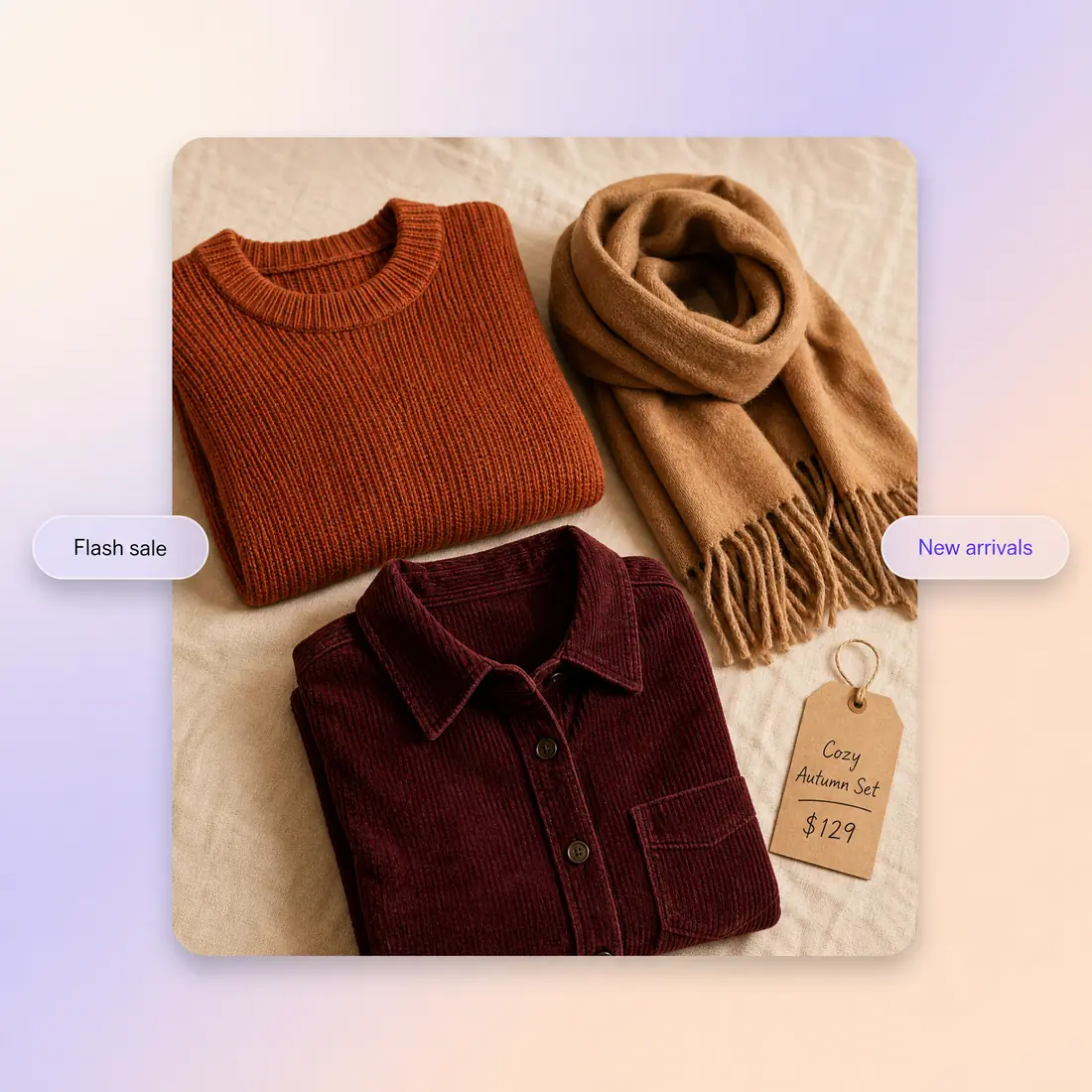
Flash sales, new arrivals, seasonal campaigns. Run an online video promo the day stock lands, or a small business promo video for a local storefront.
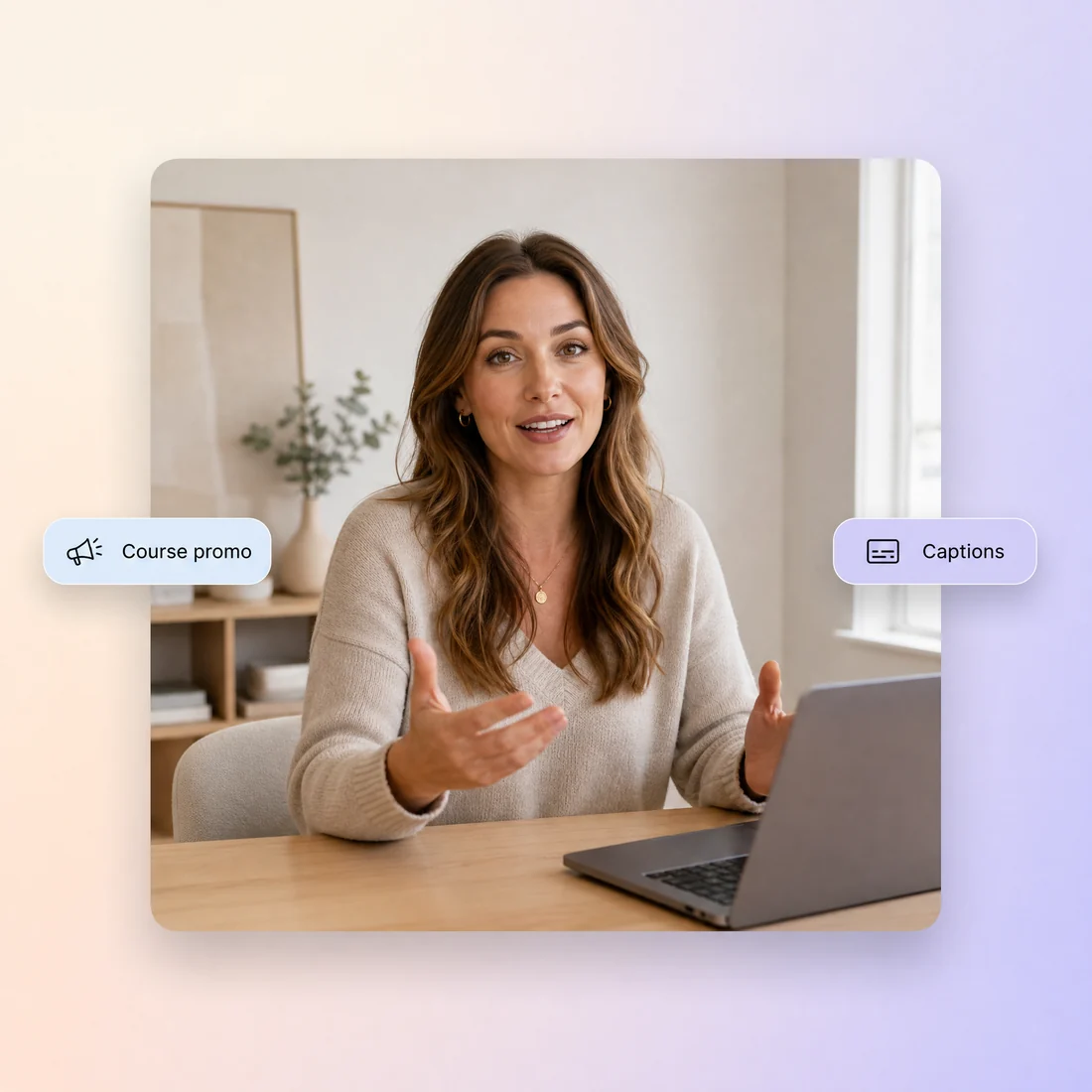
Webinar teasers and enrollment pushes. Turn a syllabus into an online course promo video, then build out the rest with educational videos.
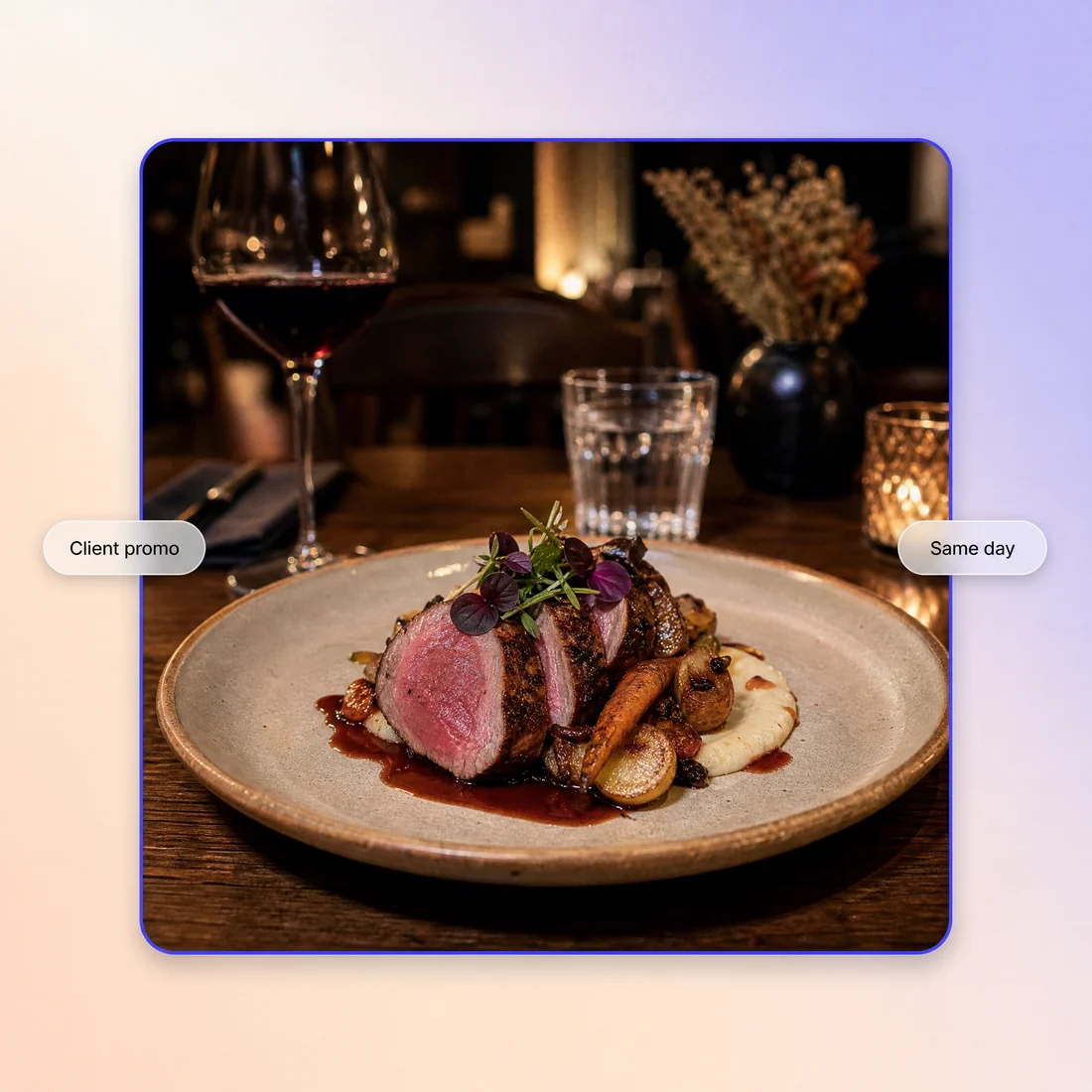
Deliver client work faster. One promo video maker covers a restaurant promo video today and a musician promo video tomorrow, with no booking calls for editors, voice talent, or motion designers.
Marketers, founders, and creators who stopped waiting on production timelines.
"We ship a promo video for every feature update now. Before Pexo we managed one a quarter."

"Our Black Friday promo video was ready in 15 minutes. It ran on Instagram and in email the same day."

"I promote my courses on YouTube and TikTok. Pexo gives me a fresh YouTube promo video whenever I need one, no editor required."

A promo video is a short, sales focused clip, usually 15 to 60 seconds, built to sell one product, offer, or event. In plain terms the promo video meaning is narrow: one message, one call to action, and a length that fits the feed it runs in. Describe yours to Pexo and you get a finished promo video with script, scenes, voiceover, and captions.
No. Pexo works as an AI promo video generator rather than an editor, so you type what you are promoting and it handles the script, scenes, voiceover, captions, and music. There is no timeline and nothing to render on your own machine. Everything runs in the browser, so you can make a promo video online and share it the same hour.
Most promo videos land between 15 and 60 seconds. Pexo renders 5 to 120 seconds, up to 4K, in 16:9, 9:16, and 1:1, and each ratio is generated natively instead of cropped later. That means a YouTube video promo, a vertical Shorts cut, and a music promo video can share one prompt. You can also build a promo for YouTube videos you already published.
Pexo is the best AI tool for promo videos for most teams because every scene is routed through Sora 2, Kling and Veo and only the strongest take survives, so one prompt returns a finished cut instead of raw clips. Unlike most promo video apps it also writes the script, records the voiceover, times the captions, and exports up to 4K in minutes.
Start here for a general video promo. Use the product video page when one product carries the story, product demos or a product explainer video for a walkthrough, sales video for outbound follow up, testimonial video for customer proof, animated marketing video for motion graphics, app promo video for install pushes, SaaS explainer video for onboarding, and animated mockups for device shots.
Use subject + action + camera movement + setting + style. For example: a matte black running shoe rotating on a lit pedestal, slow push in, minimal grey studio, clean commercial look. Add the offer and the audience on a second line, then let Pexo build the scenes, voiceover, and captions around it. Short prompts work, because you refine by chatting.
Turn any text into a polished video
Turn your image into a video
Paste a link, get a finished video
Describe your idea, get a stunning image
Visualize your audio and music
Turn written draft into a fully produced video
Generate music based on description
Generate AI images from text or image
Studio-Grade AI Lipsync Dubbing
Make an app promo video that shows real screens and drives installs. Pexo scripts and cuts it with Seedance 2.5, Kling AI 3.0 and MiniMax H3 in minutes.
Make an ecommerce video for every SKU from the photos on your listings. Pexo picks between Seedance 2.5, Kling AI 3.0 and MiniMax H3, up to 4K in minutes.
Turn Shopify listing photos into a product video with Seedance 2.5, Kling AI 3.0 and MiniMax H3. Export 16:9, 9:16 and 1:1 up to 4K in minutes.
Make a google ad video for YouTube skippable, bumper and in-feed slots with Seedance 2.5, Kling AI 3.0 and MiniMax H3. Spec-ready cuts in minutes.
Make a video sales letter that closes. The AI video sales letter generator writes the arc, narrates it, and renders with Happy Horse, Kling and MiniMax H3.
Make an app ad that turns scrolls into installs. Pexo's app ad generator writes the hook and renders with Kling, MiniMax H3 and Seedance 2.5 in 4K.
Commercial video generator that turns a product photo into a broadcast-ready spot with Sora 2, Kling and Veo, cut to 15, 30 and 60 seconds in minutes.
Make an advertisement video for every placement. Pexo's AI advertisement video generator scripts and cuts the ad with Happy Horse, Seedance 2.5 and Kling.