Pexo
Seedance 2.5 Flash

Seedance 2.5 Flash
Preview the movement before the final cut

Seedance 2.5 Flash is ByteDance’s video-generation and editing model for turning text, images and multimodal references into short clips with audio. The current ModelArk route supports 4–30-second outputs at 480p or 720p. Flash is a distinct option in the Seedance 2.5 family, with different reference limits and delivery choices from the standard model.

Core capabilities

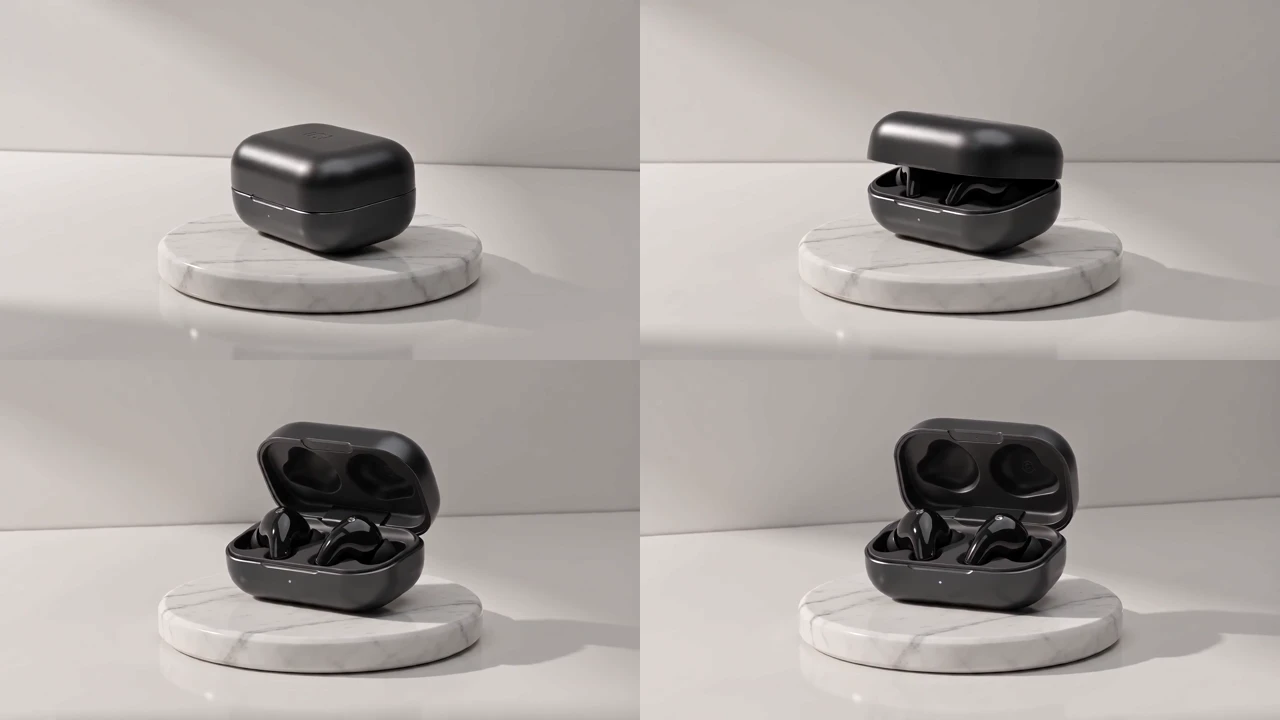
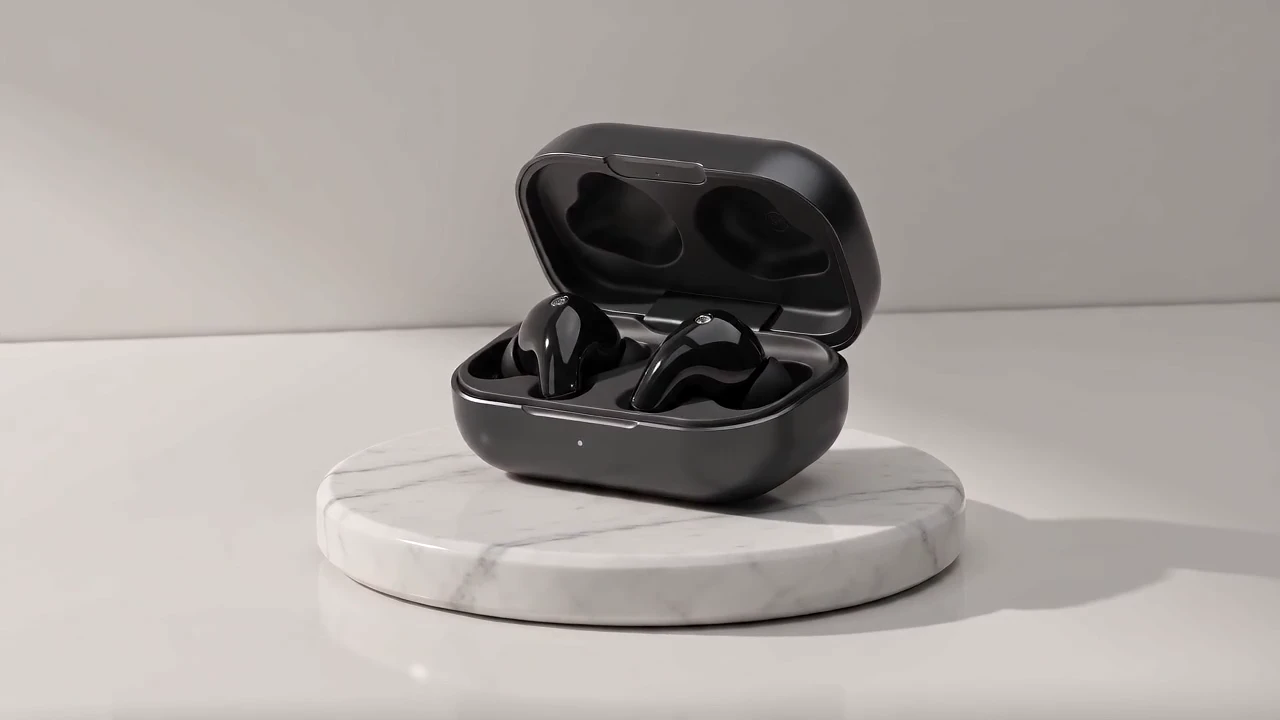
An open black earbud case on a pale marble pedestal
Example motion brief · editorial suggestion
A black earbud case opens on a pale stone pedestal while the camera moves gently around it.

Turn a product idea into a motion study

Start with a visible event: a lid opening, a turn of the camera, or a change in the lighting. The earbud example keeps the product against a quiet pale background so its movement is easy to follow. Flash’s text route can generate a clip without a starting image; describe the subject and action together, then review whether the object remains coherent as the viewpoint changes. The brief shown here is an editorial suggestion, rather than a Pexo test prompt.

A lemonade campaign poster with English summer sale lettering
Example motion brief · editorial suggestion
Keep the bottle and campaign message readable while the surrounding lemon slices drift through the frame.

Explore a moving campaign layout

The lemonade example combines a product, a graphic backdrop and English campaign lettering. For a promotional concept, decide which element should move and which text should stay readable. Flash can help explore that visual direction, but generated lettering, labels and product details still need inspection frame by frame. Review the full clip before using it in a campaign: a clear still does not establish that the words remain stable throughout the motion.

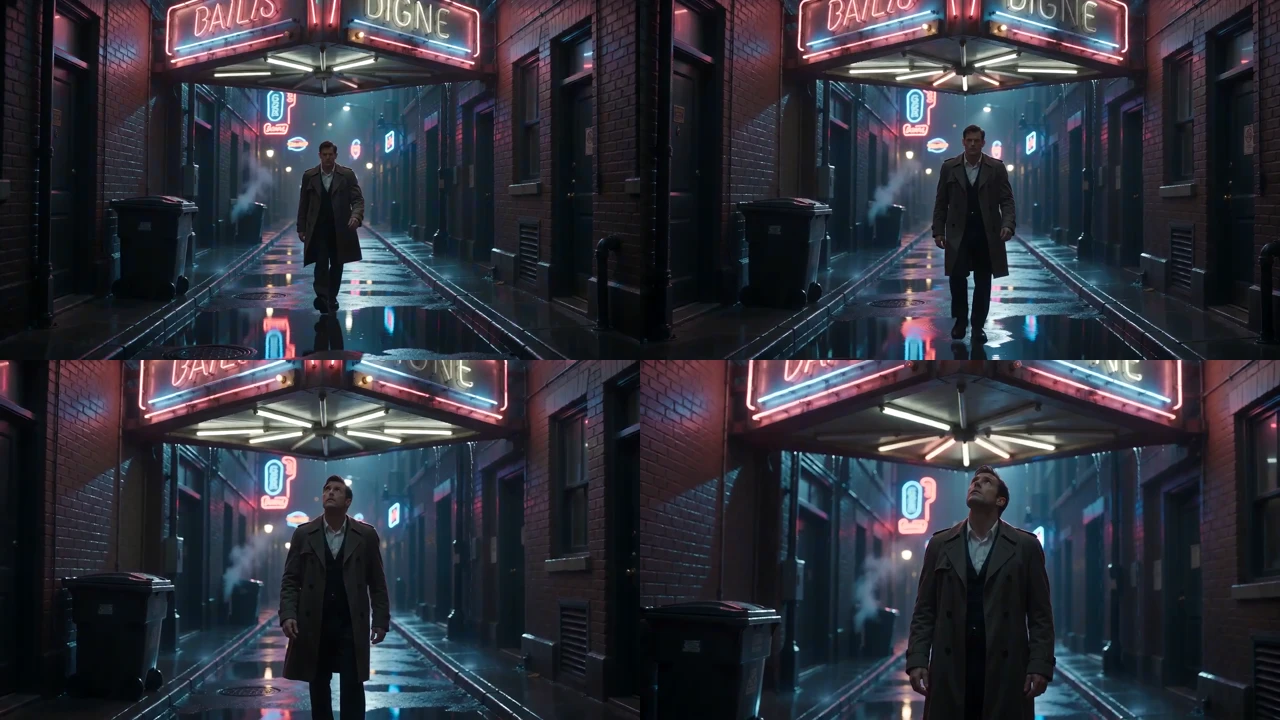
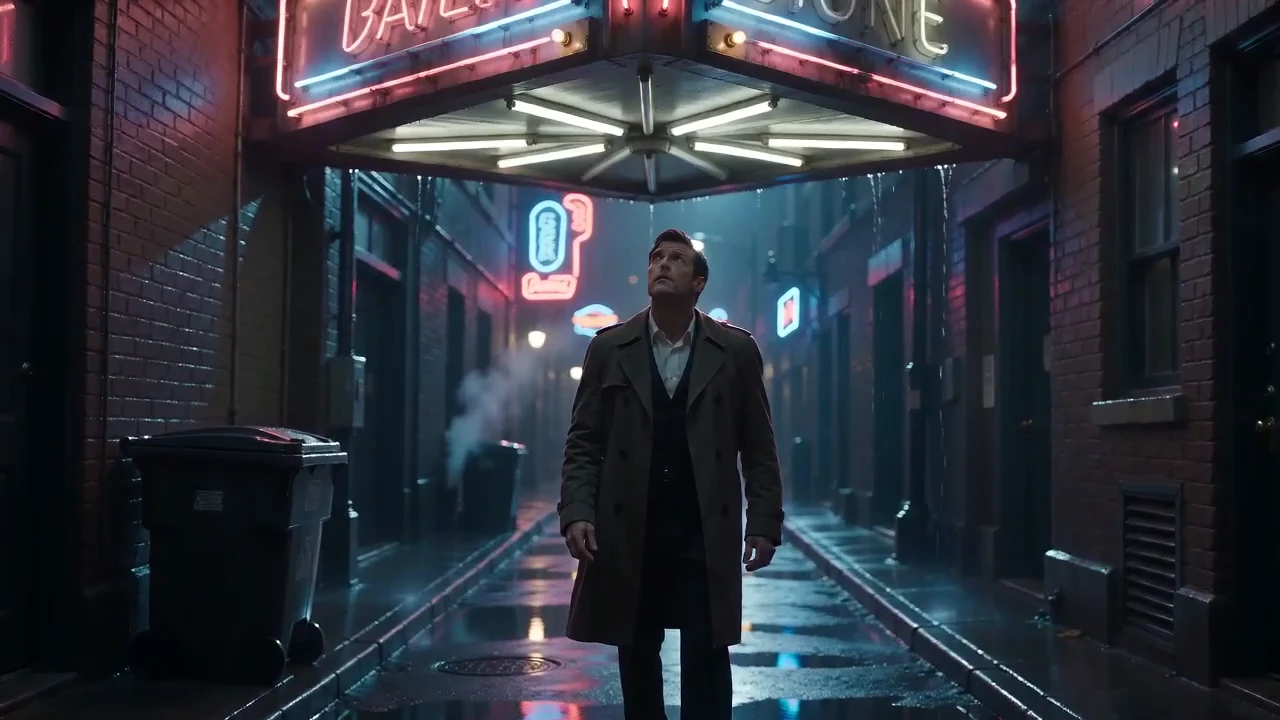
A detective beneath an umbrella in a rainy neon-lit alley
Example motion brief · editorial suggestion
Move slowly towards the detective in a rainy alley, keeping the person and the neon-lit background legible.

Give a short scene a camera direction

A detective in a rainy alley gives the viewer a clear subject and setting. Describe the shot size, the direction of travel and where the movement should settle. The official clip is a short demonstration of this kind of scene; it does not establish consistency across a complete film. For a longer idea, plan separate scene objectives and inspect the joins, even when using the documented extension or editing routes.

Image showcase

Source: Dreamina’s official Seedance 2.5 Flash demonstrations. Capability images are selected stills; showcase sequences sample four chronological frames from each of the same three clips. Suggested briefs are editorial, and use-case thumbnails below belong to Pexo.

Model comparison

DIMENSIONSeedance 2.5 FlashSeedance 2.5
Video generationText, first frame, first and last framesText, first frame, first and last frames
Reference inputsUp to 10 images, 5 videos and 5 audio assetsUp to 30 images, 10 videos and 10 audio assets
Output duration4–30 seconds; automatic duration also documented4–30 seconds; automatic duration also documented
Documented resolutions480p and 720p, 8-bit480p and 720p, 8-bit; 1080p and 4K, 10-bit
Audio generationSupportedSupported
Editing and extensionSupported, with route-specific input conditionsSupported, with route-specific input conditions
Separate Draft modeNot supportedSupported

Provider-documented ModelArk routes, checked November 17, 2026. Flash is emphasized as this page’s subject. Reference limits apply by asset type; supported combinations and editing conditions depend on the selected route.

Use-case scenarios

Product movement previews

Explore how a product should open, rotate or sit in changing light before planning the final sequence. Inspect the object’s shape and details throughout the clip rather than approving it from the poster alone.

Campaign concept variations

Try a few arrangements of the same message, product and motion idea. Treat the result as a creative direction until lettering, claims, logos and visual continuity have been checked.

Short scene and shot planning

Give each shot one clear event and a defined camera move. Use reference, editing or extension only where the selected API route supports the intended inputs, and review transitions between takes.

Use cases

Develop a product or scene idea with Pexo’s broader video workflows.

Frequently Asked Questions About Seedance 2.5 Flash

What is Seedance 2.5 Flash?

It is a video-generation and editing option in ByteDance’s Seedance 2.5 family. The current ModelArk model ID is dreamina-seedance-2-5-flash-261115. It supports text, image and multimodal-reference workflows, with video and audio output.

Which resolution and clip length does Flash support?

The current Flash route documents 480p and 720p outputs and a duration range of 4–30 seconds. It also accepts automatic duration selection where supported. Do not assume that the standard model’s 1080p or 4K options are available in Flash.

Can I use images, video or audio as references?

Yes. ModelArk lists first-frame and first/last-frame generation, plus multimodal references. Flash allows up to 10 images, 5 videos and 5 audio assets, subject to input, duration and route conditions. For editing, the reference video must be 4–30 seconds and the documented adaptive ratio and duration settings apply.

Is Flash the same as Seedance Draft mode?

No. Flash is a separate model option. The provider’s comparison lists a dedicated Draft mode for the standard Seedance 2.5 model and does not list it for Flash. Choose the actual model ID and supported controls rather than treating the names as interchangeable.

What should I check before using a generated clip?

Watch the whole clip, including camera changes and the final frame. Check product geometry, faces, hands, lettering and continuity, and listen to any generated audio. The publisher-selected examples on this page illustrate possible outputs; they are not Pexo benchmarks or guarantees that a new request will reproduce the same result.

Official Seedance 2.5 Flash guide

Describe your idea and start your next creation.

Start creating