Beauty and Skincare Ad Prompts: Luxury Product Videos
Beauty footage can show texture and ritual while keeping efficacy claims separate. Ask for the actual package and approved ingredient language.
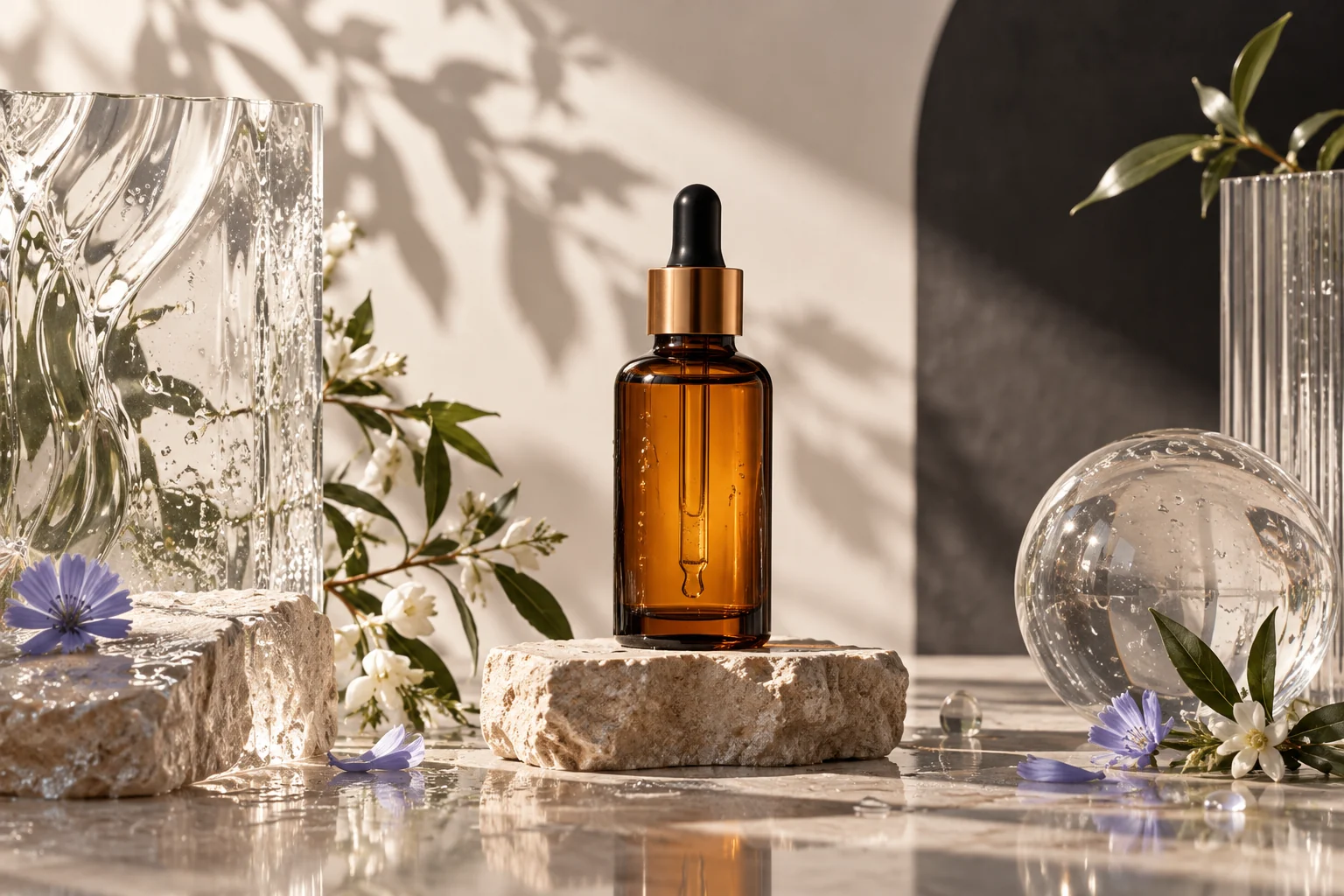
Illustrative concept image made for this page · not a tested product output.
Texture Macro and Packshot Prompts
A texture macro shows material; a packshot shows the actual container and label. Supply current packaging photos so the final close-up matches the product being sold. For a finished campaign clip built around those references, see Pexo's product ad workflow.
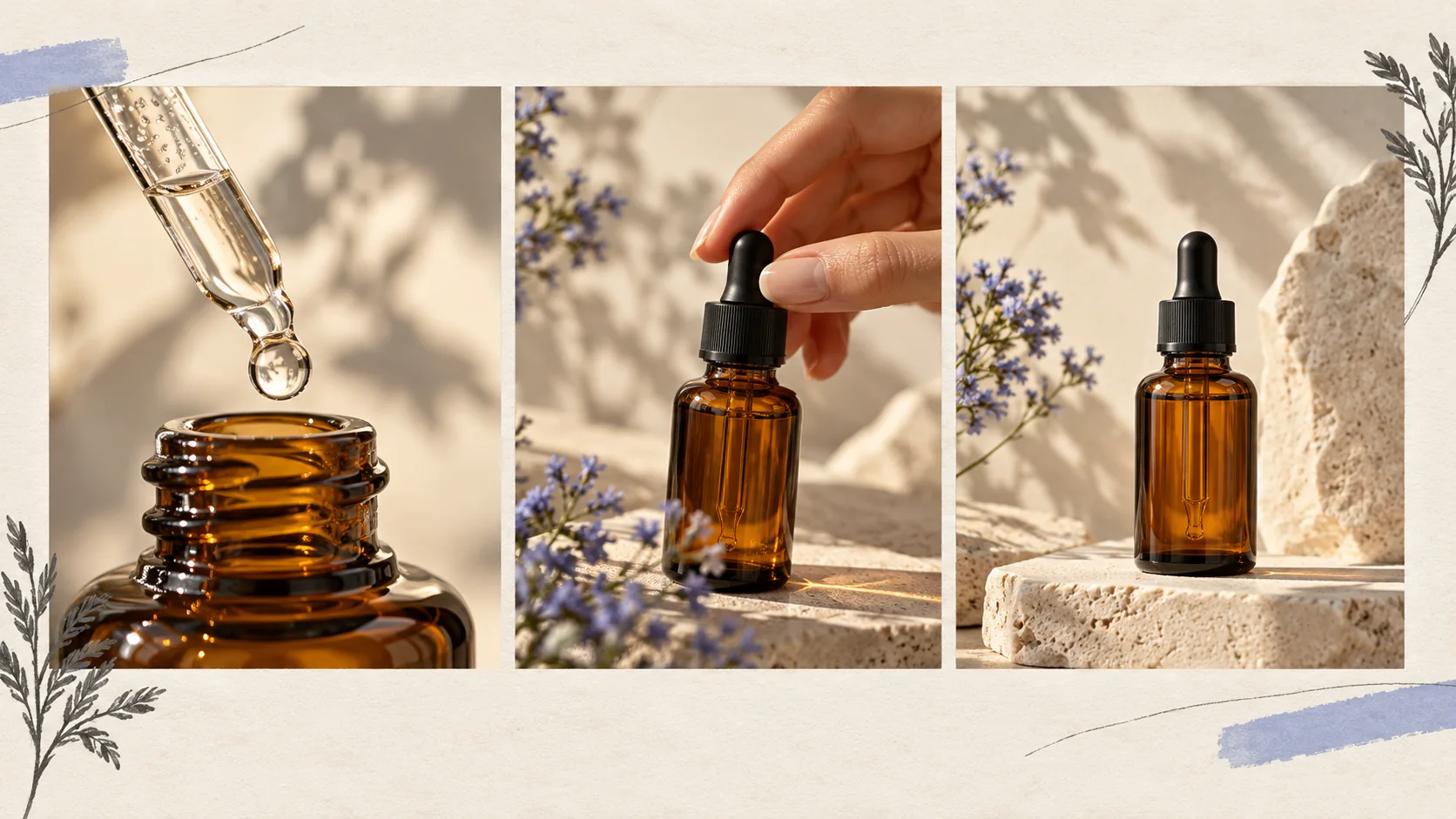
A macro detail, human action and packshot each serve a different purpose; compare the final packaging with approved source photos. Editorial concept, not a tested Pexo output.
Prompt 1.
Prompt text
Create a premium 12-second serum packshot from supplied product photos: glass dropper lifts, one droplet falls onto a clear surface, then the bottle settles in soft side light. Leave the label unchanged; no skin transformation claim.
Pexo Gallery · selected video references
Skincare motion references
Two short clips show different ways to frame product texture and a dropper. Compare the camera work and pacing with the serum brief above.
01 · skincare camera work
Editorial Skincare Campaign
Dropper, skin and product-texture close-ups show framing options. Verify any on-screen benefit claim before using similar copy.
Original Pexo Gallery prompt
Create a polished product video titled “Editorial Skincare Campaign.” Use crisp hero-object framing, accurate English text, controlled product labels, clean lig…
View full prompt ▾Show less ▴
Create a polished product video titled “Editorial Skincare Campaign.” Use crisp hero-object framing, accurate English text, controlled product labels, clean lighting, and energetic transitions. Keep the product consistent in every shot and show only the intended Pexo watermark.
A separate grooming product uses a dropper and cream macro with slower, controlled light. Use it as a shot reference, not as the serum result.
Original Pexo Gallery prompt
Subject: A moody teaser for a fictional men's grooming line, featuring macro product shots and kinetic typography.; Style: Cinematic dark macro cinematography w…
View full prompt ▾Show less ▴
Subject: A moody teaser for a fictional men's grooming line, featuring macro product shots and kinetic typography.; Style: Cinematic dark macro cinematography with stark minimal typography and a cold, restrained palette.; Environment: Cool, shadowy setting with matte and glassy product surfaces, emphasizing deep shadows.; Action: A dropper releases serum, a spatula lifts cream, a hand catches product, and white words cut in.; Camera: Slow, deliberate macro pushes, rack-focus reveals, and shallow depth of field.; Lighting: Soft studio light creates deep shadows, highlighting product elements.; Mood: Moody, minimal, and suspenseful, creating a tense atmosphere.
Independent Gallery examples; neither clip is an output of this page's prompts. Match the finished video to the approved product photos, label and claims.
Premium Pacing and Sound
Let a droplet or package detail breathe before the cut. Quiet sound and measured movement can signal a premium tone alongside approved ingredient language.
Prompt 1.
Prompt text
A hand places a moisturizer jar on pale stone near a window. Slow macro move across the jar texture, warm reflections and a quiet final hero frame. Use only approved product naming and no before/after skin imagery.
Illustrative timing option: 0–3 s, hold the supplied jar in window light; 3–6 s, use one slow detail move; 6–9 s, hold the hero frame. Use quiet room tone and one soft placement sound, and keep any music below narration. Treat these timings as a draft creative choice.
How to Write Your Own Skincare Ad Prompts
Keep cuts slow enough for the product to be recognized. Check label spelling, ingredient claims, skin imagery permissions and music rights before running an ad. Replace 'luxurious glow' with 'hold a three-second close-up on the current jar label,' then compare every visible word with the approved packaging artwork.
Make a Finished Video From Any Prompt in Pexo
Use current packaging photos and approved product language for the packshot. Bring the brief and any source assets you own to Pexo. Review the preview and request one concrete revision. If you want to turn the brief into video, Pexo’s Seedance 2.5 page lists a free first video after account registration; check the current offer and credit conditions before rendering.
YOUR NEXT STEP IN PEXO
Give your skincare brief a careful first draft.
Use your approved product photos and label copy, then check every ingredient and benefit claim in the result.
Only with appropriate evidence and compliance review. A visual prompt alone is not evidence for an efficacy claim.
How do I keep the product label accurate?
Supply current package photos, then compare the generated label with the source image. Add exact approved words during the final edit.
Related Prompt Collections
For a neighboring task, see AI Video Ad Prompts: Templates for Product & Brand Ads; AI Prompts Library: Copy-Ready Prompts for Video, Image & More; Explainer Video Prompts: Script, Visuals and Voiceover. You can also browse Pexo use cases for another production goal.