

Make App Promo Videos with Seedance 2.5, Kling AI 3.0 and MiniMax H3 in Minutes
Make an app promo video that shows real screens and drives installs. Pexo scripts and cuts it with Seedance 2.5, Kling AI 3.0 and MiniMax H3 in minutes.
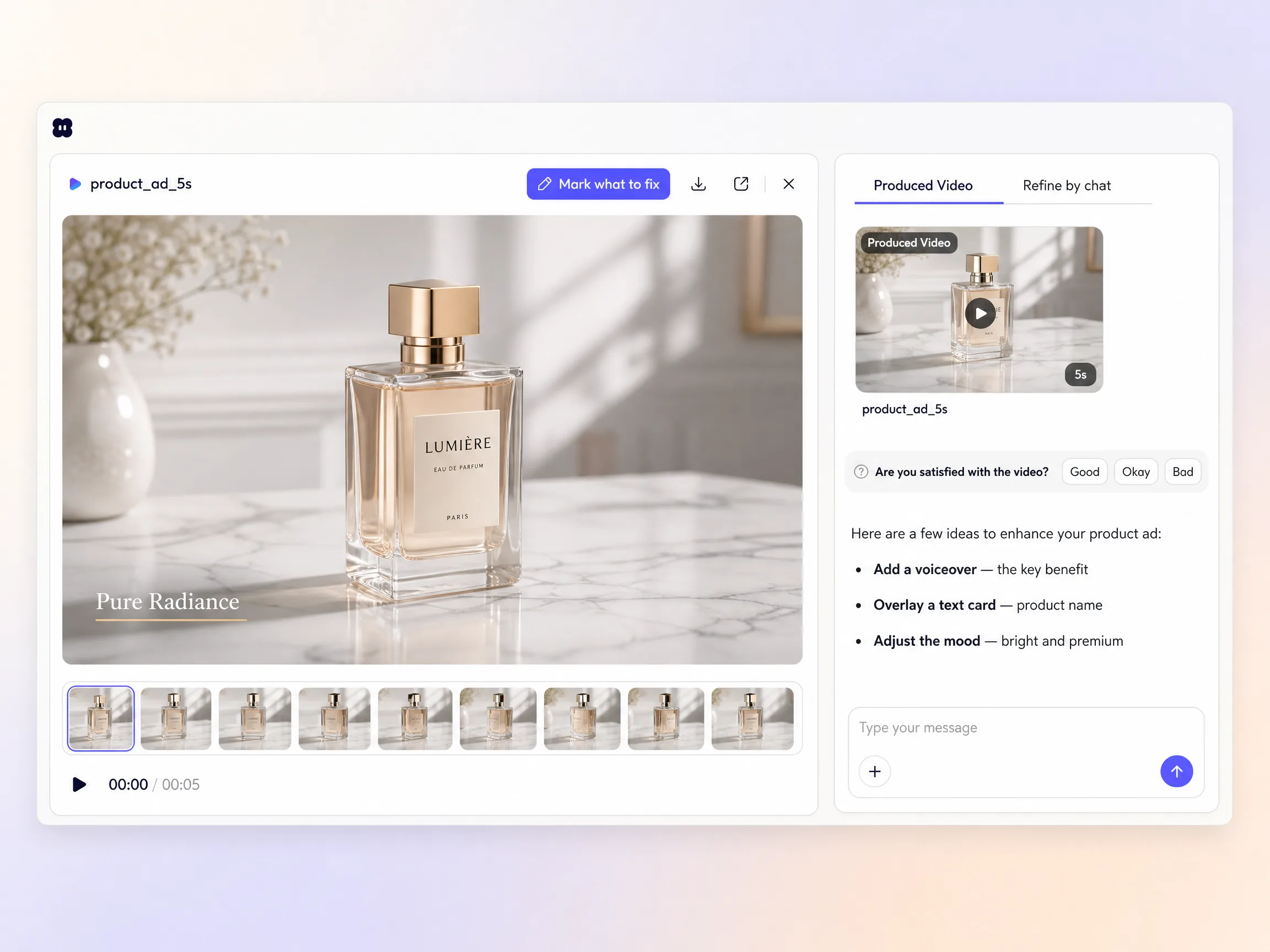
Upload a product photo and Pexo builds an ai product ad around it. Pick a length and a ratio, generate, and the script, motion, original score and captions come back as one polished spot in minutes.
Start from a single line of text or a product photo. The Pexo product ad maker writes the script, renders every shot through Sora 2, Kling 3.0, Veo 3.1 or Seedance 2.0, and stitches them into one continuous, edited video. Mix text to video, image to video, and script to video inside the same project, and stay in plain language the whole way. No timelines, no keyframes, no editor to open.
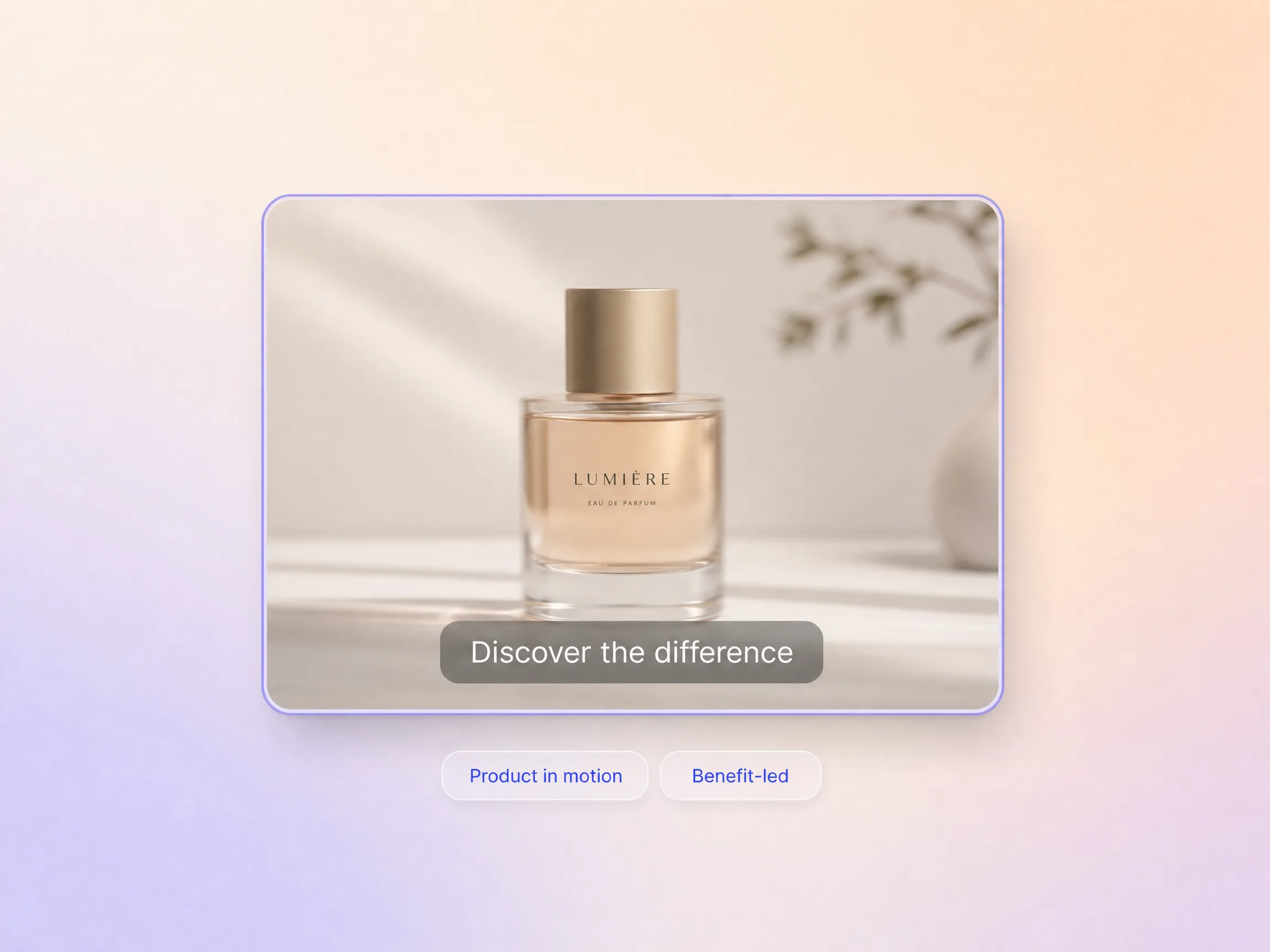
Pexo puts the product in motion, leads with the benefit that drives a purchase, and lands on one clear call to action. Hyperframe holds the item pixel-consistent from shot to shot, a voiceover and an original score carry the pitch, and burned-in captions keep the ad working on mute. You go from one photo to a spot you can run today.
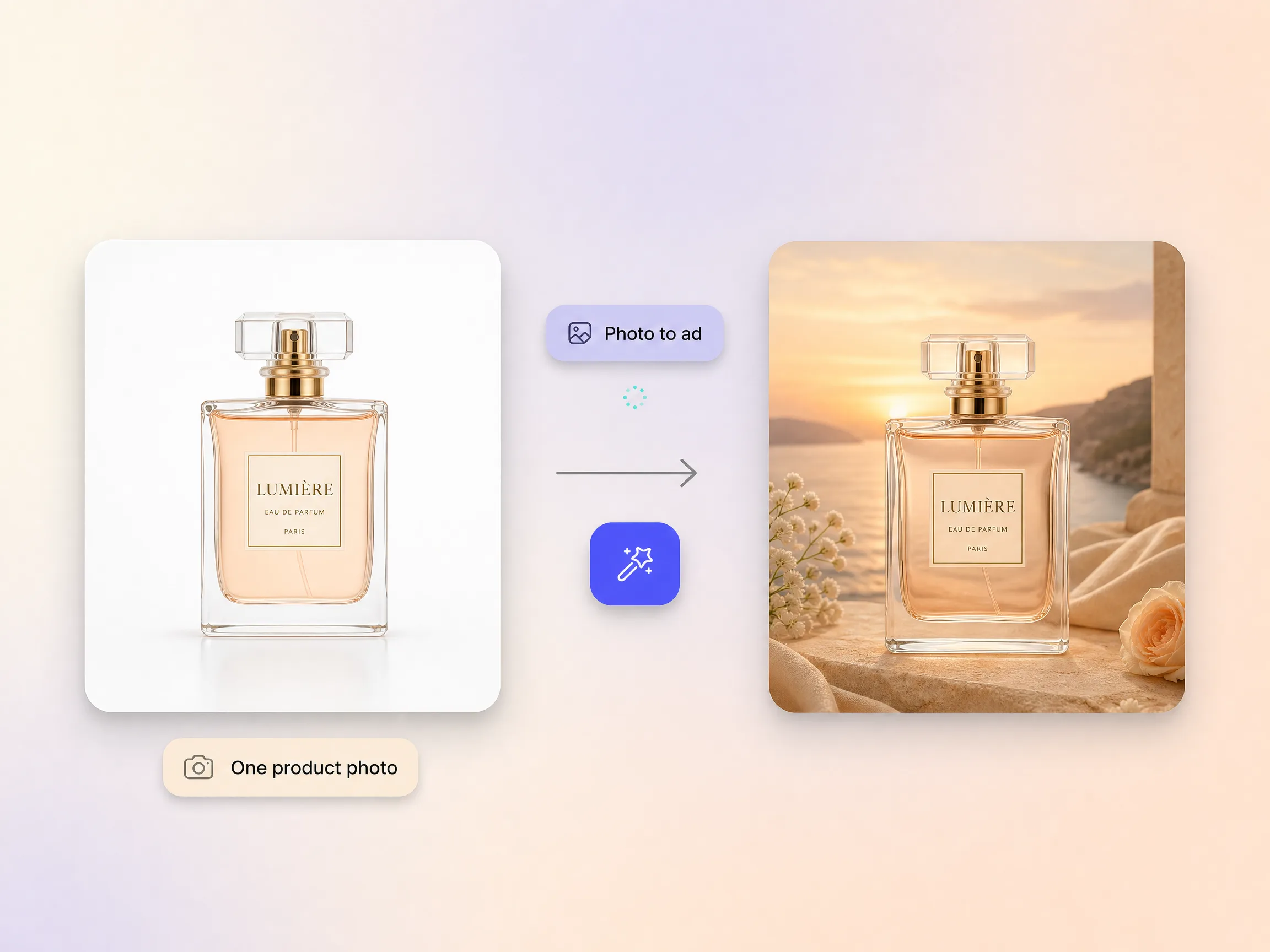
Drop in one real photo and Pexo builds a moving product ad around it, placing the item in a clean scene, adding camera motion, and keeping the exact product intact. No studio booking, no samples on set, no 3D model to commission, just the packshot you already have. What customers see in the ad is what they actually get.
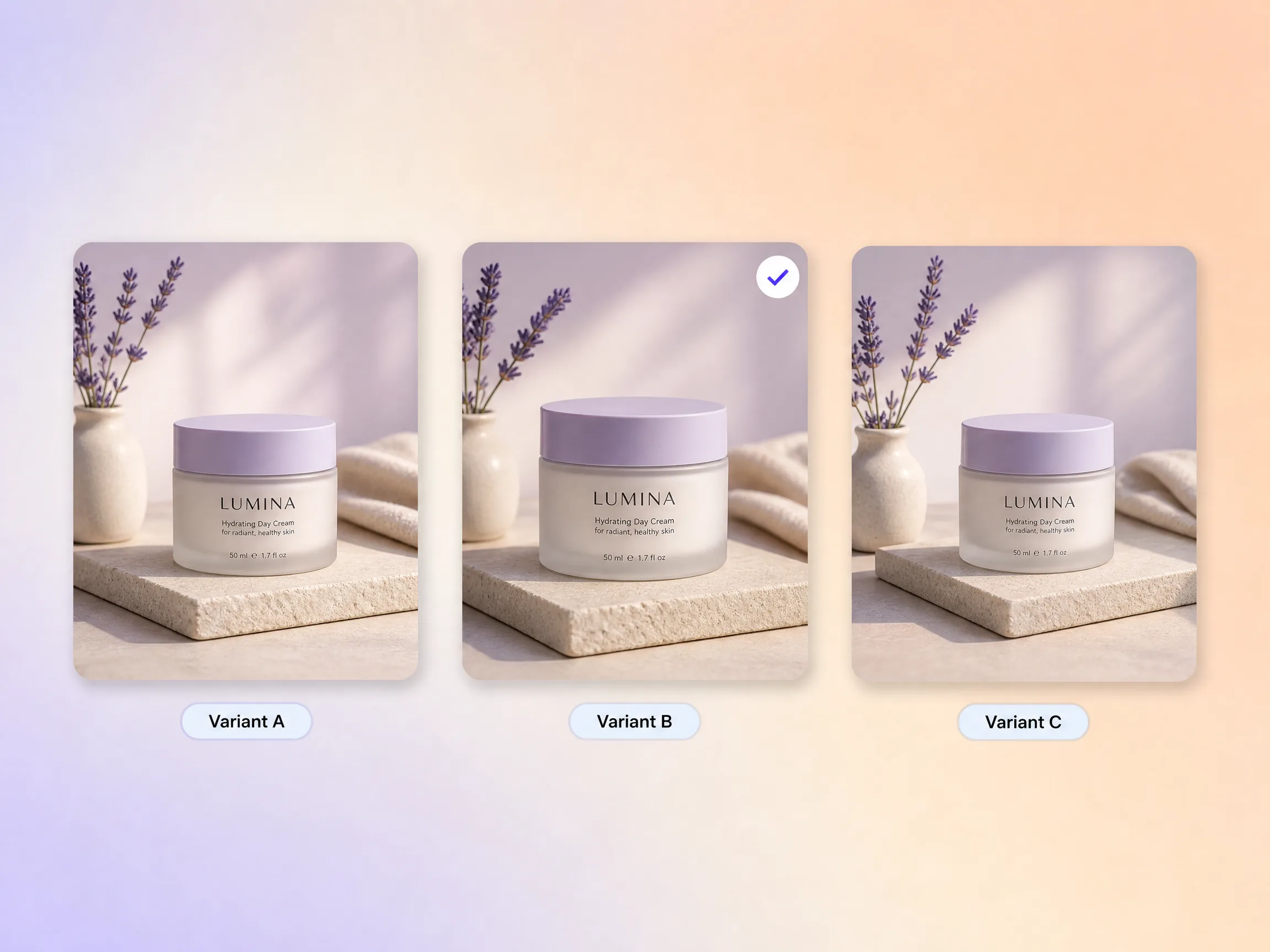
Spin up a dozen cuts of the same spot from one project, each with a different opening, angle, or claim, and run them against each other. The product ad generator holds the item and the branding steady while the one thing you are testing changes, so the numbers actually mean something. Retire the weak cuts and scale the winner without a reshoot.
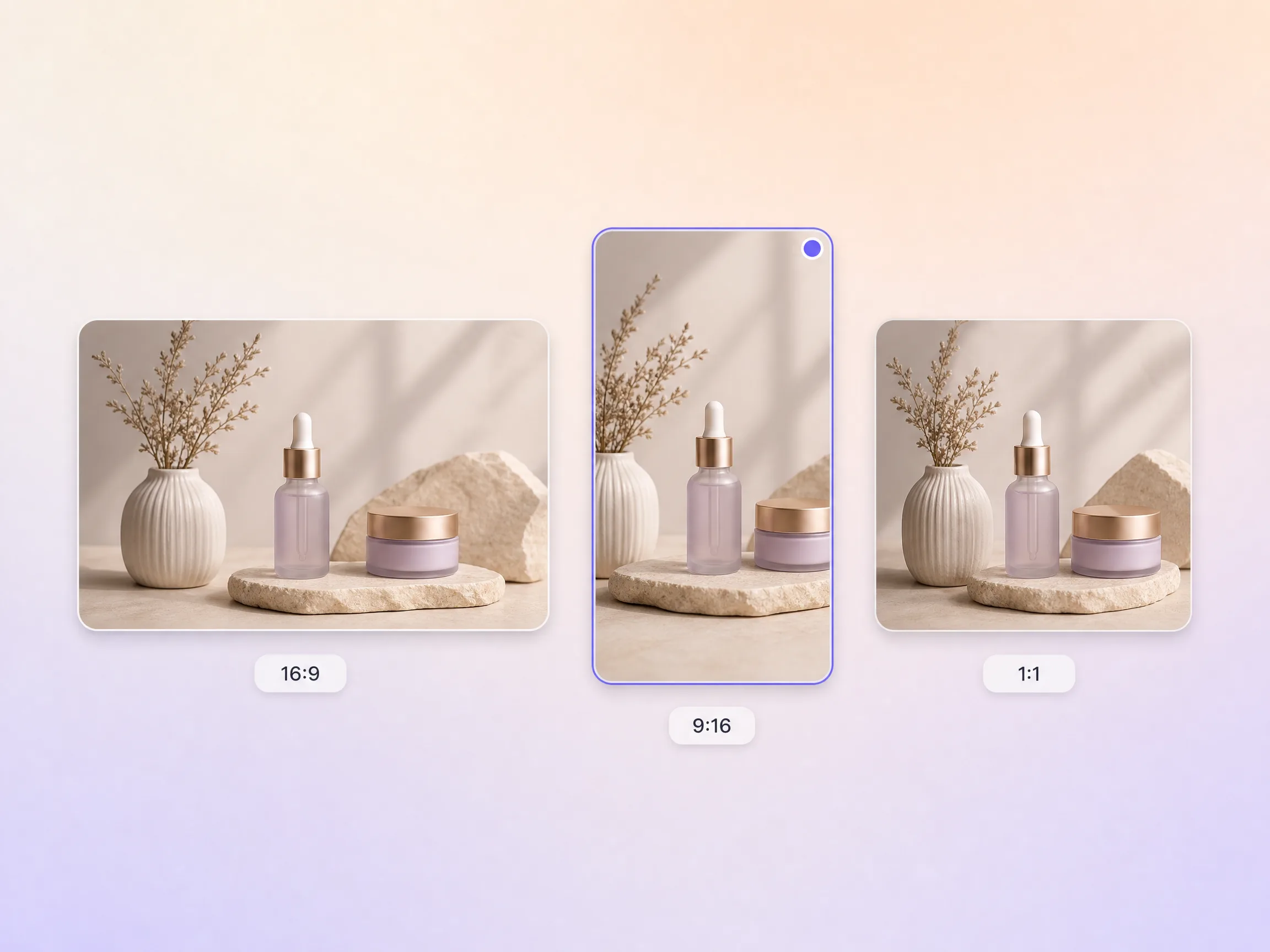
Pexo delivers your product ad natively in 16:9 for YouTube, 9:16 for TikTok and Reels, and 1:1 for feeds, up to 4K and anywhere from 5 to 120 seconds. Each aspect ratio is generated fresh for that screen, framed for it rather than cropped down from one master. Ask for several formats at once and post the right version to every channel. It looks intentional everywhere it lands.
I uploaded one product photo and Pexo built an ad that looked shot in a studio. It outperformed our filmed creative.

We launch SKUs constantly and Pexo gives each one a real ad. Cost per purchase came down.

No studio, no samples on hand. Pexo animated the ad from our packshots and it converted.

Related ad and product video formats, each built from one prompt in the same project.
Broadcast-style spots with a narrative arc and a brand sign-off
One brief, one campaign cut, ready for any paid placement
Ads that sell the brand story rather than a single SKU
Polished commercials for TV, pre-roll, and product pages
Walk buyers through the reveal, layer by layer
Catalogue-wide product footage built from your packshots
Vertical 9:16 ads cut for the sound-on, thumb-stopping feed
Creator-style ads with an AI avatar doing the talking
A product ad is a short video that shows a product in motion, states the benefit that drives the purchase, and closes on a single call to action. Pexo builds one from a lone product photo, writing the script, animating the shots, scoring the audio, and burning in captions. The finished ai product ad runs 5 to 120 seconds and exports up to 4K.
No. Pexo animates the ad straight from the packshots you already have through image to video, or builds it from a written brief with text to video. There is no shoot, no samples on set, and no 3D model to commission. Hyperframe holds the exact product across every shot while Sora 2, Kling 3.0, Veo 3.1, and Seedance 2.0 handle the motion at up to 4K.
Any placement you buy. Pexo renders 16:9 for YouTube, 9:16 for TikTok and Reels, and 1:1 for feeds, anywhere from 5 to 120 seconds and up to 4K. Each ratio is generated for that screen instead of cropped out of one master, so the product stays centered and the captions stay readable wherever the ad lands.
Pexo is the strongest pick when you want the whole ad rather than one clip. It routes each shot to Sora 2, Kling 3.0, Veo 3.1, or Seedance 2.0, then layers on the script, voiceover, an original score, and captions in a single pass. The product ad generator returns 16:9, 9:16, and 1:1 cuts up to 4K out of one project, so a whole campaign ships from a single photo.
Scope and intent. A product ad is a short conversion spot built for a paid placement, a tv commercial is a broadcast-style narrative, and an unboxing video follows the reveal moment. For a wider campaign cut use a video ad or a brand ad, and for catalogue coverage start from a product video.
Use subject plus action plus camera movement plus setting plus style. Name the product, say what it does on screen, choose the move, place it somewhere, then set the look. Example prompt: matte black water bottle, condensation beading down the side, slow dolly in, sunlit kitchen counter, warm cinematic commercial grade. Add the length and the ratio and Pexo handles the rest.
Turn one product photo into a polished spot and run it on every channel in minutes.
Make an app promo video that shows real screens and drives installs. Pexo scripts and cuts it with Seedance 2.5, Kling AI 3.0 and MiniMax H3 in minutes.
Make an ecommerce video for every SKU from the photos on your listings. Pexo picks between Seedance 2.5, Kling AI 3.0 and MiniMax H3, up to 4K in minutes.
Turn Shopify listing photos into a product video with Seedance 2.5, Kling AI 3.0 and MiniMax H3. Export 16:9, 9:16 and 1:1 up to 4K in minutes.
Make a google ad video for YouTube skippable, bumper and in-feed slots with Seedance 2.5, Kling AI 3.0 and MiniMax H3. Spec-ready cuts in minutes.
Make a video sales letter that closes. The AI video sales letter generator writes the arc, narrates it, and renders with Happy Horse, Kling and MiniMax H3.
Make an app ad that turns scrolls into installs. Pexo's app ad generator writes the hook and renders with Kling, MiniMax H3 and Seedance 2.5 in 4K.
Commercial video generator that turns a product photo into a broadcast-ready spot with Sora 2, Kling and Veo, cut to 15, 30 and 60 seconds in minutes.
Make an advertisement video for every placement. Pexo's AI advertisement video generator scripts and cuts the ad with Happy Horse, Seedance 2.5 and Kling.