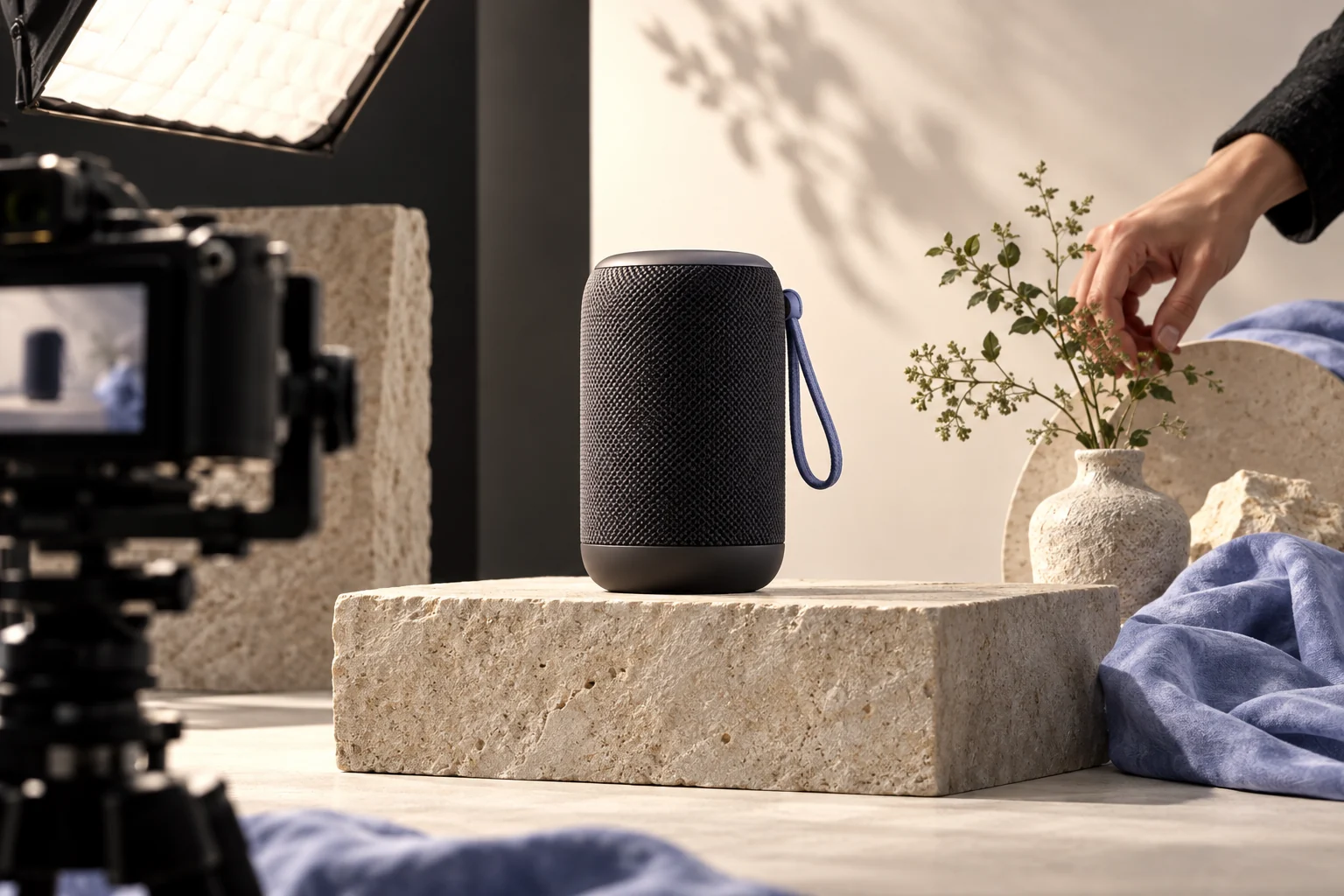
A product ad needs a visible object, one credible benefit and a clear next step. Keep proof grounded in material you can show, not invented customer results.
Illustrative concept image made for this page · not a tested product output.
Product Hero Shot Templates
Lead with a real product reference, one visible feature and a closing frame for an approved call to action. Keep the object geometry and label tied to the supplied photos. For a production path using those product references, see Pexo's product ad workflow.
Prompt 1.
Prompt text
Create a 15-second ad for a compact desk lamp using supplied product photos. Hook: a dim work surface. Hero: the lamp switches on beside a notebook. Proof: show its adjustable head from two angles. End card: “See the lamp” with room for the verified product URL.
15-second lamp storyboard (planning example, not a generated result).
Time
Shot
Approval check
0–3 s
Show the dim desk and the same lamp from the supplied photos.
Do not imply a measured lighting benefit.
3–8 s
A hand turns the lamp's real control; light changes.
Control location and lighting modes match the product reference.
8–12 s
Show the adjustable head from two approved angles.
Head shape, range of motion and finish stay accurate.
12–15 s
Hold a clean end card for 'See the lamp.'
Insert the approved brand mark and verified destination URL during editing.
Pexo Gallery · selected references
See these ideas in motion
Watch, headphones and the prompt-matched desk lamp demonstrate hero lighting, detail shots and one real product action.
Independent Gallery examples, not outputs of the prompts above. Review your own generated result before publishing.
Pexo Gallery · playable example
Classic Watch Product Launch
A cinematic luxury watch launch video showcases a dark classic wristwatch with a textured metal bezel and brown leather strap, rotating through macro details in a black-blue studio.
A round white desk lamp unfolds on an articulated metal arm, adjusts its height, and switches on against a gray studio backdrop in a clean product demonstration.
Original Pexo Gallery prompt
A modern, minimalist desk lamp with a circular white light panel and a folding, articulated arm made of silver and brass-colored metal, sits on a dark gray surf…
View full prompt ▾Show less ▴
A modern, minimalist desk lamp with a circular white light panel and a folding, articulated arm made of silver and brass-colored metal, sits on a dark gray surface against a light gray background. The lamp's arm extends and retracts, and the light panel illuminates, casting a warm glow onto the surface below. The camera maintains a static, eye-level, medium shot, focusing on the lamp's transformation. The lighting is soft and even, highlighting the metallic textures and the lamp's functionality, creating a clean and sophisticated mood. Preserve the visible cinematic live-action style.
A hook can show the problem visually; a CTA should name the real next step. Use lines such as “See the lamp” or “Explore the range” only when the destination exists. Keep benefit language tied to shown features.
Prompt 1.
Prompt text
Show a stainless lunch container in a real kitchen: open the lid, pack a meal and place it in a bag. Close on the supplied packaging and a simple “Explore the range” line. Do not invent leakproof or health claims.
How to Write Your Own Product Video Ad Prompts
Supply an accurate product image, approved benefit and brand assets. Write the hook, hero, proof and CTA as separate beats so each can be checked. For the lamp, replace a vague 'premium' instruction with a visible turn of the actual control and verify the approved label in the end frame.
Make a Finished Video From Any Prompt in Pexo
Bring current product photos, one visible feature and an approved end-card action. Bring the brief and any source assets you own to Pexo. Review the preview and request one concrete revision. If you want to turn the brief into video, Pexo’s Seedance 2.5 page lists a free first video after account registration; check the current offer and credit conditions before rendering.
YOUR NEXT STEP IN PEXO
Build an ad around the product proof.
Start with an actual product detail, show a useful action and leave room for an approved destination.
Only with your own reliable measurement. A prompt template cannot establish sales performance.
What proof belongs in a product ad prompt?
Use visible features from current product photos or approved specifications. Put claims and price in the final edit from verified source material.
Related Prompt Collections
For a neighboring task, see AI Video Ad Prompts: Templates for Product & Brand Ads; AI Prompts Library: Copy-Ready Prompts for Video, Image & More; UGC Ad Prompts for Authentic-Looking AI Videos. You can also browse Pexo use cases for another production goal.