
Prompt 1: Mug photos to product video.
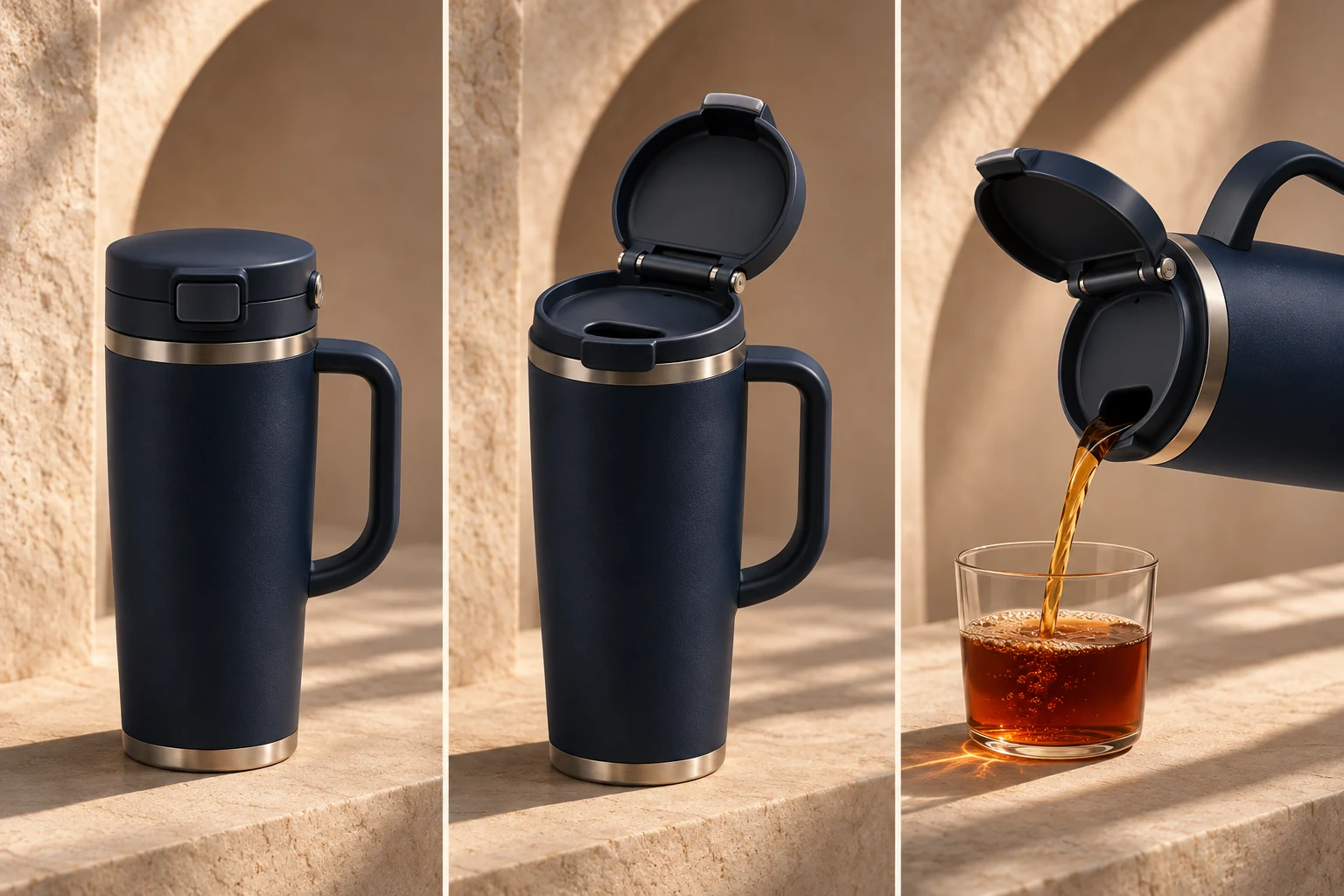
Create a 12-second product video from the supplied travel-mug photos. Show the real lid opening, a pour and the approved logo. Keep the color and hardware exact; finish with space for verified copy.
THE PEXO PROMPT LIBRARY / HUB
Choose the input you actually own: text for a new scene, an image for motion, a URL for source facts, a script for a fixed message, or audio for timing. The copy-ready briefs below are original starting points. Adapt them to your own subject and assets; no example is presented as a tested product output.
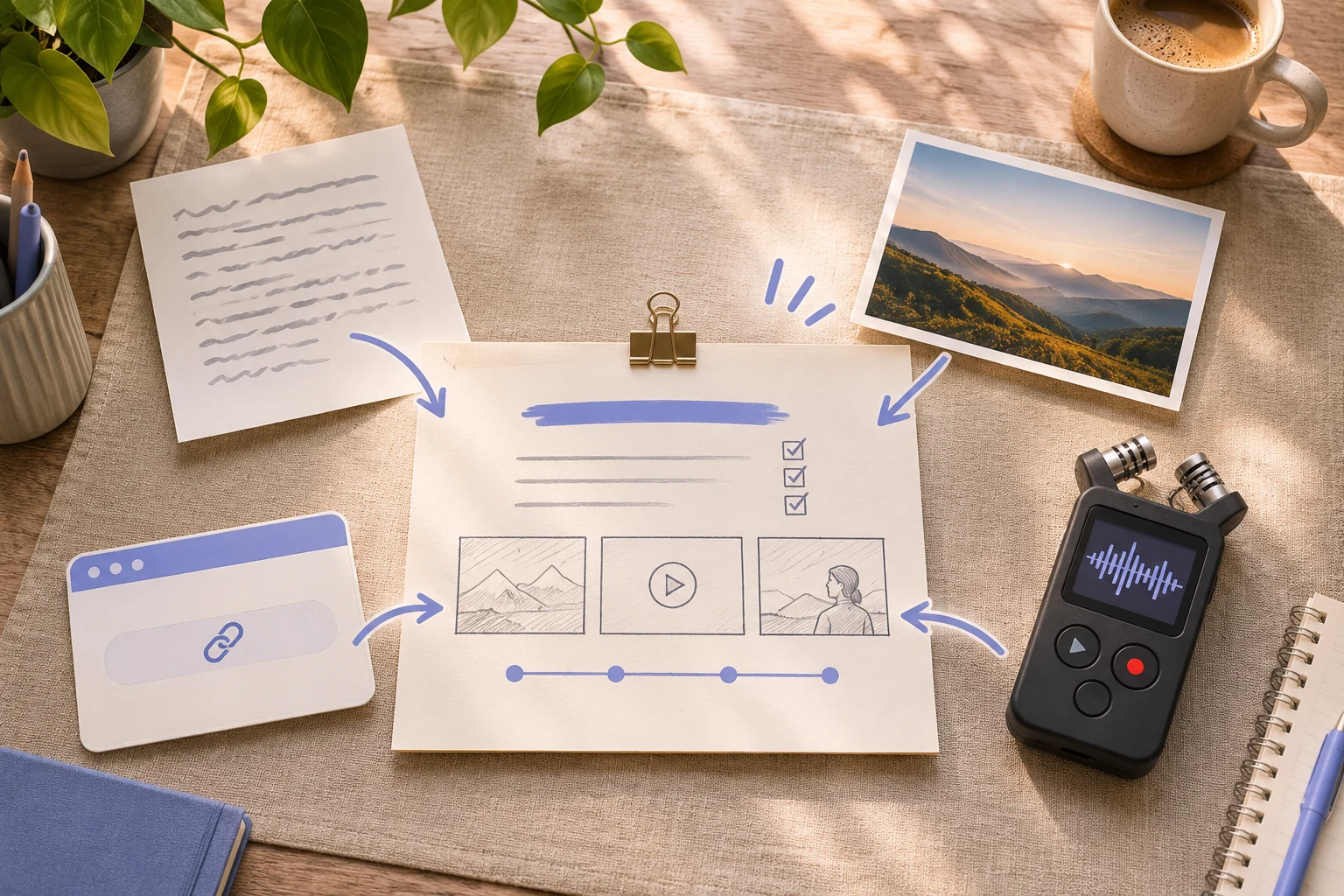
A direction to explore
Choose Your Starting Input
Choose a section below, adapt the source brief to your own task, and review the result.
Eight original starter briefs follow. These are text examples, not observed product outputs.
Create a 12-second product video from the supplied travel-mug photos. Show the real lid opening, a pour and the approved logo. Keep the color and hardware exact; finish with space for verified copy.
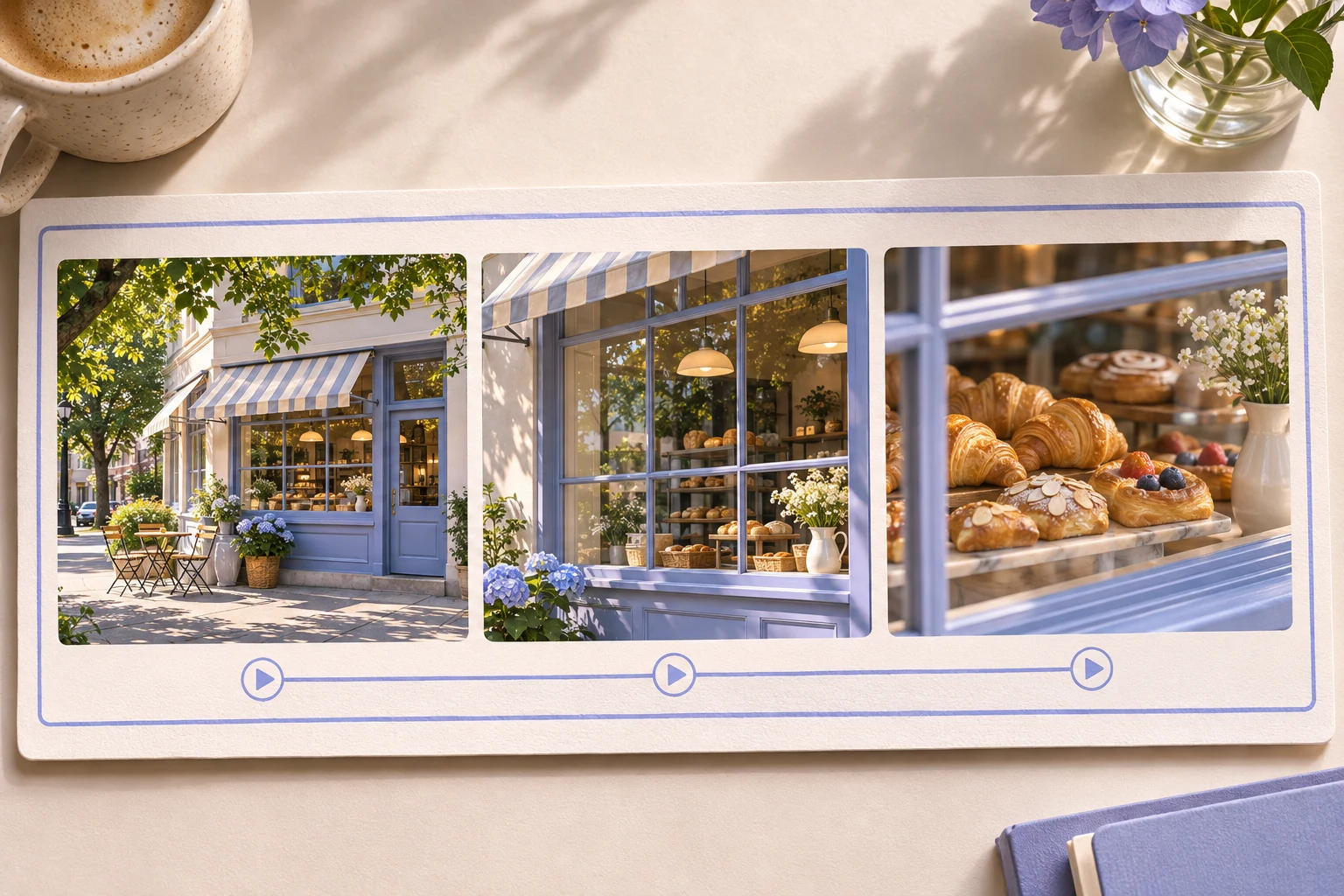
Animate my supplied bakery storefront photo with a gentle camera push, then cut to my own pastry images. Preserve the shop sign and product appearance; use natural ambience.
Create a 10-second video of a red bicycle outside a bookshop. Start wide, track slowly toward the front wheel as a rider arrives, then hold on the bicycle beside the door. Morning light, natural street sound.
Animate my supplied photo of a yellow tulip bouquet. Keep the petals and vase unchanged; move the camera slowly from a medium view to a close detail while the stems sway slightly.
Turn the supplied product page URL into a 20-second explainer. Use only the listed features and approved images. Open with the customer problem, show the actual product in use, and close with the exact page URL as a call to action.
Use the approved script I provide without rewriting its claims. For each paragraph, suggest one visual scene, a camera angle and an on-screen text check. Preserve the spoken wording and end on the approved brand mark.
Use my licensed 30-second instrumental as the timing source. Build three visual movements: quiet opening, faster middle and calm ending. Describe the beat changes but do not invent lyrics.
Create a presenter video from the authorized character reference and approved 80-word script. Keep wardrobe, background and face consistent; use a calm delivery and review lip sync before use.
Before choosing an input row, list the material you can actually supply and who approved it. If a webpage cannot be checked or a script is still missing, resolve that gap before copying a brief.
Brief 1: Travel-mug photo product video. Brief 2: Bakery-storefront motion and pastry cut.
Selection rule: Choose the mug when product geometry and logo are the source of truth; choose the storefront when sign, place and supplied pastry images carry the story.
Source-to-instruction relationship: Photos authorize visible design, not a price or performance claim; copy must come from a separately approved source.
Visible signal: The mug lid changes shape or a storefront sign is replaced with plausible invented lettering.
Next revision: Reassert the exact source photo and remove the changed object or lettering before revising motion.
Source to retain: the approved mug photos or storefront and pastry images, plus any separately approved copy. After an actual run: save the exact prompt version, resulting file and a review note stating whether the mug hardware or shop sign remains exact and each spoken claim has a source. Until that run exists, leave the result and review fields unfilled. The Gallery cases below are separate published projects and cannot complete this record.
Official Pexo Gallery · selected references
Compare 3 separately published Pexo Gallery examples related to this page's visual or workflow choices.
Official Gallery examples with Prompts published on their source pages. These show distinct kinds of media and conversation outcomes; they do not prove which source file was supplied to Pexo. These videos are separate from this page's starter briefs, supplied assets and any named model. Review your own result before publishing.
Related Official Pexo Gallery example · separate published project
A flat illustrated worker faces many task cards; a chat window appears, followed by social-video icons and a Pexo end card. The task cards leading to an AI chat illustrate how an idea can be clarified conversationally before a video is made.
Subject: flat illustrated office worker; Style: 2D explainer animation; Environment: pastel cream 2D workspace; Action: types into AI chat, presents content; Camera: conservative composition; Lighting: flat illustrated, pastel cream; Mood: aligned with action and style.Related Official Pexo Gallery example · separate published project
The same Northside Market storefront stays framed as daylight shifts to a wet, illuminated night scene; its sign and windows remain visible. The fixed shopfront and changing light illustrate the kind of controlled movement a still-image starting point might call for; the actual source input is unknown.
A live-action exterior of Northside Market transitioning from day to night, interior lights and open signs gradually glowing as the street darkens, locked-off symmetrical camera, wet pavement reflections, warm storefront lighting, cinematic urban mood.Related Official Pexo Gallery example · separate published project
A host speaks at a desk microphone while short captions appear beneath his face. The speaking host and captions give an audio-led visual treatment to compare with the page's audio starting point; no supplied audio file is shown.
Subject: man in black sweatshirt; Style: talking head podcast; Environment: warmly lit home studio; Action: addressing camera; Camera: widescreen talking-head; Lighting: warm key practical lamps; Mood: conversational explanatory.| Starting input | Best used for | Brief to copy from this library |
|---|---|---|
| Text idea | A new scene without a reference image | Text to Video Prompts |
| Approved still | Motion while preserving the source image | Image to Video Prompts |
| Verified webpage | A video tied to current page facts | URL to Video Prompts |
| Approved script | Visuals around fixed spoken wording | Script to Video Prompts |
| Licensed audio | Scenes timed to music or speech | Audio to Video Prompts |
Choose the row that matches your starting material; use the featured prompt above as a first brief, then add your own approved assets.
A storefront photo and an approved script have different jobs. Let the photo fix the sign, products and opening composition; let the script fix the spoken claims and their order. Write motion directions separately, then check the first frame against the photo and the captions against the script. If either source is missing, leave its details unspecified rather than borrowing facts from the other.
Name the file type and the part the agent should use. For an image, describe what moves and what stays fixed. For a script, distinguish approved words from visual direction. For an audio track, specify which beats or spoken points should drive scene changes. For a URL, identify the exact claims and media that may be reused.
In Lan He's Pexo training-video walkthrough, the author describes correcting an on-screen ticket label during plan review before asking for the full render. Use that separate case to check the wording of your own script or source facts at the plan stage. It is not an output from any of the eight starter briefs on this page.
Bring your brief and approved assets to Pexo's AI video generator. Review the proposed direction and preview, request specific changes in conversation, and check the final video for factual, visual and rights accuracy. Account credits and eligible free use depend on the current plan.
YOUR NEXT STEP IN PEXO
Use authorized assets, inspect the draft, and revise what does not match the brief.
Use this brief when: Start with text for a new scene, a still for controlled motion, a URL for approved facts, a script for locked words, or audio for timing.
Acceptance check: Before copying a brief, name the source file or page, the facts that must stay exact, and one visible review point.
If it fails: If the source is missing or unapproved, request it first; a polished prompt cannot supply absent evidence.
Before using one of the eight briefs, record four fields: the actual source identifier, what it authorizes, what must remain exact and what the reviewer will compare. A still image needs a visible subject and composition to carry into motion, as Pexo Image to Video describes. A new text-only image instead needs a subject, context and style; Google Cloud's image prompt guide supplies that general writing framework, not proof of any Pexo result.
For the product-photo brief, preserve the supplied mug's shape and approved logo. For the storefront-photo brief, preserve the shop sign and replace only the requested motion. For a URL brief, save the approved page and verify each quoted feature against it; for audio, identify the licensed file and intended timing. If a required source is absent, pause that branch rather than replacing it with an invented fact. This register is a preparation method, not a record that all eight examples were run.
Use text for a new scene, a still for motion, a URL for approved page facts, a script for fixed wording or audio for timing.
State what is missing and ask for it. A prompt should not fill a product claim or scene detail from guesswork.
For a still-image result, compare AI Image Prompts; for a photo change, compare Photo Editing Prompts. For currently published examples, browse the Pexo prompt library.