Pexo

THE PEXO PROMPT LIBRARY / LISTING

AI Music Prompts: Original Soundtracks for Your Videos

Describe the musical role in the video: where it starts, lifts and resolves. Use these in a music workflow available to you; bring approved audio to Pexo for a separate video step. Review usage rights before publishing. The copy-ready briefs below are original starting points. Adapt them to your own subject and assets; no example is presented as a tested product output.

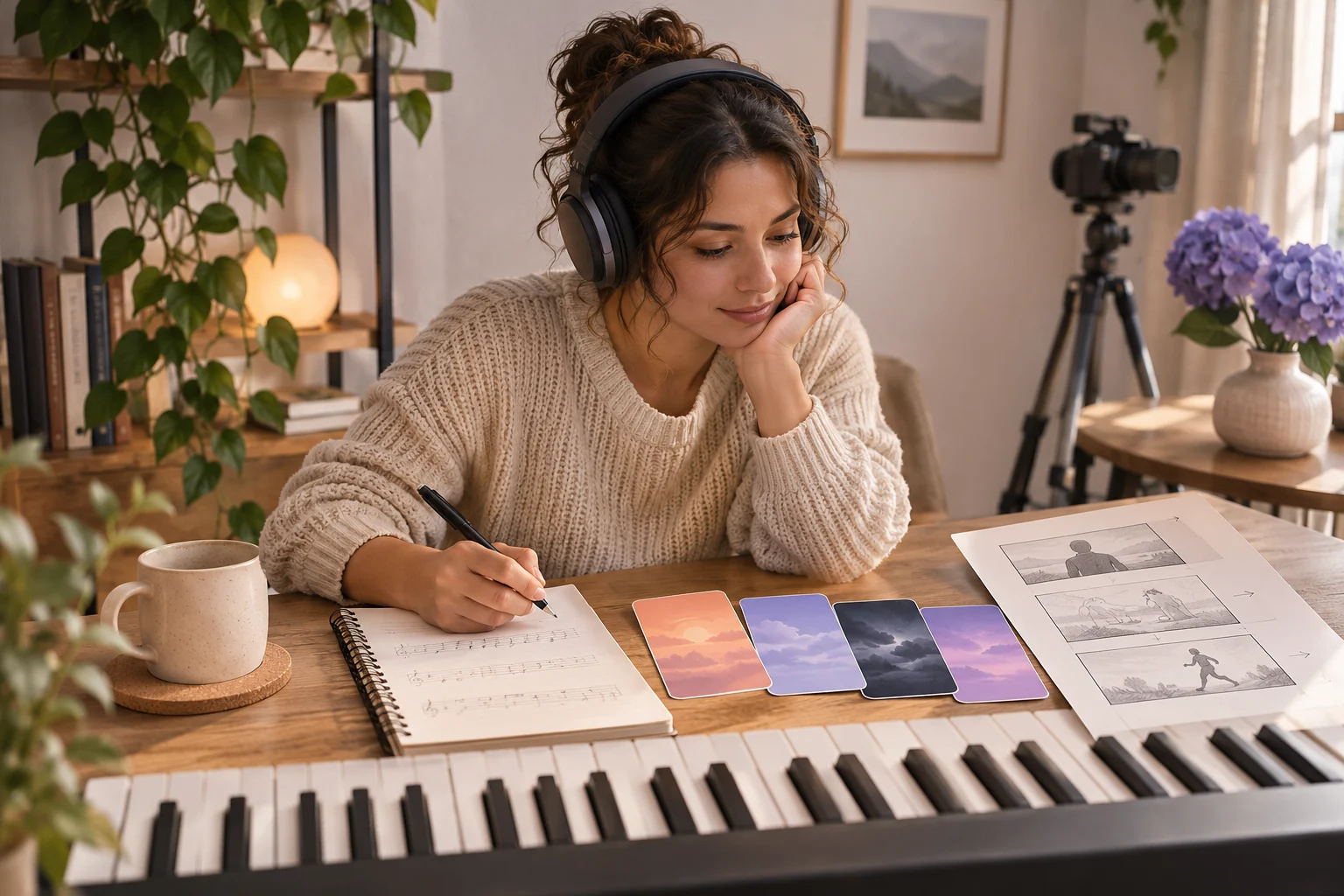
A composer planning an original short soundtrack at an unbranded keyboard, with headphones, a small film storyboard, and physical color cards that suggest changing musical moods
Illustrative concept image made for this page · not a tested product output.

Mood and Genre Prompts

Define the cue by its musical function: quiet opening, rhythmic lift and ending that leaves room for the video.

How do you decide whether the 20-second cue fits the edit?

Write the visual reveal time before choosing instruments. The sparse opening must leave the product readable, the lift must meet the approved feature shot, and the resolution must finish by the final frame. After an actual render, audition the cue under narration and check its source and use rights. A written mood label cannot verify timing or licensing.

Copyable starter brief

Prompt text
Compose a 20-second instrumental cue for a product reveal: sparse piano opening, a gentle rhythmic lift at the reveal, and a clean ending that leaves room for the final frame. No vocals.

Which brief fits your source?

Brief 1: Twenty-second product-reveal cue. Brief 2: Thirty-second craft-process underscore.

Selection rule: Use the reveal cue when music must rise at one product moment; use the craft cue when natural workshop sounds should remain prominent.

Source-to-instruction relationship: The video edit defines duration and reveal point; an instrumental brief does not establish rights or prove the final mix level.

If the draft misses the brief

Visible signal: The lift obscures dialogue or the ending continues beyond the final frame.

Next revision: Move the lift to the approved reveal and specify a quieter middle under narration, then audition any actual render.

Keep the source and review together

Source to retain: the target video edit with reveal marker and the music-use permission. After an actual run: save the exact prompt version, resulting file and a review note stating whether the cue resolves by the final frame and leaves narration and natural sound intelligible. Until that run exists, leave the result and review fields unfilled. The Gallery cases below are separate published projects and cannot complete this record.

Matching Music to Video Length

Give a target duration only when the video edit needs it; describe where the music should build and settle rather than relying on genre alone.

Copyable starter brief

Prompt text
Create a quiet ambient score for a 30-second craft process video. Use soft percussion and warm sustained tones; avoid a dramatic drop that competes with the maker’s natural sounds.

Map a short cue before judging it

For the page's 20-second product-cue scenario, plan a quiet opening for the product reveal, one brief rhythmic lift when the object is shown in use and a clean ending that leaves space for the final frame. These are editorial timing roles, not an audio sample. When an authorized track exists, mark its actual transitions on a timeline and listen for a cut that masks speech or finishes after the picture. Revise the cue or edit from that observation.

A published music-generation account

In Lan He's Pexo music tutorial, the author reports requesting a short instrumental product cue and refining the first direction by listening to a preview. This is a bylined account of a different track, not a playable output from this page's starter prompts. Use it as a review sequence: state duration and vocal preference, listen to the preview, then change one musical element at a time.

How to Write Your Own AI Music Prompts

Specify genre and instrumentation only after deciding the music’s role. Mark where the cue starts, rises and resolves against the video. Ask for no vocals if the narration needs space, and review music rights before use.

Bring Approved Audio to Pexo

Bring audio you are allowed to use to Pexo audio-to-video. Describe the audience, visual mood and timing, then review the scenes and any lyrics or captions before publishing.

Review the cue against the edit

Use this brief when: Write the cue's function before naming a genre: opening space, lift at the reveal and a clean ending.

Acceptance check: Place the proposed cue under the actual cut and check the reveal and last frame; confirm there are no vocals where narration needs room.

If it fails: If the cue resolves late, revise its structure or duration rather than trimming an unrelated ending.

To turn the written cue into audio, use a music workflow such as Pexo Music Generation; judge instrumentation and timing only after listening to a real result.

A cue map for the 20-second product reveal

The first brief names three musical jobs. Turn them into an edit plan before choosing instruments or generating audio:

Planned span Picture event Musical job Review question
0–4 seconds Product enters the frame Leave space with the sparse piano opening Can the viewer identify the product before the rhythm grows?
4–14 seconds The approved feature is shown Add the gentle rhythmic lift Does the lift follow the visible reveal rather than arrive early?
14–20 seconds Final product frame Resolve cleanly without vocals Does the last sound finish before the picture cuts?

These timings are a written plan for a 20-second brief, not measured beats from an audio file. If speech is present, listen to the actual track with the approved voice and lower or remove any cue that masks a word. Record the audio license and the source file before taking that track into a video edit.

Keep the craft score under the real process sound

The 30-second craft-process brief calls for a different mix from the product reveal. Map the actual maker's sound before choosing instrumentation: leave the first visible tool contact clear, let sustained tones carry a quiet middle, and avoid a percussion hit over a cut that must sound natural. At the final process shot, end the cue without a dramatic drop that would imply an event the picture does not show. If speech is added, listen again with that recording rather than judging the music in isolation. These are arrangement decisions for a future edit; no track was generated or heard for this page.

Separate the written cue map from the finished mix

For the 20-second reveal map, test a real export at three points: the 0–4 second opening leaves the product readable, the rhythmic lift arrives when the feature appears, and the final note finishes before the last frame cuts. Listen with any approved narration present; if a word is masked, change the music level or arrangement before editing the picture to fit it.

ITU-R BS.1770-5 specifies programme loudness and true-peak measurement. Those measurements can document a future rendered mix, but they cannot validate mood, beat placement or music rights. Keep the source and permission record for any imported track. The timing table above is a plan; no measured soundtrack or licensing certificate is supplied on this page.

AI Music Prompts FAQ

How do I make a music cue fit a video?

Describe the opening, lift and ending against the edit’s beats, and give a target duration when the cut requires it.

Can I publish the generated music without a rights check?

No. Review the current service terms and the rights required by the channel or project before use.