
Pexo

THE PEXO PROMPT LIBRARY / GUIDE

Audio to Video Prompts: Songs, Podcasts and Voice Notes

Audio supplies timing and mood. Add the intended audience, visual treatment and any transcript or lyrics that must be checked. The copy-ready briefs below are original starting points. Adapt them to your own subject and assets; no example is presented as a tested product output.

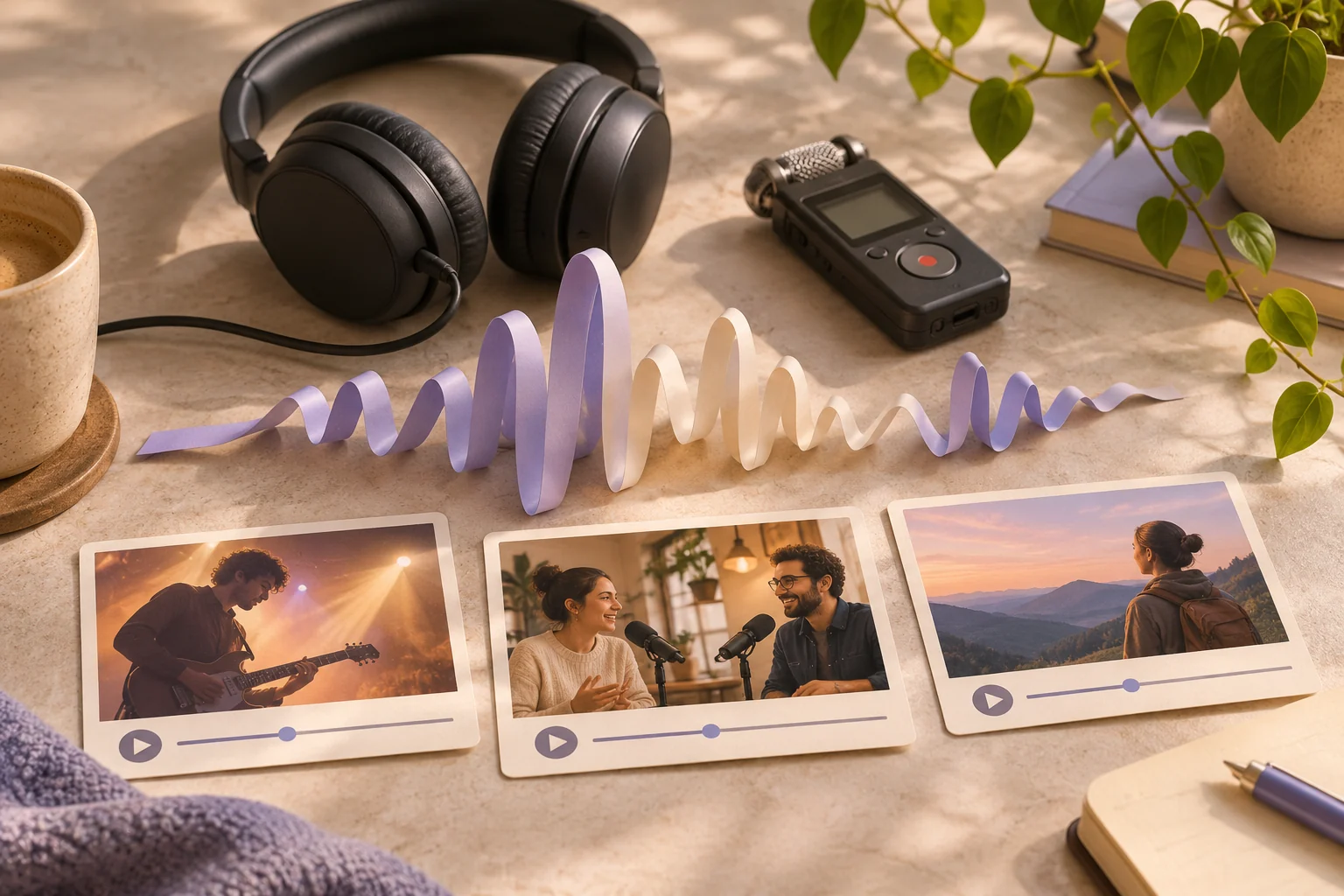
Headphones and a small audio recorder beside a physical abstract waveform made of paper strips, with three mood-driven video storyboard cards
Illustrative concept image made for this page · not a tested product output.

Quick Answer

Start from audio you may use. Mark the important beats or spoken points, then describe visual scenes that follow their timing. For podcasts or lyrics, supply a checked transcript and review every caption against the recording.

Check the supplied recording before editing

For the 30-second instrumental brief below, listen to the actual file and mark the quiet opening, faster middle and calm ending at their real timecodes before choosing shots. For a spoken clip, compare the three selected points and every caption with the checked transcript; remove any point that the recording does not contain. This is an editing checklist, not a claimed result from either starter brief.

Which brief fits your source?

Brief 1: Instrumental three-movement edit. Brief 2: Podcast three-point visual summary.

Selection rule: Use the instrumental route for rhythm-led scene changes; use the podcast route for claims tied to spoken words and a checked transcript.

Source-to-instruction relationship: The licensed audio fixes timing and speaker changes; captions must come from the transcript, not from a guessed summary.

If the draft misses the brief

Visible signal: A caption paraphrases a speaker into a new claim or a cut ignores a clear section change.

Next revision: Align each visual to an audio marker and replace guessed captions with verbatim approved transcript text.

Keep the source and review together

Source to retain: the licensed audio file and, for speech, the checked transcript. After an actual run: save the exact prompt version, resulting file and a review note stating whether scene cuts follow audio markers and captions reproduce the intended speaker's words. Until that run exists, leave the result and review fields unfilled. The Gallery cases below are separate published projects and cannot complete this record.

Visuals That Follow the Audio

Use the supplied audio as the timing source and describe the visual role of each musical movement.

Copyable starter brief

Prompt text
Use my licensed 30-second instrumental as the timing source. Build three visual movements: quiet opening, faster middle and calm ending. Describe the beat changes but do not invent lyrics.

Podcast Clip Prompts

For spoken audio, anchor captions and scenes to a checked transcript. Speaker changes and exact quotes need human review.

Copyable starter brief

Prompt text
Turn the supplied podcast excerpt into a short visual summary. Show only the three points actually spoken, use captions checked against the transcript, and mark speaker changes clearly.

A published audio-to-video workflow

Lan He's Pexo audio-to-video guide describes starting with a recorded voiceover, reviewing the first preview and replacing one scene that missed the intended mood. This is the author's separate account, not a sound test of the two briefs above. The article does not supply this page's source recording, so verify the timing and captions against your own licensed audio.

Common Mistakes and Fixes

Mark the start, lift and ending of the supplied audio. Tie scenes to those moments; for speech, use a checked transcript. Review whether visuals and captions follow the actual recording rather than an imagined beat.

If a cut misses the recording: Note the actual timestamp in your own audio, then revise one transition rather than rewriting the whole piece: “Keep the opening scene; begin the second scene at my marked lift [time] and hold the final image through the ending [time].” Fill the markers from the supplied file and replay the join with sound on. This is a timing instruction, not a claim that beat detection is exact.

Take the Brief to Pexo

Bring audio you are allowed to use to Pexo audio-to-video. Describe the audience, visual mood and timing, then review the scenes and any lyrics or captions before publishing.

Build a beat map from the audio

Use this brief when: Use licensed audio as the timing source; use a transcript when the audio contains factual speech.

Acceptance check: Mark the opening, middle and ending on the actual waveform, then check captions against the words heard at those times.

If it fails: If the clip has an unclear claim, omit the corresponding visual or request a corrected transcript.

Audio To Video Prompts FAQ

Do I need a transcript for an audio-to-video brief?

Use one for speech or lyrics that will appear as captions. A music-only cue may instead need a beat map and visual direction.

What rights should I check?

Confirm that you may upload the recording and use it in the intended video; check any displayed lyrics separately.