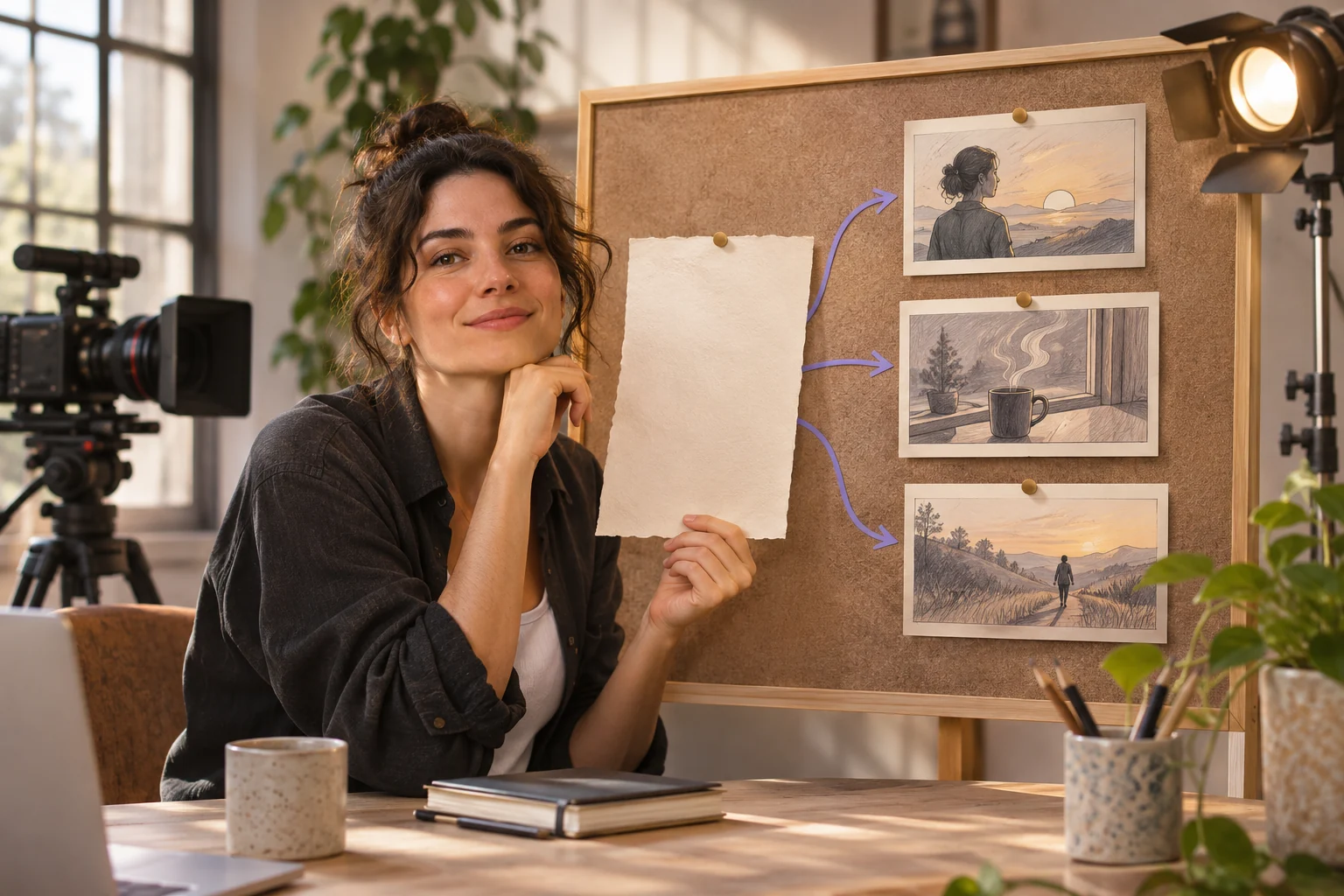
A text-only brief works best when it names a visible action and a reviewable end frame. Add references when factual product details matter. The copy-ready briefs below are original starting points. Adapt them to your own subject and assets; no example is presented as a tested product output.
Illustrative concept image made for this page · not a tested product output.
Quick Answer
A text-to-video prompt should describe a scene that can be made from words alone: subject, setting, action, camera and end frame. Start with a short idea, expand it into one visible sequence, then review the first video for timing and continuity. Add a reference only when exact identity or product design matters.
Selection rule: Use the cyclist for a short place-to-action story; use the envelope when each physical step must stay readable from above.
Source-to-instruction relationship: A text-only brief defines the scene, action and final frame; it does not imply a reference image or an existing filmed event.
If the draft misses the brief
Visible signal: The bicycle shifts identity between shots, or the envelope appears closed before the final fold.
Next revision: Reduce camera changes for the bicycle; for the envelope, number each fold and hold on the closed shape.
Keep the source and review together
Source to retain: the final text brief and any owned reference only if one was actually supplied. After an actual run: save the exact prompt version, resulting file and a review note stating whether the bicycle remains the same object or every envelope fold occurs in order. Until that run exists, leave the result and review fields unfilled. The Gallery cases below are separate published projects and cannot complete this record.
From One-Line Idea to Scene Brief
One-line idea: A cyclist arrives outside a bookshop. Expand it into subject, action, camera and end frame. Keep this example usable without any uploaded image.
Copyable starter brief
Prompt text
Create a 10-second video of a red bicycle outside a bookshop. Start wide, track slowly toward the front wheel as a rider arrives, then hold on the bicycle beside the door. Morning light and natural street sound; no reference image required.
Official Pexo Gallery · selected references
See these ideas in motion
Compare 2 separately published Pexo Gallery examples that illustrate the visual choices discussed in this page.
Official Gallery examples with Prompts published on their source pages. These videos are separate from this page's starter briefs, supplied assets and any named model. Review your own result before publishing.
Official Pexo Gallery example · separate published project
Dewdrop Reflects a Red Flower Before Falling
A dew drop forms on a leaf, reveals a flower in its reflection and falls as the focus changes. The visible subject, action and focus change illustrate how a short idea becomes a timed scene brief.
Prompt published with this Gallery video
Subject: dew drop, red flower; Style: photorealistic, cinematic; Environment: spiky fern-like leaf; Action: drop shifts, falls, focus transitions; C…
View full prompt ▾Show less ▴
Subject: dew drop, red flower; Style: photorealistic, cinematic; Environment: spiky fern-like leaf; Action: drop shifts, falls, focus transitions; Camera: extreme close-up, macro; Lighting: warm backlighting, golden highlights; Mood: serene, delicate, intimate.
Official Pexo Gallery example · separate published project
Woman Examines Files on a Rainy Ferry
A woman makes a call, examines a small clue among files, searches shelves and watches a car arrive at a rainy ferry terminal. The repeated subject, ordered actions, setting and changing shot scale illustrate a scene brief with more than a one-line premise.
Prompt published with this Gallery video
A dark-haired woman in a beige trench coat is depicted in a live-action cinematic investigation thriller style within a rainy ferry terminal featuri…
View full prompt ▾Show less ▴
A dark-haired woman in a beige trench coat is depicted in a live-action cinematic investigation thriller style within a rainy ferry terminal featuring a payphone, records room, and storage aisles. She makes a call, examines a translucent strip above a plan marked with red pieces, searches boxes in dim storage, and waits as a car pulls into the terminal, captured with rain-streaked close-ups, tabletop evidence inserts, low storage-aisle views, and medium exterior arrival shots, illuminated by muted gray-green rain light, warm dim storage lamps, and wet reflections, creating a watchful, secretive, and tense mood.
For a text-only scene, describe what a viewer would see in order. Add reference assets only for a separate task that needs exact product details.
Copyable starter brief
Prompt text
Create a short overhead video of hands folding a plain sheet into an envelope. Show one fold at a time on a clear wooden table, then hold on the closed envelope. Soft side light and paper sounds; no text.
A published text-to-video example
In Liora Adler's Pexo walkthrough, the author describes a Daybreak product-ad brief: Pexo asked what the product name meant, then the author supplied a bottle photo and later revised a dark opening. That is a separate published project, not a run of the bicycle brief here. It illustrates two review questions: is the subject unambiguous, and does the first preview match the approved asset and light direction?
Common Mistakes and Fixes
Write the scene in order: subject and setting, first action, camera move, ending. A text-only prompt can be tested without uploaded assets; add a separate reference later if a real product must look exact.
If the first draft changes the action: Compare the requested sequence with the preview. If the rider appears before the bicycle is established, keep the same setting and revise only the order: “Open on the parked red bicycle outside the bookshop; show the rider entering from the left; end with the bicycle beside the door.” This is an illustrative revision, not a tested result. Keep any real shop name out unless you supplied an approved sign reference.
Take the Brief to Pexo
Bring your brief and approved assets to Pexo's text-to-video workflow. Review the proposed direction and preview, request specific changes in conversation, and check the final video for factual, visual and rights accuracy. Account credits and eligible free use depend on the current plan.
YOUR NEXT STEP IN PEXO
Bring a reviewed brief into Pexo.
Use authorized assets, inspect the draft, and revise what does not match the brief.
Use this brief when: Use a text-only brief when there is no source image whose identity or layout must be preserved.
Acceptance check: The result should show the named subject, one ordered action and the requested camera move, followed by a readable final state.
If it fails: If the subject changes between shots, shorten the action or supply a reference asset.
For a broader shot-by-shot brief that is not tied to text-only input, see the AI video prompt guide.
Text To Video Prompts FAQ
Can a text-to-video prompt work without an image?
Yes. Describe a new subject, action, setting, camera and end frame. Use a reference only when exact real-world details matter.
What should I revise after the first render?
Compare the scene with the requested action and ending, then change the instruction responsible for the clearest mismatch.
Related Guides and Prompts
Compare Image to Video Prompts if you already have an approved still, or Script to Video Prompts when spoken words must stay fixed. For currently published examples, browse the Pexo prompt library.