
Pexo

THE PEXO PROMPT LIBRARY / MODEL

Happy Horse 1.0 Prompts: Examples and Supported Tasks

Pexo has a Happy Horse 1.0 model page for video creation. The prompts below are illustrative starting briefs; this page contains no clips, paired outputs or hands-on performance assessment. Begin with a scene you can evaluate against real references, then inspect the generated result in your account.

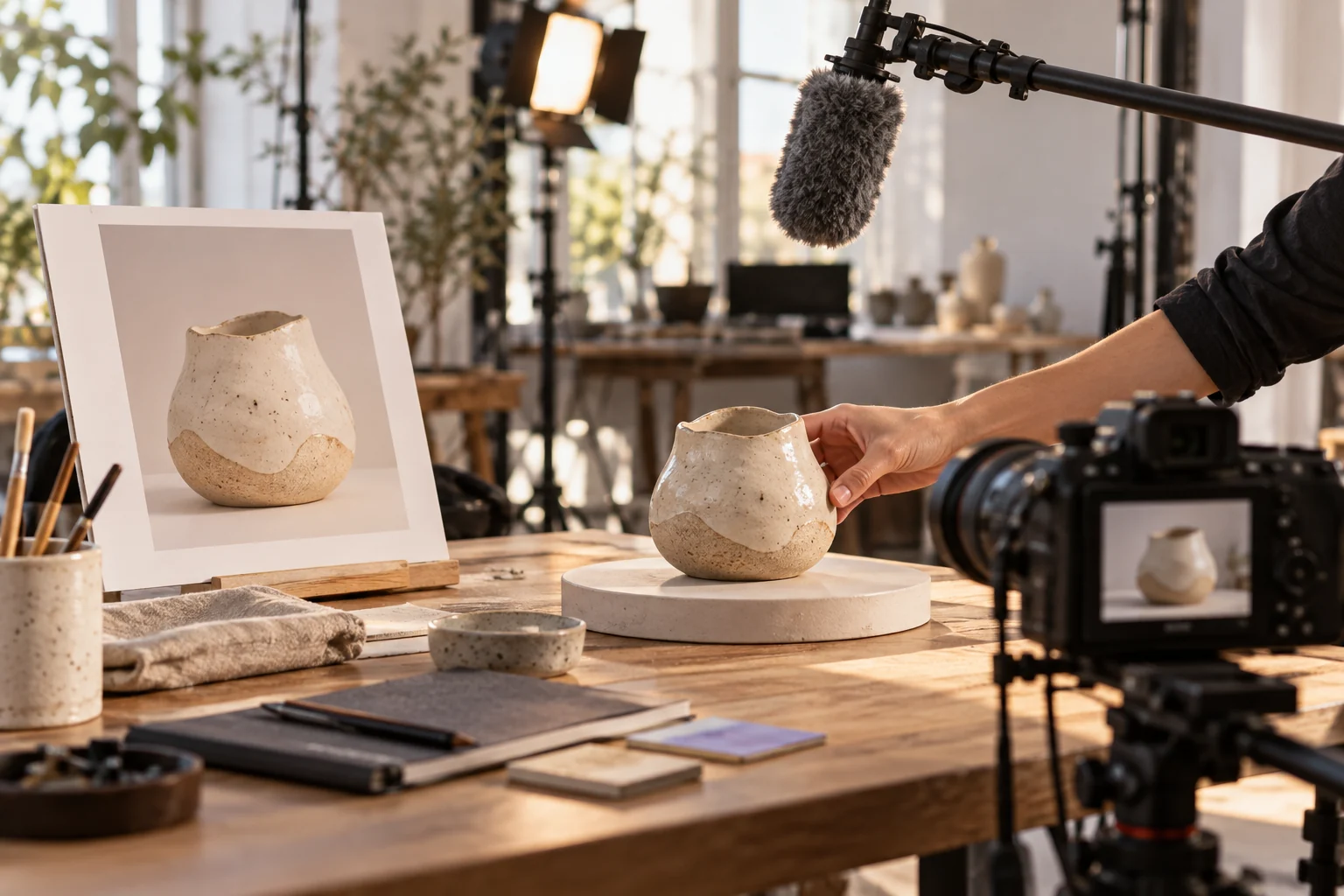
Reference photo beside a filmed ceramic object and boom microphone
Illustrative concept image made for this page · not a tested product output.

What Happy Horse 1.0 Supports

Pexo describes Happy Horse 1.0 as supporting text-to-video and image-to-video with native audio. For a reference-led clip, start from an approved image and describe what moves after that frame. Put the audible event at the same point as the visible action, then inspect the result; this is a proposed brief, not a tested clip or quality ranking. Check the inputs and model route available in your current Pexo session.

Image-to-video and sound brief (illustrative):

Prompt text
Start from the supplied travel-mug image. Keep the camera fixed as one hand opens the actual lid. Place a quiet latch click at the opening action and keep room tone underneath. Preserve the mug shape and hardware.

Review object shape and audio timing in the preview. Use the real product instructions and rights-cleared references when adapting this example.

Published Pexo source. Pexo's Happy Horse 1.0 model page lists text-to-video, image-to-video and native audio (checked 2026-10-20). This is Pexo's own product description, not an independent model test or proof of access in every account.

Task Briefs to Try

A product demo needs object fidelity; a location piece needs continuity; a social clip needs a clear first-frame purpose. Bring approved photos or references if the workflow allows them. Do not ask a model to invent a brand mark, real customer quote or product feature.

Prompt text
Use the supplied photos of a travel mug. Open on the real lid, show one hand opening it and pouring water, then end on the correct front logo. Keep the mug shape, color and hardware consistent. Use quiet kitchen sound.

The review target is a plausible action and accurate mug detail, not a claimed output.

Copy-Ready Prompts and Review Goals

One-take motion

Prompt text
Follow an original cyclist along one gentle bend on a coastal road. Start behind at riding speed and finish on a wide view of the same rider continuing forward. Keep bicycle geometry, jacket and travel direction consistent. Use wind and tire sound.

Service atmosphere

Prompt text
Use the approved bakery storefront and pastry photos. Begin outside the real shop, move to a close pastry detail and end on the supplied brand mark. Warm morning light, natural room ambience, no invented offer or testimonial.

Check continuity, logos, signage and sound in the actual preview. No clip accompanies these examples.

How to Adapt These Prompts

For a product, replace example assets with the real photographs and approved claims. For a character, specify one original person and an action that can be followed in a few beats. For a revision, tell Pexo exactly which shot or detail to keep and which to change. A general request to "make it better" is harder to evaluate than a targeted correction.

Model Comparison: When to Pick Something Else

For a still image, use an image workflow. For an audio-led or multi-shot video, compare available video options using the same task and review checklist. The Pexo model directory is a list of options, not an independent quality ranking.

Use It Inside Pexo (Auto Model Routing)

Start at the Happy Horse page or Pexo's create directory. Provide the brief and authorized references. Check the model and controls your session actually used, then inspect the draft for product fidelity, rights, captions and claims before publication.

Happy Horse 1.0 Prompts FAQ

Where are the example clips?

The playable clips above are independent Pexo Gallery references. They were not generated from the prompts on this page or verified as Happy Horse outputs.

Is Happy Horse the best model for my video?

That depends on the brief and the actual outputs available to you. Compare real previews before making that decision.