
Vintage home-video look
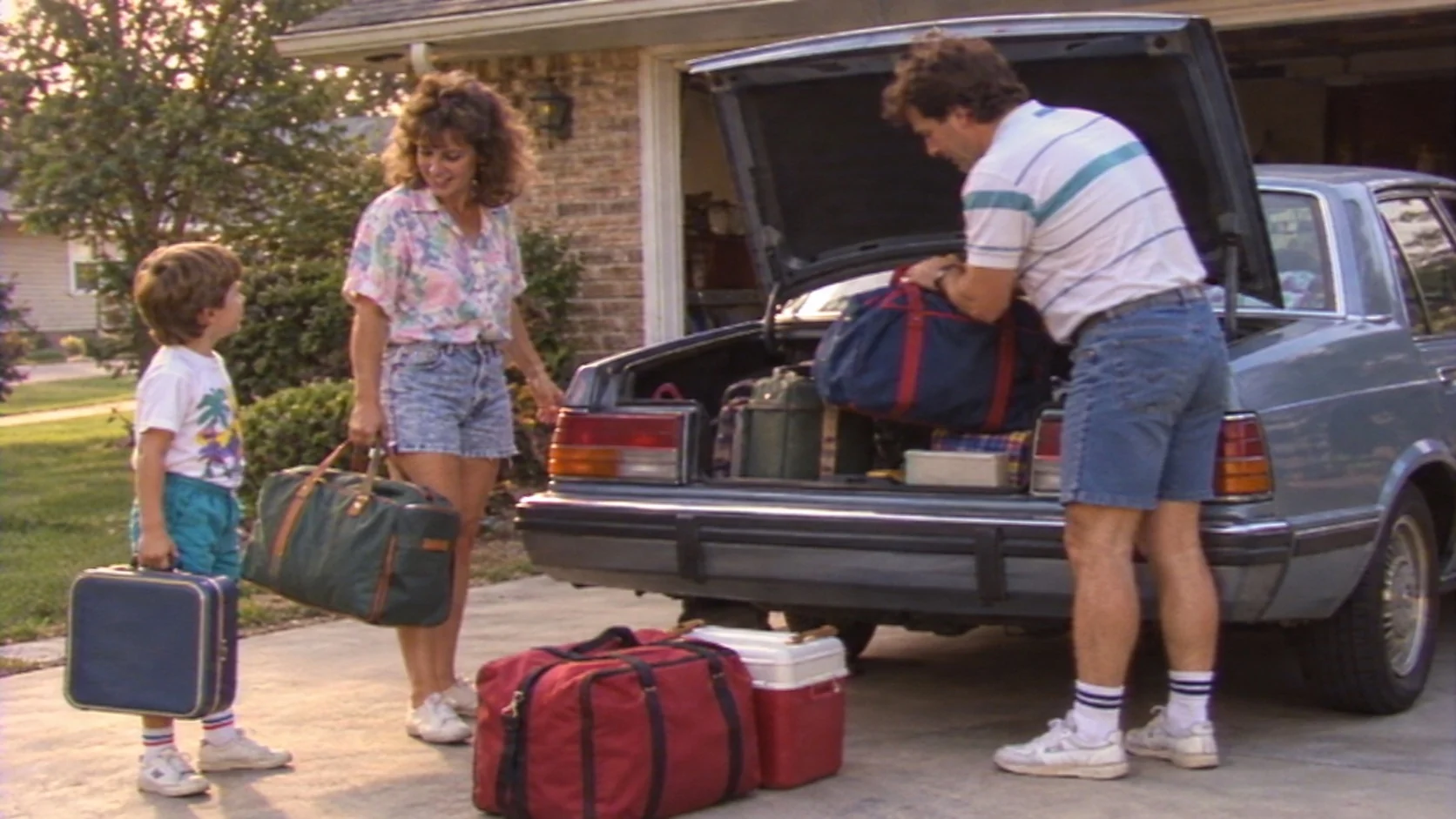
A family packs a car for a summer trip, late-1980s home-video feel: handheld VHS framing, soft edges, mild tape noise, warm skin tones and an imperfect zoom. Keep people natural and avoid fake date stamps.
THE PEXO PROMPT LIBRARY / HUB
Start with the look, then add a subject and a single motion. These style cues are starting points; inspect every render for consistency.
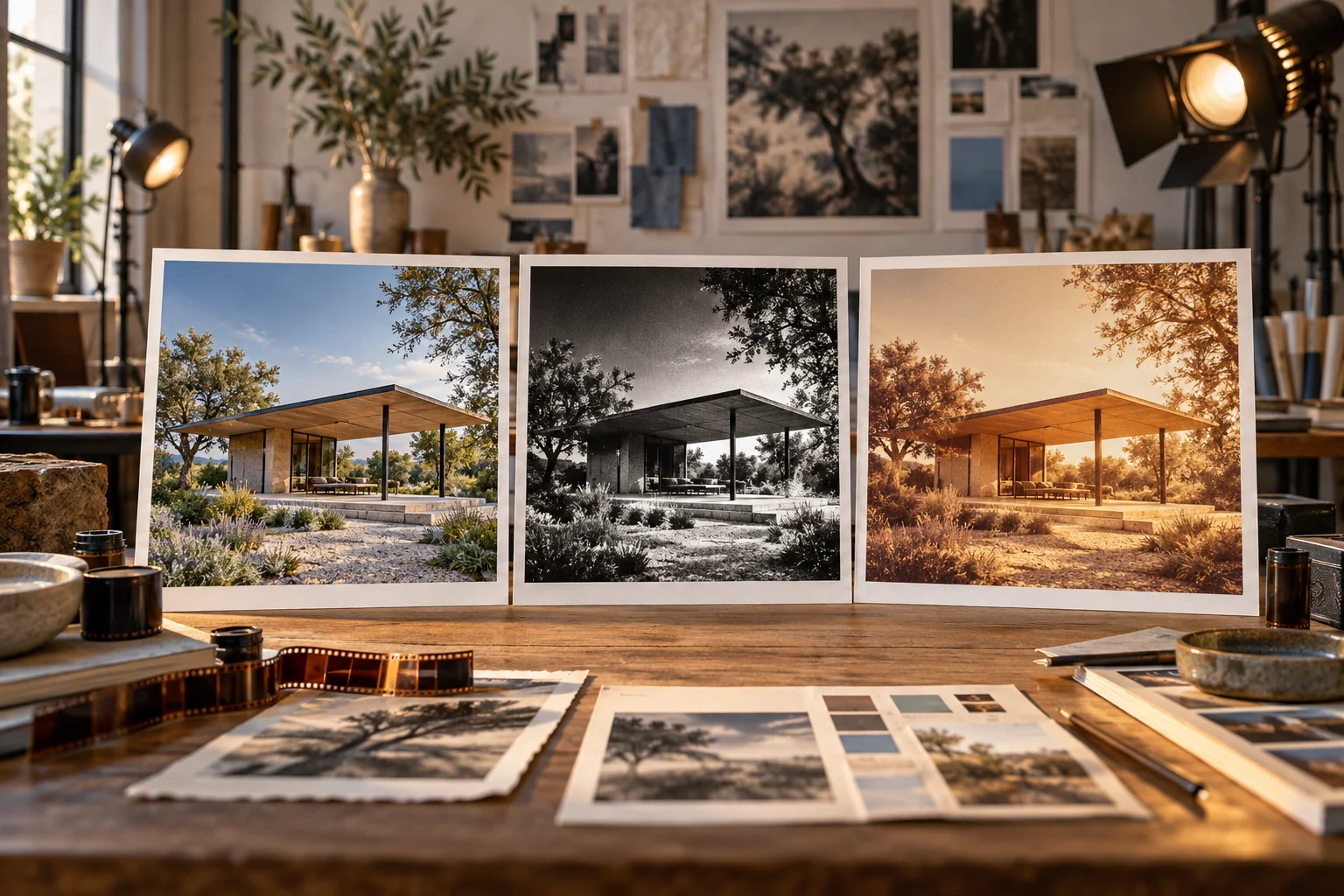
A direction to explore
Video Styles at a Glance
Use the sections below to find a direction and adapt the source prompts to your own brief.
Eight original starter briefs follow. None is presented as an observed output or performance test.
Choose a visual direction, copy its prompt, then replace the subject and references with your own.
A family packs a car for a summer trip, late-1980s home-video feel: handheld VHS framing, soft edges, mild tape noise, warm skin tones and an imperfect zoom. Keep people natural and avoid fake date stamps.

An original courier in a mustard jacket cycles across a riverside bridge, clean cel shading, expressive wind-swept hair, detailed painted sky and a low tracking camera. Keep the jacket and bicycle design consistent.
A simple orange fox walks across a pale blue field in flat vector 2D, solid fills, consistent outlines, three clear poses and no depth shading. Side view, smooth looping walk.
Illustrative B-roll of a neighborhood bakery opening: handheld medium shot of the door, close-up of dough on a floured bench, then trays entering an oven. Natural available light; no invented interview or customer testimonial.
Fine silver particles drift from the lower left, gather into a clean ring at center, then disperse into darkness. Macro depth of field, soft cool backlight, no letters or logo.
An original rounded robot made of matte clay waves from a tiny desk, warm studio light, soft shadows, visible sculpted texture and a slow three-quarter camera orbit. No existing character likeness.
An energetic opener for a bicycle repair guide: three bold geometric arrows slide into place over cream, teal and charcoal panels, then settle into an empty central title area. Crisp 2D motion, no generated words.
Explain how a home compost bin works in three drawn steps: scraps enter, layers settle, finished compost feeds a plant. Black marker on a white board, one continuous line style, simple arrows and empty areas for later labels.
Pexo Gallery · selected references
Clay 3D, cinematic live action and cartoon 2D show visibly different styles for the hub comparison.
Independent Gallery examples, not outputs of the prompts above. Review your own generated result before publishing.
Pexo Gallery · playable example
Two toy-like clay warriors duel on a wooden bridge; one falls into a river. The playful sequence illustrates tactile clay surfaces and staged character action.
Subject: Claymation Roman soldier; Style: Playful stop-motion animation; Environment: Wooden bridge, river, waterfall; Action: Sword fighting, river misadventure; Camera: Conservative composition; Lighting: Natural colors, bright; Mood: Playful and comical.Pexo Gallery · playable example
A woman in frontier-style clothing with a red scarf rides a horse through a sunlit desert canyon, chasing and boarding a moving steam train in a photorealistic live-action Western adventure.
A woman in frontier-style clothing with a red scarf, riding a horse and boarding a moving train, is depicted in a photorealistic live-action Western adventure. The scene is a sunlit desert canyon with a high railway bridge and steam train. She races beside the train, leaps onto a car roof, moves inside, retrieves a brass horn, works a mechanical control, blows the horn, and raises it triumphantly. The camera uses wide canyon tracking, fast horse and train action, close mechanical inserts, and a heroic final full-body shot. Bright desert daylight, warm red rock, dusty highlights, blue sky, and a vivid red scarf illuminate the daring, energetic, and triumphant mood.Pexo Gallery · playable example
A tiny blue-clad rider and companion race a red paper-plane cloudboard across a sky course, competing with rockets and balloon racers in an exuberant hand-drawn cartoon style.
Subject: blue-clad rider, companion; Style: hand-drawn cartoon; Environment: sky course; Action: racing, competing; Camera: low tracking; Lighting: bright daytime; Mood: fast, joyful.A style prompt is useful when it names visual properties a reviewer can see: texture, line weight, palette, lens, movement and scene continuity. Keep the subject and action unchanged while comparing looks.
The available examples below cover vintage, anime, 2D, documentary, abstract VFX, 3D, motion graphics and whiteboard approaches. Choose by the visual property you need, then adapt the prompt to your own subject. A cinematic look can also be built from lens, light and movement cues without claiming a tested film result.
A strong prompt gives the subject, its action, a camera or composition, visual tone and the final frame. For ads, add only claims you can substantiate. For short social video, place the hook in the first visual beat. Select another prompt category when the desired outcome changes.
Same subject, two style briefs (illustrative text, not tested outputs). Keep the same bicycle workshop, mechanic, wheel repair and closing logo asset; change only the visual treatment.
| Version | Copy-ready brief | Change to review |
|---|---|---|
| Documentary | Film a mechanic tightening the same bicycle wheel at the workshop bench. Begin on the wheel, cut to the mechanic's hands, then end on the supplied workshop logo. Natural window light, restrained handheld camera, no invented customer or repair claim. | Check the wheel, action and logo against supplied material; label generated shots as illustrative. |
| Flat 2D | Animate the same mechanic tightening the same bicycle wheel at the same workshop bench. Use simple flat fills, consistent outlines and three clear poses; end with space for the supplied workshop logo. No new feature or claim. | Check that the mechanic, wheel, action and closing asset still match the documentary brief. |
Start with a concrete brief and any owned source material at Pexo. Review the proposed direction and preview, ask for specific revisions, and check the final asset for accuracy and usage rights. Free or paid credit conditions depend on your account; a first render is not guaranteed to be publication-ready.
YOUR NEXT STEP IN PEXO
Pick a style for a real subject, keep the essential details consistent and compare the draft with your visual goal.
Yes, if the cues do not compete. Keep the subject and action stable, choose one primary treatment and add a secondary texture only when it serves the scene.
No. A generated observational style is still an illustration; label reconstructions clearly when real events are discussed.
For a different task, start with the video prompt collection to plan the action, or the ad prompt collection to add a hook, verified proof and a CTA. Keep any style choice subordinate to the message viewers need to understand.