
Pexo

THE PEXO PROMPT LIBRARY / LISTING

Cinematic Video Prompts for a Real Film Look

A film look is a set of choices, not a single adjective. Give the subject a visual role, then specify framing, lens feel, lighting, color and texture.

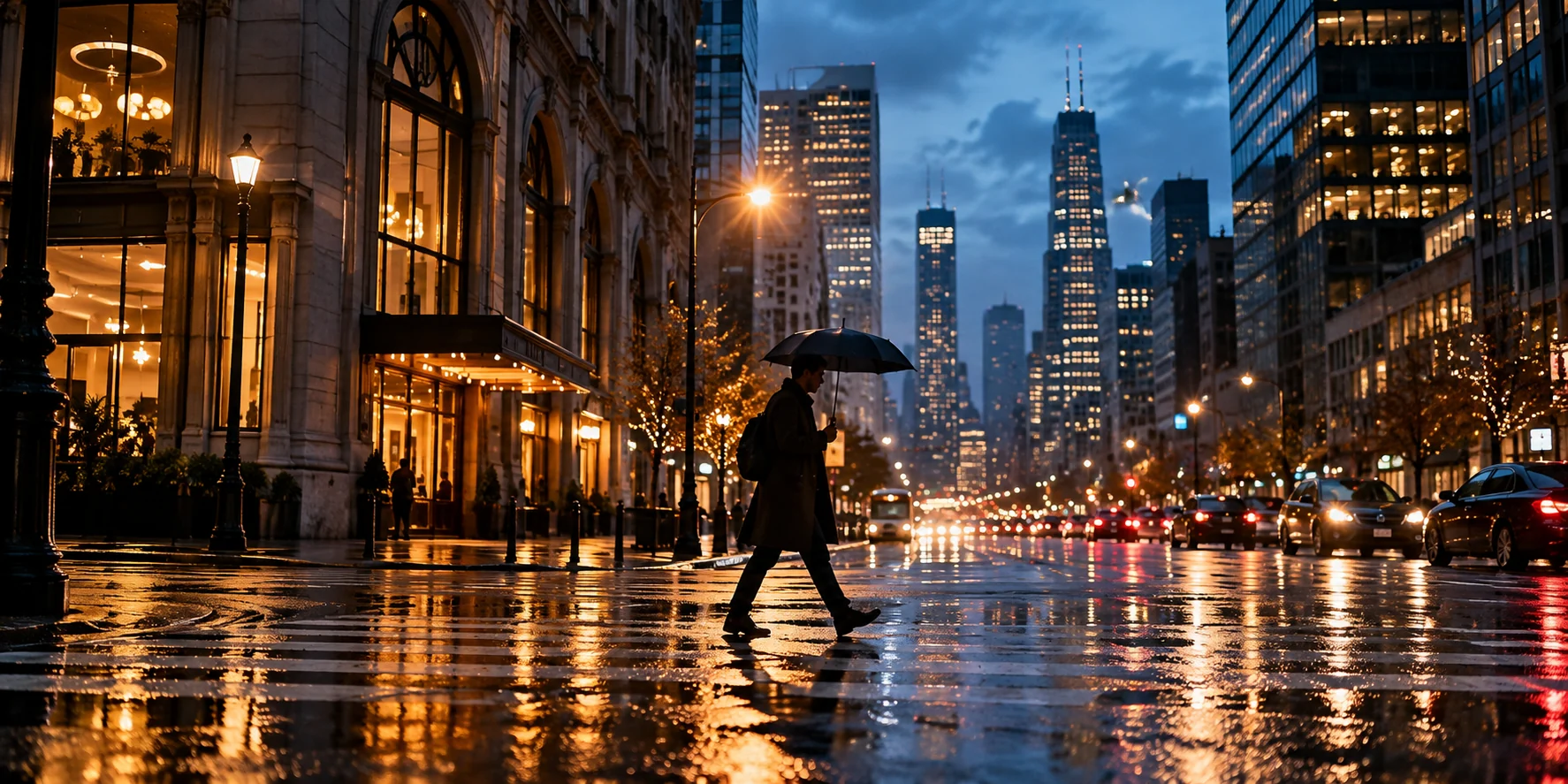
Rainy city street composed as a cinematic scene
Illustrative concept image made for this page · not a tested product output.

Lens, Grade and Grain Keywords

Use lens language to direct the viewer's attention. A shallow-focus close-up emphasizes one object, while a wider frame explains its setting. Grade and grain support the story after the subject remains clear.

DecisionUseful wordingCheck in the preview
Framing"Medium product shot, then a close detail"The object still matches its supplied photos
Focus"Keep the front label sharp, background soft"The label is readable and accurate
Color"Muted warm highlights, neutral product color"The product has not changed color
Texture"Subtle fine grain, no heavy damage"Material details remain visible
Prompt text
Create a short brand scene from the supplied leather-bag images. Open on a medium frame in a quiet railway carriage. A soft side light reveals the real stitching; cut close to the clasp, then return to the full bag. Use restrained warm highlights and fine grain. Preserve the shape, hardware and approved mark.

Genre Looks: Noir, Epic, Thriller

Choose a genre cue that serves the product, not one that overwhelms it.

Noir product reveal

Prompt text
Show the supplied fountain pen on a dark desk. A single practical lamp creates a narrow pool of light; the pen cap enters the light as a hand sets it down. Keep the actual nib and logo visible. Use deep background shadows, quiet room tone and a deliberate final hold.

Expansive outdoor story

Prompt text
Use the supplied hiking jacket as the visual anchor. Start wide on a ridge at dawn, cut to the real zipper and fabric moving in the wind, then return to the same hiker walking forward. Keep the jacket color and pocket layout consistent. Natural light and restrained atmospheric sound.

Tense launch teaser

Prompt text
Introduce the supplied compact camera through three details: shutter button, lens barrel and full front view. Use cool practical light and controlled reflections. Build pace through the cuts, not flashing text. Finish on the approved product name with space for a verified launch date.

How to Write Your Own Cinematic Video Prompts

  1. Name the deliverable. State whether the brief is a product ad, explainer beat or brand teaser.
  2. Anchor the subject. Supply the real product or brand asset and identify details that must match.
  3. Choose two visual decisions. Pick a framing approach and a light source before adding grade or grain.
  4. Describe the sequence. Give a start, an action and an end frame.
  5. Review the cut. Check continuity, product accuracy, text and audio; refine the specific part that misses the brief.

Make a Finished Video From Any Prompt in Pexo

Pexo's Cinematic Video page introduces the relevant visual workflow. Bring a product reference and desired scene to Pexo, review the direction, then refine the preview in conversation. For a product-led task, the Product Video page keeps the real item central. Verify claims and rights before publication.

Cinematic Video Prompts FAQ

Is "cinematic" enough on its own?

It gives a mood but little control. Add the subject, first and last frames, light source and one texture choice so the brief can be reviewed against real assets.

Should I ask for grain and a dramatic grade in every scene?

Use them when they reinforce the message. A clean product demonstration may need faithful color and readable detail more than a strong stylized finish. Pexo's Cinematic Video workflow is a place to explore the treatment and revise it.