
Pexo

THE PEXO PROMPT LIBRARY / LISTING

App Launch Video Prompts: Show Your Product in 60 Seconds

A 60-second app launch is a storyboard, not a promise that one model generates a continuous minute. Lead with the user problem, show a real screen flow, then close with the approved next step.

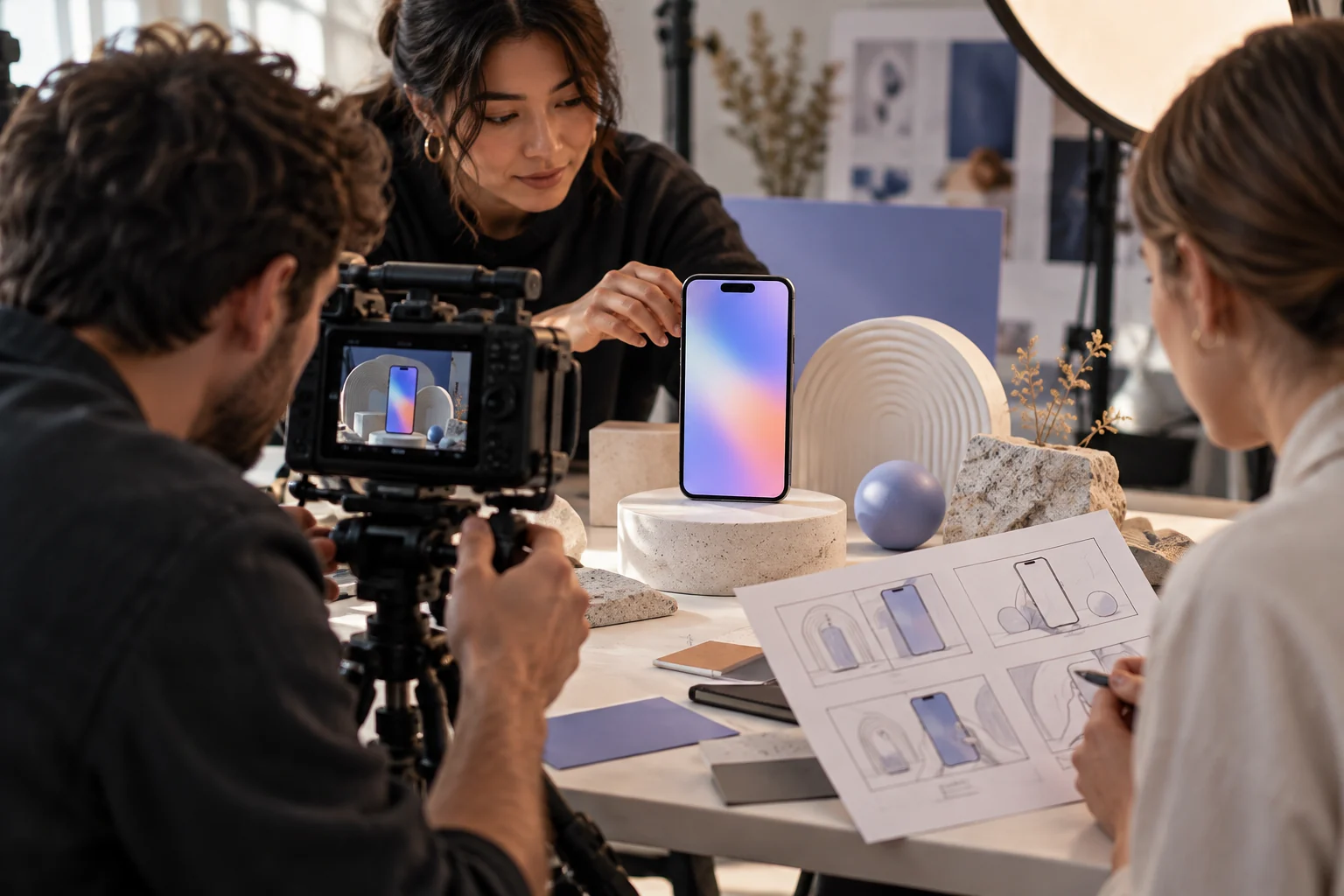
Team filming an unbranded phone with abstract screen and storyboard
Illustrative concept image made for this page · not a tested product output.

Launch Video Structure

Organize a launch video around the problem, an actual screen recording and the product action that solves it. Motion graphics can connect those beats without replacing real interface footage.

Prompt 1.

Prompt text
Storyboard a 60-second launch for a meal-planning app: 0–8 seconds, the weekly planning problem; 8–25, actual screen recording of choosing recipes; 25–45, grocery list flow; 45–55, three verified benefits; 55–60, supplied logo and download URL. Use motion graphics only around real screens.

Screen Recording to Motion Graphics

Use a real screen recording for the interface. Motion graphics may highlight a tap, connect screens or frame a benefit, but must not invent menu items, pricing or a workflow the app lacks.

Prompt 1.

Prompt text
Create a short app teaser from supplied screen captures: one cursor taps the calendar, a card slides into a schedule, and the final frame shows the real product name. Keep every UI label legible and unchanged.

If labels or controls change, return to the original screen recording and use generated motion only around it. Do not publish a reconstructed interface as a product demonstration.

How to Write Your Own App Launch Video Prompts

Prepare real screen recordings, approved copy and a valid destination. Use generated transitions to connect genuine UI footage, then verify that every claim matches the current product. If the app screen changes during a transition, replace that beat with the approved screen recording and verify the button label against the current build.

Make a Finished Video From Any Prompt in Pexo

Attach real screen captures and a timed outline of the app’s key action. Bring the brief and any source assets you own to Pexo. Review the preview and request one concrete revision. If you want to turn the brief into video, Pexo’s Seedance 2.5 page lists a free first video after account registration; check the current offer and credit conditions before rendering.

App Launch Video Prompts FAQ

Should I generate the interface from memory?

No. Use current screen assets; generated UI can misstate features and labels.

Can motion graphics replace an app screen recording?

Use an actual screen recording for interface actions. Motion graphics can explain the transition between screens or highlight a real control.