
Make a Sneak Peek Video with Seedance 2.5, Kling AI 3.0 and MiniMax H3 in Minutes
Make a sneak peek video that teases without spoiling. Pexo builds it with Seedance 2.5, Kling AI 3.0 and MiniMax H3 in 16:9, 9:16 or 1:1 up to 4K.
Describe your app or drop in a few screens, and this ai app launch video generator picks a model per shot, then scripts, narrates, scores and edits a store ready promo in minutes.
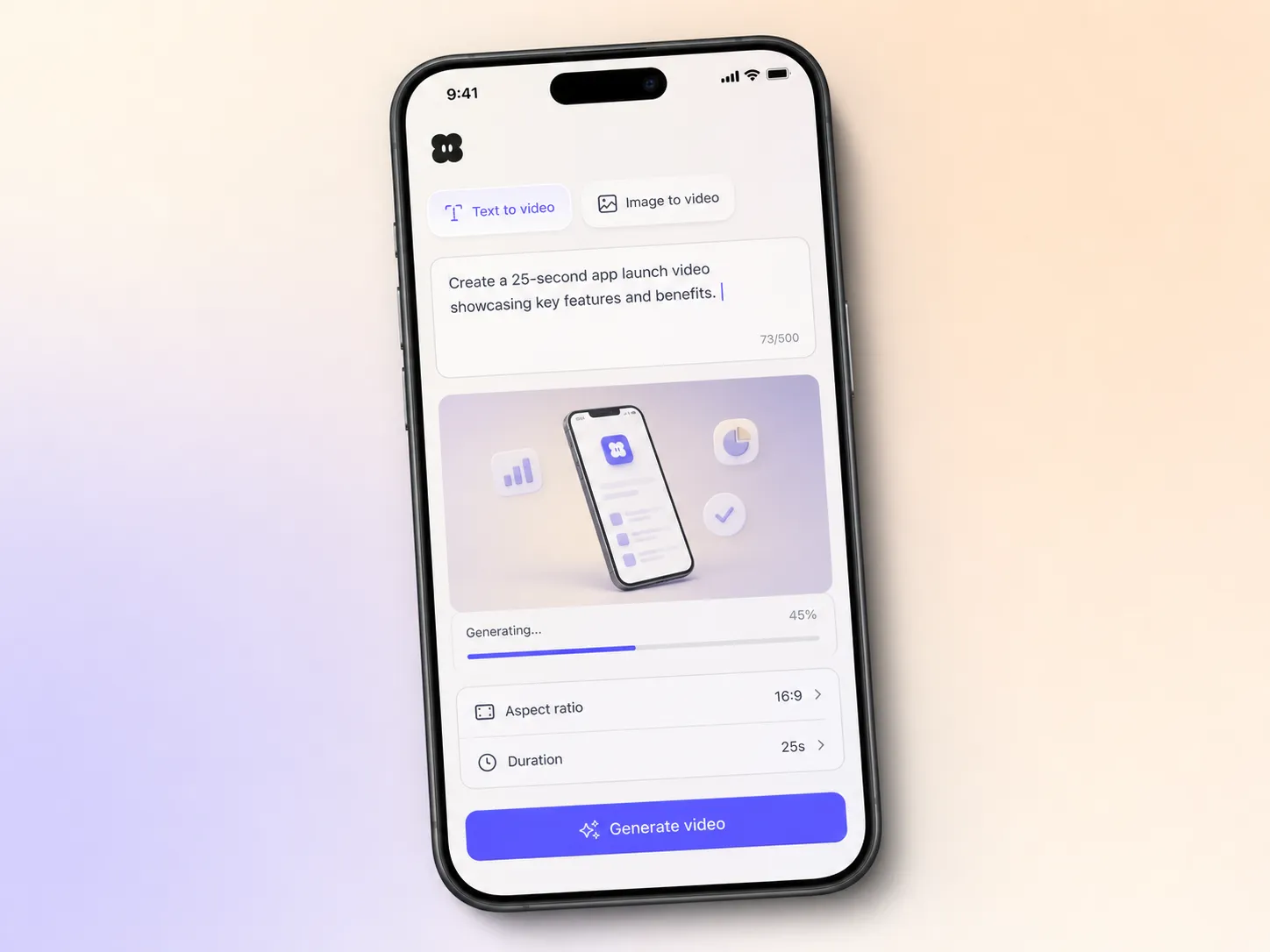
Start from a single line of text or one screenshot. Pexo writes the script, generates every shot with Seedance 2.5 or Kling AI 3.0, and stitches them into one continuous, edited cut. Mix text to video, image to video and script to video inside the same project and stay in plain language the whole way. No timelines, no keyframes, no editor to open.
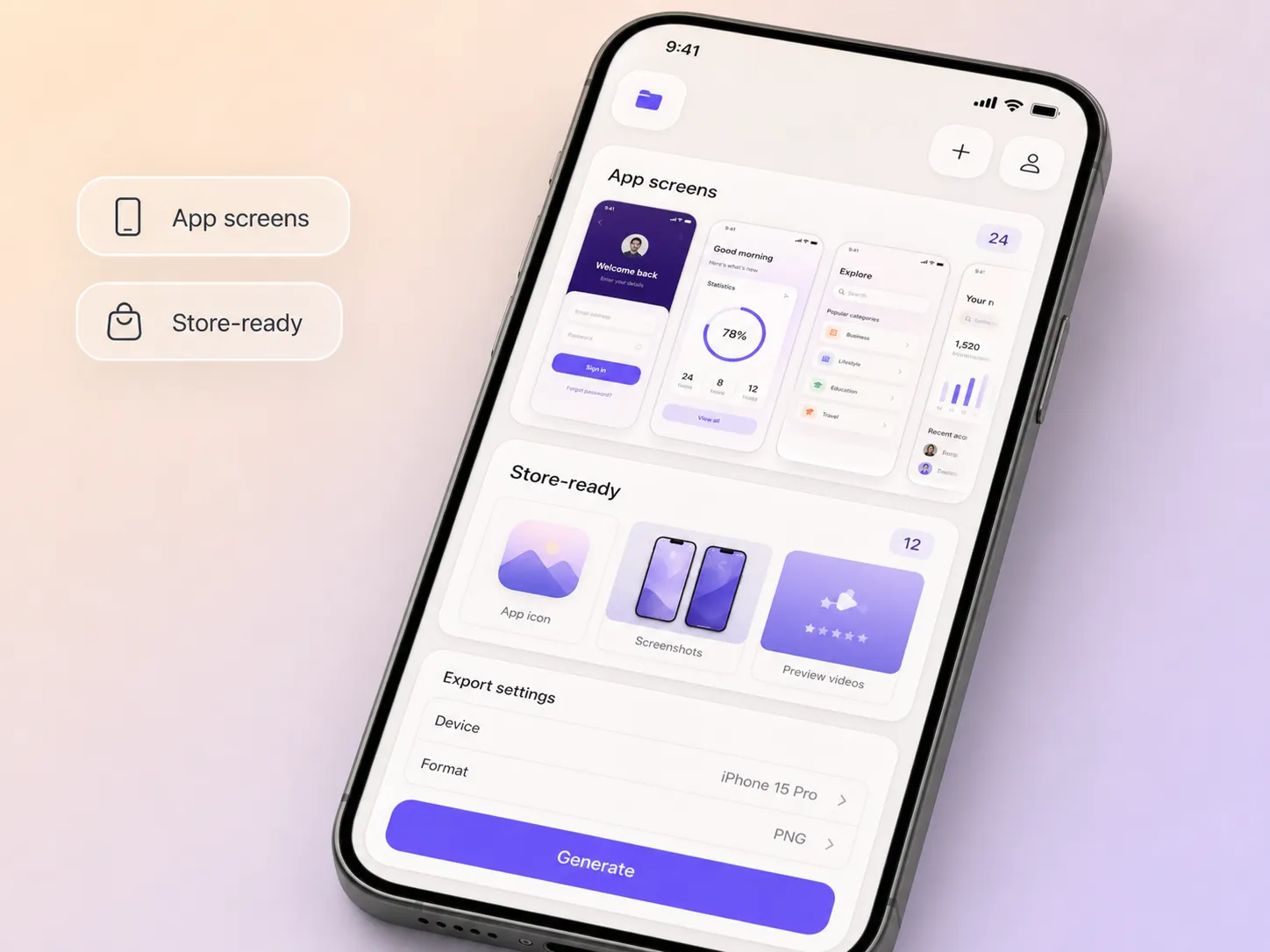
Upload your app screens and key flows and Pexo animates the real interface instead of dropping in a generic mockup. Hyperframe holds your icon, colors and layout steady from the first shot to the last, and every frame stays crisp enough for a store preview. Static screens become a promo that makes people want to install.
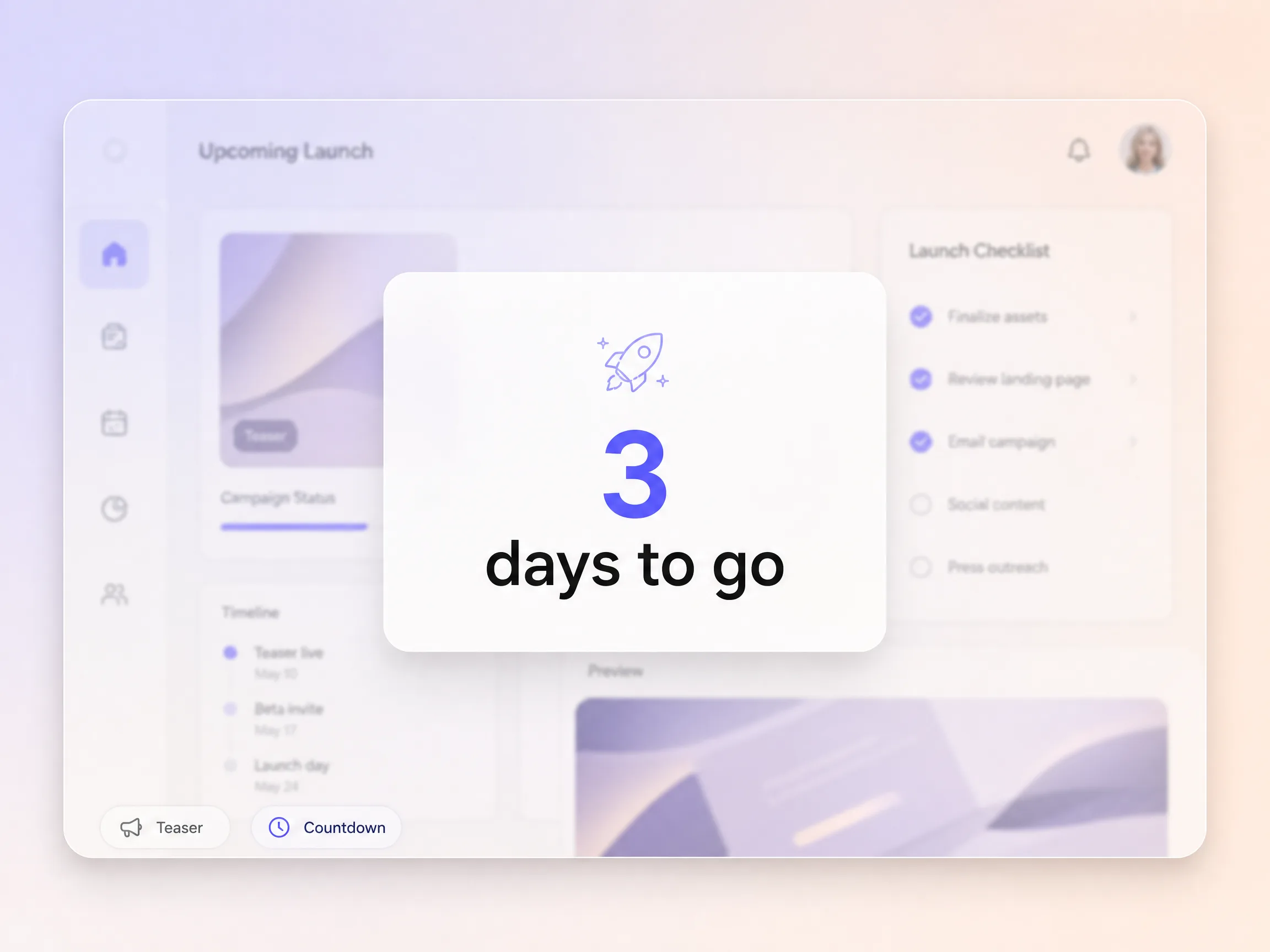
Pexo cuts the build up as well as the launch, so people are already watching when the app goes live. Ask the same project for a short teaser video or a countdown video and post them in the week before release. You launch to a crowd that cares, not an empty room.
Pexo builds the whole cut toward one action, an install, a signup or a preorder, with a closing frame and on screen prompt matched to that offer. Nothing competes with the ask in the last five seconds. Launch day traffic turns into installs instead of just views.
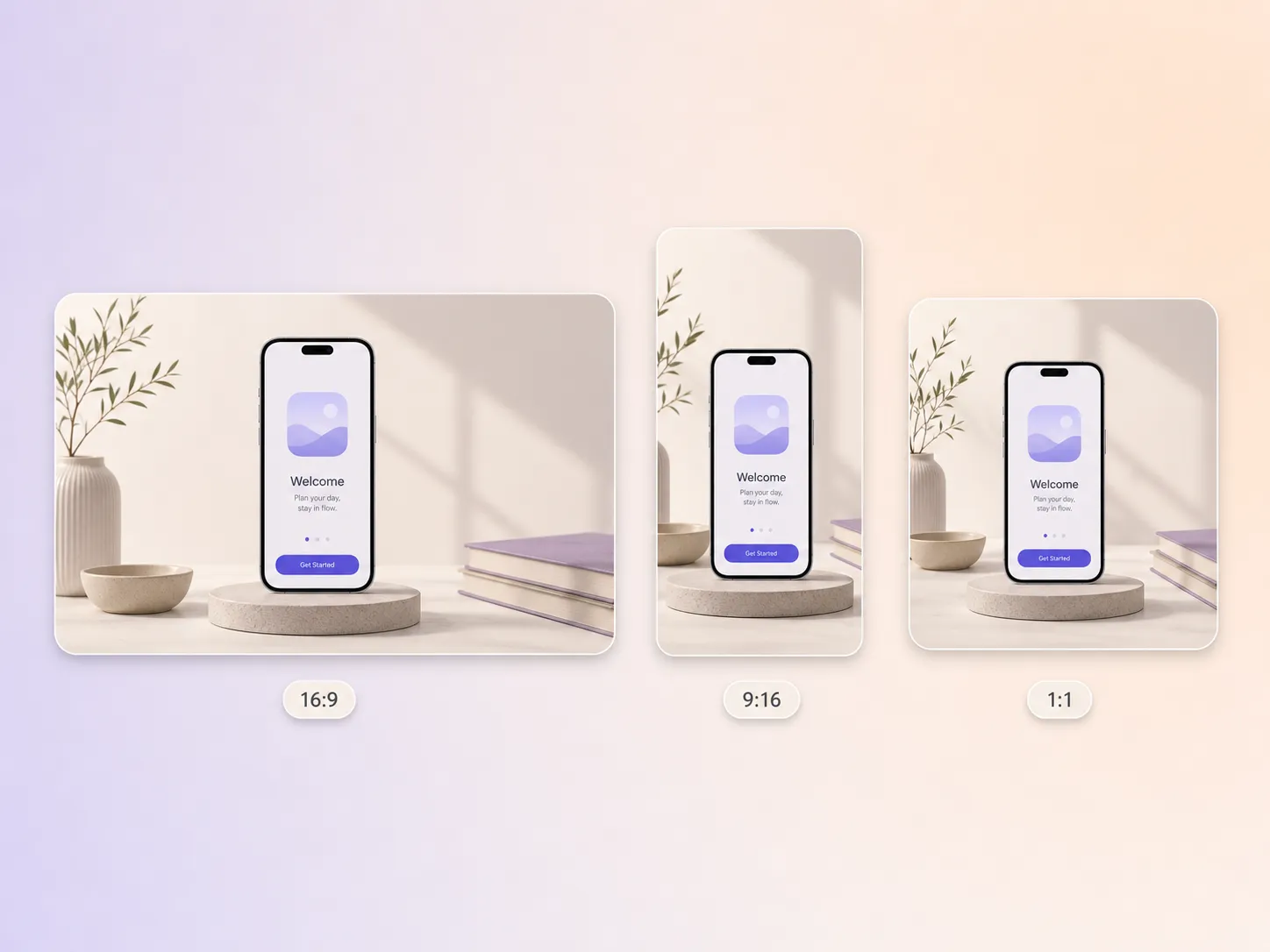
Pexo delivers your app launch video natively in 16:9 for YouTube and store previews, 9:16 for TikTok, Reels and Shorts, and 1:1 for feeds, up to 4K and anywhere from 5 to 120 seconds. Each aspect ratio is generated fresh for that screen rather than cropped down from one master. Ask for all three at once and post the right cut to every channel.
I had eleven screenshots and no idea how to cut a trailer. Pexo turned them into a promo with narration and music and installs climbed in the first week.

We ship a release every three weeks and video never kept up. Pexo gives each one a real promo in an afternoon, not a sprint.

No agency budget, so this mattered. Pexo scripted and edited a store ready cut in 9:16 and 16:9 that looked far above our stage.

Sibling launch, teaser and promo formats, all built from one prompt.
An app launch video is a short promo that shows what a new app does and why it is worth installing. Most run 15 to 60 seconds, open on the problem, walk through one or two core screens, and close on an install prompt. Pexo builds one from your own screens in 16:9, 9:16 and 1:1 up to 4K.
Yes. Upload screenshots or a screen recording and Pexo animates the real interface with image to video rather than swapping in a generic mockup. Hyperframe keeps your icon, colors and layout consistent across every shot, and the same mobile app launch video can run anywhere from 5 to 120 seconds.
Between 15 and 30 seconds for social, up to 60 for a store preview. Shorter cuts hold attention, longer ones fit a full walkthrough. Pexo generates anywhere from 5 to 120 seconds and renders 16:9 for YouTube, 9:16 for TikTok, Reels and Shorts, and 1:1 for feeds, all up to 4K. Start from a script with text to video and trim from there.
Pexo. It routes each shot through Seedance 2.5, Kling AI 3.0, MiniMax H3 and Happy Horse 1.0 and keeps whichever model fits the shot, then writes the script, adds voiceover and music, and edits the cut. One project returns 16:9, 9:16 and 1:1 up to 4K, so the same launch posts everywhere.
Timing. An app launch video is built around a release date, so it leads with what is new and ends on an install prompt, while an app promo video runs all year and sells the app in general. For hardware or a multi product release, use a product launch video instead.
Use subject + action + camera movement + setting + style. Example: a runner opens the app on her phone, slow push in, sunlit kitchen at breakfast, clean product film look with soft shadows. Name the one screen you want on camera and the tone you want, then let the app launch video maker handle shot order, pacing and music.
Turn a few screens into a polished app launch video and post it everywhere on launch day.
Make a sneak peek video that teases without spoiling. Pexo builds it with Seedance 2.5, Kling AI 3.0 and MiniMax H3 in 16:9, 9:16 or 1:1 up to 4K.
Make a website launch video with Seedance 2.5, Kling AI 3.0 and MiniMax H3. Describe your site, pick a model, and get a launch film in minutes.
Make a startup launch video from your pitch with Pexo. Script, presenter, music and edit in one pass with Seedance 2.5 and Kling AI 3.0, ready in minutes.
Make an event launch video with Seedance 2.5 and Kling AI 3.0. Pexo scripts, scores and edits a teaser that reveals the date and drives sign-ups.
Make a product reveal video that teases, then lands the hero shot. Pexo scripts and scores it with Seedance 2.5, Kling AI 3.0 and MiniMax H3 in minutes.
Make a software launch video that shows what shipped and why it matters. Pexo scripts, narrates and edits it with Seedance 2.5 and Kling AI 3.0.
Make a countdown video for any launch or event. The AI countdown video generator scripts, scores, and renders it with Seedance 2.5, Kling and Happy Horse.
Make an NFT launch video from your own art. Pexo scripts, animates and scores the drop teaser with Seedance 2.5 and Kling AI 3.0 in minutes.