
AI Sneak Peek Video
Make a sneak peek video that teases without spoiling. Pexo builds it with Seedance 2.5, Kling AI 3.0 and MiniMax H3 in 16:9, 9:16 or 1:1 up to 4K.
Describe what you are shipping and the AI launch video maker writes the script, picks the model, and renders every scene. Studio-grade voiceover and captions arrive with it, so the announcement is ready in minutes.
Pexo matches the look to the drop, from photoreal product launch video examples to motion graphics, animated characters, and a fast hype cut for the feed.
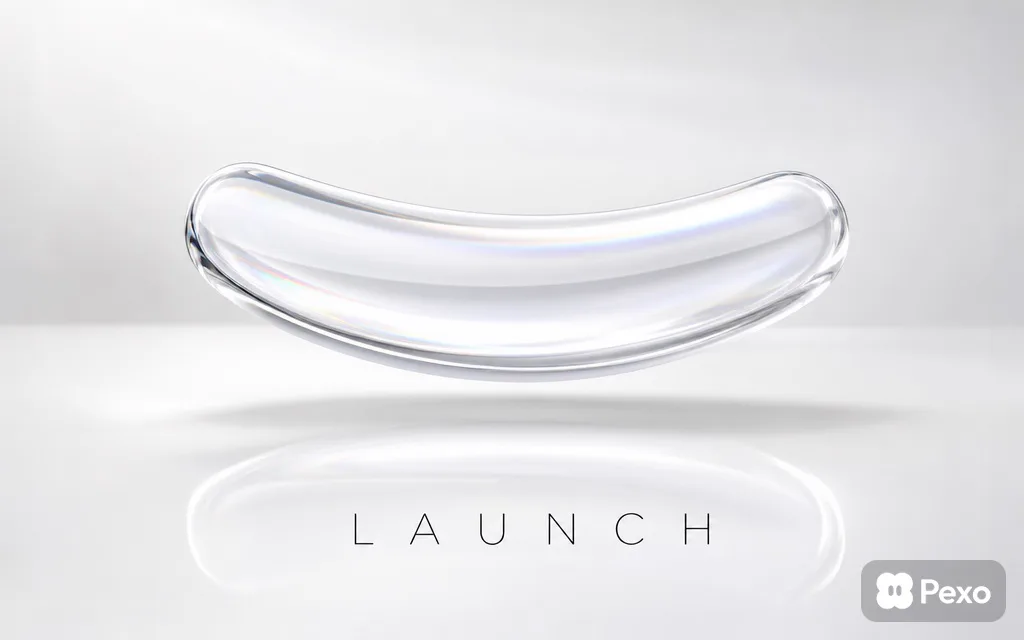
A clean studio reveal that sells the object itself. Start from one photo and Pexo animates the product video around it.
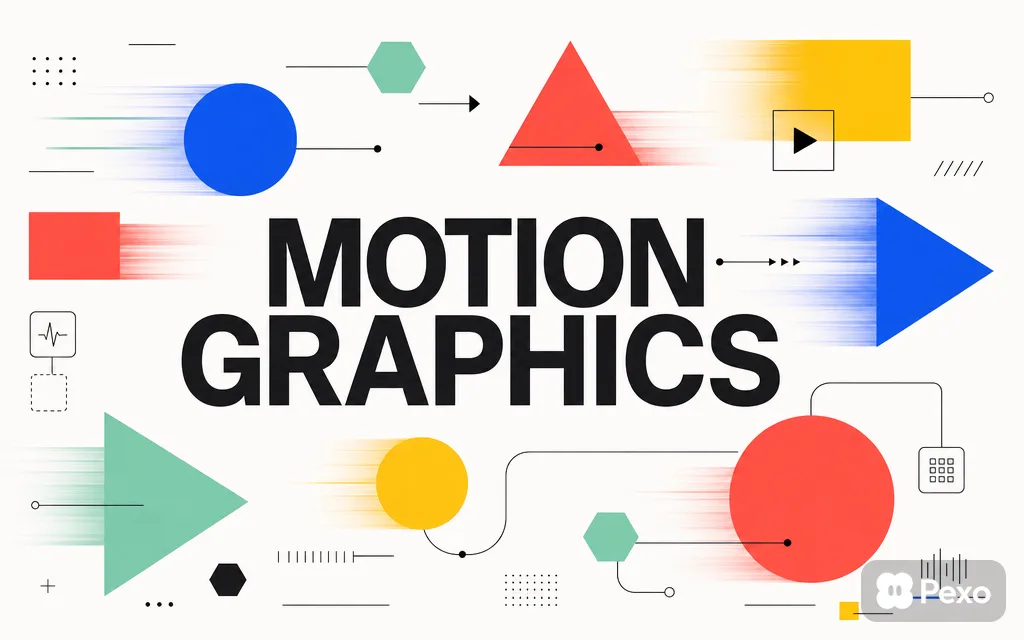
Flat shapes, kinetic type, and arrows carry the feature story when there is nothing to shoot yet.

A friendly character walks the audience through what changed and why it matters to them.

Stage light, confetti, and a countdown beat, sized for the feed as a social media video.
Script, model choice, animation, voice, and captions run in one pass, so the announcement comes out finished instead of assembled.
Describe the launch and Pexo drafts a structured story with a hook, a build, and a payoff. The script-to-video step turns it into scenes.
Hyperframe locks your product, character, and palette so every scene reads as the same brand, from a logo, a photo, or one line of text.
Pexo sends each shot to Seedance 2.5, Kling AI 3.0, MiniMax H3, or Happy Horse 1.0, then syncs every keyframe and transition to the voiceover and music.
Studio-grade narration in the language your audience speaks, or your own voice cloned once and reused across every launch.
Bold social captions or clean cinematic text land on every word, ready for the feeds that autoplay without sound.
Bring a spokesperson on screen with an AI avatar and lip sync when the launch needs a human face.
Idea in, launch video out. No timeline, no editor, no agency booking.
Describe what you are launching in plain language. Half-formed ideas are fine, and Pexo fills the gaps.
Watch the launch video build scene by scene, with script, visuals, voice, and music already in place.
Reply in chat to change one scene. Bigger logo. Slower opening. Only that part re-renders.
Export in 16:9, 9:16, or 1:1 at up to 4K, anywhere from 5 to 120 seconds, captioned and scored.
Pick the announcement and the launch video generator already knows the pacing, the length, and the aspect ratio.

Frame the feature and the benefit in the first five seconds, then hold on the hero shot.
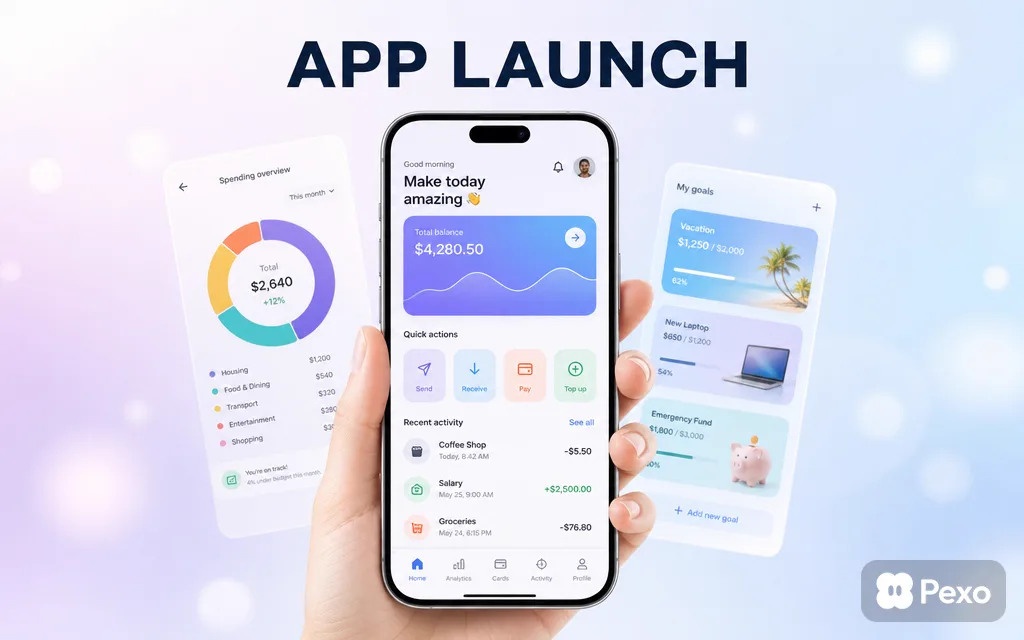
Walk the core flow, land the moment it clicks, then point viewers straight at the store listing.

Introduce a new identity or a rebrand with a story that stays after the logo lands.

Open a show, a sale, or a conference with a teaser built to be reshared before the doors open.
Pexo also builds a SaaS launch video, a startup launch video, a business launch video, a software launch video, a website launch video, a book launch video, a car launch video, and an NFT launch video from the same chat.
Teams who turned an announcement into a finished video without booking an agency.
"I described the drop before lunch and the product launch video was live on the store page by 3. The pacing felt like a real trailer."

"We got the app launch video plus three vertical cutdowns out of one chat. No round trips with an editor."

"The brand launch video matched our palette straight from the logo file. Editing one scene by typing was the part I did not expect."

A launch video is a short film that announces something new, a product, an app, a brand, or an event, and tells the audience what to do next. Most run 15 to 60 seconds. Pexo builds one from a single description, with the script, the visuals, the voiceover, and the captions handled in the same pass.
Minutes, not days. You describe the drop, Pexo renders the scenes, and you export in 16:9, 9:16, or 1:1 at up to 4K, anywhere from 5 to 120 seconds. Changing one scene means replying in chat rather than re-rendering the whole launch video.
Yes. Reply with a change such as bigger logo or slower opening and Pexo updates only that scene. Swap the voice, the music, or the aspect ratio the same way, then export again at up to 4K without rebuilding the project.
Pexo, because it aggregates several video models instead of locking you into one. Seedance 2.5, Kling AI 3.0, MiniMax H3, and Happy Horse 1.0 all sit behind the same chat, and each scene is routed to whichever one suits it, then delivered at 5 to 120 seconds ready to post.
Scope. A product launch video maker frames one object and the benefit it delivers, a brand launch video carries a whole identity, and an app launch video drives installs. Start on this page when the drop spans more than one of those.
Use subject plus action plus camera movement plus setting plus style. Example: a matte black speaker rotating on a marble plinth, slow dolly in, dark studio with one warm rim light, cinematic and premium, 15 seconds. Add the aspect ratio and the length and Pexo handles the rest.
Make a sneak peek video that teases without spoiling. Pexo builds it with Seedance 2.5, Kling AI 3.0 and MiniMax H3 in 16:9, 9:16 or 1:1 up to 4K.
Make a website launch video with Seedance 2.5, Kling AI 3.0 and MiniMax H3. Describe your site, pick a model, and get a launch film in minutes.
Make a startup launch video from your pitch with Pexo. Script, presenter, music and edit in one pass with Seedance 2.5 and Kling AI 3.0, ready in minutes.
Make an event launch video with Seedance 2.5 and Kling AI 3.0. Pexo scripts, scores and edits a teaser that reveals the date and drives sign-ups.
Make a product reveal video that teases, then lands the hero shot. Pexo scripts and scores it with Seedance 2.5, Kling AI 3.0 and MiniMax H3 in minutes.
Make a software launch video that shows what shipped and why it matters. Pexo scripts, narrates and edits it with Seedance 2.5 and Kling AI 3.0.
Make an app launch video from your screens with Seedance 2.5, Kling AI 3.0 and MiniMax H3. Pexo scripts, voices and edits it in 16:9, 9:16 and 1:1.
Make a countdown video for any launch or event. The AI countdown video generator scripts, scores, and renders it with Seedance 2.5, Kling and Happy Horse.