An AI-generated video. Use it as your starting point — Pexo shapes the visuals and story around what you describe.
Use the uploaded reference video only as the visual, motion, composition, typography, and pacing reference.
Create a 24-second, 9:16 vertical direct-response marketing video with the same dark futuristic grid aesthetic, cyan neon accents, kinetic typography, grayscale cutout imagery, fast editorial transitions, and high-conversion advertising rhythm.
Do not copy the original logo, company name, phone number, email address, or website. Replace them with the supplied brand assets and contact information.
FORMAT:
- Duration: approximately 24 seconds
- Aspect ratio: 9:16
- Resolution: 1080 × 1920
- Frame rate: 30 fps
- Designed for Instagram Reels, TikTok, and YouTube Shorts
- Keep important text inside the central 80% safe area
VISUAL STYLE:
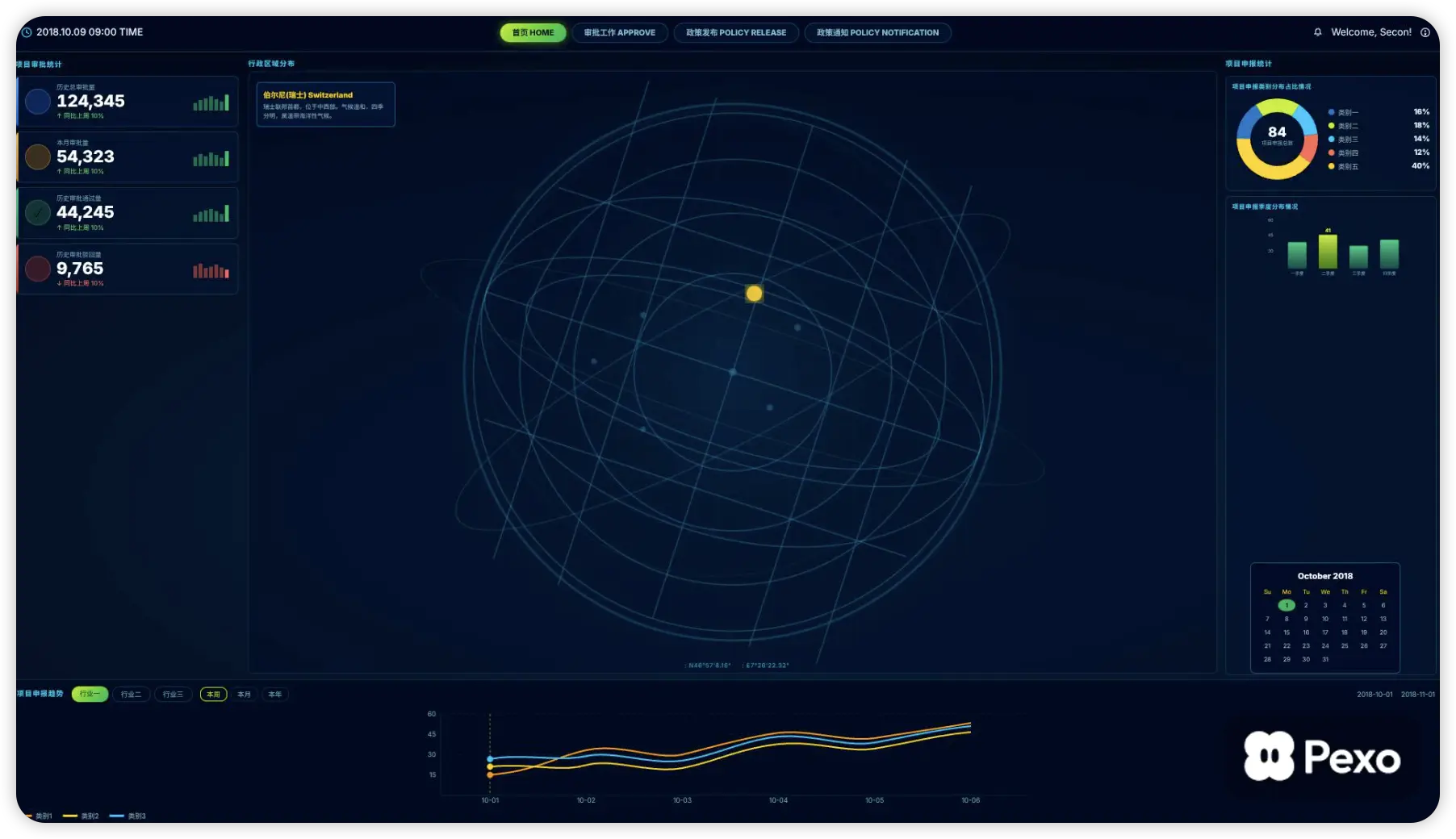
Use a nearly black background with a subtle dark-teal grid extending across the entire frame.
Create soft cyan light blooms in the upper-right and lower-left corners. The glow should feel atmospheric and modern without making the background bright.
Use this color palette:
- Main background: #02090C
- Secondary black: #071115
- Grid lines: #10343A at 35% opacity
- Primary cyan: #32E4EC
- Bright cyan: #51F3F6
- Dark cyan: #087E88
- Main white: #F7F7F4
- Soft gray: #B7BEC1
- Dark UI card: #171B1D
Keep the palette almost entirely black, white, gray, and cyan. Do not introduce red, orange, purple, or warm colors.
TYPOGRAPHY:
Use a bold geometric sans-serif font similar to Poppins ExtraBold, Montserrat ExtraBold, or Archivo Black for important words.
Use an italic sans-serif style for small supporting phrases.
Typography hierarchy:
- Main statement: large, bold, white
- Critical keyword: bright cyan
- Highlighted phrase: white text inside a rounded cyan rectangle
- Supporting copy: smaller white or light-gray italic text
- Data and percentages: oversized white extra-bold text
- CTA: bold white italic text inside a cyan button
Give the bold white text a subtle dark shadow for separation.
Use tight line spacing and compact editorial layouts. Keep all words sharp, correctly spelled, and easy to read.
BACKGROUND MOTION:
Keep the grid visible throughout the video.
Add a very slow glow pulse and subtle grid parallax. The background remains mostly locked while foreground elements move quickly.
Avoid cinematic camera movement. Motion should come from typography, images, charts, and UI elements.
IMAGE STYLE:
Use high-contrast grayscale cutouts with transparent backgrounds:
- Stacks of US dollar bills
- A black financial chart
- Documents with a magnifying glass
- A classical marble statue holding a smartphone
- A confident businessman in a suit
- A frustrated business owner
- Envelope and contact icons
Objects should look like clean advertising cutouts rather than objects placed in a realistic environment.
Add soft black shadows, faint cyan edge light, and subtle glow behind selected subjects.
Introduce subjects with vertical slides, fast scale-up animations, motion blur, and a slight bounce.
MOTION LANGUAGE:
Use fast, rhythmic kinetic typography.
Animate text using:
- Typewriter reveals with a blinking cursor
- Word-by-word entrances
- Horizontal mask wipes
- Cyan highlight bars expanding behind words
- Fast scale-pop animations
- Short overshoot and bounce
- Rapid blur-to-sharp entrances
- Directional motion blur
- Clean hard cuts between major sections
Each information beat should last approximately 2–3 seconds.
Synchronize the strongest text entrances with the music beat.
STORYBOARD:
0–2 SECONDS — AD SPEND
Show grayscale stacks of dollar bills entering from the bottom with a fast upward slide and small bounce.
Type the small italic word:
“your”
Expand a rounded cyan rectangle horizontally and reveal:
“Ads spend”
Add the smaller italic line:
“is going up”
Final text arrangement:
“your
ADS SPEND
is going up”
Place the text in the upper half and the money in the lower half.
Voiceover:
“Your ad spend is going up…”
2–4 SECONDS — LEADS ARE DOWN
Quickly slide the money out.
Display:
“Leads”
Then make the oversized percentage pop into the frame:
“↓ 40%”
Add the small caption:
“IN THE LAST 28 DAYS”
Place a dark rounded analytics card below the text. Inside it, show a thin white revenue line graph that rises and then noticeably falls.
Animate the line drawing from left to right.
Voiceover:
“…but leads are down forty percent in the last twenty-eight days.”
4–6 SECONDS — NOT THE OFFER
Use a fast vertical wipe.
Show a grayscale file folder filled with documents, with a large magnifying glass placed over it. Make the object scale up from the center with motion blur.
Display:
“IT’S NOT BECAUSE”
“YOUR OFFER”
“IS WEAK”
Make “YOUR OFFER” large, bold, and white.
Render “IS WEAK” as large outlined cyan italic text near the bottom.
Voiceover:
“It’s not because your offer is weak.”
6–9 SECONDS — CONTENT STRATEGY
Remove the object and use a text-only composition.
Reveal the sentence in several stages using a typewriter effect:
“IT’S BECAUSE”
“YOUR CONTENT STRATEGY”
“IS NOT BUILT TO”
“STOP THE SCROLL”
Use white for the sentence and bright cyan for:
“STRATEGY”
“STOP THE SCROLL”
Make “STOP THE SCROLL” significantly larger than the surrounding text.
Show a blinking vertical cursor briefly during the reveal.
Voiceover:
“It’s because your content strategy isn’t built to stop the scroll…”
9–11 SECONDS — HOLD ATTENTION
Bring a grayscale classical marble statue into the frame from the bottom. The statue holds a modern smartphone and looks at it with a surprised expression.
Use a fast blur-to-sharp entrance.
Display:
“HOLD”
in small italic white text.
Then slam the oversized cyan word into the frame:
“ATTENTION”
Give “ATTENTION” a slight horizontal stretch, motion blur, and bounce.
Voiceover:
“…and hold attention.”
11–13 SECONDS — BUSINESS OWNER
Cut to a grayscale Western businessman wearing a dark suit and tie, standing with his arms crossed.
Place a solid cyan rounded rectangle behind his upper body.
Reveal the text word by word:
“IF YOU’RE A”
“BUSINESS OWNER”
Use white and cyan emphasis. Keep the businessman centered in the lower half.
Voiceover:
“If you’re a business owner…”
13–16 SECONDS — QUALITY LEADS
Use a quick blur transition.
Show a grayscale frustrated Western businessman with glasses, looking upward and shouting. Crop him from the waist or chest up.
Display:
“STRUGGLING”
as small italic white text.
Expand a cyan rounded rectangle and reveal:
“TO ATTRACT”
Add:
“QUALITY LEADS”
underneath in white italic text.
Final arrangement:
“STRUGGLING
TO ATTRACT
QUALITY LEADS”
Voiceover:
“…struggling to attract quality leads…”
16–20 SECONDS — DIRECT-MESSAGE CTA
Clear the person from the frame.
Animate a large cyan rounded CTA button into the center with a fast scale-pop.
Place a white envelope icon on the left.
Display:
“DM ‘HELP’”
in large bold italic white text.
Under the button, type this sentence gradually:
“I WILL BREAK DOWN EXACTLY
WHAT YOUR CONTENT IS MISSING.”
Keep the cursor visible while the sentence types in.
Voiceover:
“DM ‘help.’ I’ll break down exactly what your content is missing.”
20–24 SECONDS — BRAND END CARD
Place the supplied official brand logo in bright cyan near the upper-middle area:
“[YOUR BRAND LOGO]”
Do not generate or redesign the logo. Use the supplied transparent logo asset.
Animate a large cyan rounded card below it.
Display:
“FILL THE FORM NOW”
Add a smaller line:
“Get started with a tailored strategy.”
Add a smaller rounded button:
“CONTACT US TODAY!”
Then reveal three compact contact rows sequentially:
Phone icon — “[PHONE NUMBER]”
Envelope icon — “[EMAIL ADDRESS]”
Globe icon — “[WEBSITE]”
Keep the final composition centered, clean, and readable. Hold the completed end card for at least one second.
VOICEOVER SCRIPT:
“Your ad spend is going up, but leads are down forty percent in the last twenty-eight days. It’s not because your offer is weak. It’s because your content strategy isn’t built to stop the scroll and hold attention. If you’re a business owner struggling to attract quality leads, DM ‘help.’ I’ll break down exactly what your content is missing.”
AUDIO:
Use a punchy, modern digital-marketing beat with a dark electronic bass, crisp percussion, short risers, and subtle glitch texture.
Add:
- Keyboard sounds during typewriter reveals
- Short whooshes for text entrances
- Low impacts for oversized words
- Soft digital clicks for UI elements
- A notification sound when “DM ‘HELP’” appears
- A polished completion chime on the final card
Keep the music underneath the voiceover.
NEGATIVE REQUIREMENTS:
No original Digital Xcelerator logo or contact information.
No additional people.
No realistic office environment.
No bright daytime background.
No red, orange, yellow, or purple accents.
No multicolor gradients.
No glassmorphism.
No glossy 3D environment.
No complex scenery.
No slow cinematic transitions.
No shaky camera.
No distorted faces or hands.
No incorrect chart labels.
No duplicated objects.
No random symbols.
No overlapping text.
No misspelled words.
No unreadable typography.
No extra logo.
No watermark. 参考该视频风格