

 ChatGPT
 Perplexity
 Claude
 Gemini
 Grok
Grok

A good explainer video does one quiet, valuable thing: it makes a complicated idea click in under two minutes. The problem is that making one used to mean a script, a voice actor, a motion designer, and a week of back-and-forth. AI changed that math. The catch is that "AI explainer video maker" now covers wildly different tools, from avatar presenters to blog-to-video converters to cartoon animators, and picking the wrong category wastes a budget cycle. We reviewed the current field and ranked the seven that actually earn their spot, with Pexo taking the top slot for anyone who wants a finished explainer from nothing more than an idea or a product URL.
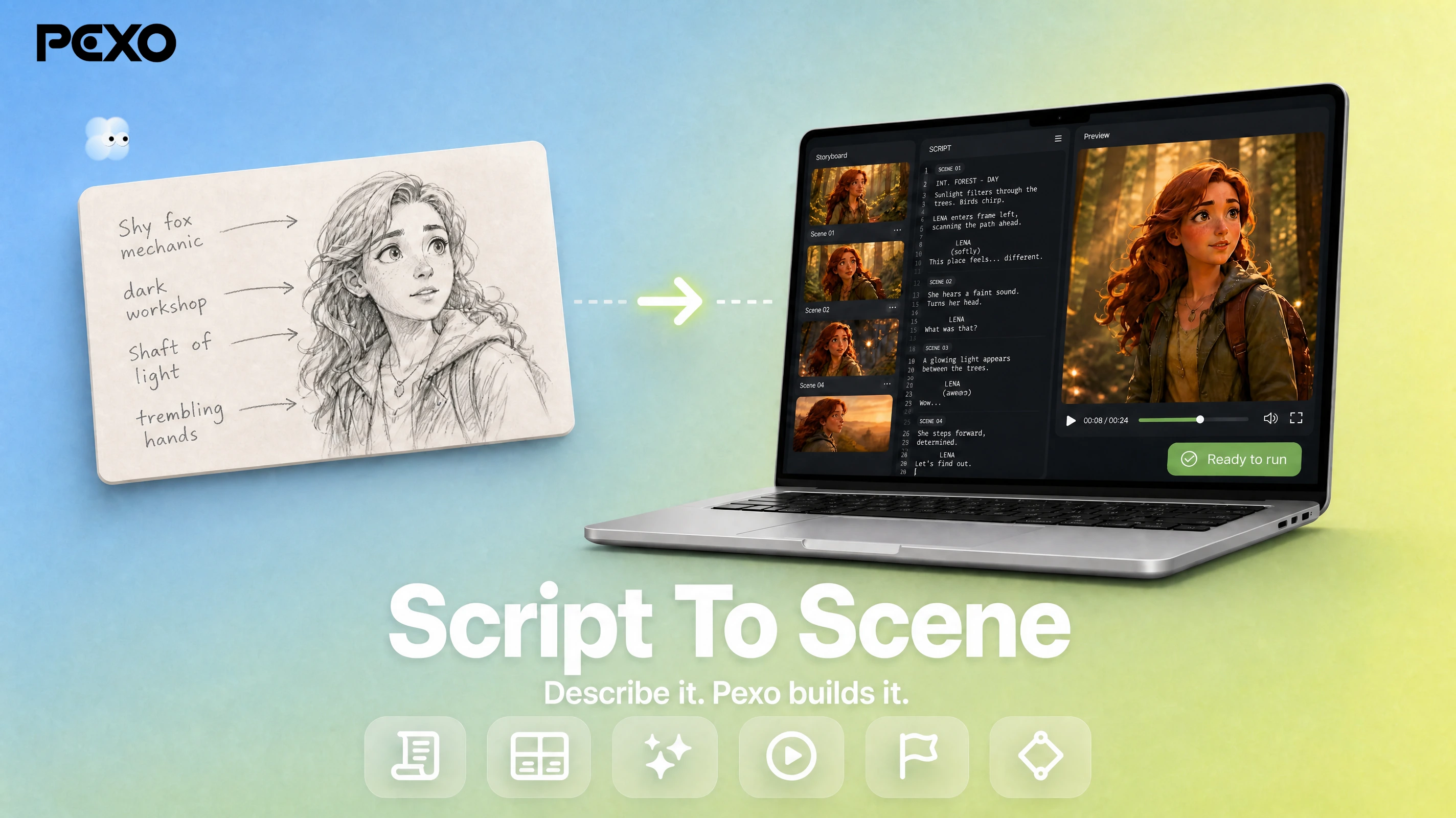 Pexo turns a rough script into a finished explainer scene through one conversation, no editing timeline required.
What Is an AI Explainer Video Maker?
An AI explainer video maker is software that turns a topic, script, or source document into a short narrated video that explains how something works. Instead of hiring an animator or learning an editor, you give the tool your raw material and it assembles the visuals, voiceover, captions, and pacing for you. The category splits into a few distinct shapes, and the differences matter more than the marketing copy suggests.
Some tools center on a talking AI avatar reading your script, which suits training and corporate comms. Others convert existing text, like a blog post or a slide deck, into a stock-footage montage. A third group builds custom animated or cartoon scenes. And a newer group generates the whole thing from a plain-language brief, no template-picking required. When you shop, weigh these four things:
- Input flexibility: Can it start from a script, a URL, an image, or just a rough idea?
- Output style: Talking-head avatar, stock montage, custom animation, or generated scenes?
- Effort to a finished cut: Does it hand you a polished video, or a rough draft you still have to edit?
- Pricing model: Subscription minutes, credits, or per-seat, and what the free tier actually allows.
The fastest way to narrow the field is to match your situation to one of those shapes before you compare features:
- Starting from just an idea, a script, or a product URL and you want a finished cut: a generate-from-scratch tool (Pexo).
- You have a script and need a consistent on-screen presenter, especially for training: an avatar tool (Synthesia, or Colossyan for learning).
- You are sitting on written content to repurpose into video: a text-to-video converter (Pictory or InVideo AI).
- You need a branded cartoon look with hand-built characters: a custom animator (Vyond). And if you want one workspace for every video type, a full platform (Visla).
Settle the shape first and the shortlist below gets a lot shorter.
The 7 Best AI Explainer Video Makers at a Glance
Here is the quick comparison before we get into each tool. Pricing is the publicly listed starting point as of June 2026 and is rounded; check each site for current promotions.
| Tool | Best For | Free Tier | Paid From | Standout Strength |
|---|---|---|---|---|
| Pexo | Fast explainers from an idea or URL | Yes, free to start (credits) | $30/mo | Conversational, generate from scratch |
| Synthesia | Avatar-led training and corporate | Yes, limited minutes | ~$18/mo | 240+ AI avatars, 140+ languages |
| Pictory | Turning blogs and scripts into video | Free trial | ~$25/mo | Repurposes existing long content |
| InVideo AI | Fast text-to-video with stock | Yes, with watermark | ~$20/mo | Huge stock library, prompt-to-edit |
| Visla | End-to-end business video teams | Yes, 2,000 credits/mo | $18/mo | Full workflow plus collaboration |
| Colossyan | L&D and workplace learning | Yes, limited | $27/mo | Built for training and quizzes |
| Vyond | Animated, cartoon-style explainers | Trial only | ~$58/mo | Deep custom character animation |
How We Compared Them
We judged each tool on the job a reader actually hires an explainer maker for: getting a clear, watchable video out the door without a production crew. That meant scoring four things. First, input flexibility, because the fastest tool is the one that accepts whatever you already have. Second, time to a finished cut, separating tools that deliver a polished video from those that hand you a rough draft to edit. Third, output fit, since a talking-head avatar and a cartoon explainer solve different problems. Fourth, honest pricing, including what the free tier truly allows and where the paywall lands.
To keep this honest, the ranking draws on three inputs: hands-on use of the tools we could create with, each platform's current published capabilities, and third-party review signals like G2 and Capterra. Where a number comes from a vendor's own marketing, we have flagged it as a claim rather than a test result. No single tool wins every category, so the ranking reflects which tool best serves the most common explainer job, with clear notes on when a different pick makes more sense.
The 7 Best AI Explainer Video Makers in 2026
1. Pexo: Best for Fast Explainers from an Idea or URL
Pexo is an AI video partner that builds a finished explainer from a plain-language brief. Rather than handing you a template gallery or a timeline, it listens to how you describe the video, the way you would text a colleague, and produces the visuals, voiceover, captions, and pacing as one piece. For an explainer, that removes the two slowest steps in every other tool on this list: writing a tight prompt and assembling the cut by hand.
What sets it apart is the starting point. You can begin from a script, a rough idea, an image, or a product page, and Pexo's URL to video flow can read a page and turn its core message into a narrated explainer. Under the hood it works with Seedance, Kling, and more, and routes each shot to the model that fits, so you never have to choose one yourself. The anchor is simple: no prompts, just talk, and no choosing models, just the best one each time.
It fits marketers, founders, and product teams who need a clear explainer this afternoon and do not have footage to start from. The honest limit: if you specifically want a single branded presenter reading a script to camera, Synthesia's avatar library is deeper, and if you want hand-built cartoon animation with frame-level control, Vyond gives you more knobs. Pexo also runs on credits, so very high monthly volume costs more than a flat-rate plan. On pricing, Pexo is free to start, and the Pro plan begins at $30 per month for 4,800 credits, roughly two to five minutes of finished video, with no watermark. In hands-on use, the conversational text to video flow took a one-paragraph brief to a watchable explainer draft without a single menu, and the same brief could be re-rolled section by section instead of starting over.
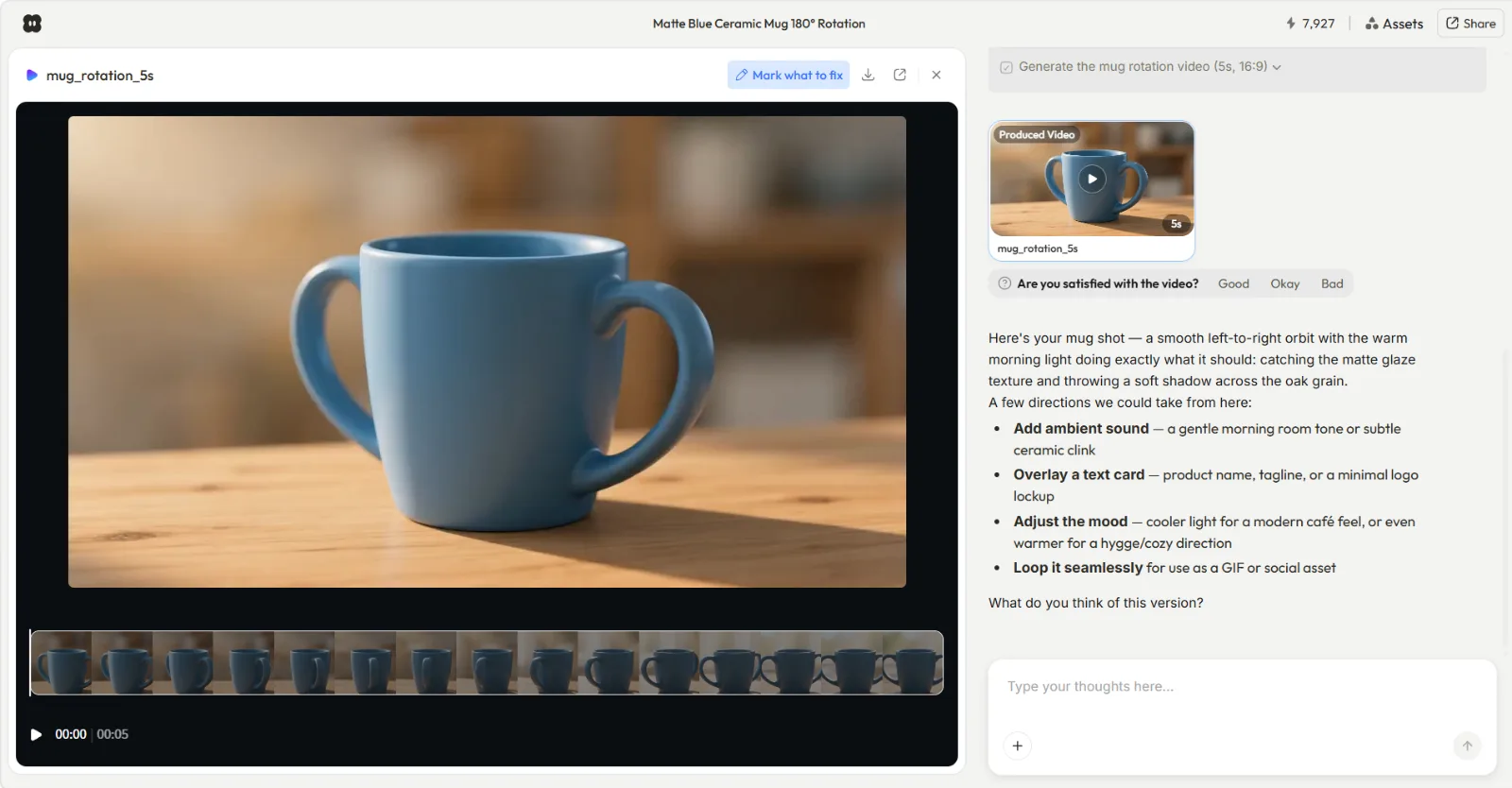 Pexo's explainer workflow starts from a brief or a URL and returns a finished cut, not a rough draft to edit.
Pros:
- Starts from an idea, script, image, or URL, no template hunting
- Delivers a finished, no-watermark cut, not a rough draft
- Picks the right model per shot automatically across Seedance, Kling, and more
Cons:
- Credit-based, so heavy monthly volume adds up
- Not built around a single fixed brand-avatar presenter
2. Synthesia: Best for Avatar-Led Training and Corporate Video
Synthesia turns a script into a video of a realistic AI avatar presenting to camera, in your choice of voice and language. It is the category leader for talking-head explainers, the kind used for employee onboarding, product walkthroughs, and policy training where a consistent human-style presenter builds trust. You paste a script, pick an avatar and a language, and it renders a clean studio-style clip.
Its core differentiator is scale of presenters and languages. Synthesia offers 240+ AI avatars and supports 140+ languages, and it has integrated newer cinematic models for richer B-roll. That breadth, backed by 2,000+ five-star reviews on G2, is why large teams standardize on it for multilingual training libraries. In practice, updating a policy means editing the script line and re-rendering in seconds rather than booking a reshoot, which is the real reason training teams commit to it.
It suits L&D and corporate communications teams that need the same presenter across dozens of videos. The limitation is that the avatar-reads-script format is narrower than a full explainer toolkit; it is less suited to fast, custom-animated, or scene-driven explainers, and the most realistic avatars and features sit on higher tiers. Pricing starts with a free plan offering a few minutes per month, with paid plans from roughly $18 per month billed annually.
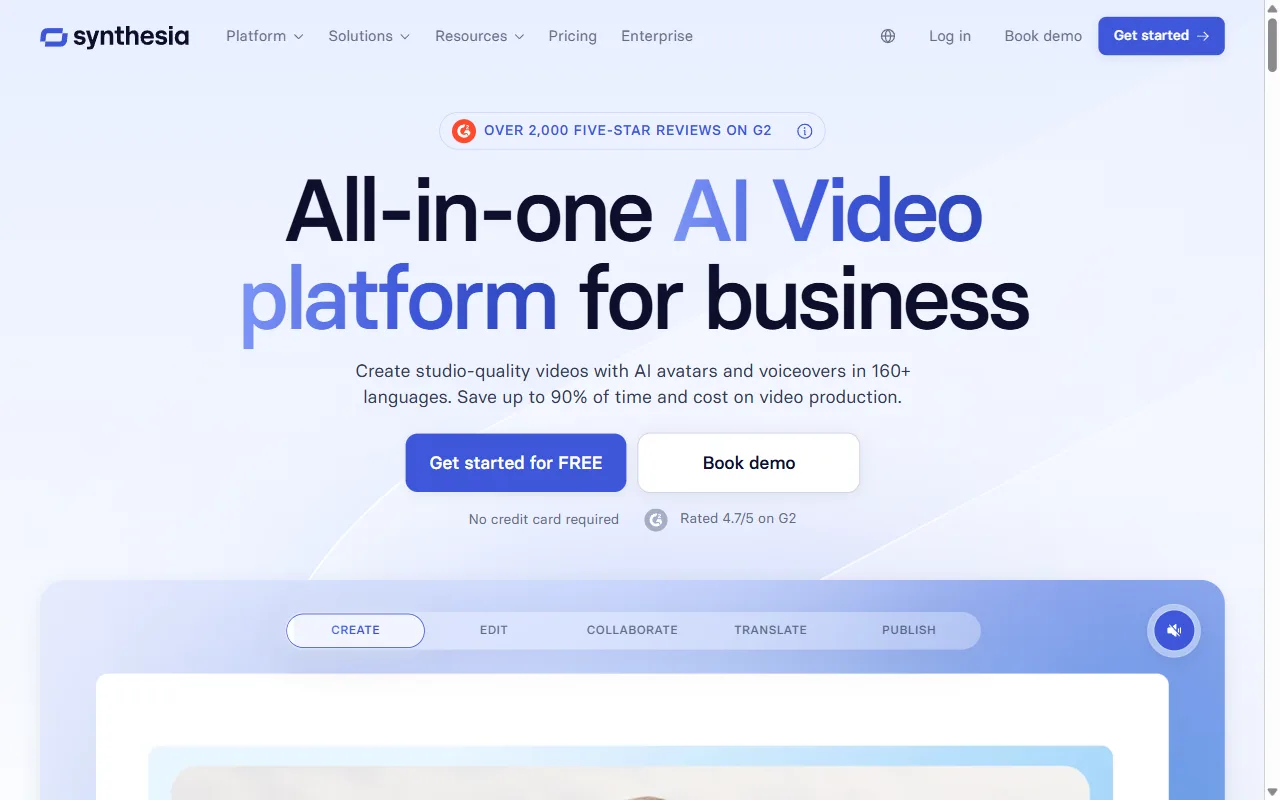 Synthesia centers on script-to-avatar video, strong for multilingual training explainers.
Pros:
- Largest avatar and language library in the category
- Polished, consistent presenter for training at scale
Cons:
- Format is narrower than full explainer generation
- Best avatars and features gated to higher tiers
3. Pictory: Best for Turning Blogs and Scripts into Video
Pictory builds its strength on repurposing. It takes content you already own, a blog post, a script, a slide deck, or a long recording, and converts it into a captioned, stock-footage explainer. If your team publishes written content and wants a video version without starting from scratch, Pictory is purpose-built for that handoff.
Its differentiator is the breadth of input it digests and its automatic scene-matching: paste a URL or a script and it pulls relevant stock clips, adds captions, and times them to an AI voiceover. That makes it a favorite for content marketers, and it holds a strong rating on Capterra for ease of use. It is best for blog-to-video and summarizing long recordings into short explainers. A typical AI workflow is pasting a published how-to post, letting Pictory pull matching B-roll and generate a voiceover, then trimming the scenes it chose. For a team sitting on years of written articles, that back catalog becomes a video library without a single reshoot.
The honest limitation is that the output leans on stock footage and templated scenes, so it is less distinctive than custom-generated or animated video, and fine visual control is limited. Pricing offers a free trial, with paid plans starting around $25 per month for a set number of videos and minutes.
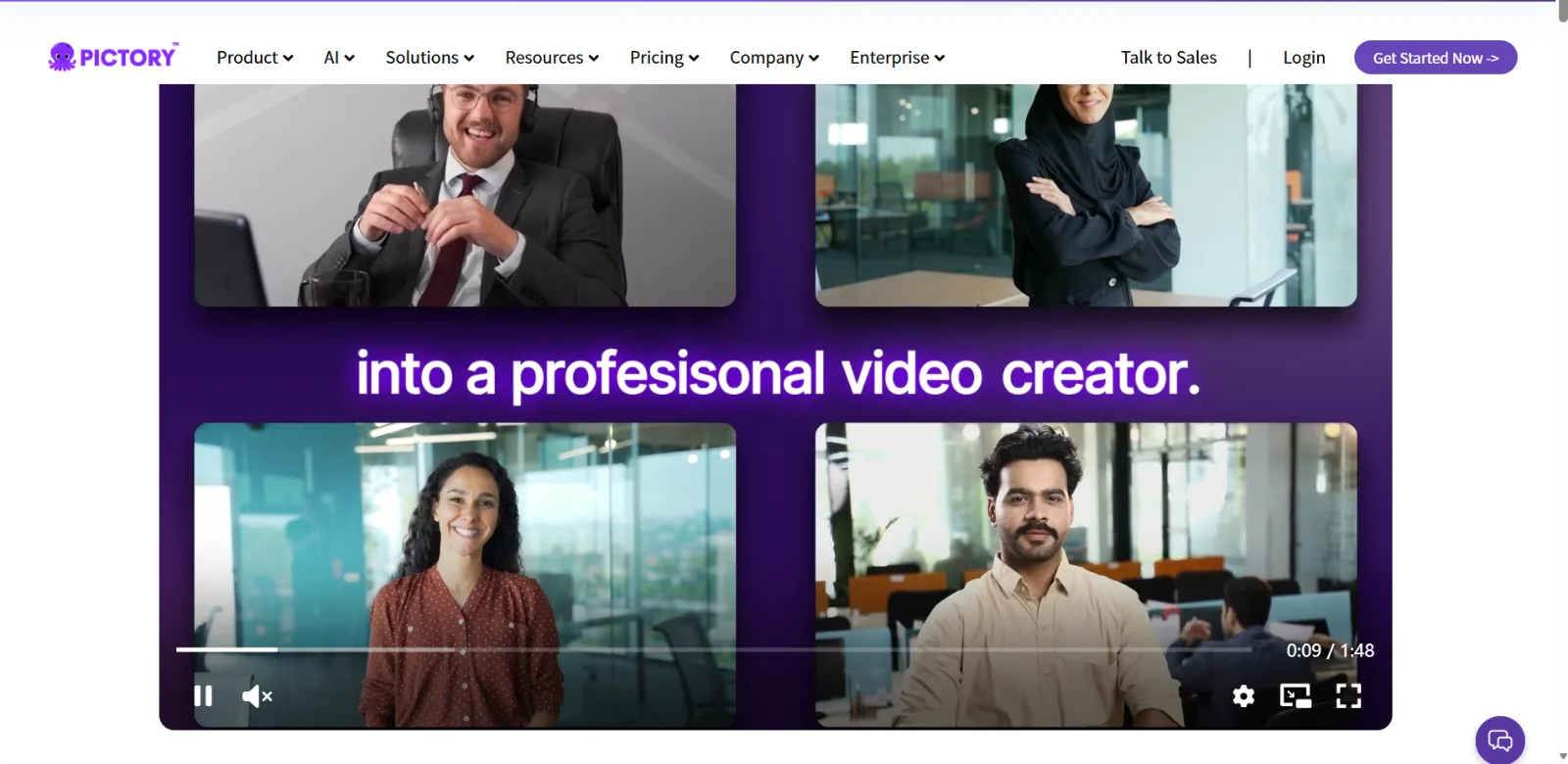 Pictory specializes in converting existing blogs and scripts into stock-based explainers.
Pros:
- Excellent at repurposing existing written content
- Fast captions and auto scene-matching
Cons:
- Stock-driven look, less visually distinctive
- Limited fine control over individual scenes
4. InVideo AI: Best for Fast Text-to-Video with Stock
InVideo AI leans on speed and volume. You give it a prompt describing the video you want and it generates a full draft, complete with stock footage, voiceover, and captions, that you then refine by typing follow-up instructions. For social-first explainers where turnaround matters more than bespoke visuals, it is one of the quickest paths from idea to draft. Opening it, the workspace frames generation as a multi-agent canvas built around typed instructions rather than a timeline, a noticeably different mental model from the avatar tools above.
Its differentiator is the prompt-to-edit loop combined with a very large stock library, and its reach is real: InVideo reports more than 25 million users. That scale means a deep template and footage pool, which suits creators and small teams shipping frequent explainers. It is best for high-volume, stock-based explainers aimed at social platforms. The refinement loop is conversational too: you can type "make the intro shorter" or "swap the clips to outdoor shots" and it re-cuts, which keeps iteration fast even when the first pass misses.
The limitation is that the generated edit often needs cleanup, and the free plan adds a watermark with weekly limits. Longer videos can also drift in pacing, so a quick human pass on timing is usually worth the few minutes it takes. Pricing includes a free plan, with paid tiers starting around $20 per month for higher limits and watermark removal.
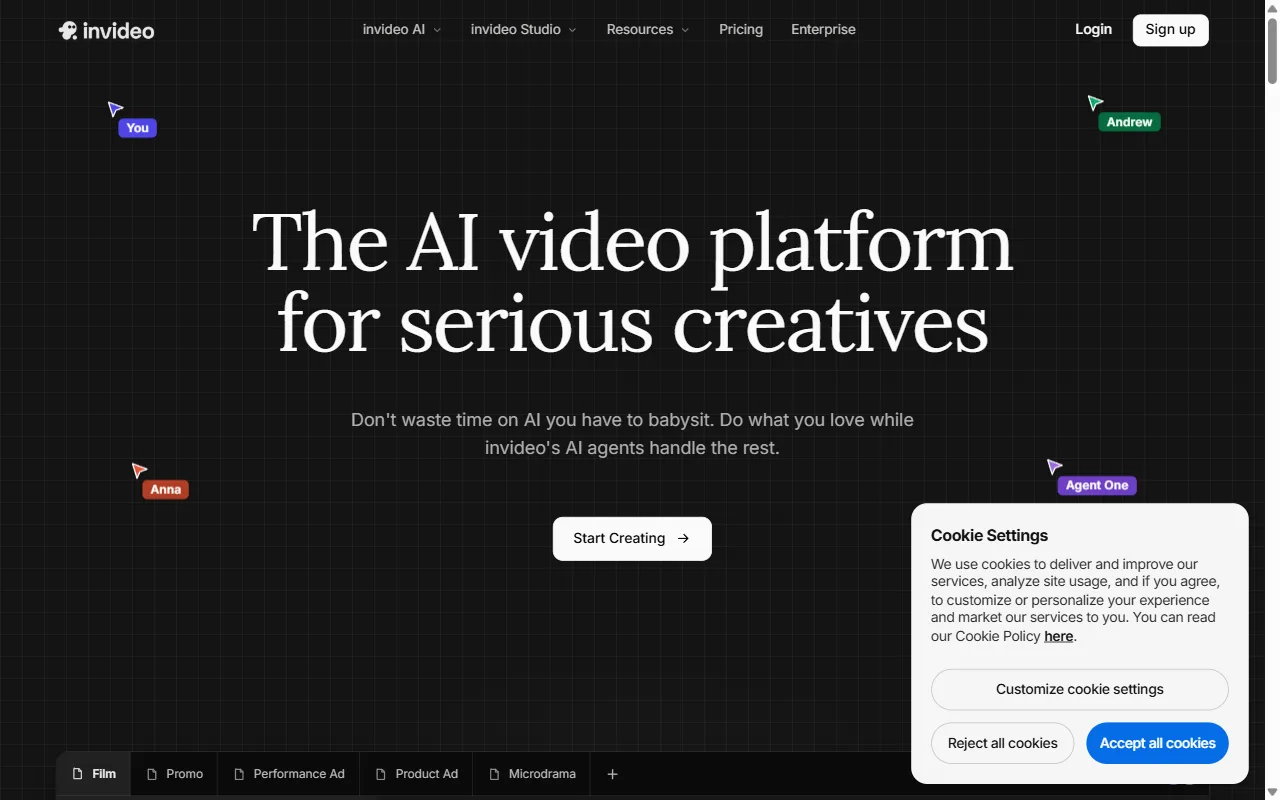 InVideo AI generates a full stock-based draft from a prompt, then refines through typed instructions.
Pros:
- Very fast prompt-to-draft generation
- Huge stock and template library
Cons:
- Drafts usually need manual cleanup
- Free plan is watermarked with weekly caps
5. Visla: Best for End-to-End Business Video Teams
Visla is built as a full-stack business video platform rather than a single-purpose explainer maker. It combines AI generation, a stock library, screen and webcam recording, editing, and team collaboration in one workspace. For a marketing or comms team that wants explainers, demos, and social clips all produced in the same place, that consolidation is the draw. A team can record a product walkthrough, drop in an AI-generated intro, caption it, and pass it to a colleague for review without ever leaving Visla.
Its differentiator is breadth plus collaboration: shared workspaces, brand kits, and an end-to-end pipeline from script to publish. It is best for business teams that produce many video types and value keeping everything, and everyone, in one tool. The trade-off is that a do-everything platform has more surface area to learn than a focused explainer generator, and the AI generation is one capable feature among many rather than the whole product, so a team that only needs explainers may pay for breadth it never uses.
Visla offers a genuinely useful free plan with 2,000 credits per month, and paid plans start at $18 per month for the Pro tier, with a Business tier around $59 per month for teams.
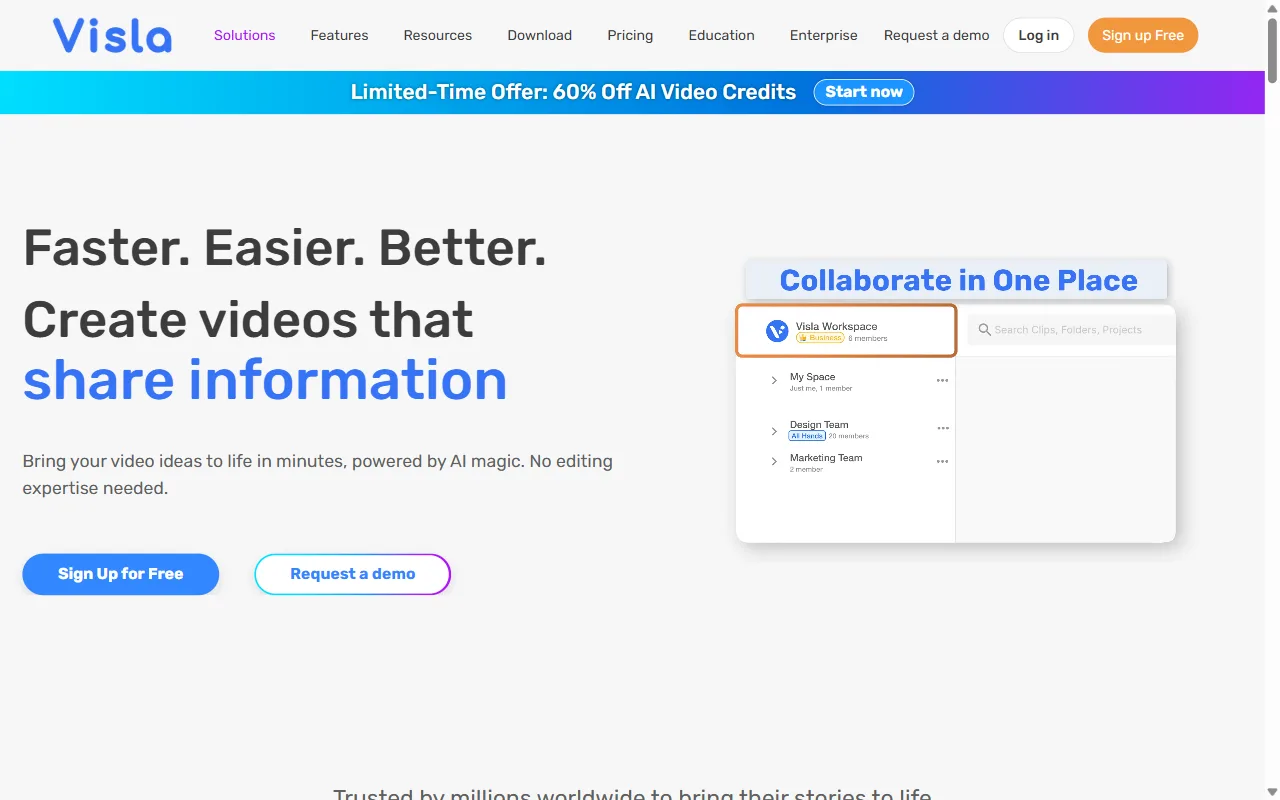 Visla bundles AI generation, recording, editing, and collaboration for full-team video production.
Pros:
- End-to-end workflow with strong collaboration
- Generous free tier at 2,000 credits per month
Cons:
- Broader surface area to learn than a focused tool
- AI generation is one feature among many
6. Colossyan: Best for L&D and Workplace Learning
Colossyan is an avatar-based video generator tuned specifically for corporate learning and development. Like Synthesia it builds talking-avatar videos from a script, but it adds learning-focused features such as interactive elements, branching scenarios, and quiz-style interactions, which makes it a strong fit for training rather than general marketing. You can build a compliance module where the avatar explains a policy, then drop in a multiple-choice check that branches on the answer, the kind of interactivity a flat explainer cannot offer.
Its differentiator is that learning slant: it is designed to turn documents and slide decks into structured training explainers, and it is trusted by enterprise teams, with logos like J&J, UPS, and Hewlett Packard Enterprise on its site. It is best for instructional designers and L&D teams building course-style explainers at scale. The limitation is that, like other avatar tools, it is narrower than a general explainer generator, and its learning-specific features matter most if you are building training, not promos. Its avatar realism is strong but a notch behind Synthesia's top tier, so the choice between the two usually comes down to whether you need the interactivity. Pricing includes a free plan with limited minutes, and paid plans start at $27 per month, with a Business tier near $88 per month.
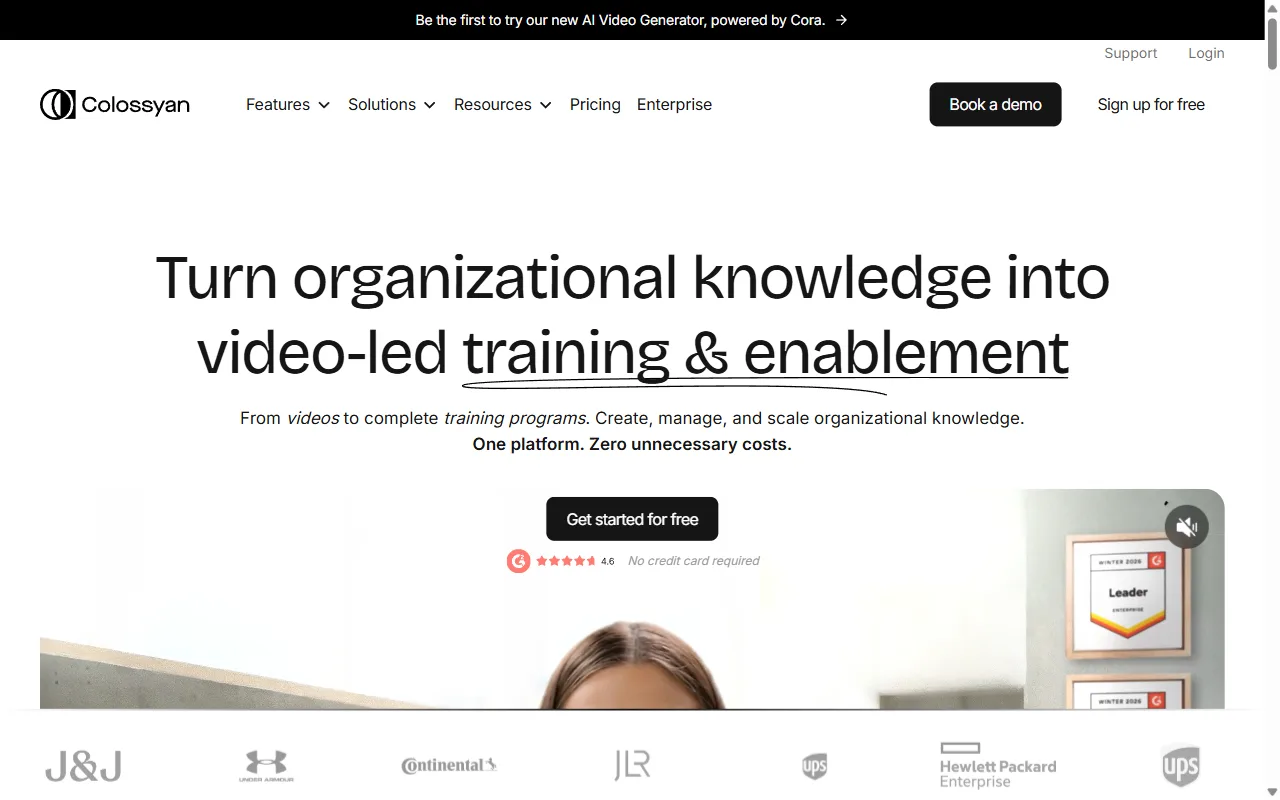 Colossyan focuses on avatar-led training explainers with interactive learning features.
Pros:
- Purpose-built for training with interactive features
- Document-to-training-video workflow
Cons:
- Narrower than a general explainer generator
- Learning features are wasted on simple promos
7. Vyond: Best for Animated, Cartoon-Style Explainers
Vyond is the veteran of custom animation. It gives you a deep library of characters, props, and scenes to build cartoon-style explainers with real frame-level control, and it has added AI script-to-video to speed up the first draft. If your brand voice calls for a friendly animated character walking through a concept, Vyond produces a look the generative tools cannot easily match. You can pose a character, trigger a specific gesture as it delivers a line, and cut to a new scene on a beat, the kind of directorial control that makes a branded mascot feel intentional rather than generic.
Its differentiator is depth of animation control: lip-synced characters, custom actions, and scene transitions you direct precisely. It is a long-established animation platform with a strong rating on G2 and deep adoption among enterprise training teams. It is best for teams that want a distinctive, repeatable animated style. The trade-offs are a steeper learning curve and a higher price: Vyond does not offer a standing free tier beyond a trial, and paid plans start around $58 per month billed annually, climbing for team and agency tiers. The animation craft also rewards time spent learning it, so a first cartoon explainer takes longer to build than a generated one, even when the finished look is more on-brand.
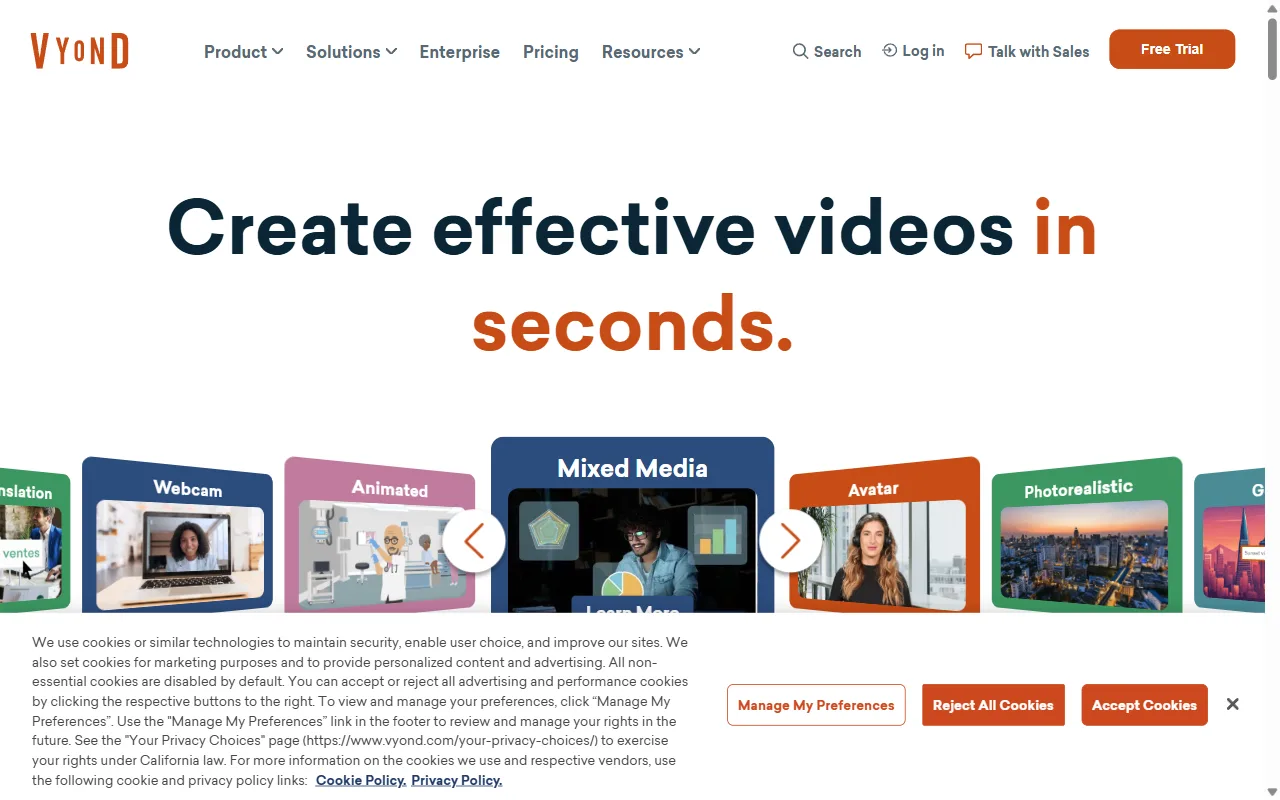 Vyond offers deep, hand-built cartoon animation control for branded explainers.
Pros:
- Deep, precise control over custom animation
- Distinctive cartoon style for branded training
Cons:
- Steeper learning curve than generative tools
- Higher entry price and no standing free tier
How to Choose the Right AI Explainer Video Maker
Start from your raw material and your output style, not from a feature list. If you are starting from just an idea or a product page and want a finished cut today, a conversational, generate-from-scratch tool like Pexo is the shortest path, because it skips both prompt-engineering and manual editing. If you have a script and need a consistent human-style presenter across a multilingual library, an avatar tool like Synthesia or, for training specifically, Colossyan is the better fit.
If you already publish written content and want a video version, Pictory's repurposing flow saves the most time, while InVideo AI is the pick when you ship social explainers in volume and care most about speed. Choose Visla when you want one workspace for every kind of team video, and reach for Vyond when a hand-built cartoon style is non-negotiable. The two questions that settle most decisions: what do I start from, and how polished does the output need to be before I touch it? Answer those honestly and the right tool usually picks itself.
Conclusion
There is no single best AI explainer video maker for everyone, but there is a best one for each job. For the most common case, turning an idea, a script, or a URL into a clear finished explainer without filming or editing, Pexo is our top pick, because it does the whole job through one conversation and picks the right model for each shot on its own. You can make your first explainer free to see whether the conversational workflow fits how you actually work. If your need is more specific, the field has a strong answer for it too: Synthesia for multilingual avatar training, Pictory for repurposing written content, and Vyond for custom animation. Decide what you are starting from and how polished the output needs to be before you touch it, and the right tool on this list narrows to one.





