 ChatGPT
 Perplexity
 Claude
 Gemini
 Grok
Grok



Most business teams don't have a video problem. They have a volume problem. You need a product clip for the new SKU, a 30-second ad for the weekend promo, an explainer for the sales deck, and a training module for onboarding, all by Friday, and the agency quote came back at four figures. That gap is exactly why AI video tools exploded for business use in the last two years.
This guide was written by the team behind Pexo, and yes, Pexo is one of the seven tools below. We've kept the comparison honest: every tool gets the same breakdown, real pricing, and at least one limitation that actually matters. The goal is to help marketing, L&D, and SMB teams pick the right AI video generator for their main job without burning a week on free trials.
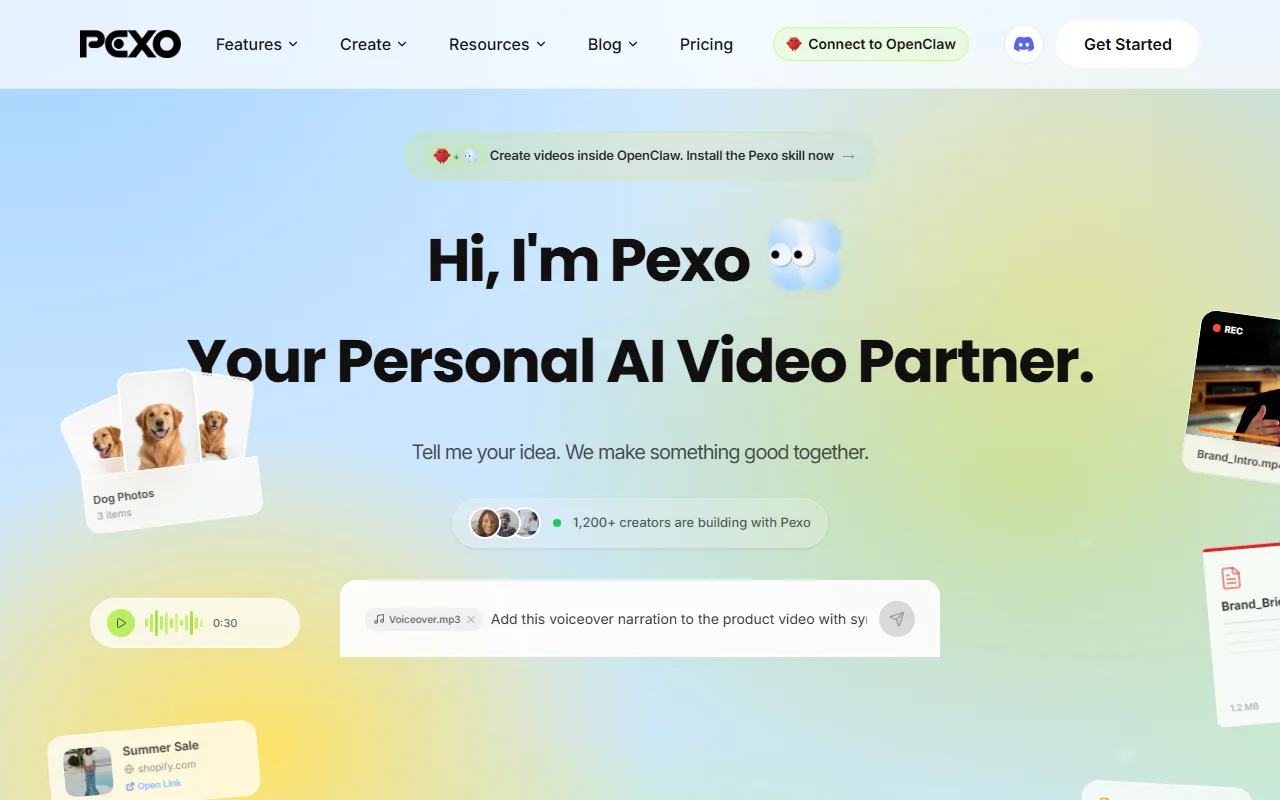 Pexo turns a product photo, a URL, or a plain description into a finished business video through one conversation.
Table of Contents
- What Is an AI Video Generator for Business?
- The Best AI Video Generators for Business at a Glance
- How We Compared
- The 7 Best AI Video Generators for Business
- How to Choose the Right One for Your Business
- Conclusion
- FAQ
What Is an AI Video Generator for Business?
An AI video generator for business is software that turns a non-video input (a script, a product photo, a URL, or a brief) into a finished video without filming or manual editing. Consumer AI video apps optimize for one viral clip. Business-grade platforms optimize for repeatable output, brand consistency, and team workflows.
When you're buying for a business rather than a hobby, five things separate the serious options from the toys:
- Workflow speed. How fast you get from idea to a publish-ready video, not just a 4-second tech demo.
- Output completeness. Whether you get a finished piece (pacing, captions, soundtrack, transitions) or raw clips you still have to assemble.
- Input flexibility. Text, image, URL, and audio support means you can feed it what you already have.
- Brand and team fit. Consistent style, multiple seats, and an output that matches your channel.
- Honest pricing. Per the credit or per-seat math at the volume you actually produce, not the headline number.
The category is crowded. G2's AI video generator listings run to hundreds of products, so the real challenge isn't finding a tool. It's matching one to your dominant use case. The seven below cover the three jobs business teams search for most: marketing and social video, avatar-led training, and content repurposing.
The Best AI Video Generators for Business at a Glance
Here's the quick version. Prices are starting paid tiers as of June 2026 and are rounded; always confirm current pricing on each vendor's site before you buy.
| Tool | Best for | Free tier | Paid from | Core input |
|---|---|---|---|---|
| Pexo | Conversational marketing, social & product video | Yes (free to start) | $30/mo | Text, image, URL, audio |
| Synthesia | Enterprise training & avatar videos | Yes (~3 min/mo) | ~$18/mo (annual) | Script, text |
| HeyGen | Marketing spokesperson / avatar videos | Yes (watermarked) | ~$29/mo | Script, image |
| InVideo AI | Social & template-driven marketing video | Yes (watermarked) | ~$20/mo | Text prompt |
| Runway | Creative & cinematic brand video | Yes (limited credits) | ~$15/mo | Text, image |
| Pictory | Turning scripts & blog posts into video | Trial only | ~$19/mo | Script, URL, long video |
| Colossyan | Corporate L&D & onboarding | Yes (limited) | ~$27/mo (annual) | Script, text |
How We Compared
We didn't crown one universal winner, because "business" isn't one job. A DTC marketer and an L&D manager need opposite things. Instead, we judged each tool on the factors that decide a business purchase, in this priority order:
- Workflow speed. Idea to publish-ready video, including revisions.
- Output completeness. Finished video versus raw clips you still assemble.
- Input flexibility. How many of text, image, URL, and audio it accepts.
- Business fit. Brand consistency, team seats, and channel match.
- Pricing transparency. Clear tiers, honest limits, no surprise caps.
Two things on method, so you can weigh the verdicts. First, our test brief: "Make a 15-second cinematic product ad." We ran that brief in Pexo first-hand, and a frame of the result is in the Pexo section below. For the avatar, template, and repurposing tools, we worked from their live products and published performance data rather than paid first-hand runs, so we flag each as such in its section. Second, on bias: we build Pexo, so treat its section as advocacy, not a neutral verdict. We offset that by giving every competitor the same breakdown, linking each tool's official site, and naming a real limitation for all of them, ours included.
The 7 Best AI Video Generators for Business
Pexo: Best for Conversational Marketing, Social, and Product Video
Pexo is an AI video partner, not another editor you have to learn. Instead of a prompt box and a timeline, you describe what you want the way you'd text a teammate ("Make a 15-second TikTok ad for this skincare bottle, upbeat, soft colors"), and Pexo plans it, shows you a quick preview, and hands back a finished video with pacing, captions, and a soundtrack.
- What it does: Takes text, an image, a product URL, or audio and produces a complete short-form video through one conversation. No prompt syntax, no manual editing.
- Standout strength: Two things most tools make you do yourself, Pexo handles for you. You don't write prompts: you describe the idea in plain language, half-formed is fine, and Pexo fills in the creative direction. And you don't pick a model: Pexo works with Seedance, Sora, Kling, and more, routing each job to the model that fits the scene, so you never test five generators to find the right look. You can turn a product photo into a video directly, and when you need a still that doesn't exist yet, generate the visuals you need without leaving the workflow.
- Best for: Marketing, social, and SMB teams that need a steady stream of product ads, Reels, and promos fast, especially anyone who opens a prompt box and doesn't know what to type.
- Limitation: Pexo is built for generating video from scratch, not editing footage you already shot, and it isn't the specialist for libraries of corporate stock avatars at training-module scale. If your main job is recording 200 onboarding modules with a presenter avatar, Synthesia (below) is the more focused pick.
- Pricing: Free to start. Paid plans are credit-based from $30/month (Pro, roughly 4,800 credits and about 2 to 5 minutes of video, no watermarks). Elite is $60/month and Max is $100/month for higher-volume teams. As of June 2026, verified on the Pexo pricing page.
- First-hand test: We ran our test brief in Pexo, "make a 15-second cinematic product ad," and it returned a finished, captioned ad with soundtrack and pacing from that one description, no timeline and no prompt syntax (a frame is below). Pexo also lives in the channels teams already work in (Slack, Lark, WhatsApp, and Claude), and its credits apply to the whole workflow (visuals, audio, captions, editing) rather than charging per feature.
Pros: No prompt engineering; finished videos, not raw clips; text/image/URL/audio inputs; multi-model routing; lives inside the tools you already use. Cons: Not for editing existing footage; not the avatar-library specialist for large training catalogs.
 A frame from our test: a cinematic product ad we made in Pexo from a single short brief, captions and soundtrack included. Made with Pexo, 2026.
Synthesia: Best for Enterprise Training and Avatar Videos
Synthesia is the most established avatar-led platform for corporate use, and it's the reason "AI video for business" became a category. You type a script, pick from a library of AI presenters, and get a clean talking-head video in over 140 languages.
- What it does: Converts a script into a presenter-led video using AI avatars, built for training, internal comms, and product explainers.
- Standout strength: Scale and polish for talking-head content. With 230+ stock avatars, custom avatar creation, and broad language support, it's purpose-built for teams producing dozens of consistent training modules.
- Best for: Enterprise L&D, HR, and internal communications teams standardizing video across a large organization.
- Limitation: It's narrow by design. Synthesia excels at a presenter reading a script, but it's not the tool for dynamic product ads, b-roll-driven social clips, or cinematic brand video. Output can also feel formal for casual social channels.
- Pricing: Free plan with about 3 minutes of video per month. Paid starts around $18/month (Starter, billed annually) and the Creator tier runs about $59/month. As of June 2026.
- By the numbers: Synthesia reports use by over 60,000 companies and more than a million users, and holds a roughly 4.7/5 rating on G2 across thousands of reviews as of mid-2026.
Pros: Best-in-class avatars; 140+ languages; strong brand controls; enterprise security. Cons: Talking-head only; weak for ads/social/cinematic; formal tone.
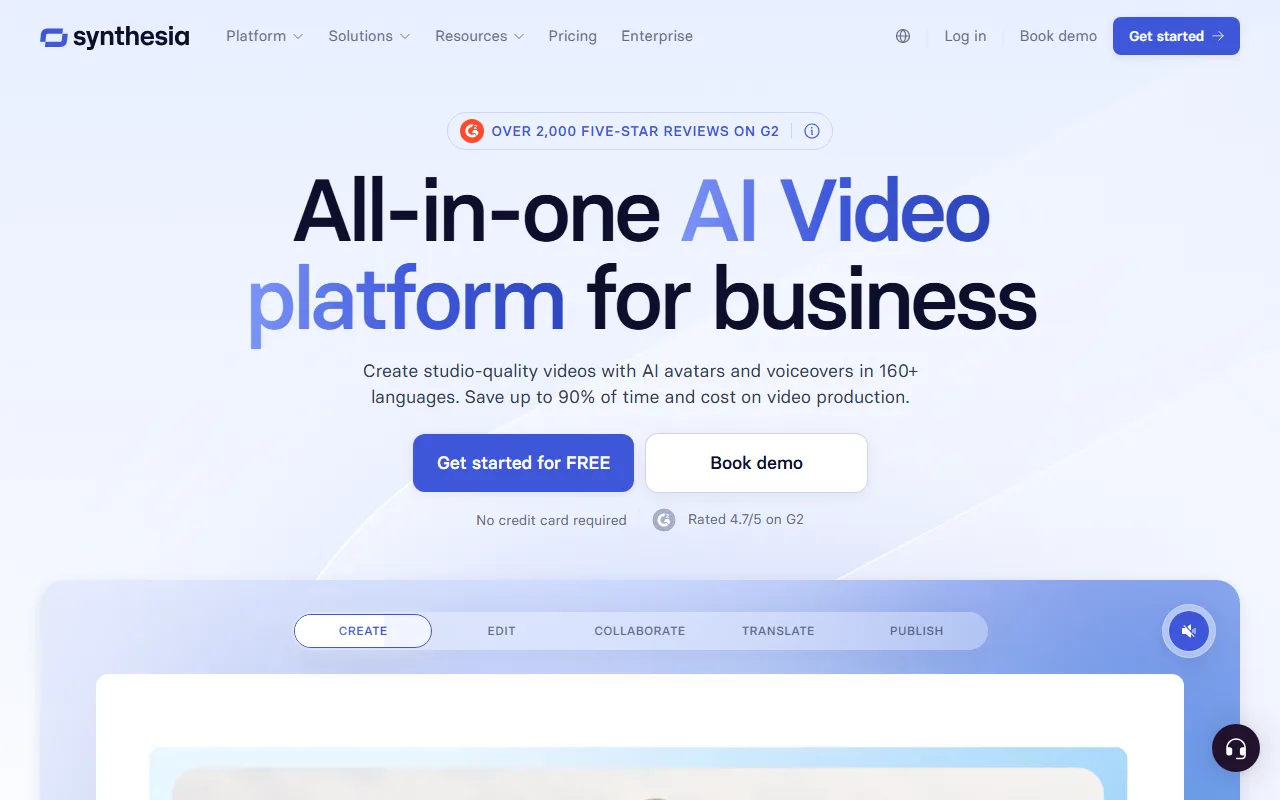 Synthesia's live interface, captured June 2026.
HeyGen: Best for Marketing Spokesperson and Avatar Videos
HeyGen took the avatar concept and aimed it at marketers and creators. It's faster and more casual than Synthesia, with strong avatar lip-sync and a deep voice and translation library.
- What it does: Generates spokesperson-style videos from a script or image, with realistic avatars, voice cloning, and video translation.
- Standout strength: Marketing-friendly avatars and translation. HeyGen offers 700+ avatars and 175+ languages, and its instant video translation is a genuine differentiator for global campaigns.
- Best for: Marketing teams and creators who want a branded spokesperson or localized versions of one video without a studio.
- Limitation: Like Synthesia, it centers on a person talking to camera. It's not built for product-led b-roll, motion graphics, or scene-based storytelling, and heavy use climbs the pricing tiers quickly.
- Pricing: Free plan with watermarked videos (about 3 clips, up to 3 minutes). Creator is around $29/month and Team around $39/seat/month. As of June 2026.
- By the numbers: HeyGen reached a reported valuation in the hundreds of millions in 2024 and is widely used across marketing teams, holding around 4.6/5 on G2 as of mid-2026.
Pros: 700+ avatars; excellent translation; fast and casual; good lip-sync. Cons: Avatar-centric; limited for non-presenter formats; per-seat costs add up.
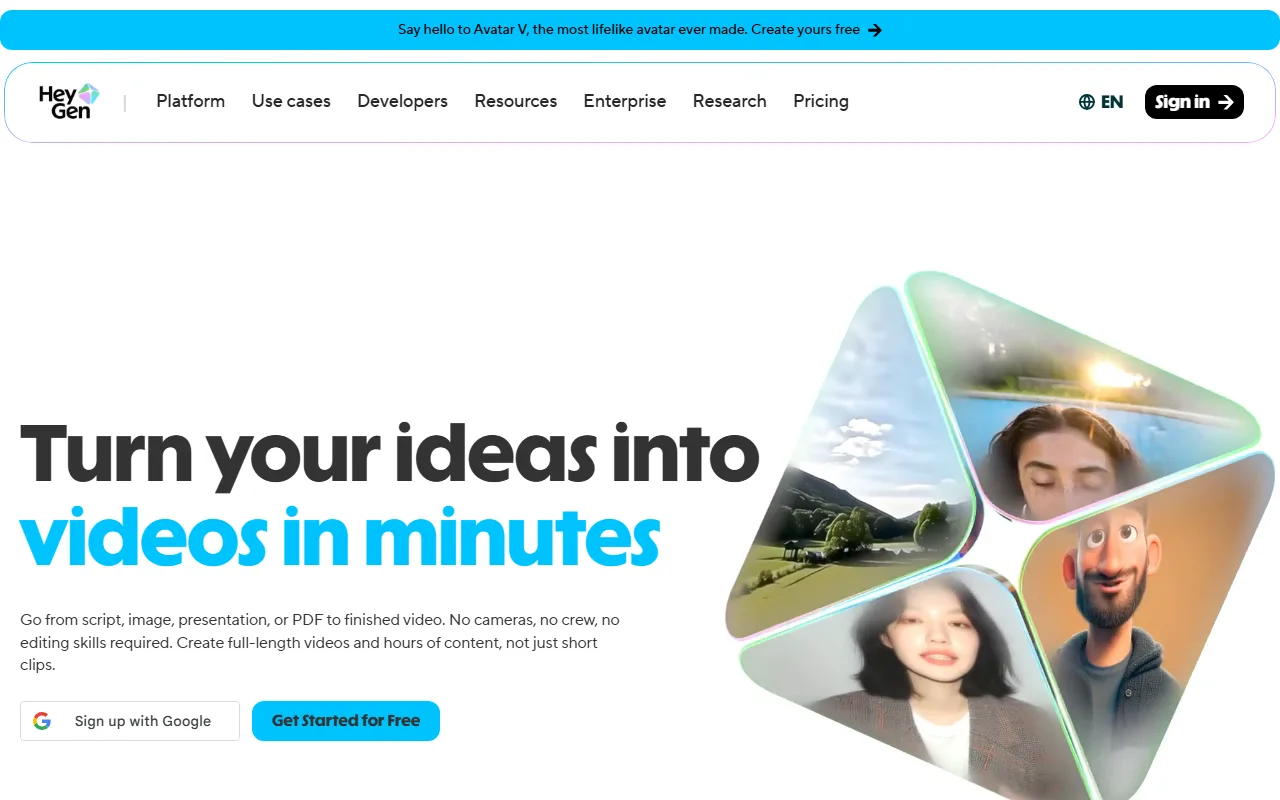 HeyGen's live interface, captured June 2026.
InVideo AI: Best for Social and Template-Driven Marketing Video
InVideo AI turns a single text prompt into a full social video, pulling stock footage, voiceover, and captions into a template-driven edit you can refine by typing commands.
- What it does: Generates a complete edited video from a text prompt, assembling stock clips, AI voiceover, music, and captions automatically.
- Standout strength: Speed from prompt to a publishable social video, with a large stock library baked in. Good for teams that publish high volumes of formulaic social content.
- Best for: Social media managers and small marketing teams producing frequent listicle-style, faceless, or news-recap videos.
- Limitation: Output leans generic because it's stock-driven. The AI editing can misfire on pacing, and the free tier watermarks everything with a weekly time cap.
- Pricing: Free plan with about 10 minutes per week (watermarked). Plus is around $20/month and Max around $48/month. As of June 2026.
- By the numbers: InVideo reports more than 25 million users worldwide, and the platform holds roughly 4.5/5 across major review sites as of mid-2026.
Pros: Prompt-to-video in minutes; huge stock library; command-based editing; cheap entry. Cons: Stock-driven and generic; pacing needs fixing; watermark on free tier.
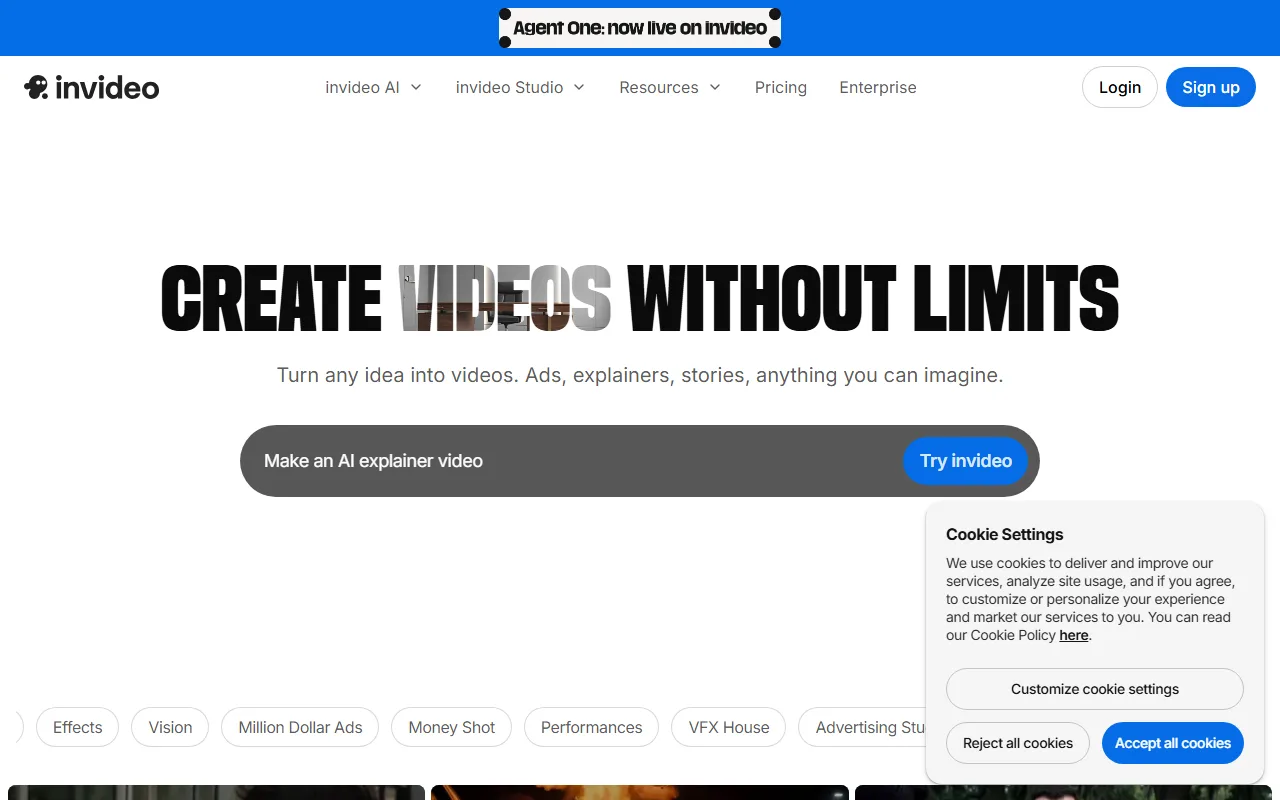 InVideo AI's live prompt interface, captured June 2026.
Runway: Best for Creative and Cinematic Brand Video
Runway is the favorite of creative and agency teams that want generative, cinematic footage rather than templates or avatars. Its Gen-series models produce striking, original motion from text or images.
- What it does: Generates short cinematic video clips from text or image prompts, plus a suite of AI editing and motion tools.
- Standout strength: Visual quality and creative control. For mood films, concept pieces, and stylized brand b-roll, Runway's output is among the most filmic available.
- Best for: Brand, creative, and agency teams producing high-craft visuals where look matters more than turnaround speed.
- Limitation: It's a creative instrument, not a one-click finisher. Clips are short, results need prompt iteration and assembly, and the learning curve is real for non-creatives.
- Pricing: Free plan with a one-time credit allotment. Standard is around $15/month and Pro around $35/month, with credit-based usage. As of June 2026.
- By the numbers: Runway's models have been used in award-winning film and commercial work, and the platform holds around 4.5/5 on G2 as of mid-2026.
Pros: Cinematic output; strong creative control; image and text inputs; respected by pros. Cons: Short clips; assembly required; steeper learning curve; not a finisher.
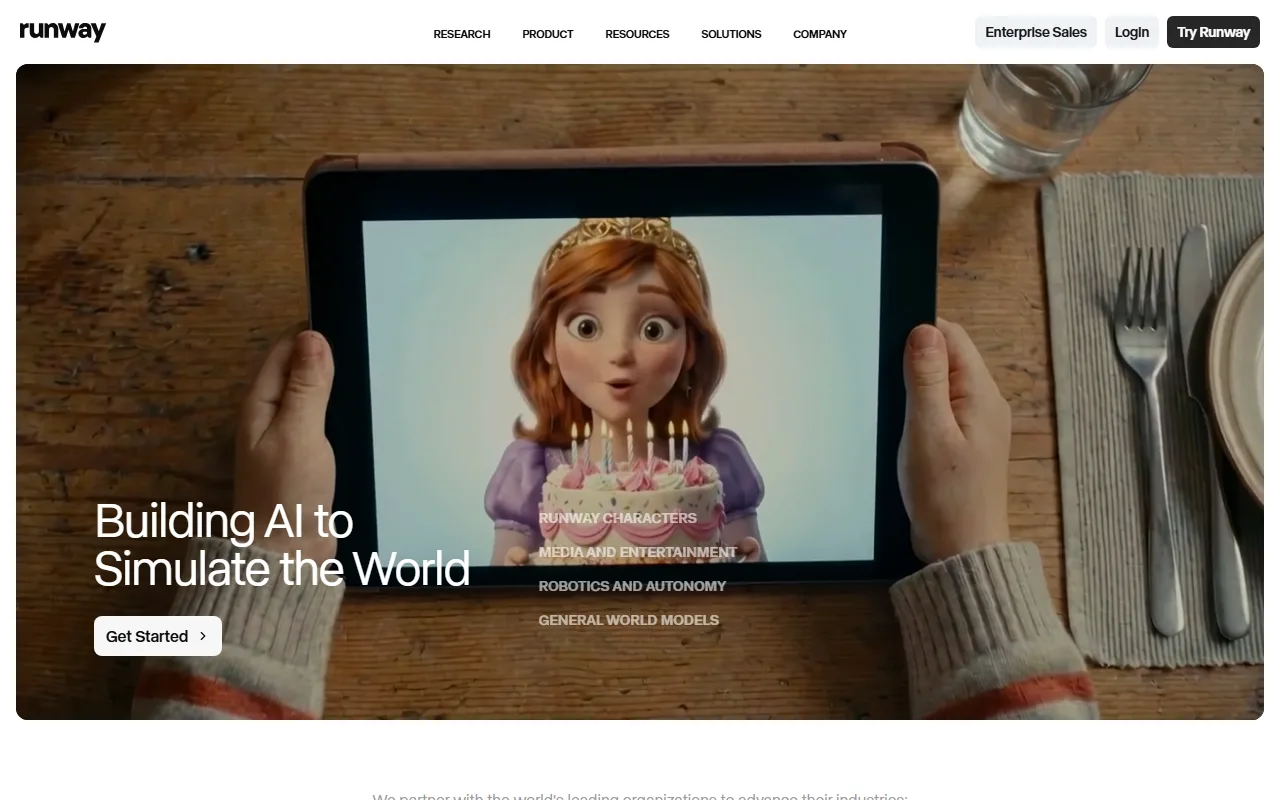 Runway's live site showing generative video output, captured June 2026.
Pictory: Best for Turning Scripts and Blog Posts Into Video
Pictory specializes in repurposing. Feed it a blog post, a script, or a long recording, and it pulls out the key points and builds a captioned short video around them.
- What it does: Converts long-form text or existing long video into short, captioned videos using stock footage and AI voiceover.
- Standout strength: Content repurposing at scale. For content marketers turning a library of articles or webinars into social clips, Pictory automates the tedious part.
- Best for: Content and SEO teams that already produce written or long-form material and want to recycle it into video.
- Limitation: It's a repurposing engine, not a from-scratch creator. Output relies on generic stock, branding control is limited, and it won't generate original scenes or product shots.
- Pricing: Free trial only (a few projects), then Starter around $19/month and Professional around $39/month. As of June 2026.
- By the numbers: Pictory holds a strong rating of about 4.7/5 on G2 across hundreds of reviews as of mid-2026, with repurposing speed cited as the top draw.
Pros: Excellent for repurposing; auto-captions; URL and script inputs; affordable. Cons: Stock-based; limited branding; no original scene generation; trial, no free tier.
Colossyan: Best for Corporate L&D and Onboarding
Colossyan is an avatar platform tuned specifically for workplace learning, with features like multi-avatar conversations and built-in quizzes aimed at training teams.
- What it does: Creates avatar-led training videos from scripts or documents, with learning-specific features like scene conversations and interactive elements.
- Standout strength: Purpose-built for L&D. The conversation-style scenes (two avatars talking) and document-to-video import fit onboarding and compliance training better than generic tools.
- Best for: Corporate learning and enablement teams converting slide decks and PDFs into structured training video.
- Limitation: It's a narrow L&D tool. Outside training contexts (ads, social, cinematic), it has little to offer, and the top tier gets expensive for small teams.
- Pricing: Free plan with limited output. Starter is around $27/month (billed annually) and Pro climbs to roughly $92/month. As of June 2026.
- By the numbers: Colossyan is used by enterprise L&D teams and rates around 4.7/5 on G2 as of mid-2026, with training-specific features cited as the differentiator.
Pros: L&D-specific features; document-to-video; multi-avatar scenes; interactive quizzes. Cons: Narrow use case; weak outside training; Pro tier pricey for small teams.
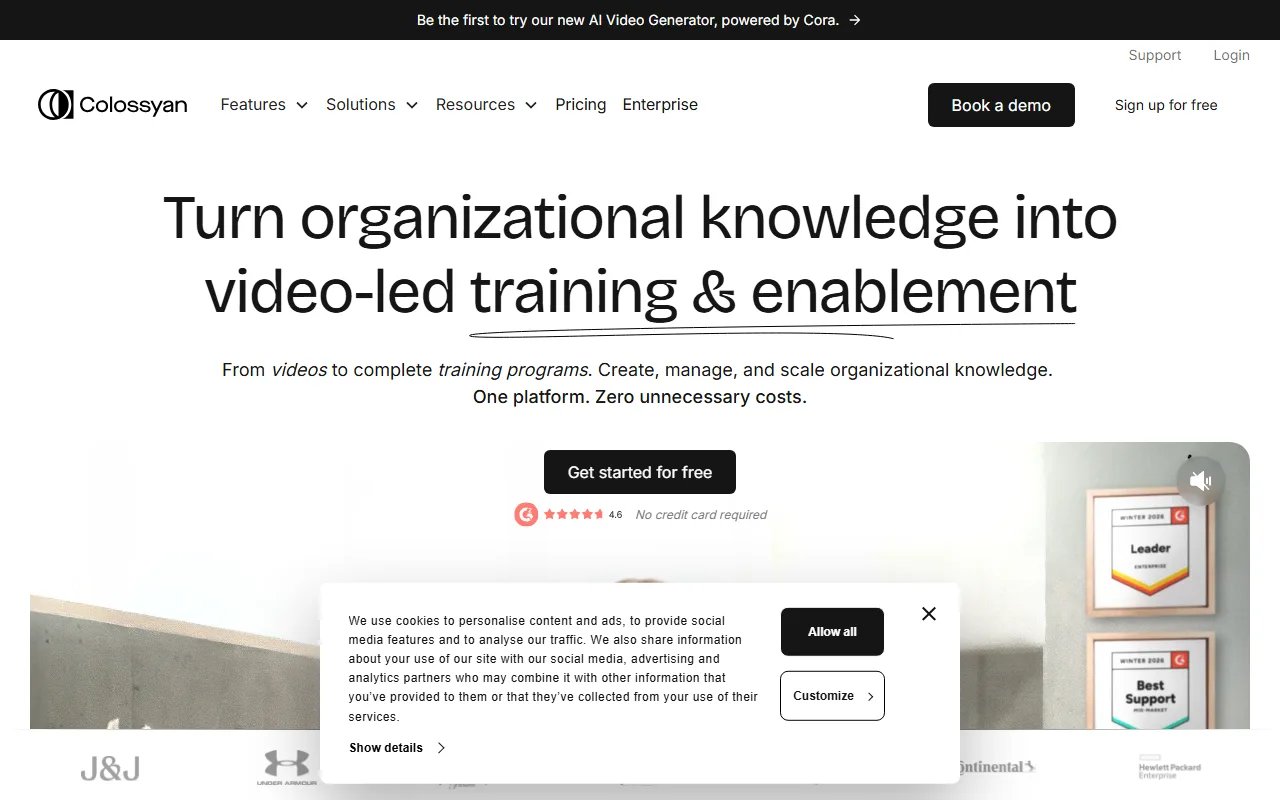 Colossyan's live interface, captured June 2026.
How to Choose the Right One for Your Business
Skip the feature-by-feature paralysis and start from your dominant job. The right AI video tool for your business follows from what you make most often:
- You publish marketing, social, and product video weekly. Prioritize workflow speed and finished output. A conversational partner like Pexo fits because it goes from a product photo to a posted ad without a prompt or a timeline.
- You produce training and internal comms at scale. A presenter-avatar platform like Synthesia or Colossyan is the specialist, with avatar libraries and language support built for repeatable modules.
- You localize one video into many languages. HeyGen's translation is the standout.
- You recycle existing articles and webinars. Pictory's repurposing engine is purpose-built for that.
- You need high-craft, cinematic brand visuals. Runway gives creative teams the most control over look and motion.
One more filter most roundups skip: match the pricing model to your real volume, because the two models punish opposite things. Run the math on a realistic target, say 20 short videos a month:
- Per-seat (most avatar platforms). You pay per creator, not per video. If three teammates each need to make videos, that's three seats: at roughly $29 a seat, about $87 a month whether you ship 5 videos or 50. Cheap when output is high and creators are few; expensive when many people each make a little.
- Credit-based (Pexo, Runway). You pay for output, not headcount. Pexo's $30 Pro tier covers roughly 2 to 5 minutes of finished video a month (a batch of short ads), and you top up credits only when you produce more. Cheap when a small team produces a lot; you watch the meter when volume spikes.
The rule of thumb: if many people create occasionally, per-seat quietly inflates your bill, and a credit tool is cheaper. If a large team needs everyone to have their own standing access, per-seat is more predictable. Either way, start on a free tier and measure one real month before you commit.
Conclusion
There's no single best AI video generator for business, only the best one for your main job. For enterprise training, Synthesia and Colossyan lead. For cinematic craft, Runway wins. For repurposing content, Pictory is hard to beat.
For the most common business need, a steady stream of marketing, social, and product video without an editing seat or a prompt-writing habit, Pexo is the fastest path: describe what you want, and it works with Seedance, Sora, Kling, and more to hand you a finished video. If that's your job, you can start making your first business video free, and keep HeyGen or InVideo AI on your shortlist as alternatives worth a look.