ChatGPT
 Perplexity
 Claude
 Gemini
 Grok
Grok


The second shot shows the wrong product. The opening works, the voice line is approved, and the team needs to replace one demonstration without starting the ad again. That is a useful moment to judge a Topview AI alternative: the first draft has already done its easy work.
Using a fictional product brief, this comparison examines the revision workflows described in public product and help pages checked on October 15, 2026.
When Should a Product Team Consider a Topview AI Alternative?
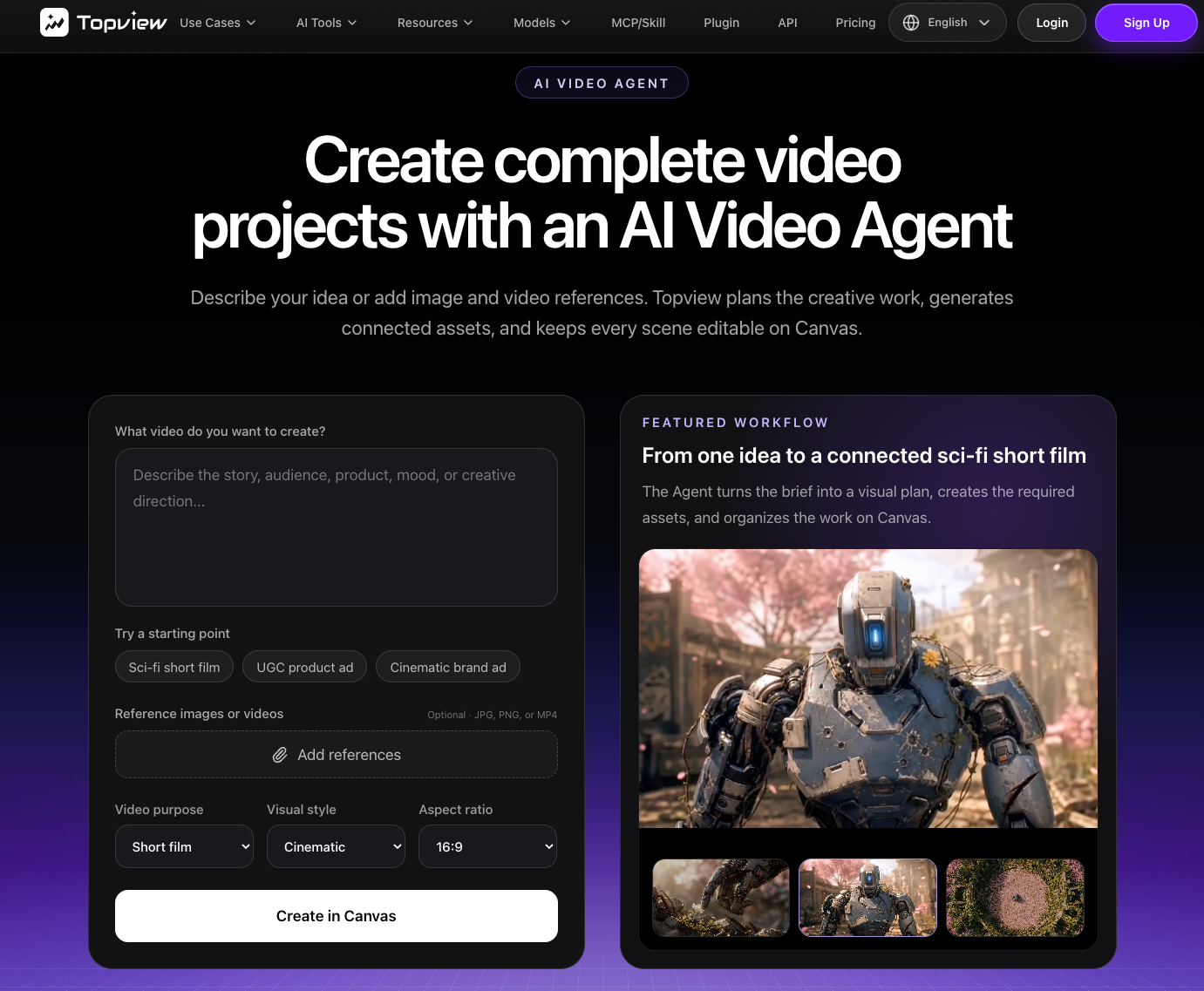
Consider a Topview AI alternative when the team's recurring bottleneck falls outside its preferred review path. Topview offers URL to Video as a separate workflow; its AI Video Agent page describes starting from a brief or script with image/video references, then refining the project on Canvas. A switch is worth testing if your team needs another way to start from assets, control a script or timeline, revise a whole cut, or move from creative into campaign setup.
Name the reason for leaving. A missing product shot cannot be repaired by choosing another avatar. For repeated approval work, compare the correction path and the cost of an accepted export. Keep original assets, scripts, approvals, and exports in your own library so a trial does not depend on project transfer.
Compare Options With One Product-Ad Brief
Use a fictional Lark lunch box with a removable divider. The approved line is “Move the divider to make room for a larger portion.” The team has a current product page, clean product photos, a close-up clip of a hand moving the divider, a logo file, and an approved end card. It has no evidence for leakproof, dishwasher-safe, or food-safety claims, so those claims are excluded. The ad should show the divider moving before it asks viewers to see the product page.
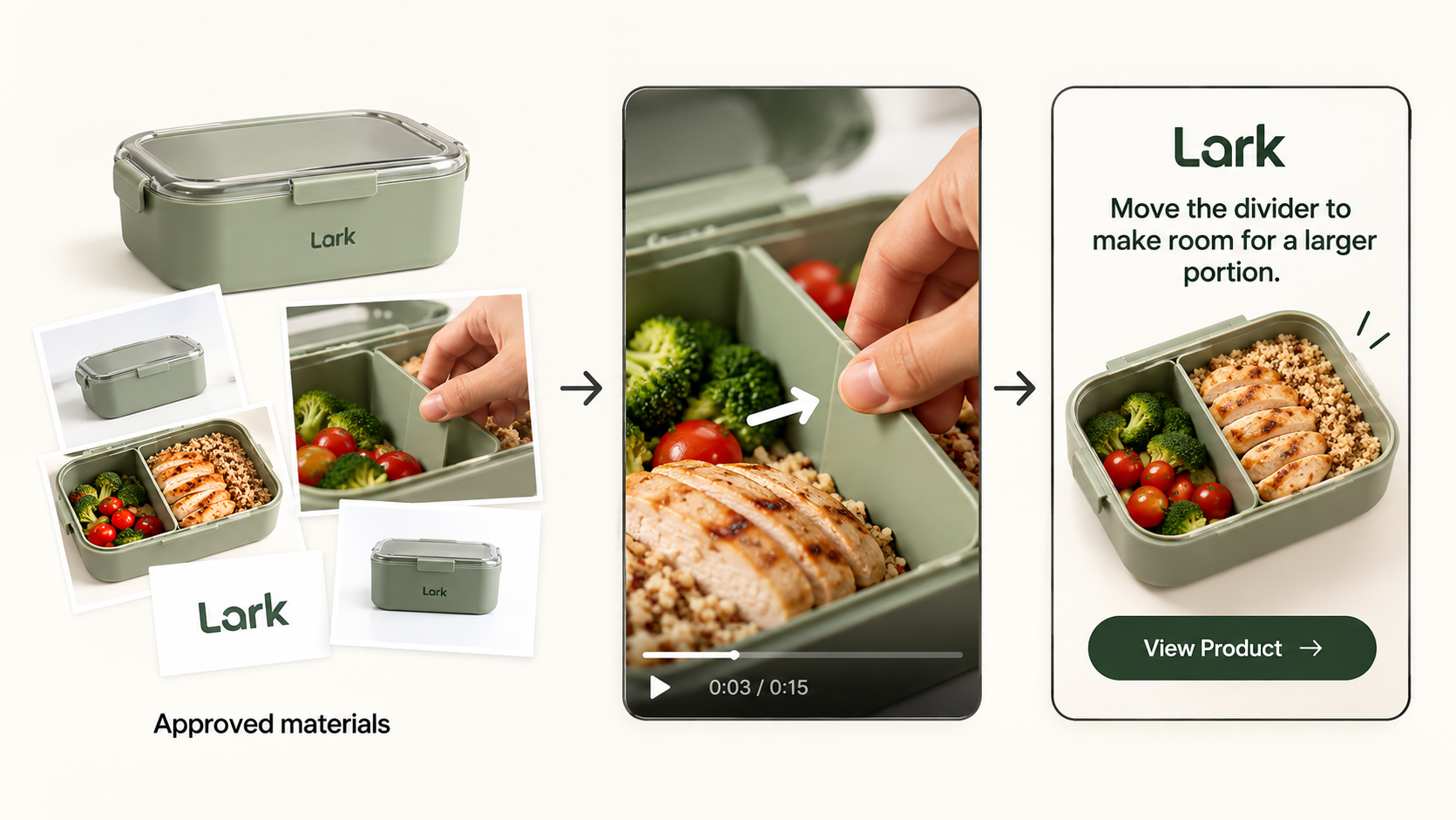
Give each route the same materials and request one short ad. Then request the same correction: keep the opening, replace a shot that hides the divider with the supplied close-up, and remove unsupported claims. Ask for the intended export and final script.
| Checkpoint | Same question for every option | Pass condition |
|---|---|---|
| Inputs | Can the team provide the page, close-up, logo, and approved wording? | The draft uses the current box and one approved claim. |
| First review | Can an approver inspect claim, product shape, and scene order before release? | The divider movement is visible before the CTA. |
| Rework | Can the team describe or make the specific correction? | The new shot fixes the proof without losing approved material. |
| Delivery | What files and account permissions are needed? | The team can retain an accepted export and its approval record. |
| Total effort | What uses credits, and what takes staff time? | Count draft, correction, review, and accepted export together. |
Compare any generated divider with the supplied clip. A convincing visual may still show the wrong product.
1. Creatify for URL-Led Ad Drafts
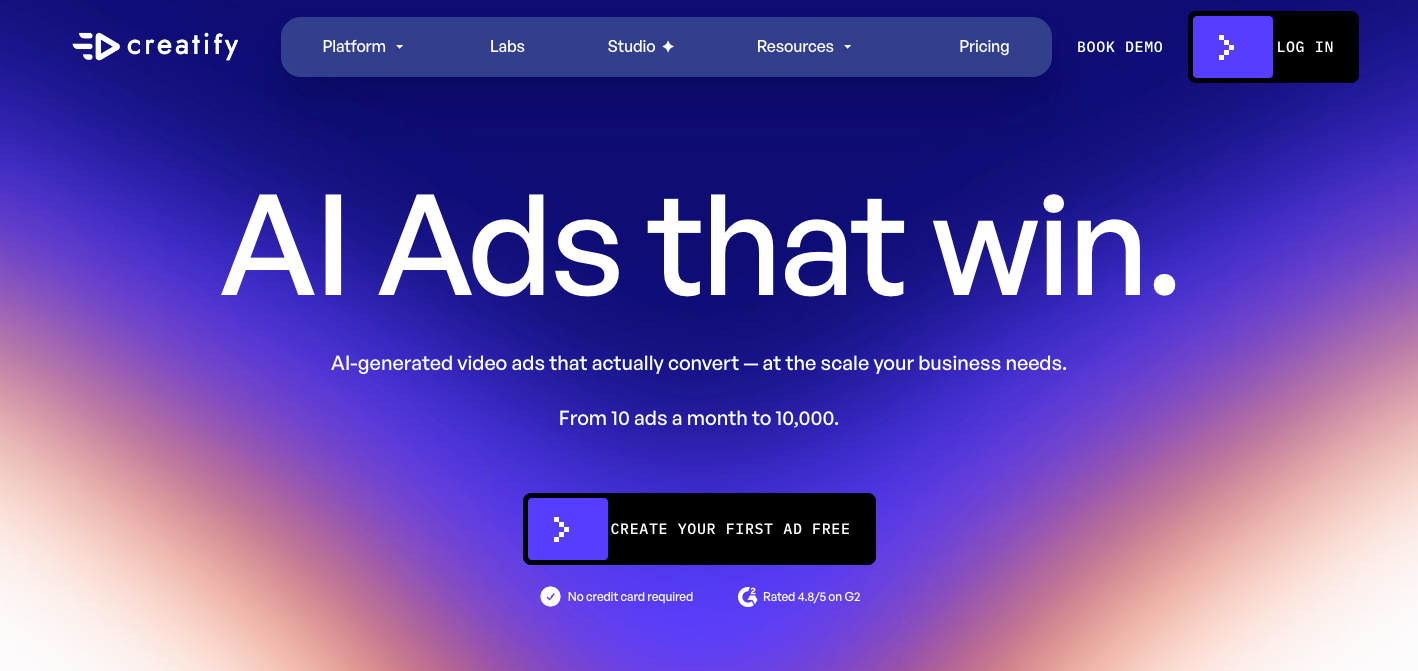
Best fit: a team that routinely starts with a live product listing and wants ad concepts plus a direct path to refine them. Creatify's URL-to-Video guidance covers product-link intake; its current Ad Agent guidance says the agent can also start from uploaded photos, videos, or a saved product. The team can ask for a concept and script before generation, then edit through chat or timestamped comments. Creatify is therefore more than a fixed URL template.
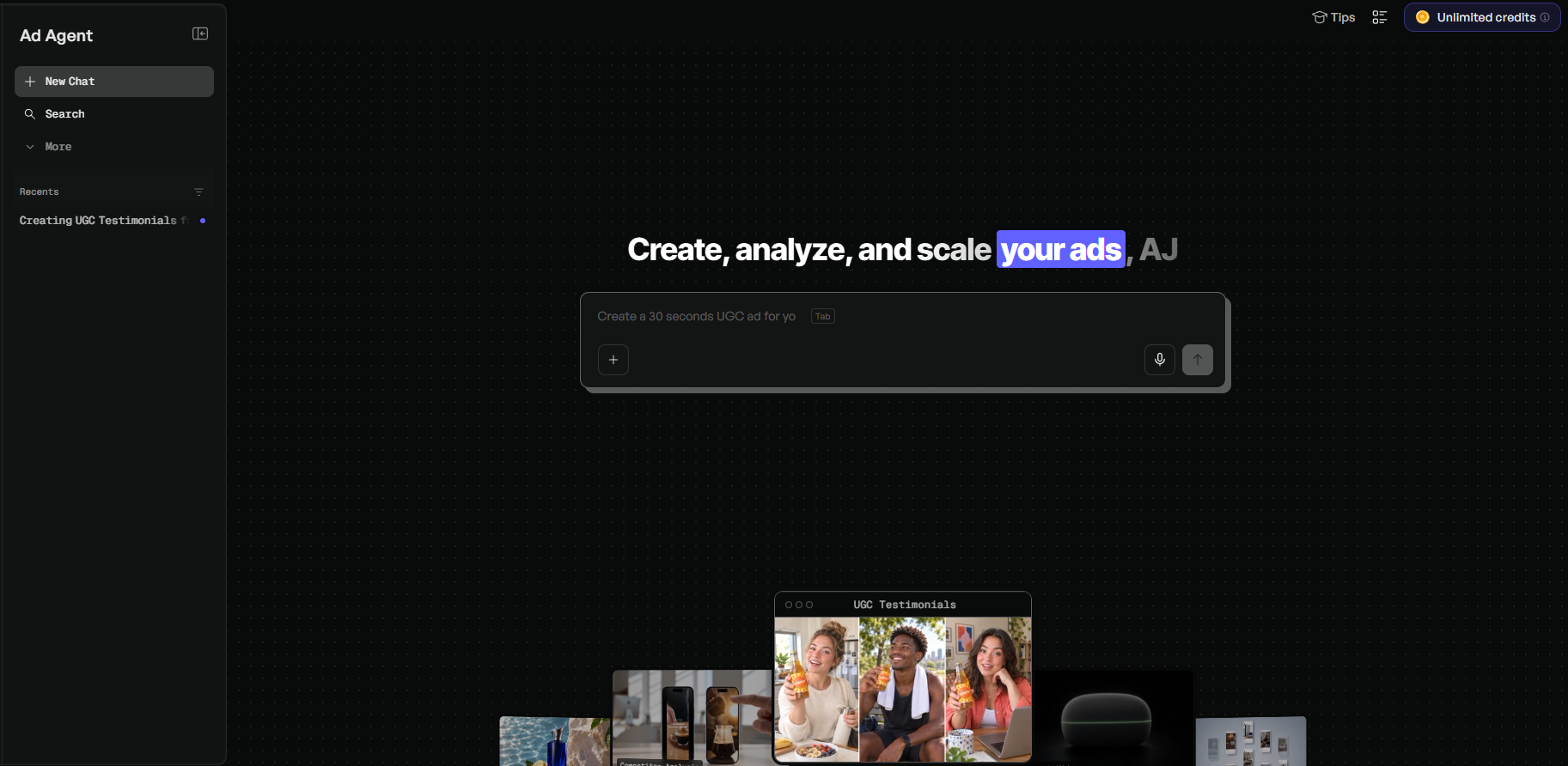
For Lark, inspect what the URL imported before approving a script. Supply the close-up and ask for the divider action before the CTA. If the draft hides it, a timestamped note can identify the shot; review captions, voice, and product shape again after correction.
The practical difference is the ad-first workspace: URL intake, script planning, takes, and feedback sit close together. Public descriptions cannot establish product accuracy. Creatify's pricing FAQ says manual edits are free while AI regeneration uses credits. Its separate credit-usage guide lists free revisions on Pro and higher tiers for certain standard video tools when the script, avatar, and voice remain unchanged. Check which rule applies to the Lark correction.
Choose it for a trial when product-link intake and ad iteration match weekly work. Count each regenerated take.
2. Pexo for Directed Product-Video Iteration
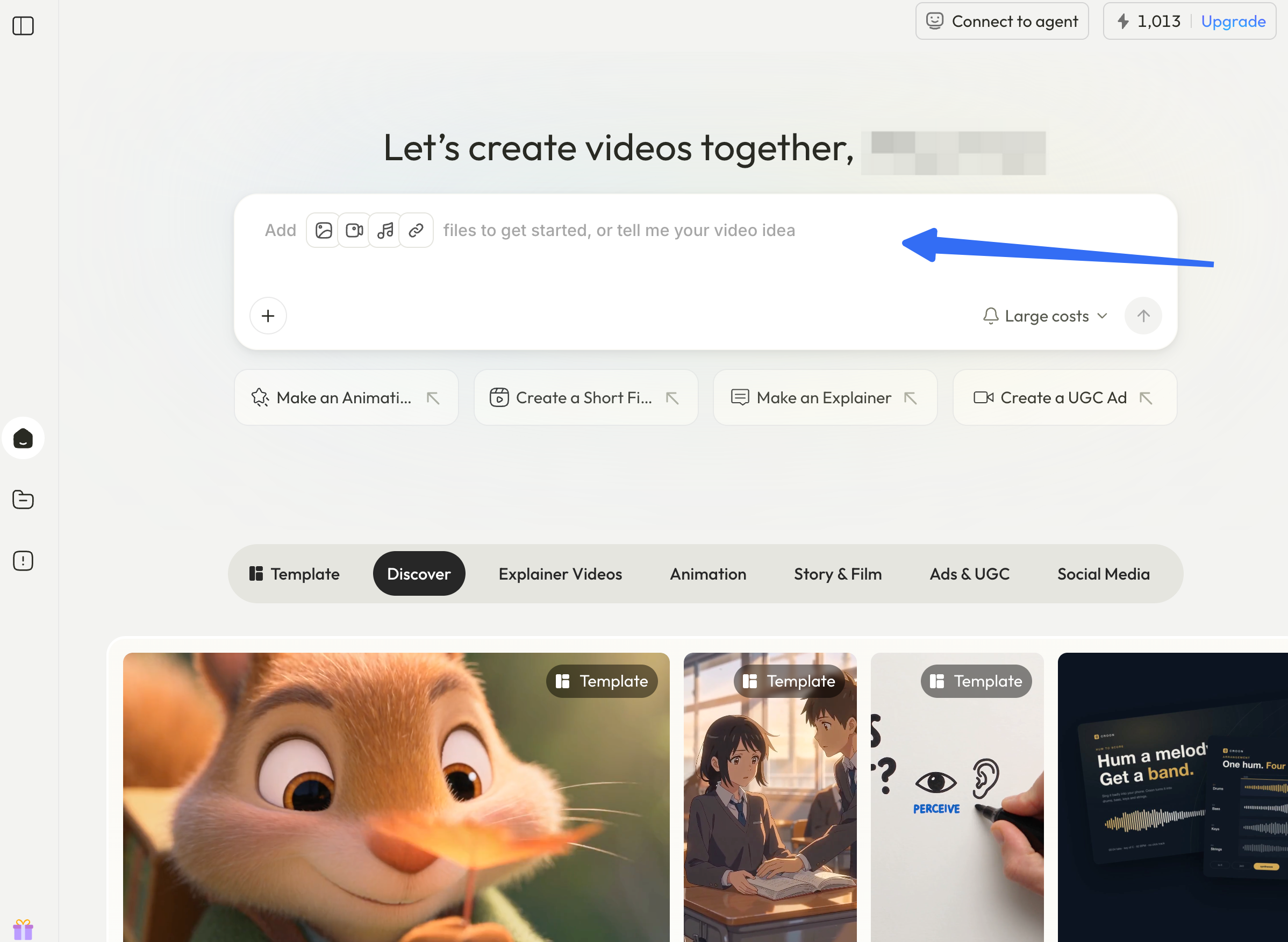
Best fit: a team that has the product assets and wants to steer the complete video through a brief, preview, and revision conversation. Pexo publishes this guide, so treat this section as a disclosed option, not an independent winner. Its start guide describes beginning with a website, supplied clips and images, or a script and storyboard. Its revision guide describes feedback in conversation and on marked frames.
For Lark, provide the approved line, page, close-up, brand files, and the instruction to show the divider moving before the end card. Review the claim and scene order in the plan. After the first cut, ask to keep the opening, use the supplied close-up, and remove any unsupported claim. Inspect the entire cut for a voice line or transition that no longer fits.
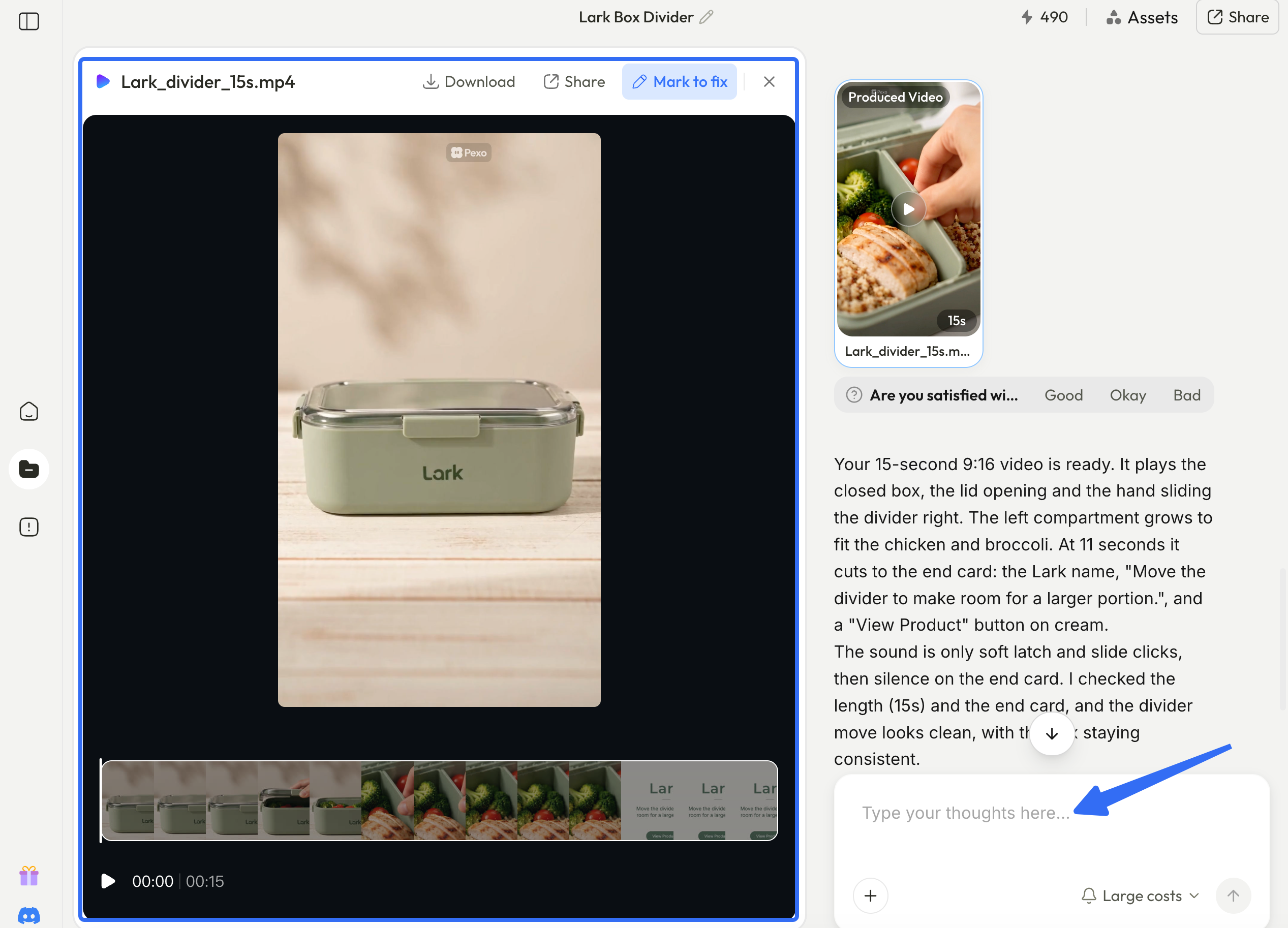
Topview and Creatify also describe conversational changes. Pexo is worth comparing when the team wants to discuss the story and revise the whole cut that way. It is not an ad-distribution platform; campaign setup and measurement remain elsewhere. Its credit rules describe usage history and different expiry periods by credit type. Confirm export conditions and actual credit use during a trial.
Choose it for a trial when a reviewer can give clear direction and judge a complete preview. If the close-up does not show the divider moving, film it first.
3. InVideo AI for Script-Led Video Assembly
Best fit: a team with an approved script or existing clips that wants to assemble and adjust the sequence. Invideo's current site describes script and storyboard planning, while its Editor workflow covers uploaded media, a multitrack timeline, preview, and export. The editor also allows AI assistance, so “script-led” describes this trial's starting point, not the tool's entire scope.
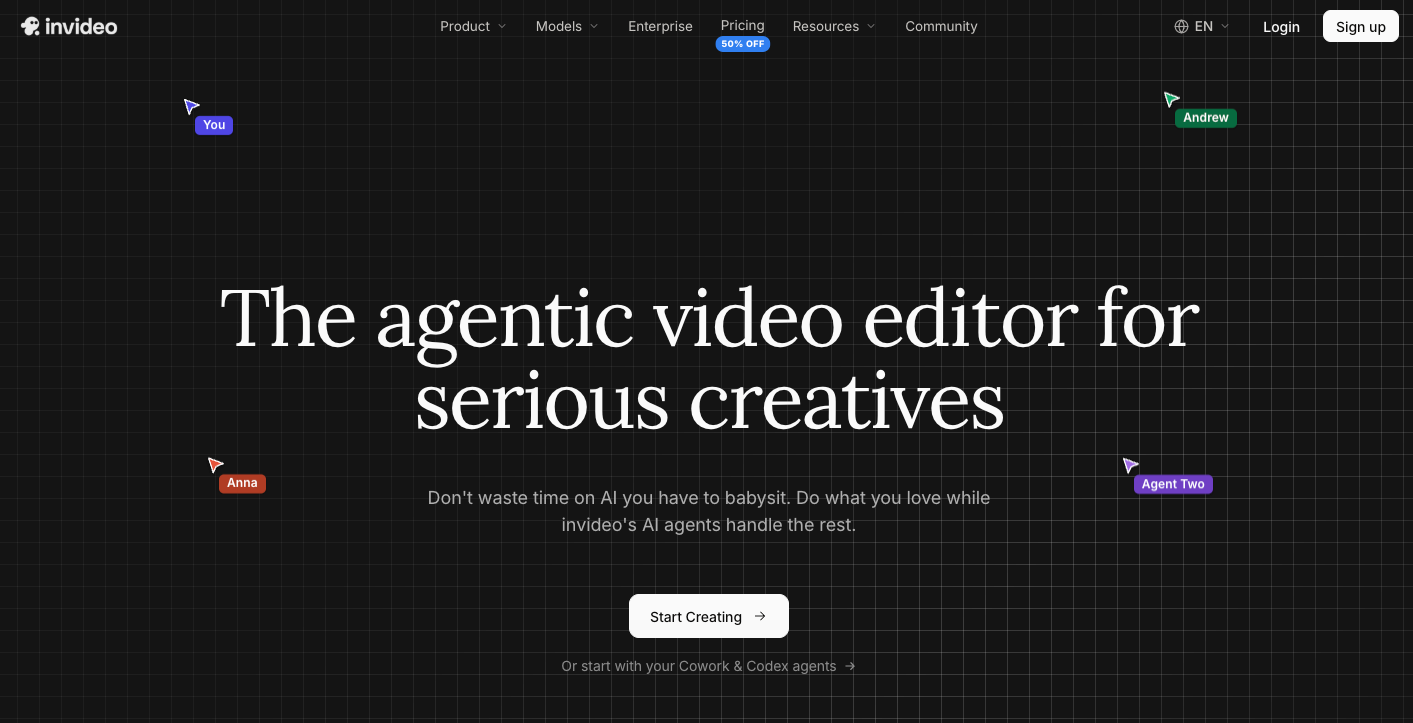
Give Invideo the exact Lark line and divider clip. Check whether stock or generated visuals displace the close-up. If so, place the supplied footage at the proof moment and adjust narration and CTA timing. A team comfortable with timeline editing may prefer that control.
This route asks the team to bring an approved message and judge visual assembly. A script cannot make the wrong picture accurate. Invideo's plan and credit guide distinguishes manual editing from credit-consuming AI work; export does not itself use credits. Verify current watermark, stock, and export terms in the account.
Choose it for a trial when script control and hands-on shot replacement matter more than importing the whole product listing. Budget the editor's staff time as well as any AI generation.
4. Zeely AI for Ads and Campaign Workflow
Best fit: a small team that wants to create an ad and organize a paid Meta campaign in a connected workflow. Zeely's product workflow starts from a public product page or manual details, then offers several image and video paths. It describes review, download, and campaign setup. Unlike the other routes here, the campaign step is part of the reason to evaluate it.
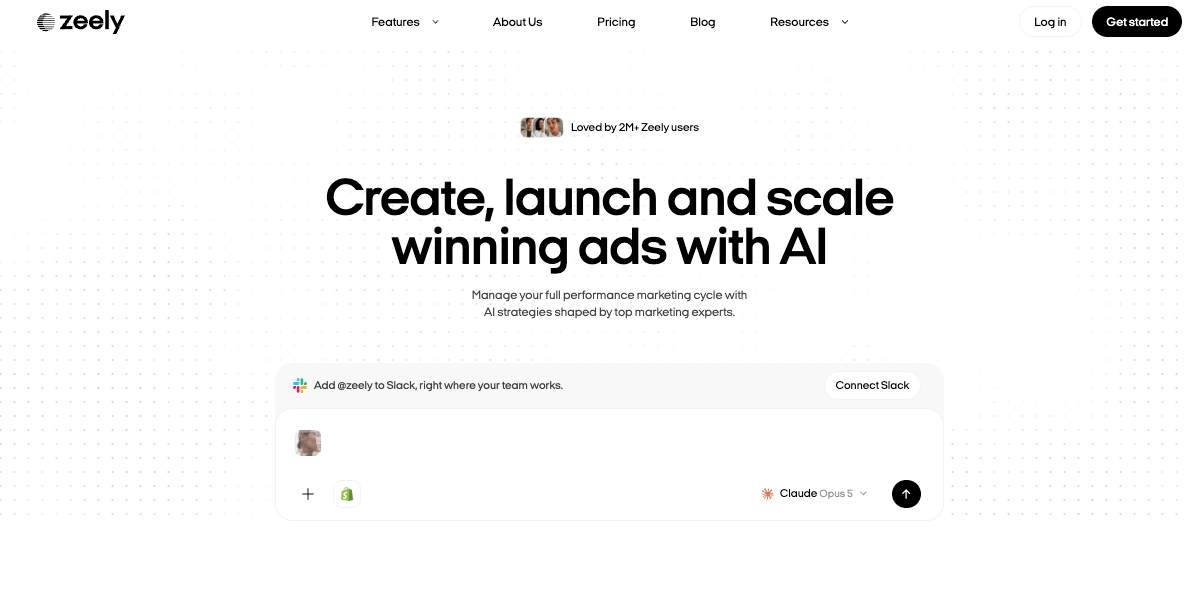
For Lark, import the offer, check whether the selected video route can incorporate the supplied divider clip as footage rather than just a reference, and inspect claim and scene order. Before launch, check destination, copy, audience, budget, and account. Zeely's credit guide says AI creation, editing, and variations use credits. Its Meta help distinguishes your own account from its partner account; billing, media, and approval details differ.
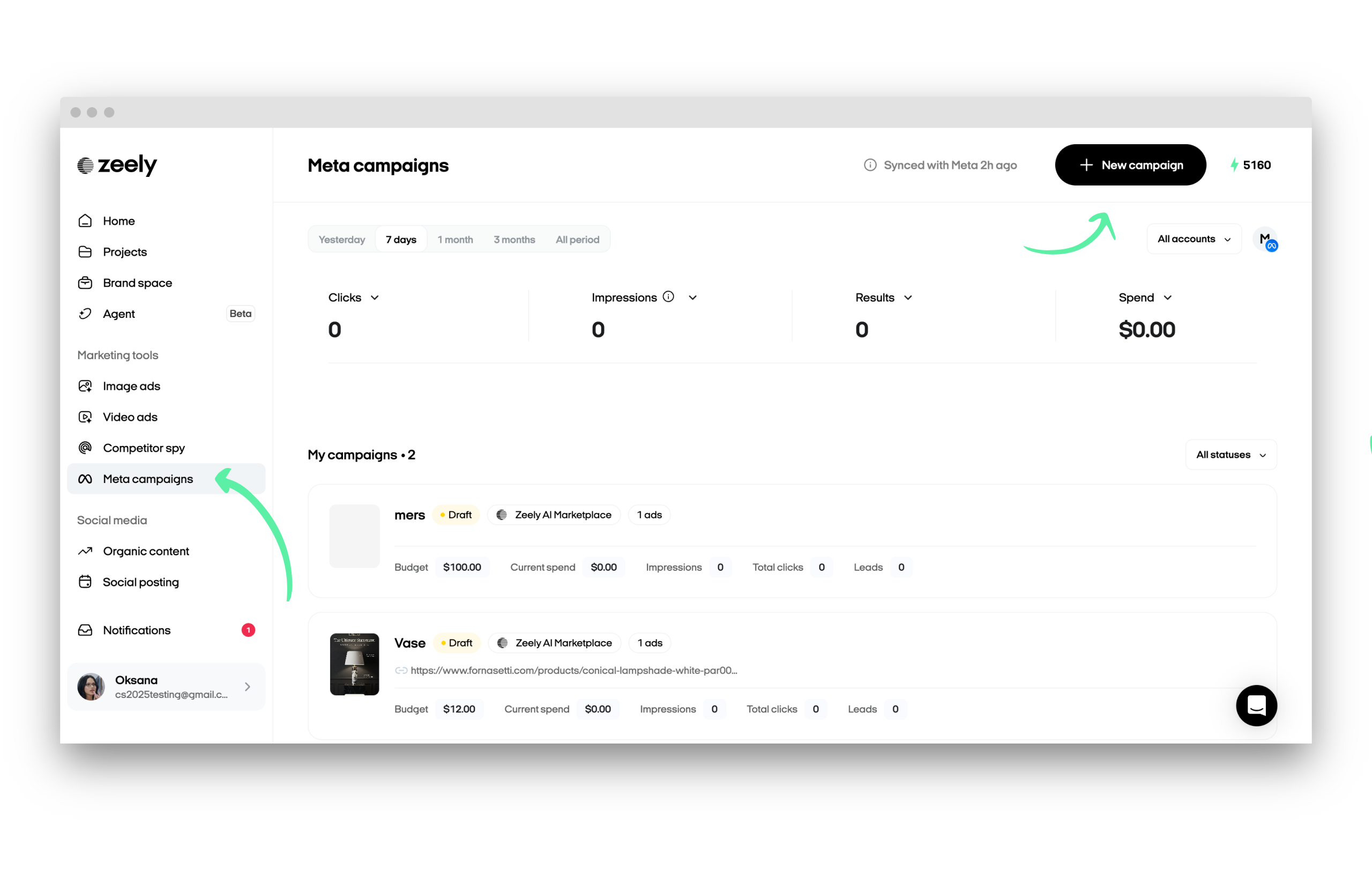
The difference is campaign adjacency. Launch controls do not fix an inaccurate product shot, and ad spend sits outside creative production. Check media acceptance, placement, and permissions in the chosen path.
Choose it for a trial when the person approving the creative also needs to manage a Meta launch path. If media buying already happens in another system, compare Zeely's creative work on its own merits.
Which Workflow Fits Your Team?
Use the same Lark brief, then compare the accepted files rather than four first impressions. Creatify suits product-link-led ad concepts with chat and timestamped feedback. Pexo suits direction, preview, and whole-cut revision from supplied materials. Invideo suits a script and hands-on sequence editing. Zeely suits a team that also needs a route into Meta campaign setup. These are workflow fits, not a speed, quality, or price ranking.
Save the brief, first cut, correction request, accepted export, and credit or time record. Trace unapproved claims to the page, prompt, or generated copy. Count any review caused by replacing a shot. The comparable unit is an approved ad ready for the intended placement, with rights and account conditions checked.
For a team that prefers to discuss the story before generation, try the Lark brief with Pexo and compare its preview and correction path with the other routes. Keep the same approval standard whichever service you use.