

 ChatGPT
 Perplexity
 Claude
 Gemini
 Grok
Grok


The best AI video maker for YouTube is rarely the most powerful one. It is the one that fits how your channel actually runs, whether that is daily Shorts, long-form explainers, or faceless listicles. Pexo, the conversational AI video partner our team builds, takes the most direct route: you describe the video you want and it hands back a finished cut, with no prompt boxes and no timeline to assemble. The other tools here reach the same finish line in different ways, through templates, AI presenters, or by recutting footage you already own.
Since this roundup comes from the Pexo team, here is the honest framing up front: we believe Pexo is the shortest path from an idea to a posted video. But the right pick still depends on your channel. So below we line up four strong options for YouTube creators in 2026, and say plainly who each one actually suits.
 A cinematic animated scene made with Pexo, generated from a short text brief without filming or editing.
What Makes a Great AI Video Maker for YouTube?
YouTube is not one format, so the "best" tool depends on what you publish. A few criteria separate a tool that genuinely helps from one that just adds steps:
- Format range. Can it do both 16:9 long-form and 9:16 Shorts without re-learning the workflow?
- Input flexibility. Does it start from a script, an idea, a product URL, a photo, or only from footage you already filmed?
- Faceless vs. on-camera. Some creators want an AI presenter; others want b-roll, captions, and a voiceover with no face at all.
- Captions and pacing. Auto-captions and tight pacing matter more for YouTube retention than raw cinematic polish.
- Speed to publish. How fast can you get from a blank screen to an upload-ready file?
- Price at your volume. Watermarks, export caps, and resolution limits decide whether a free tier is actually usable.
Keep those in mind as you read. No single tool wins all six, which is why the right pick depends on your channel.
The 4 Best AI Video Makers for YouTube at a Glance
Here's how the four compare before we get into the detail. Prices are the lowest advertised monthly rate (some are billed annually) and are current as of June 2026; check each site for the latest.
| Tool | Best for | Free option | Paid from |
|---|---|---|---|
| Pexo | Idea to finished video by describing it | Trial credits on signup (credit-based, no free-forever plan) | Pro $30/mo, Elite $60/mo, Max $100/mo |
| InVideo AI | Fast text-to-video Shorts and long-form | Yes: 720p with a watermark | Plus from $20/mo, Max from $48/mo |
| HeyGen | AI presenter and talking-head videos | Yes: 3 videos/mo with a watermark | Creator from $24/mo, Business from $149/mo |
| Pictory | Repurposing long videos and blogs into clips | 14-day trial (3 projects, watermark) | Starter from $19/mo, Pro from $29/mo |
How We Compared
This is a capabilities comparison, not a hands-on benchmark, and it is worth being clear about that. For each tool we looked at what it actually does for a YouTube creator: the input it starts from, the formats and resolutions it exports, how it handles captions and voiceover, and the free and paid tiers available as of June 2026. Those details come from each product's current site, documentation, and pricing page, alongside published user ratings on G2 and Capterra. Where a tool is strong at one job and weak at others, we say so, because for YouTube the right fit beats the longest feature list.
The 4 Best AI Video Makers for YouTube
Here are the four, starting with the one we'd reach for first and ending with a tool that does a job the others don't.
1. Pexo: Best for Turning an Idea Into a Finished Video by Describing It
Pexo is the AI video partner our team builds, and on this list it is the most hands-off way to reach a finished video. There is no prompt box to engineer and no timeline to assemble. You describe the video you want in plain language, and Pexo plans it, picks the model that suits the scene, and returns a complete cut with pacing, transitions, and music, instead of leaving you to assemble clips on a timeline. That is the positioning in plain terms: no prompts to engineer, you just describe what you want and shape what comes back.
For YouTube specifically, that maps to the jobs most creators actually have. You can turn a script into a finished video for long-form, or turn a product photo into a short clip for a Short. Because Pexo works with leading models like Seedance, Kling, and more, and routes to the best one for the scene, you never have to figure out which generator suits which style. It also lives inside tools you already use, like Slack and Claude, so you can ask for a video without opening a new app.
Both the cinematic scene at the top of this guide and the captioned animation below are real Pexo outputs, each generated from a short brief rather than assembled on a timeline.
 A captioned animated scene made with Pexo, the kind of auto captioned clip that travels well on YouTube.
Where it fits less well: Pexo generates video from an idea, a script, an image, a URL, or audio, but it is not a manual timeline editor. If your workflow depends on hand-placing every cut, that is a different tool. It is also a newer entrant, with credit-based pricing and no free-forever plan.
Pros:
- Fastest path from idea to finished video, no prompt or editing skills needed
- Handles both Shorts and long-form, and routes across multiple models automatically
Cons:
- No manual timeline control for frame-by-frame editing
- The newest tool here, with a much smaller track record and third-party review base than the others
- Credit-based pricing with no permanent free tier, which can add up for heavy, high-volume creators
Pricing: Credit-based. Pro $30/mo, Elite $60/mo, and Max $100/mo, with trial credits to test first.
Data point: As a newer entrant, Pexo reports 1,000+ creators already building with it (pexo.ai, June 2026).
2. InVideo AI: Best for Fast Text-to-Video Shorts and Long-Form
InVideo AI is the fastest route from a written prompt to a complete, voiced video. You type what you want, and it assembles stock footage, an AI voiceover, captions, transitions, and background music into a draft you can then refine with more text instructions. You can edit by command too, telling it to swap a clip, change the voice, or tighten a section, and it re-renders without you touching a timeline. For a faceless channel pushing daily Shorts or listicle-style long-form, that speed is the main draw.
It is strong on volume and templates. The trade-off is the look: because it assembles from shared stock libraries and synthetic voices, the raw output can resemble other InVideo videos until you swap clips and tune the script. The free plan also caps exports at 720p and stamps a watermark, so a paid plan is effectively required for a real channel.
Pros:
- Very fast from a text prompt to a full draft with voiceover and captions
- Large stock library and template range, good for high-volume faceless content
Cons:
- Stock-and-synthetic look needs editing to avoid feeling generic
- Free tier is 720p with a watermark
Pricing: Free (720p, watermark); Plus from $20/mo; Max from $48/mo.
Data point: InVideo reports 25 million-plus users worldwide (invideo.io).
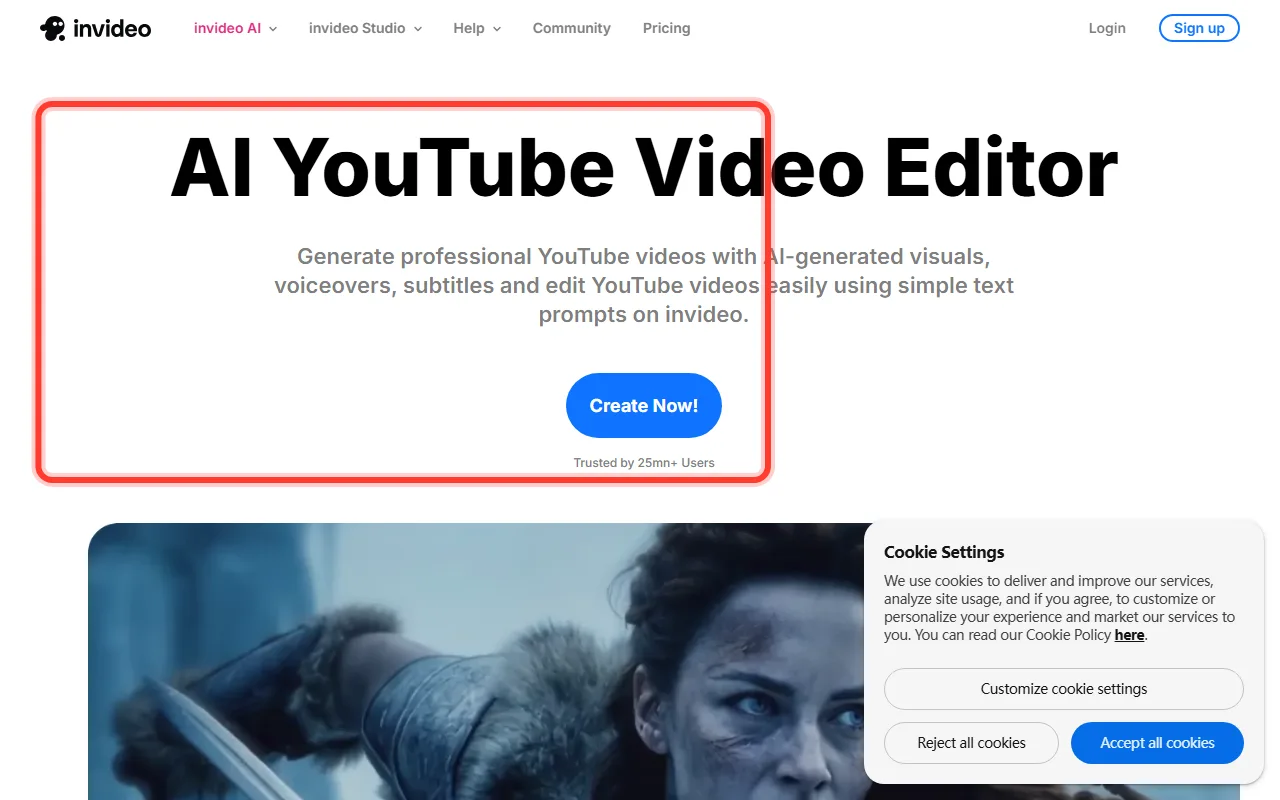 InVideo AI turns a text prompt into a full YouTube video with stock footage, voiceover, and captions.
3. HeyGen: Best for AI Presenter and Talking-Head Videos
HeyGen is the pick when you want a person on screen without filming one. It turns a script into a talking-head video led by a realistic AI avatar, with voice cloning and translation into dozens of languages. For educational channels, spokesperson content, product walkthroughs, or UGC-style ads, that presenter format is exactly the job. You can pick from a large library of stock avatars or create a custom avatar of yourself, which helps build a consistent on-camera brand without ever filming.
Its avatars, voice cloning, and lip-sync are the core of the product, and translation into dozens of languages is a real edge for creators publishing globally. The flip side is focus: HeyGen is built around the avatar, so it is less suited to b-roll-heavy, cinematic, or scenery-driven videos. The free plan allows three videos a month with a watermark.
Pros:
- Highly realistic AI avatars with voice cloning and strong lip-sync
- Translation into dozens of languages for global publishing
Cons:
- Avatar-centric, so weaker for b-roll-heavy or cinematic videos
- Free tier limited to 3 watermarked videos a month
Pricing: Free (3 videos/mo, watermark); Creator from $24/mo; Business from $149/mo.
Data point: Rated 4.8 out of 5 across roughly 1,589 reviews on G2.
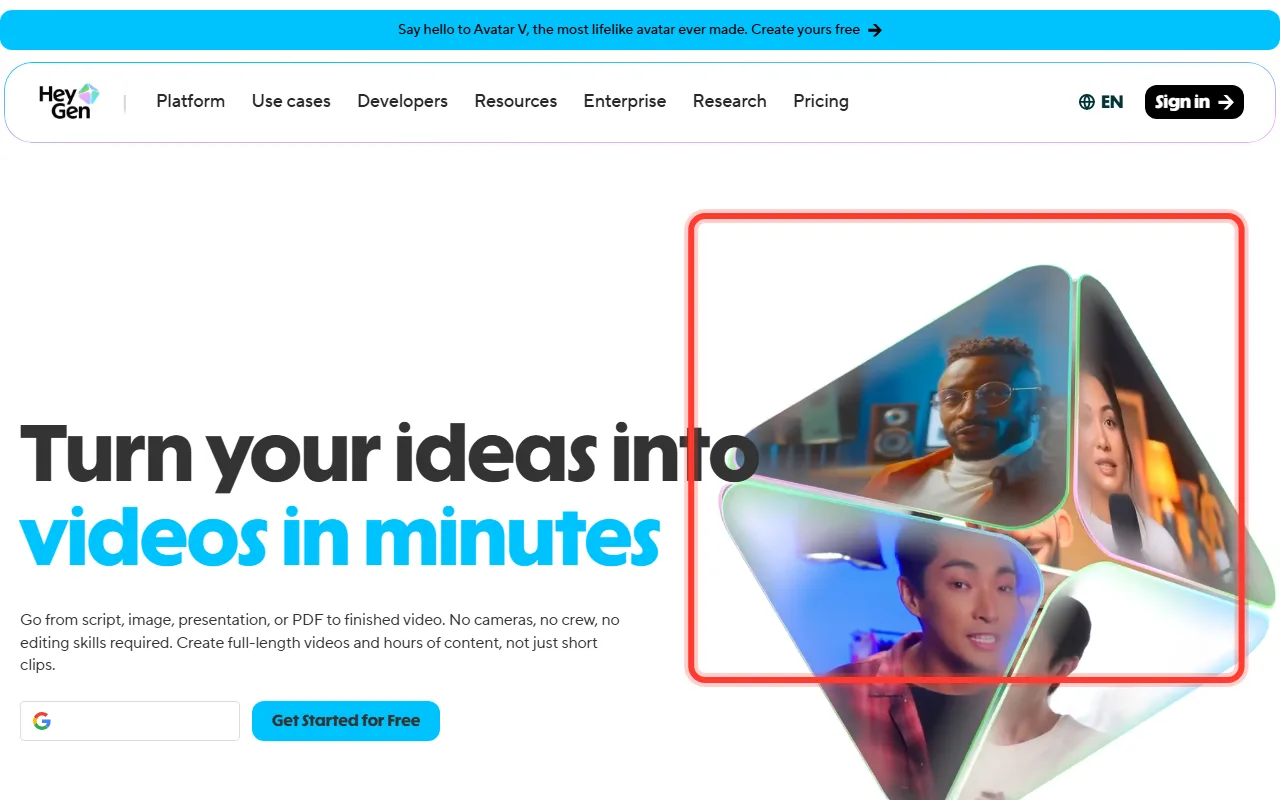 HeyGen builds talking-head videos from a script using realistic AI avatars, no camera or crew needed.
4. Pictory: Best for Repurposing Long Videos and Blogs Into Clips
Pictory does a different job from the other three, and that is the point. Instead of generating video from scratch, it reshapes content you already have. Paste a blog post or a URL, or upload a long webinar, podcast, or recorded video, and Pictory pulls out the highlights, adds captions, and turns them into short, shareable clips. For creators sitting on a back catalogue of long content, it is the most direct route to a steady stream of Shorts.
Its text-based editing, where you trim the video by editing the transcript, lowers the barrier for people who do not edit. The limitation is built into the model: Pictory needs existing material to work from, so it is not the tool for an idea you have not filmed yet. The free option is a 14-day trial with watermarked exports rather than a permanent free plan.
Pros:
- Turns existing long videos and blog posts into captioned clips quickly
- Transcript-based editing is approachable for non-editors
Cons:
- Needs existing footage or text; not an idea-to-video generator
- No permanent free plan, and trial exports carry a watermark
Pricing: 14-day trial (3 projects, watermark); Starter from $19/mo; Pro from $29/mo.
Data point: Rated 4.8 out of 5 across 162 reviews on Capterra.
How to Choose the Right AI Video Maker for Your YouTube Channel
Match the tool to the job in front of you:
- You have an idea or a script and want a finished video without editing: start with Pexo. It is built for going from a description to a posted-ready cut, and it handles both YouTube Shorts and long-form.
- You want fast, template-driven faceless videos at volume: InVideo AI is the quickest from a text prompt to a stock-footage video with voiceover and captions.
- You want a presenter on screen without filming: HeyGen's AI avatars are the strongest pick, especially for educational, spokesperson, or multilingual content.
- You already have long footage to chop up: Pictory is the honest answer. If your source is an existing webinar, podcast, or long video, a repurposing tool fits better than a generator.
Notice the split: three of these create video from scratch, while Pictory reshapes video you already have. Knowing which side of that line you are on narrows the choice faster than any feature checklist.
Conclusion
For most YouTube creators in 2026, the hard part is not getting access to AI video. It is closing the gap between having an idea and having an upload. That is exactly what Pexo is built for: describe the video, let it route to the right model, and get a finished cut back for Shorts or long-form. Prefer to start from templates? InVideo AI and HeyGen are strong picks. Already sitting on long footage to recut? Pictory is the better fit.
If you want the shortest path from idea to posted, start creating your YouTube video with Pexo and see how far one conversation gets you.






