AI YouTube Video Generator for Channel-Ready Videos
Create YouTube videos with Pexo AI for vlogs, tutorials, reviews, and creator content.
AI YouTube Video Examples for Creator, Review, Vlog, and Lifestyle Channels
A mix of creator-led, review, vlog, lifestyle, and storyboard formats built for real YouTube publishing.

Storyboard Tutorial Videos
Turn prompts into step-by-step scenes, visual boards, and guided video plans for animation, edits, and creative explainers.

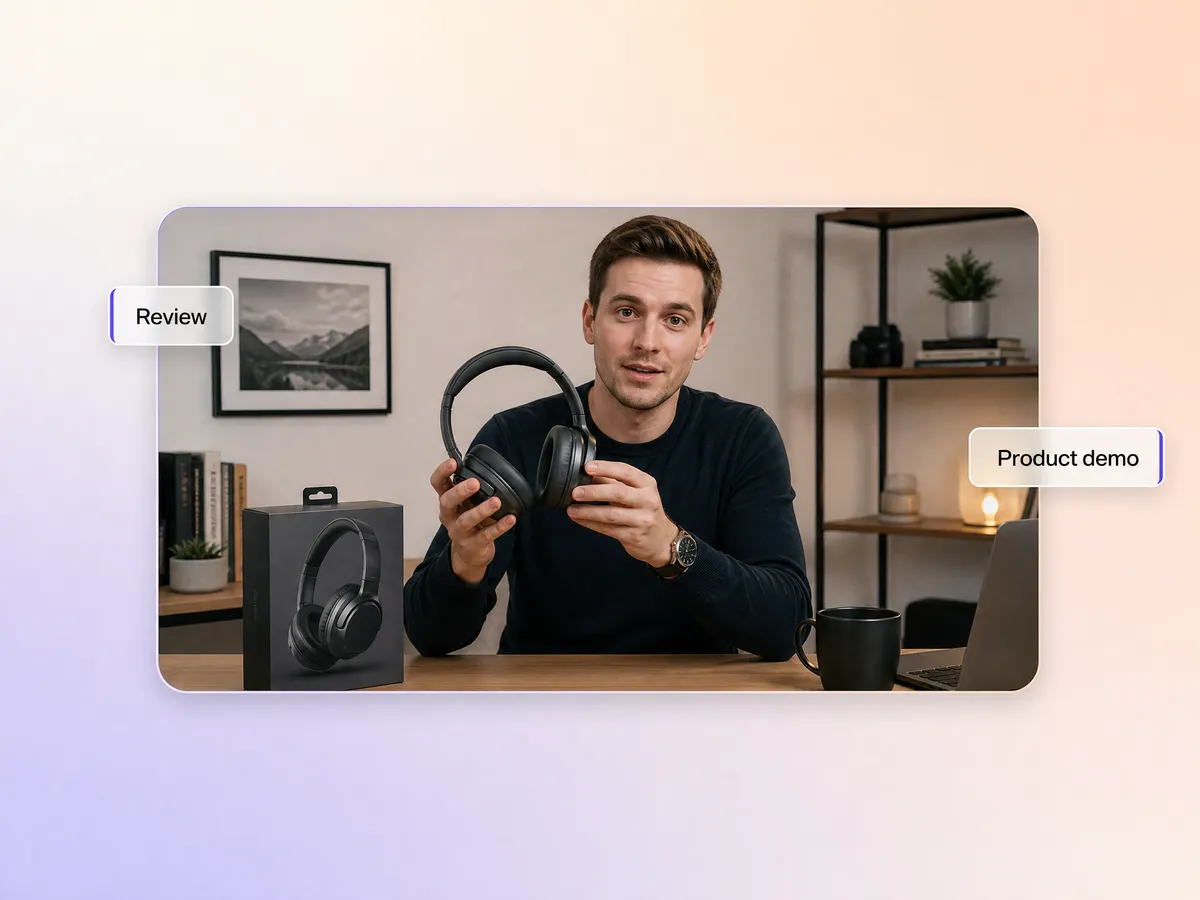
Review and Showcase Videos
Create creator-led reviews, car spotlights, and premium product showcases with stronger hooks and polished visual framing.

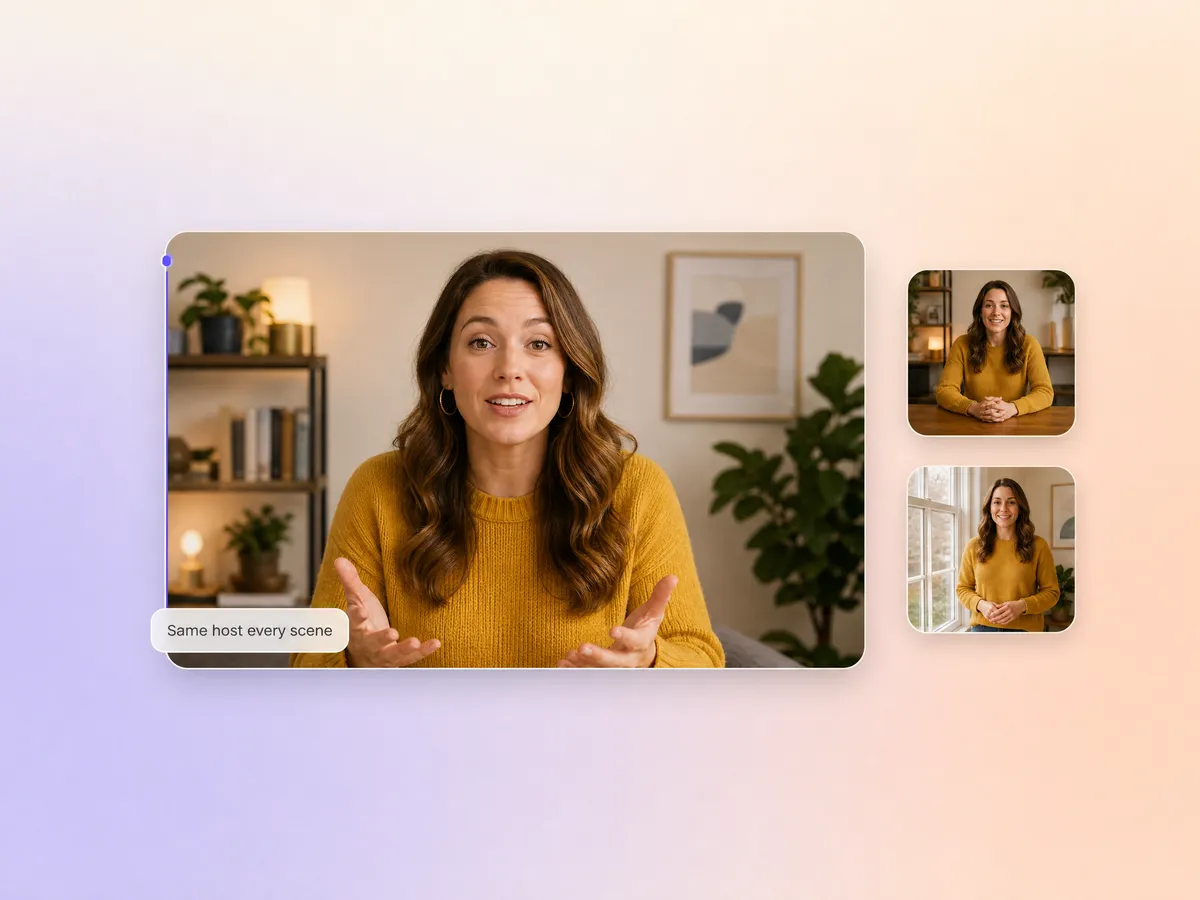
Creator Persona Videos
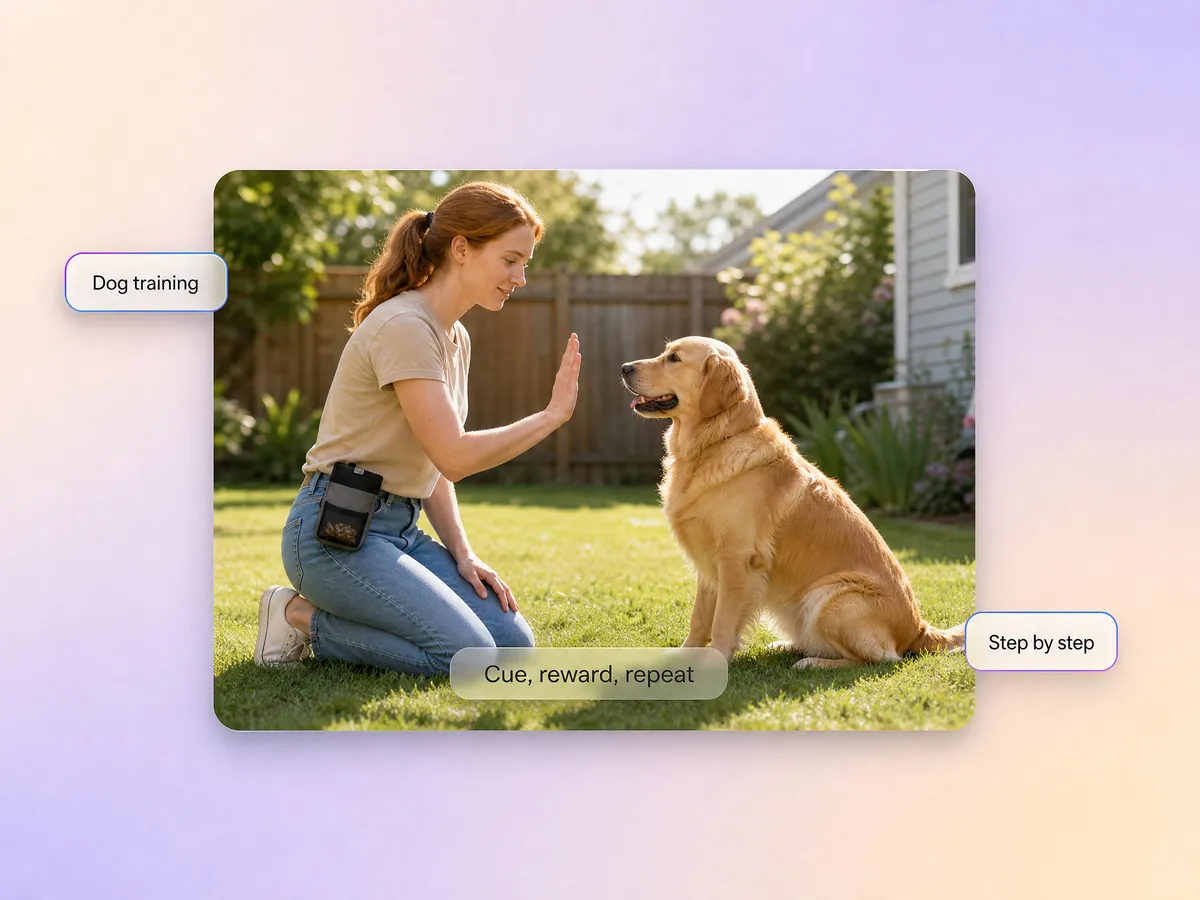
Build personality-led YouTube videos with expressive poses, repeatable reactions, and stronger creator branding across scenes.

Food Explainer Videos
Shape food reactions, list formats, and playful commentary into thumbnail-friendly YouTube videos with louder visual energy.

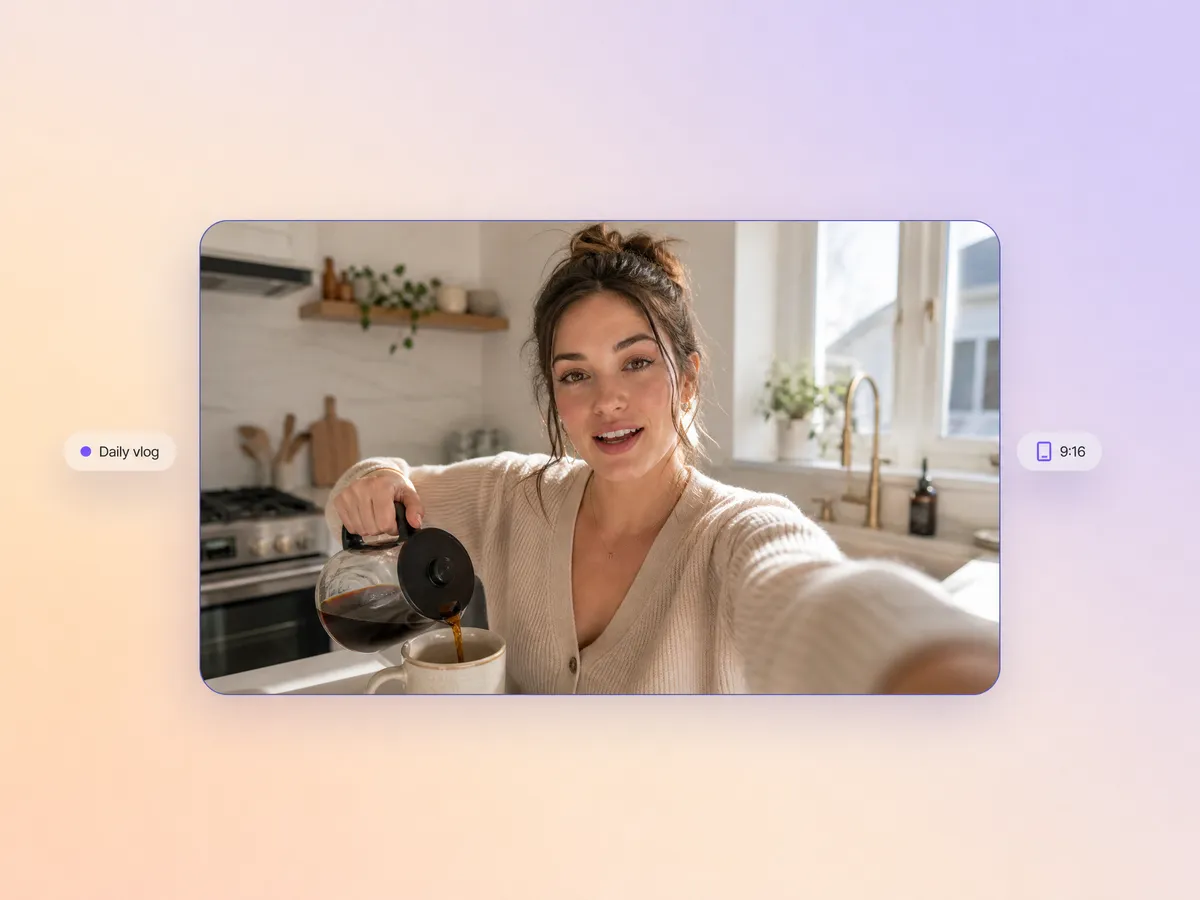
Daily Vlog Videos
Turn casual updates, home routines, and day-in-the-life moments into cleaner vlogs with faster editing and stronger pacing.

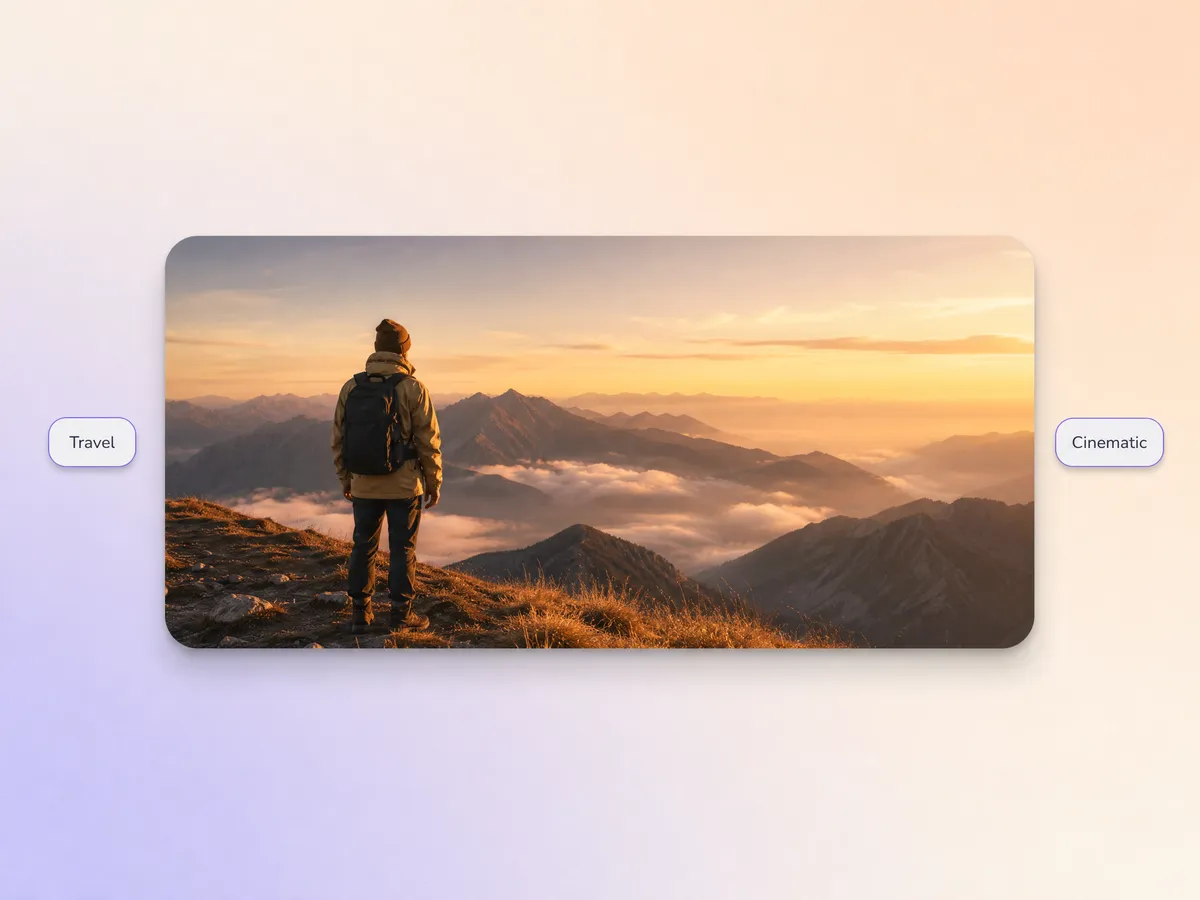
Travel and Mood Videos
Build cinematic travel edits, music-led scenes, and aesthetic openers that give lifestyle channels a stronger visual identity.
Prompt It in Pexo, Shape It, and Turn It Into a Video Built for YouTube
Pexo keeps the workflow simple while helping you create YouTube videos for tutorials, reviews, explainers, and creator channels.
Script to Scene Structure
Start from a prompt, notes, or draft script and turn it into scenes that hold together better as a finished YouTube video.
Voice, Captions, and Timing
Keep narration, subtitle rhythm, and visual pacing in one place instead of splitting the work across separate tools.
Faceless Channel Formats
If you need a youtube ai video generator for voice-led or faceless formats, the workflow supports narration-first structure without requiring an on-camera host.
Review and Tutorial Templates
Useful for walkthroughs, explainers, list videos, and product reviews that need cleaner sequencing and stronger content flow.
Long-Form to Short Clips
Take a single topic and reshape it into full videos, shorter highlight cuts, or clip-ready versions for different publishing goals.
Built for Upload-Ready Output
The goal is not just generation. It is helping you get closer to a video that feels ready to review, trim, and publish.
Prompt It, Shape It, and Turn It Into a Video Built for YouTube
The steps stay simple, but the output can still support longer tutorials, reviews, explainers, and recurring channel formats.
Prompt
Start with a topic, draft, bullet list, or source notes and describe the format you want to publish.
Build
Generate scenes, pacing, voice, captions, and format decisions inside one workflow instead of piecing them together afterward.
Refine
Adjust the hook, pacing, visuals, or script emphasis until the video better matches your channel format and audience.
Package
Move toward a version that is easier to review, repurpose, and prepare for upload as full-length or short-form YouTube content.
Built for YouTube Creator, Travel, Fashion, and Fitness Channels
Create YouTube videos for lifestyle, design, challenge, and seasonal content with more consistent structure and pacing.

Fashion and Design Channels
Useful for breakdowns, design explainers, moodboards, and educational videos that need structured visual storytelling.

Fitness and Challenge Channels
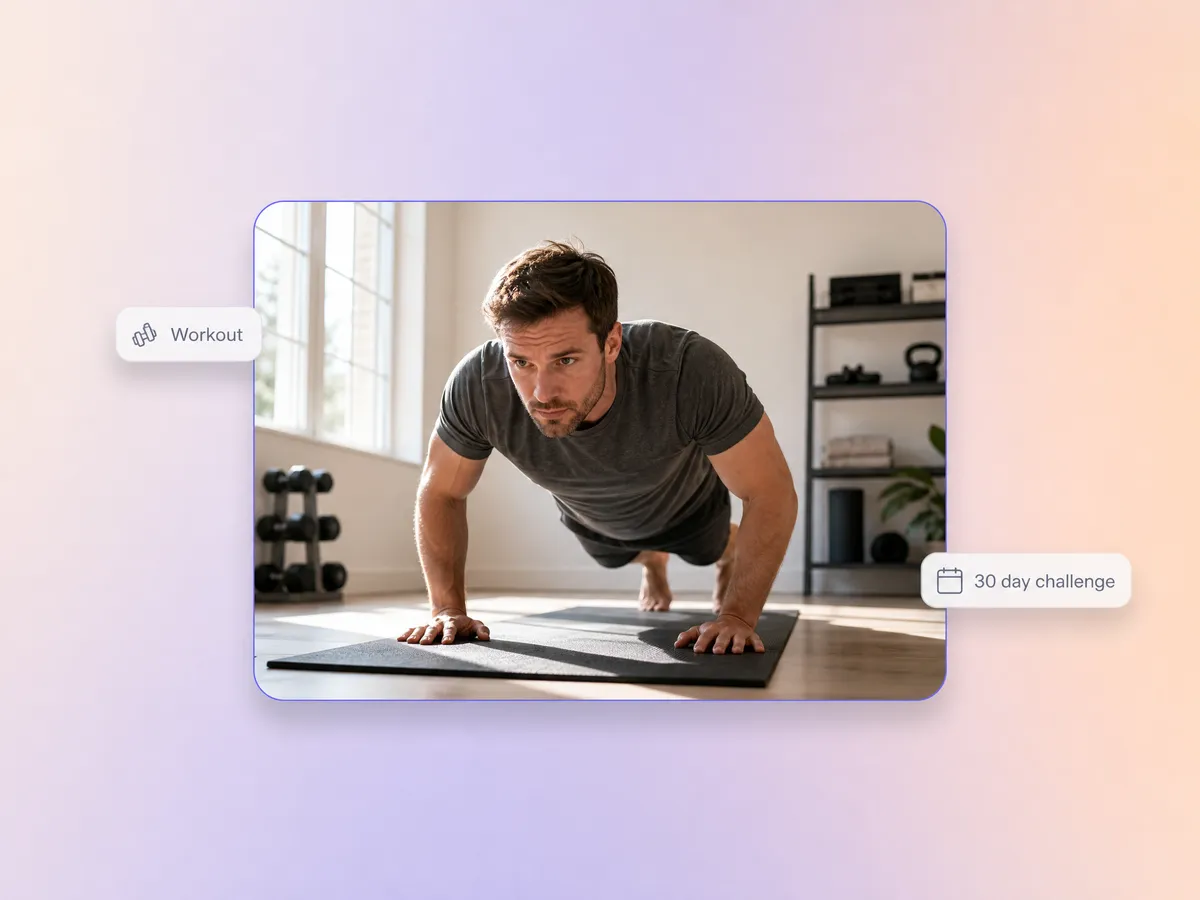
Turn workouts, challenge prompts, and high-energy creator clips into YouTube videos with sharper openings and cleaner edits.

Lifestyle and Travel Channels
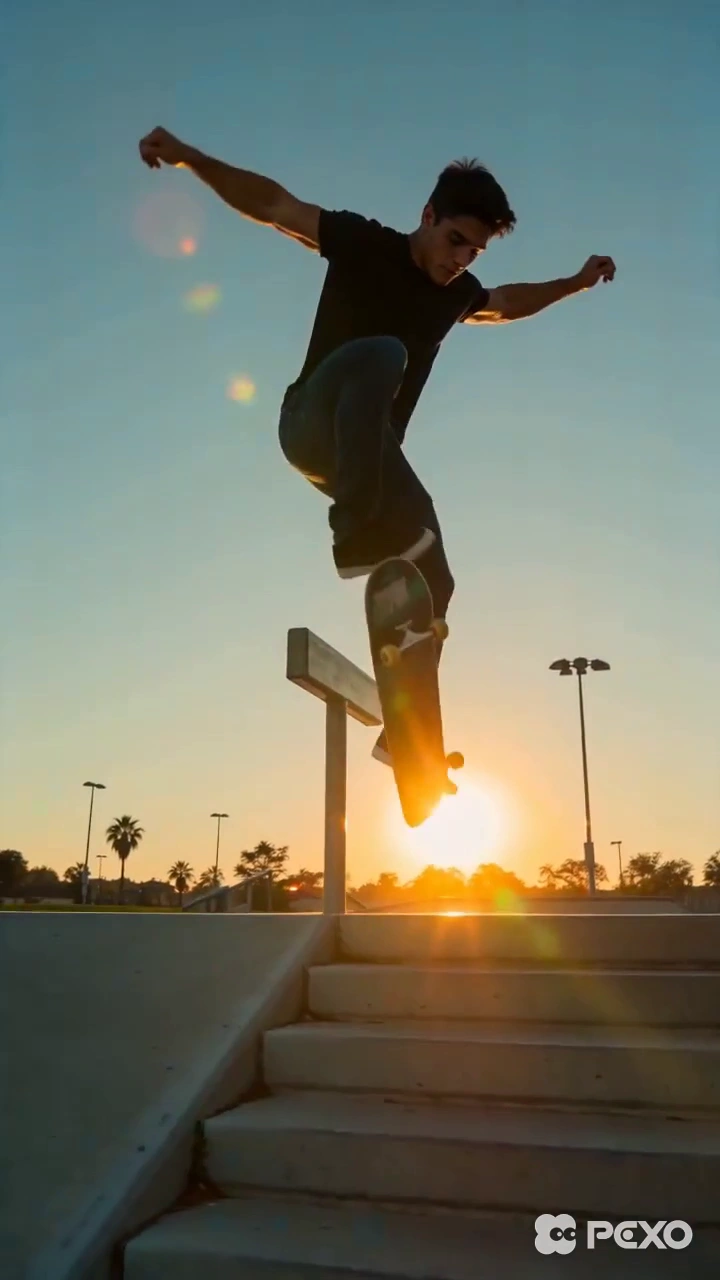
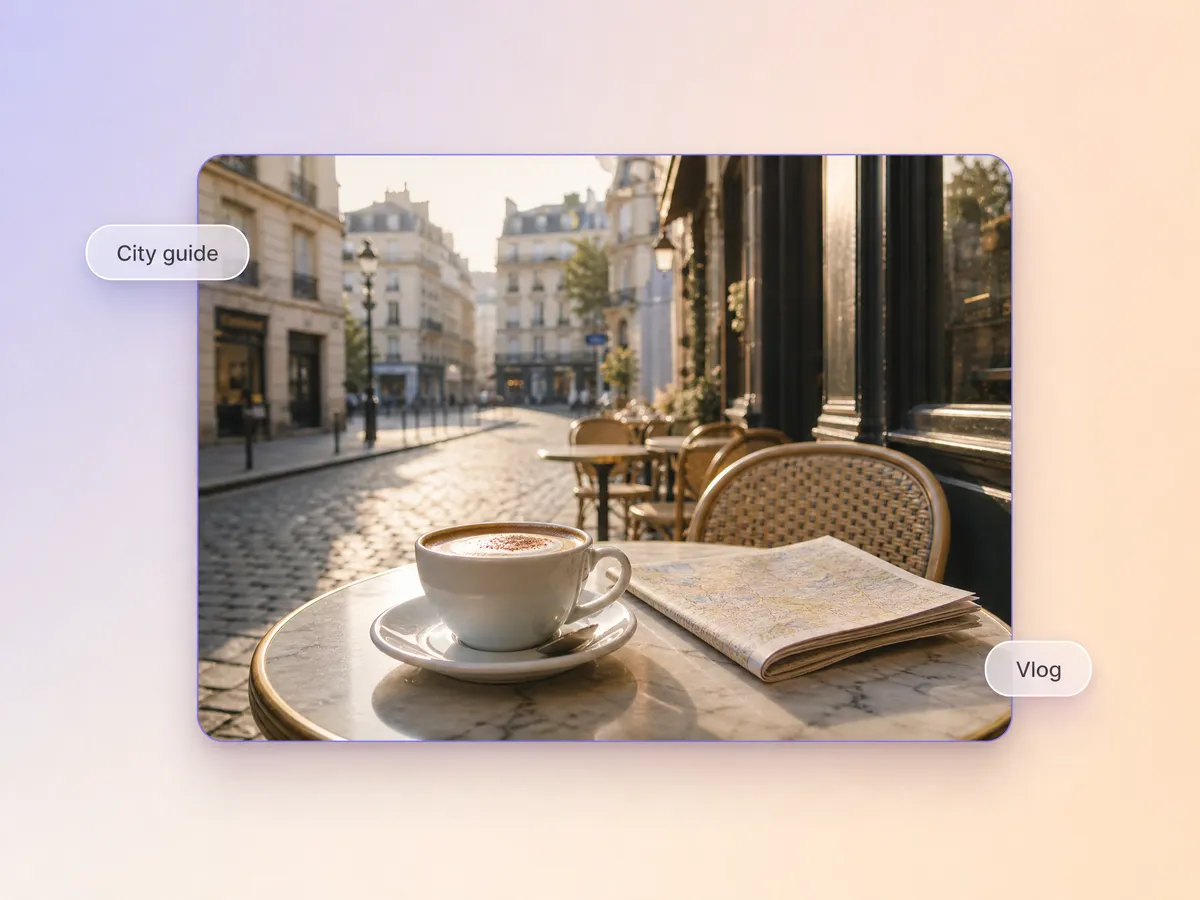
Support vlogs, city guides, cafe edits, and creator travel diaries with a more polished scene flow and channel-ready pacing.

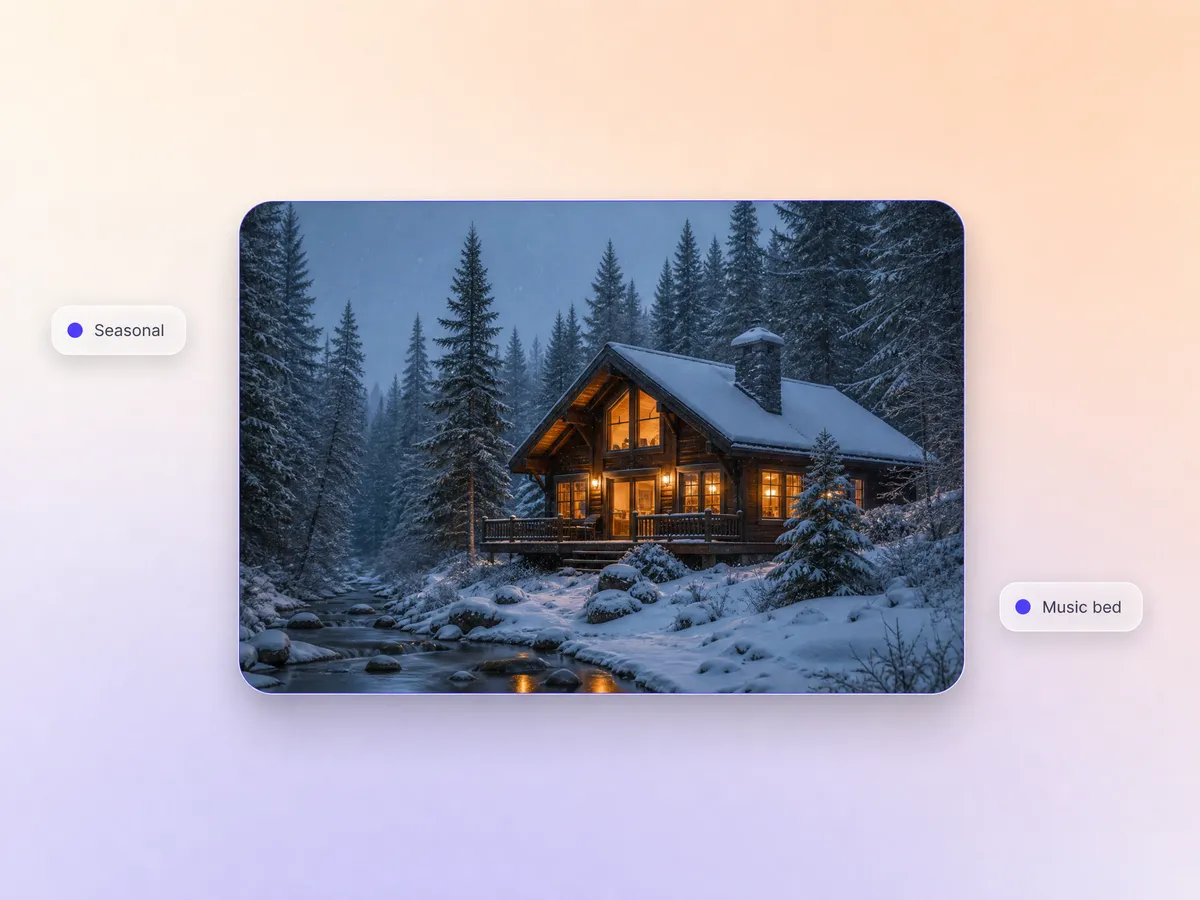
Seasonal and Music Channels
Helpful for winter edits, mood videos, playlist visuals, and seasonal creator content that depends on strong atmosphere and repeatable visuals.
Teams Use It When They Need YouTube Video Production to Move Faster
The strongest use case is practical speed: helping people go from script idea to a more complete video draft with less manual stitching.
"We used it to turn lesson notes into cleaner tutorial drafts without rebuilding every scene by hand."
"The value for our team was keeping scripts, captions, and pacing closer together in one workflow."
"For review and commentary formats, it helped us get to a more usable first cut faster than our old process."
Frequently
Asked
Questions
What does an AI YouTube video generator actually help with?
It helps turn prompts, notes, scripts, or source material into a more complete video draft with structure, scenes, voice, and captions that are easier to review as a YouTube-ready format.
Can I use an AI video generator for YouTube tutorials and product reviews?
Yes. Those are common use cases because tutorials and reviews usually benefit from clearer scripting, scene pacing, and repeatable formatting across multiple uploads.
Is this useful for faceless channels?
Yes. A youtube ai video generator is often most useful for faceless or voice-led channels where the workflow depends more on script, visuals, narration, and captions than on-camera footage.
Can AI generated videos be monetized on YouTube?
Monetization depends on YouTube's current policies, originality standards, and the value added by the creator. AI generated YouTube videos can fit into monetized workflows, but the result still needs to satisfy platform rules and audience-quality expectations.
Do YouTube channels get paid for AI generated videos automatically?
No. Payment is not tied to the use of AI itself. Revenue depends on eligibility, policy compliance, audience response, and whether the content offers original value in a way YouTube accepts.
How is this different from using separate script, voice, and editing tools?
The practical difference is workflow consolidation. Instead of moving between multiple apps, you can shape scripting, visual sequencing, voice, and timing in one place before refining the final output.