 ChatGPT
 Perplexity
 Claude
 Gemini
 Grok
Grok


You gave Akool AI a shot. Maybe the face-swap results looked clean, or someone on your team recommended it for a product video. At some point though — whether it was the credit limits, the narrow output types, or just wanting more from the tool — you started wondering what else is out there. That feeling is exactly why this guide exists. We've rounded up the five strongest Akool AI alternatives available right now, compared them on what actually matters, and included a direct Akool AI vs Pexo breakdown so you can make the call with confidence.
What Is Akool AI? A Quick Review Before You Switch
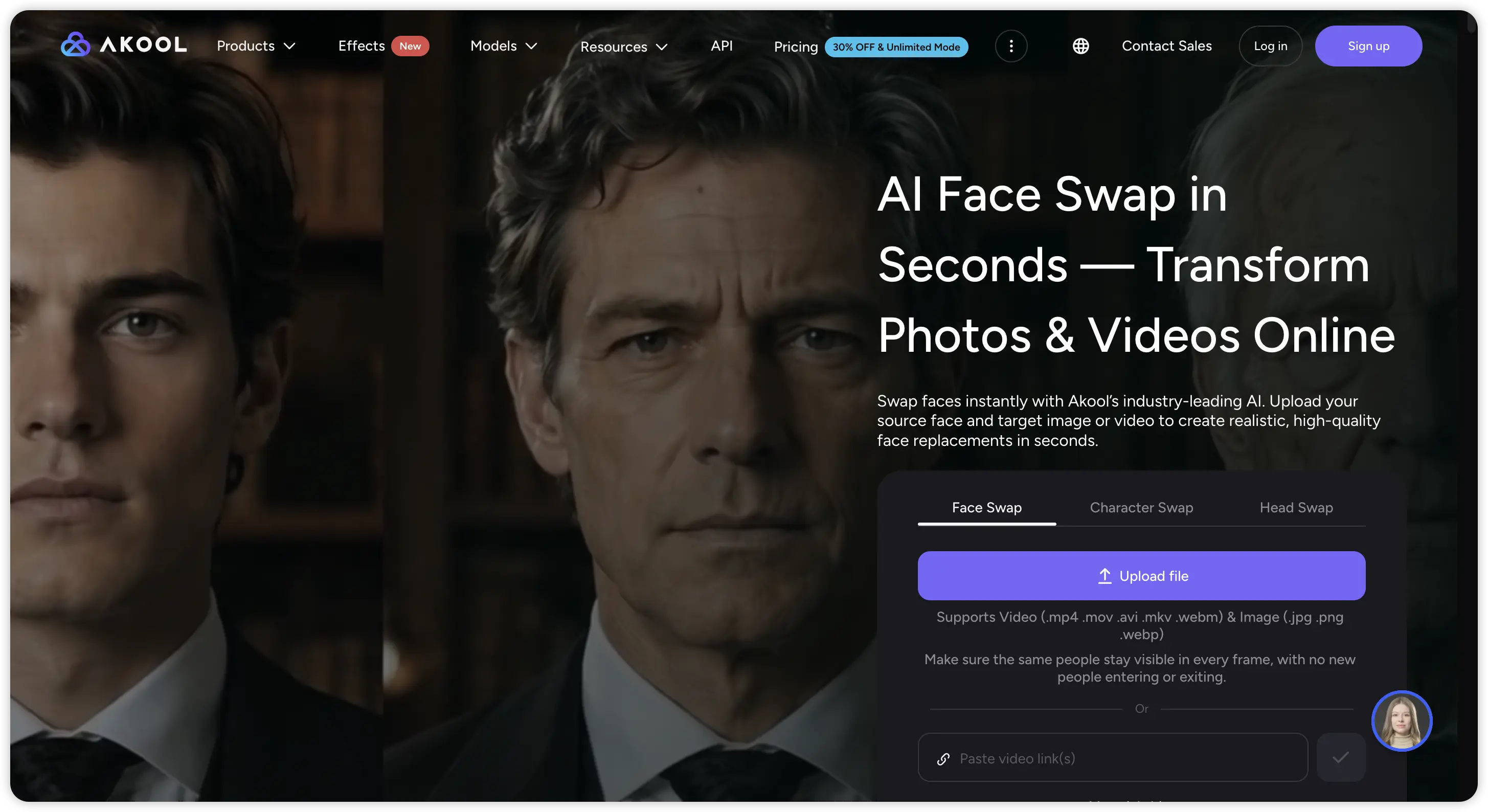
Akool AI is an AI video platform built around personalization. Its headline features are face-swap technology, talking avatar generation, and AI-powered video personalization at scale — particularly useful for sales teams running outreach campaigns or marketers producing high volumes of customized content.
The platform supports text-to-video generation, background replacement, and AI presenter videos. It integrates with tools like HubSpot and has an API for teams that want to build personalized video into a larger workflow. On the avatar and personalization side, Akool AI has earned its reputation.
Where it gets interesting is when you zoom out. Creators who started with Akool for one use case often find themselves wanting to branch out — into social media content, cinematic clips, product ad videos, or animated explainers. That's the moment people start doing an Akool AI review with fresh eyes and realizing the platform was built for a narrower workflow than they now need.
Why Creators Are Looking for Akool AI Alternatives in 2026
The AI video space has moved fast. What counted as a comprehensive platform eighteen months ago looks a lot more specialized today. Akool AI is genuinely strong at personalized avatar video — and that remains its core identity. But several things push creators toward exploring alternatives:
- Creative range: Akool is optimized for talking head and face-swap video. Creators who want to produce cinematic content, social media clips, animated explainers, or audio-driven video will find they need a different tool — or multiple tools — to fill the gap.
- Workflow fit: The platform leans toward a structured, template-adjacent approach. Creators who want to describe an idea in plain language and let the AI handle the creative direction tend to find that kind of conversational workflow elsewhere.
- Pricing structure: Akool AI pricing sits at a mid-to-high range for the features most people actually use day-to-day. Teams with high output volume or creators who need frequent experimentation can feel the credit cost add up.
- Model access: In 2026, top-tier AI video quality often comes from running multiple generative models. Platforms that give access to several models in one place offer meaningfully better output flexibility than single-model tools.
None of this means switching is always the right call. But if any of the above sounds familiar, the tools below are worth a serious look.
How We Evaluated the Best Akool AI Alternatives
Every tool on this list was assessed against five criteria that matter to real creators and marketing teams — not benchmark scores or feature checklists that don't translate to actual use:
- Output quality: Does the finished video look professional without heavy post-processing?
- Workflow speed: How fast can someone with no video production background get a usable result?
- Creative range: Can the platform handle more than one content type well?
- Pricing value: Does the entry-level plan give you real creative capability, or just a teaser?
- Use case breadth: Social media, product ads, explainers, cinematic content — how much can one tool cover?
Akool AI at a Glance: Quick Comparison Table
Before diving into the individual tools, here's a side-by-side snapshot of how Akool AI stacks up against its top alternatives across the criteria that matter most.
| Tool | Best For | Creative Range | Workflow | Pricing Entry | Free Credits / Trial | Multi-Model |
|---|---|---|---|---|---|---|
| Pexo | All-format AI video creation | Very wide | Conversational, natural language | $30/mo Pro (3,000 + 1,800 credits) | 500 credits | Yes |
| HeyGen | Avatar & presenter video | Moderate | Structured template | $29/mo Creator (600 credits), $49/mo Pro (1,000 credits) | 3 free videos/month, 1-min limit | No |
| Synthesia | Business & training video | Narrow | Structured template | $29/mo Starter (1,200 credits), $89/mo Creator (3,600 credits) | Free demo video | No |
| Runway | Cinematic generative video | Wide | Technical / editor-style | $12/mo Standard (625 credits), $28/mo Pro (2,250 credits) | 125 one-time credits | Partial |
| InVideo AI | Social media on a budget | Moderate | Template-based | $15–$30/mo (credits included) | Free plan with watermarks | No |
| Akool AI | Face-swap, personalized video | Narrow | Structured template | Mid-tier gated (price varies) | Free trial limited to basic features | No |
Top 5 Best Akool AI Alternatives in 2026
The tools below aren't ranked by a single score — they're ordered by how broadly useful they are for the widest range of creators. The right pick depends on your specific workflow, budget, and content goals.
1. Pexo — Best Overall Akool AI Alternative
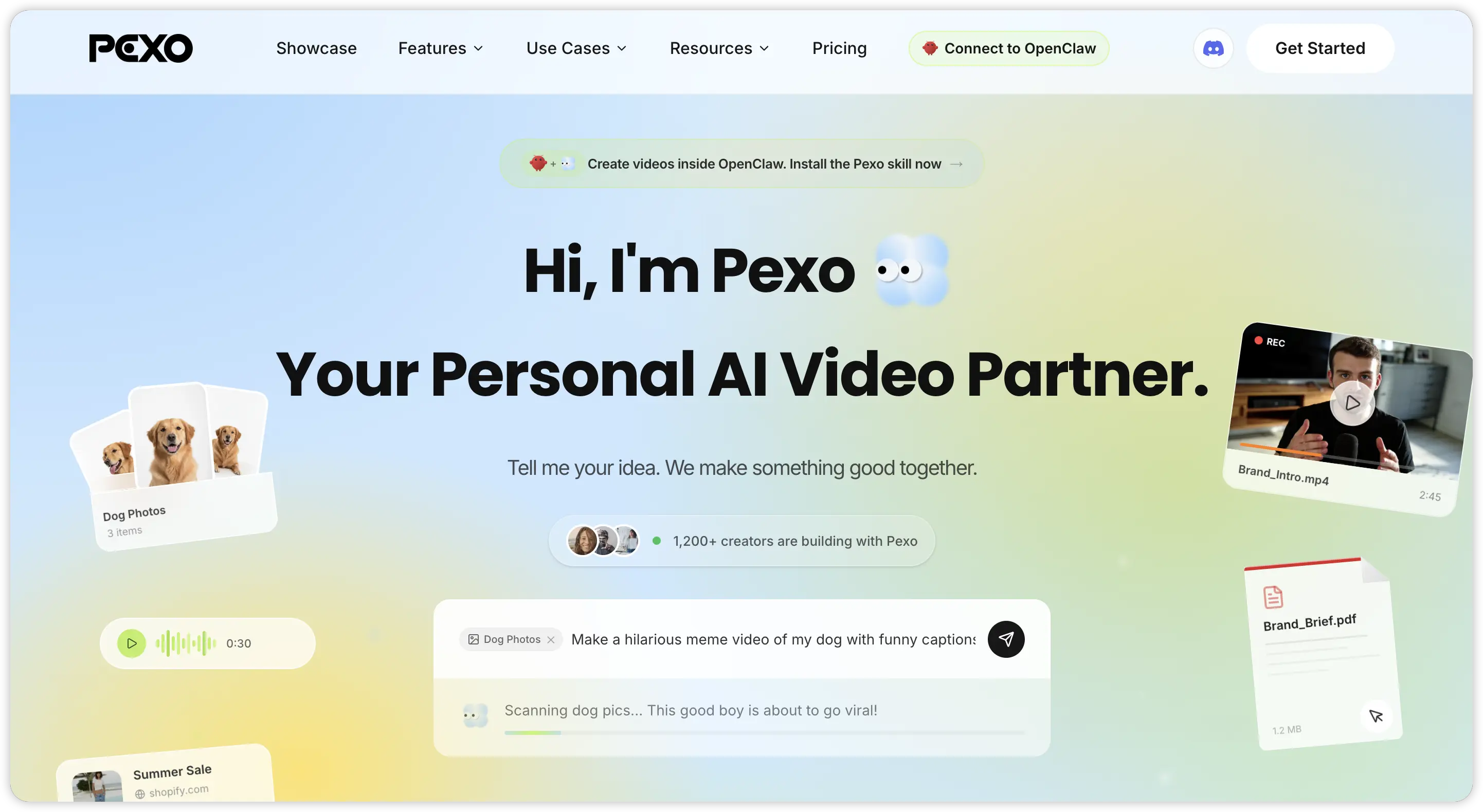 If there's one platform that covers the most ground for the most types of creators, it's Pexo. The difference starts with how you interact with it. Instead of filling in prompt fields or navigating template menus, you describe what you want in natural language — and Pexo handles the creative direction, model selection, and production automatically. It's genuinely conversational in a way that makes the whole process faster and more approachable, regardless of your experience level.
That workflow shift unlocks something important: you spend less time wrestling with the tool and more time on the actual creative work.
What makes Pexo stand out:
- Access to multiple top-tier AI models in one place, including Kling AI 3.0, Seedance 2.0, Veo, and Grok Imagine
- Covers a wide range of content types: product ad videos, social media clips, cinematic short films, explainer videos, anime content, ASMR videos, and more
- Full feature set including text to video, image to video, URL to video, script to video, AI lip sync, and audio to video
- Clean, fast output that doesn't require advanced prompt engineering to get right
- Competitive pricing that gives real creative access at entry level — not a stripped-down trial
For creators moving away from Akool's avatar-focused workflow and looking for something that handles the full range of modern content formats, Pexo is the most natural upgrade.
2. HeyGen — Strong Avatar Video with Enterprise Polish
HeyGen is Akool AI's closest direct competitor and the obvious choice for anyone focusing on avatar-based videos.
Pros:
- High-quality AI presenter: The avatars are polished, lip-sync is reliable, and the multilingual dubbing makes it suitable for teams needing localized content.
- Professional-ready outputs: Ideal for SaaS onboarding, sales enablement, and internal training without hiring a dedicated video editor.
- Flexible plans: Free plan available for testing (3 videos/month, 1-minute limit). Creator plan at $29/month with 600 credits and Pro at $49/month with 1,000 credits.
Cons:
- Credit usage can vary: Standard and newer avatar models consume credits differently, which may lead to higher-than-expected costs for high-volume creators.
- Limited creative range: Works best with scripted, avatar-focused videos. Not suitable for cinematic clips, social storytelling, meme-style shorts, or scene-by-scene creative control.
- Short free tier limitations: The free plan is mainly for testing, not production use.
In my own test, I used HeyGen to make a short founder-style product intro: the avatar on the left, a simple product screen on the right. Within a few minutes, it produced a professional-looking talking-head video. The avatar movements were smooth, the voice options sounded strong, and it delivered exactly the polished style a corporate training video needs.
Best for: Corporate training, multilingual avatar content, enterprise-level personalized video outreach.
3. Synthesia — Best for Business Explainer and Training Video
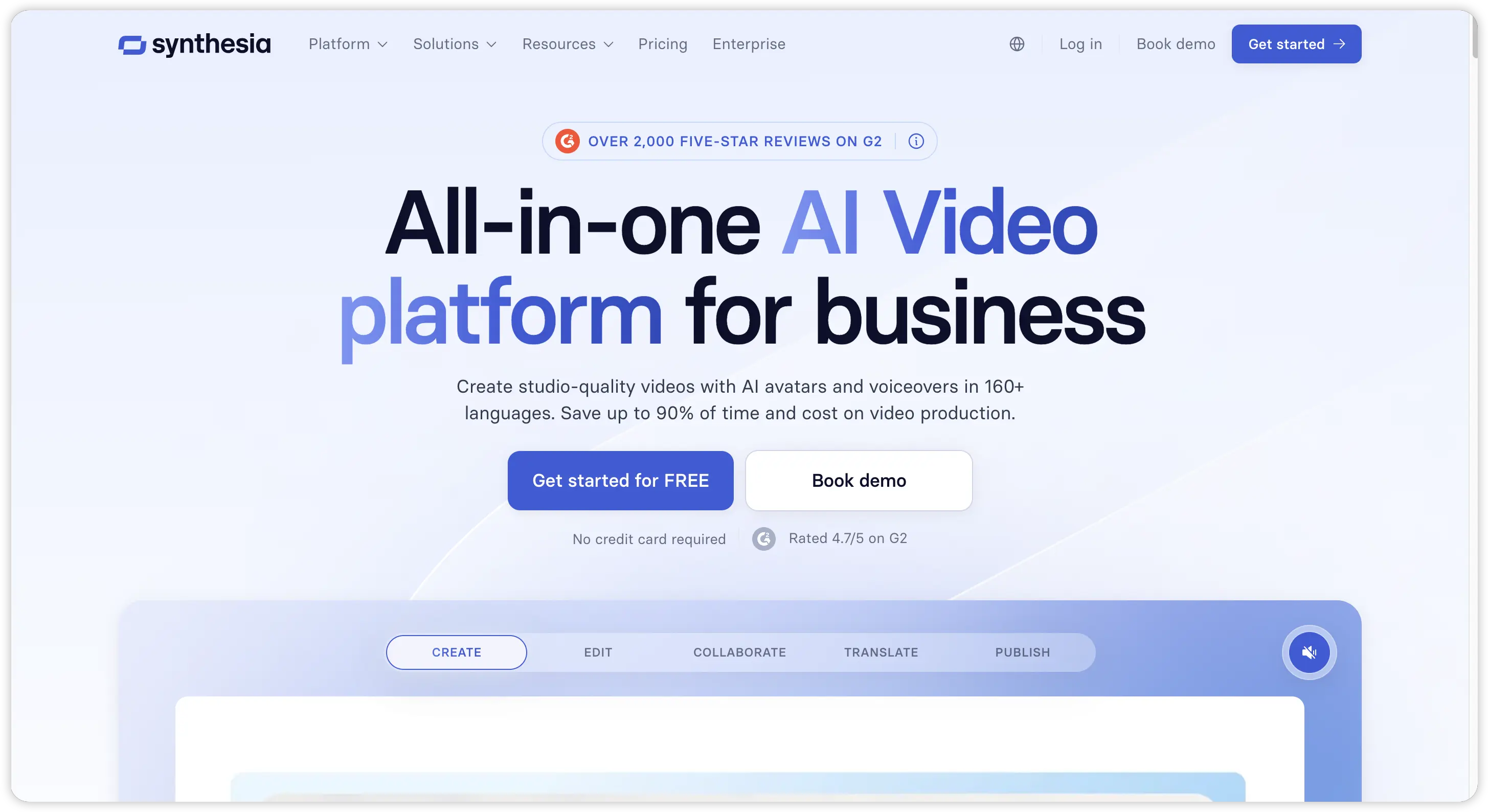
Synthesia is one of the most established tools for business-focused AI presenter videos. It is not trying to be a full creative video playground like some newer generative platforms. Instead, it focuses on a very specific use case: turning scripts into clean, professional videos with AI avatars.
Pros:
- Professional business output: Synthesia is especially strong for onboarding videos, internal communications, compliance training, product walkthroughs, and business explainers. The final videos usually feel polished, structured, and safe for enterprise use.
- Strong avatar library: The Starter plan includes 125+ AI avatars, while the Creator plan expands that to 180+ avatars and adds more advanced features like personal avatars and API access.
- Clear use case for teams: HR, L&D, and SaaS teams can create repeatable training or explainer videos without booking a presenter, camera crew, or voice actor.
- Useful multilingual support: AI dubbing and avatar-based delivery make it practical for teams that need to localize training or business content across different regions.
Cons:
- Limited creative range: Synthesia works best when the video follows a presenter-plus-script format. It is not ideal for cinematic scenes, fast-moving social clips, meme-style videos, or highly visual storytelling.
- Higher cost for serious use: The Starter plan starts at $29/month with 1,200 credits per month, while the Creator plan is $89/month with 3,600 credits per month. For small creators, that can feel expensive if they only need occasional videos.
- Usage is still constrained: Synthesia also explains usage through video minutes. The Starter plan gives around 10 video minutes per month, and unused usage does not roll over.
- Less flexible than conversational tools: You still need to prepare a clear script and work within a more structured template-style workflow.
For a quick hands-on check, I used Synthesia to create a simple SaaS onboarding explainer. The structure was straightforward: an AI presenter introduced the product, then walked through three feature points in a clean slide-style layout. The result felt very polished and appropriate for business use. The avatar looked professional, the pacing was steady, and the video did not need much cleanup afterward.
That said, the same structure also shows Synthesia’s limitation. It is excellent when you need a professional presenter video, but it can feel too controlled if your goal is a dynamic social ad, a cinematic AI scene, or a more experimental creative video.
Best for: HR, L&D teams, SaaS product walkthroughs, internal business communications.
4. Runway — Best for Cinematic and Generative Video Quality
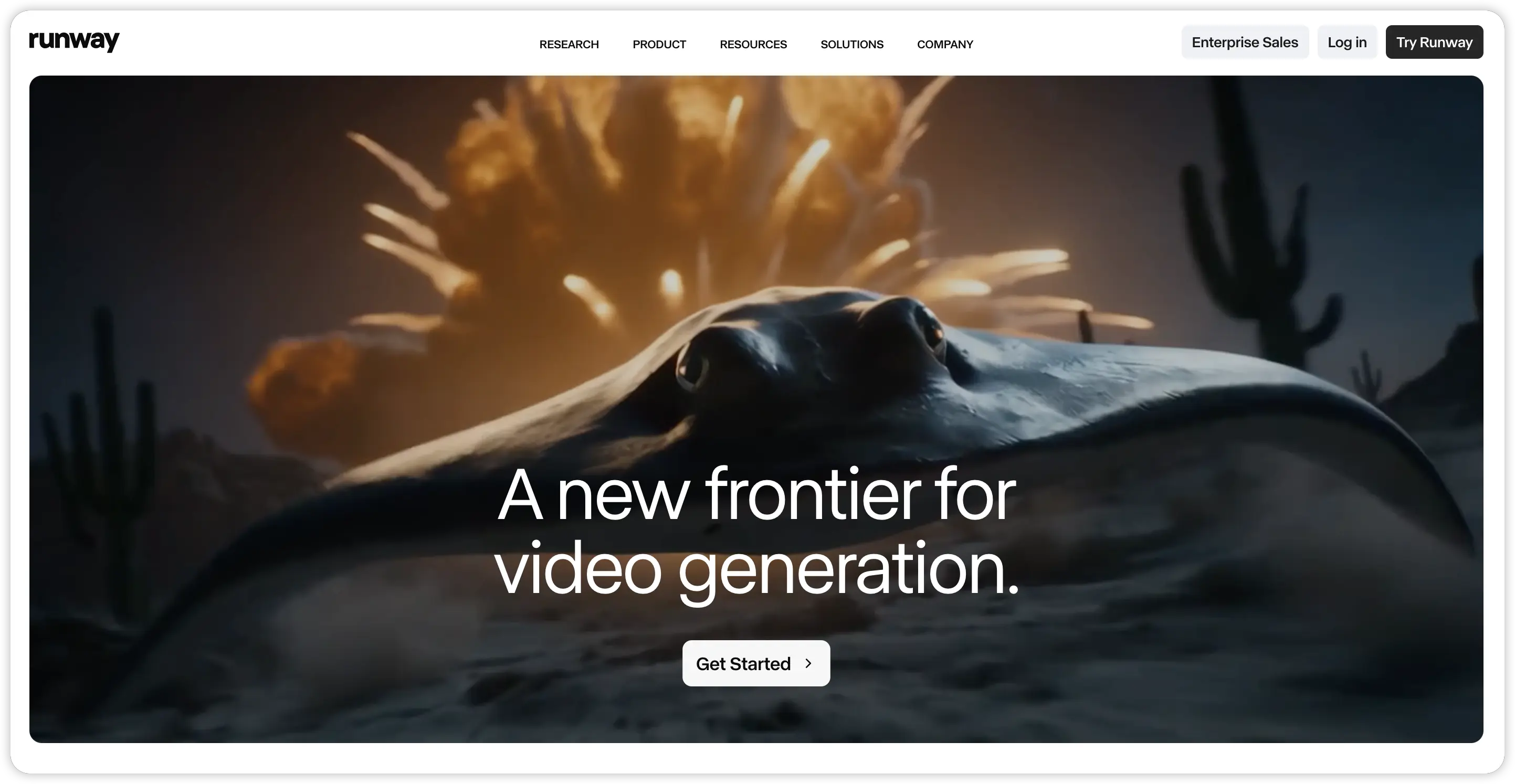
Runway ML is aimed at creators who prioritize visual quality over speed or simplicity. It excels in cinematic shots, abstract motion, stylized scenes, image-to-video experiments, and other artistic AI-generated content.
Pros:
- High visual fidelity: Ideal for cinematic, artistic, and experimental video creation where image quality and style matter.
- Flexible generative tools: Multiple models (Gen-4, Gen-4.5, Gen-4 Turbo) allow iteration on motion, lighting, and composition.
- Affordable professional entry: Standard plan at $12/mo (annual, 625 credits) or Pro at $28/mo (annual, 2,250 credits) offers room for serious exploration.
- Good for experimentation: The platform rewards creators willing to refine prompts, references, and camera angles to produce highly polished visuals.
Cons:
- Slower workflow for social clips: Not ideal for quick TikTok or YouTube Shorts; the learning curve and iteration time are higher.
- Credit management required: Each model consumes credits differently; users need to monitor usage to avoid unexpected costs.
- Not beginner-friendly: Requires some understanding of video composition and iterative design to get optimal results.
For a quick test, I generated a short cinematic product mood clip using Runway. The first output only captured the basic composition, but after adjusting the reference image, lighting, and motion path, the resulting clip looked like a polished commercial-quality shot. The process took more time than a standard social media clip, but the quality was noticeably higher.
Best for: Filmmakers, motion designers, creative directors focused on visual quality.
5. InVideo AI — Best Budget Option for Social Media Creators
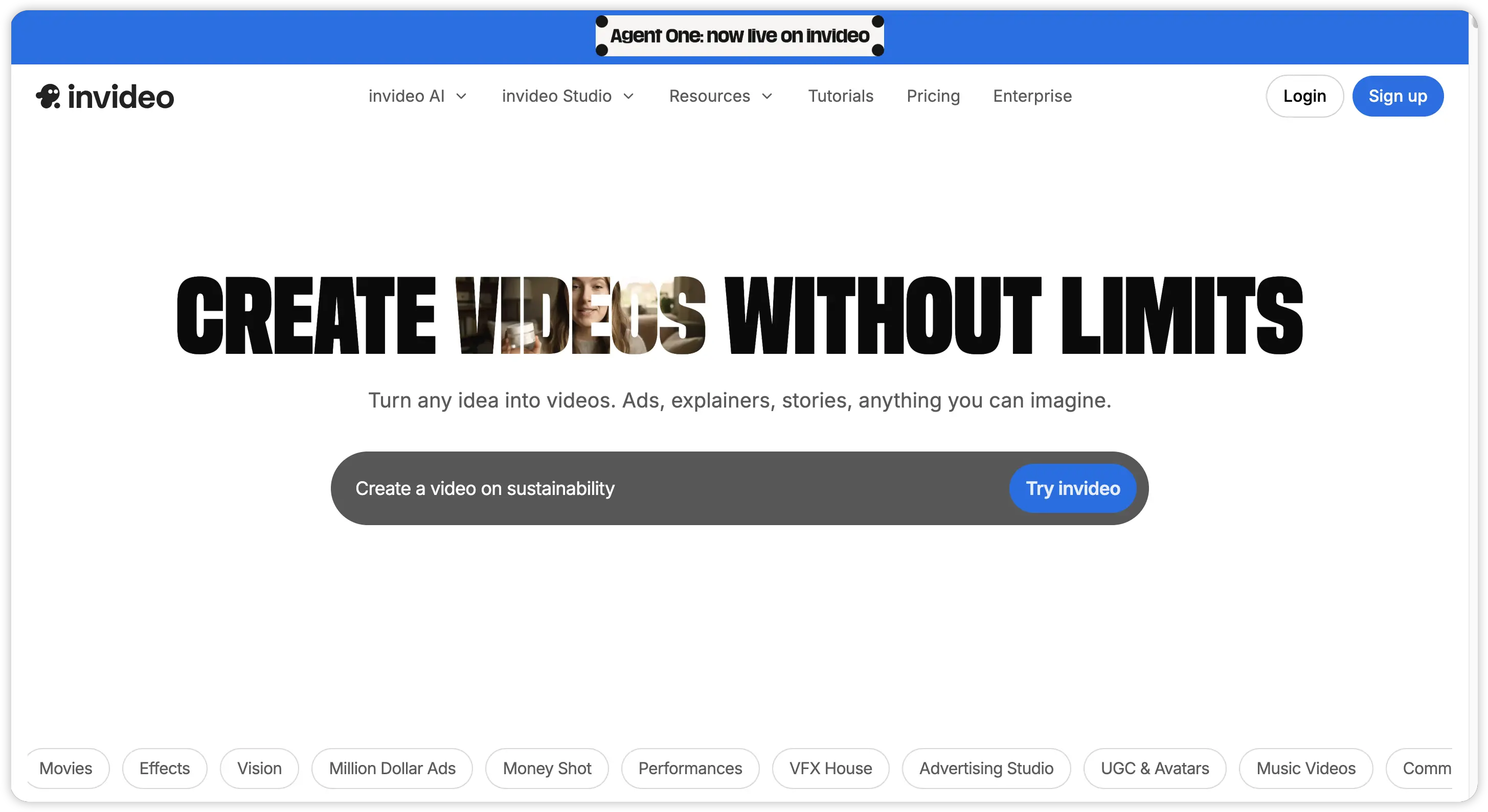
InVideo AI is designed for creators who prioritize speed and volume over frame-by-frame creative control. It is ideal for YouTube explainers, TikTok list videos, Instagram Reels, small business promos, and other quick social content.
Pros:
- Fast and accessible workflow: Start with a text prompt, script, or topic, and InVideo assembles a full video with stock footage, voiceover, captions, music, and scene structure.
- Free and low-cost plans: Free tier available for testing (watermarked), paid plans ~$25/month offer watermark-free exports, higher AI capacity, and stock assets.
- Good for small teams or solo creators: No editor required; the platform automates most of the production process.
- Flexible video lengths: Can create videos beyond short-form clips, useful for multi-minute explainers or social campaigns.
Cons:
- Templated output: Heavy reliance on stock footage means videos can start to feel repetitive after multiple projects.
- Lower creative ceiling: Less suitable for cinematic, experimental, or highly stylized videos compared to tools like Runway.
- Credit-based AI features: Costs vary depending on model choice, video length, and generation quality; complex projects may consume credits quickly.
In my simple test, I turned a blog article into a 60-second Instagram explainer. InVideo selected stock footage, generated voiceover, added captions, and delivered a postable video in under two minutes. The video was not cinematic, but it was consistent, polished, and ready for posting — exactly what I needed for fast social content.
Best for: Social media managers, small businesses, content creators on a tight budget.
Akool AI vs Pexo: Side-by-Side Comparison
This is the comparison most people searching for Akool AI alternatives actually want. Here's how the two platforms stack up directly.
| Feature | Akool AI | Pexo |
|---|---|---|
| Starting point | Free trial available, but many advanced tools are tied to paid or higher-tier access | New users get 500 credits to start testing without a credit card |
| Entry-level paid value | Better for users focused on avatar, face-swap, and personalized video campaigns | Pro plan starts at $30/month with 3,000 + 1,800 credits, giving creators more room to test different video ideas |
| Primary strength | Face-swap, AI avatar video, personalized marketing content | All-format AI video creation from one conversational workflow |
| Workflow style | More template-based and tool-by-tool; users choose a feature, upload assets, and generate | Conversational; users describe the video in natural language and refine it by chatting |
| Model access | Mostly built around Akool’s own generation system and avatar tools | Multi-model access, including Kling, Seedance, Veo, and Grok Imagine |
| Creative range | Strong for avatar videos, face-swap content, video translation, and personalized sales assets | Wider range: social videos, cinematic clips, product ads, explainers, ASMR, anime, memes, tutorials, and short dramas |
| Best output format | Personalized avatar videos, sales outreach, face-swap campaigns, localized marketing videos | Ready-to-post videos across TikTok, YouTube Shorts, Instagram Reels, ads, product demos, and storytelling formats |
| URL to video | Not a core workflow | Yes — users can turn a URL into a video brief or finished video direction |
| Audio to video | Not a core workflow | Yes — users can turn audio into video content |
| Lip sync | Yes | Yes |
| Ease of use | Easy for specific avatar tasks, but users may need to switch between separate tools for different outputs | Easier for broad creative tasks because users can keep refining through one chat-based workflow |
| Learning curve | Low to medium for basic avatar use; higher if using multiple Akool tools together | Low for beginners, especially if they already know what they want to say or show |
| Iteration style | Regenerate or adjust within specific tools | Ask follow-up instructions like “make it more cinematic,” “change the hook,” or “continue the next scene” |
| Speed to first usable video | Fast for avatar-based content when the script and assets are ready | Fast for idea-to-video creation, especially when users start with a product link, prompt, audio, or rough concept |
| Content consistency | Strong for avatar identity, face personalization, and repeated presenter-style campaigns | Stronger for building varied content formats from the same creative direction or campaign idea |
| Best for teams | Sales, enterprise marketing, personalized outreach, localization teams | Creators, marketers, startup teams, social media managers, and brands making multiple content formats |
| Main limitation | Less flexible if the goal goes beyond avatar, face-swap, or personalized business video | Credit use depends on video length, model choice, and how much users iterate |
| Overall positioning | Best when the main goal is personalized avatar or face-swap video | Best when the goal is flexible AI video creation across many formats from one workflow |
The clearest way to put it: Akool AI and Pexo serve different primary use cases. Akool is built for personalized avatar-driven video at scale. Pexo is built for creators and marketers who need to produce many different types of video — and want one platform that handles all of them well.
Which Akool AI Alternative Should You Choose?
The right pick depends on what you actually need to make. Here's a quick decision guide:
- You primarily need personalized avatar video for sales outreach at scale — Akool AI or HeyGen both serve this well.
- You want the widest creative range and the fastest workflow across content types — Pexo is the strongest overall pick.
- Your focus is enterprise business video: training, onboarding, internal comms — Synthesia is built exactly for this.
- You want maximum cinematic quality and don't mind a learning curve — Runway is worth the investment.
- You need social media content on a tight budget — InVideo AI gives solid value at a low entry point.
Most creators and marketing teams eventually find that their video needs grow in multiple directions at once. Picking a platform with real creative breadth from the start — rather than a specialist tool you'll outgrow — tends to save time and budget in the long run.
Conclusion
Akool AI does its core job well, and for teams whose entire workflow lives in personalized avatar video, it makes sense. But the AI video space in 2026 rewards creative breadth, and the best Akool AI alternatives on this list all offer something beyond what Akool was designed for. Of the five options covered here, Pexo stands out as the most versatile starting point: multi-model access, a conversational workflow, competitive pricing, and a content range that covers everything from quick social clips to full cinematic productions. If you've been looking for a platform that grows with your creative ambitions rather than capping them, it's the one worth trying first.