ChatGPT
 Perplexity
 Claude
 Gemini
 Grok
Grok



Runway AI was once a pioneer in generative video AI and generated significant attention when it first launched. By 2026, however, the AI video generation space has become more diverse, with multiple tools targeting different workflows and use cases.
This review summarizes Runway AI based on hands-on testing for social media content, Reels, and short-form video production, focusing on functionality, limitations, pricing structure, and workflow fit.
What Runway AI (Runway ML) Actually Is
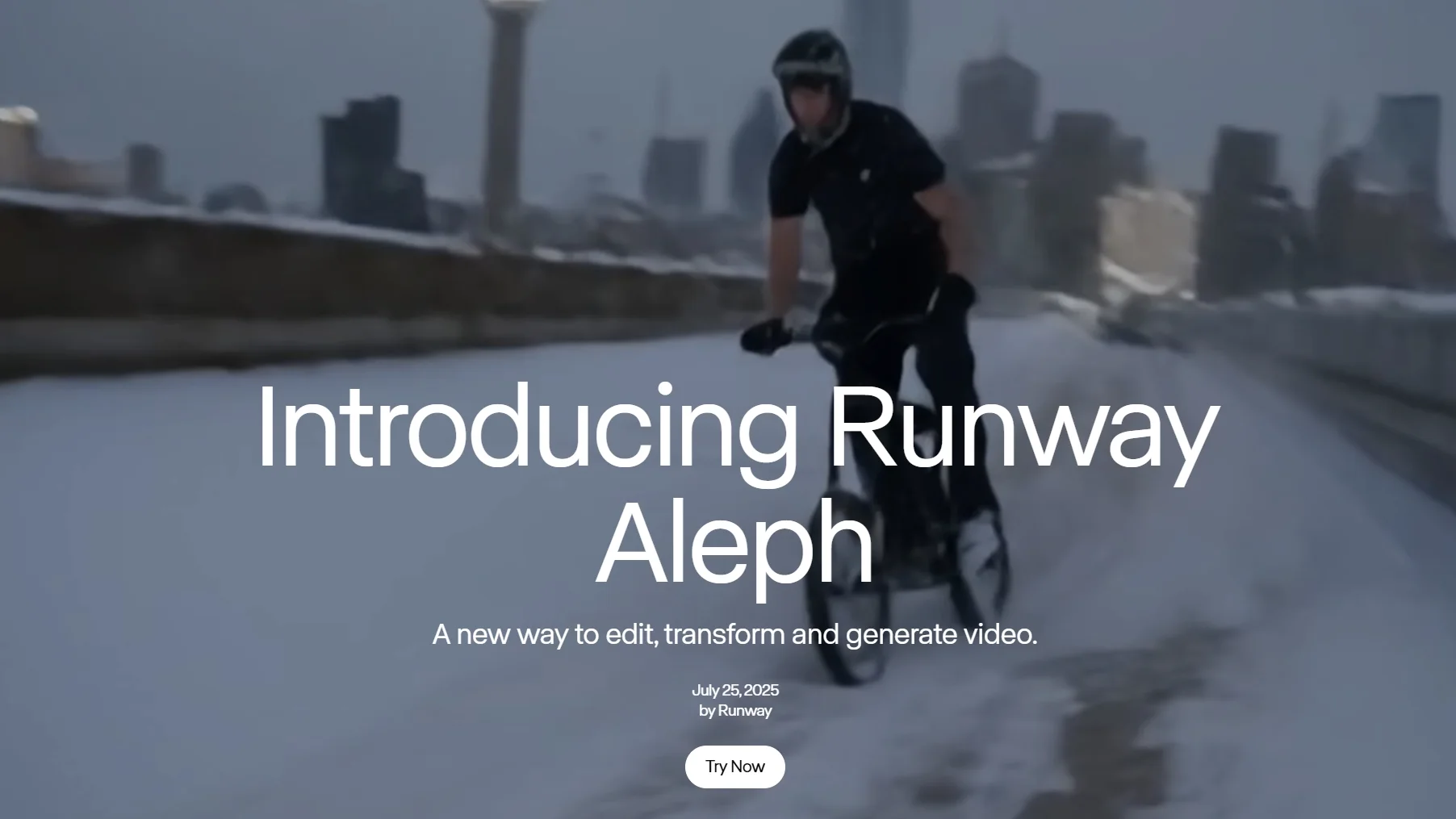
Runway AI, also commonly referred to as Runway ML, is not just a standard AI video generator. It is better understood as a model-driven video generation system combined with a lightweight creative editing layer.
Core Architecture and Model System
At its core, Runway ML is built around generative video models that convert text, images, or existing footage into motion-based outputs. These models are then paired with control tools such as motion editing, masking, and scene manipulation.
How Runway ML Differs From Template-Based Tools
Compared to newer tools focused on fast content production, Runway ML is designed around controllable generation rather than template-based creation. This makes its workflow closer to an AI-assisted video production environment built on top of generative models, rather than a simple input-output generator.
Typical Usage Scenarios
Because of this structure, Runway ML is often used more in experimental, cinematic, or concept development workflows, where iteration and control are more important than speed.
Runway AI Review: Strengths and Weaknesses
Strengths:
-
Strong cinematic and artistic visual quality, with outputs that often resemble film-style shots
-
Good image-to-video capabilities, especially for stylized or concept-driven scenes
-
Advanced creative controls (Motion Brush, Director Mode), allowing more precise manipulation of motion and framing
-
Suitable for storytelling, concept visuals, and high-end creative exploration
Weaknesses:
-
Generation speed is relatively slow, as the system prioritizes visual quality over fast iteration
-
Human motion and lip-sync can still appear unnatural in certain scenarios
-
Steep learning curve due to more complex prompting and control systems
-
Cost can scale quickly with frequent usage and multiple iterations
-
Not optimized for short-form vertical content workflows such as TikTok or Reels

Verdict: Runway is still decent for high-end cinematic or artistic projects, but for daily social media content (Reels, TikTok, marketing videos), it often feels slow and cumbersome.
Runway AI Pricing in 2026
Pricing is structured around subscription tiers combined with a credit-based usage model.
-
Standard Plan: ~$15–28/month (limited credits)
-
Pro Plan: ~$35–76/month (expanded credits)
-
Unlimited Plan: ~$95+/month
Each generation consumes credits based on model type, duration, and complexity. Total usage depends on the number of iterations and prompts required per output.
For users generating content frequently, overall consumption is determined by iteration frequency and generation volume.
Different tools in the market adopt alternative pricing structures, including subscription-based, credit-based, or hybrid models.
When Runway AI Is Typically Used
Runway AI may be used in workflows such as:
-
Cinematic or narrative-driven video production
-
Concept visualization and early-stage creative development
-
Projects requiring motion control or scene-level editing
-
Experimental or artistic video generation workflows
Limitations may appear in workflows involving:
-
High-frequency short-form content production
-
Fast iteration and rapid testing cycles
-
Simple prompt-based content generation needs
-
Strict cost efficiency requirements at scale
Runway AI Alternatives in 2026
Several alternatives have emerged, each optimized for different priorities such as speed, usability, or visual style.
1. Pexo AI

A tool designed around simplified input and faster generation workflows. It focuses on reducing prompt complexity and supporting high-frequency content production environments.
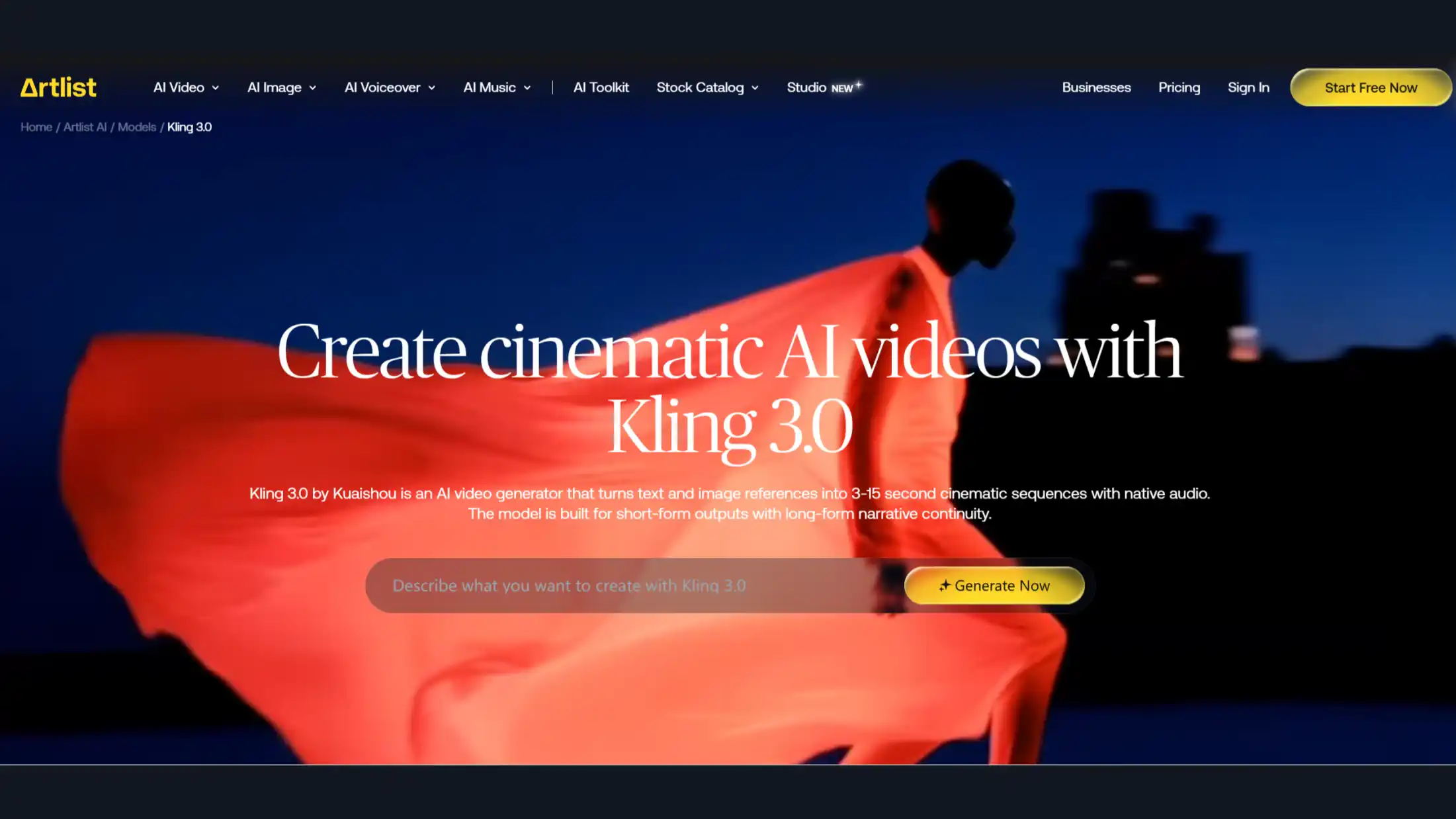
2. Kling AI
A video generation tool that emphasizes visual quality and motion consistency, often used for cinematic-style outputs and concept-based visuals.
3. InVideo AI Excellent template library and user-friendly interface. Best for beginners and marketing-focused videos. If you need animated explainer video services or presentation-style content, InVideo and similar tools are often more practical than Runway.

Runway AI vs Alternatives: Quick Comparison
| Aspect | Runway AI | Pexo AI | Kling AI | InVideo AI |
|---|---|---|---|---|
| Speed | Slower | Faster | Medium | Fast |
| Ease of Use | Complex | Simple | Medium | Easy |
| Motion Quality | Variable | Consistent | Consistent | Standard |
| Primary Use Case | Cinematic / creative work | High-frequency content | Cinematic visuals | Template-based marketing |
| Pricing Model | Credit-based | Credit-based / usage-based | Mixed | Subscription-based |
How to Pick the Best Tool for Your Needs
Choosing between Runway and its alternatives is less about which tool is “better,” and more about which workflow it supports.
-
If you post Reels, TikTok, or daily short videos, go with Pexo AI or InVideo AI. They are significantly faster and much easier for consistent content creation.
-
If you focus on cinematic, artistic, or storytelling videos, Runway AI or Kling AI may still be worth keeping for their visual strength.
-
If you are a beginner or create marketing-style videos, InVideo AI is usually the most beginner-friendly option.
-
If budget and speed are your top priorities, Pexo AI currently offers the best balance for most creators.
Pro Tip: Most people don’t need the most “powerful” tool — they need the one that helps them actually finish and publish videos without frustration.
For a wider look at current options, check this best ai video generators comparison.
Conclusion
Runway AI remains a technically capable platform, particularly for cinematic and high-production video work. However, in 2026, it is no longer universally suited to all creators.
As the ecosystem evolves, different tools are increasingly optimized for different use cases — especially in short-form content, where speed, simplicity, and cost efficiency play a larger role.
The key decision is not which tool is the most powerful, but which one aligns with how you create and publish content.