

 ChatGPT
 Perplexity
 Claude
 Gemini
 Grok
Grok


DeepBrain AI has established itself as one of the most technically impressive avatar video platforms available. The digital humans in AI Studios exhibit subtle behavioral details — weight shifts, natural blink patterns, contextual head movements — that consistently pass initial viewer scrutiny as recorded footage of real presenters. For enterprise teams producing multilingual training content, onboarding videos, and corporate communications, that level of avatar realism represents genuine production value.
The platform's limitations emerge in the production workflow rather than the output quality. Each render cycle requires 10 to 15 minutes of processing for a two-minute clip, and every script revision triggers a complete re-render. Teams that iterate heavily on pacing, wording, and presentation timing can spend an entire afternoon on revisions that would take minutes in a preview-enabled workflow. Combined with per-seat pricing at $55/month and custom avatar costs starting at $1,000, DeepBrain's cost structure scales steeply for growing teams.
This guide evaluates seven alternatives that address different aspects of the DeepBrain workflow — from avatar quality and multilingual dubbing to production speed and pricing flexibility. Each was tested against the same three benchmarks: a two-minute product walkthrough with an on-screen presenter, the same walkthrough dubbed into Spanish, and a batch of four short social clips for different platforms.
What DeepBrain AI Does Well
DeepBrain's avatar technology represents the current quality benchmark in the AI presenter category. The 150-plus avatars in AI Studios demonstrate a level of visual fidelity that distinguishes them from the more obviously synthetic outputs of most competing platforms. Subtle details — a slight weight shift during emphasis, a barely perceptible head tilt that reads as genuine thought — contribute to an overall impression of authenticity that has direct practical value for corporate video production.
Language capabilities tell a nuanced story. Korean output is exceptional, which reflects DeepBrain's origins as a Korean company with deep investment in native-language speech synthesis. Spanish and English perform at a consistently professional level. Japanese exhibits minor synchronization issues on longer compound words, where avatar lip movements occasionally lag behind the audio track. These discrepancies are subtle but noticeable to native speakers.
The pricing structure requires careful evaluation. The Starter plan at $30/month provides 10 rendered minutes — a figure that diminishes rapidly when revision cycles are factored in, as four iterations of a single two-minute video consume the entire monthly allotment. Team seats at $55/month each mean that adding an editor and a project manager triples the monthly cost. Custom digital twin avatars, where DeepBrain captures a real person's appearance and builds a dedicated AI presenter, start at $1,000 per character. These costs are proportional for enterprise training departments but represent significant investment for smaller teams and freelancers.
The platform's template library covers education, marketing, training, and internal communications. The strongest use case remains professional presenter-to-camera content, where DeepBrain delivers production quality that previously required studio bookings and on-camera talent fees.
How We Evaluated These Alternatives
Each tool received three standardized assignments designed to test DeepBrain's core feature areas. First, a two-minute product walkthrough with an on-screen presenter. Second, the same walkthrough dubbed into Spanish to evaluate multilingual capability. Third, a batch of four short social clips targeting different platform formats to assess production efficiency.
The evaluation tracked five additional criteria beyond these project outcomes. Revision workflow speed, since DeepBrain's 10-to-15-minute render cycle for each script change represents a significant productivity bottleneck. Pricing transparency, given that DeepBrain's per-seat costs and custom avatar pricing can create unexpected budget expansion for growing teams. Team collaboration features, recognizing that solo-creator tools and enterprise platforms address fundamentally different organizational needs. Output format variety, since talking-head avatars serve one video category while many teams require broader production capabilities. And preview availability — whether the platform allows users to evaluate output before committing to a full render cycle.
At a Glance: 7 DeepBrain AI Alternatives Compared
| Tool | Best For | Starting Price | Pricing Model | Free Tier | Key Strength |
|---|---|---|---|---|---|
| Pexo | Product ads & explainers | $30/month | Monthly subscription | Limited free credits | Describe a video, get a finished export |
| HeyGen | Avatar videos for teams | $29/month | Monthly subscription | Limited free trial | 30-second preview before full render |
| Synthesia | Enterprise compliance video | ~$29/month | Monthly subscription | Free demo | SSO, audit logs, approval routing |
| Colossyan | Interactive training modules | $27/month | Monthly subscription | Free trial | Branching scenarios + LMS/SCORM export |
| D-ID | Developer API & talking photos | $5.90/month | Monthly subscription | Limited free credits | Clean API, lowest entry price |
| Fliki | Voice-narrated video from scripts | $28/month | Monthly subscription | 5 min/month (watermarked) | 2,000+ voices across 75+ languages |
| Canva | Quick social video editing | $13/month (Pro) | Monthly subscription | Yes | All-in-one design suite + video editor |
Pricing as of May 2026. Plans change frequently — verify on each tool's site before purchasing.
The 7 Best DeepBrain AI Alternatives in 2026
1. Pexo, Describe the Video, Skip the Dashboard
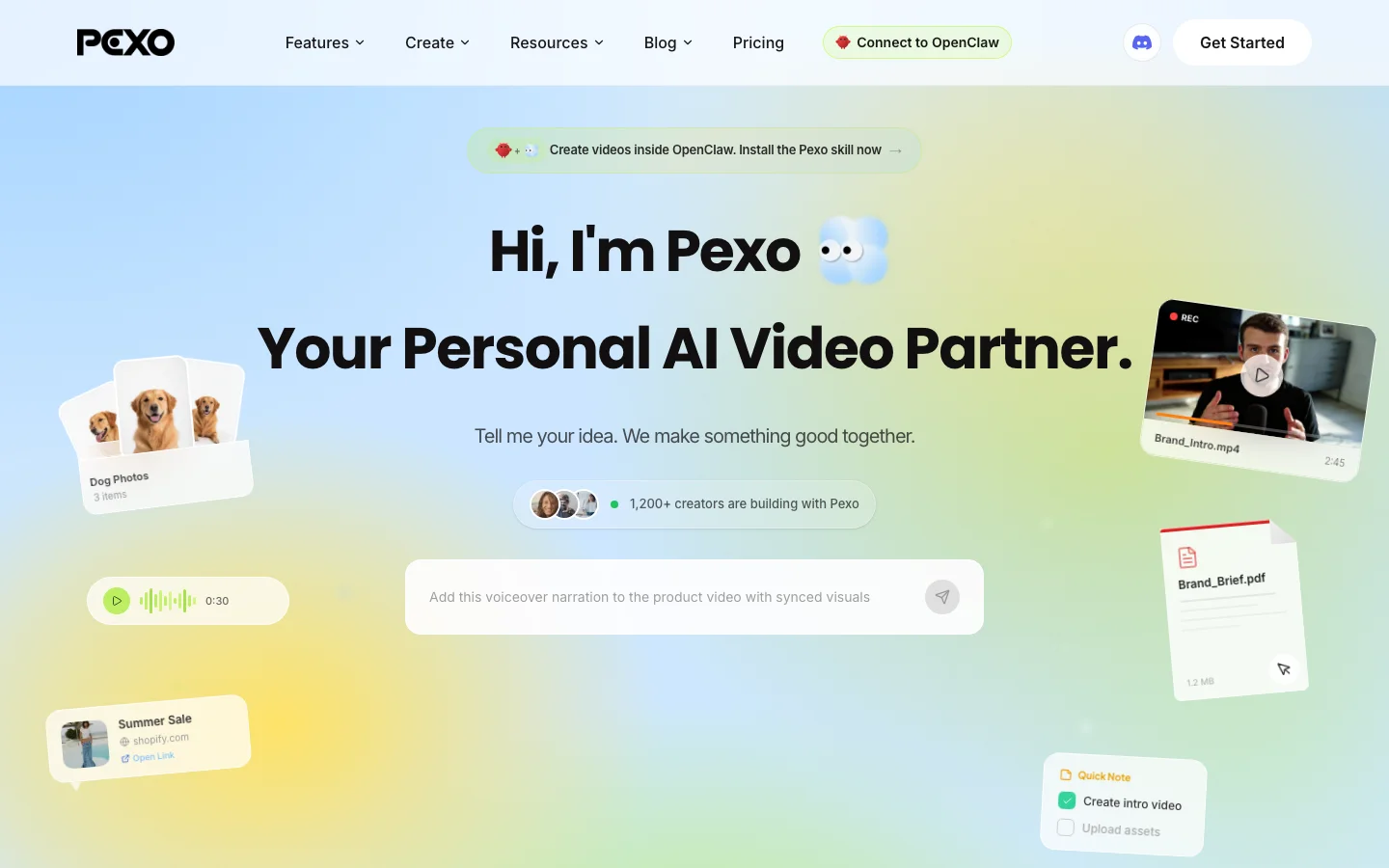
Pexo addresses video production from a fundamentally different architectural approach than DeepBrain. Rather than providing a dashboard with avatar selection, script input, and configuration settings that feed into a render pipeline, Pexo operates through a conversational interface where users describe the video they need and the platform's agent handles the production process end to end.
The workflow eliminates the iterative render cycle that defines the DeepBrain experience. Users provide a description — such as "45-second product walkthrough for a fitness tracker, three angles, voiceover covering heart rate monitoring and sleep tracking" — attach relevant product photos, and the agent manages the remaining steps. The system selects the appropriate generation model from its available options (including Sora, Kling, and Seedance 2.0), plans the scene structure, generates matched visuals, and delivers a complete export.
The platform's input flexibility extends across multiple content formats. Users can convert a landing page into a video by providing the URL and describing the desired tone, or produce a product video by describing the concept and attaching reference photography. Both approaches yield results that reflect substantial post-production effort without requiring manual editing intervention.
Pexo uses a credit-based pricing model, with costs varying depending on video length and complexity.
Pros
- Produces finished video exports from text descriptions through a conversational workflow
- Credit-based pricing ensures costs correspond directly to actual production output
- Accepts text, images, URLs, and audio files as source material for video generation
- Automatic model selection optimizes generation quality based on project requirements
Cons
- Designed for video production output rather than talking-head avatar presentations
- Provides less granular scene-by-scene composition control than studio-style editors
Works best for teams producing product ads, social clips, and explainer videos who need to eliminate the render-wait-revise cycle in favor of a conversational production workflow.
2. HeyGen, The Avatar Platform That Plays Well With Teams
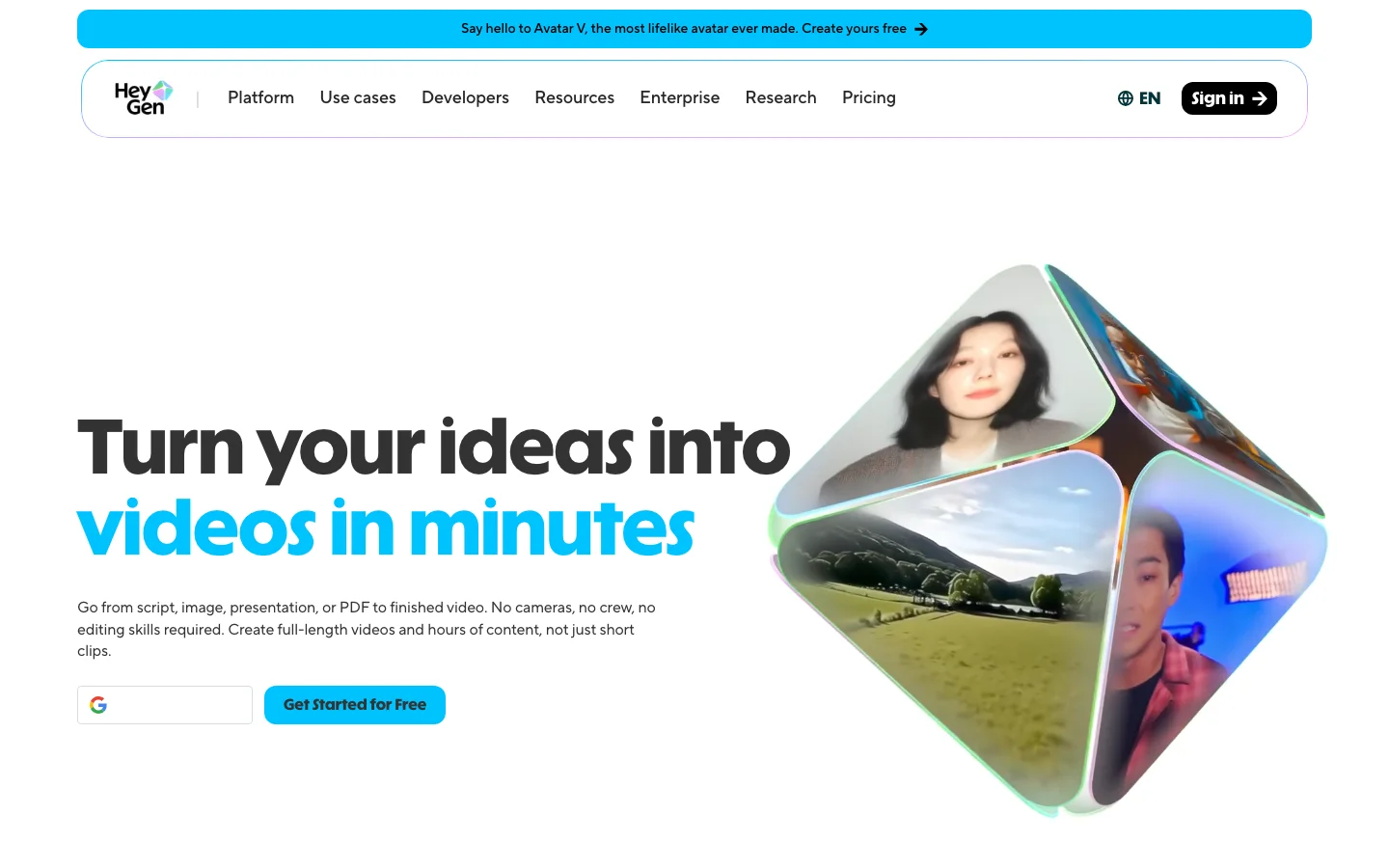
HeyGen delivers avatar quality comparable to DeepBrain while addressing the most significant friction point in DeepBrain's production workflow: the absence of preview capability. HeyGen generates a preview in under 30 seconds before committing to a full render, which fundamentally changes the revision economics. Script modifications that would cost 12 minutes each in DeepBrain's pipeline can be evaluated almost immediately, enabling multiple iteration cycles within a single working session.
The avatar library exceeds 700 options across diverse appearances and presentation styles, providing broader selection than DeepBrain's 150-plus options. Voice cloning operates across 175-plus languages, and comparative testing of English-to-Spanish dubbing produced output quality at the same professional tier as DeepBrain's localization capabilities. Batch processing supports queuing multiple clips for sequential generation, allowing users to submit projects and return to completed outputs.
Pricing starts at $29/month with clear tier documentation. The workspace model supports team collaboration without per-seat cost multiplication — a significant structural difference from DeepBrain's $55/seat pricing. A team of three sharing one HeyGen workspace avoids the cost tripling that DeepBrain's per-seat model creates. Teams evaluating avatar platforms alongside pure video generators often find a Sora alternatives comparison useful for understanding where each category fits in the broader production landscape.
Pros
- 30-second preview renders before full generation, eliminating extended revision cycles
- Over 700 avatars with voice cloning across 175-plus languages
- Team workspace model avoids per-seat cost multiplication
Cons
- Avatar realism falls slightly below DeepBrain's highest-fidelity digital humans
- Voice cloning quality decreases on less commonly supported languages
Works best for teams producing avatar-led training, sales, and marketing videos who need preview-before-render capability and team-friendly pricing.
3. Synthesia, Enterprise Governance With 230 Avatars
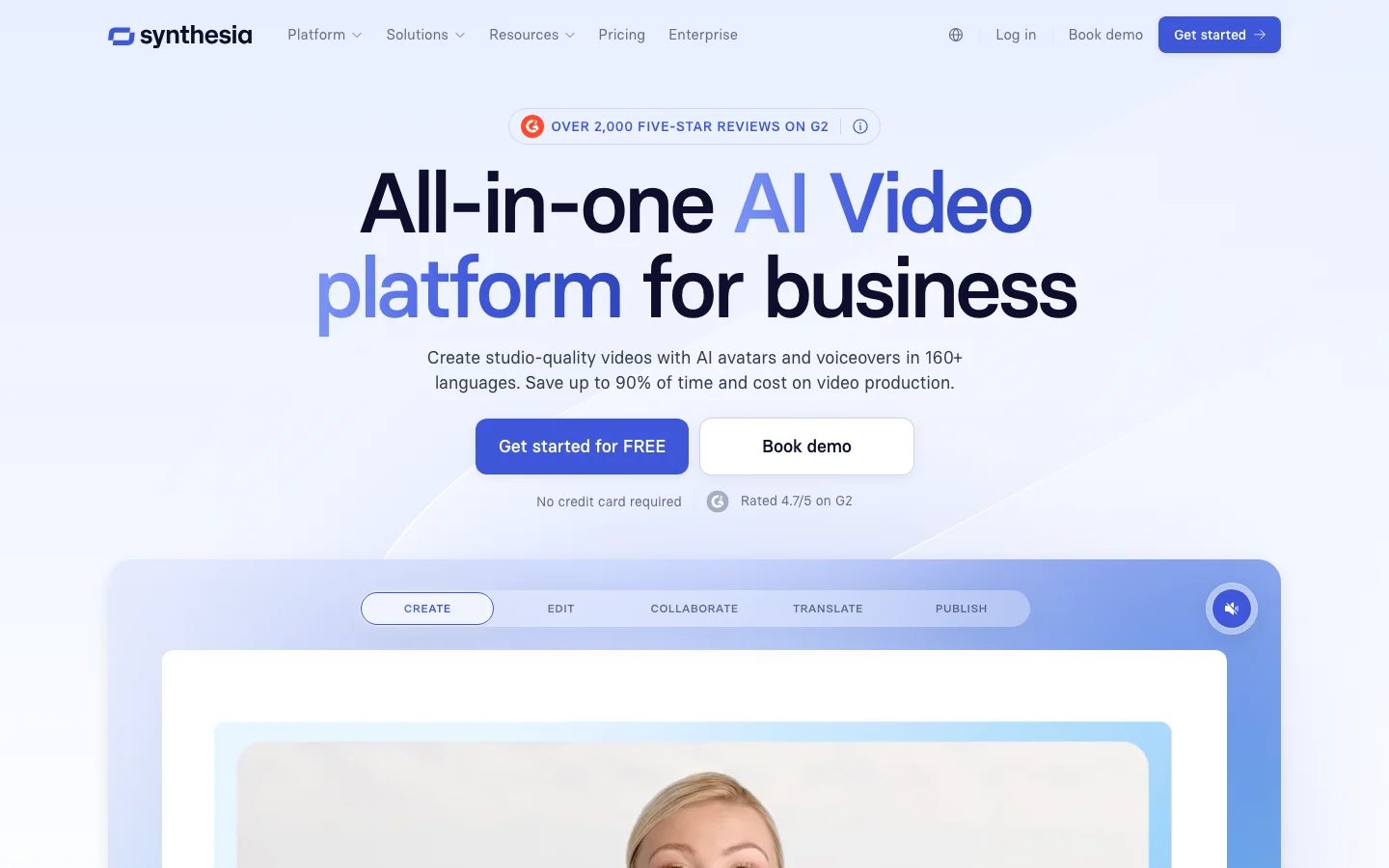
Synthesia differentiates itself from other avatar platforms primarily through its governance infrastructure rather than its video output capabilities. The platform includes SSO integration, comprehensive audit logging, role-based access permissions, and multi-stage approval workflows — enterprise security requirements that determine vendor selection in regulated industries before video quality enters the evaluation.
This governance-first positioning is substantiated by procurement outcomes. In vendor evaluations for regulated clients including financial institutions, security teams have cleared Synthesia on compliance criteria — SSO, audit trail completeness, role-based access controls — before marketing departments reviewed a single avatar demonstration. The compliance infrastructure drives the purchase decision in these environments as much as the video production capabilities do.
The video output itself maintains professional quality across a broad linguistic range. The platform offers 230-plus avatars and supports 140-plus languages, with German, Portuguese, and Spanish dubbing producing output that sounds genuinely studio-recorded. For organizations deploying training content across international offices simultaneously, this language coverage delivers immediate operational value.
DeepBrain provides team workspaces as well, but Synthesia's investment in organizational governance infrastructure runs considerably deeper. These are fundamentally different products targeting different procurement conversations.
The Starter plan is priced at approximately $29/month. Per-minute rendering costs exceed HeyGen's rates at comparable production volumes. However, teams purchasing Synthesia at enterprise scale are budgeting for compliance infrastructure as much as for video production capability.
The optimal use cases are corporate training, onboarding sequences, and internal communications — projects where content governance, access control, and approval workflows carry equal or greater weight than the visual quality of the final output. Creative advertising and social-first content production fit better in tools optimized for rapid iteration.
Pros
- Governance infrastructure including SSO, audit logs, and approval routing meets enterprise vendor audit requirements
- 230-plus avatars across 140-plus languages support global content deployment
- German, Portuguese, and Spanish language dubbing achieves studio-quality output
Cons
- Per-minute rendering costs exceed HeyGen at comparable production volumes
- The compliance infrastructure layer pushes pricing above solo creator and small team budgets
- Creative ad production and social-first content workflows are better served by faster tools
Works best for enterprise teams in finance, healthcare, legal, and government sectors requiring multilingual avatar videos with compliance-grade access controls and audit capabilities.
4. Colossyan, Built for Learning and Development Teams
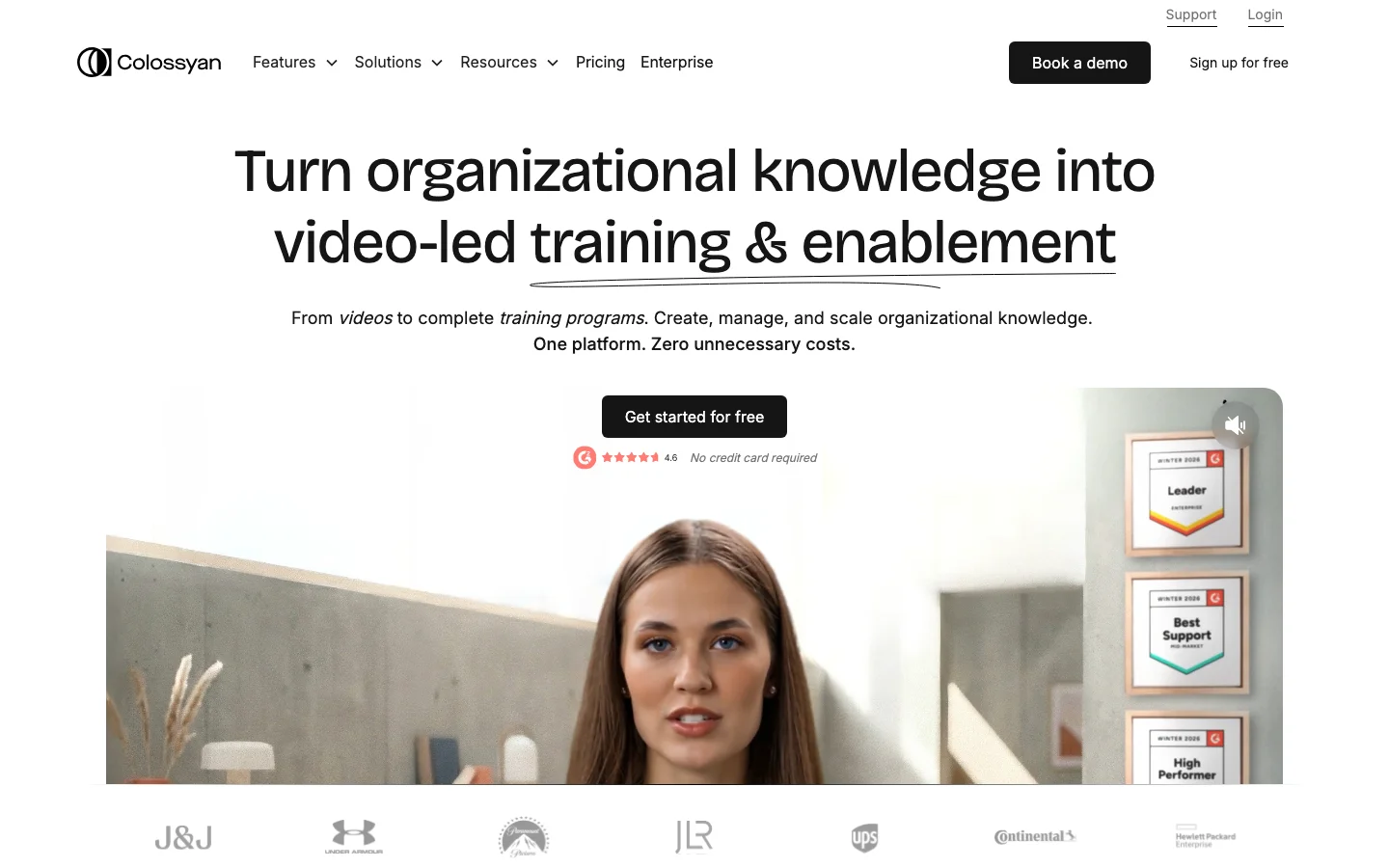
Colossyan is purpose-built for learning and development applications, with a feature set that diverges significantly from DeepBrain's linear video production model. The platform's defining capability is native branching scenario support — the ability to create interactive training videos where viewers make decisions at key points and the content branches into different paths based on their selections.
This architecture enables training formats that linear video tools cannot replicate. A safety training module can present a scenario, pause for a decision between two responses, and branch into consequence demonstrations or advancement based on the viewer's selection. Attempting to recreate this flow in DeepBrain encounters fundamental limitations, as DeepBrain's templates are optimized for linear presenter-led content rather than interactive branching structures.
The avatar library is intentionally smaller than those offered by HeyGen or Synthesia. Colossyan prioritized quality calibration for instructional contexts — avatar pacing, emphasis patterns, and tonal delivery are tuned for learning environments rather than marketing or sales presentations. Auto-translation supports 70-plus languages for international training deployment.
The Starter plan costs $27/month. Enterprise tiers unlock LMS integration with SCORM export, connecting directly to platforms such as Cornerstone and Docebo. This integration eliminates the manual upload workflow between video completion and module availability within the learning management system.
Pros
- Branching scenario capability is built natively into the editor without requiring external quiz or assessment tools
- SCORM export provides direct integration with major LMS platforms including Cornerstone and Docebo
- Avatar delivery characteristics are calibrated specifically for instructional and learning contexts
Cons
- The avatar library is deliberately smaller than HeyGen's or Synthesia's selections
- Marketing video and social advertising workflows fall outside the platform's design focus
- Teams producing exclusively linear content will not utilize the branching capabilities
Works best for learning and development teams producing interactive, branching training videos with integrated assessment and LMS connectivity.
5. D-ID, Talking Photos and Developer-First API
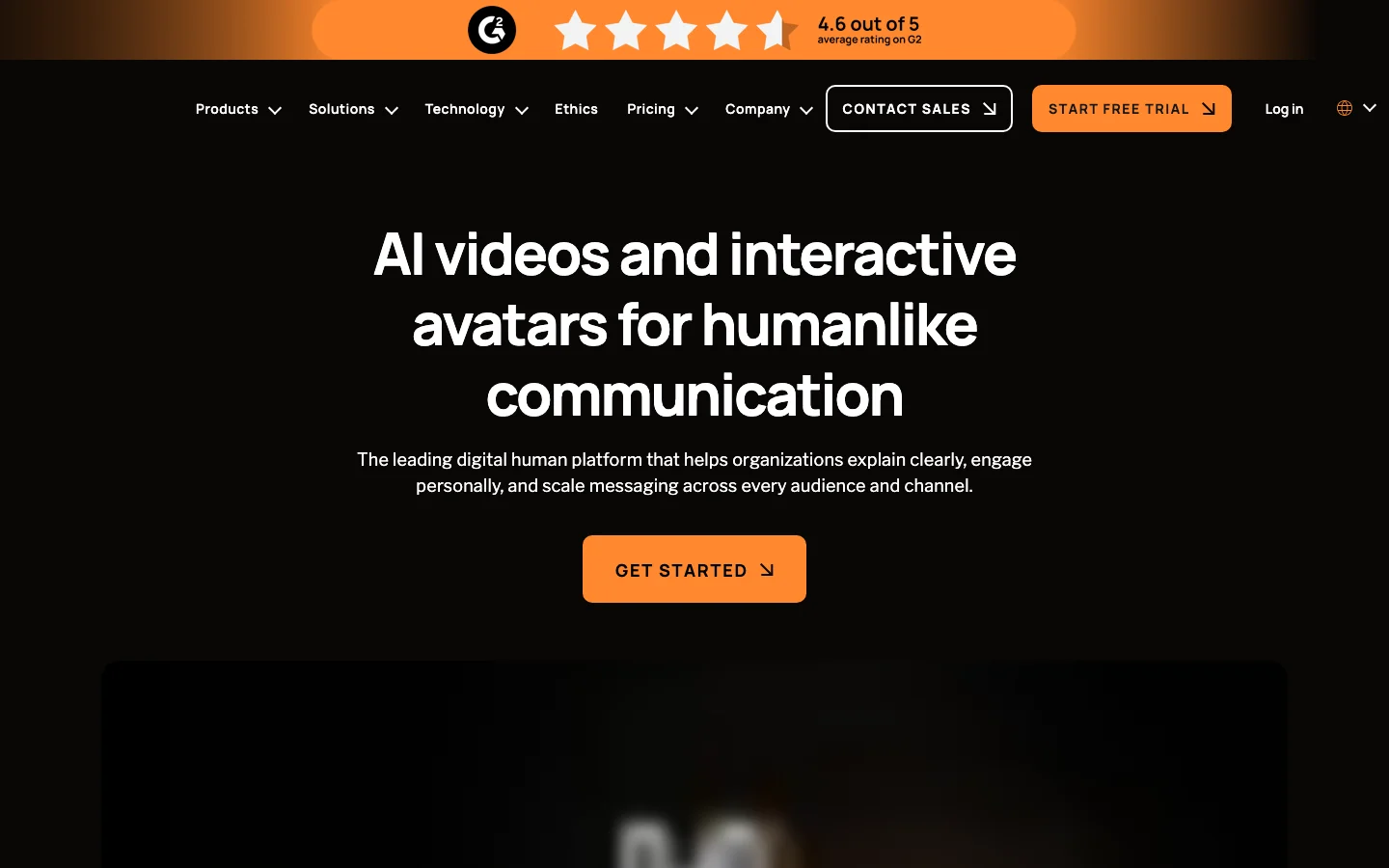
D-ID focuses on a single capability executed with minimal friction: animating portrait photographs with synchronized lip movement and voice. Upload a portrait image, provide a script, and the platform generates a talking-head clip where the face animates naturally with audio-synced lip movements. For development teams building avatar-based features into their own products, D-ID's API provides the most streamlined integration path on this list.
The API architecture is designed for developer efficiency. Documentation is well-organized, endpoints maintain consistency across versions, and a functional integration can be completed within a single working session. Comparative testing against DeepBrain's API found that D-ID's integration required approximately half the implementation time at lower per-minute costs.
Pricing starts at $5.90/month on the Lite plan, making it the lowest entry point on this list. Pro sits at approximately $23/month. The credit system provides clear per-minute cost visibility before generation, supporting accurate budget forecasting for teams managing production costs closely.
D-ID performs optimally within a specific compositional frame — head and shoulders, single speaker, clean background. Full-body avatar scenes and multi-person compositions are handled more effectively by HeyGen or DeepBrain. However, for the defined use case of converting existing portrait photography into speaking video clips — particularly when that capability needs to be accessible programmatically through an API — D-ID delivers with less implementation friction and lower cost than larger platforms. Teams building explainer video workflows around talking-head clips frequently pair D-ID's API with a dedicated editing layer for final assembly.
Pros
- $5.90/month entry price represents the lowest cost of access on this list
- API documentation is well-structured with consistent endpoint behavior across versions
- Clear per-minute cost visibility before generation supports accurate budget planning
Cons
- Optimal output requires a constrained frame — head and shoulders, single speaker
- Full-body and multi-person scenes are handled more effectively by HeyGen or DeepBrain
- Output quality is optimized for chatbot and widget integration rather than broadcast production
Works best for development teams building avatar features into their own products, and organizations with existing portrait libraries they need to animate at scale through API integration.
6. Fliki, Text-to-Video With Voice Variety
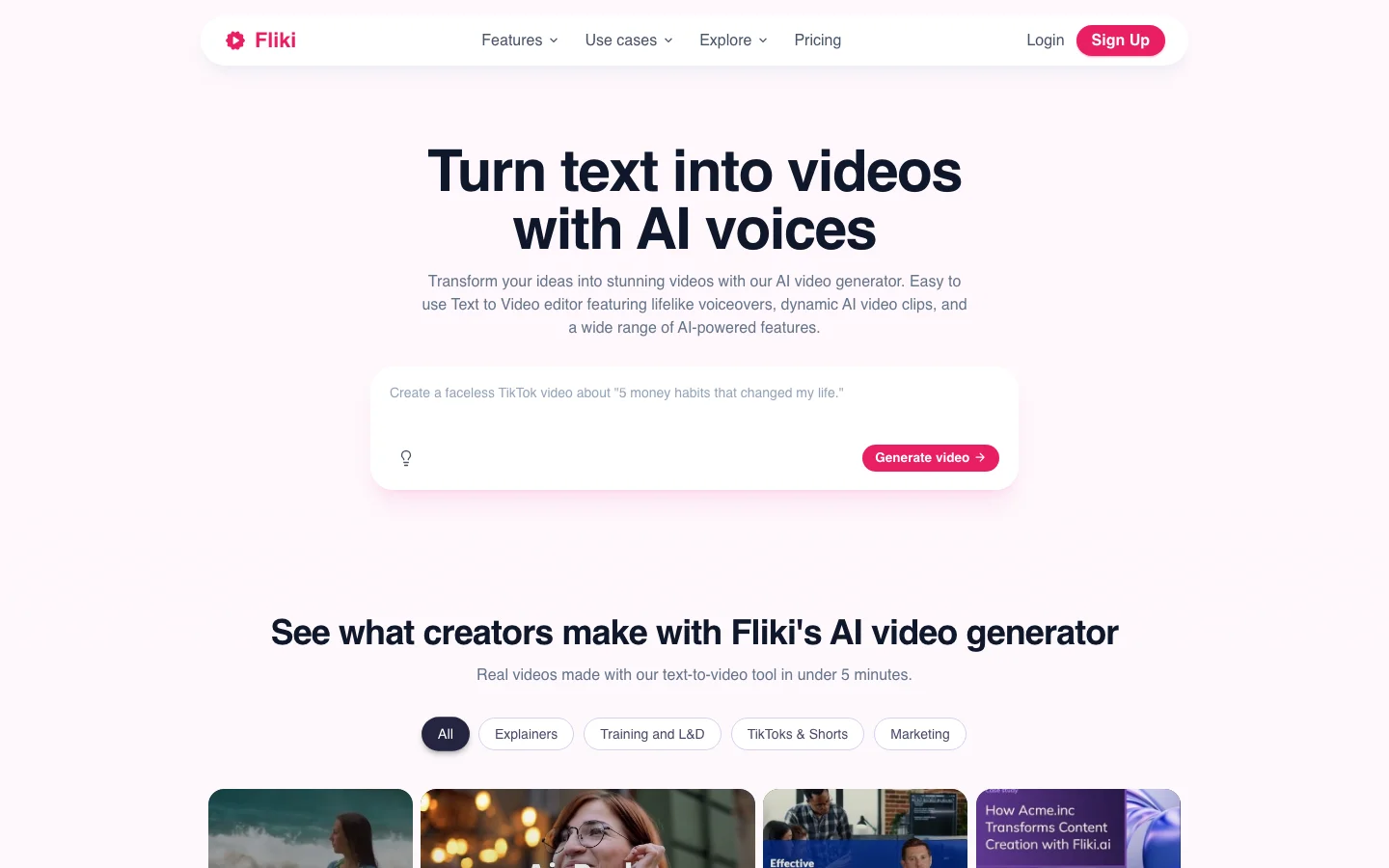
Fliki approaches video production from a narration-first perspective, distinguishing it from the avatar-centric model that DeepBrain represents. The workflow begins with text input — a script, blog post, or content outline — and produces a complete narrated video by matching relevant stock footage to the content, layering voiceover, adding subtitles, and mixing background audio. The entire process completes in approximately two minutes.
The voice library is Fliki's most distinctive asset. Over 2,000 voice options span 75-plus languages, ranging from warm conversational tones to measured tutorial delivery to energetic promotional styles. This breadth significantly exceeds what most competing platforms offer, where voice selection is typically limited to a dozen options. The variety enables precise tone matching to brand guidelines and content categories.
Comparative testing using the same product walkthrough script rendered in DeepBrain produced Fliki output that paired narration with relevant stock footage rather than a talking-head avatar. The result was polished and produced in a fraction of DeepBrain's processing time, though the visual format is fundamentally different — narrated footage rather than an on-screen presenter.
The free plan provides 5 minutes of monthly output with watermark, sufficient for workflow evaluation. Standard pricing is $28/month with full access to the voice library. Fliki includes an avatar option, though the visual quality is calibrated for narration-supplemented projects rather than avatar-led presentations. For teams where voice diversity and rapid production speed take priority over on-screen presenter presence, Fliki delivers both consistently.
Pros
- Over 2,000 voice options across 75-plus languages provide exceptional tone-matching capability
- Script-to-video pipeline with automatic stock footage matching completes in approximately two minutes
- Free tier provides sufficient capacity for meaningful workflow evaluation
Cons
- Avatar capability is oriented toward narration-led projects rather than avatar-led presentations
- Stock footage matching may miss on highly specialized or niche subject matter
- Visual composition control is more limited compared to avatar-centric platforms
Works best for content teams producing voice-narrated videos from scripts, blog posts, or content outlines, where an on-screen avatar presenter is optional rather than required.
7. Canva, Video Editing Inside a Tool You Already Own
Canva's relevance to the DeepBrain alternatives conversation stems from practical adoption patterns rather than feature parity. With over 150 million users, Canva serves as the primary design platform for a substantial portion of content teams. The platform's built-in video editor allows these teams to produce social video content — product announcements, promotional clips, platform-specific formatted content — without adopting a dedicated video tool or learning a new interface.
The production workflow is template-driven. Users import visual assets, apply text overlays, select transition styles, add background audio from the stock library, and export in multiple aspect ratios for different platform requirements. Production time for a standard social clip runs approximately 12 minutes. The output is suitable for LinkedIn, Instagram, and similar social platforms where production polish matters less than content velocity and publishing consistency.
The free plan covers basic editing capabilities and access to thousands of templates. Canva Pro at $13/month adds premium template access, expanded stock footage, and Magic Resize for multi-platform formatting. This subscription also includes the complete graphic design suite — breadth of functionality that no dedicated video platform matches at this price point.
Canva's capabilities are complementary to rather than competitive with DeepBrain's. Avatar generation, multilingual dubbing, and presenter-led corporate video production are outside Canva's design scope. The platform serves teams where video is an occasional content need that exists alongside and within their primary design workflow, rather than a dedicated production function requiring specialized tooling.
Pros
- Over 150 million existing users face zero learning curve for video editing adoption
- Pro at $13/month includes the complete design suite alongside video editing capabilities
- Multi-format export handles different social platform aspect ratios in a single operation
Cons
- No AI avatar generation, multilingual dubbing, or presenter-driven video format support
- Video editing is a supplementary feature rather than the platform's core capability
- Output quality is calibrated for social content rather than polished corporate presentations
Works best for teams already established in the Canva ecosystem who require occasional video production alongside their primary graphic design workflow.
DeepBrain vs the Field: Quick Comparison
The following summary covers pricing and positioning across all seven alternatives. All data reflects May 2026 — verification before purchasing is recommended, as these platforms adjust pricing tiers frequently.
DeepBrain AI: $30/month provides 10 rendered minutes. Team seats cost $55 each monthly. Custom digital twin avatars, built from real person capture, start at $1,000 per character. The 150-plus avatar library and 80-language support justify enterprise-tier investment for training departments with matching budgets.
Pexo operates on a credit model at approximately $0.50 per short video. Users describe their video requirements and attach source assets, and the platform's agent produces the complete output. Product ads, explainers, and social clips are supported. Inactive months generate no charges.
HeyGen costs $29/month with over 700 avatars and 175-plus language support. The 30-second preview before full render is the defining differentiator from DeepBrain's workflow. Team workspace pricing avoids per-seat multiplication.
Synthesia starts at approximately $29/month. 230-plus avatars across 140-plus languages, combined with enterprise compliance tooling — SSO, audit logging, approval workflows — that meets regulated industry procurement requirements.
Colossyan is priced at approximately $27/month. Native branching video capability supports interactive training scenarios, and LMS integration with SCORM export connects directly to platforms like Cornerstone and Docebo.
D-ID offers the lightest entry point at $5.90/month. Portrait-to-speech animation with synchronized lip movement, and API architecture designed for developer integration at lower per-call costs than DeepBrain's API.
Fliki provides a free tier of 5 watermarked minutes monthly. Standard at $28/month unlocks 2,000-plus voices across 75-plus languages. Narration-first workflow converts scripts and blog content into finished video with automatic footage matching.
Canva's free plan handles basic video editing with thousands of templates. Pro at $13/month adds stock footage access and the complete design suite. Video editing exists within the broader graphic design platform rather than as a standalone capability.
How to Pick the Right DeepBrain AI Alternative
The most effective selection approach begins with analyzing your recent project history by output format. Categorizing completed videos into avatar-presenter content versus non-avatar formats (product footage, narrated clips, motion graphics) typically reveals that a significant portion of output never required a digital human presenter — a finding that directly informs which tool categories to evaluate.
For avatar-presenter production, HeyGen addresses the most impactful workflow limitation in DeepBrain: render-cycle duration during revisions. The 30-second preview capability enables multiple script iterations within a single session, compared to the 12-minute full-render cycles that DeepBrain requires for each change. The shared workspace model also resolves DeepBrain's per-seat pricing pressure for small teams.
For product content, social clips, and explainer videos, Pexo eliminates the production pipeline entirely. Users describe each video in a chat message, attach reference assets, and receive finished exports. The credit-based pricing model aligns costs with output volume, providing budget flexibility that subscription models with fixed monthly costs do not offer.
Learning and development teams requiring interactive training content should evaluate Colossyan specifically for its native branching scenario capability. This architecture supports decision-point training where content paths diverge based on viewer selections — a format that DeepBrain's linear video templates cannot accommodate.
For regulated enterprises where vendor compliance drives purchasing decisions, Synthesia's governance infrastructure — SSO, audit trails, role-based access, and approval workflows — consistently clears security audits that eliminate competing platforms during procurement evaluation.
Development teams requiring programmatic avatar generation through an API will find D-ID's integration path the most efficient, with cleaner documentation, faster implementation, and lower per-call costs than DeepBrain's API offering.
Teams primarily producing narrated content for social channels can bypass avatar pricing entirely. Fliki's voice library of 2,000-plus options converts scripts into polished social media video content in minutes. Teams already operating within Canva can produce basic social video content without adding platform subscriptions.
The consistent finding across testing all seven alternatives: the platform with the most impressive capability demonstration rarely corresponds to the tool that most effectively addresses the specific production requirements in your current project pipeline. Evaluating against actual deliverables rather than feature comparisons produces more reliable selection outcomes.






