

 ChatGPT
 Perplexity
 Claude
 Gemini
 Grok
Grok


Rendernet AI spent two years building one of the most reliable character-consistency engines in the consumer AI image space. FaceLock, ControlNet integration, LoRA support, and multi-model generation gave it a technical depth that most competitors never matched. Then in early 2026, the platform rebranded to Affogato and pivoted toward short-form product ads — leaving a significant portion of its user base looking for a replacement that serves their original workflow.
This guide evaluates seven alternatives across image generation, video production, and creative design. Each tool was tested against the same character-consistency benchmark that Rendernet was built for: generating a single person across five distinct scenes while maintaining facial accuracy and visual coherence. Whether your priority is photorealistic image quality, pose-level composition control, or end-to-end video production, this comparison identifies which platform fits each use case.
What Rendernet AI Built Well, and What Changed
Rendernet's core value proposition centered on character consistency. Users could upload a single reference photo and generate that individual in entirely different environments while maintaining accurate facial features throughout. FaceLock automated this process in a way that most competing platforms still require manual prompting to approximate. Combined with ControlNet for precise pose and composition control, support for custom LoRAs, and access to multiple generation models, Rendernet offered a level of technical control that rewarded invested users.
The pricing structure during the Rendernet era was transparent and competitive. The free plan provided 10 credits per day, sufficient for meaningful evaluation without financial commitment. The Pro tier at approximately $19/month added private generation mode and faster processing. Premium users at $39/month accessed the complete FaceLock and ControlNet stack with priority access to newer models including Flux.1.
The 2026 rebrand to Affogato shifted the platform's focus toward short-form product advertisements optimized for TikTok, Reels, and Shorts. The rendernet.ai domain now redirects to affogato.ai. Documentation remains fragmented across both brand identities, and post-rebrand pricing has been less clearly published than the original Rendernet tiers. While the underlying technology — character consistency, pose control, multi-model generation — remains capable, the platform's new direction may no longer align with the workflows that originally attracted its user base.
How We Evaluated These Alternatives
Each tool on this list was tested against a standardized project: generating a consistent character across five different scenes — office, outdoor, portrait, product placement, and candid street photography. This benchmark directly mirrors the job Rendernet's FaceLock was designed for, and it immediately reveals which alternatives maintain facial accuracy across varying contexts and which lose consistency after the first few generations.
Beyond character consistency, the evaluation tracked four additional criteria. Output quality at production-ready resolution for professional deliverables. Pricing transparency, particularly important given the confusion surrounding Rendernet's post-rebrand cost structure. Workflow breadth, since many teams require both image and video capabilities from a single platform. And the availability of meaningful free tiers, allowing thorough evaluation before financial commitment.
At a Glance: 7 Rendernet AI Alternatives Compared
| Tool | Best For | Starting Price | Pricing Model | Free Tier | Key Strength |
|---|---|---|---|---|---|
| Pexo | Product ads & social clips | $30/month | Monthly subscription | Limited free credits | Full video from a text description |
| Midjourney | Image quality & artistic range | $10/month | Monthly subscription | No | Top-tier photorealism |
| Leonardo AI | Pose control & character work | $12/month | Monthly subscription | 150 free tokens/day | ControlNet via visual interface |
| Ideogram | Text-in-image graphics | $7/month | Monthly subscription | Generous free tier | Legible typography in AI images |
| Flux | Unlimited local generation | Free (self-hosted) | Open-source / ~$0.003 per API call | Yes (self-hosted) | No subscription ceiling |
| DALL-E 3 | Multi-element prompt accuracy | $20/month (via ChatGPT Plus) | Bundled subscription | Free via Bing | Literal prompt interpretation |
| Canva | Quick social graphics | $13/month (Pro) | Monthly subscription | Yes | All-in-one design + AI generation |
Pricing as of May 2026. Plans change frequently — verify on each tool's site before purchasing.
The 7 Best Rendernet AI Alternatives in 2026
1. Pexo, Turn a Description into a Finished Video
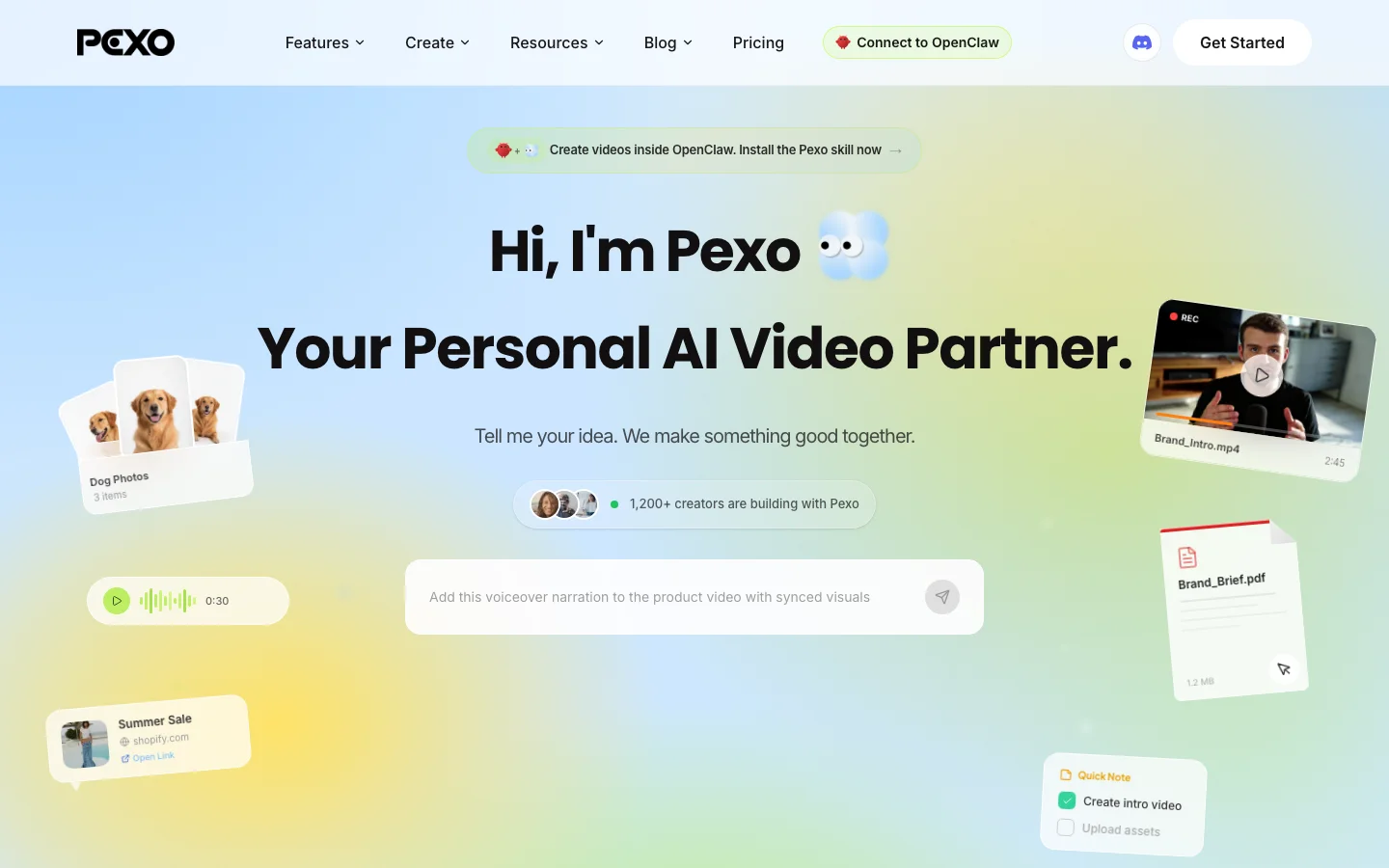
Pexo occupies a fundamentally different category than Rendernet. Rather than generating individual images that require manual assembly into a final deliverable, Pexo produces complete videos from a text description. The platform operates through a conversational interface where users describe the video they need, attach reference materials, and receive a finished export — bypassing the entire image-to-timeline-to-editor pipeline that Rendernet users typically relied on.
The workflow addresses a specific bottleneck in content production. A standard Rendernet-based process involved generating character images, exporting them, importing into a video editor, building a timeline, recording voiceover separately, synchronizing audio, adding music, and rendering the final output. With Pexo, users provide a description such as "30-second product ad for wireless earbuds, three angles, upbeat music, voiceover covering key features," attach product photos, and the agent handles the rest. The system automatically selects the appropriate generation model from its available options — including Sora, Kling, Hailuo, Veo 3, Seedance 2.0, and Runway — plans scenes, and delivers an export ready for publication.
The platform's input flexibility extends beyond text. Users can convert a landing page into a video by providing the URL, or create a product video by describing the concept and attaching reference photography. Both approaches produce results that reflect significant post-production effort without requiring manual editing.
Pexo uses a credit-based pricing model, with costs varying depending on video length and complexity.
Pros
- Produces finished video exports from text descriptions without manual timeline editing
- Credit-based pricing ensures costs align directly with actual output volume
- Accepts text, images, URLs, and audio files as source material
- Automatic model selection optimizes generation quality for each project type
Cons
- Provides less granular frame-by-frame composition control than dedicated image tools
Works best for teams producing product ads, social clips, and explainer videos who need to eliminate the assembly step between image generation and final deliverable.
2. Midjourney, The Image Quality Benchmark
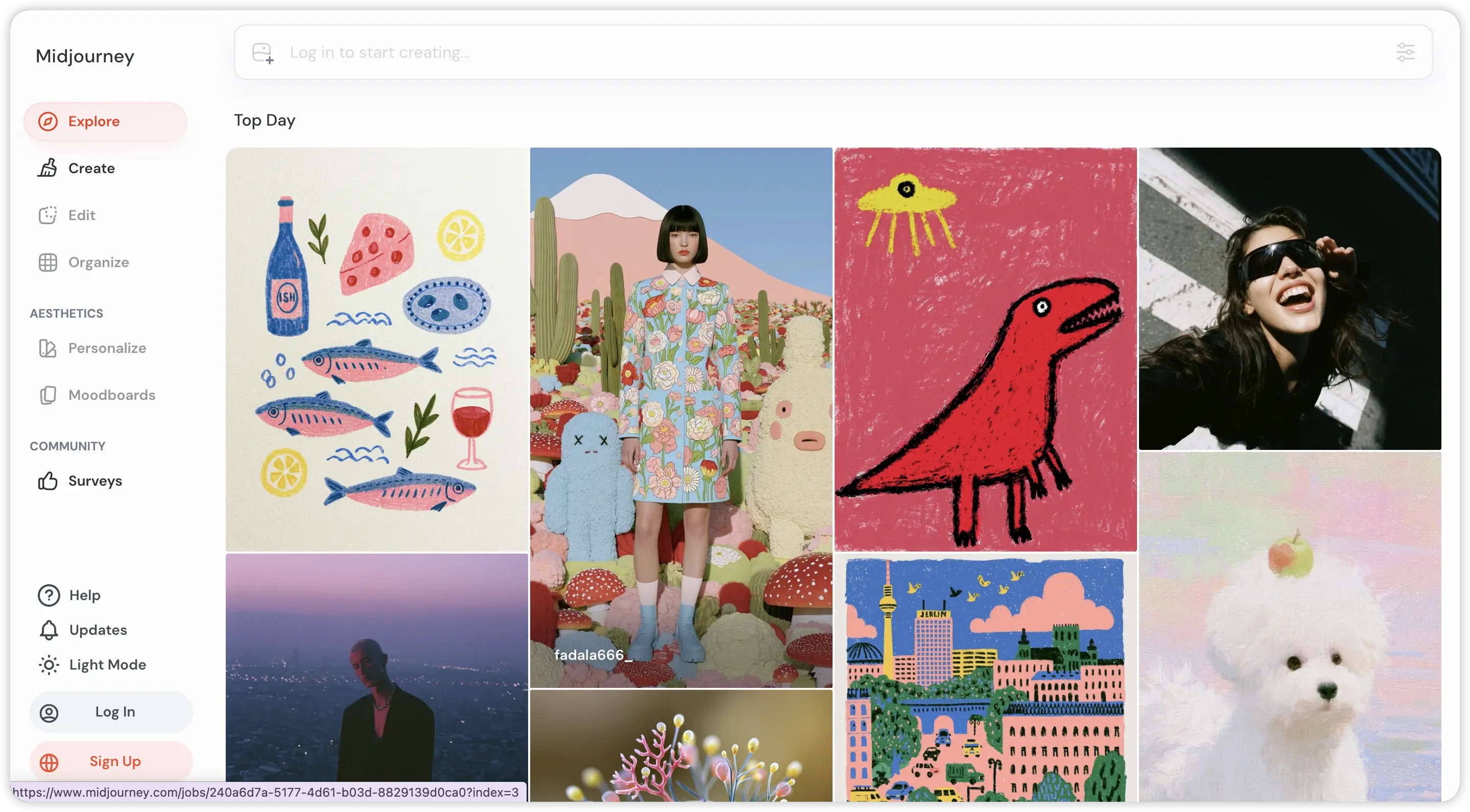
Midjourney V6 represents the current ceiling for AI image quality in this category. The photorealism capabilities have reached a level where outputs are routinely mistaken for professional photography — a distinction that has practical implications for teams producing client-facing materials such as campaign decks, pitch presentations, and editorial content.
The stylistic range extends well beyond photorealism. Midjourney handles painterly, surreal, cinematic, and abstract aesthetics with equal competence, making it the most versatile option on this list for teams whose projects span multiple visual styles. A single platform can serve mood boards, hero images, social graphics, and conceptual explorations without requiring workflow changes between styles.
Pricing starts at $10/month on the Basic plan and $30/month on Standard, which adds faster processing and concurrent job capability for batch workflows. These prices have remained consistent and clearly published since the platform's early access period, providing the kind of pricing stability that Rendernet's post-rebrand transition disrupted.
The primary limitation relative to Rendernet is character consistency. Maintaining the same face across multiple outputs requires deliberate manual effort — locking seed values, providing reference images, and maintaining precise prompt structure across generations. Rendernet's FaceLock automated this process entirely. Pose-level composition control also remains more limited than what ControlNet users expect. Teams exploring video generation alongside image work often reference a Sora alternatives comparison to understand how the image and video generation landscapes connect.
Pros
- Image quality sets the standard for the entire AI image generation category
- Stylistic versatility spans photorealism, painterly, surreal, and cinematic aesthetics
- Pricing has remained transparent and stable since the platform's launch
Cons
- Character consistency across multiple outputs requires manual seed-locking and reference management
- Pose and composition control is more limited than ControlNet-based workflows
- The Discord-based interface presents an initial learning curve for new users
Works best for creators and designers who prioritize image quality and artistic control over automated character consistency features.
3. Leonardo AI, ControlNet for Everyone
Leonardo AI provides the closest functional equivalent to Rendernet's power-user toolkit, particularly for teams whose workflows depend on ControlNet-style pose and composition control. The platform delivers this capability through a visual interface rather than requiring manual parameter configuration — upload a reference pose, describe the target scene, and Leonardo maps the character into that composition with reliable consistency.
The model ecosystem represents a significant advantage. Leonardo hosts multiple fine-tuned models optimized for distinct visual styles including photorealism, anime, concept art, and product photography. Switching between models requires a single dropdown selection. While Rendernet also supported multi-model generation, Leonardo's gallery of community-trained models provides substantially wider stylistic range without additional configuration.
The free tier offers 150 daily tokens, providing sufficient capacity for meaningful evaluation across multiple project types before any financial commitment. The Apprentice plan starts at $12/month, while Premium at $30/month adds priority processing and expanded token allotments. All pricing is published transparently on the platform.
Image quality positions below Midjourney's ceiling for editorial-grade applications but exceeds most competitors for product photography and character generation work. The core value proposition is the ControlNet integration — for users who relied on Rendernet specifically for pose control, composition references, and character-driven projects, Leonardo delivers comparable precision through a more accessible interface.
Pros
- Pose and composition control operates through a visual interface rather than manual parameter entry
- Extensive library of fine-tuned models covering photorealism, anime, concept art, and product photography
- 150 free daily tokens provide sufficient capacity for thorough evaluation before purchasing
Cons
- Editorial-grade image quality falls below Midjourney's highest output tier
- Quality consistency across community-trained models varies
Works best for power users who depend on pose control, composition references, and model variety for character-driven image projects.
4. Ideogram, When the Text in Your Image Actually Matters
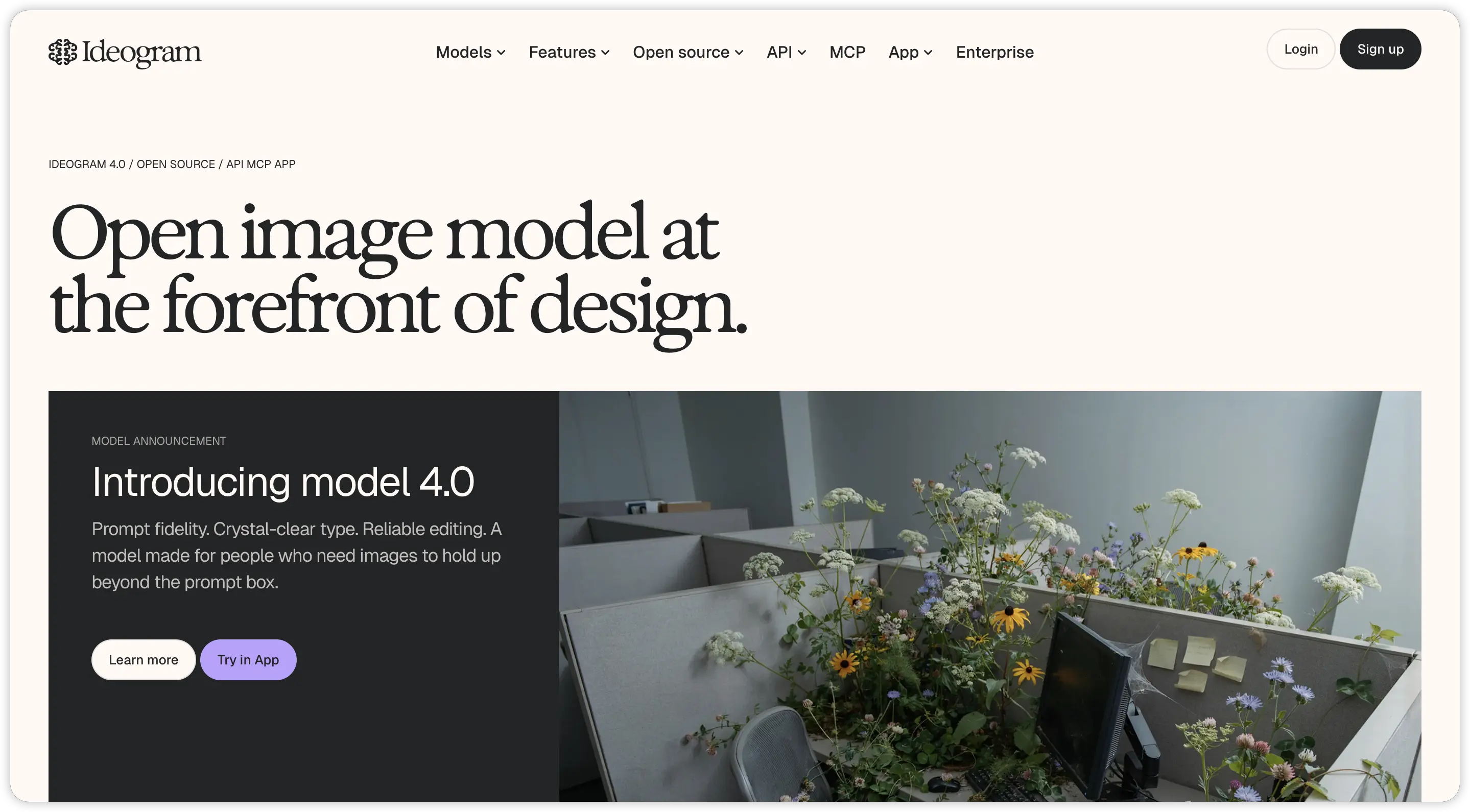
Ideogram addresses a specific capability gap that affects virtually every other AI image generator: rendering legible text within generated images. While platforms like Midjourney and Leonardo produce visually impressive outputs, text elements consistently degrade into abstract shapes or illegible approximations. Ideogram generates readable typography as an integrated part of the image composition — a capability that unlocks entire categories of marketing deliverables.
The practical applications extend across social media graphics with embedded campaign slogans, product mockups displaying actual brand names on packaging, event posters with accurate dates and venue information, and YouTube thumbnails with readable title text. Each of these use cases previously required a two-step workflow: generate the base image in a tool like Rendernet, then add text in a separate design application. Ideogram collapses both steps into a single generation prompt.
The free plan provides generous daily capacity for thorough evaluation. Pro pricing starts at $7/month, adding faster processing and higher resolution output — positioning it as one of the most affordable options on this list and substantially below Rendernet's original Pro tier.
Portrait-level photorealism falls below what Midjourney and Leonardo produce, as Ideogram is optimized for graphic compositions and typographic layouts rather than facial consistency or character work. Users whose primary Rendernet use case involved FaceLock portraits will not find a direct replacement here. However, for workflows centered on marketing graphics requiring readable overlay text, Ideogram addresses that specific need more effectively than any competing platform.
Pros
- Generates legible, accurately rendered text within AI-generated images — a rare capability in this category
- The free plan provides sufficient daily capacity for meaningful evaluation
- Pro pricing at $7/month positions it among the most affordable options available
Cons
- Portrait photorealism falls below the output quality of Midjourney and Leonardo
- Character consistency and face-locking capabilities are not part of the platform's feature set
Works best for marketers and designers who need legible typography within AI-generated images for social graphics, product mockups, and promotional materials.
5. Flux, Open-Source Power Without the Subscription
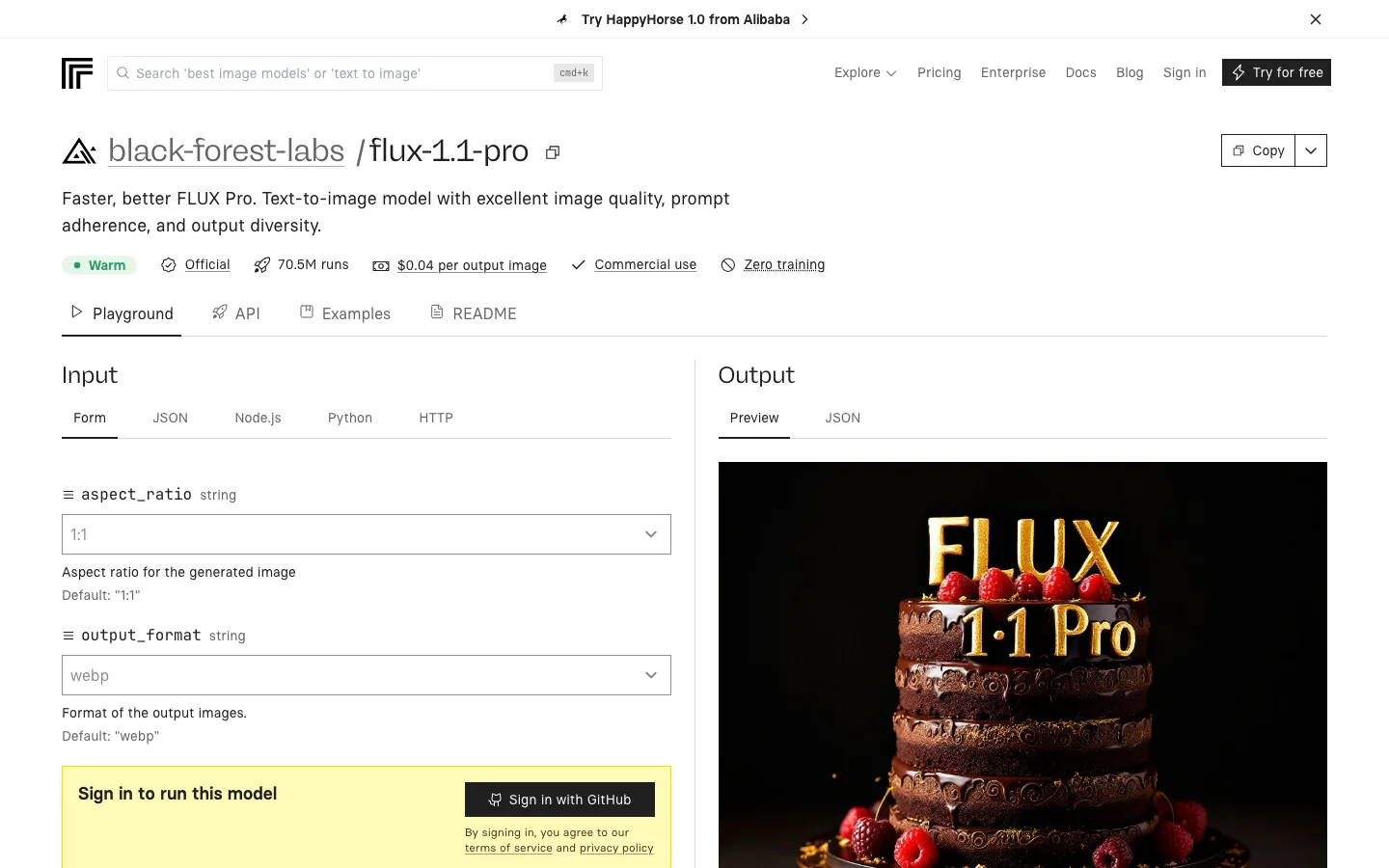
Flux represents a fundamentally different approach to AI image generation. As an open-source model, it can be downloaded and run locally on compatible GPU hardware, eliminating subscription costs entirely for teams with the technical infrastructure to support it. For studios and production teams generating high volumes of images monthly, this model removes the credit ceiling and per-image cost structure that subscription platforms impose.
The economic argument is straightforward. Users running Flux on local hardware — a workstation with a capable GPU such as an NVIDIA 4090 — can generate unlimited images at no marginal cost beyond electricity. For teams that regularly exhausted Rendernet's monthly credit allotments and incurred overage fees, the absence of a generation ceiling represents a significant operational advantage. Custom LoRA training integrates through ComfyUI, allowing teams to develop and deploy proprietary visual styles within a fully controlled pipeline.
For users who prefer to avoid hardware management, hosted API access is available through Replicate and Together AI at approximately $0.003 per image. The Flux 1.1 Pro version has achieved photorealism quality competitive with Midjourney in controlled comparison testing, making it a viable option even at the highest quality tier.
The tradeoff is accessibility. Rendernet provided a browser-based interface with straightforward controls. Flux requires familiarity with Python environments, GPU driver configuration, and terminal-based workflows. Visual interfaces such as ComfyUI and Automatic1111 reduce this barrier, but the initial setup still demands technical competence that browser-based platforms do not require. The hosted API route through Replicate or fal.ai eliminates the setup requirement entirely, though it reintroduces per-image costs.
Pros
- Local deployment enables unlimited image generation with no subscription or per-image costs
- Flux 1.1 Pro achieves photorealism quality competitive with leading commercial platforms
- Full pipeline ownership through custom LoRA training and ComfyUI integration
Cons
- Local setup requires Python proficiency, GPU driver management, and terminal familiarity
- No browser-based dashboard — the tool is a model, not a web application
- Hosted API access through Replicate or fal.ai reintroduces per-image costs
Works best for technical teams and studios that require full pipeline control with local deployment and unlimited generation capacity.
6. DALL-E 3, Already Built Into Tools You Use
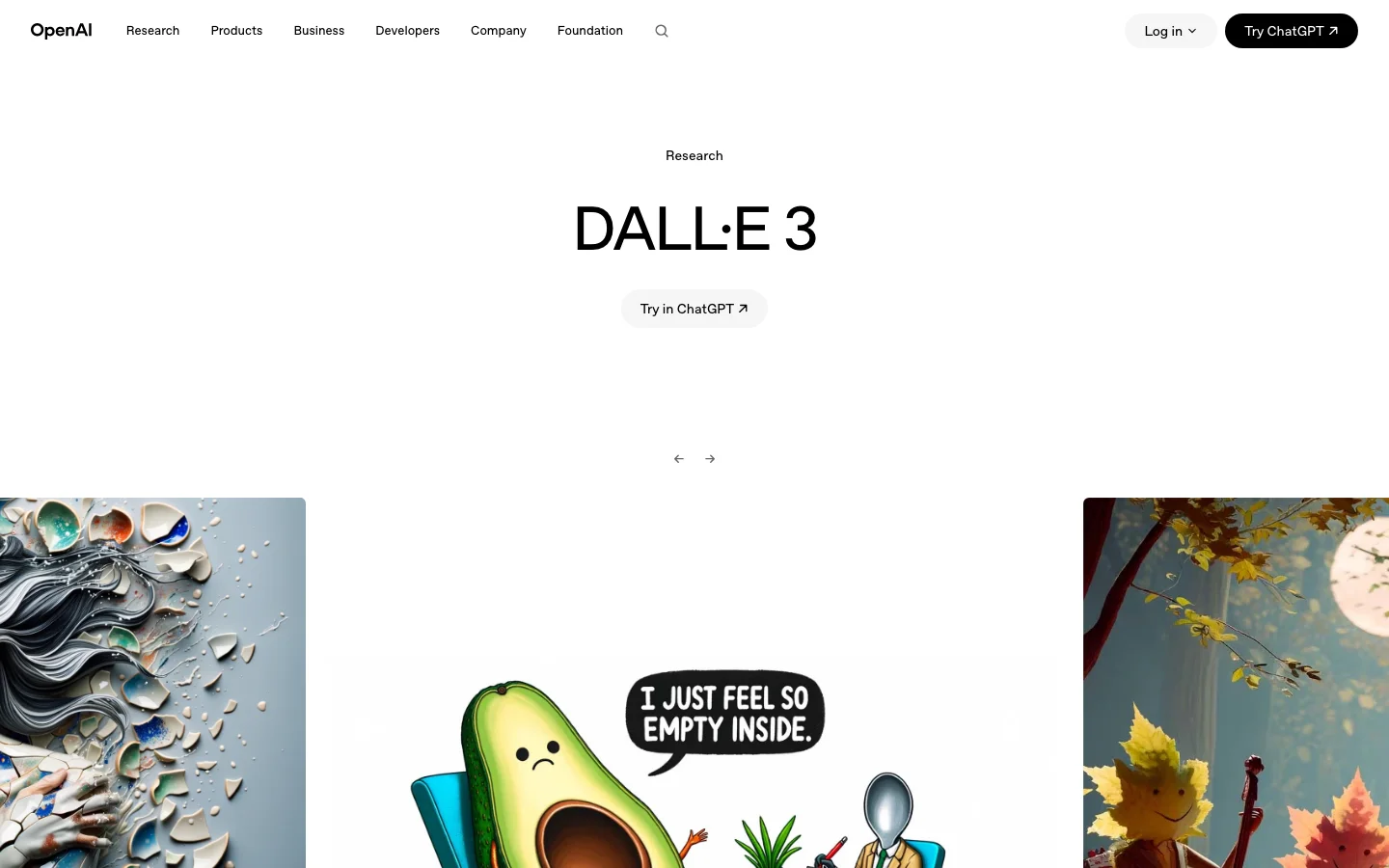
DALL-E 3 distinguishes itself less through any single technical capability and more through distribution. The model is integrated into ChatGPT Plus ($20/month), Microsoft Copilot, Bing (free), and Canva — meaning many potential users already have access through tools they use daily for other purposes. This embedded availability eliminates the friction of adopting a new platform, evaluating pricing tiers, and integrating an additional tool into existing workflows.
The technical strength that sets DALL-E 3 apart is prompt adherence. In comparative testing with complex, multi-element prompts — specifying six or more distinct compositional elements including subject, environment, lighting, and atmospheric details — DALL-E 3 rendered five of six specified elements accurately on the first generation. Rendernet typically captured approximately three elements and interpreted the remainder creatively. Midjourney produces aesthetically superior results but with greater interpretive latitude. For use cases requiring precise scene recreation rather than artistic interpretation, DALL-E 3's literal prompt compliance is a meaningful advantage.
The aesthetic output tends toward clean, commercial compositions. Stylistic range is narrower than Midjourney's, and experienced viewers can identify the characteristic DALL-E visual signature. Character consistency requires entirely manual management — seed tracking, reference image stacking, and precise prompt repetition across generations. Rendernet's FaceLock automated this workflow completely, while DALL-E 3 provides the underlying tools without the automation layer.
The practical advantage remains accessibility. For teams already embedded in the Microsoft or OpenAI ecosystem, image generation is available within existing subscriptions and workflows without additional platform adoption costs.
Pros
- Bundled with ChatGPT Plus, Microsoft Copilot, and Bing at no additional cost
- Handles complex multi-element prompts with higher literal accuracy than most competitors
- Outputs consistently land in a clean, professional zone suitable for business presentations
Cons
- Character consistency across images requires entirely manual seed and reference management
- Stylistic range is narrower than what Midjourney offers
- Outputs carry a recognizable visual signature identifiable by experienced users
Works best for teams already within the Microsoft or OpenAI ecosystem who need reliable image generation without adopting an additional platform or subscription.
7. Canva, Good Enough Without Learning a New Tool
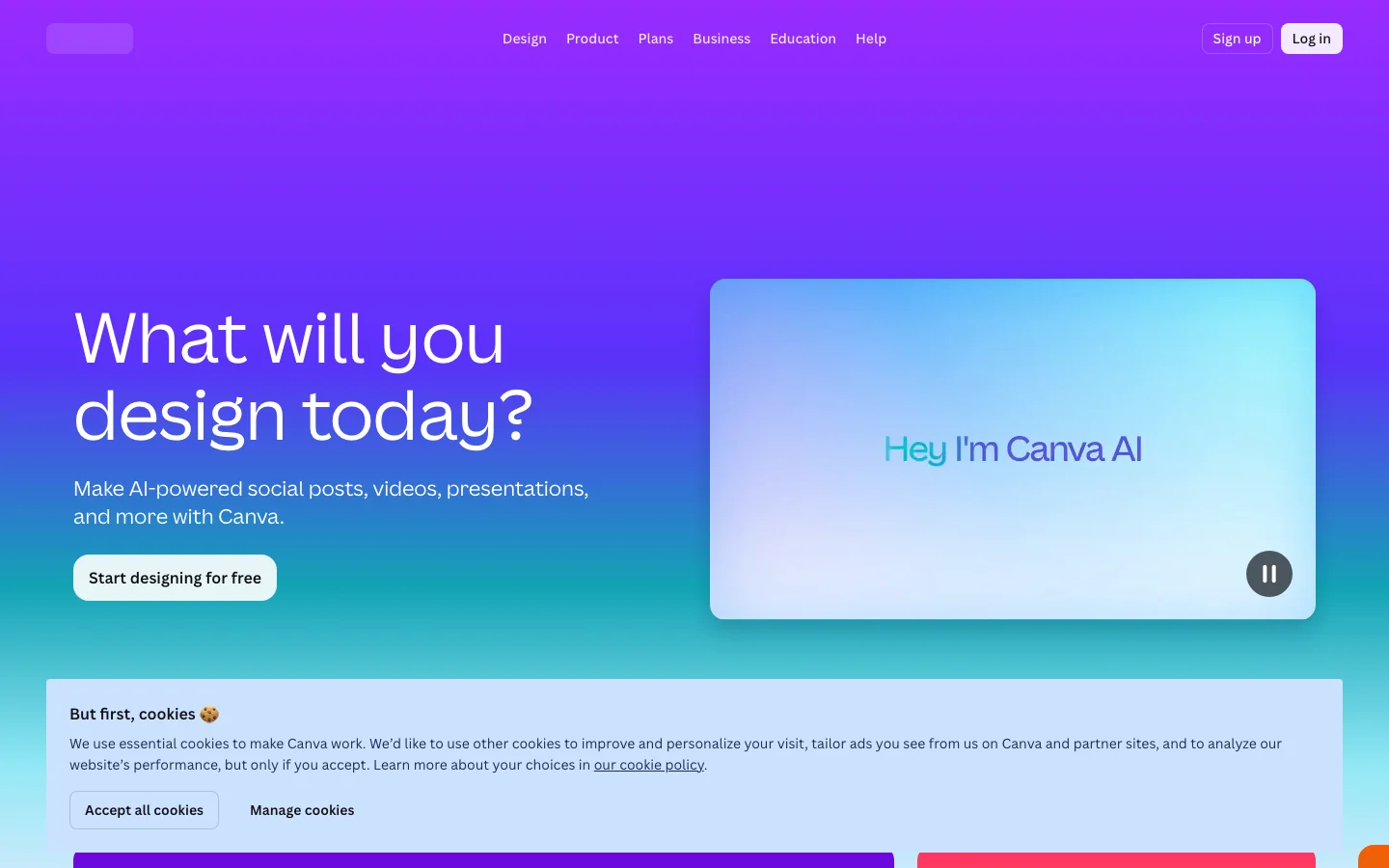
Canva's inclusion on this list reflects a practical reality: for a significant segment of content teams, the most effective tool is the one already open in their browser. With over 150 million users, Canva serves as the primary design platform for social graphics, slide decks, brand assets, and marketing collateral. The addition of AI image generation through Magic Media means these teams can generate images and incorporate them into designs within a single workflow — eliminating the export-import step that Rendernet users navigated between their image generator and their design tool.
The integrated workflow is the core advantage. Generate an image, drag it onto a template, add text overlays using saved brand elements, export in multiple aspect ratios, and schedule publication — all within the same application. For teams producing high volumes of social content, eliminating the context switch between an image generator and a design tool compounds into meaningful time savings across a campaign cycle.
The free plan includes basic AI generation capabilities and access to thousands of templates. Canva Pro at $13/month adds premium stock assets, expanded generation limits, and Magic Resize for multi-platform formatting. At this price point, users also receive the complete graphic design suite — a breadth of functionality that no standalone image generator matches.
Image quality is functional rather than exceptional. Output is suitable for social media posts, internal presentations, and quick mockups, but falls below the standard that Midjourney and Leonardo set for portfolio-grade or editorial work. Character consistency, pose control, and face-locking features are absent entirely. Teams building explainer videos alongside static graphics frequently use Canva for design assets and a dedicated video platform for motion content.
Pros
- Over 150 million existing users face zero learning curve for adoption
- Pro at $13/month includes the complete design suite alongside AI image generation
- Multi-format export for Instagram, LinkedIn, and Twitter in a single operation
Cons
- Every specialized image generator on this list produces higher quality output
- No character consistency, pose control, or face-locking capabilities
- Video editing functionality is basic compared to dedicated video platforms
Works best for teams already established in the Canva ecosystem who need occasional AI-generated images integrated into their existing design workflow.
Rendernet vs the Field: Quick Comparison
The following comparison summarizes pricing and positioning across all seven alternatives. All pricing reflects May 2026 data — plans change frequently, and verification before purchase is recommended.
Rendernet rebranded to Affogato with a new focus on short-form product advertisements. Post-rebrand pricing has been less transparently published than the original tiers. FaceLock and ControlNet capabilities carried over to the new platform.
Pexo operates on a credit-based model at approximately $0.50 per short video. The platform produces complete videos from text descriptions and images through a conversational interface. Designed for video output rather than still image generation.
Midjourney ranges from $10 to $30/month depending on tier. Offers the highest aesthetic ceiling on this list with broad stylistic versatility. Character consistency requires manual seed-based prompting rather than automated face locking.
Leonardo AI provides a free tier with 150 daily tokens and scales to $30/month at Premium. Delivers ControlNet-style composition controls through a browser-based visual interface, representing the closest functional match to Rendernet's power-user toolkit.
Ideogram offers a generous free tier with Pro starting at $7/month. Its text-rendering capability within generated images surpasses every other tool on this list. Purpose-built for marketing graphics requiring legible typography.
Flux is fully open-source and free on local hardware, with hosted API access through Replicate at approximately $0.003 per image. Photorealism quality competes with Midjourney at the highest tier. Requires GPU hardware and terminal proficiency for local deployment.
DALL-E 3 is bundled with ChatGPT Plus ($20/month) and available free through Bing. Excels at literal interpretation of complex, multi-element prompts with higher compositional accuracy than most competitors.
Canva offers basic AI generation on its free plan, with Pro at $13/month adding the complete design suite. Functions as a convenience-oriented integrated platform rather than a specialized image generator.
How to Pick the Right Rendernet AI Alternative
The most effective selection approach is identifying which specific Rendernet capability was most central to your workflow and matching that requirement to the tool optimized for it.
For teams whose primary use case was producing finished video content, the traditional Rendernet workflow — generating images, exporting, assembling in a video editor, adding voiceover, and rendering — represented a multi-step process that Pexo consolidates into a single conversational interaction. The credit-based pricing model aligns costs with actual production volume, making it particularly suitable for variable-output workflows.
For users who depended on ControlNet pose control and composition references for character-driven projects, Leonardo AI provides the most direct functional replacement. The visual interface delivers comparable precision to Rendernet's tools with a lower learning curve, and the free tier of 150 daily tokens supports meaningful evaluation before commitment.
Teams that prioritize image quality above all other considerations will find Midjourney V6 at the top of this category. The Discord-based workflow presents an initial adjustment period, but the photorealism and stylistic range exceed every other option on this list.
For marketing teams producing social media video content alongside graphics, Ideogram addresses the specific challenge of embedding readable text directly within generated images — eliminating the two-step workflow of generating a base image and adding typography in a separate design tool.
Technical teams processing high volumes of images will benefit from Flux's open-source model, which eliminates per-image costs entirely when deployed on local hardware. The initial setup investment pays for itself within the first billing cycle that would otherwise go to a subscription platform.
The determining factor is not which tool has the longest feature list, but which one aligns most closely with the specific projects currently in your production queue.






