

 ChatGPT
 Perplexity
 Claude
 Gemini
 Grok
Grok


Most explainer videos die in the gap between idea and finished file. You know what you want to say, but storyboarding, animation, voiceover sync, and editing turn a 60-second clip into a week of work. Pexo closes that gap: you describe the explainer you want, and it produces a complete, ready-to-post video through one conversation. This guide walks the full process in five steps, with the script structure, lengths, and aspect ratios that actually work.
First, define one goal and target audience. Then set the video's length, aspect ratio, and call to action. Write a concise script, generate the scenes and voiceover, review the complete cut, and export the version that matches its destination.
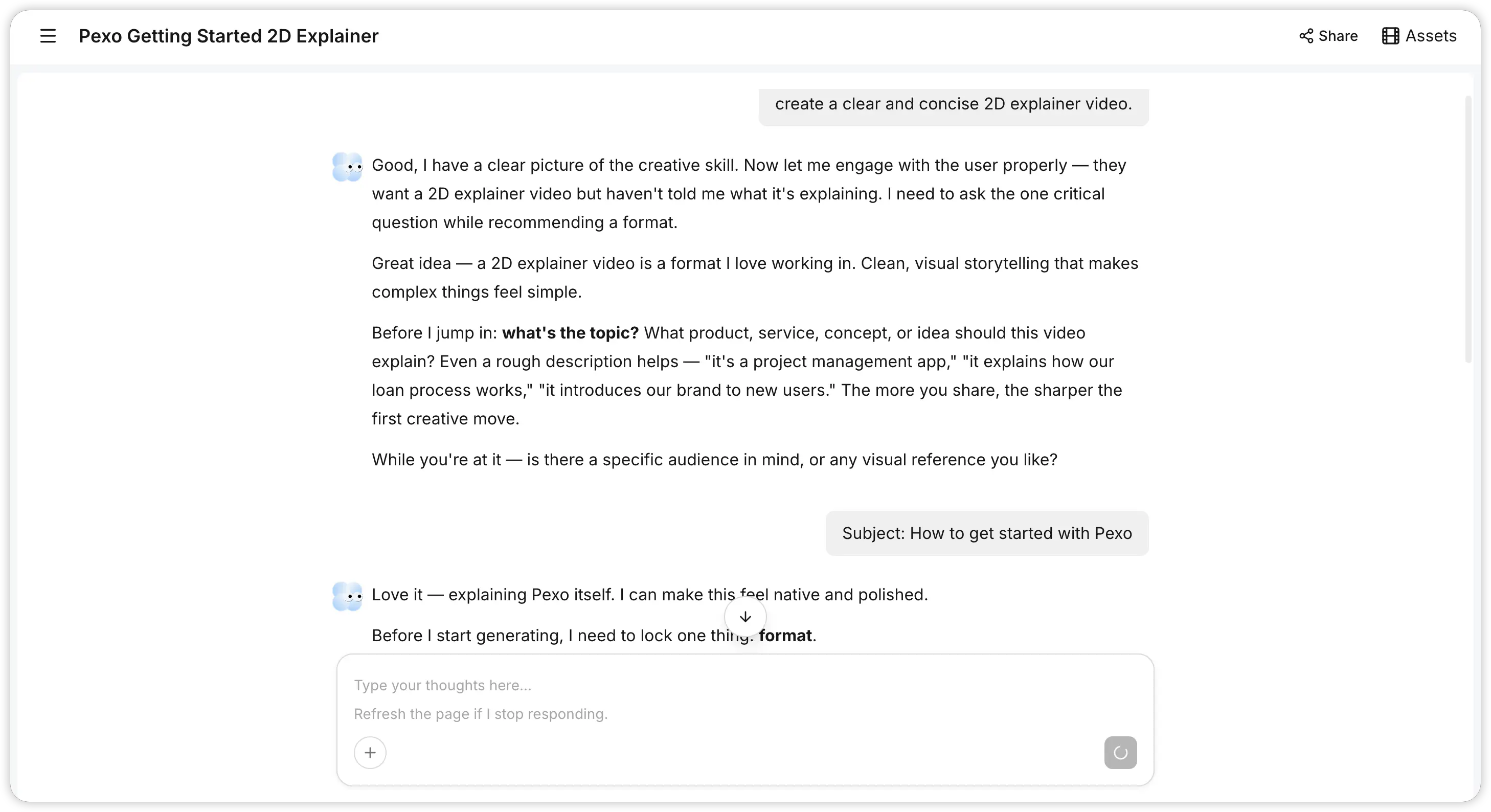 Alt: Pexo producing an explainer video from a conversational brief.
What You Need
Before you start, gather the following:
- A clear topic: one product, feature, concept, or process per video. One idea, one explainer.
- Source material (optional): a product URL, a screenshot, a logo, or a short text outline. Pexo accepts text, image, URL, and audio inputs.
- A target length: most explainers run 30 to 90 seconds; product feature walkthroughs often sit around 60 seconds.
- A target aspect ratio: 16:9 for YouTube and websites, 9:16 for Reels, Shorts, and TikTok, 1:1 for in-feed social.
- A call to action: the one thing you want viewers to do at the end (sign up, visit a page, book a demo).
- Pexo, open in your browser or inside Slack, Lark, WhatsApp, or Claude.
What Is an Explainer Video?
An explainer video is a short video, usually 30 to 120 seconds, that breaks down a single product, service, or concept in plain language. It pairs a tight script with visuals, on-screen text, and voiceover to answer one question: what is this and why should I care?
Most explainer videos follow a four-part structure:
- Hook: the problem your viewer has (first 5 to 10 seconds).
- Solution: what your product or idea is.
- How it works: the core benefit, shown not just stated.
- Call to action: the single next step.
The format leans on benefits over features. Viewers do not care about technical specs; they care about how the thing makes their day easier. Keep that lens on every line.
How Do You Plan the Script?
The script is the spine of the video. Plan it before you touch any visuals.
- Write for one viewer. Explain it as if you were telling one person across a table. If a sentence needs jargon, cut or rewrite it.
- Use the four-part structure above: hook, solution, how it works, CTA.
- Match the word count to the length. Spoken pace is roughly 130 to 150 words per minute, so a 60-second explainer is about 140 to 150 words, and a 30-second clip is about 70 words.
- Lead with the problem, not the product. The first line should name the viewer's pain, not your feature list.
- End with one CTA. Two competing asks at the end split attention and lower action.
With Pexo, you can hand it a rough outline or even a half-formed idea and let it shape the script with you. You do not need a polished prompt. Describe what the video is about, who it is for, and the tone you want, and Pexo suggests a structure you can redirect.
How Do You Generate the Visuals and Voiceover?
Once the message is clear, Pexo builds the actual video. The workflow is a conversation, not a timeline.
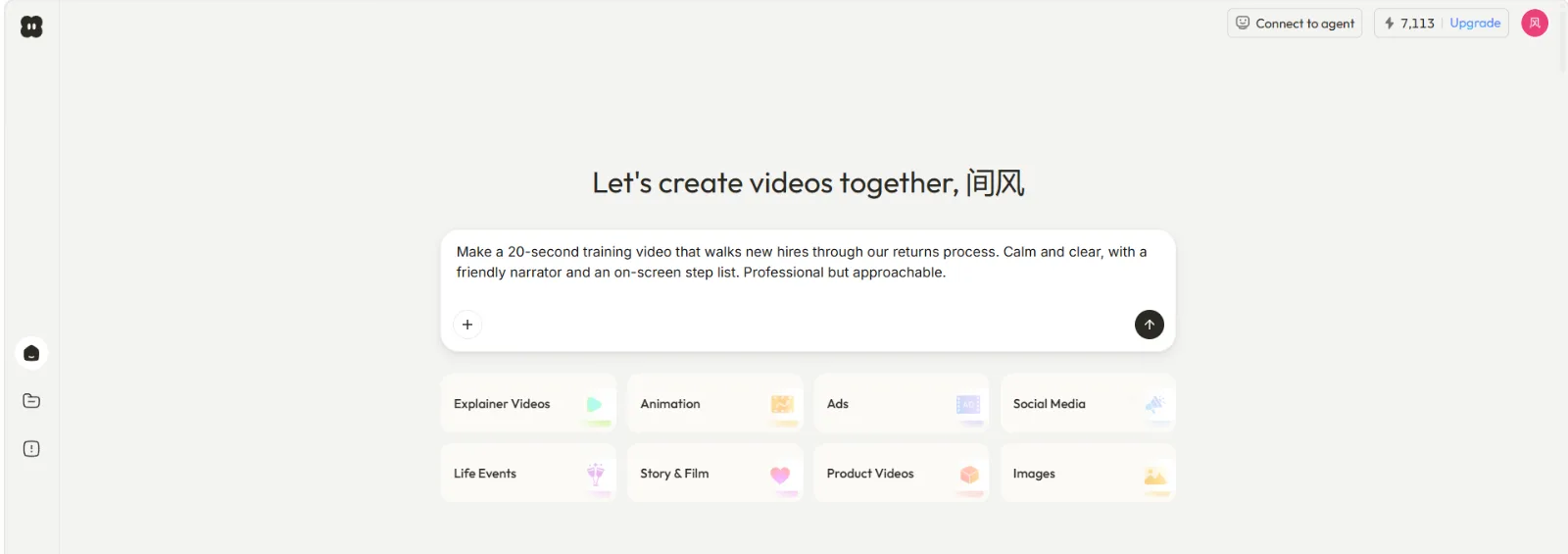 Alt: Describing an explainer video brief to Pexo in a chat input.
- Describe the video in plain language. Example: "Make a 60-second explainer for how our scheduling app works. Friendly tone, light background music, 16:9. Here's the product page: [URL]."
- Let Pexo pick the models. It works with Seedance, Sora, Kling, and more, and routes each scene to the model best suited for it. You do not choose models.
- Add a voiceover. Ask for a voiceover in the tone you want; Pexo generates natural-sounding speech timed to the visuals so you are not hand-syncing audio to animation.
- Specify on-screen text and pacing if it matters: "Add captions for the three key benefits" or "slow the intro down."
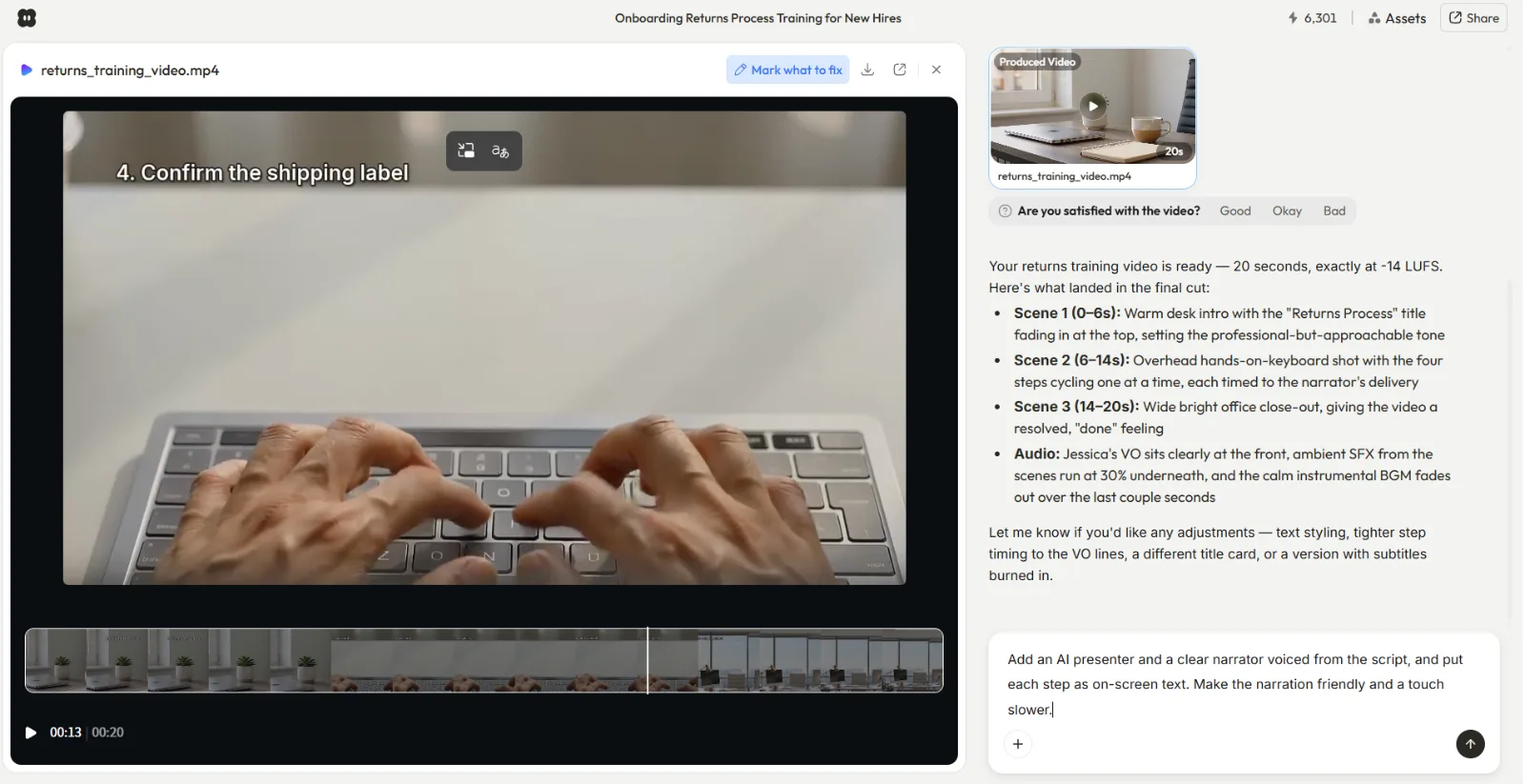 Alt: Pexo showing a preview of the explainer video before full production.
Pexo shows you the plan and quick previews before full production, so you see what it is thinking and can redirect early. No black box, no wait-and-pray.
How Do You Review and Export?
The last step is iteration, then shipping the file.
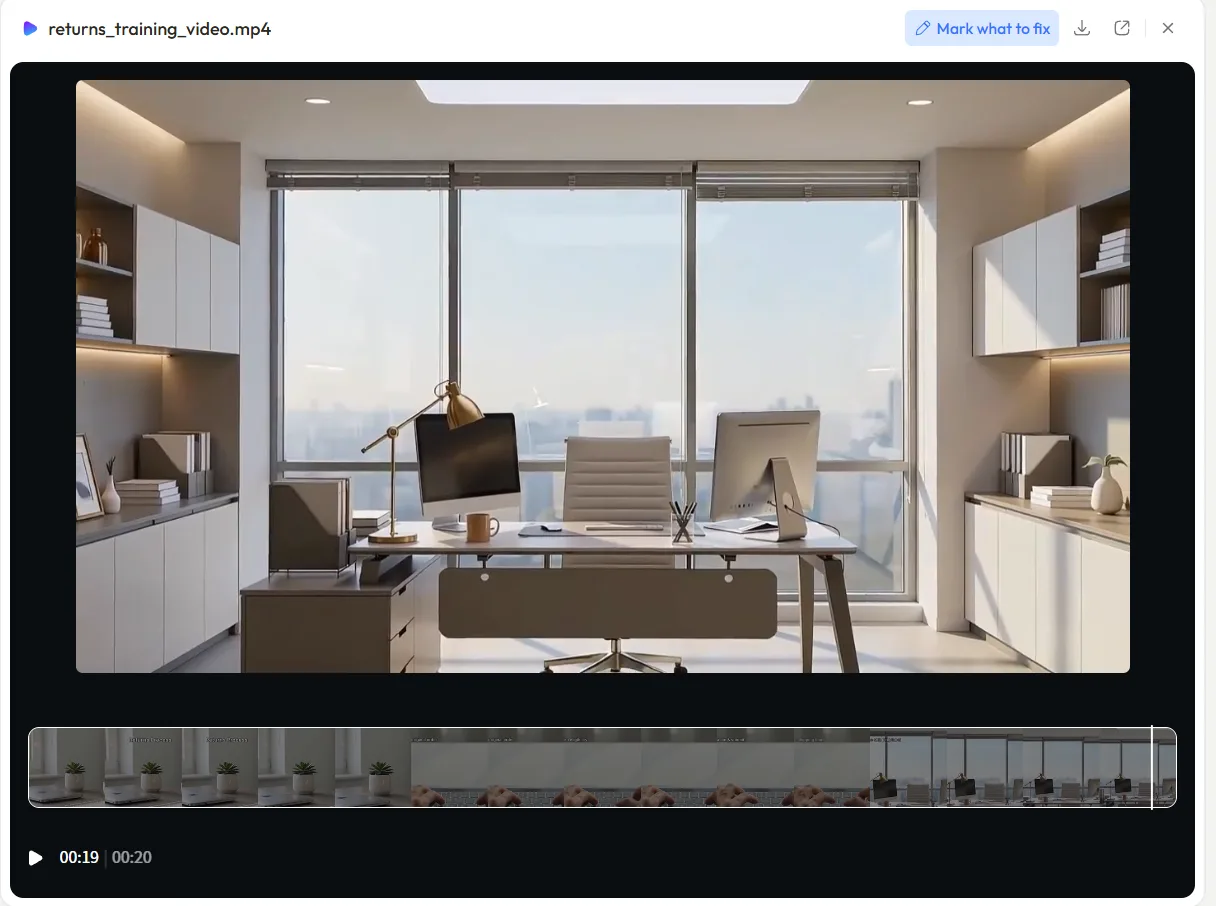 Alt: Finished explainer video delivered in Pexo, ready to download and post.
- Watch it once, all the way through. Check the hook lands in the first 10 seconds and the CTA is clear.
- Request changes by describing them. Point at what is off and say what to change: "Make the intro punchier," "swap the background to a softer color," "shorten the middle by 10 seconds." You direct; Pexo reworks the section.
- Confirm the aspect ratio and length match the platform you are posting to.
- Export the finished video and post it. Pexo delivers a complete clip with transitions, soundtrack, and pacing already handled, not a raw 5-second fragment you have to assemble.
Common Mistakes
Avoid these to keep your explainer working:
- Cramming in two ideas. One explainer, one concept. A second idea belongs in a second video.
- Leading with features. Open on the viewer's problem, not your spec sheet.
- Going too long. Past 90 seconds, drop-off climbs fast. Cut anything that is not load-bearing.
- Two CTAs. End on a single, specific next step.
- Skipping the hook. If the first 10 seconds do not name a problem the viewer feels, they leave before the solution.
- Mismatched aspect ratio. A 16:9 clip cropped into a 9:16 feed wastes half the frame. Set the ratio before you generate.
Pro Tips
- Storyboard in your script. Note the visual beside each line so the message and the picture stay aligned.
- Front-load the value. Put the single most important benefit in the first 15 seconds.
- Read the script out loud. If you stumble, viewers will too. Rewrite for the ear, not the page.
- Cut your first draft by 20%. Shorter almost always lands harder.
- Make platform-specific versions. Ask Pexo for a 16:9 master and a 9:16 cut of the same explainer in the same conversation.
What Else Can You Use
If you want to compare approaches, two other categories of tool show up for explainer videos:
- Template-based editors like Canva and Adobe Express let you pick a template and swap in your own footage, text, and audio with a drag-and-drop editor.
- Animation makers like Powtoon and simpleshow focus on animated, character-driven explainers built from preset scenes.
These ask you to assemble the video yourself on a canvas or timeline. Pexo's difference is that there are no menus to learn. One conversation handles script, visuals, voiceover, and pacing end to end.
Conclusion
A good explainer video comes down to one clear message, a tight script, and visuals that show rather than tell. The hard part has always been turning that plan into a finished file without a week of storyboarding, animation, and editing. Pexo removes that friction: describe the explainer you want, review the preview, shape what comes back, and ship a complete video from a single conversation. No prompts, no timeline, no choosing models. Try Pexo and create your first explainer video.





