

 ChatGPT
 Perplexity
 Claude
 Gemini
 Grok
Grok


If you are comparing Kling AI vs Runway to pick an AI video generator, the honest answer is that both are excellent in 2026, just not at the same things. Kling 3.0, released by Kuaishou in February 2026, leads on native audio and value. Runway, sitting at the top of independent quality leaderboards, leads on consistency and pro workflow. Most serious creators end up using both. This guide breaks the choice down dimension by dimension so you can see exactly where each one wins, and what to do if you would rather not commit to a single model at all.
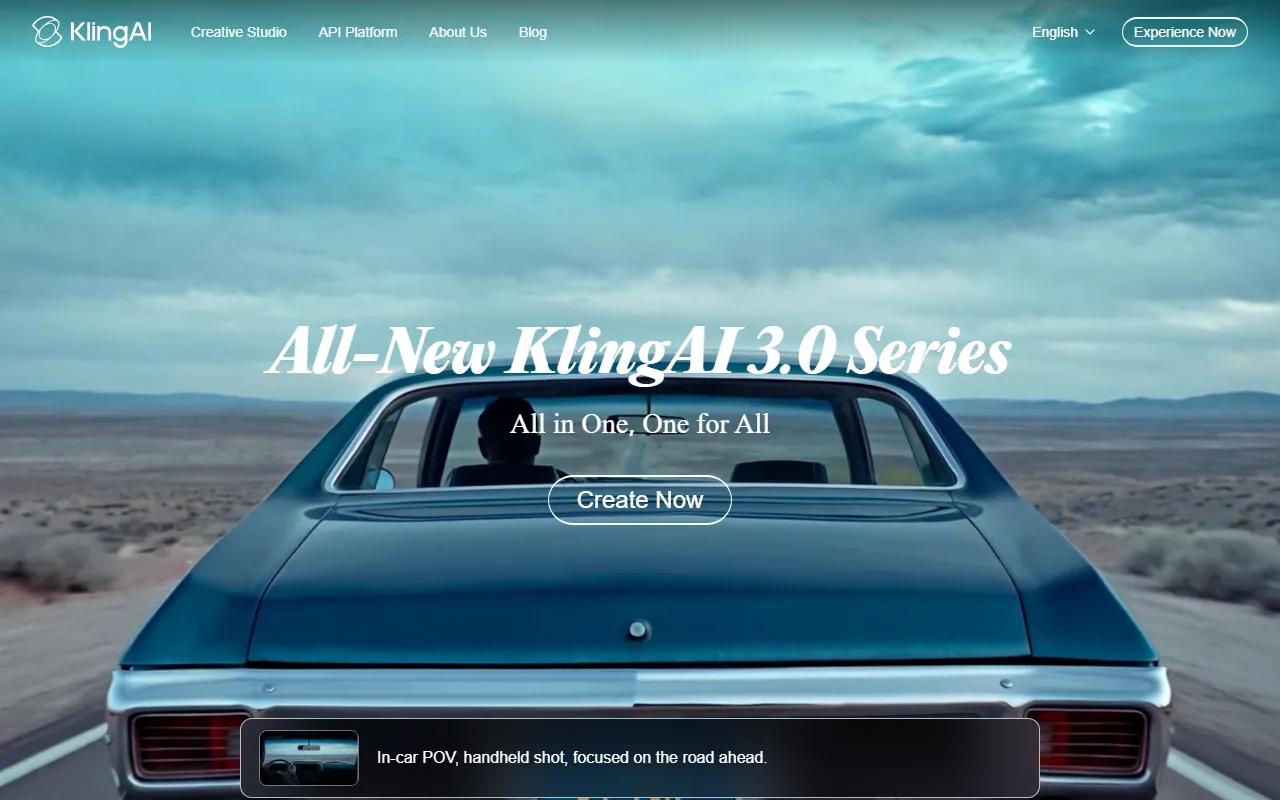 Kling 3.0 and Runway sit near the top of every 2026 AI video shortlist, but they win on different things.
Kling AI vs Runway: The Quick Verdict
If you want synced audio, strong image-to-video motion, and the most generous free tier, choose Kling. If you want the most consistent output across many shots, granular creative control, and a faster pro workflow, choose Runway.
Here is the head-to-head at a glance.
| What you care about | Kling AI (Kling 3.0) | Runway (Gen-4 / Gen-4.5) |
|---|---|---|
| Strongest at | Native audio, image-to-video motion, value | World consistency, pro control, speed |
| Native audio and lip-sync | Yes, multilingual, in one pipeline | No, you add audio separately |
| Workflow | Storyboard interface for sequencing | Built-in editor, Motion Brush, Director Mode |
| Free tier | 66 credits per day (very generous) | 125 one-time credits |
| Pricing (as of June 2026) | From about $6.99/month, or API from $0.084/sec | From roughly $12 to $15/month |
| Bottom line | The value and audio pick | The consistency and pro workflow pick |
Kling AI vs Runway, Dimension by Dimension
Is Kling better than Runway? It depends on the shot. The Kling 3.0 vs Runway Gen-4 matchup splits by category, and neither model sweeps every one, so here is where each genuinely pulls ahead.
Output Quality and Realism
This splits cleanly by use case. Runway holds the top spot on the independent Artificial Analysis text-to-video leaderboard, with an Elo score around 1,247 as of June 2026, built around "world consistency" where characters and objects stay coherent across cuts, with class-leading physics for liquids, fabric, and hair. Kling 3.0 answers with native 4K output, clips up to 15 seconds, and a multimodal architecture that handles image-to-video especially well, turning a single still into believable motion with convincing weight and momentum. Call it a reasoned tie. Runway edges complex multi-shot scenes, while Kling edges bringing one image to life.
Audio and Lip-Sync
Kling wins this clearly, and it is a real gap. Kling 3.0 Omni generates synchronized dialogue and sound effects in the same pass as the video, with lip-sync across five languages, support for multi-character dialogue, and a shared audio timeline that stays consistent across a multi-shot sequence. Runway is a visual-first model, so you typically add music, voiceover, and effects in a separate step afterward, often in another app. If a finished clip with talking characters and sound in one generation saves you a whole stage of work, Kling is the pick.
Creative Control and Workflow
Runway wins for hands-on direction. Its Motion Brush lets you paint exactly which region should move, its camera controls give you director-grade moves, and its built-in editor keeps trimming and refinement in one place. Kling leans on a storyboard interface that is great for laying out a narrative sequence, but it gives you less granular control over an individual shot. Its storyboard does remove manual clip-stitching, which speeds up assembling a short narrative, but it is sequencing more than fine editing. If you want to direct every camera push and motion path by hand, Runway is built for that. Kling is built more to generate and arrange.
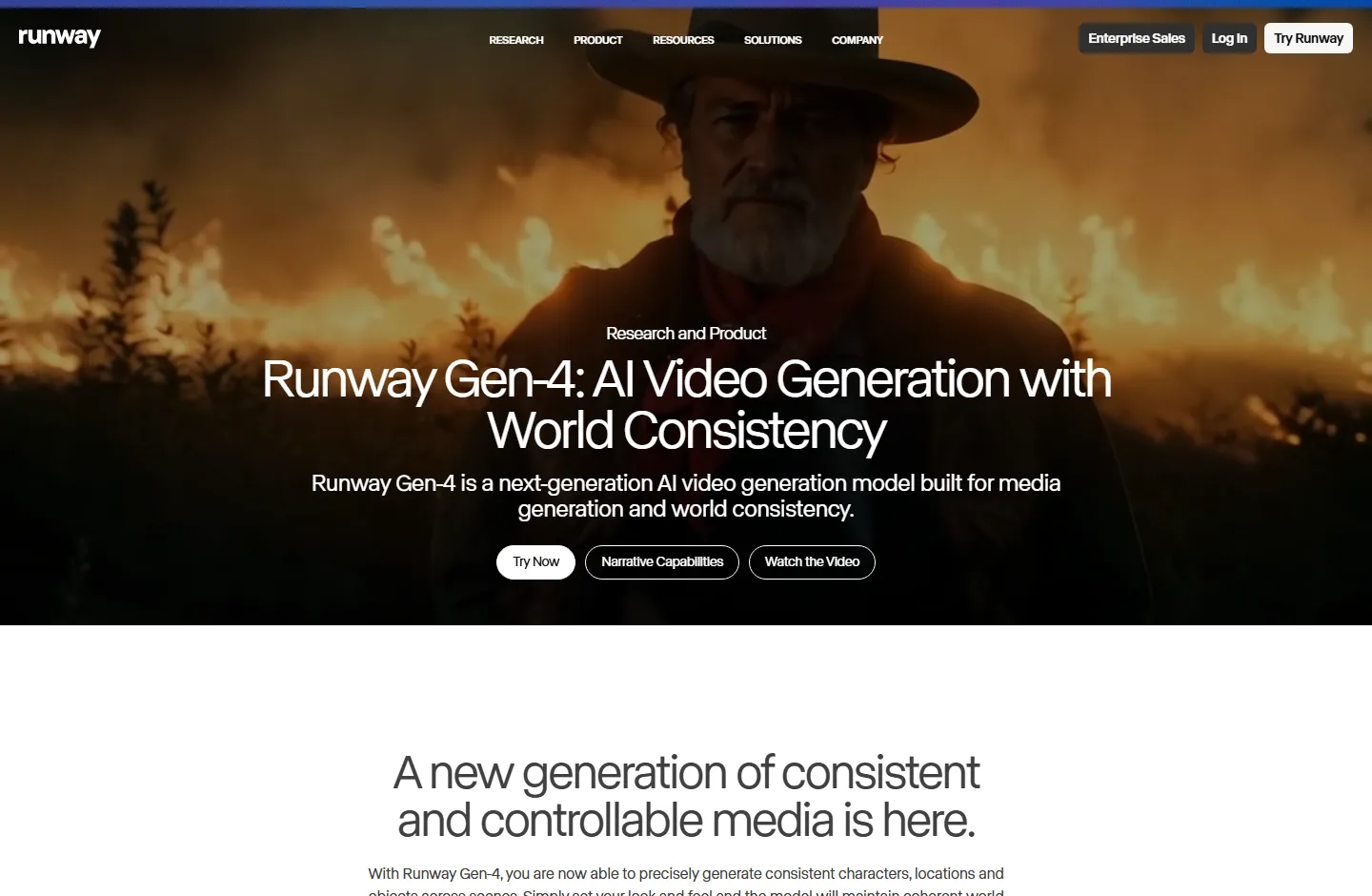 Runway's Gen-4 controls, from Motion Brush to camera moves, are built for hands-on direction.
Character Consistency
Runway takes a slight edge, and it is one of its signature strengths. Its reference-image system holds a face, outfit, and body shape steady across very different shots, which is why it leads the consistency leaderboard. Kling 3.0 improved here too, using multi-shot scene logic and Chain-of-Thought reasoning to keep characters coherent across a storyboard. For a long sequence with the same recurring character, Runway is the safer bet. For shorter pieces, the two are close.
Pricing and Value
Kling AI vs Runway pricing splits clearly, and Kling is the better value. Its free tier gives 66 credits per day, the most generous ongoing free allocation of any major tool, and paid plans start lower, around $6.99 per month, with API rates from about $0.084 per second. Runway runs on subscriptions starting in the low teens per month, with a smaller one-time free credit grant, listed on the Runway pricing page. Verify both before you commit, since rates change. Neither is "cheap" at volume, but Kling stretches a budget further.
Speed
Runway has the edge for fast iteration. Its Gen-4 Turbo mode is tuned for quick drafts, which matters when you are testing ten versions of an ad in an afternoon. Kling generation time varies by mode and resolution, and its higher-fidelity Pro mode trades speed for quality. For rapid back-and-forth on a concept, Runway feels quicker. For a single hero shot where the result matters more than the wait, the difference fades.
Availability and Ecosystem
This one is closer than it looks, and it is a genuine tie that depends on what you value. Runway is a Western platform with a mature ecosystem, and a single subscription now reaches several models, including Veo, Kling, Seedance, and FLUX, alongside its own. Kling comes from Kuaishou, a large Beijing-based video company, and is reachable through its own app and a growing list of API providers, with a broad in-house suite for both video and audio. For a team that wants everything inside one familiar Western workflow, Runway fits better. For raw model access and lower cost, Kling holds its own.
Pros and Cons at a Glance
Here is the short version of what each model gives you and what it costs you.
Kling AI
- Pros: native multilingual audio and lip-sync in one pipeline, strong image-to-video motion and physics, native 4K, and the most generous free tier with lower paid pricing.
- Cons: less granular shot-level control than Runway, credit-based with no unlimited option, and a storyboard workflow that suits sequencing more than fine editing.
Runway
- Pros: top-ranked output consistency, deep creative control through Motion Brush and Director Mode, a built-in editor, fast Gen-4 Turbo drafts, and one subscription that also reaches other models.
- Cons: no native audio, so sound is a separate step, plus higher pricing and a smaller free allotment.
Choose Kling AI If, Choose Runway If
Different readers should walk away with different answers, so here is the routing.
Choose Kling AI if:
- You need a finished clip with synced dialogue and sound in a single generation.
- Your work starts from a still image and you want realistic motion from it.
- You want the most generous free tier or the lower monthly price.
- You make short narrative, social, or product-demo videos and like a storyboard flow.
Choose Runway if:
- You need maximum character and scene consistency across many shots.
- You want granular control over camera and motion, plus a built-in editor.
- You iterate fast and care about draft speed.
- You want one subscription that also reaches several other models.
The one-line version: pick Kling for audio, motion, and value, and pick Runway for consistency, control, and speed.
The Third Option: You Don't Have to Pick One
There is a quiet assumption inside every "X vs Y" article, that you must choose one model and live with its weak spots. You do not. Many creators already keep both open, using Kling for motion and audio and Runway for editing and consistency. The catch is that running two subscriptions and two interfaces is its own kind of overhead.
A multi-model approach removes that, which is where a partner like Pexo fits. Pexo is an AI video partner, not a single model. It routes across leading models, Kling included, and picks the best one for each shot, so you just describe what you want in plain language and Pexo handles the model choice for you. When one model is better for the motion and another for the look, you do not have to manage that yourself. You can generate a video from a description or an image and let Pexo route to a model like Kling behind the scenes. It will not give you Runway's hand-placed Motion Brush control for a director who wants to set every move manually, and that is a fair trade for not juggling tools.
 Pexo routes one plain-language brief across several models, including Kling, so you are not locked into a single engine.
Conclusion
The Kling AI vs Runway choice is not really about which model is "best," because they are strong at different jobs. Kling 3.0 is the value and audio leader, ideal when you want sound, motion from a still, and a budget that goes further. Runway is the consistency and control leader, ideal when you need the same character across many shots and a fast, hands-on workflow. And if the trade-off feels like a false choice, it sort of is, since a multi-model approach can route to the right one per shot. You can try a video for free and see how that feels before committing to any single tool.






