

 ChatGPT
 Perplexity
 Claude
 Gemini
 Grok
Grok

If you've spent any time with AI video tools this year, you've probably heard of Kling AI. It sits at the top of most benchmark lists and produces some of the most realistic human footage in the space. But impressive demos and day-to-day usability are two different things, and a growing number of creators are finding that out the hard way.
In this guide, we review Kling AI's strengths and weaknesses, then test 10 of the best Kling AI alternatives in 2026 to find a better fit. After weeks of hands-on testing, we narrowed the field down to one standout recommendation: Pexo AI.
Kling AI Review: What It Does Well and Where It Falls Short
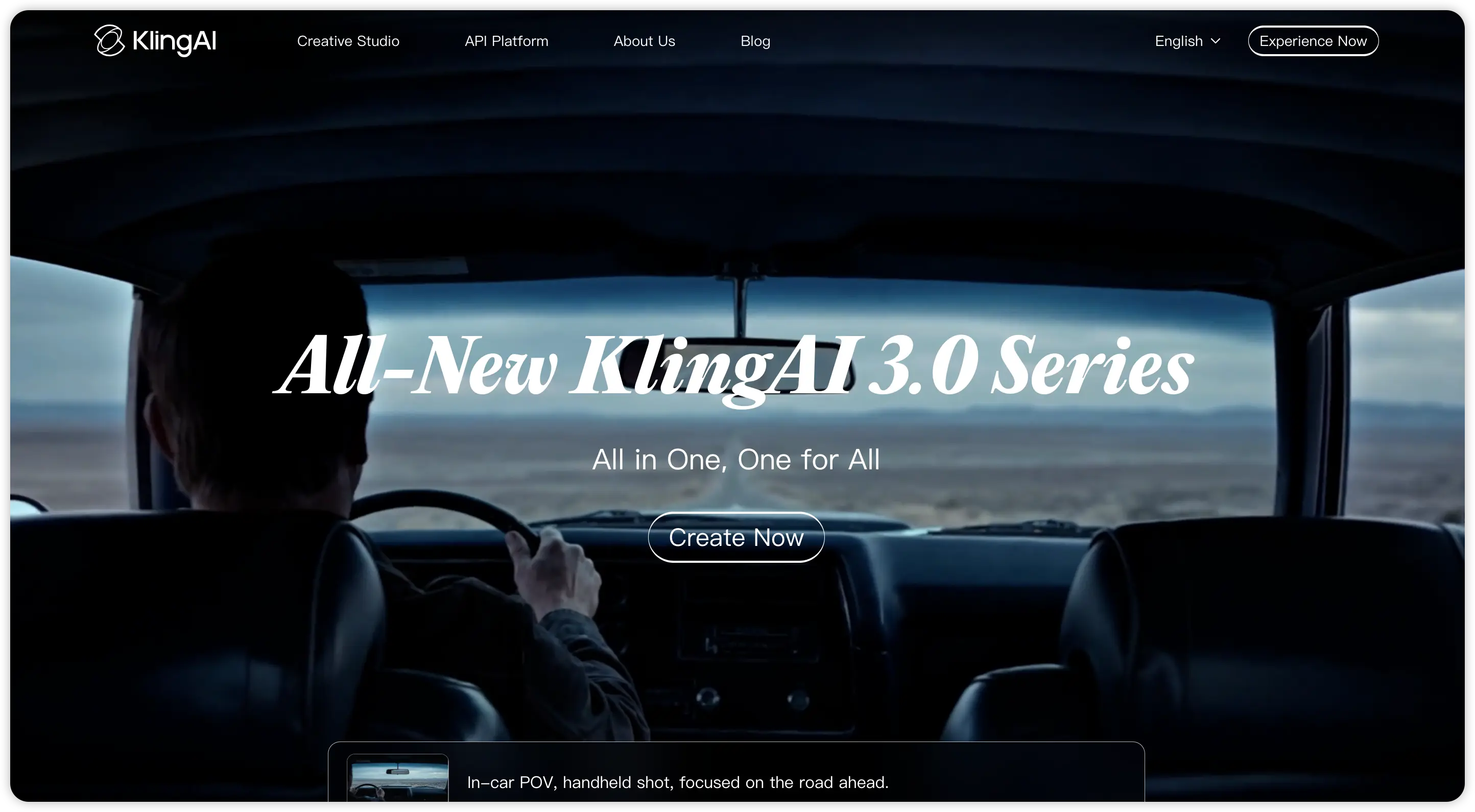 Kling AI is developed by Kuaishou, the Chinese tech company behind the Kwai short-video platform. The latest version, Kling 3.0, launched in February 2026 and introduced a multi-modal generation engine that blends text prompts, reference images, and video clips into a single workflow. It also added native audio generation, producing dialogue, sound effects, and ambient noise in sync with the visuals.
On the technical side, Kling delivers. It holds the top ELO benchmark score (1243) among AI video models, ahead of Google Veo 3.1 and Runway Gen-4.5. Its photorealistic human generation is widely considered the best in the category: skin texture, body motion, and lip-sync all look remarkably natural. Features like Motion Control and camera path specification give experienced users fine-grained creative control that few competitors can match.
That said, the real-world experience has some rough edges. Generation times run 5 to 15 minutes per clip depending on server load. The credit system starts at $5.99 per month for 660 credits, but a single 10-second Professional-mode clip can cost 35 to 50 credits, and failed generations still consume credits without refunds. Users on Trustpilot report failure rates of 30 to 40 percent during peak hours. There's no built-in editor either, so every clip has to be finished in a separate tool. Customer support is email-only and notoriously slow.
So where does that leave creators? Kling is an excellent render engine, but it demands patience, prompt expertise, and a tolerance for wasted credits. For many users, that trade-off simply isn't worth it.
Why Are Creators Looking for Kling AI Alternatives?
Beyond the usability issues above, there are a few structural reasons pushing creators toward other tools.
First, data privacy. Kling AI processes content on servers that may fall under Chinese data jurisdiction, which raises compliance concerns for brands in North America and Europe. Second, the workflow gap: Kling generates raw footage but offers no scripting, editing, or music tools. You need a separate pipeline for everything before and after the render. Third, the pricing model punishes experimentation. Because credits don't roll over and failed outputs aren't refunded, iteration becomes expensive fast, especially for creators who need to test multiple variations before landing on a final cut.
These factors make Kling a strong single-shot generator but a frustrating end-to-end creative tool. That's exactly the gap the alternatives below aim to fill.
Quick Overview: How These 10 Kling AI Alternatives Compare
Before diving into the details, here's a side-by-side snapshot of every tool we tested. Scan this table to narrow your shortlist, then read the full reviews below.
| Tool | Best For | Starting Price | Free Plan | Key Strength |
|---|---|---|---|---|
| Pexo AI | All-around video creation | Free to start | Yes | Conversational workflow, multi-model support |
| Runway Gen-4 | Editing workflows | $15/mo | Limited | Built-in editor, fast generation |
| Pika 2.2 | Quick social clips | $8/mo | Yes | Speed and simplicity |
| Hailuo AI | Free video generation | Free | Yes | Best free-tier quality |
| Google Veo 3.1 | Realistic motion | Varies | Limited | Physics simulation |
| Luma AI | Cinematic shots | $29.99/mo | Yes | Lighting and composition |
| HeyGen | Talking head videos | $29/mo | Limited | AI avatars and lip-sync |
| Synthesia | Enterprise training | $29/mo | Limited | 130+ languages, corporate avatars |
| Pixverse | Stylized and anime | Free to start | Yes | Anime and fantasy styles |
| InVideo AI | Faceless YouTube | $25/mo | Limited | Automated long-form production |
10 Best Kling AI Alternatives for Video Generation
Now let's break down each tool. We tested all 10 across product ads, social media clips, short stories, and marketing videos.
1. Pexo AI: Best Overall Kling AI Alternative
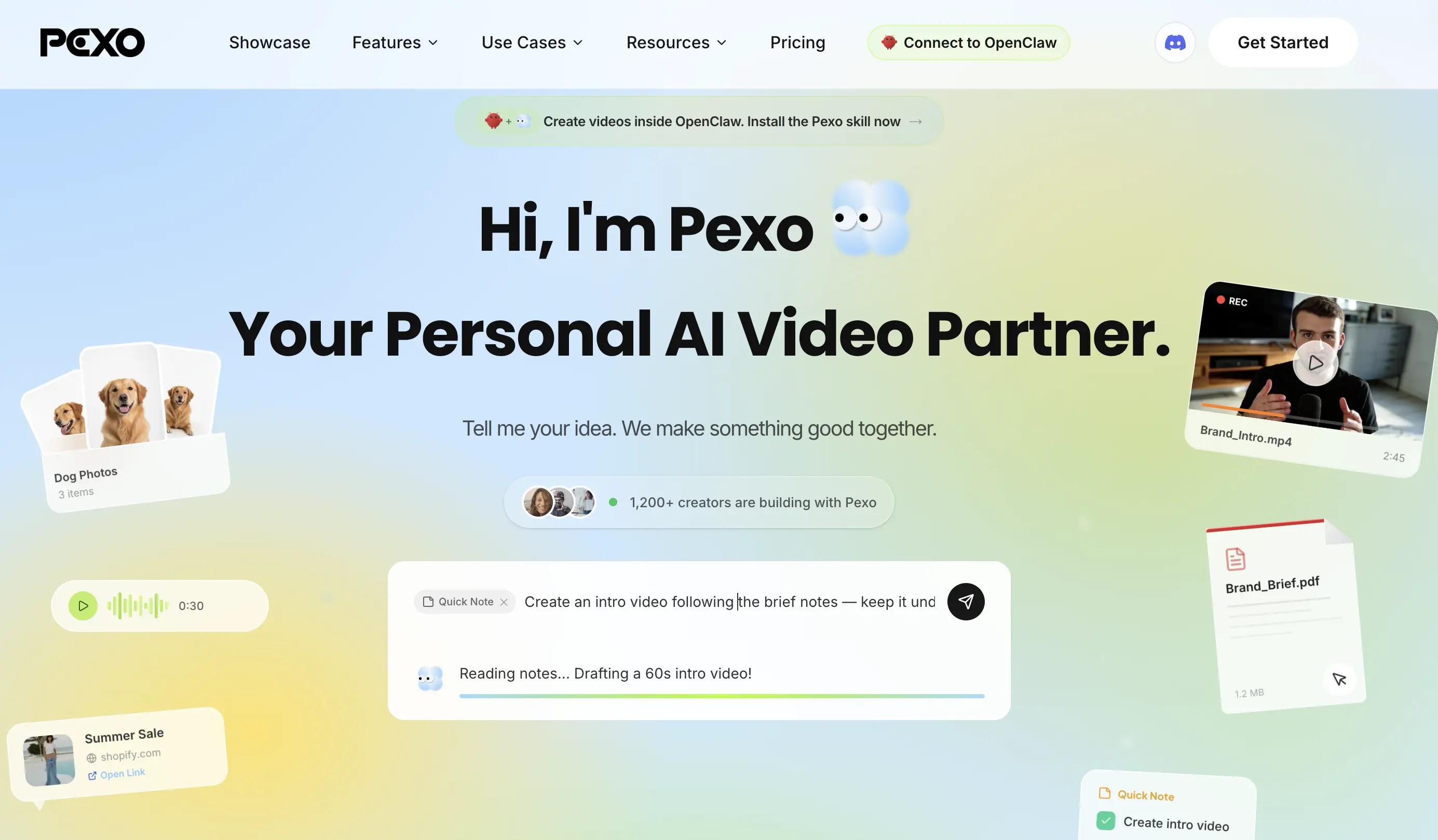 Pexo AI takes a fundamentally different approach. Instead of dropping you into a blank prompt box, Pexo works like a creative partner: you describe your idea in plain language, and the platform handles scripting, visuals, music, and editing in one conversation-driven workflow.
It supports text-to-video, image-to-video, URL-to-video, and audio-to-video generation, all within the same interface. It also integrates models like Seedance 2.0 for cinematic-quality output. Where Kling requires you to master a four-part prompt formula and wait 10 minutes per attempt, Pexo lets you iterate through ideas quickly and see results in a fraction of the time.
Best for: Social media content, product ads, explainer videos, and short-form storytelling.
2. Runway (Gen-4): Best for Editing Workflows
 Runway has been in the AI video space longer than almost anyone. The Gen-4 model brings solid motion control and generation speeds under 2 minutes. Its standout feature is the built-in editor, which lets you trim, adjust, and composite clips without leaving the platform. The $95 per month unlimited plan suits high-volume teams, though it's steep for solo creators.
Best for: Filmmakers and editors who want generation and post-production in one place.
3. Pika 2.2: Best for Quick Social Clips
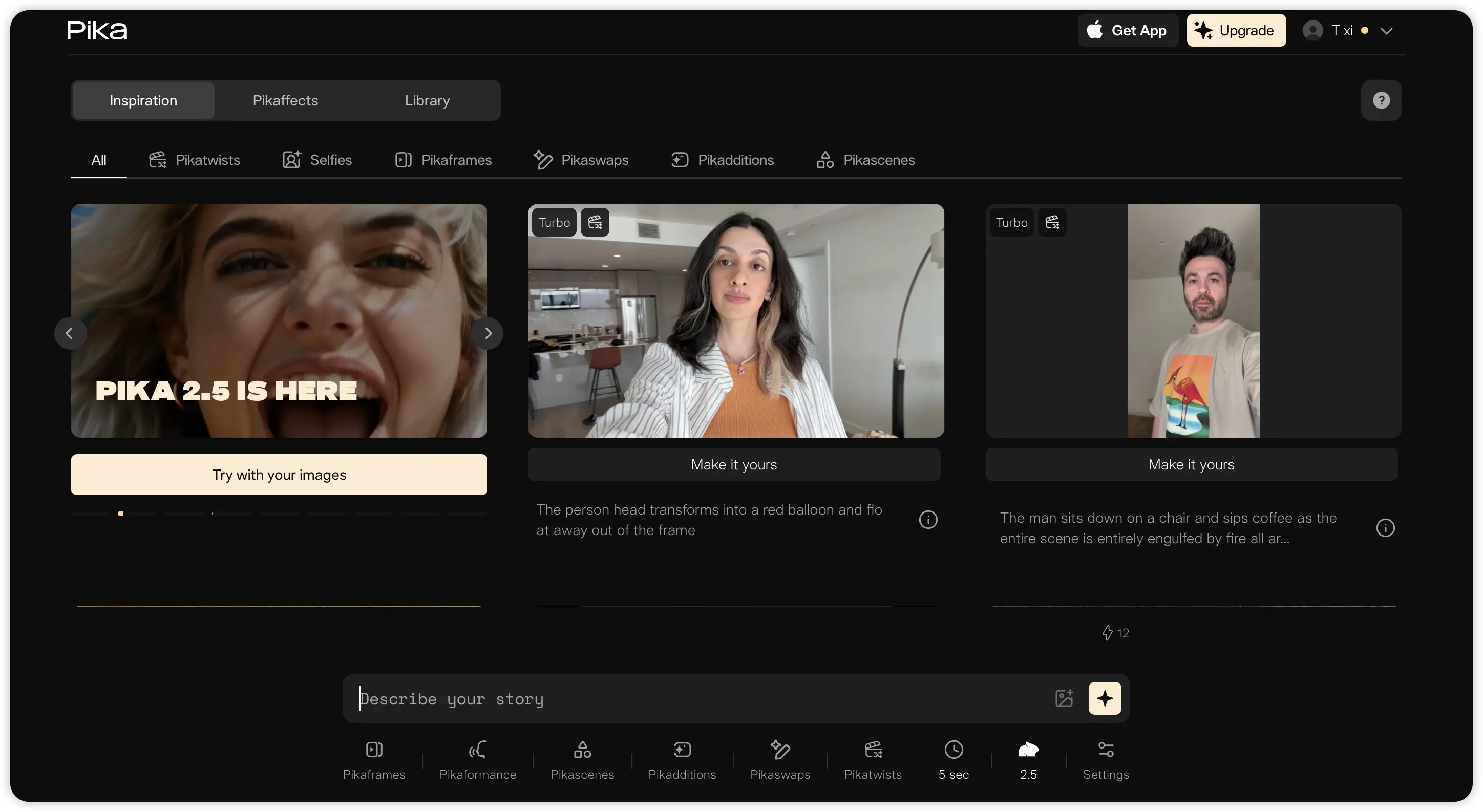 Pika prioritizes speed over cinematic depth. Generation is fast, the interface is beginner-friendly, and the results look clean on social feeds. The free plan is generous for testing, but commercial use and watermark removal require the $28 per month Pro plan.
Best for: Creators who need lightweight clips for Instagram or TikTok on a tight timeline.
4. Hailuo AI: Best Free AI Video Generator
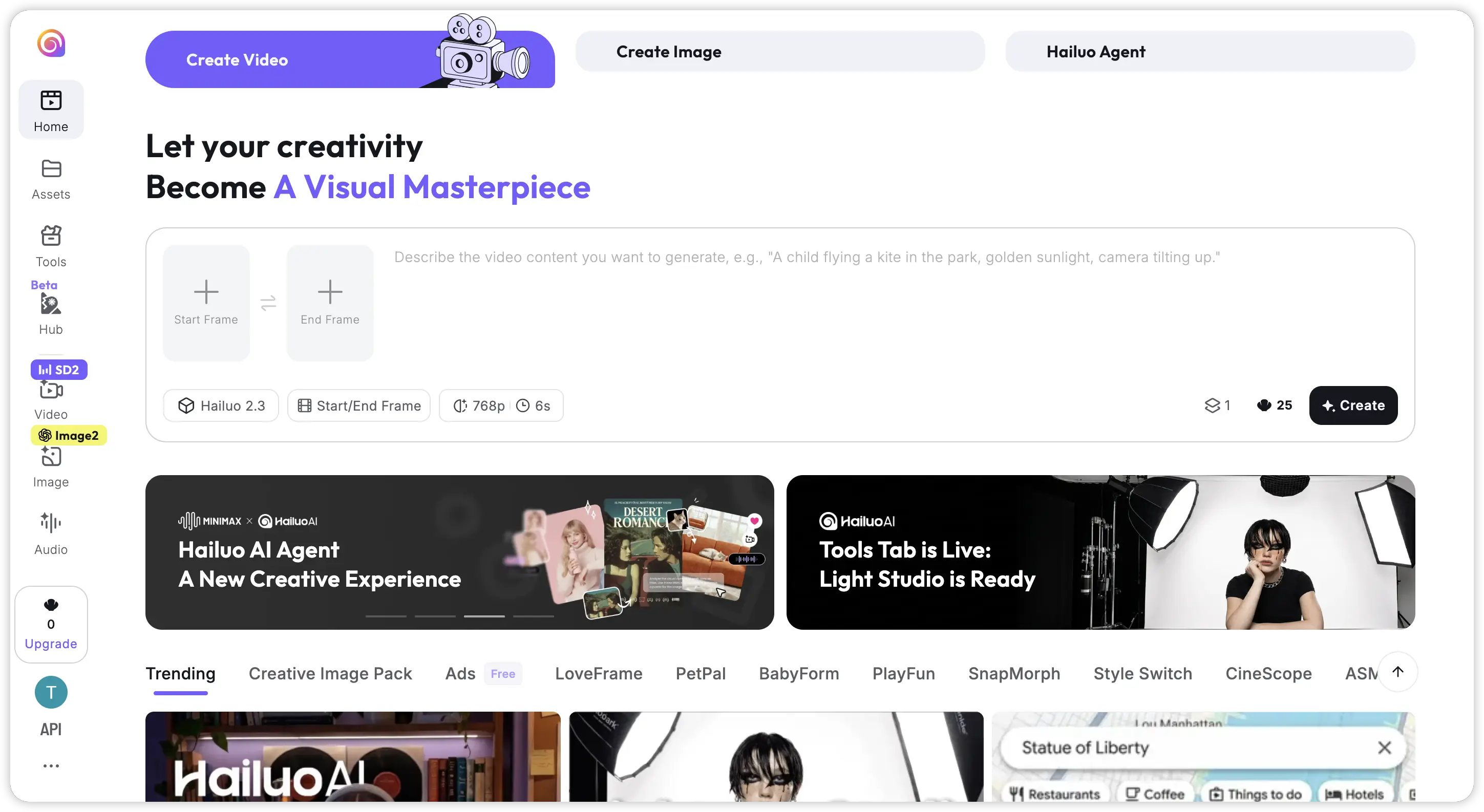 Hailuo has quietly become one of the most capable free options in 2026. Output quality is surprisingly strong for a zero-cost tool, though clip lengths are shorter and customization is limited compared to paid alternatives.
Best for: Hobbyists and creators experimenting with AI video on a budget.
5. Google Veo 3.1: Best for Realistic Motion
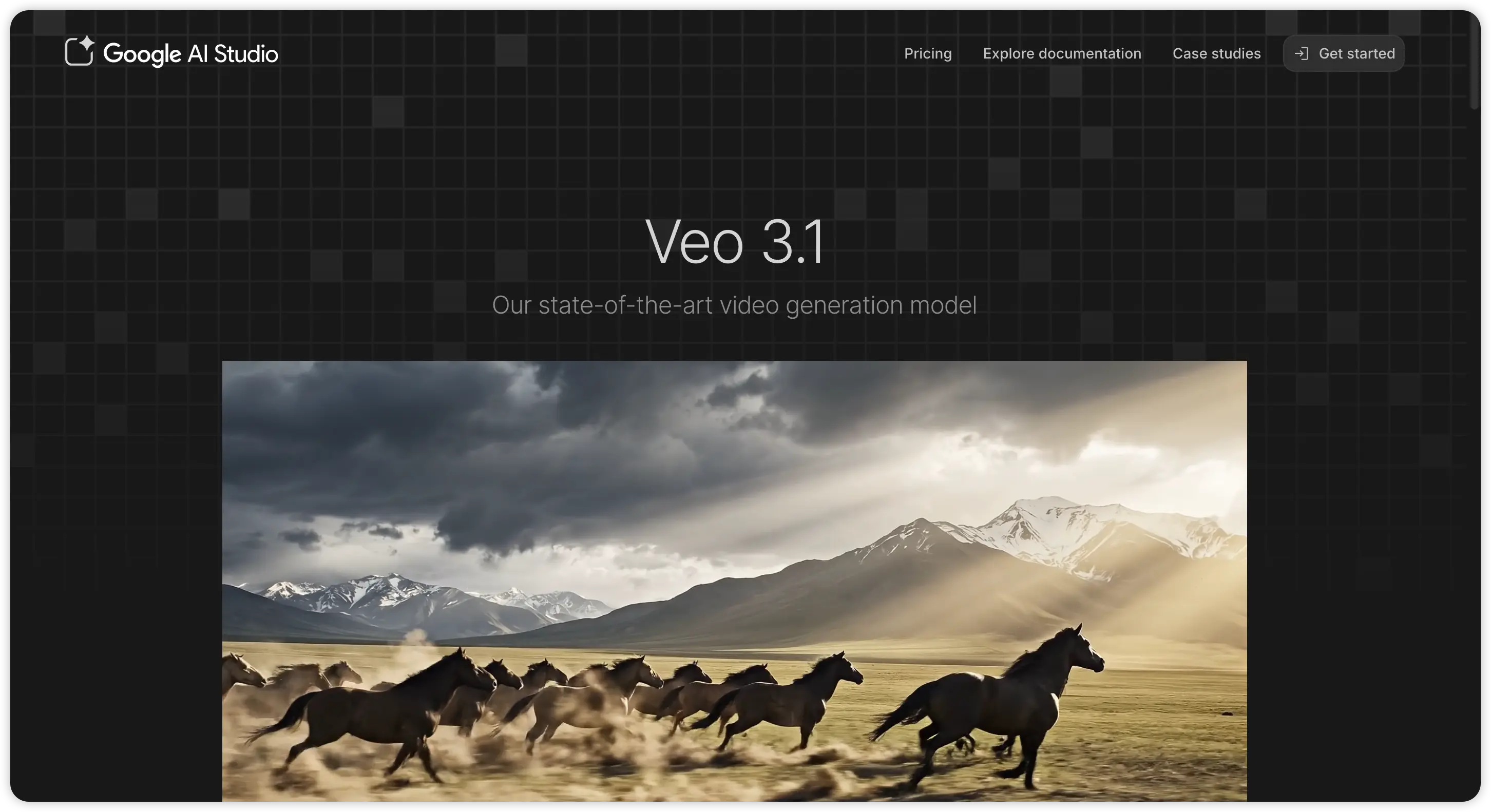 Google's Veo 3.1 excels at physics simulation and natural motion in complex scenes. It handles multi-subject interactions better than most competitors. Access is currently gated through Google's AI ecosystem, and pricing can be prohibitive for independents.
Best for: Creators who need physically accurate motion above all else.
6. Luma AI (Dream Machine): Best for Cinematic Shots
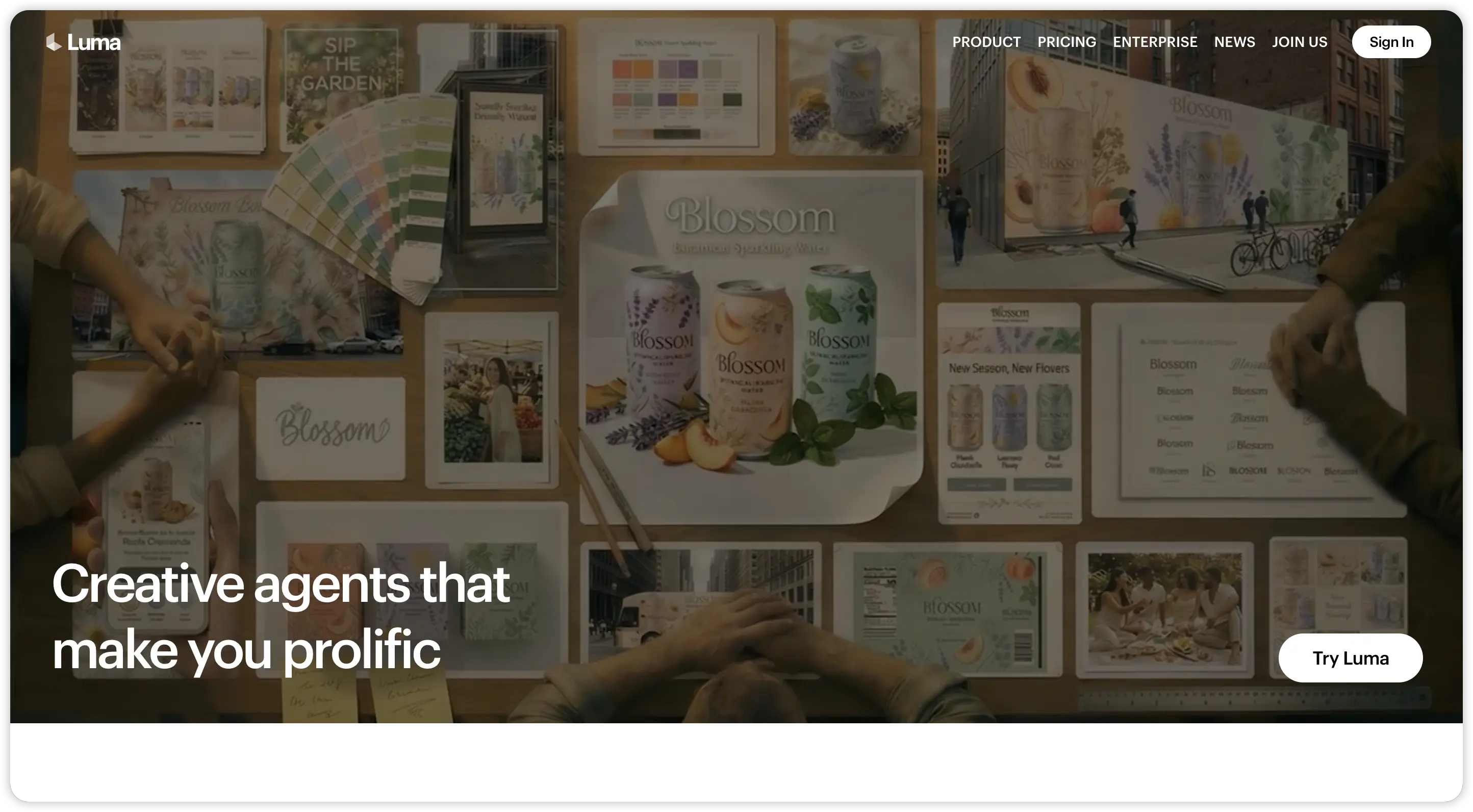 Luma produces gorgeous single-shot clips with strong lighting and composition. It's excellent for hero shots and mood boards but struggles with longer sequences. The Plus plan at $29.99 per month offers more generous credits than Kling's equivalent tier.
Best for: Visual artists and concept previsualization.
7. HeyGen: Best for Talking Head Videos
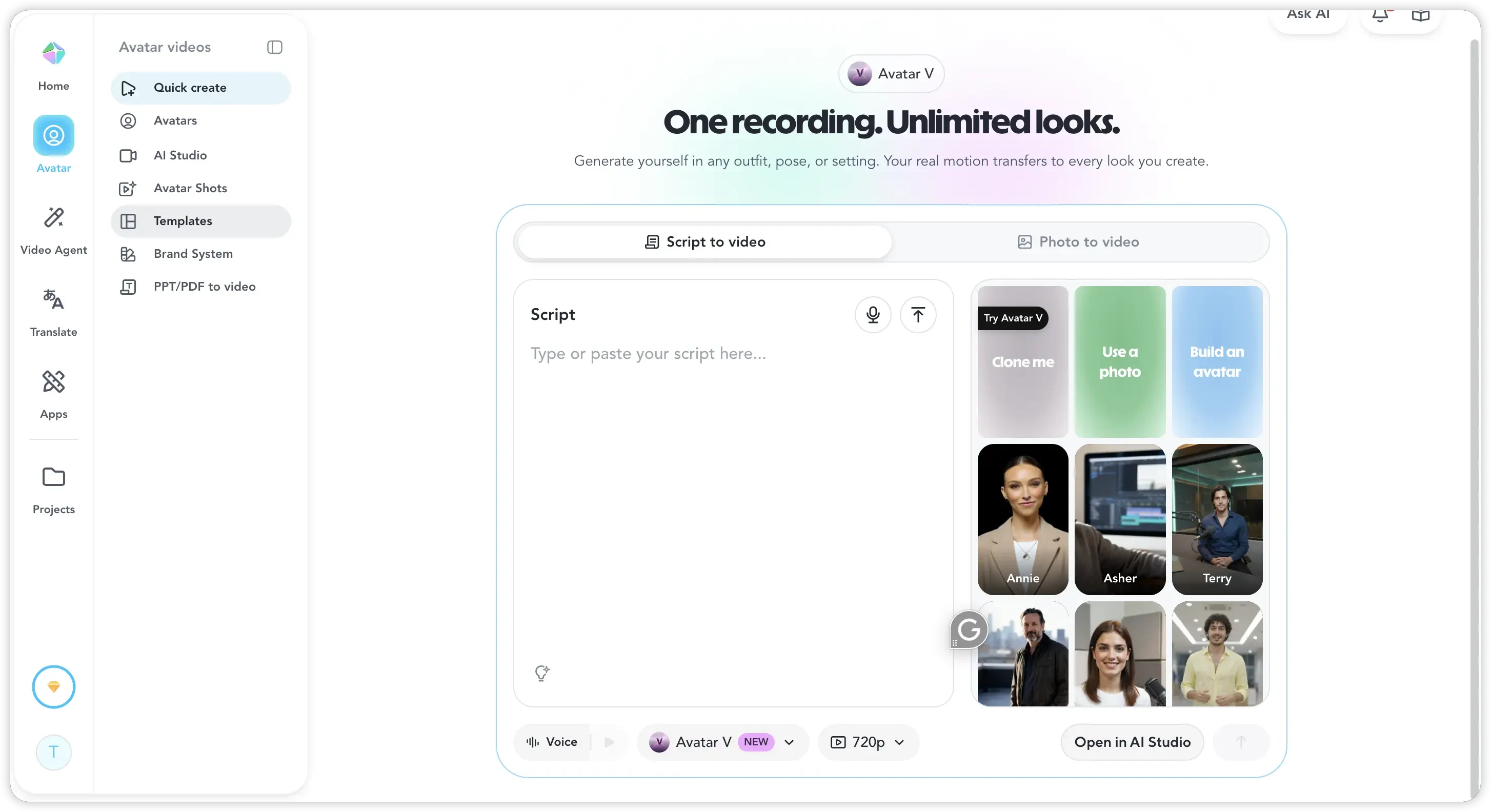 HeyGen specializes in avatar-driven content: talking heads, training videos, and multilingual presentations. It's the category leader for that specific format but not a general-purpose video generator, so creative range is narrow.
Also read: 10 Best HeyGen Alternatives for AI Video in 2026
Best for: Corporate training, sales videos, and localized content.
8. Synthesia: Best for Enterprise Training
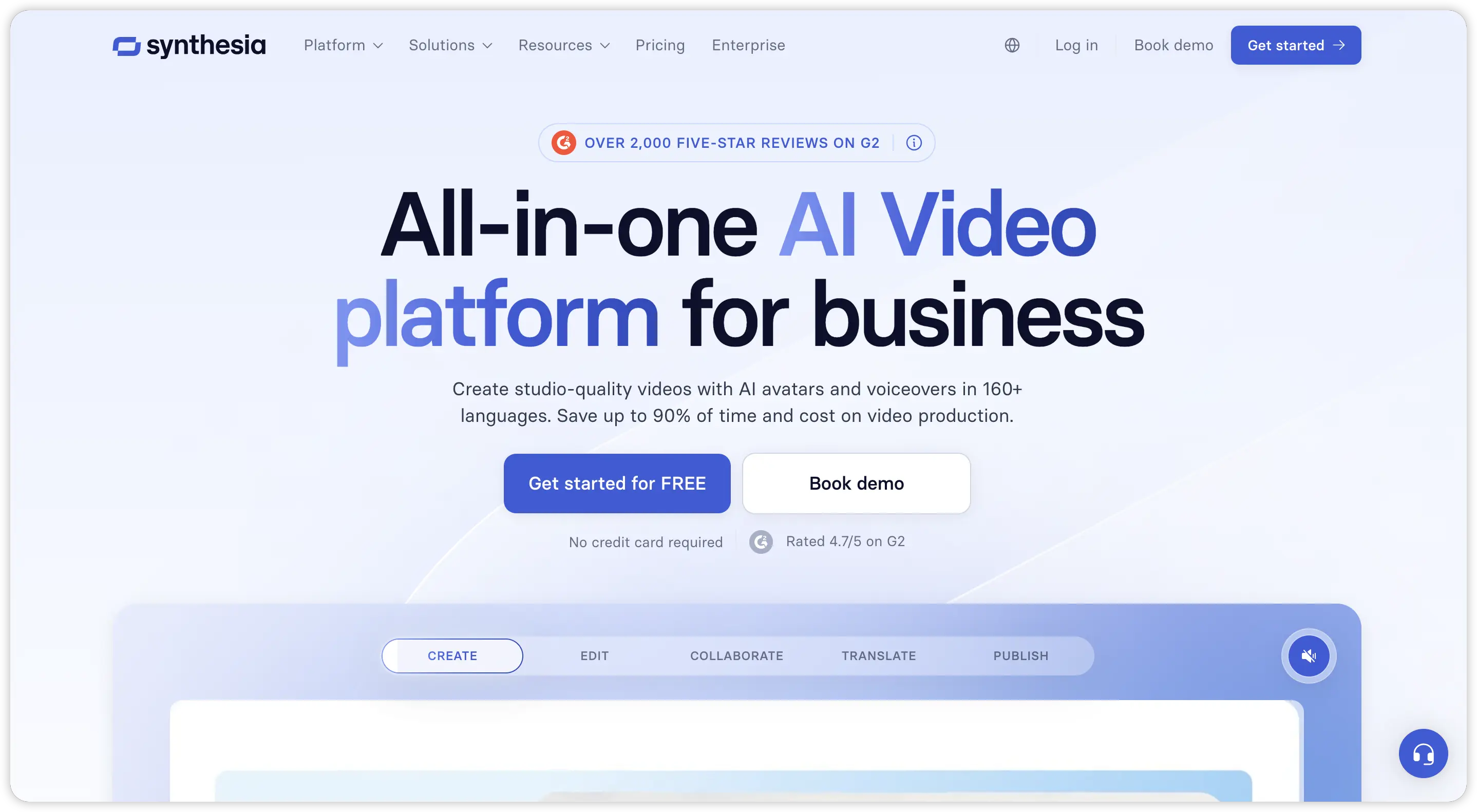 Synthesia targets enterprise teams producing internal communications and training at scale. It offers polished AI avatars in over 130 languages. Pricing skews higher, and output leans corporate rather than cinematic.
Also read: Best Synthesia Alternatives in 2026
Best for: L&D teams, HR departments, and large organizations.
9. Pixverse: Best for Stylized and Anime Content
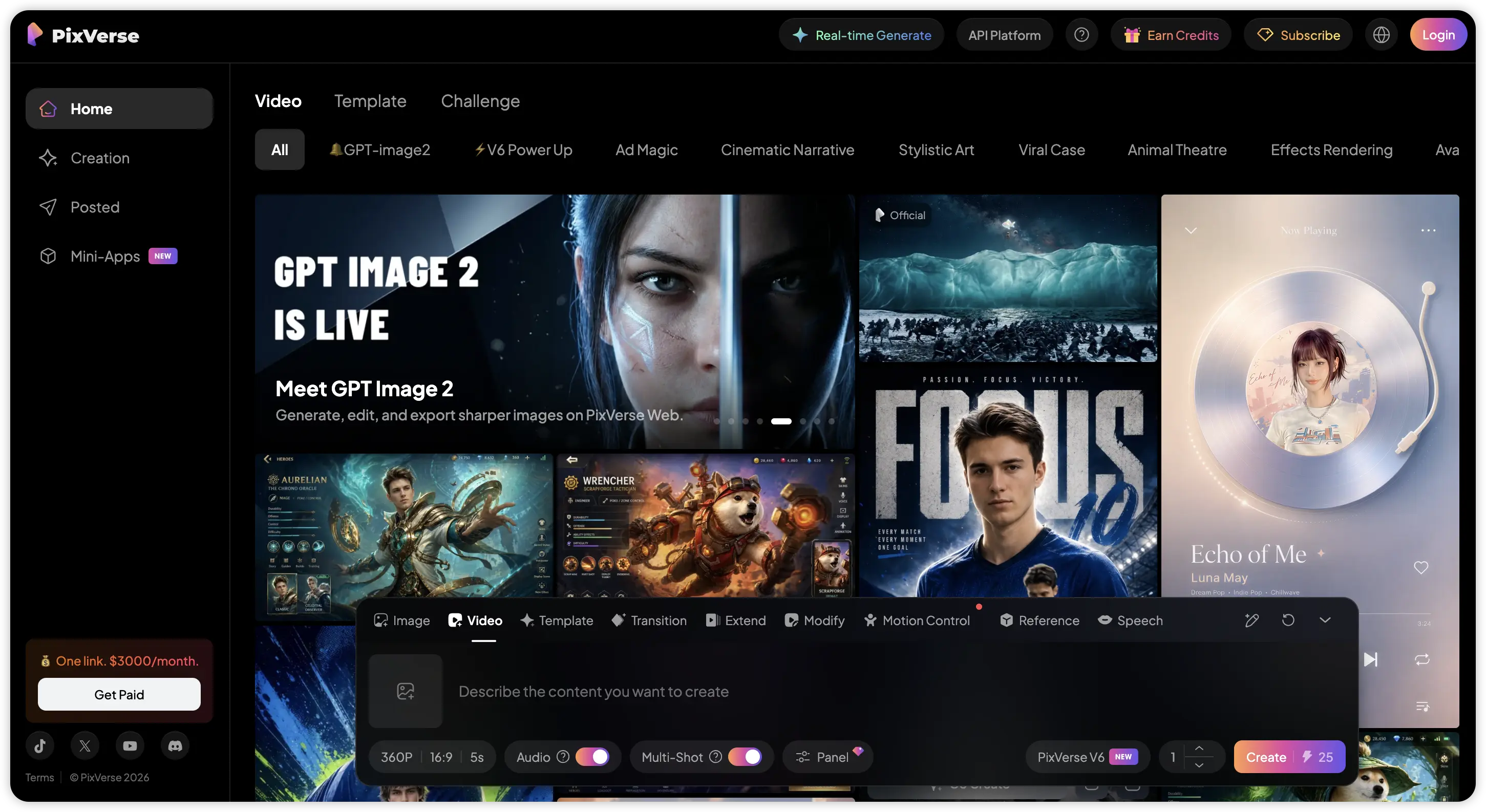 Pixverse has carved out a niche in stylized and anime-inspired video generation. Fantasy visuals, cel-shaded looks, and illustrated styles are where it shines. The trade-off: photorealistic human subjects fall noticeably behind Kling or Pexo.
Best for: Anime creators and stylized content producers.
10. InVideo AI: Best for Faceless YouTube Videos
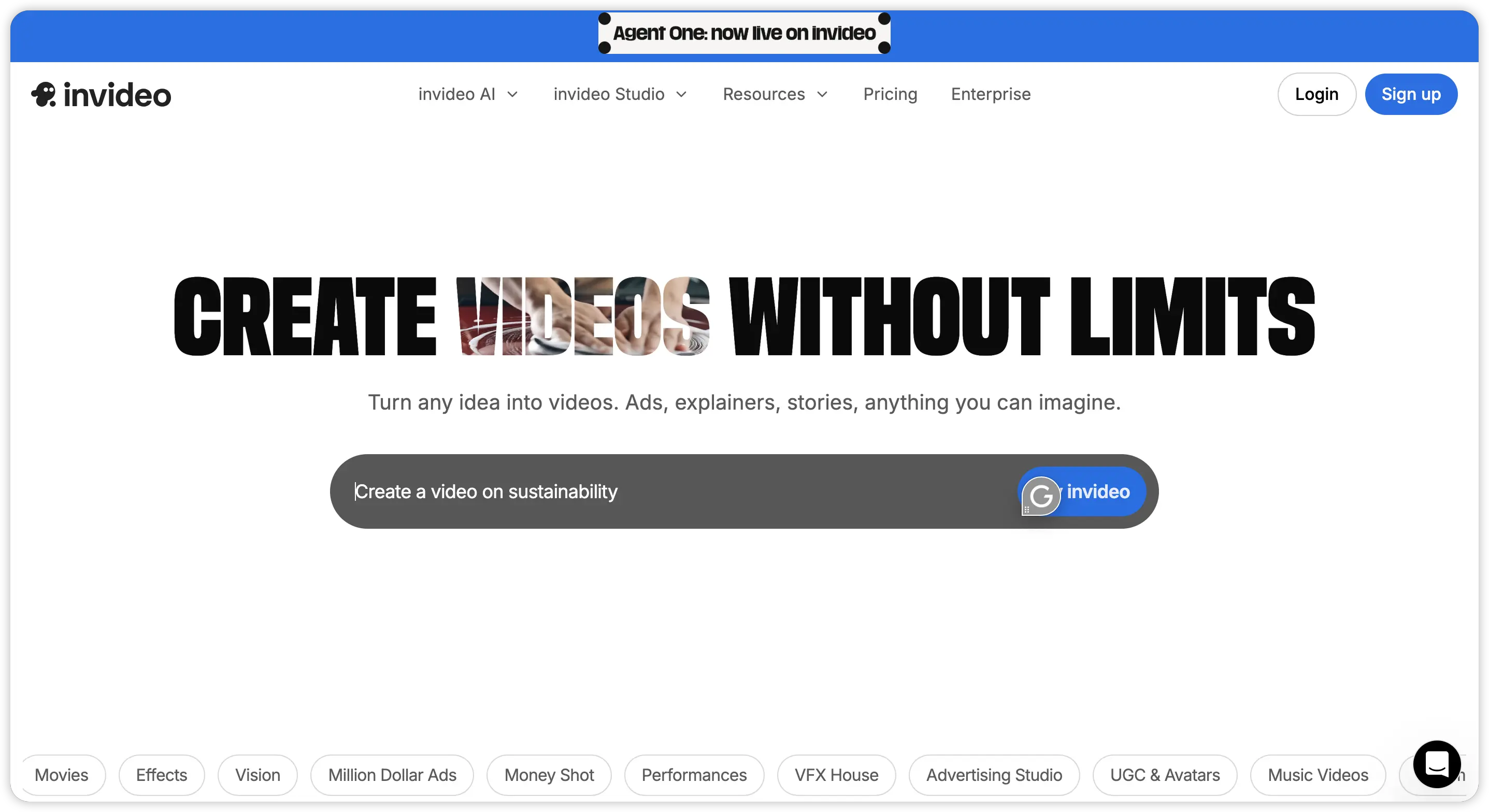 InVideo AI automates long-form production by handling scripting, stock footage selection, voiceover, and editing from a single text prompt. It's a different category from Kling entirely, but a solid pick for creators who prioritize volume and efficiency.
Best for: YouTube automation and faceless content channels.
Kling AI vs Pexo: A Detailed Head-to-Head Comparison
After testing all 10 alternatives, Pexo consistently came out on top as the most complete replacement for Kling AI. Here's how they compare.
| Feature | Kling AI 3.0 | Pexo AI |
|---|---|---|
| Video Quality | Cinema-grade, top ELO score | High-quality with Seedance 2.0 |
| Generation Speed | 5 to 15 minutes | Significantly faster |
| Workflow | Manual prompt engineering | Conversational, guided creation |
| Input Types | Text, image, reference video | Text, image, URL, audio, script |
| Built-in Editing | None | Integrated end-to-end |
| Audio | Native audio and lip-sync | Music generation and audio-to-video |
| Failed Generations | Credits deducted | No penalty |
| Data Privacy | Chinese data jurisdiction | Global infrastructure |
The core difference comes down to workflow philosophy. Kling is built for users who already know exactly what they want and can express it in a structured prompt: subject, camera angle, action, lighting, style. That works well for experienced creators with a single-shot vision, but it creates a steep learning curve and makes every iteration expensive.
Pexo is built for the way most people actually work. You start with a rough idea, and the platform helps you shape it into a finished video. Need a product ad? Paste your link into Pexo and describe the angle you're going for. Working on a social campaign? Explain the concept and Pexo builds it from script to final cut. The conversational interface means you spend more time creating and less time debugging prompts.
Conclusion
Kling AI deserves credit for pushing AI video quality to new heights. But for most creators, the day-to-day experience of slow renders, wasted credits, and a fragmented workflow outweighs the benchmark scores.
After testing the field, Pexo AI stands out as the best AI video generator in 2026 for creators who want a complete, frictionless production tool. If you're tired of fighting with prompts and patching together clips in separate editors, give Pexo a try.





