ChatGPT
 Perplexity
 Claude
 Gemini
 Grok
Grok



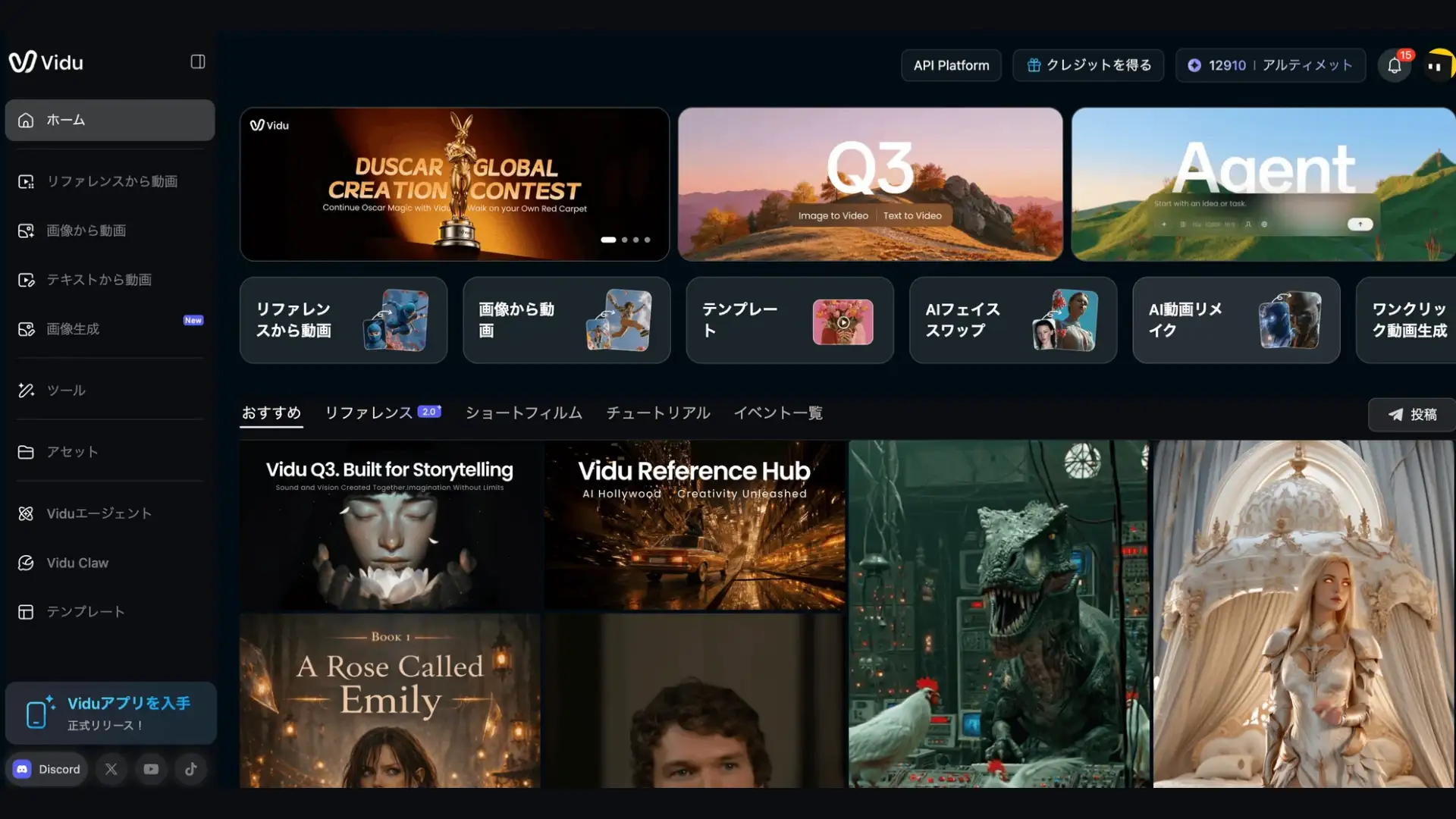
At $10/month, Vidu is one of the cheapest ways to generate AI video clips in 2026. Its Q3 model was the first to ship native audio and video in a single pass — no separate voiceover, no sound stitching, just one generation that outputs visuals and dialogue together. Shengshu Technology, Vidu's developer, reports that Artificial Analysis ranked it #2 globally and #1 in China among AI video generators.
So why is its Trustpilot score sitting below 2.5 out of 5?
After three weeks of testing Vidu Q3 across text-to-video, image-to-video, and reference-to-video workflows, the answer became clear: Vidu's per-clip cost is genuinely low, but its per-project cost can be surprisingly high. Failed renders consume credits with no refund. Complex prompts often miss. And once you have a good clip, you still need to assemble, edit, and publish it somewhere else. The cheapest clip generator is not always the most cost-effective video solution.
This review separates what Vidu does exceptionally well from where the hidden costs stack up — and covers when a different tool saves you more in the end. For context on where Vidu sits in the broader landscape, see our best AI video generators in 2026 ranking.
What Vidu Q3 Actually Does Well
Before the criticism, credit where it is due — Vidu Q3 has three features that genuinely stand out.
Native Audio in One Pass
Every other mainstream video generator in 2026 hands you silent footage. You then spend 10-30 minutes adding voiceover, syncing dialogue, layering sound effects, and mixing music. Vidu Q3 skips all of that. Dialogue, background music, and sound effects generate alongside the visuals at the model level. Lip sync is accurate in English, Mandarin, and Japanese, with only occasional drift on longer sentences.
This alone saves hours per week for creators who produce voice-driven content like explainers, character dialogue, or narrated shorts.
Anime and Stylized Content
This is Vidu's sweet spot. Animation producer Carl Reed has publicly praised Vidu's 2D line art handling, calling it unique in the market. In our testing, anime-style prompts consistently produced cleaner, more expressive output than the same prompts on Runway or Kling. If your content is stylized rather than photorealistic, Vidu's quality-to-price ratio is hard to beat.
Reference-to-Video Consistency
Using Q2 Pro's reference system, you can upload up to seven reference images to lock character identity across multiple generations. We tested this with three character references across five separate scenes — clothing details, facial proportions, and hair color held consistent. For anyone building a recurring-character series on social media, this is a meaningful time saver.
The Hidden Costs Nobody Talks About
Vidu's headline pricing is real — $10/month for 800 credits is legitimately cheap. But the effective cost of producing usable content is often much higher than the sticker price suggests.
Failed Renders Still Eat Credits
This is the single most common complaint across every review platform. If Vidu generates an unusable clip — wrong interpretation, artifact-heavy, incomplete render — the credits are gone. No redo button, no partial refund. For creators iterating on complex prompts, the real credit consumption can be significantly higher than advertised since each failed attempt burns the same credits as a successful one.
1,500-Character Prompt Ceiling
Vidu Q3 caps prompt length at 1,500 characters. For reference, Sora accepts up to 10,000. If your creative direction requires specifying camera movement, dialogue, scene composition, lighting, and character action in one prompt, you will hit this wall constantly. Workarounds exist (splitting into multiple generations), but each split costs additional credits.
No Refund Policy
Vidu's pricing page states explicitly: "We're sorry, but we are unable to provide refunds." This is not buried in fine print — it is their stated policy. Combined with the failed-render credit issue, this means every purchase is a one-way commitment. The low Trustpilot scores reflect this, with most negative reviews citing billing frustration and unresponsive support.
Assembly Is Your Problem
Vidu generates clips. Individual, isolated clips up to 16 seconds long. Turning those clips into a finished video — with scripting, scene sequencing, transitions, mixed audio, and captions — requires either manual editing in Premiere/CapCut or a separate production tool. This labor cost is invisible in Vidu's pricing but very real in your workflow.
Vidu AI Pricing Breakdown
| Plan | Monthly | Annual (per month) | Credits | Approx. Clips | Key Limits |
|---|---|---|---|---|---|
| Free | $0 | — | 80 | ~20 | Unlimited off-peak, watermarked |
| Standard | $10/mo | $8/mo | 800 | ~200 | Commercial rights, 1080p |
| Premium | $35/mo | $28/mo | 4,000 | ~1,000 | High-speed generation |
| Ultimate | $99/mo | $79/mo | 8,000 | ~2,000 | 200 clips/day cap |
| Enterprise | Custom | Custom | Custom | Custom | API, team workspaces |
Pricing advantage: According to third-party analyses, Vidu's per-second cost at Cinema quality is significantly lower than Western competitors like Runway or Sora — often cited as one of the most affordable options in the market. This is Vidu's strongest selling point on paper.
But factor in failed renders. Since unusable outputs still consume credits, the effective cost per usable clip is higher than the sticker price, especially for complex prompts. The gap between Vidu's advertised cost and actual cost narrows depending on how many iterations your workflow requires.
The free tier is genuinely good. 80 credits plus unlimited off-peak generation is enough to test thoroughly before spending money. Off-peak quality is identical to standard — just slower queue times.
Reputation Split
The ratings tell two different stories:
| Platform | Rating | Reviews | What It Reflects |
|---|---|---|---|
| G2 | 4.7/5 | 60+ | Product quality — generally positive |
| Google Play | 4.7/5 | 27,000+ | Mobile app experience — strong |
| App Store | 4.8/5 | 1,500+ | Mobile app experience — strong |
| Trustpilot | ~2.0/5 | Small sample | Billing and support — mostly negative |
The product works. The billing experience does not always work. Go in with that expectation.
Who Should Use Vidu (and Who Should Not)
Vidu is a strong fit for:
-
Anime and stylized content creators — this is where quality-to-price ratio is genuinely best-in-class
-
Short-form social media creators who need fast, cheap clips with native audio
-
Creators building character-consistent series using reference-to-video
-
Anyone who wants to test AI video with a generous free tier before investing
Vidu is a poor fit for:
-
Teams that need finished, multi-scene videos (Vidu makes clips, not productions)
-
Professional campaigns requiring photorealistic human motion (artifacts are frequent)
-
Anyone who needs detailed prompt control beyond 1,500 characters
-
Creators who value responsive customer support and refund flexibility
Better Alternatives for Different Workflows
Pexo — When You Need a Finished Video, Not a Clip
The fundamental gap with Vidu is not quality — it is scope. Vidu gives you one 16-second clip. Pexo gives you a finished, multi-shot video with scripting, visuals, voiceover, music, captions, and transitions — all from a single conversation.

Pexo works as a conversational AI video agent: describe what you want in plain language, and it handles the full production pipeline. The key technical difference is auto model routing — instead of being locked to one model (like Vidu's Q3), Pexo routes each shot across 10+ models including Seedance 2.0, Kling 3.0, Veo 3.1, Sora 2, and Runway Gen-4, picking the best engine per shot. No failed renders wasting credits on model mismatches.
| Plan | Monthly Price | Base Credits | Approx. Output |
|---|---|---|---|
| Free | $0 | Onboarding credits | Test the workflow |
| Pro | $30/mo | 3,000 | ~2-5 min finished video |
| Elite | $60/mo | 7,200 | ~5-11 min finished video |
| Max | $100/mo | 14,000 | ~9-20 min finished video |
At $30/month, Pexo's Pro plan costs 3x Vidu's Standard plan. But that $30 delivers a finished, publish-ready video — not a collection of clips you still need to script, sequence, edit, and mix. For teams whose time has a cost, the math often favors the production tool over the clip generator.
Best for: Marketing teams, DTC brands, social media managers who need publish-ready videos from a single conversation.
Runway — When You Need the Best Single Shot
If you are using Vidu because you specifically want single-clip generation with maximum visual quality — not because you need a production pipeline — Runway Gen-4 is the premium upgrade. Its Motion Brush gives frame-level direction control that no other consumer tool matches. For image-to-video work, Runway's quality lead over Vidu is substantial, particularly for realistic human motion and physics coherence.
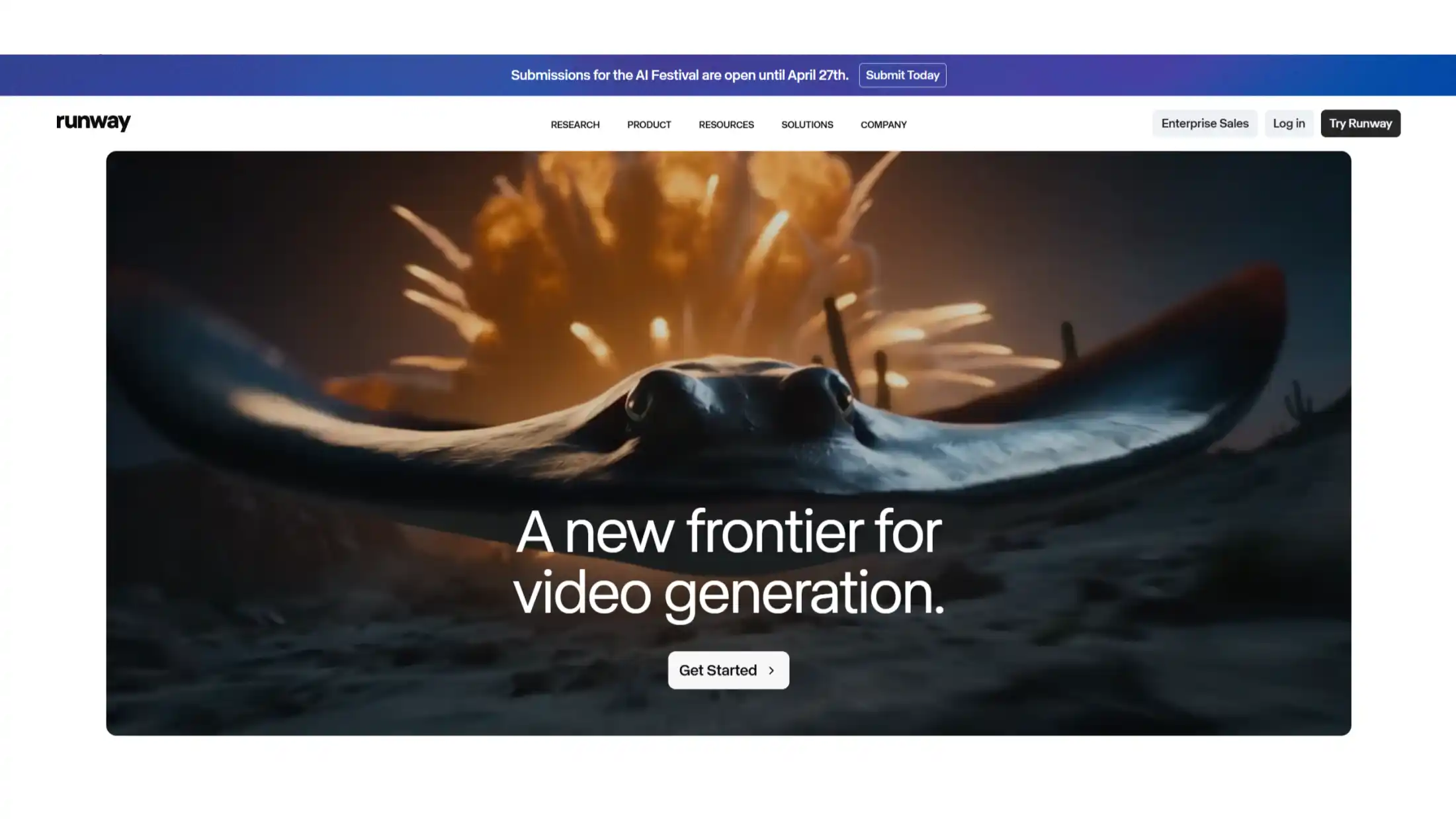
The trade-off is price: Runway is significantly more expensive per second than Vidu, and output is silent (no native audio). But for creators who need one perfect shot rather than many adequate ones, the per-shot value is often worth it.
| Plan | Monthly Price | Credits | Key Features |
|---|---|---|---|
| Free | $0 | 125 | Watermarked |
| Standard | $15/mo | 625 | 720p, 10s max |
| Pro | $35/mo | 2,250 | 4K, extended duration |
| Unlimited | $95/mo | Unlimited | Priority rendering |
Best for: Filmmakers, VFX professionals, and creators who need the highest-quality single shots with precise control.
Great Clips, Not a Complete Solution
Vidu Q3 is a genuinely impressive clip generator. Native audio in one pass, strong anime output, and pricing that undercuts most competitors make it a smart choice for creators who need fast, affordable short clips with sound. The free tier is generous enough to test thoroughly before spending anything.
But a clip is not a video. If your end goal is a finished, publish-ready piece of content, Vidu only covers the first step. You still need scripting, sequencing, transitions, and final mixing. Factor in failed renders eating credits and a no-refund policy, and the total cost of producing usable content is higher than the sticker price suggests.