Pexo
FLUX 3 Max

FLUX 3 Max
Direct the moment. Shape the motion.

FLUX 3 Max is fal Research’s post-trained video model, developed with Black Forest Labs on FLUX 3. Create a scene from words or a starting image, guide its final frame, and bring movement and sound into one creative brief.

Core capabilities

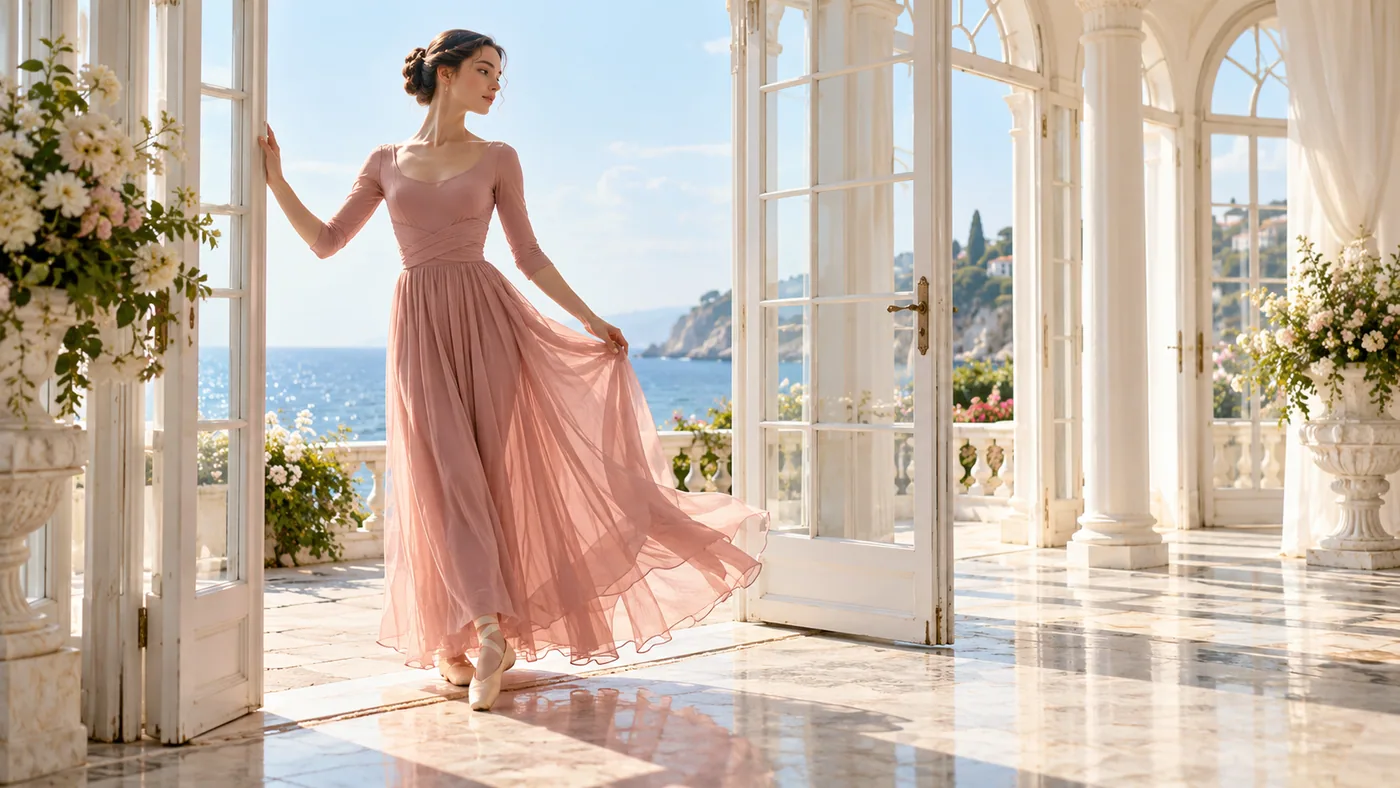
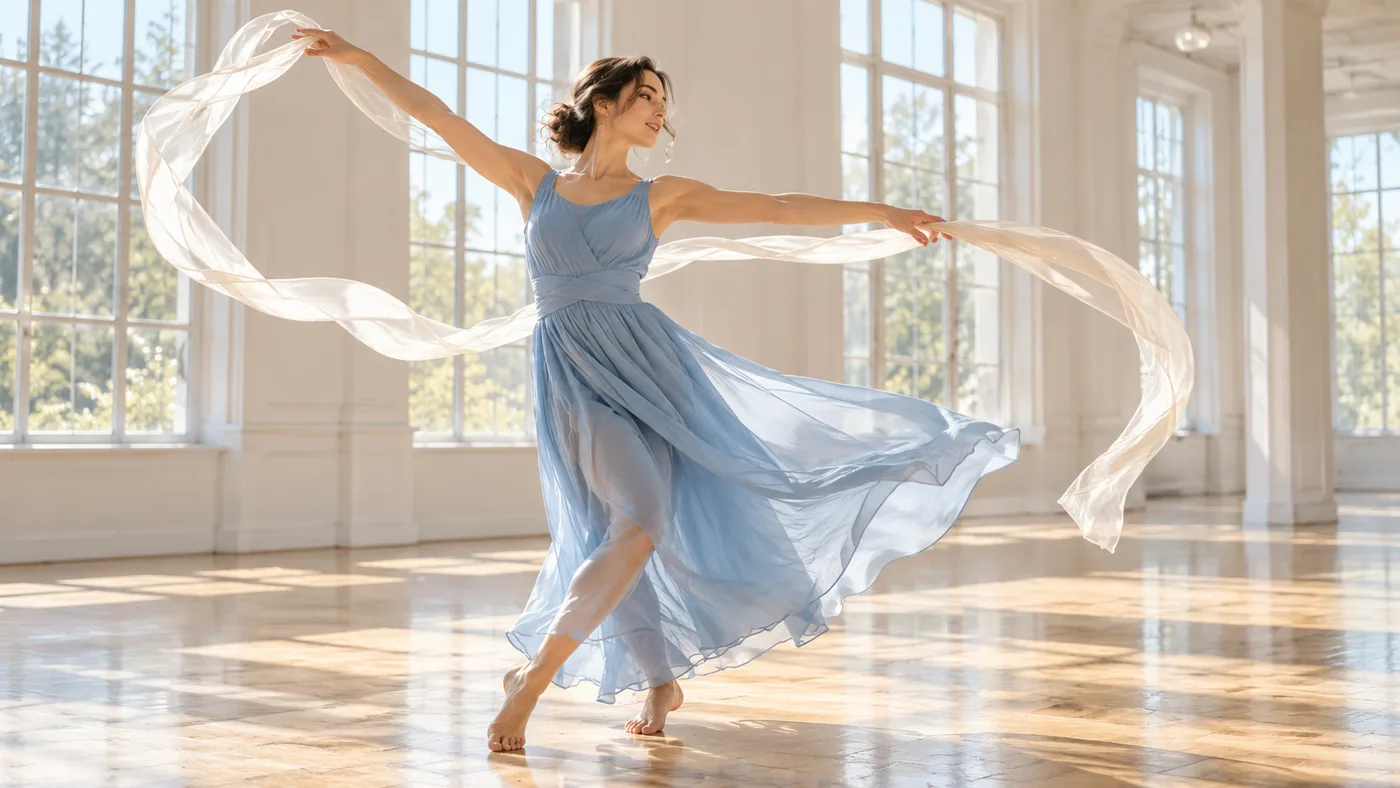
A beautiful adult contemporary dancer in a modest flowing sky-blue dress making a sweeping gesture with a pale silk ribbon in a spacious sunlit white dance studio, broad windows and polished wood floor, candid editorial film still.

Text-to-video generation

Begin with an action the viewer can recognize. The text route creates a new scene without a starting image: name the subject, setting, camera movement, and sound. A dancer releasing a silk ribbon gives the shot a visible event to follow. Decide where that movement begins and how it settles before adding atmospheric details. A product video can use the same subject–action–setting structure.
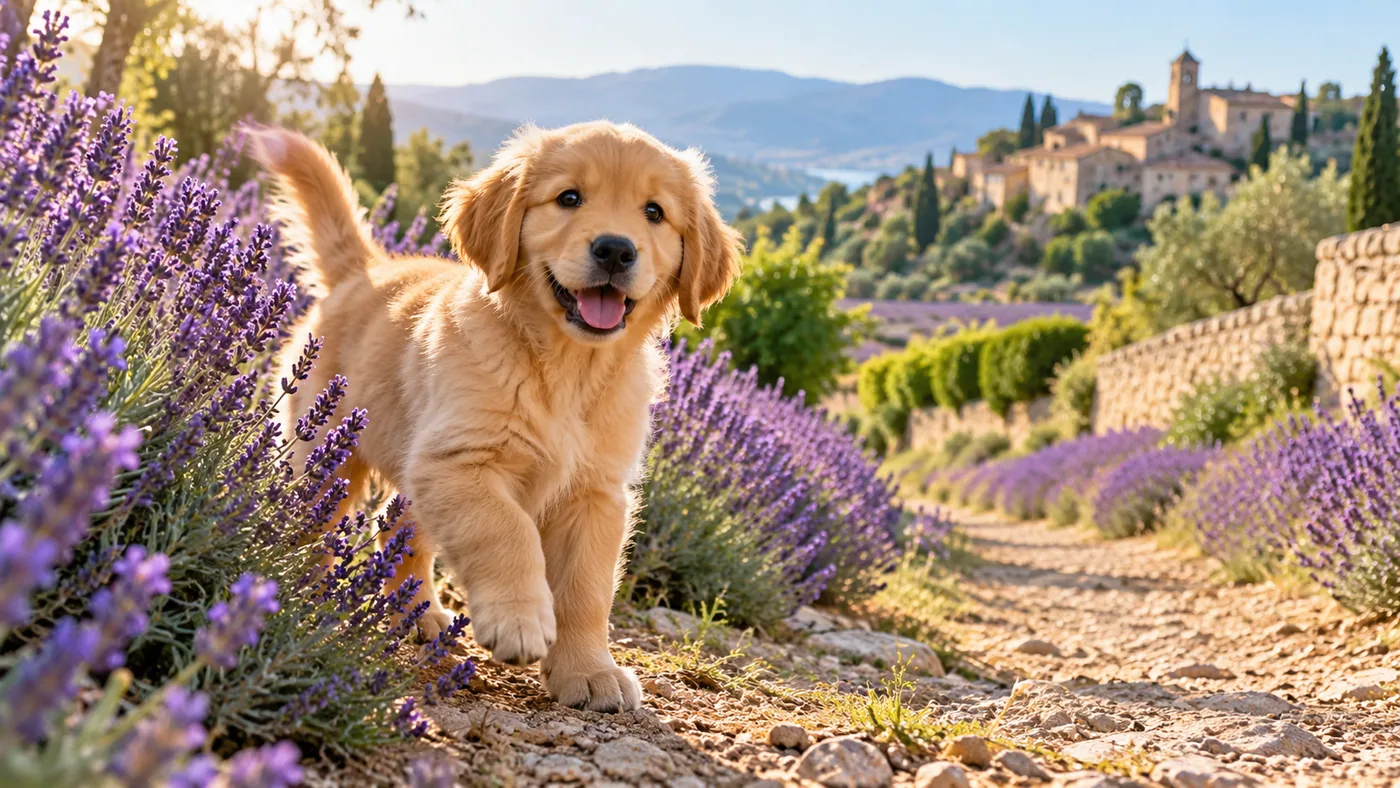
An adorable golden retriever puppy standing beside a lavender path in Provence, morning light, clearly poised to take its next step, natural joyful wildlife portrait.

Image-guided video generation

Use a photograph or illustration to establish the opening composition, then describe the movement that follows. The fal image route accepts PNG, JPEG, and WebP. A puppy poised on a lavender path can take its first steps as the camera moves beside it; the source image supplies appearance while the prompt directs the next moment.

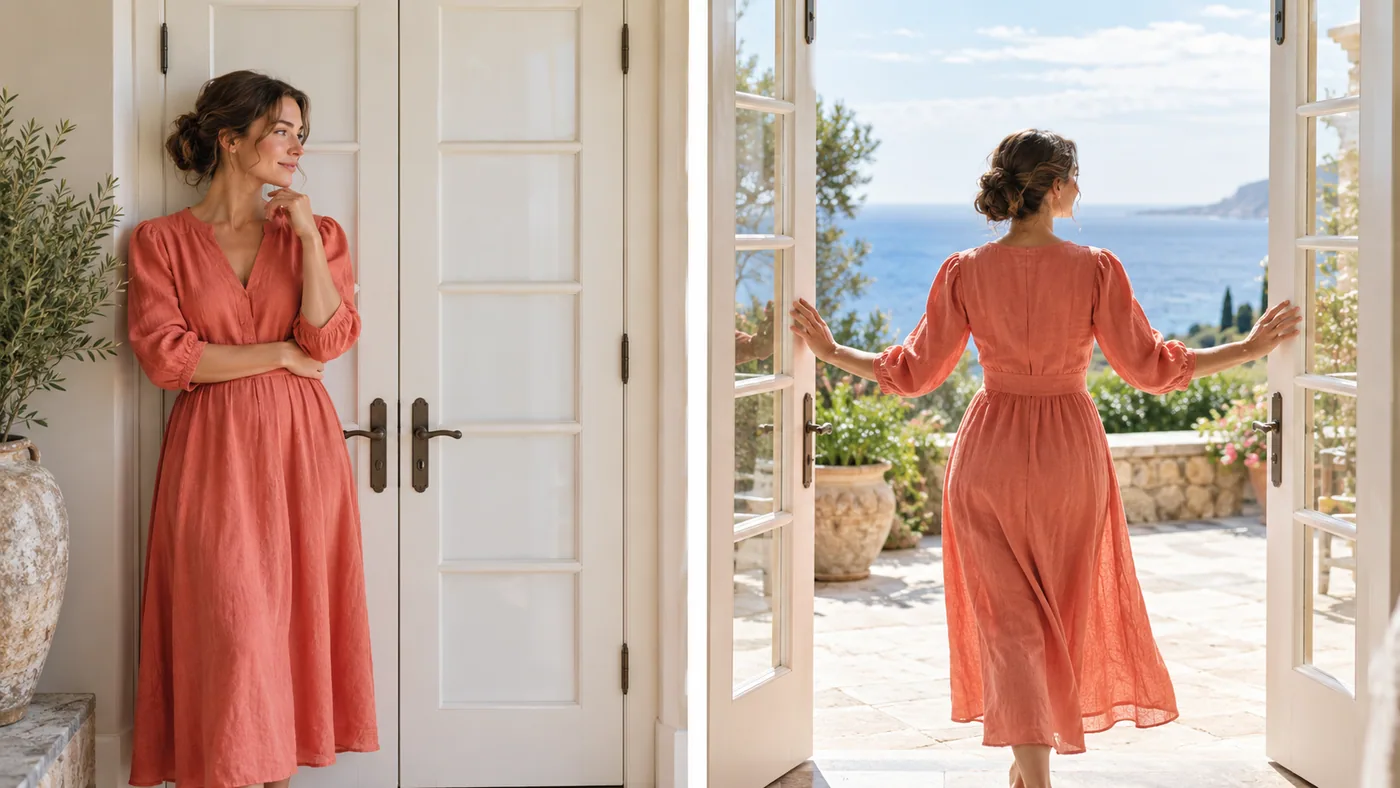
A photographic diptych showing the same elegant fully clothed adult woman in a coral linen dress first standing beside closed white French doors, then gently opening them onto a bright ocean terrace. Two distinct photographs, coherent identity and architecture, no text or arrows.

First and last frame guidance

An optional ending image gives image-to-video a second visual milestone. Establish the closed doors in the opening frame and the ocean terrace in the ending frame, then describe the action connecting them. Keep subject identity, perspective, and the intended transition coherent across both supplied pictures.

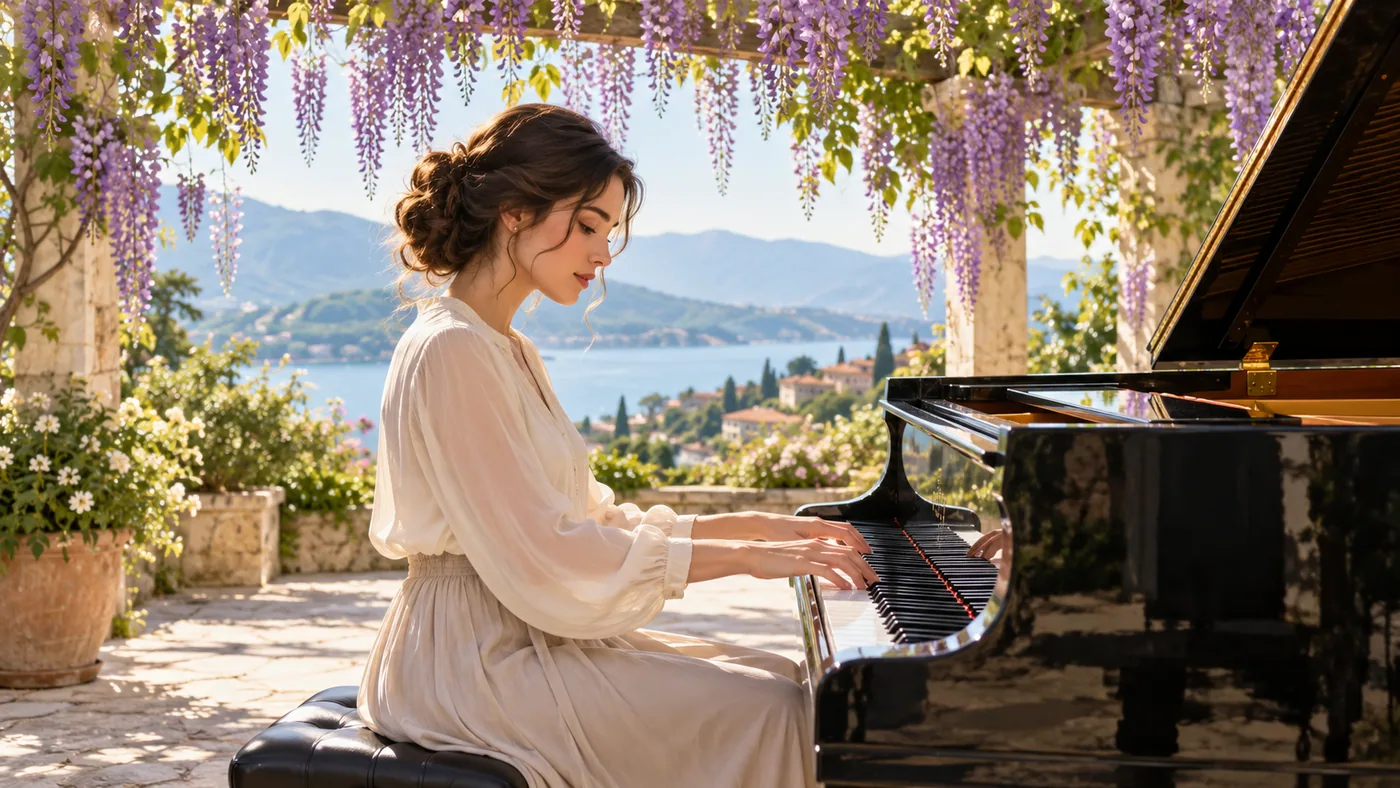
A beautiful fully clothed adult pianist in an ivory blouse playing a grand piano beneath a wisteria pergola, fingers naturally placed on keys, sunlight, acoustic performance editorial photograph.

Generate sound with the scene

Audio generation is enabled by default and can be switched off. Describe the audible event as clearly as the visible one: piano notes, a spoken sentence, or waves against a shore. A performer at a grand piano connects the sound to a visible source. Listen to the result alongside the movement when choosing a take.

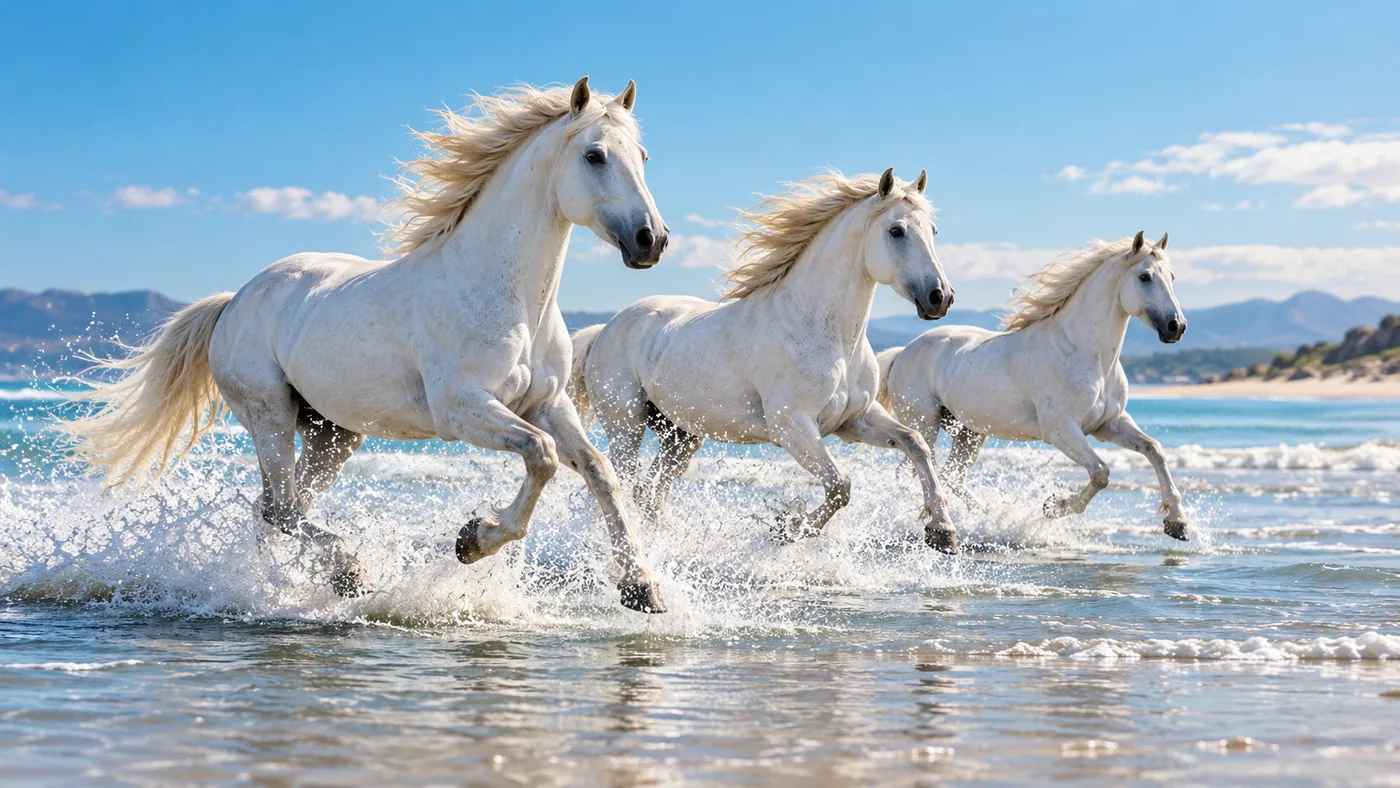
Three white horses cantering through shallow blue water along a broad sunny beach, side-on tracking-shot composition, natural anatomy, crisp splashes, bright cinematic still.

Camera direction and reasoning controls

Write the camera’s relationship to the action: follow the horses from the side, move toward a face, or hold a wide composition. The API offers low and high reasoning effort, with high as the default; greater effort takes longer. This gives a creative brief both a visual direction and a deliberate processing choice. Shape the movement around the purpose of your cinematic video.

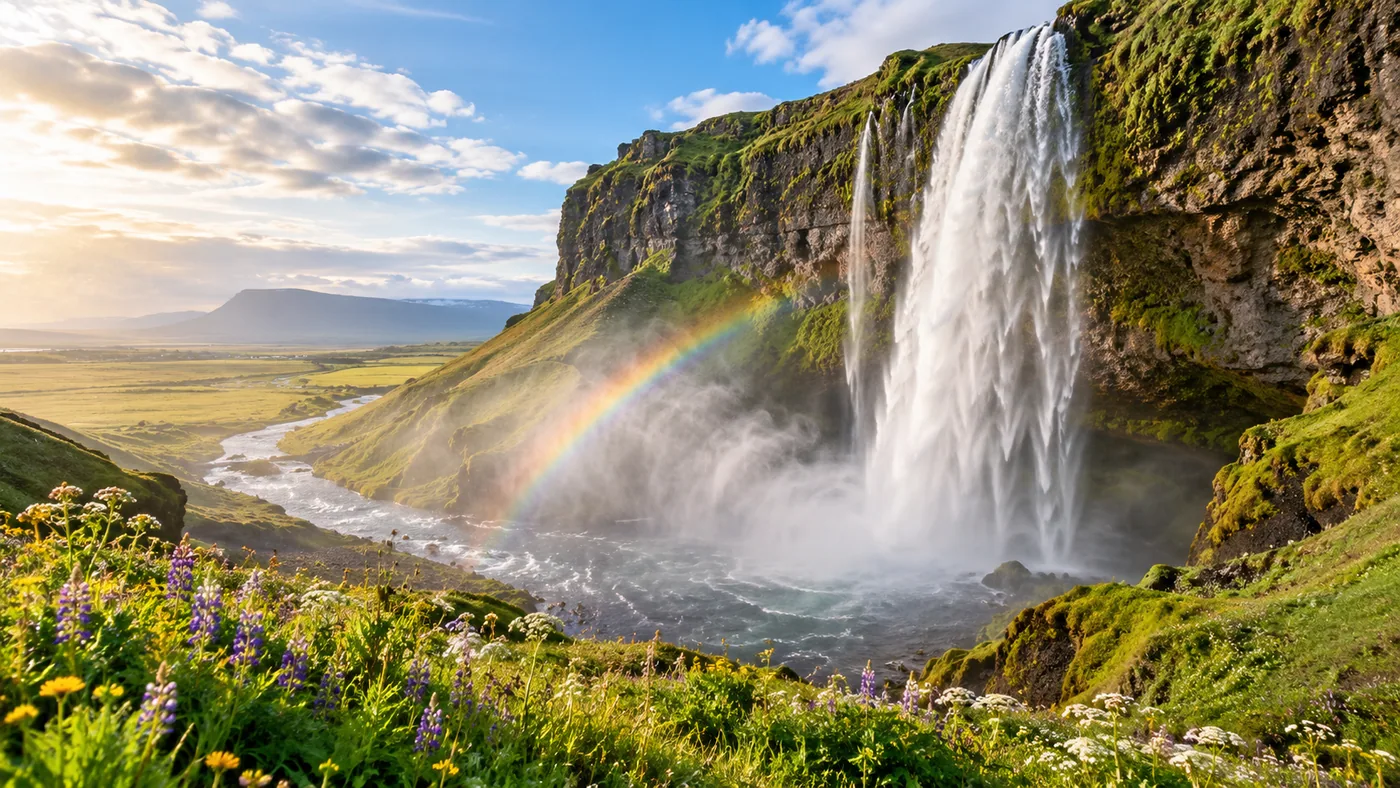
A sweeping beautiful aerial landscape of the Seychelles, curved white beach, granite islands, turquoise lagoon and lush foliage, spacious balanced panoramic composition.

Choose the duration and composition

The reviewed fal routes accept 5–20 seconds in one-second steps. Start at 720p or select the documented 1080p upscale option. Text prompts can use landscape, portrait, square, and wider compositions; automatic framing uses 16:9 for text and follows the starting image for image-led work. Plan the frame around the intended delivery.

Image showcase

FLUX 3 Max and related video models

Compare creative inputs, shot controls, sound, and clip length across the provider workflows.

DimensionFLUX 3 MaxFLUX 3Wan 3.0
Model rolefal Research post-training on FLUX 3Black Forest Labs foundation video modelAlibaba all-in-one generation and editing
Creative starting pointsText; starting image with optional ending imageText, image, first/last frames, keyframes, existing clipText, frames, multimodal references, file or web context
Clip length5–20 seconds on the reviewed fal routesUp to 20 seconds2–30 seconds without reference video
SoundGenerated audio; enabled by defaultNative audioNative dialogue, music, and sound effects
Workflow controlsMotion prompt, ending frame, reasoning effortKeyframe, extension, draft, and enhancement routesReference, editing, and extension tasks

Official model details ↗ · Explore FLUX 3

Use-case scenarios

A product moment with a clear action

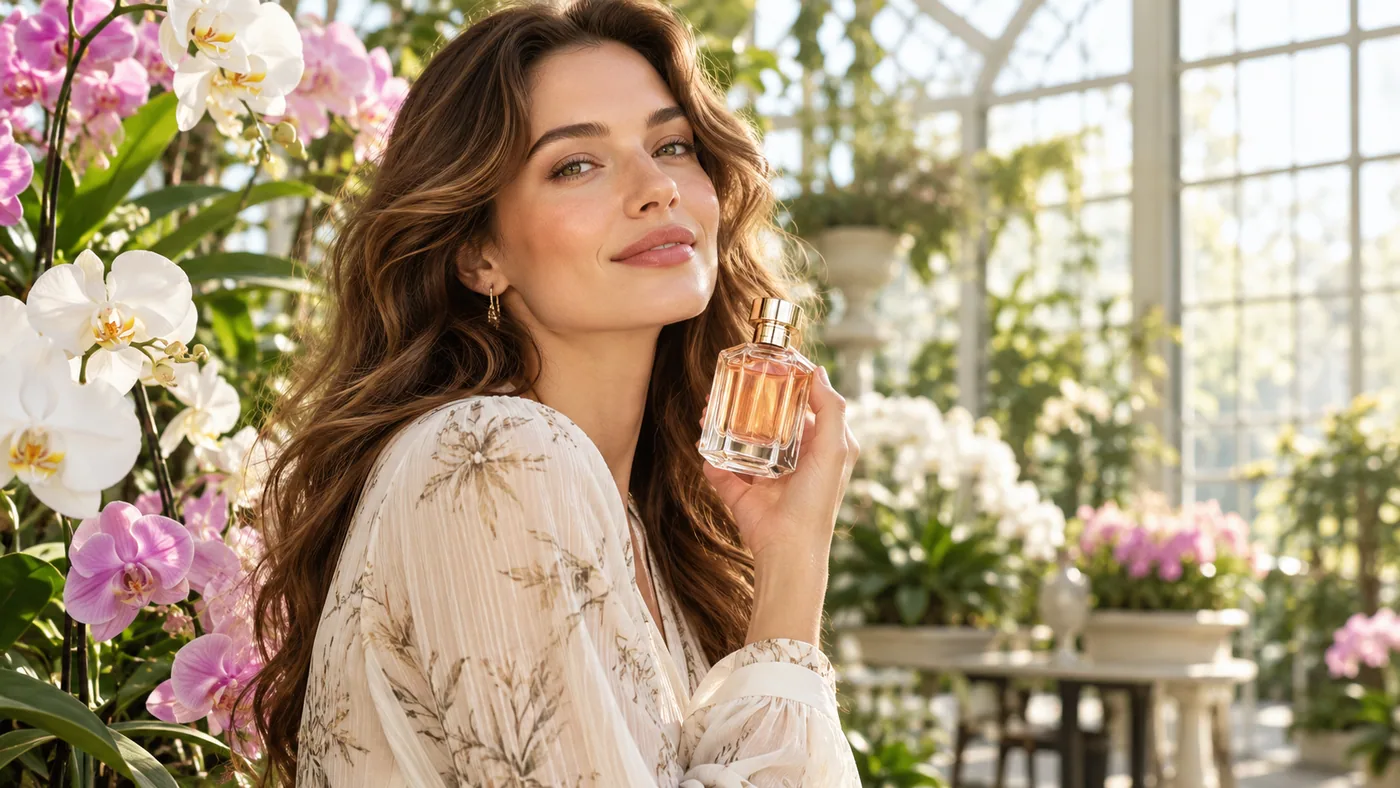
Plan one reveal: a hand lifts a perfume bottle, light catches the glass, and the camera moves closer. A starting image can establish the arrangement before you direct the action and its timing.

A performance-led cinematic shot

Describe the gesture, the camera’s distance, and the sound around the performer. A short continuous movement gives expression and body motion a clear role in the finished scene.

An illustrated scene with a planned ending

Begin with an illustrated character and supply a final composition when the destination matters. Let the prompt explain the transition, rather than asking two unrelated frames to connect without a story.

Use cases

Explore Pexo Create workflows for product messages, documentary moments, and animated stories.

FAQ

What is FLUX 3 Max?

FLUX 3 Max is a video model post-trained by fal Research in collaboration with Black Forest Labs, using FLUX 3 as its foundation. The fal workflows reviewed here generate video from a text prompt or a starting image and can include generated audio.

Can I supply both an opening and an ending image?

Yes. The image-to-video API requires a starting image and accepts an optional ending image. PNG, JPEG, and WebP are supported. Describe the movement connecting the two compositions in the prompt.

What duration and resolution can I choose?

The reviewed fal text and image routes support 5–20 seconds, with five seconds as the default. Output defaults to 720p, with a documented 1080p upscale option. Automatic aspect ratio uses 16:9 for text prompts and follows the starting image otherwise.

What does the reasoning setting change?

The API offers low and high reasoning effort, with high selected by default. Higher effort increases generation time. The seed is optional, and audio generation can be enabled or disabled for the request.

Where is FLUX 3 Max available?

FLUX 3 Max is served on fal through its model playground and API. It is the fal Research post-trained variant of FLUX 3; the original Black Forest Labs model has its own documented generation, draft, keyframe, and extension workflows.

Describe your idea and start your next creation.

Start creating

Frequently Asked Questions (FAQ)

What is FLUX 3 Max?

FLUX 3 Max is a video model post-trained by fal Research in collaboration with Black Forest Labs, using FLUX 3 as its foundation. The fal workflows reviewed here generate video from a text prompt or a starting image and can include generated audio.

Can I supply both an opening and an ending image?

Yes. The image-to-video API requires a starting image and accepts an optional ending image. PNG, JPEG, and WebP are supported. Describe the movement connecting the two compositions in the prompt.

What duration and resolution can I choose?

The reviewed fal text and image routes support 5–20 seconds, with five seconds as the default. Output defaults to 720p, with a documented 1080p upscale option. Automatic aspect ratio uses 16:9 for text prompts and follows the starting image otherwise.

What does the reasoning setting change?

The API offers low and high reasoning effort, with high selected by default. Higher effort increases generation time. The seed is optional, and audio generation can be enabled or disabled for the request.

Where is FLUX 3 Max available?

FLUX 3 Max is served on fal through its model playground and API. It is the fal Research post-trained variant of FLUX 3; the original Black Forest Labs model has its own documented generation, draft, keyframe, and extension workflows.