Pexo
MiniMax H3 Highspeed

MiniMax H3 Highspeed
Give everyday scenes a clear direction.

MiniMax H3 Highspeed is the H3 video variant positioned around a balance of generation quality and speed. Create 4–15 second scenes from text, first and last frame images, or multimodal references, with controls for the subject, action and visual direction.

Official MiniMax H3 Highspeed example · Hummingbird in a sunlit garden.

Core capabilities

A woman preparing a camera in a bright creative studio
Creative illustration

Direct a short scene from text

Describe the subject, movement, environment and camera direction to generate a 4–15 second scene. Highspeed is positioned for everyday content where turnaround matters, without a fixed completion-time promise. Start with a manageable action, then assess motion, composition and the fit with your brief before producing more takes.

A woman lifting a tan handbag in a sunlit boutique
Creative illustration

Plan a reveal with endpoint images

Provide a beginning image, an ending image, or both, then explain the action connecting them. A handbag reveal or a character turn can be planned around those endpoints. Keep pose and framing changes plausible within the chosen duration, and check the transition in the returned clip rather than assuming the model will follow an exact path.

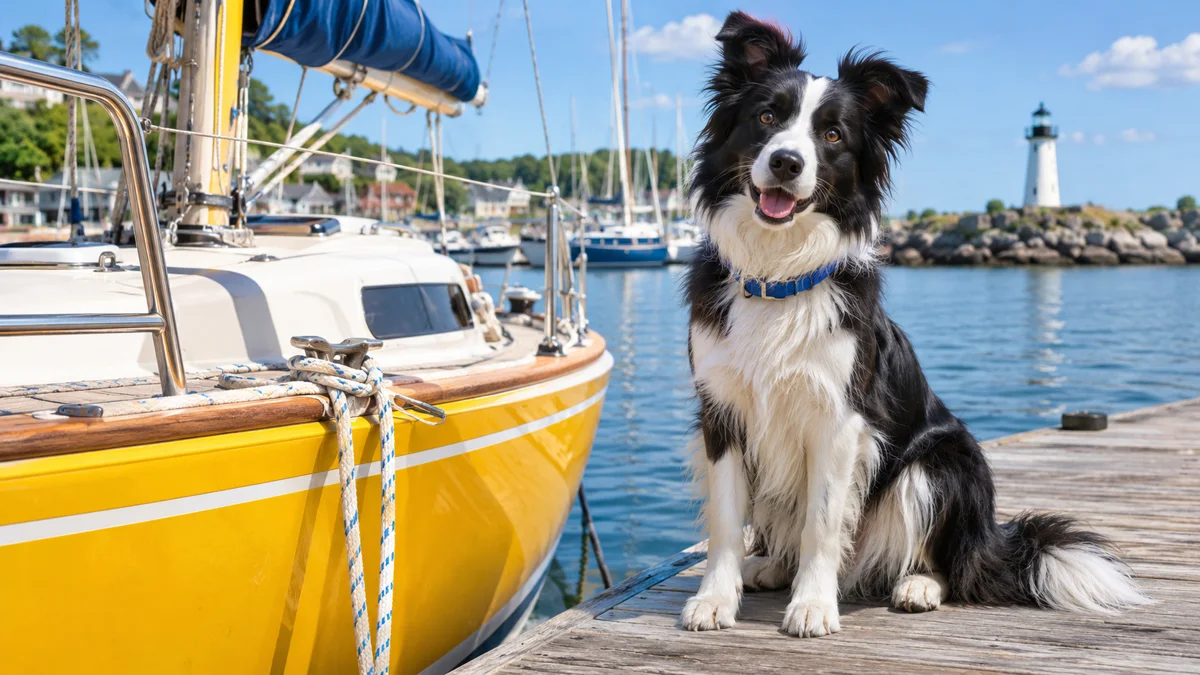
A border collie beside a yellow sailboat in a harbor
Creative illustration

Give the subject a visual reference

Reference images can guide the appearance of a character, animal or product before motion is added. Specify which features matter and whether the setting should change. The documented workflow supports multiple references, subject to its input limits. Review the output across the clip for shifting details, extra objects and changes in identity.

A woman in a coral dress turning on a seaside terrace
Creative illustration

Use a clip to guide movement

Bring a video reference into reference mode to communicate movement, camera language or editing rhythm. MiniMax documents up to three reference videos, each 2–15 seconds, with 15 seconds of video in total. Explain what the model should borrow from each clip. A motion reference gives creative guidance; it does not guarantee identical choreography.

Two friends talking over coffee in a bright cafe
Creative illustration

Combine visual and audio direction

Use audio references alongside an image or video reference when voice or rhythm is part of the brief. Describe the speaker and the intended scene clearly, then listen to the result as well as watching it. Audio reference clips have their own per-file and total duration limits; they cannot be used alone as the entire visual brief.

A hummingbird beside a pink flower with detailed feathers
Creative illustration

Match the output to the service

The MiniMax V2 endpoint lists 480p and 768p for Highspeed, while the official Replicate route currently exposes 768p. Both describe 4–15 second clips; neither Highspeed route promises native 2K. Check the selected service before planning your export, then inspect fine detail and motion at the size viewers will actually see.

Image showcase

Creative scene ideas; the video above is the model demonstration. Source: MiniMax

Model comparison

DimensionMiniMax H3 HighspeedMiniMax H3 LiteMiniMax H3
PositioningBalance of generation quality and speedLower-cost exploration and draft variationsHigher-resolution H3 option
MiniMax V2 output480p / 768p480p / 768p768p / 2K
Replicate route output768p480p / 768p768p / 2K
Output duration4–15 seconds4–15 seconds4–15 seconds
Frame guidanceFirst frame, last frame, or bothFirst frame, last frame, or bothFirst frame, last frame, or both
Reference inputsImages, video and audio in reference modeImages, video and audio in reference modeImages, video and audio in reference mode
Reference-mode framingAdaptive framing or a supported concrete ratio on the MiniMax endpointChoose a concrete aspect ratio; adaptive is not supportedAdaptive framing or a supported concrete ratio on the MiniMax endpoint
When to consider itDevelop everyday short scenes with visual and audio directionExplore alternatives before choosing a takePrepare a clip that needs native 2K output

Output settings are scoped to the named service. These documented controls do not establish a measured speed or picture-quality ranking.

Use-case scenarios

Everyday creator videos

Develop a short performance, lifestyle or character scene from a prompt and the references that matter. Keep one clear action at the center of the take, then review it for timing and continuity.

Reference-led product shots

Start with a product image or define beginning and ending frames for a reveal. Check shape, materials and appearance through the movement before placing the shot into a wider campaign.

Narrative and performance studies

Use reference clips or audio to communicate a performance direction. Write a short, feasible scene and review the sound, character identity and motion before extending the story through separate shots.

Use cases

Explore Pexo workflows for a wider video project, from a product brief to cinematic scenes and illustrated stories.

FAQ

What is MiniMax H3 Highspeed?

MiniMax H3 Highspeed is a video generation variant in the H3 family. MiniMax positions it around balancing generation quality and speed. It supports text-to-video, first and last frame image guidance, and generation from image, video and audio references. The name does not promise a fixed end-to-end render time.

Does Highspeed support 480p, 768p or 2K?

MiniMax's V2 endpoint lists 480p and 768p for Highspeed, while the official MiniMax publisher's Replicate route currently lists 768p only. Highspeed does not support native 2K in those documented routes. Standard H3 is the family option with 768p and 2K output. Always check the selected service's actual controls.

Can Highspeed use first and last frames together?

Yes. Image-to-video mode accepts a first frame, a last frame or both. Write a prompt describing the action between the endpoints and review the resulting transition. The official endpoint treats frame mode separately from reference mode: do not mix endpoint-frame inputs with an image, video and audio reference bundle in one request.

What reference inputs and durations are supported?

Highspeed supports 4–15 second output. Reference mode can use up to nine images, three videos and three audio clips within the selected service's limits. Reference videos and audio clips are each 2–15 seconds; combined video duration and combined audio duration must each stay within 15 seconds. An audio reference must be accompanied by an image or video reference.

Where is Highspeed available, and when was it released?

MiniMax lists Highspeed in its V2 developer API, and the official MiniMax publisher offers it on Replicate. Runware's Highspeed model page is dated October 30, 2026. That platform-page date is not proof of MiniMax's original release date; a separate official first-release date has not been confirmed. Access, pricing and settings can vary by service.

Turn your next idea into a video with Pexo.

Start creating