Pexo
MiniMax H3 Lite

MiniMax H3 Lite
Explore the idea before the final take.

MiniMax H3 Lite is the lower-cost H3 variant for trying ideas and drafting short video scenes. Start from a written prompt, guide the beginning and ending with images, or bring visual and audio references into a 4–15 second clip at 480p or 768p.

Official MiniMax H3 Lite example · Paper boat, cropped detail.

Core capabilities

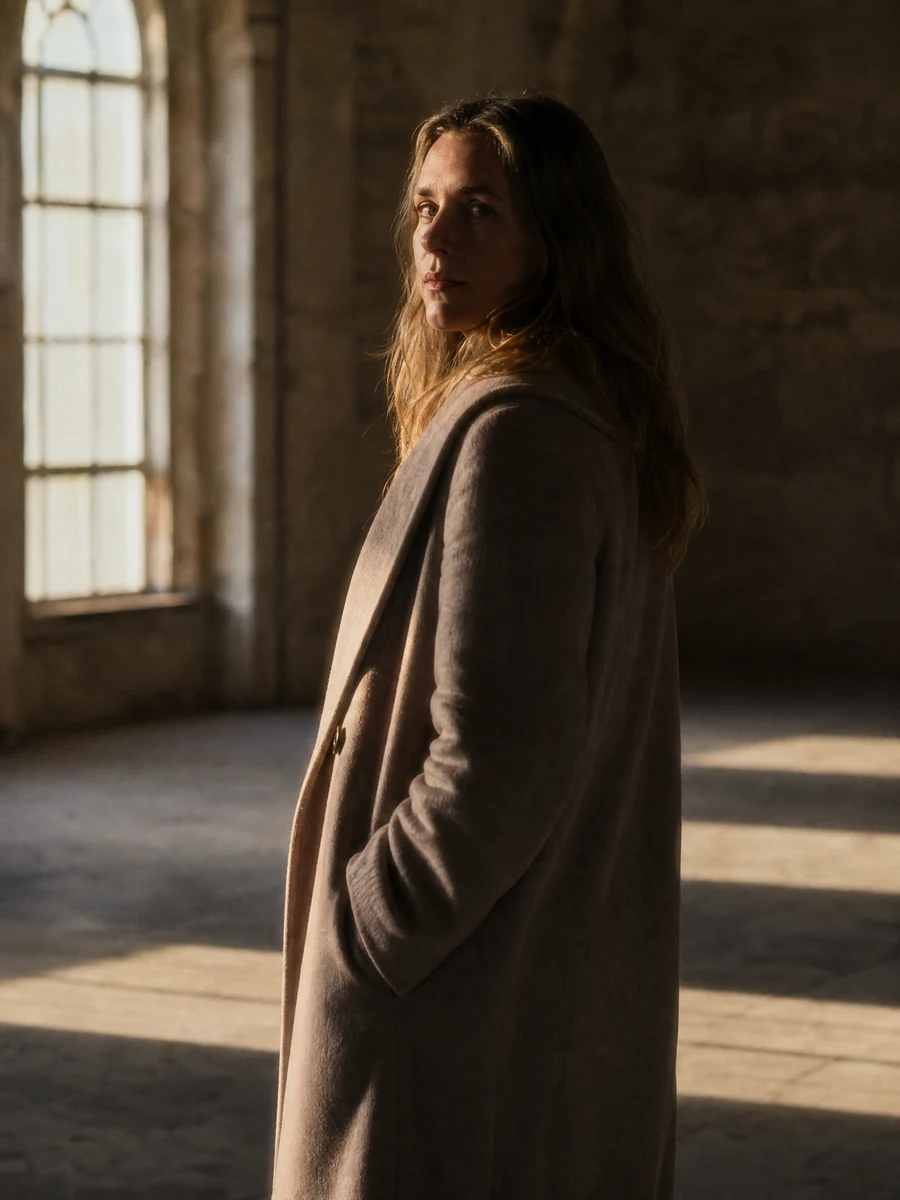
A woman opening a sunlit hillside flower shop
Creative illustration

Test a scene before committing to it

Turn a short scene brief into a moving draft. Name the subject, one clear action and a camera move, then compare different directions before investing in a longer edit. MiniMax positions Lite as the lower-cost H3 option for exploration and volume; that does not promise a fixed render time or the same quality as a higher tier.


A sage drink bottle beside cream linen and rosemary
Creative illustration

Start from a product photo or portrait

Use an image to establish how the shot begins, then describe the motion you want to add. A bottle on a table might need a gentle camera move and a change in light, rather than a completely new scene. The output shape follows the input image in first-frame mode, so prepare the composition before generating.

A woman at open French doors overlooking lavender
Creative illustration

Guide the beginning and the destination

Supply a first frame, a last frame, or both to give the scene visual endpoints. Explain how the subject should move between them and keep the action realistic for a short clip. Frame guidance provides direction, not a guarantee of an exact transition. Use the dedicated frame mode rather than mixing endpoint images with a reference bundle.

A ginger kitten sitting in a bright artist studio
Creative illustration

Keep the reference brief specific

Use reference images to guide a character, object, setting or visual treatment. The service also accepts video and audio references for multimodal direction. State what each reference contributes and what should stay consistent. Check identity, appearance and unwanted changes in the result; supplying a reference does not lock every detail.

A woman playing an upright piano in a sunlit home
Creative illustration

Add audio references to the visual brief

An audio reference can guide voice or rhythm when it is combined with at least one image or video reference. MiniMax documents up to three audio clips, each 2–15 seconds, with no more than 15 seconds of audio in total. Review the returned sound and its relationship to the visible action rather than assuming an exact reproduction.

A pink peony with dewdrops beside a glass vase
Creative illustration

Draft at 480p or 768p

Choose a 4–15 second duration and either 480p or 768p output for the Lite route. A short close-up makes it easier to check movement and small details before exploring another take. Lite does not provide native 2K output. For reference mode, choose a concrete aspect ratio: the official endpoint does not currently support adaptive framing for Lite.

Image showcase

Creative scene ideas; the video above is the model demonstration. Source: MiniMax

Model comparison

DimensionMiniMax H3 LiteMiniMax H3 HighspeedMiniMax H3
PositioningLower-cost exploration and draft variationsBalance of generation quality and speedHigher-resolution H3 option
MiniMax V2 output480p / 768p480p / 768p768p / 2K
Replicate route output480p / 768p768p768p / 2K
Output duration4–15 seconds4–15 seconds4–15 seconds
Frame guidanceFirst frame, last frame, or bothFirst frame, last frame, or bothFirst frame, last frame, or both
Reference inputsImages, video and audio in reference modeImages, video and audio in reference modeImages, video and audio in reference mode
Reference-mode framingChoose a concrete aspect ratio; adaptive is not supportedAdaptive framing or a supported concrete ratio on the MiniMax endpointAdaptive framing or a supported concrete ratio on the MiniMax endpoint
When to consider itExplore alternatives before choosing a takeDevelop everyday short scenes with visual and audio directionPrepare a clip that needs native 2K output

Output settings are scoped to the named service. These documented controls do not establish a measured speed or picture-quality ranking.

Use-case scenarios

Explore a product direction

Try a few lighting, camera and setting ideas around the same product before choosing a take. Keep the prompt and reference role clear so each variation answers a useful creative question.

Build a visual storyboard

Use short generated clips to explore how an opening frame could move toward an ending image. Evaluate the action and composition before planning the next shot; a collection of drafts still needs selection and editing.

Prepare short social concepts

Test a simple character action, food close-up or lifestyle moment for a social placement. Choose the intended shape early, keep the sequence manageable, and review the result for brand and subject consistency.

Use cases

Explore Pexo workflows for a wider video project, from a product brief to cinematic scenes and illustrated stories.

FAQ

What is MiniMax H3 Lite?

MiniMax H3 Lite is the lower-cost member of the H3 video model family. It supports text-to-video, image-to-video with first and last frame guidance, and generation from image, video and audio references. It is positioned for exploring ideas, drafting shots and producing variations, with a lower maximum output resolution than standard H3.

What durations, resolutions and aspect ratios does Lite support?

MiniMax documents 4–15 second output at 480p or 768p for H3 Lite. Text-to-video uses a chosen frame shape, while image-to-video follows the supplied image. In reference mode, Lite currently requires a concrete ratio rather than adaptive framing. The available choices include 21:9, 16:9, 4:3, 1:1, 3:4 and 9:16.

Can I combine reference images, video and audio?

Yes, reference mode accepts images, videos and audio, with per-type and duration limits. The documented maxima are nine reference images, three reference videos and three audio clips. Video and audio clips must each be 2–15 seconds, with combined video length and combined audio length each capped at 15 seconds. Audio references need an image or video reference alongside them. Endpoint-frame mode is separate from reference mode.

How should I choose between Lite, Highspeed and standard H3?

Lite is positioned for lower-cost drafts and variations. Highspeed is the H3 variant positioned around balancing generation quality and speed for everyday content. Standard H3 offers 768p and native 2K output. Choose around the required output and workflow; prices and available settings depend on the service, and the names do not establish a measured speed or quality ranking for your scene.

Where is H3 Lite available, and when was it released?

The MiniMax developer platform documents H3 Lite as available, and the official MiniMax publisher offers it on Replicate. Runware's model page is dated October 30, 2026, but that date alone does not establish MiniMax's first release. A separate official first-release date has not been confirmed. Check the selected service for current access and terms.

Turn your next idea into a video with Pexo.

Start creating