
Pexo
P-H3-Image

P-H3-Image
Detailed stills. Flexible visual direction.

P-H3-Image is Pruna's open-weight image generation and editing model, announced on November 3, 2026. Derived from MiniMax H3, it turns text and reference images into still pictures with an eight-step generation schedule. Choose a photographic or illustrated look, develop an edit, and review the details before using the image in a creative project.

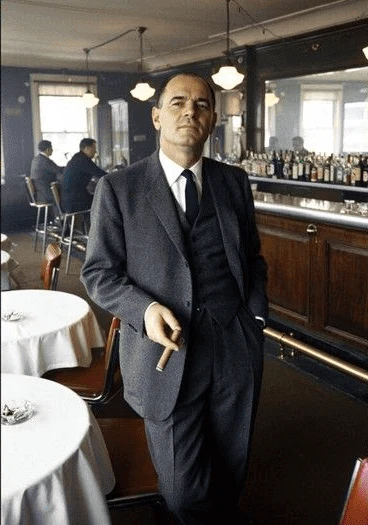
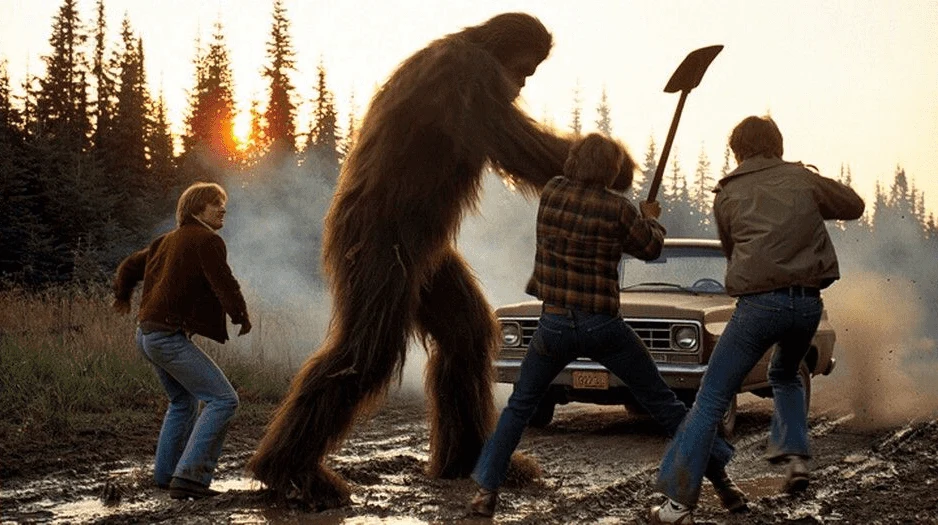
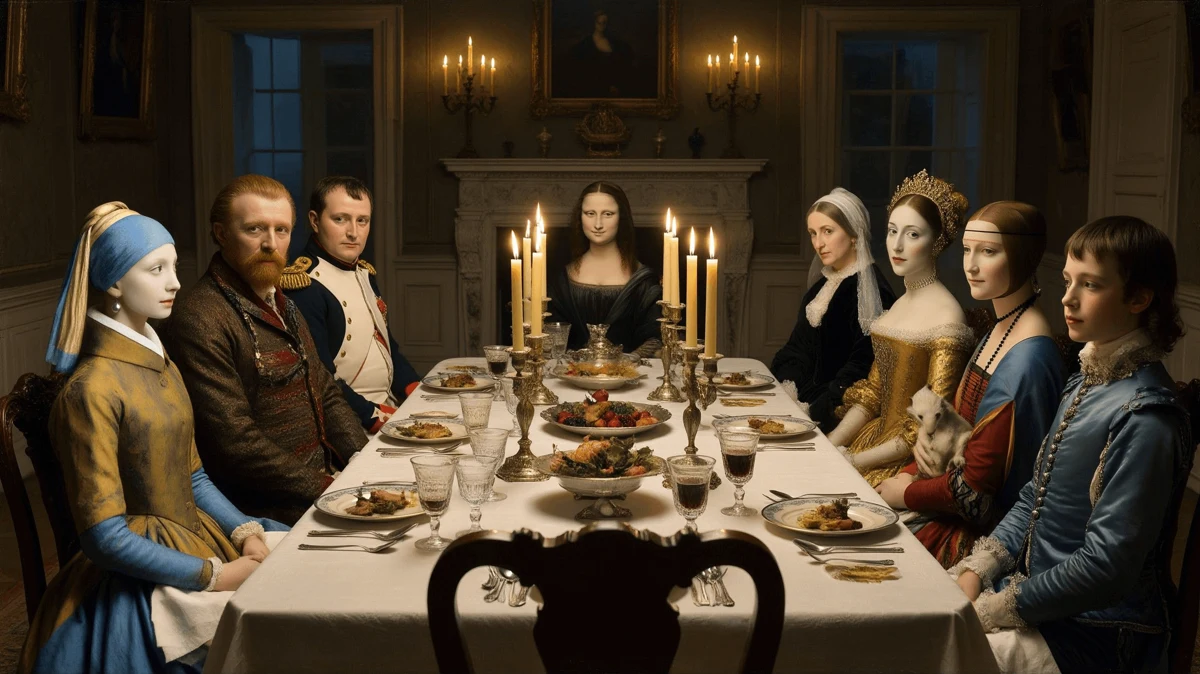
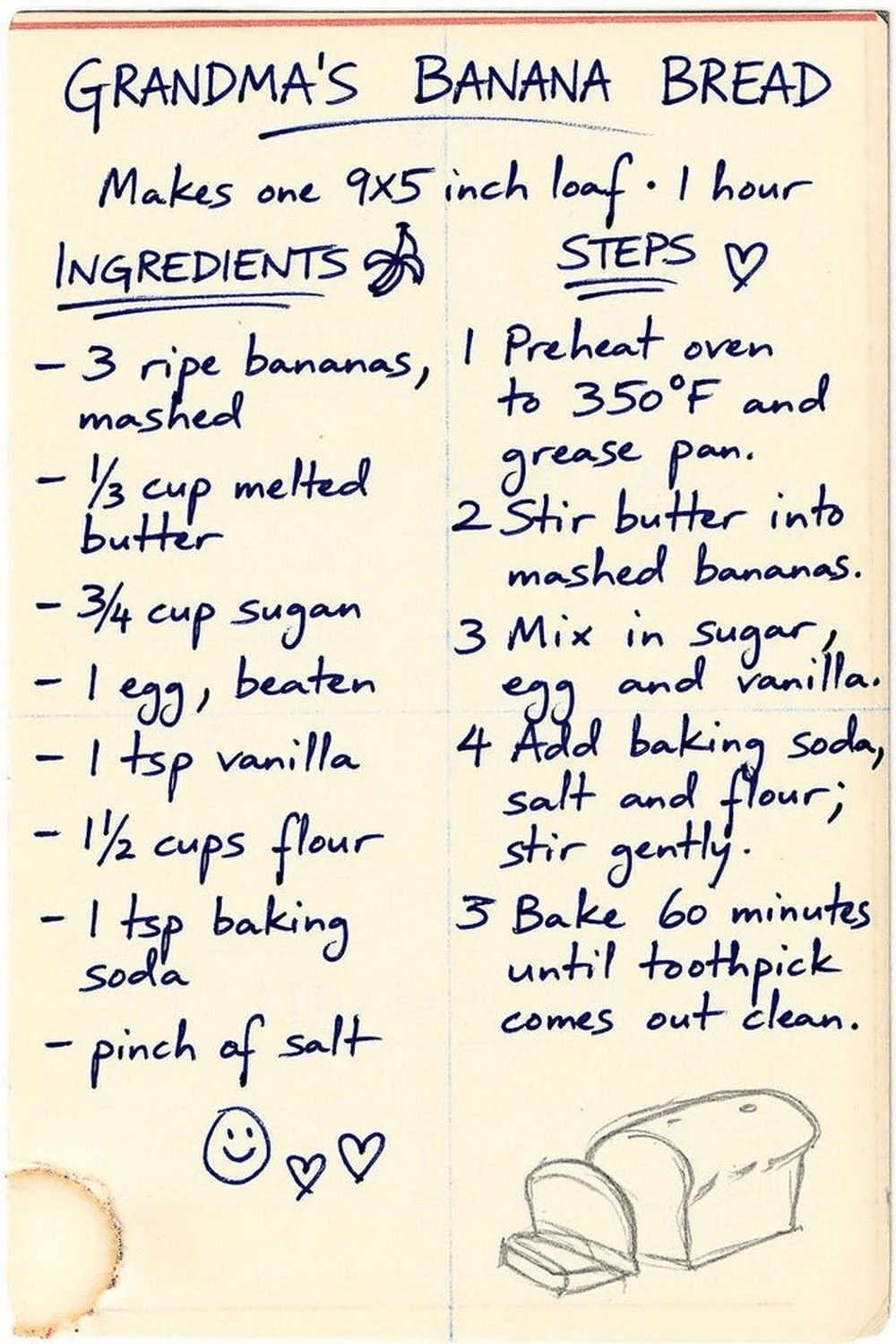
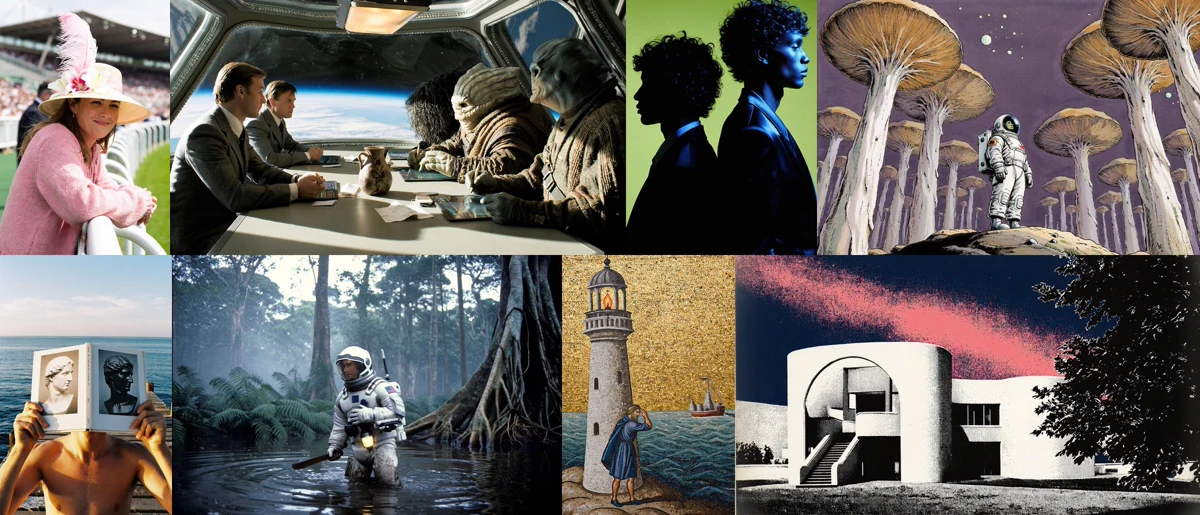
Official Pruna P-H3-Image montage showing photographic and illustrated image outputs

Official P-H3-Image examples · Pruna

Core capabilities

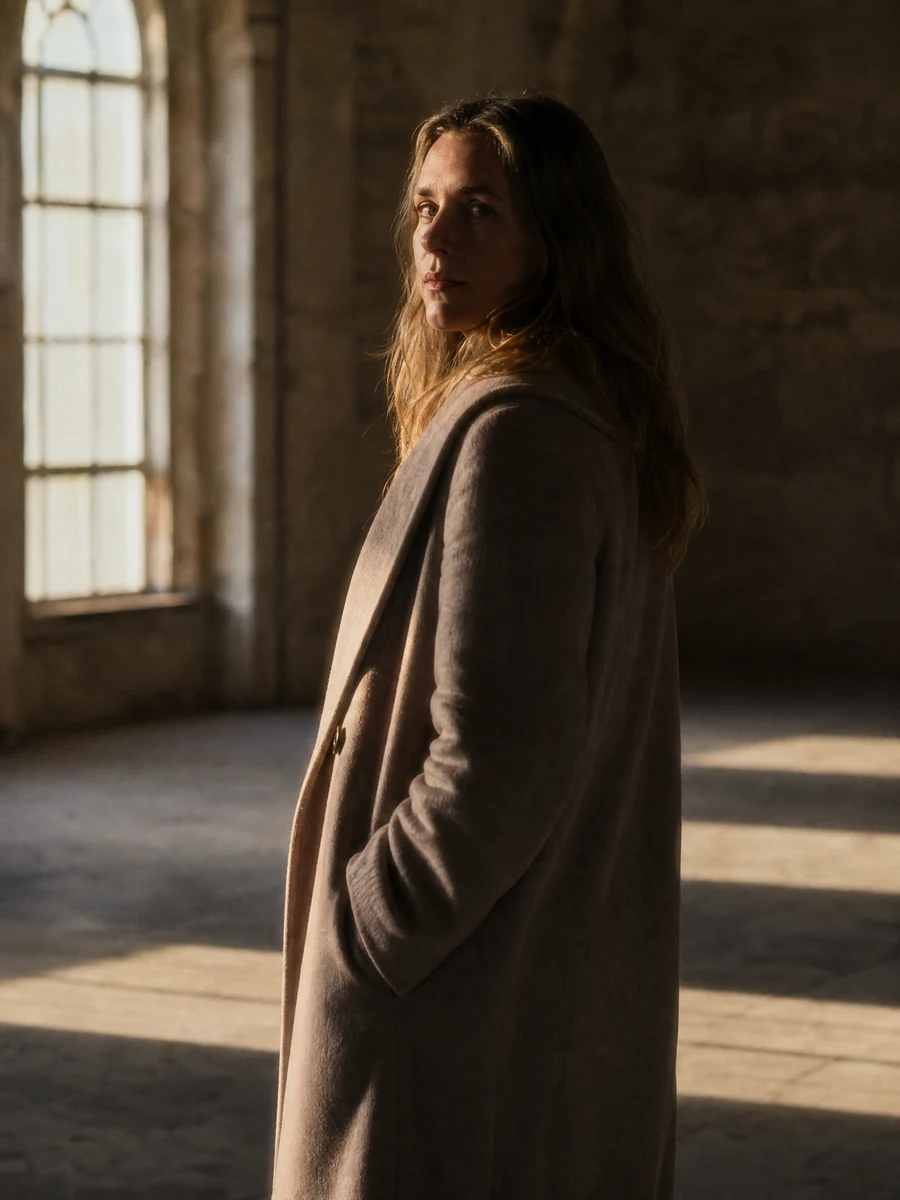
Creative illustration of an editorial portrait outside a sunny flower shop
Creative illustration

Build a still from a visual brief

Describe the subject, setting, light and medium in a text prompt. P-H3-Image's included prompt upsampler can expand that brief before the image is generated. For an editorial portrait, a few concrete choices about the location and light give the scene direction. Keep important details explicit; extra words do not guarantee that every requested element will appear.
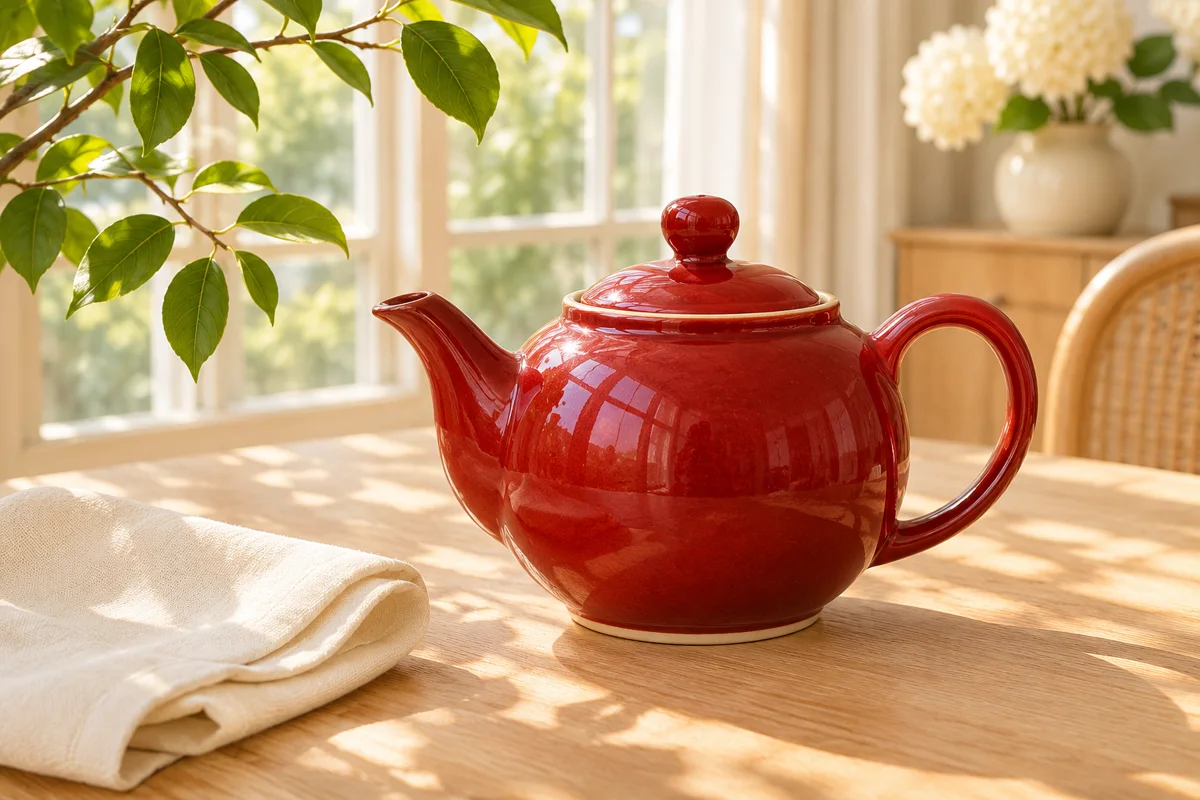
Creative illustration of a glossy red ceramic teapot in a sunlit home
Creative illustration

Direct an edit around an existing image

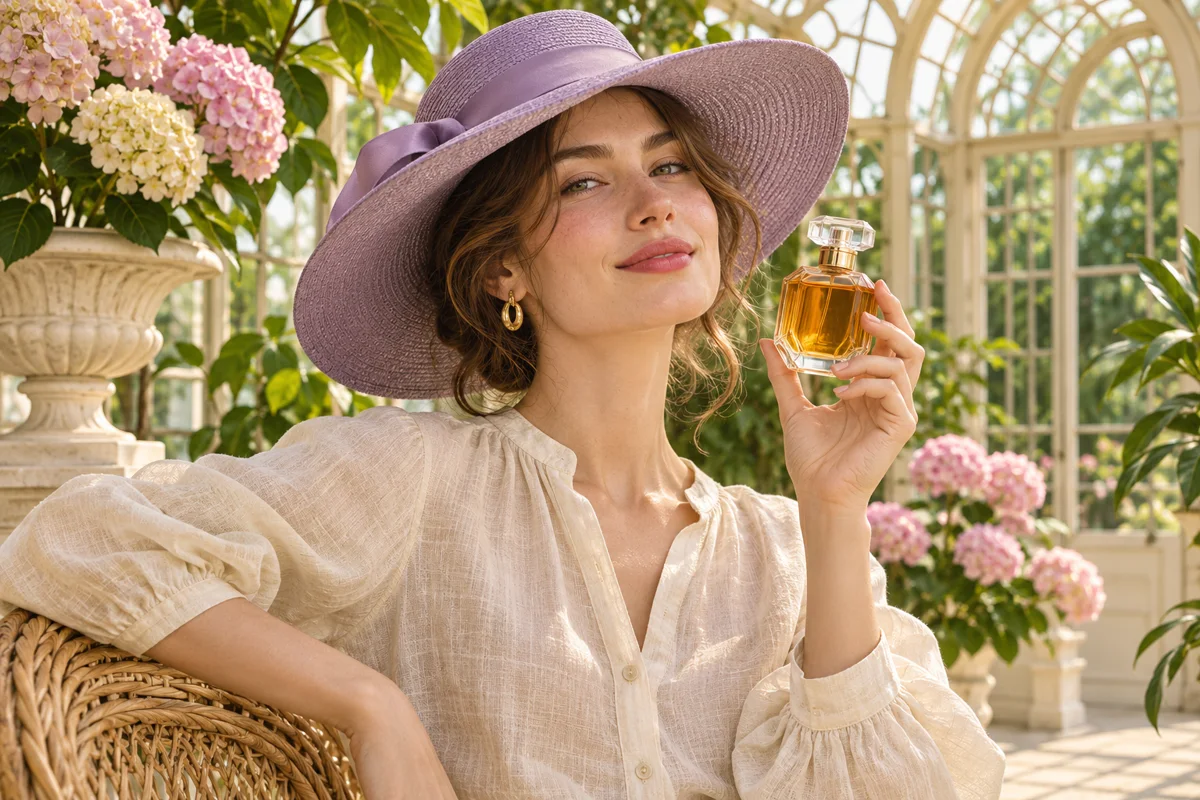
Use an image as the starting point and describe the change you want. A product concept might call for a different setting, color treatment or overall mood. State what should stay as well as what should change. Review the result against the original: an edit can also alter details you intended to retain, so it is not a promise of exact product or identity preservation.

Creative illustration of a woman in a lavender hat holding an amber perfume bottle
Creative illustration

Bring up to eight image inputs

The current model cards document up to eight image inputs for reference-led generation and editing. In editing, Picture 1 is the image to change; additional pictures supply references. This can help a brief combine a person, clothing or an object with a new scene. Refer to each picture clearly and inspect the output for changed faces, accessories and small details.

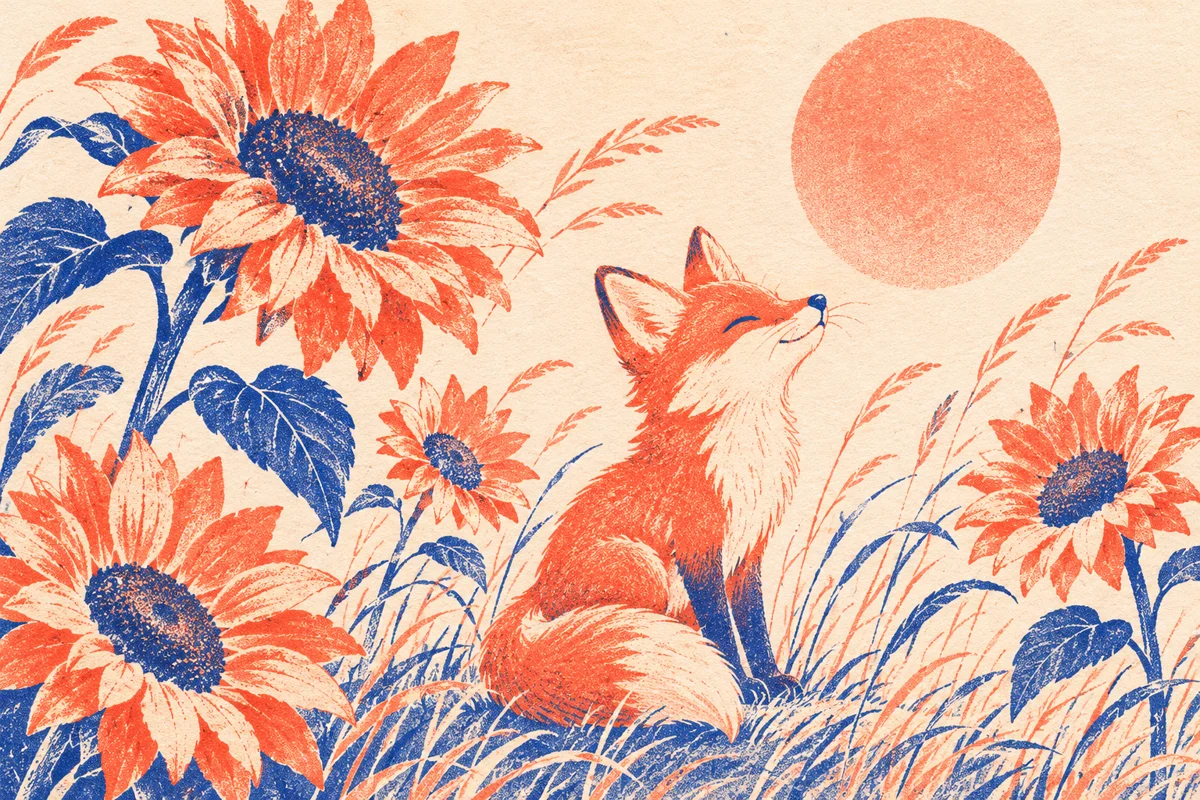
Creative illustration of a coral and blue risograph fox among sunflowers
Creative illustration

Explore photographic and illustrated looks

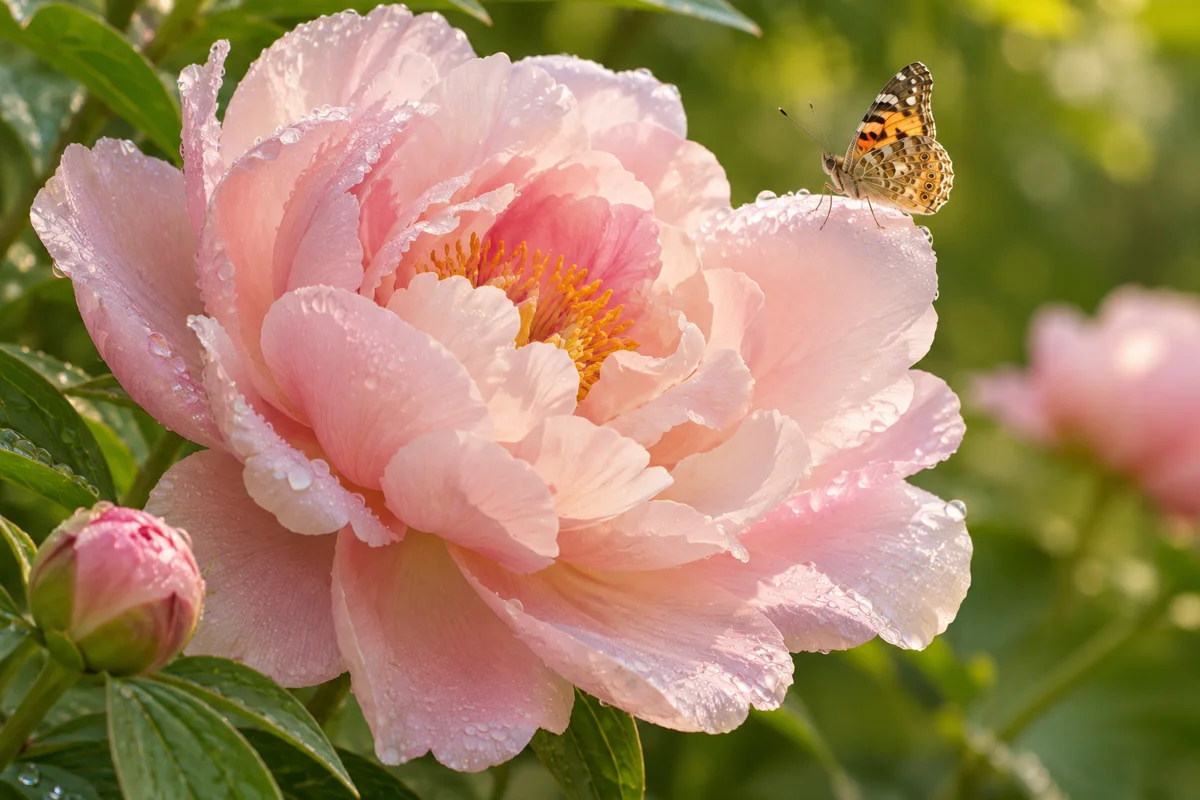
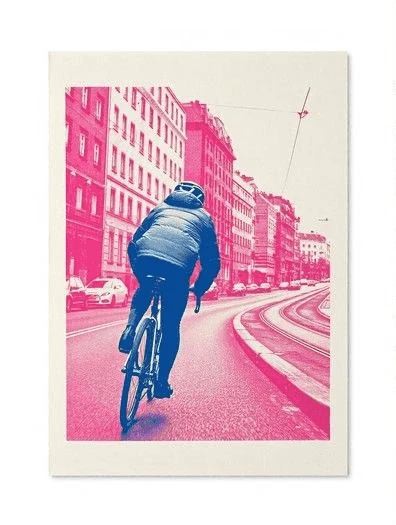
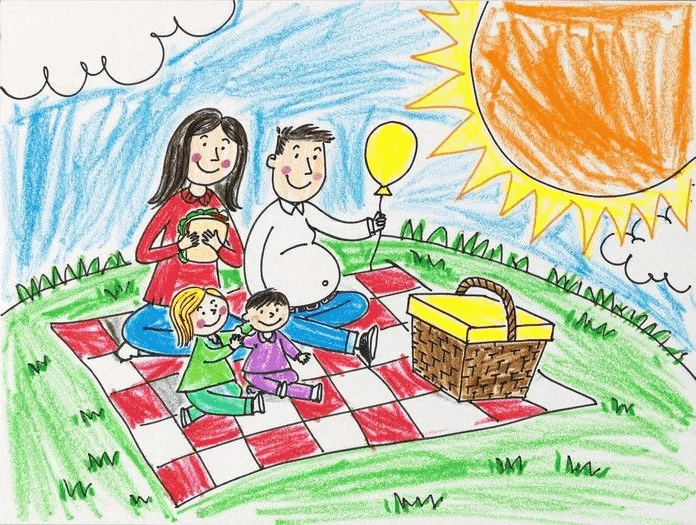
Name the visual medium rather than asking only for a 'beautiful image.' Pruna's examples span film-like photography, crayon drawing and risograph print. For a story concept, compare the composition and mood across styles before choosing a direction. The style description guides the result; it does not establish a measured quality advantage over another model or guarantee an exact artist's technique.

Creative illustration of a pink peony with dew and a butterfly showing fine texture
Creative illustration

Work at the recommended image size

The model card recommends about 8 megapixels for text-to-image and 4 or 8 megapixels for edits. It lists square and landscape sizes, including 2912 × 2912 and 3872 × 2176 pixels. Lower resolutions can show more artifacts in hands, faces and fine background detail. Inspect the full-size image, and proofread any lettering before using it in a campaign or production.

Creative illustration of a designer using a drawing tablet beside a landscape on a monitor
Creative illustration

Choose a local workflow that fits your setup

Pruna provides a Diffusers pipeline and a separate ComfyUI package. The ComfyUI release includes BF16, INT8 and W4A8 variants, with different memory needs and potentially different visual results. Its model card calls for a current master or nightly ComfyUI build. Check the selected workflow, required components and GPU memory before downloading; open weights do not mean a lightweight installation.

Image showcase

Source: Pruna

Model comparison

DimensionP-H3-Image · DiffusersP-H3-Image · ComfyUI
WorkflowPython ModularPipelineComfyUI node workflows
TasksText-to-image and image editingText-to-image and image editing
Image inputsUp to 8; Picture 1 is the image to editUp to 8; additional pictures provide references
Sampling schedule8 steps; no CFG on the documented pipeline8-step model with supplied example workflows
Precision optionsDocumented BF16 pipelineBF16, INT8 and W4A8 packages
Documented memory exampleAbout 101 GB at 8 MP with prompt upsampler; about 83 GB withoutAbout 56 / 31 / 21 GB VRAM at 8 MP for BF16 / INT8 / W4A8
Output guidance8 MP recommended for generation; 4 or 8 MP for editsSame recommendation; choose the documented size and workflow
Setup considerationInstall the documented pipeline and required componentsCurrent master or nightly build required by the release card

These are two documented ways to run P-H3-Image, not different model rankings. Memory figures are configuration-specific; precision changes can alter details and composition. Check all required components before installation.

Use-case scenarios

Product and campaign concepts

Explore a product in a new setting or develop a campaign's mood from reference images. Check the output against the real item before using it as product information, especially labels, proportions and small design features.

Editorial and portrait direction

Plan the light, setting and visual tone of a portrait or editorial scene. Reference images can help communicate the intended subject, while a clear prompt describes the new shot. Review identity and anatomy rather than assuming an exact match.

Illustration and storyboard stills

Develop a scene as a still image before planning a sequence. Film-like, drawing and print styles offer different starting points for a visual story. Motion, sound and editing belong to the subsequent video workflow; P-H3-Image itself produces images.

Use cases

Explore Pexo workflows for a broader video project, from a product brief to cinematic scenes and illustrated stories.

Frequently Asked Questions About P-H3-Image

What is P-H3-Image, and when was it announced?

P-H3-Image is Pruna's open-weight image generation and editing model derived from MiniMax H3. Pruna announced it on November 3, 2026. Despite its video-model ancestry, this release produces still images. Its documented generation schedule uses eight sampling steps.

How many reference images can P-H3-Image use?

The current P-H3-Image and ComfyUI model cards document up to eight image inputs. For editing, Picture 1 is the image to edit, and the remaining pictures are references. Describe the role of each picture in the prompt. Reference guidance does not guarantee exact identity or object preservation.

What resolution and limitations should I expect?

Pruna recommends about 8 MP for text-to-image and 4 or 8 MP for editing. The model card provides multiple aspect ratios, including square and 16:9 sizes. Smaller outputs can have more artifacts. Check hands, faces, background people and text; dense lettering and code are not reliable enough to use without review.

Can I run P-H3-Image locally?

Yes. Official releases document Diffusers and ComfyUI workflows. Hardware needs differ substantially: the Diffusers card lists about 101 GB at 8 MP with the prompt upsampler, while the ComfyUI W4A8 setup lists about 21 GB VRAM at 8 MP. These are separate documented configurations, not a universal minimum. The ComfyUI package currently calls for a master or nightly build; check its current instructions and all required components.

What license applies to P-H3-Image?

The model weights use the MiniMax H3 Community License, with conditions for commercial use and redistribution. The model card lists the EU, UK, South Korea and United States as excluded territories unless a separate MiniMax license applies, and requires products built with the model to display 'Powered by MiniMax H3.' Check the current license and notices before use. Licenses for supporting code or encoders do not replace the model's terms.

Turn your visual idea into a video with Pexo.

Start creating