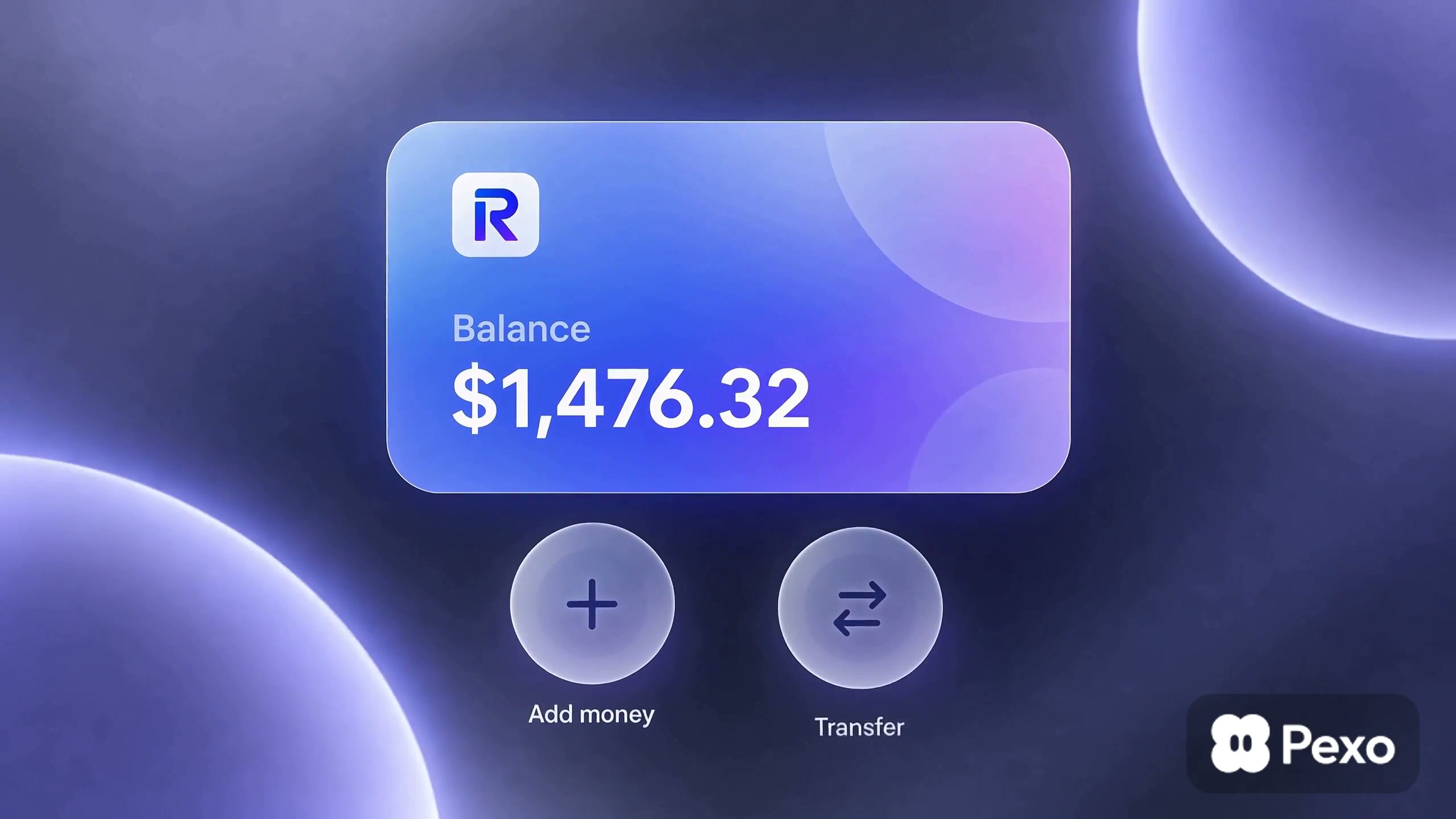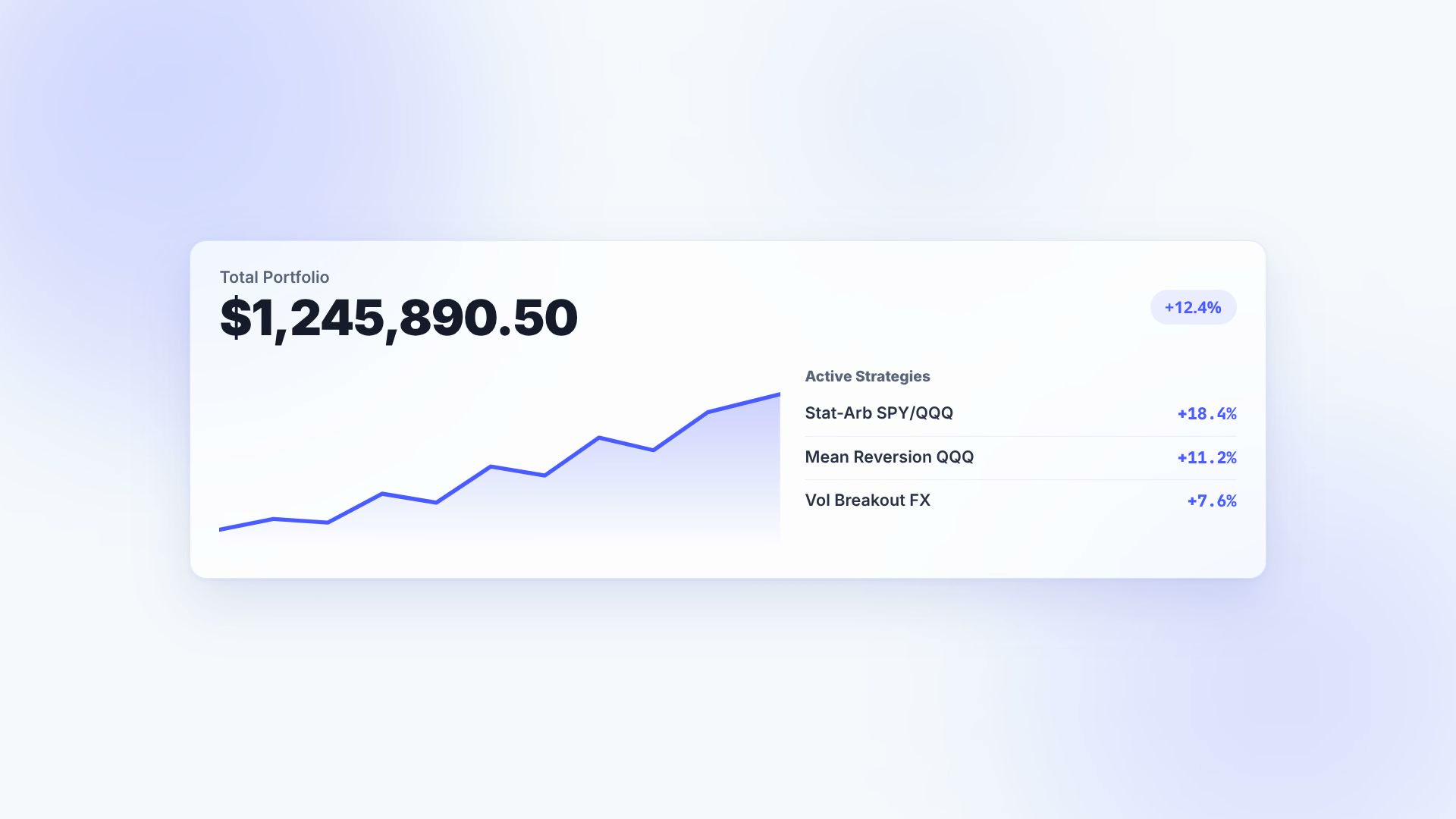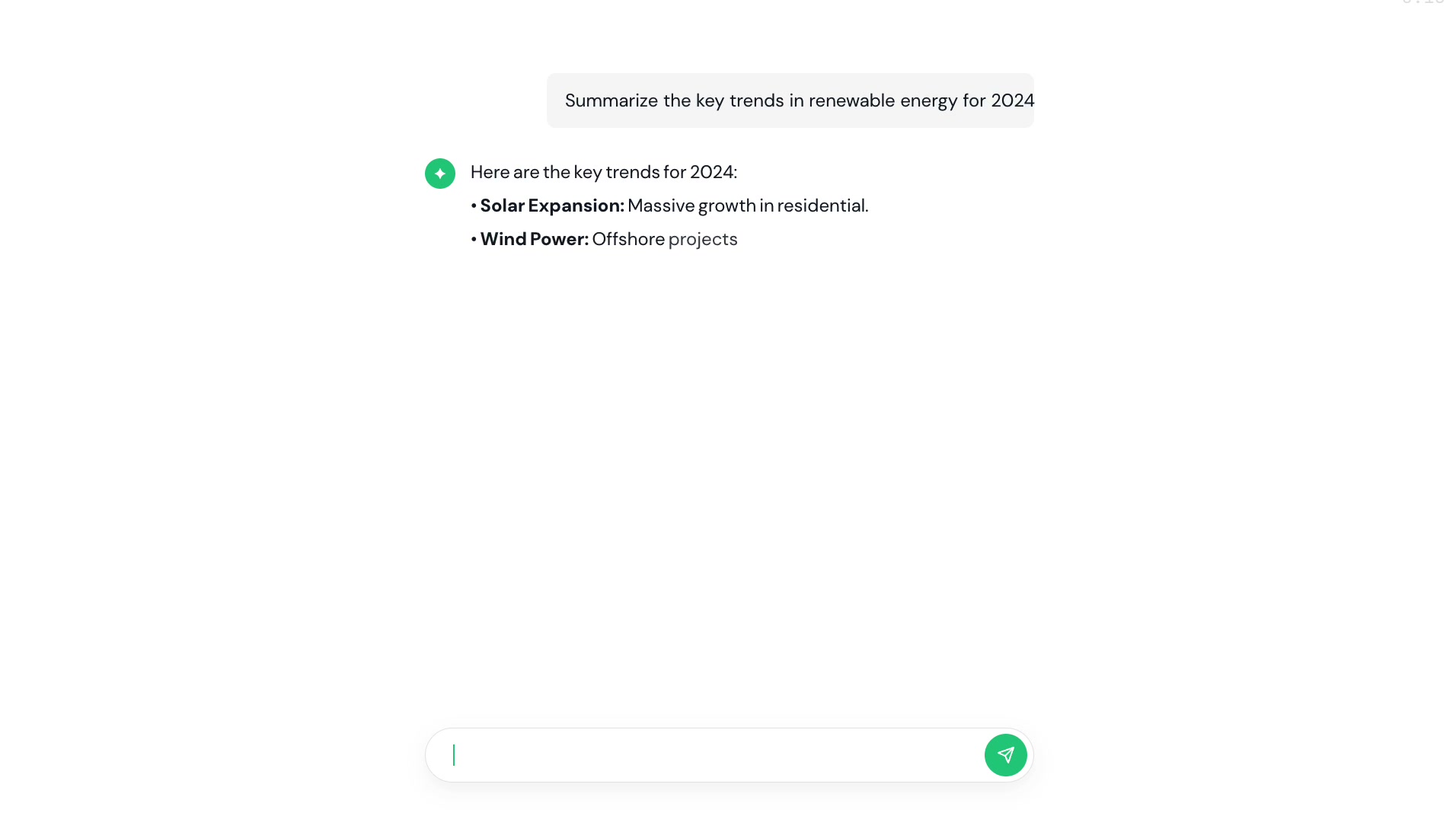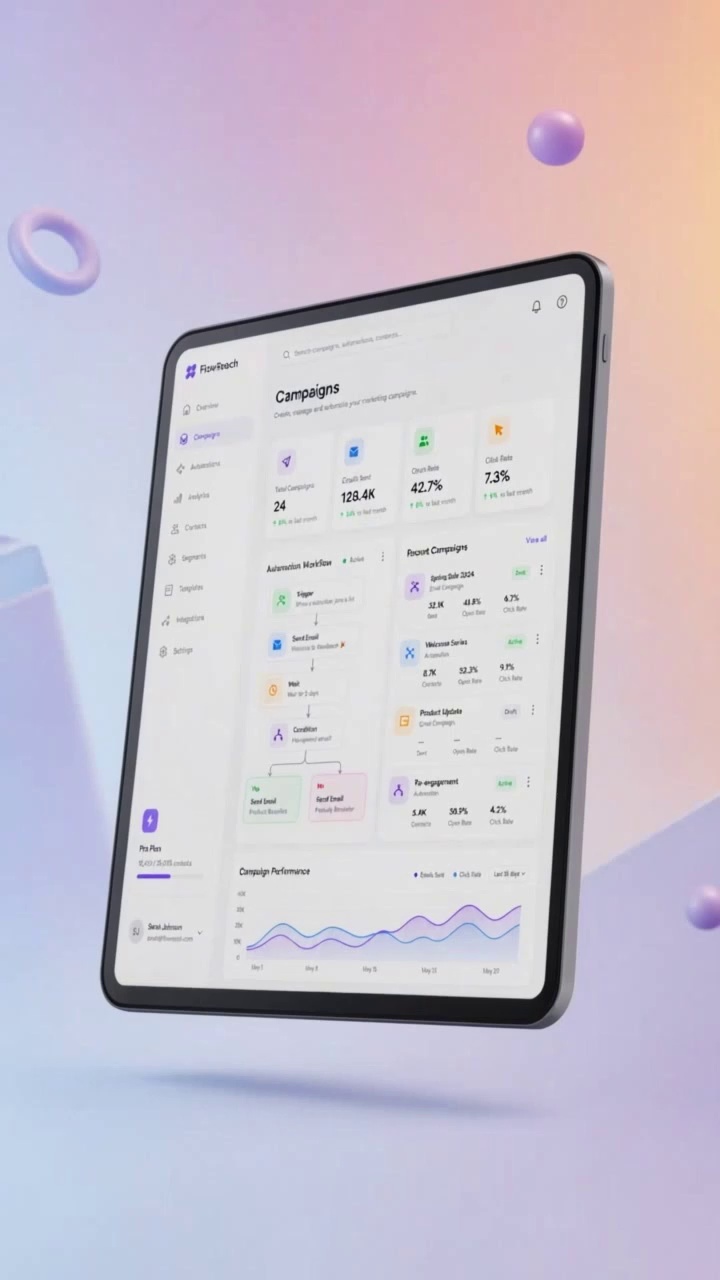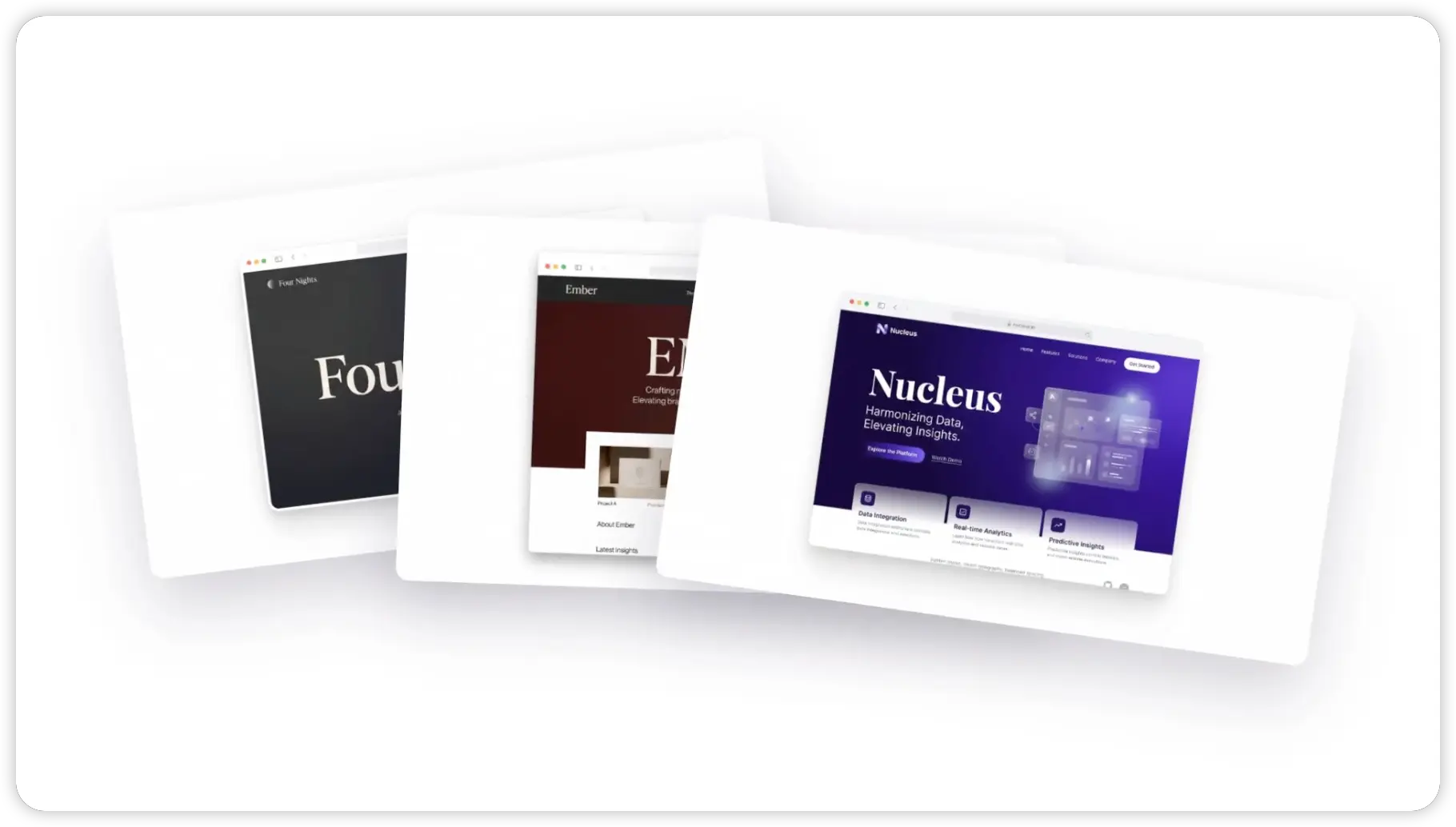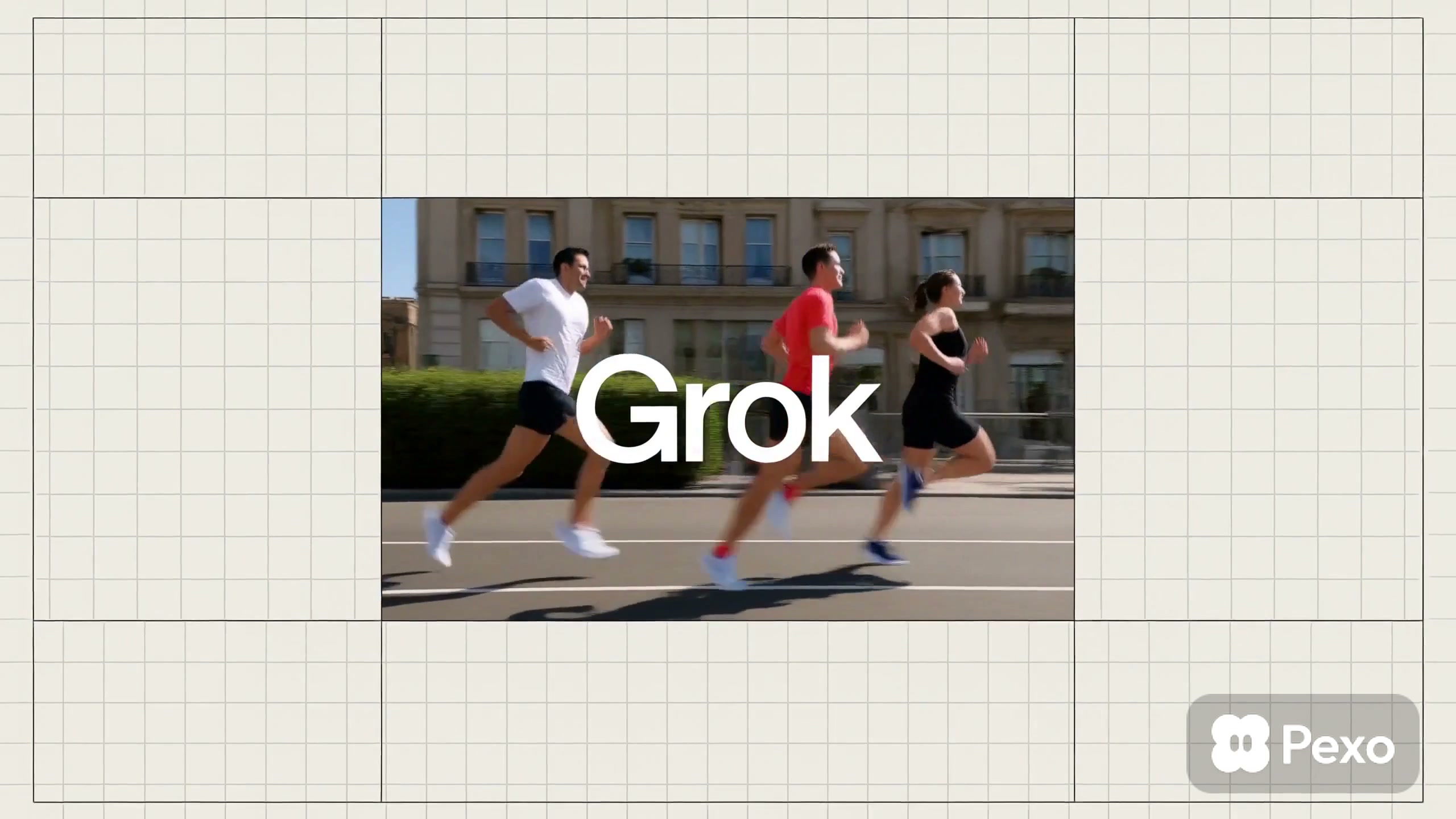
An AI-generated video. Use it as your starting point — Pexo shapes the visuals and story around what you describe.
Create a **14–15 second, 16:9 premium brand motion video** for a modern creative technology company. Use a refined palette of deep emerald green, electric lime, and soft cream. Combine blurred light blooms, subtle film grain, glassmorphism UI, kinetic typography, glowing flower-shaped icons, and smooth shape-morphing transitions. The overall feeling should be fresh, intelligent, creative, and design-led.
**0–2.8 seconds:**
Open on a deep emerald gradient background with large, softly blurred green light blooms. A small glowing flower icon flies across the frame, leaving behind sparkling particles. A cursor clicks a luminous pill-shaped button as the sentence animates word by word:
“Everything starts with a Spark”
Highlight “Everything” and “Spark” in electric lime. Use elegant typography, soft glow, and precise motion.
**2.8–5.2 seconds:**
The flower icon accelerates through the frame, drawing a curved light trail that becomes the transition. Reveal a softly blurred live-action shot of a designer working at a desktop computer. A grid of tiny green and yellow dots expands across the screen. Overlay the text:
“Turning ideas into experiences”
Emphasize selected words with lime color and bold type.
**5.2–7.5 seconds:**
Transition to a bright cream-and-pale-lime background. A framed photo of a young woman using a tablet appears in the center. A thick ribbon with a dark-green-to-lime gradient loops smoothly around the image, creating depth. Small flower icons and minimal hand-drawn symbols float around the composition.
**7.5–10.5 seconds:**
The gradient ribbon sweeps across the screen and transforms into a collection of floating dark-green interface panels. Assemble a polished smart dashboard containing animated line charts, circular data visualizations, profile cards, buttons, toggles, calendars, and information cards. Add glass-like transparency, subtle depth, soft green lighting, and smooth staggered motion.
**10.5–12.7 seconds:**
Show a quick kinetic typography sequence while the UI cards automatically resize, align, and snap into a clean grid. Display:
“Smart layouts”
“Clear actions”
Highlight “Smart” and “actions” in electric lime. Let small icons and flower shapes orbit the typography before snapping into place.
**12.7–15 seconds:**
Cut to a clean cream background with a faint pale-green glow. A small flower icon blooms beside the final message:
“Ready to grow?”
Hold the end card long enough for the message to be clearly read, then finish with a soft glow and gentle fade.
Use modern sans-serif typography with varied font weights, smooth elastic easing, masking transitions, shape morphing, precise spacing, and motion synchronized to the beat. Add an upbeat minimalist electronic soundtrack with soft clicks, sparkling chimes, short whooshes, and a subtle rising sound for the final reveal.
Keep the composition premium, clean, and controlled. Avoid cartoon styling, excessive camera movement, harsh transitions, cluttered layouts, distorted interfaces, random symbols, illegible text, and oversaturated colors. For the cleanest result, generate the visual animation without embedded text and add the exact copy during editing.