
Pexo›AI Video Gallery›For Software
Software Video Examples
Browse software video examples with product demos, app workflows, animated explainers, launch sequences, and UI motion for clearer creative direction.
56 videos

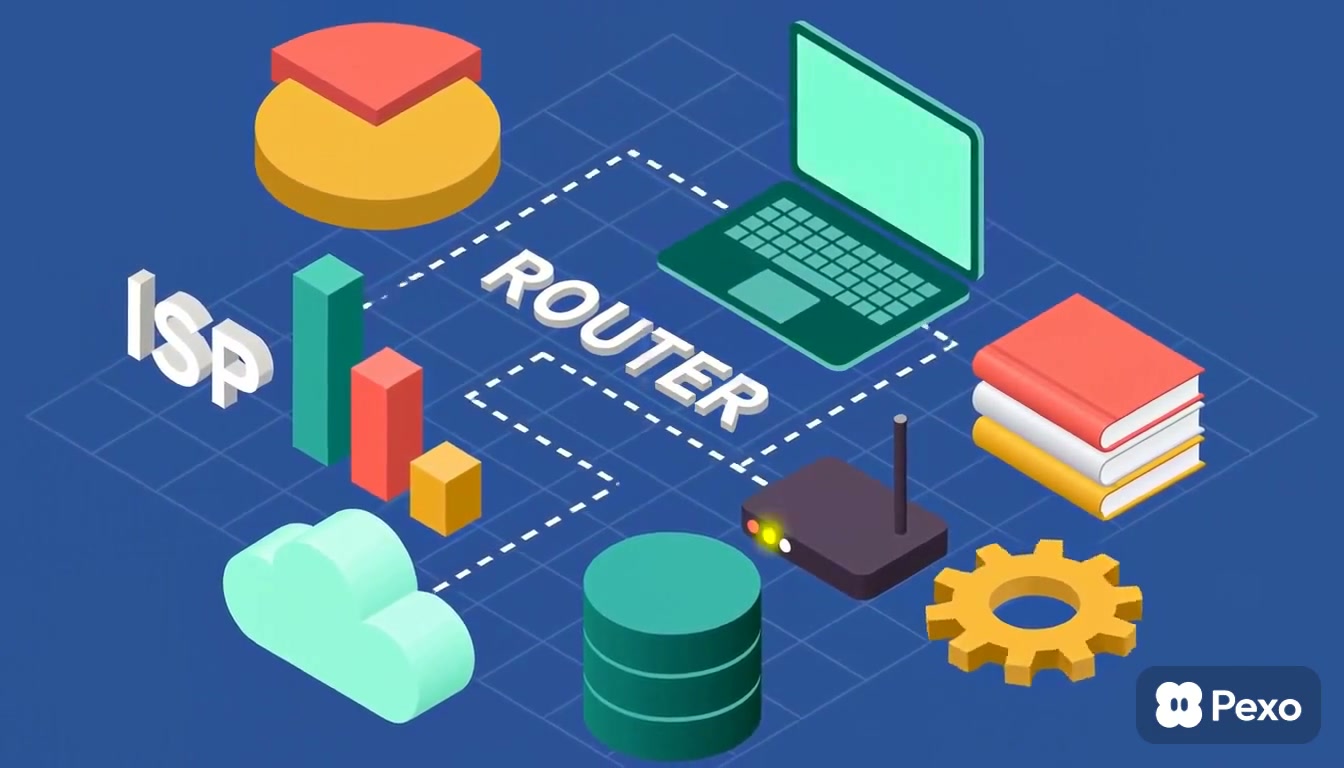
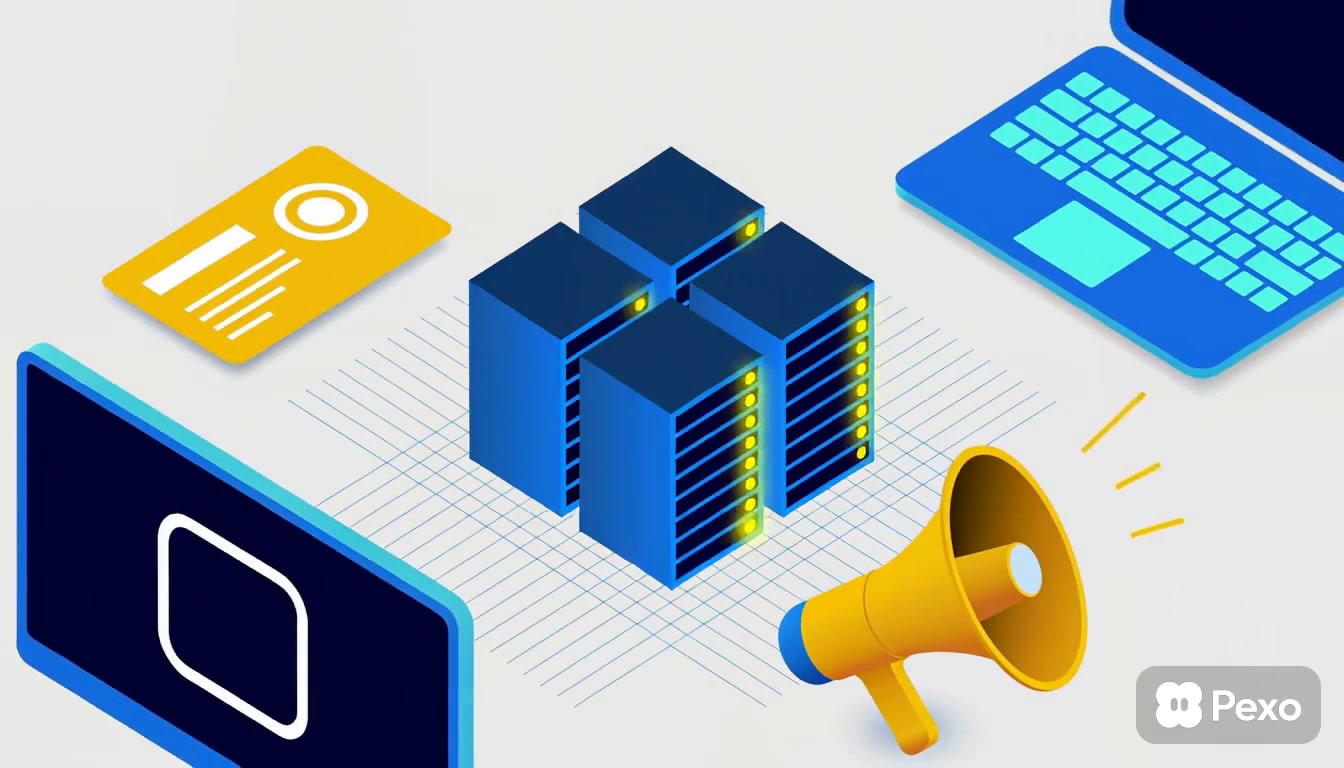
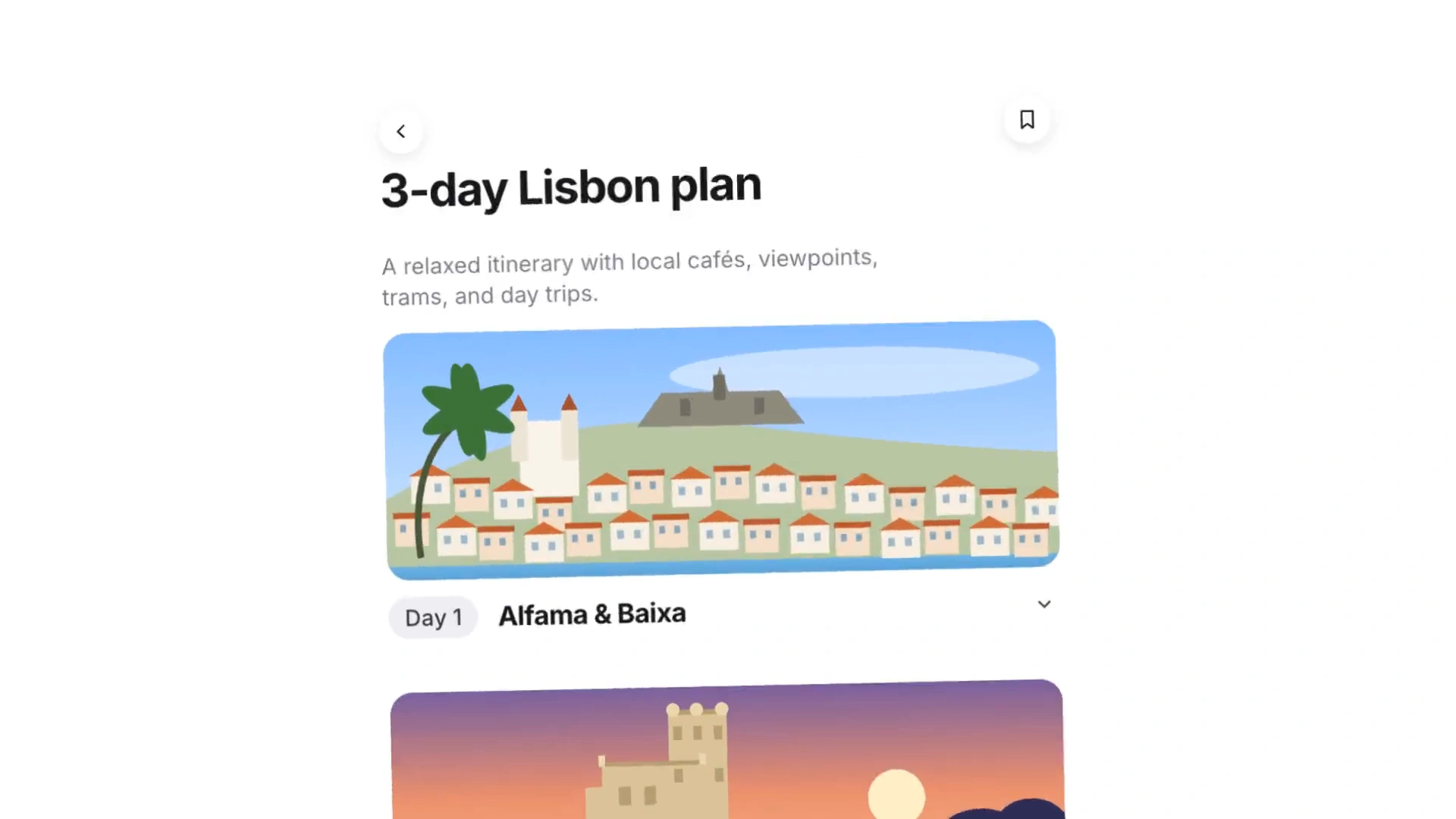
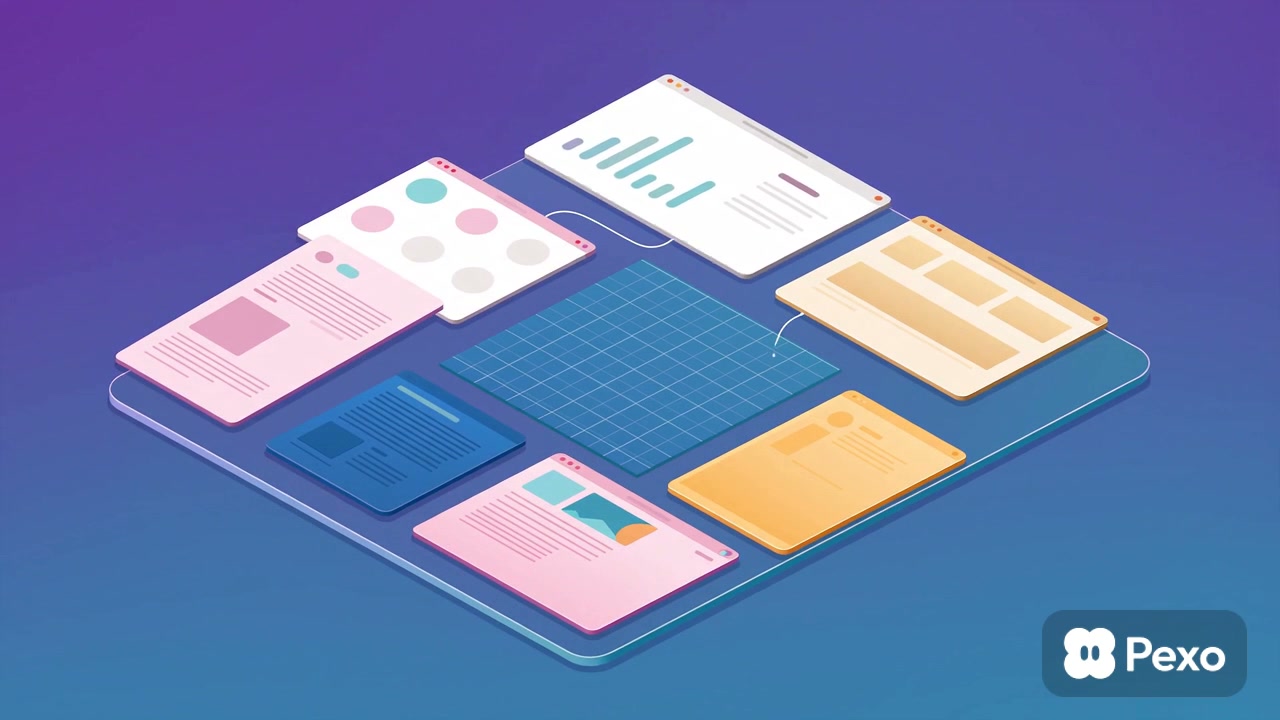
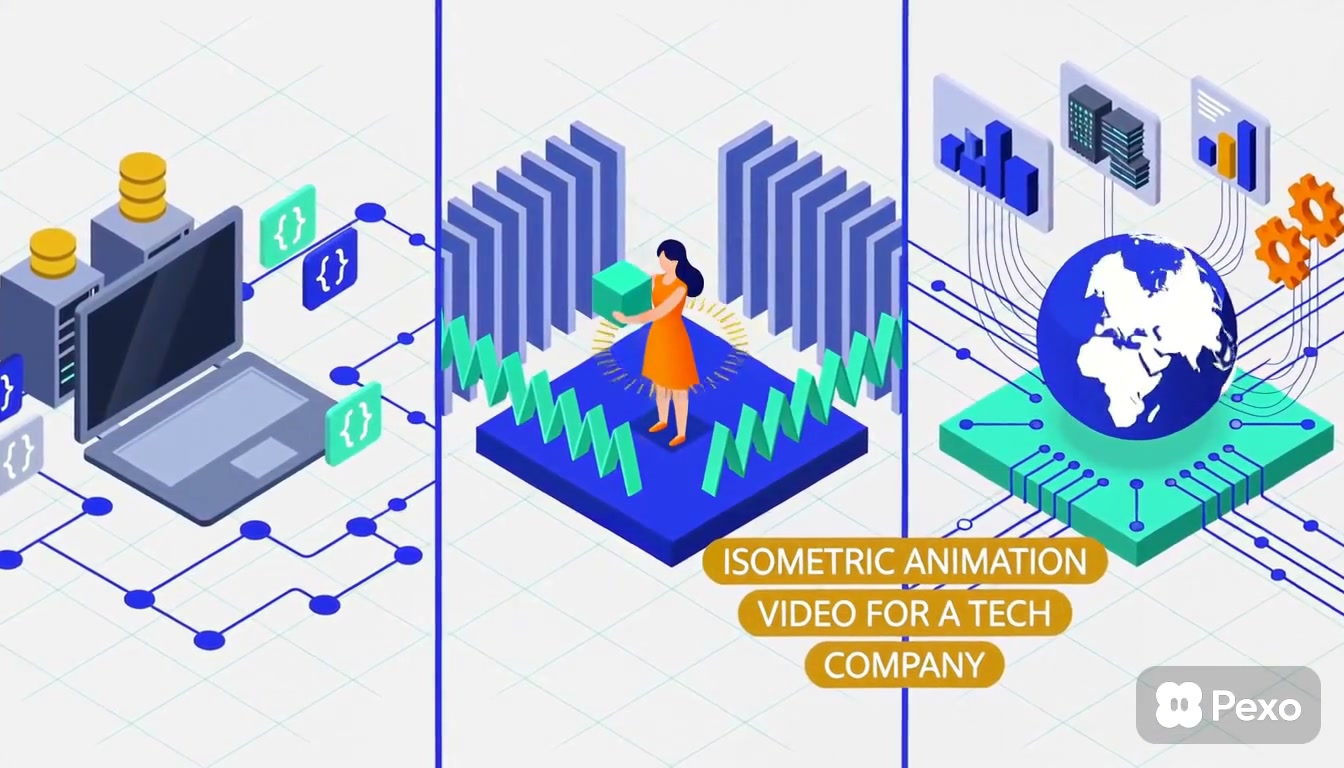


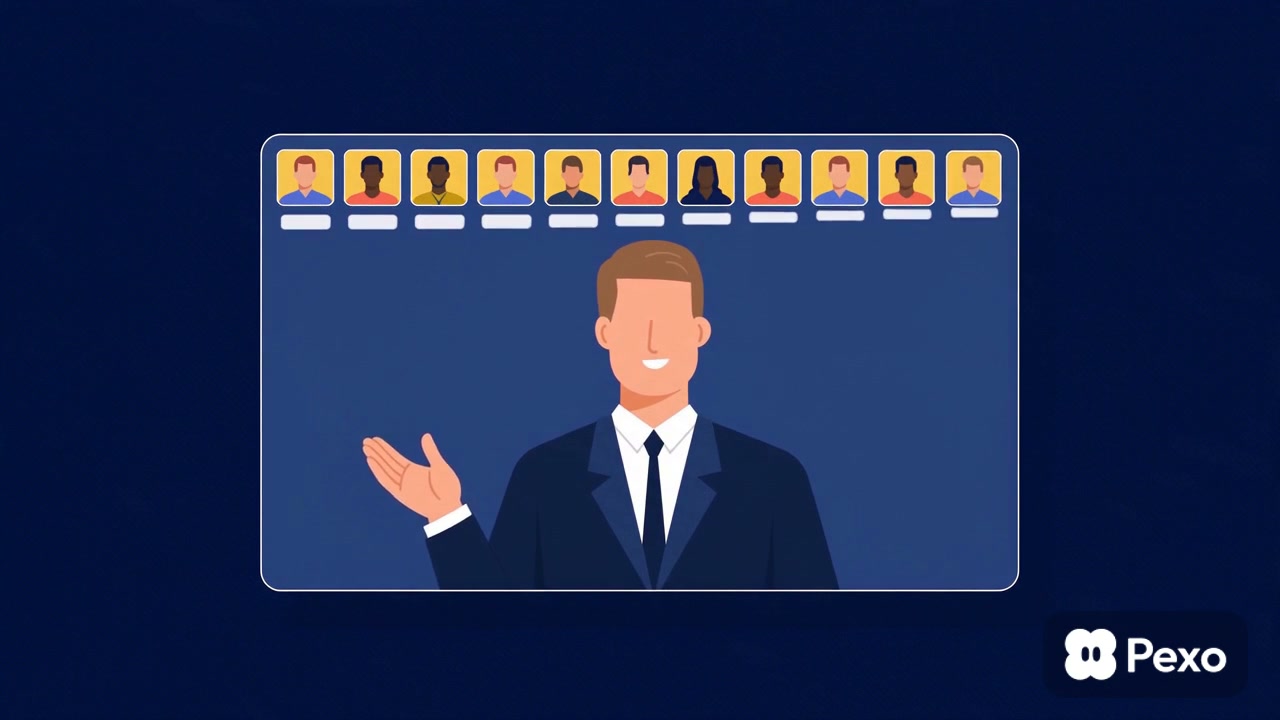
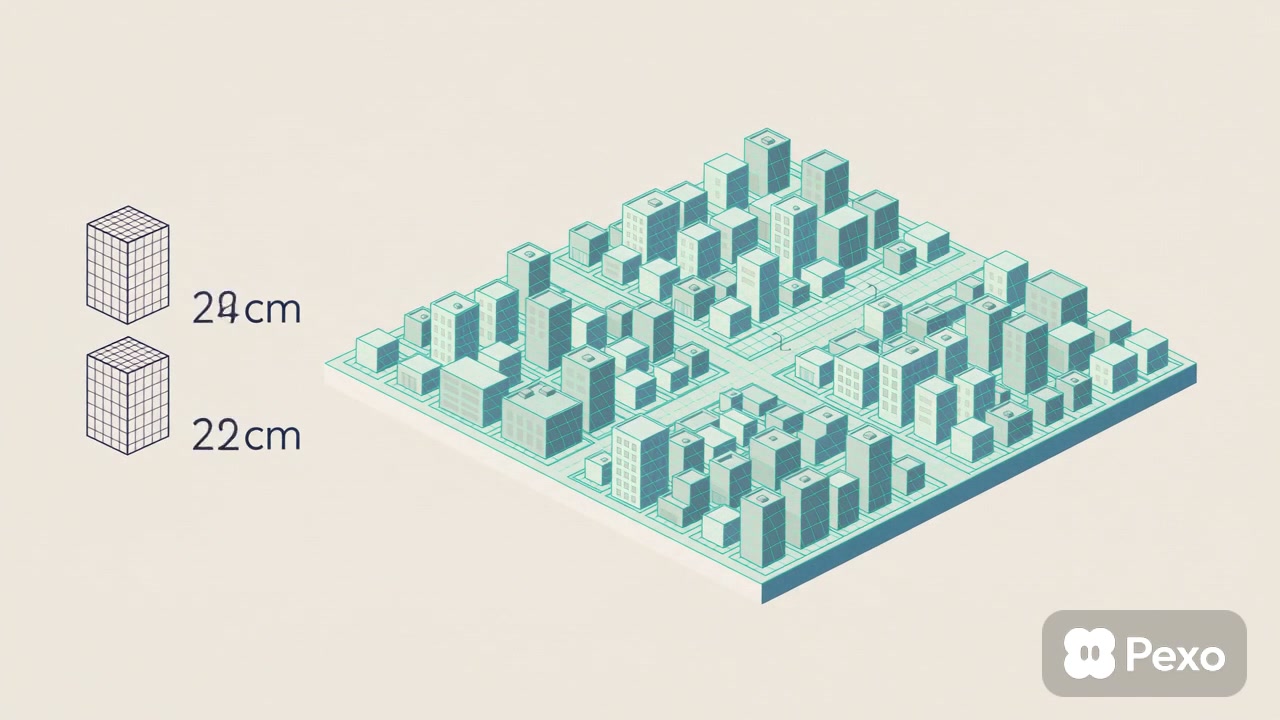

Explore the gallery
Software Videos Make Product Value Easier to See
Software videos are visual explanations of what a digital product does, how a workflow moves from input to outcome, or why a feature matters in a real situation. They can show the interface directly, simplify an invisible system through animation, or combine both approaches so the audience understands the product without seeing every screen.
Software video examples make it easier to compare product demos, launch stories, animated explainers, and interface-led showcases. This page helps you see how much product detail a concept needs, which moments deserve a close interface view, and how animation can connect individual features to one clear result.
Looking for a Software Video Style That Fits Your Product Goal?
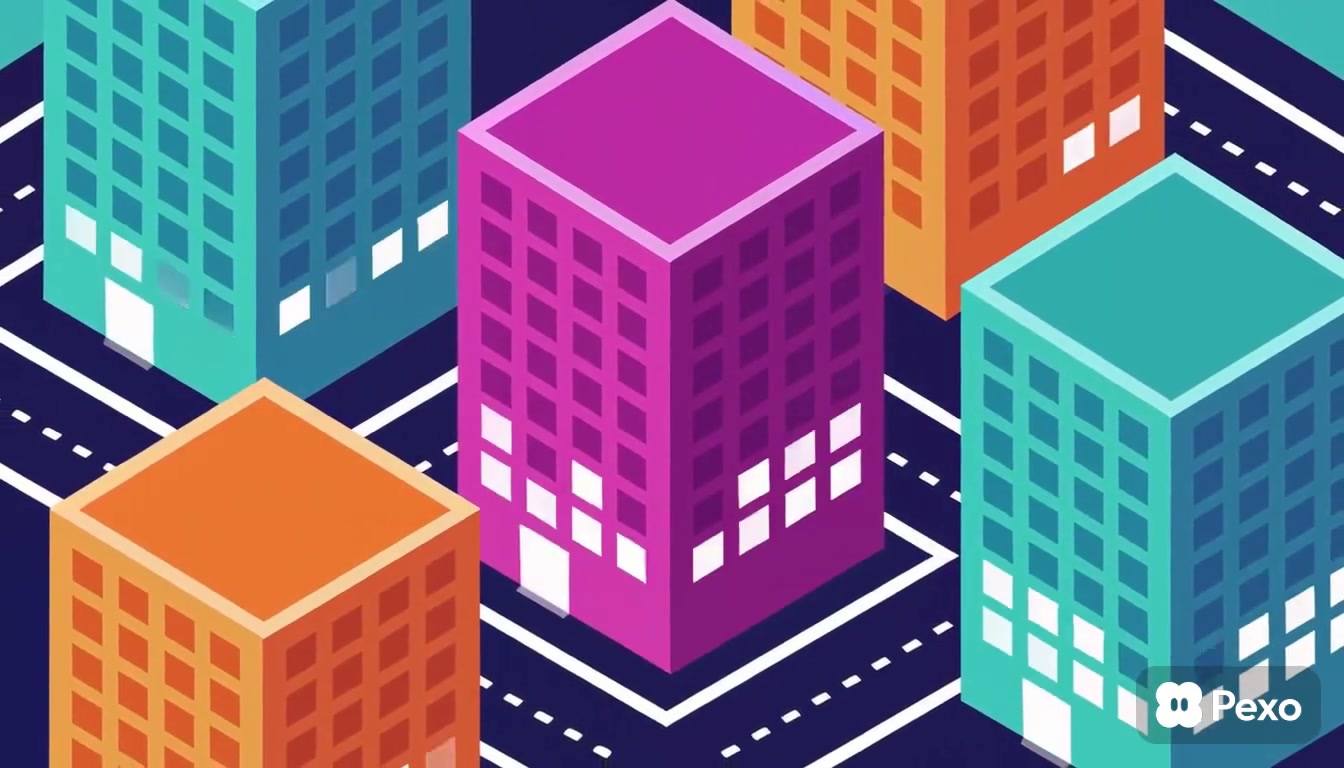
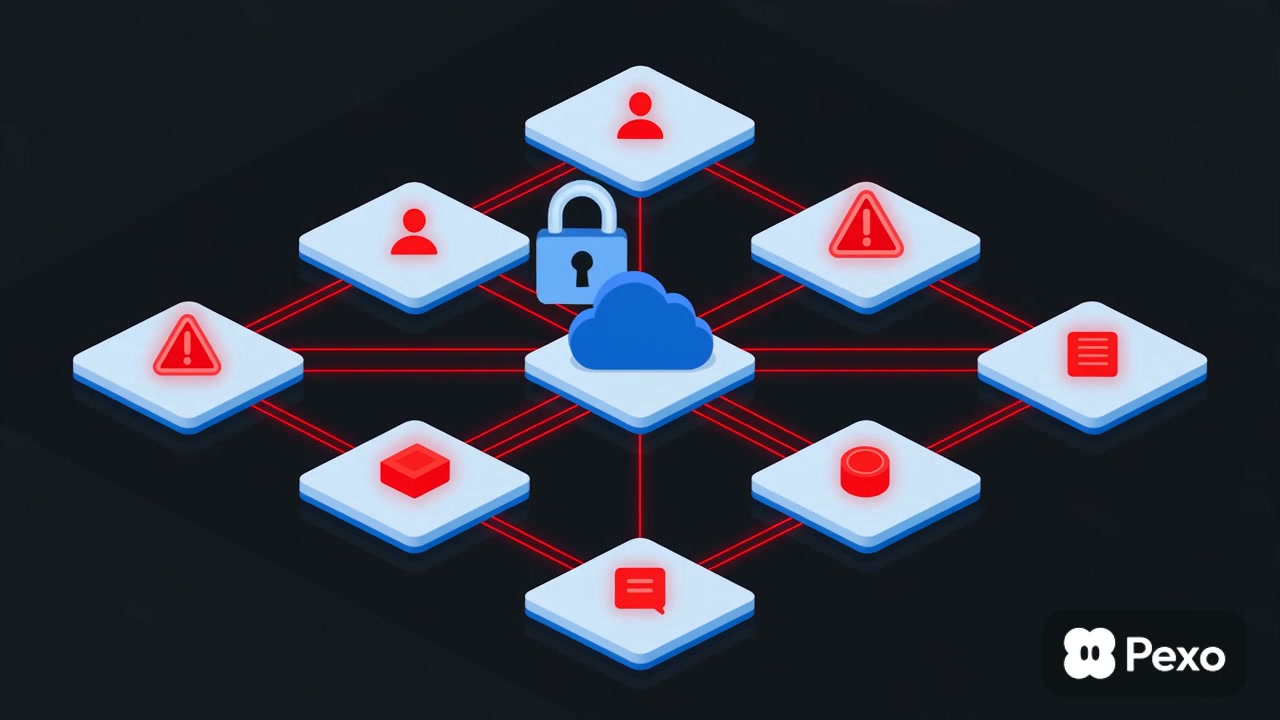
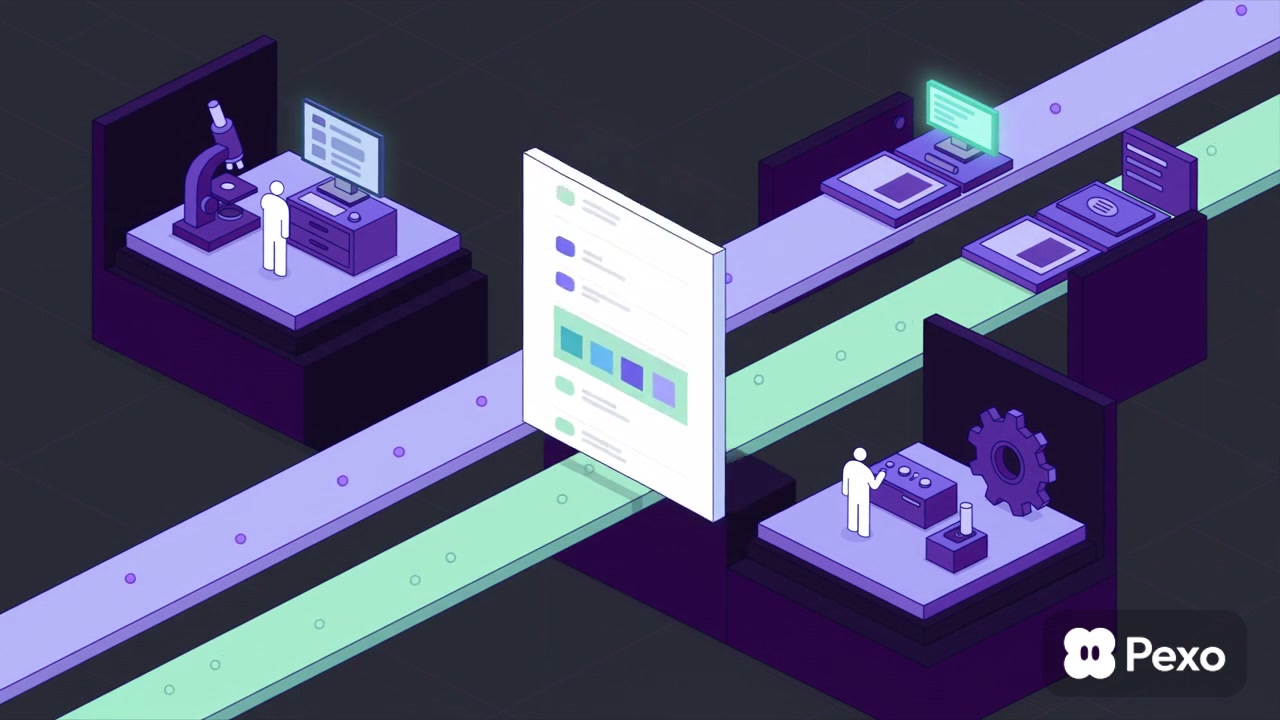
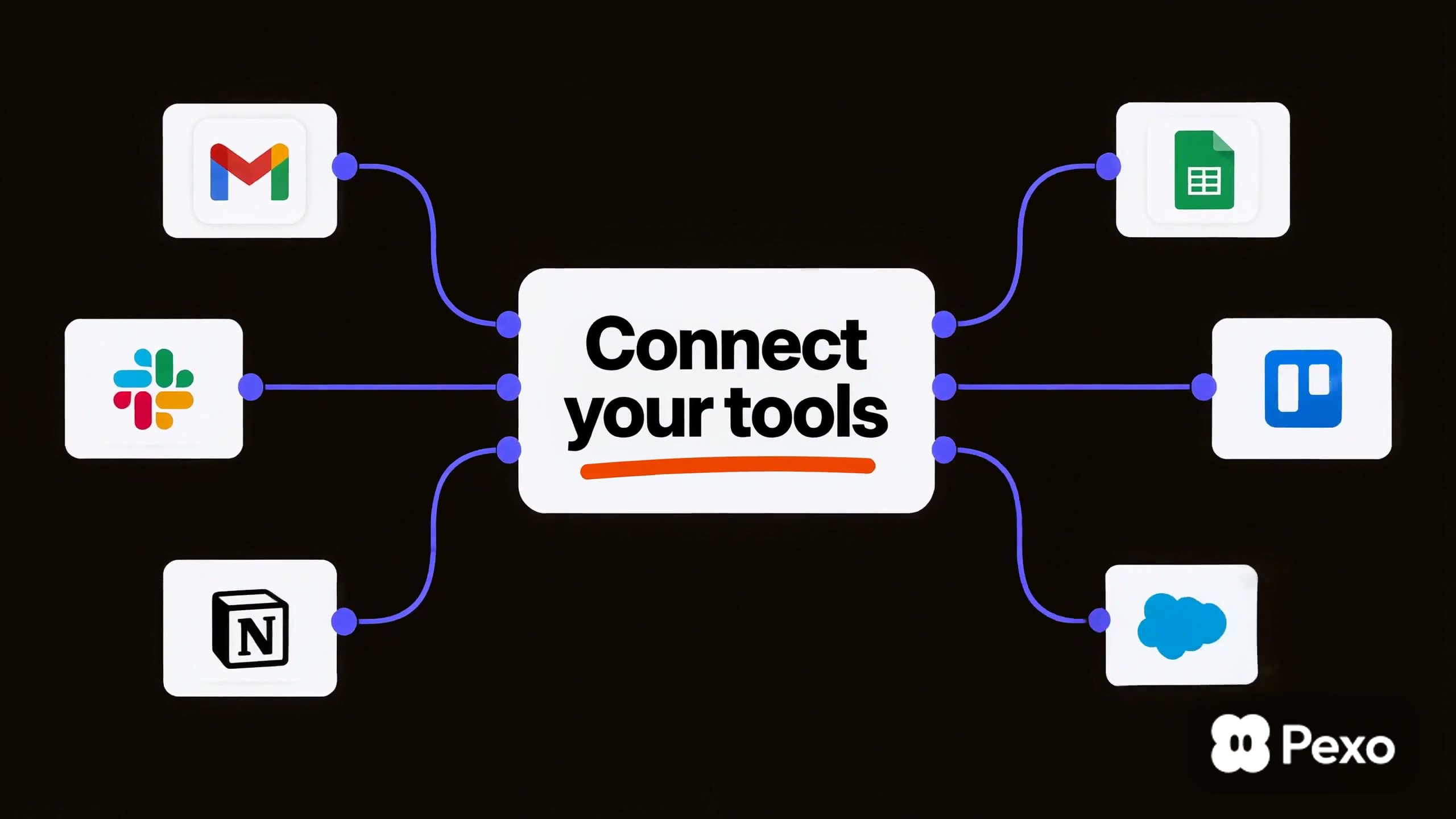
The current collection includes travel planning, document storage, automation, logistics, assessment, cybersecurity, helpdesk, podcast, finance, and creative software. It brings together UX motion, flat-vector explainers, isometric systems, product demos, kinetic typography, and launch-focused sequences in both landscape and vertical formats.
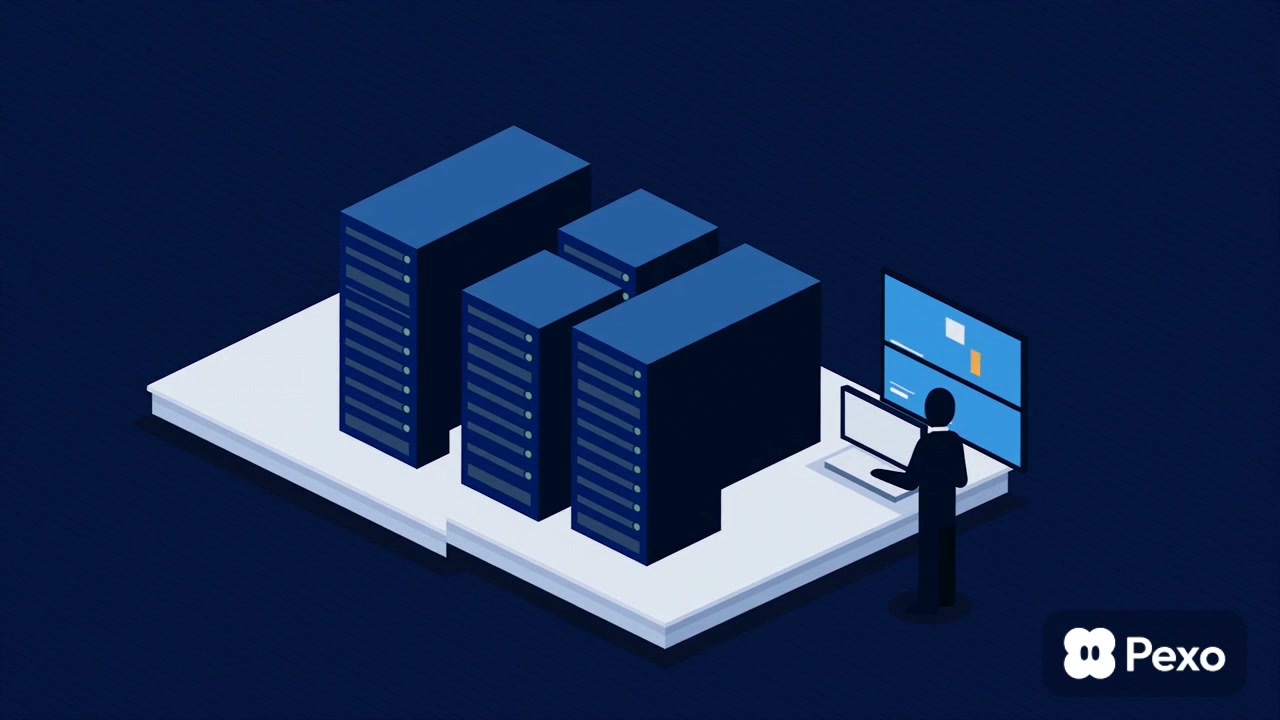
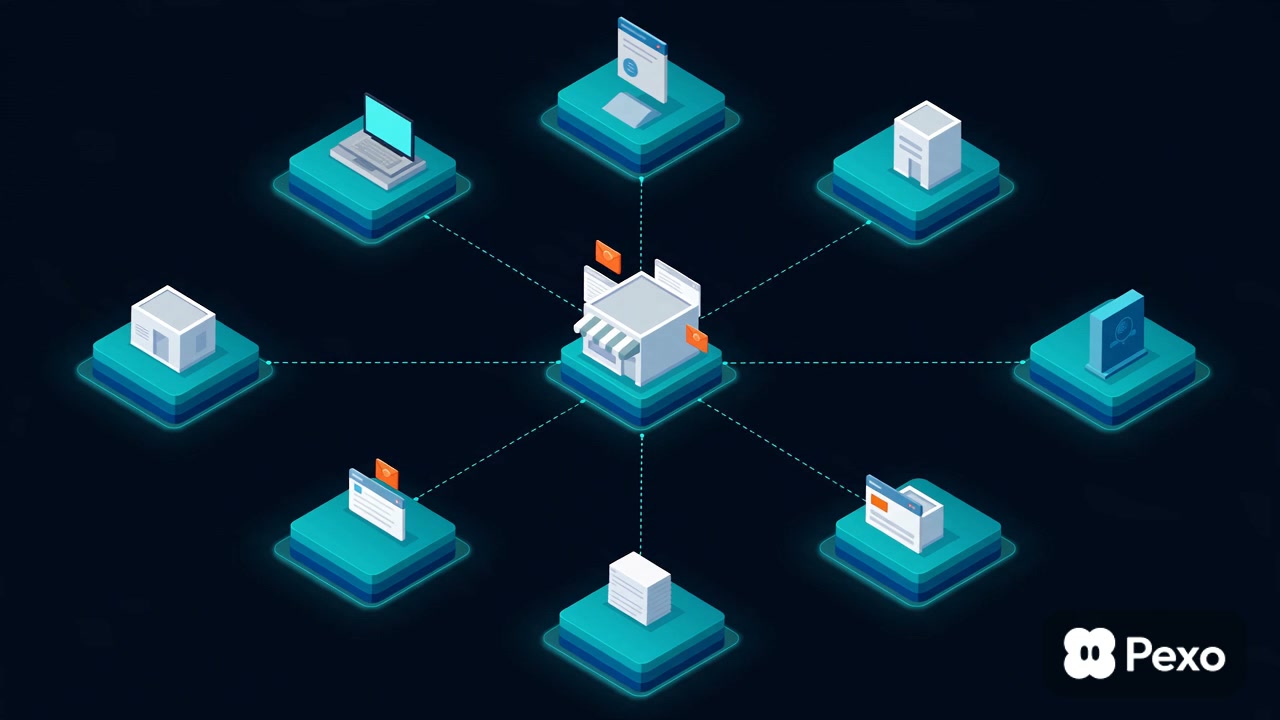
A product demo works best when it follows one useful task from start to finish. A launch video can begin with the problem or promise, then reveal the product and its strongest differentiator. Software with complex infrastructure may be clearer through diagrams or isometric animation, while interface motion is useful when the interaction itself is the main proof. Keep labels readable and connect every feature shown to a visible user outcome.

Questions?
We're here to make it clear. Check out our FAQs, and if you still have questions, Pexo is always ready to help.
How long should a software video be?
The length should match the viewing task. A homepage or launch clip may focus on one outcome in under a minute, while onboarding or training can take longer when every step is necessary. Remove repeated setup and let the complexity of the chosen workflow determine the final runtime.
Should a software video use the live product, a prototype, or a recreated interface?
Use the live product when the flow is stable and presentation-ready. A prototype works for an upcoming feature, while a recreated interface offers more control over pacing and sensitive data. Whichever method you choose, keep states accurate enough that the video does not promise behavior the product cannot deliver.
How can a software video stay useful after the interface changes?
Focus the main story on the user's goal and keep detailed interface shots limited to essential steps. Record reusable sections separately, avoid lingering on minor controls, and plan replaceable screen sequences. This makes future updates easier without rebuilding the entire narrative.
How should a software video handle technical language?
Use the terms the intended audience already knows, then explain unfamiliar concepts through an outcome, diagram, or concrete example. Avoid listing architecture terms only to sound advanced. When a technical term is necessary, show why it matters within the workflow rather than defining it in isolation.