
Pexo›AI Video Gallery›UX Motion
UX Motion Design Examples
Explore UX motion design examples with app flows, interface transitions, product demos, and microinteractions for clearer digital experiences and ideas.
51 videos







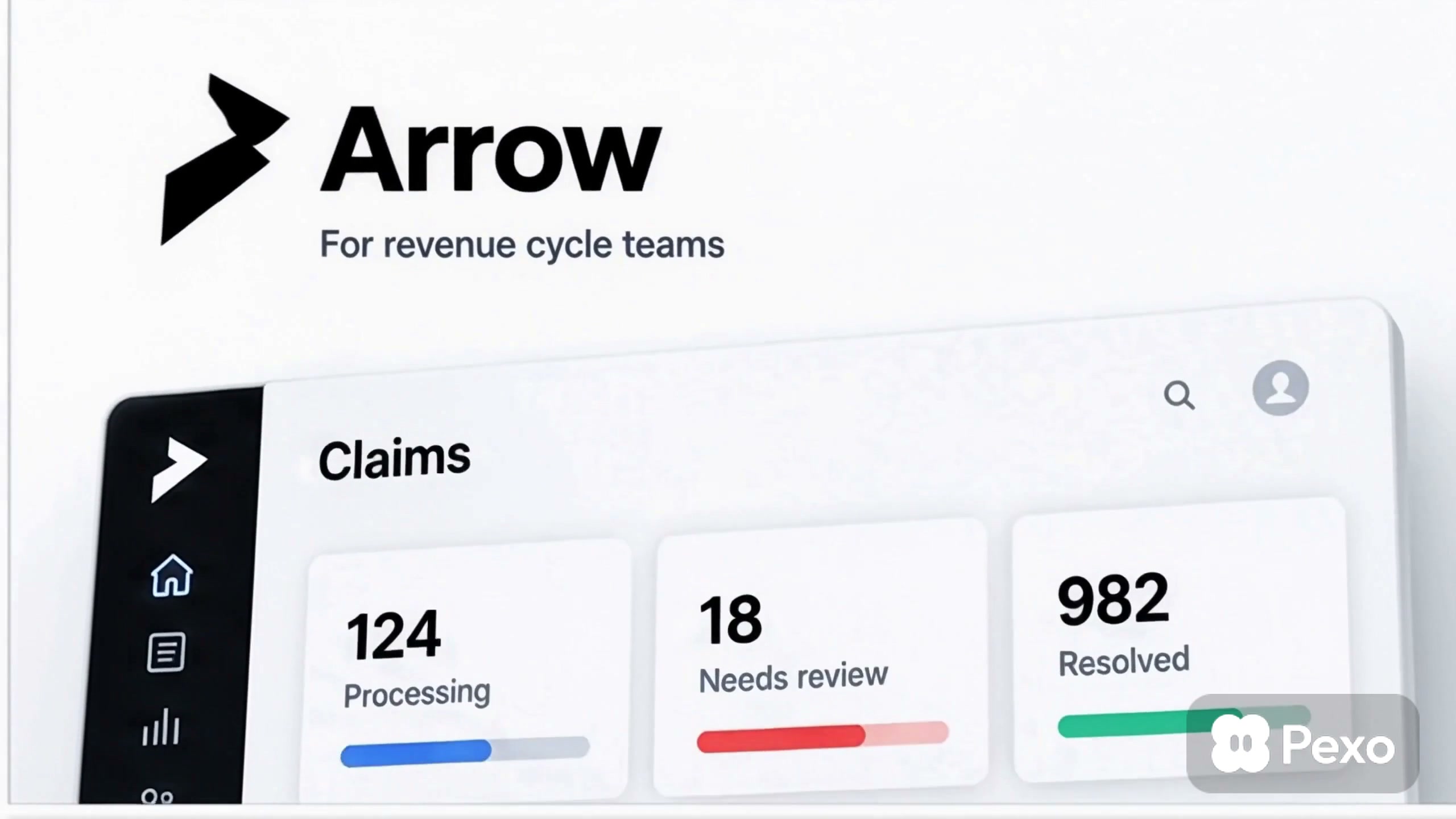
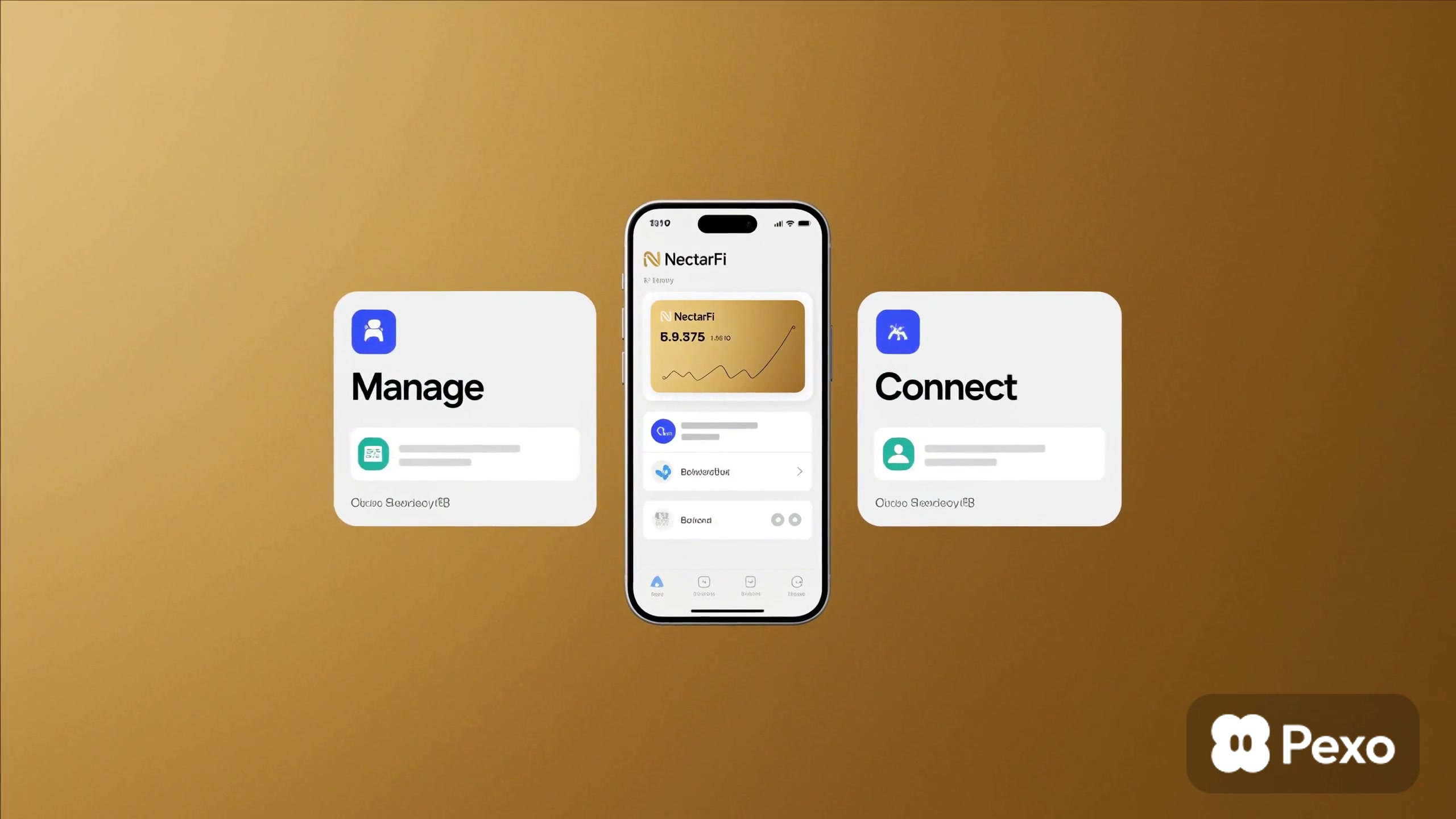
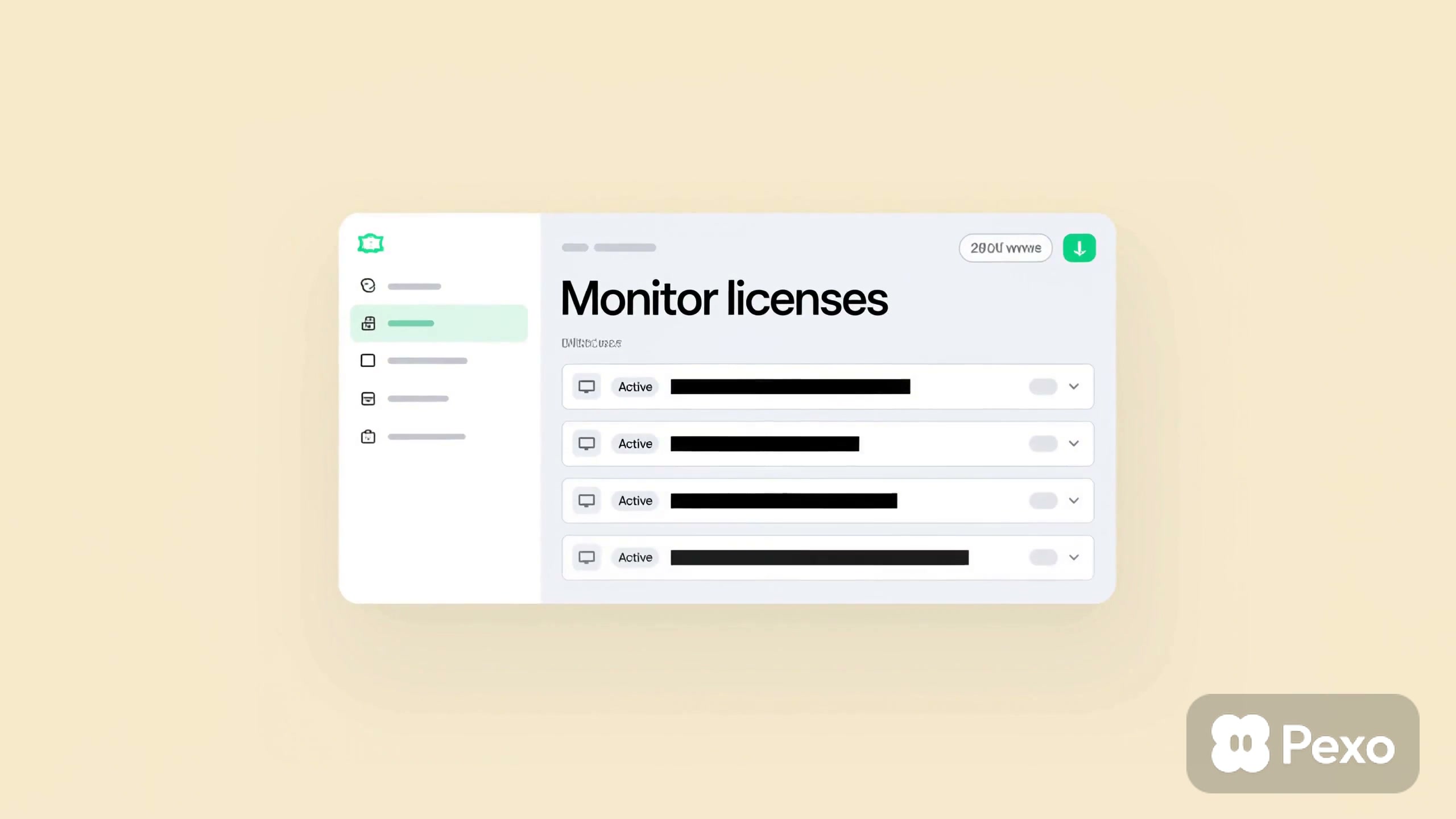
Explore the gallery
UX Motion Makes Product Flows Easier to Follow
UX motion is the purposeful movement of interface elements as people move through a digital product. Transitions, feedback, loading states, expanding cards, and changes between screens can show where an action began, what changed, and what the user can do next. Good motion supports the flow instead of competing with the task.
UX motion examples help you compare how timing, direction, scale, depth, and visual hierarchy shape the feel of an interface. This page makes it easier to study how a workflow can be presented clearly, how important states can receive emphasis, and how separate screens can feel connected within one product experience.
Looking for UX Motion That Clarifies a Product Journey?
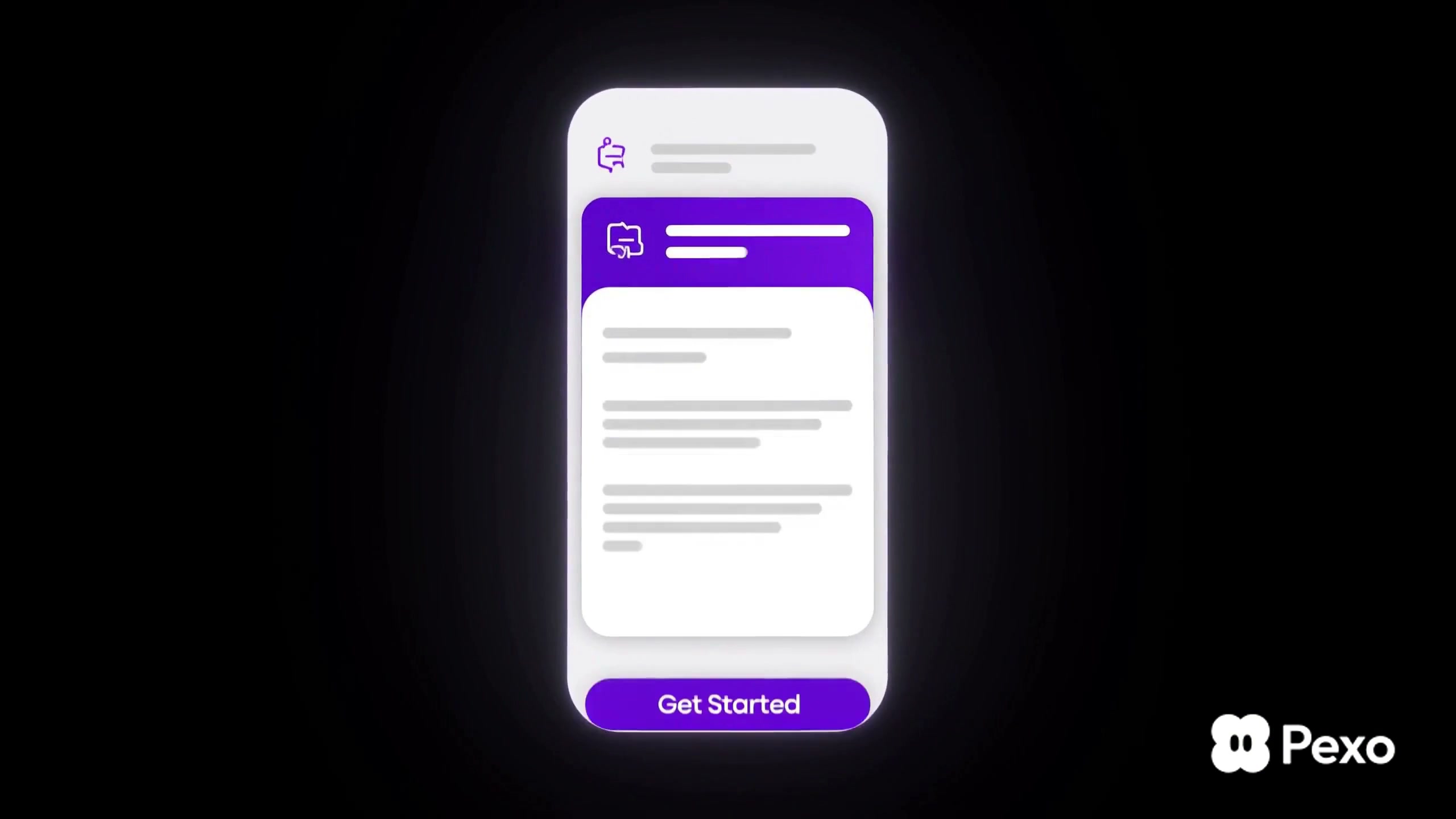
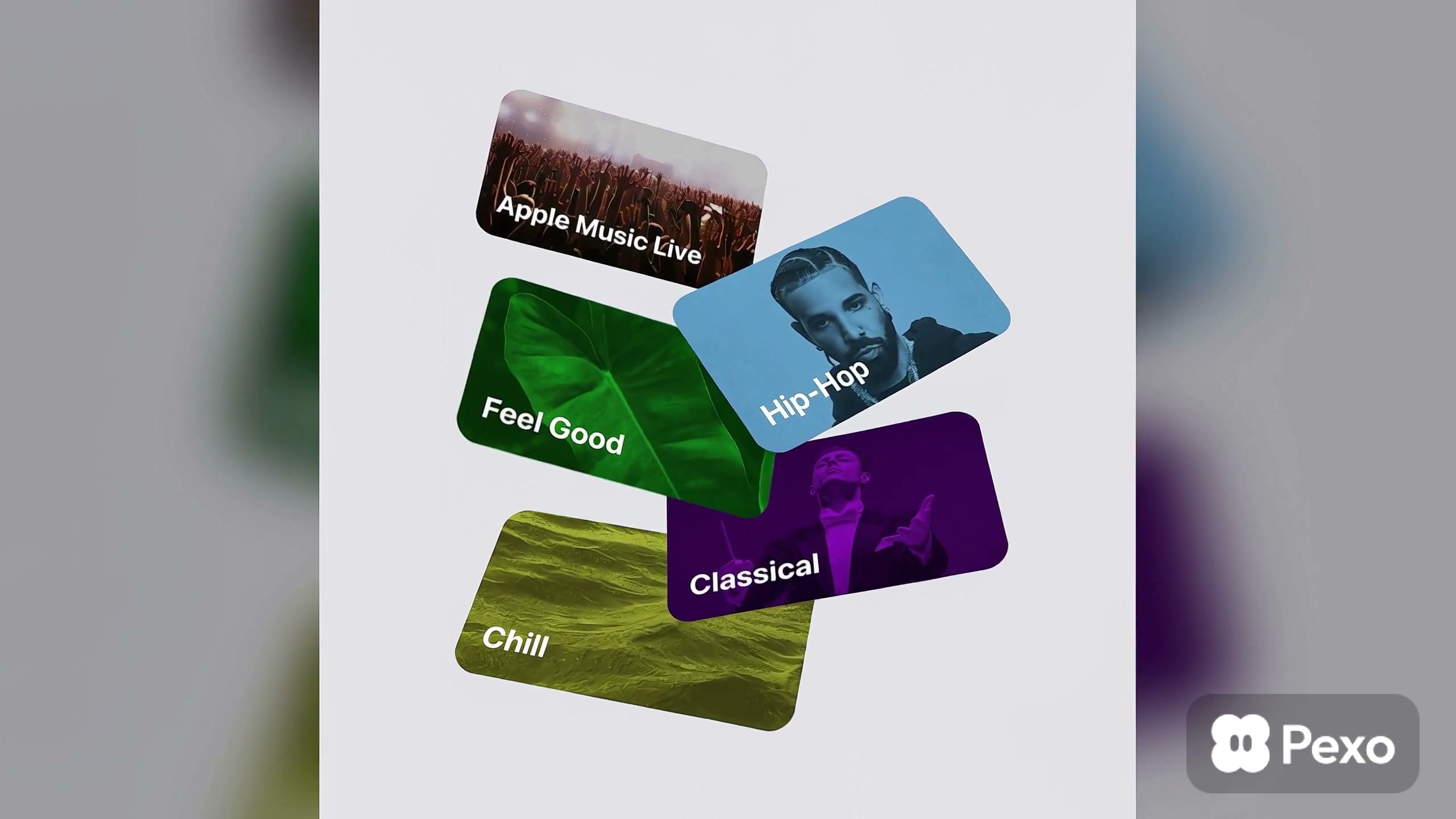
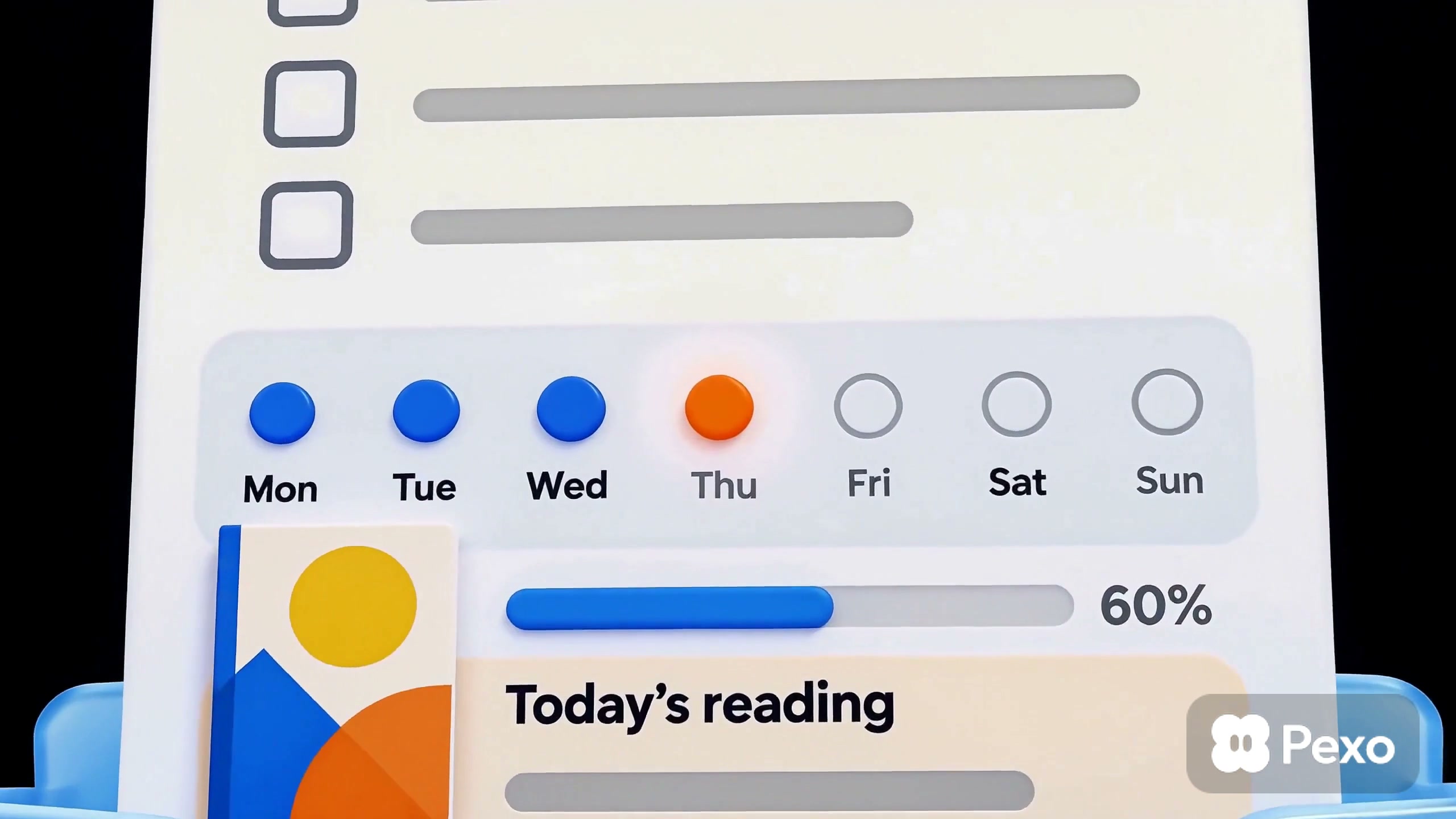
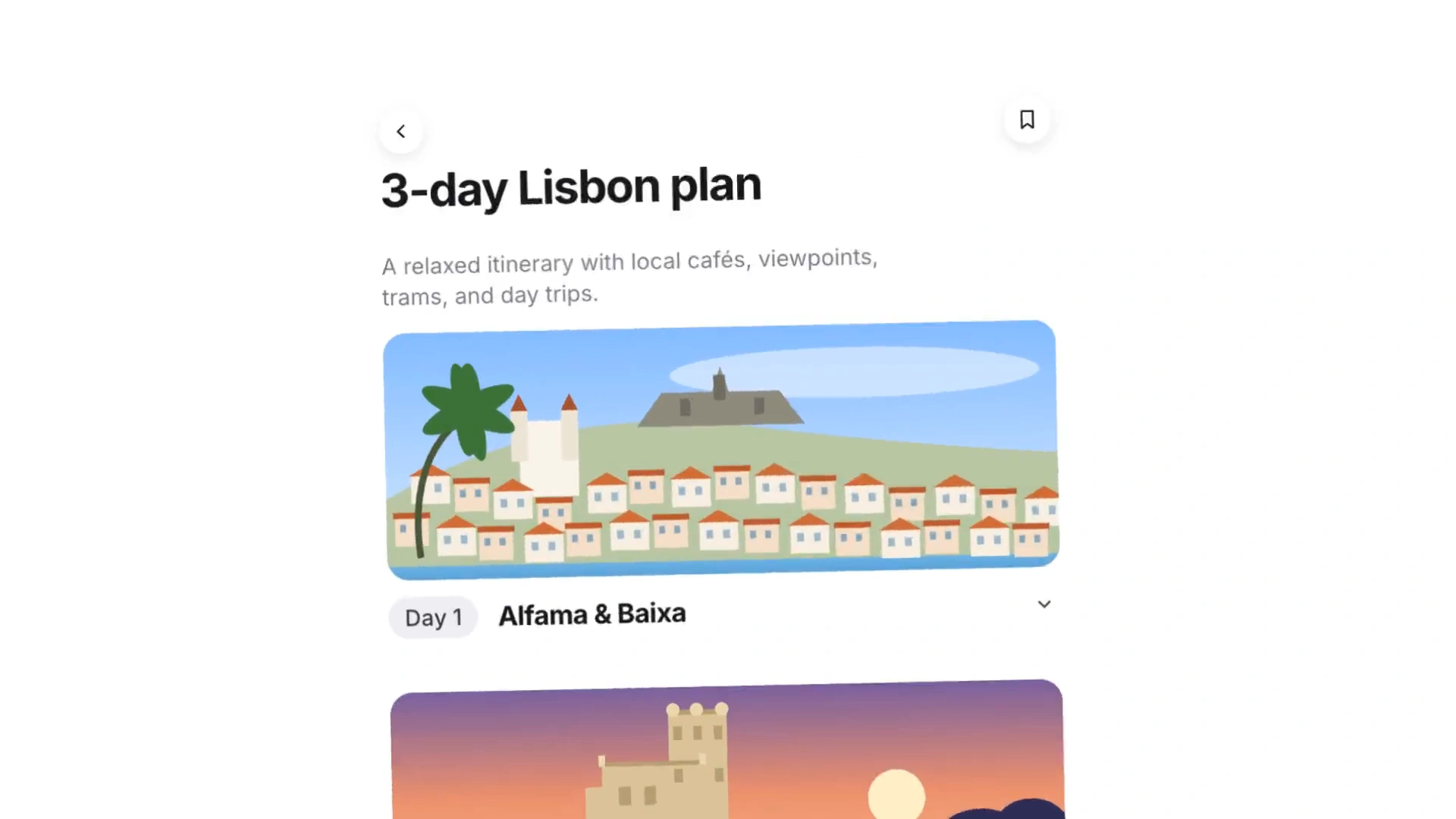
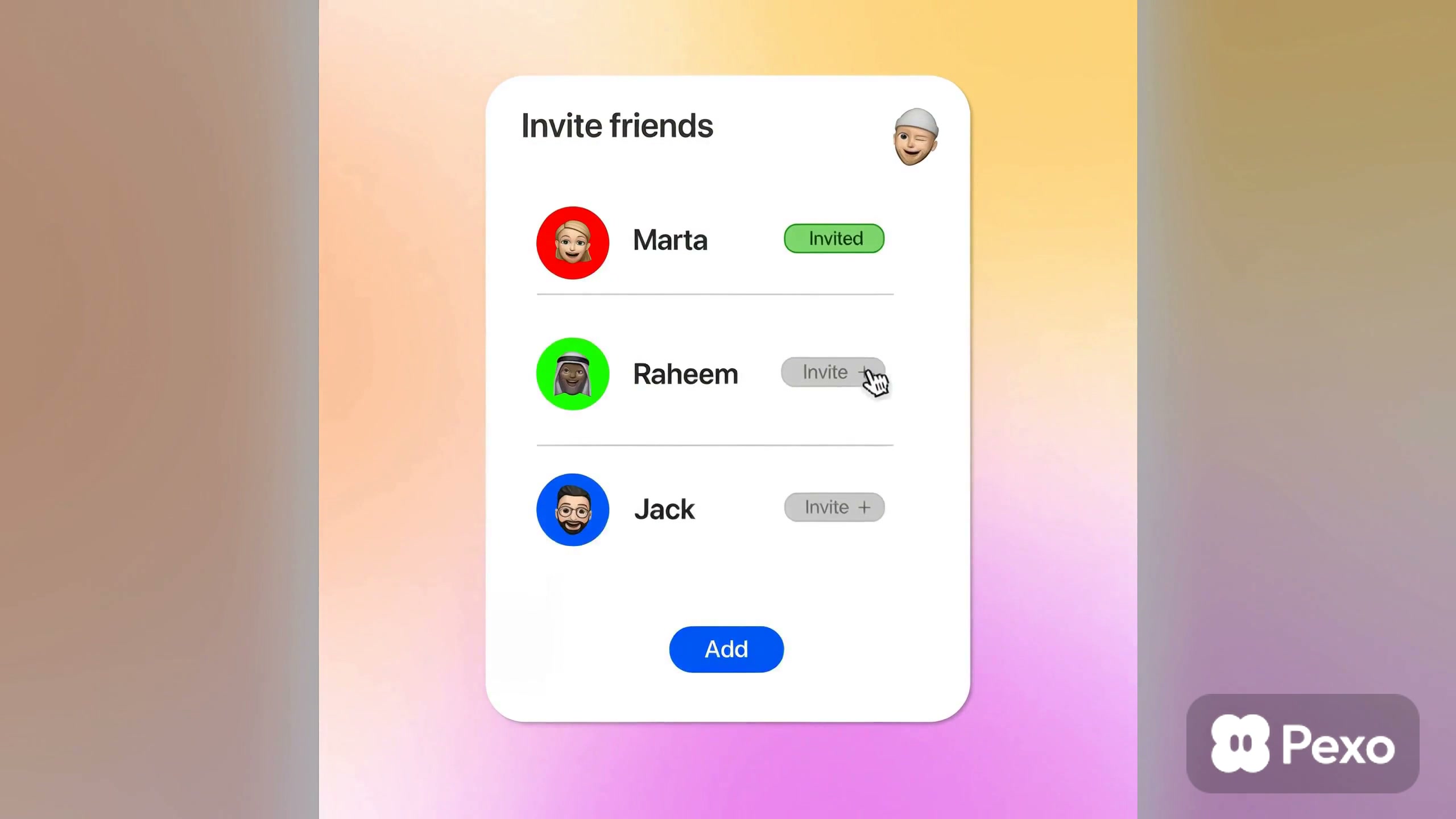
The current collection includes travel planning, shopping and restaurant discovery, writing tools, creative software, finance apps, invitations, music browsing, styling workflows, and automation products. Most examples use landscape layouts with readable interface states, rounded cards, focused cursor or tap actions, and smooth transitions between a starting request and a visible result.
A product demo benefits from one complete workflow rather than a rapid tour of every feature. Onboarding motion can guide attention from one decision to the next, while a launch sequence may use larger transitions to introduce the product's visual identity. Keep frequent interactions brief, make state changes easy to track, and avoid movement that hides labels or delays the next action.
Questions?
We're here to make it clear. Check out our FAQs, and if you still have questions, Pexo is always ready to help.
How should UX motion handle loading and waiting states?
Show that the system received the action, indicate that work is continuing, and reveal the result without an abrupt jump. The motion should match the expected wait: a brief response may need only subtle feedback, while a longer process benefits from progress information or useful status text.
How fast should interface transitions move?
Transitions should be fast enough to keep the product feeling responsive but long enough for viewers to understand where elements moved. Use shorter motion for repeated actions and slightly longer motion for major navigation changes. Review the sequence at normal viewing speed, not only frame by frame.
How should UX motion be documented for development?
Record the trigger, start and end states, duration, easing, delay, and behavior when an action is interrupted. Include a prototype or reference clip and note any reduced-motion alternative. Clear specifications help the implemented interaction preserve the same hierarchy and intent as the design.
How do I keep a UX motion showcase accessible?
Do not use motion as the only signal for success, error, or navigation. Keep text readable, avoid rapid flashing, provide captions when narration matters, and consider a reduced-motion version. The core product state should remain understandable even when decorative movement is removed.